

Logitech MK295 Silent Wireless Mouse & Keyboard Combo (Full Numpad, SilentTouch) – QWERTY UK Layout, Black
Reviews
Price
Product description
If you’re fed up with keyboard clicks and mouse chatter, the Logitech MK295 Silent Wireless combo is built around one clear idea: make everyday typing and clicking feel similar, but with far less noise. It’s a tidy, desk-friendly QWERTY UK setup with a full numpad, plus 2.4 GHz wireless for a lag-free-feeling experience on a normal office-style workstation.
That said, it’s still a mainstream wireless bundle. Depending on your expectations, you may find it better suited to everyday productivity than to heavy gaming or specialist workflows. Worth a look if your priority is calmer day-to-day use and uncomplicated connectivity.
Key features worth caring about
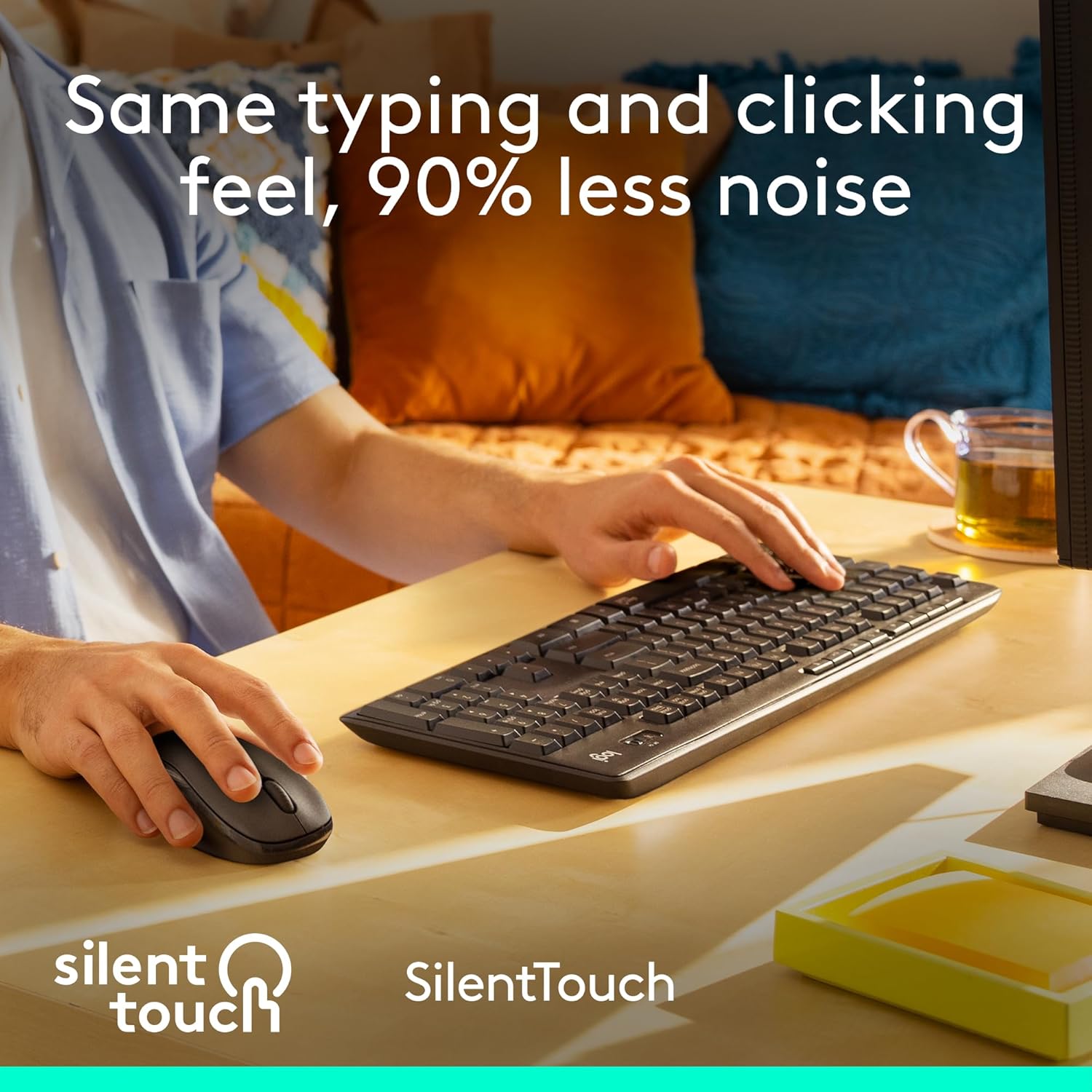
The headline here is Logitech’s SilentTouch technology, aimed at delivering the same typing and clicking feel while reducing noise by “90% less noise”. In real terms, it’s the kind of upgrade that can make a difference if you work in shared spaces, open-plan offices, or you’re often on calls.
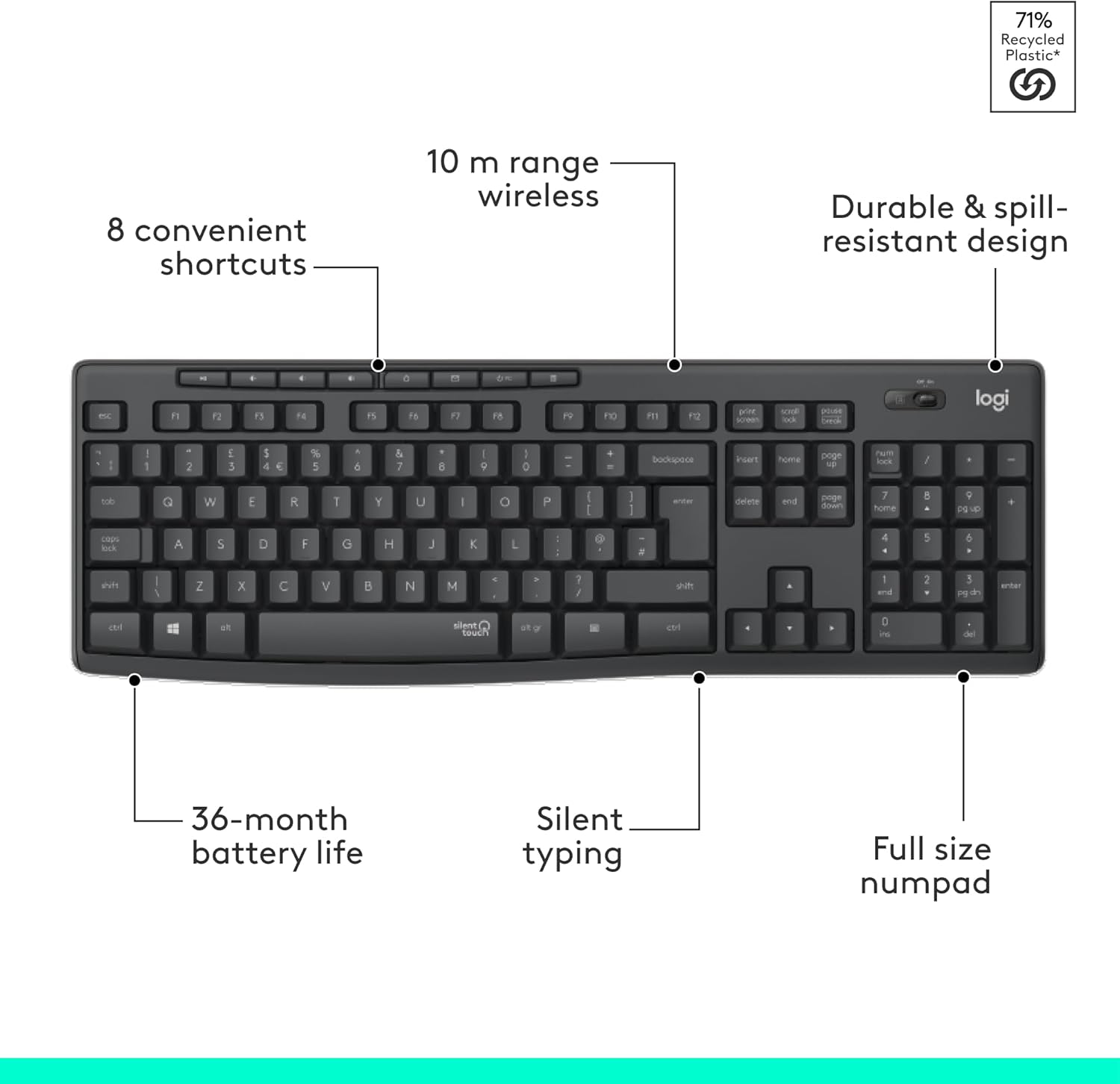
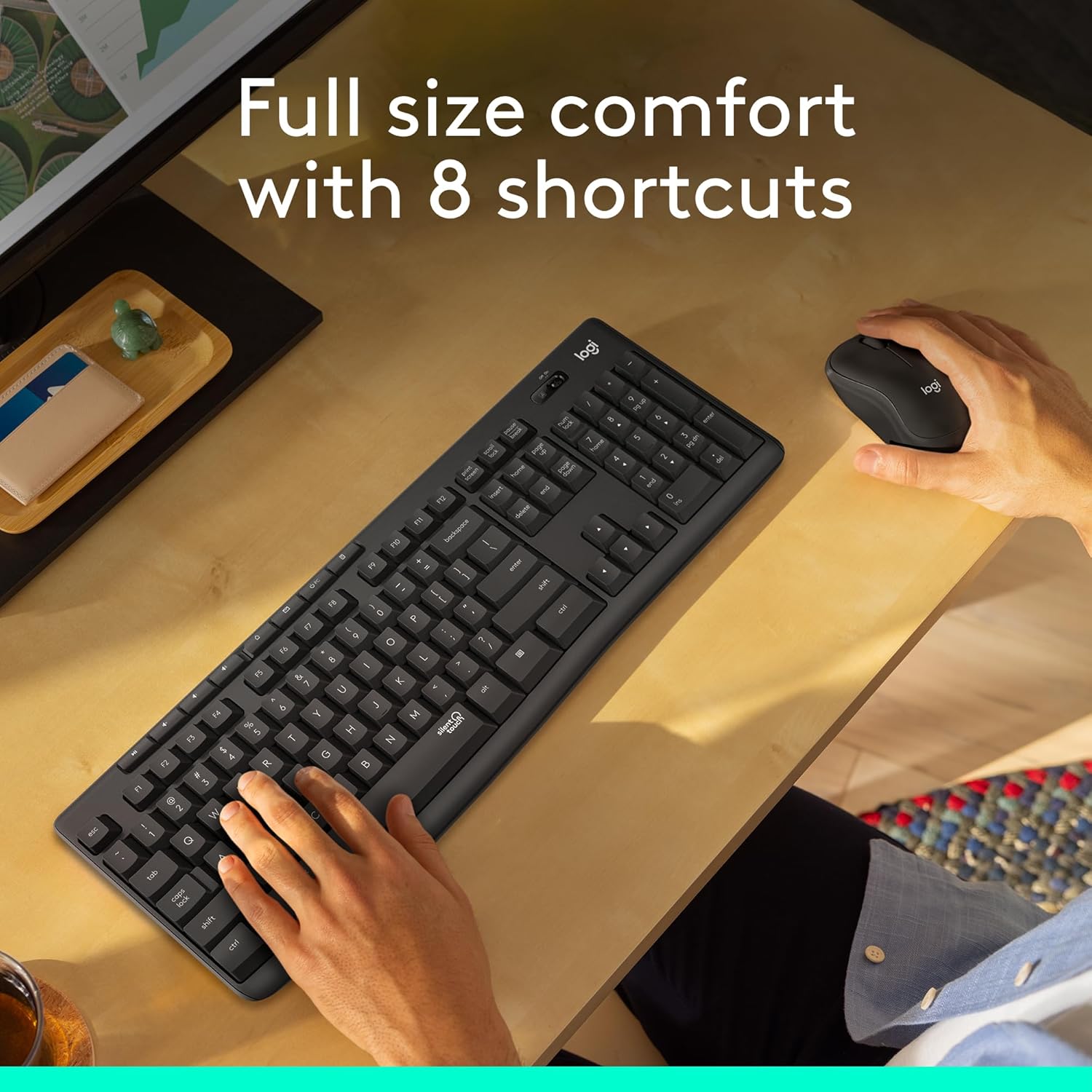
You also get a full numpad, which is genuinely useful for quicker number entry and navigation. On top of that, the keyboard includes 8 convenient shortcuts, giving one-touch access to actions like play/pause, volume and mute, plus Internet controls.
Wireless is handled via a tiny receiver that plugs in and connects quickly—“in 3 seconds”—using a 2.4 GHz connection with a listed 10 m range. That setup is designed to keep your desk less cluttered than Bluetooth setups that sometimes require extra pairing steps.
One more practical angle: the keyboard is described as spill-resistant, with durable keys and sturdy tilt legs with adjustable height, so it’s not just about quietness.
Tech specs
- Type: Wireless keyboard and mouse combo
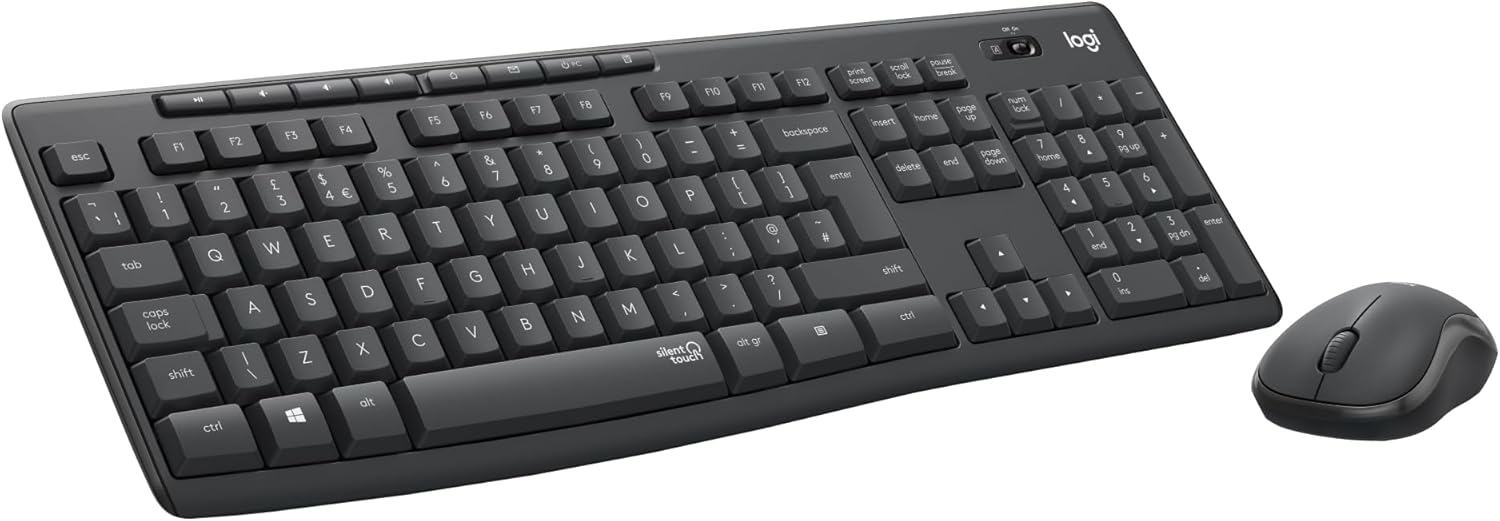
- Layout: QWERTY UK English
- Keyboard: Full numpad
- Wireless connection: 2.4 GHz, tiny receiver
- Wireless range: Up to 10 m
- Noise reduction: 90% less noise (SilentTouch)
- Battery life: 36-month keyboard battery life, 18-month mouse battery life
- Compatible with: Windows or Chrome OS
- Connection style: Plug-and-play simplicity
- Durability notes: Spill-resistant design, durable keys, adjustable tilt legs
- Materials note: MK295 Graphite includes certified post-consumer recycled plastic (49% for the mouse, 71% for the keyboard)
What to expect in everyday use
On paper, this combo targets the “quiet productivity” crowd—people who type often, move between spreadsheets and documents, and just want the basics to work without fuss. The optical tracking is described as advanced, and the mouse shape is said to provide smooth, precise clicking and pointing on most surfaces.
In daily scenarios, the full numpad can be a real time-saver. For example, if you’re inputting figures during admin work—copying and adjusting numbers in a spreadsheet—having that extra keypad avoids constant cursor travel or number-pad emulation on the main keys.
SilentTouch is the big day-to-day difference. If you’ve ever tried to work quietly at home (or you’re typing during late-night sessions), the reduced sound profile is the sort of feature you notice immediately—and keep noticing.
That said, there’s a limitation to keep in mind: “silent” doesn’t mean “no sound”, and the quieter feel is designed to remain close to a normal typing/clicking experience. If you’re ultra-sensitive to noise, you’ll still want to manage expectations.
Where it shines (and where it might not)
This Logitech MK295 is the sort of keyboard-and-mouse bundle that makes sense if you’re after a calmer desk without going down a rabbit hole of custom switches or gaming-grade hardware. The quiet focus, spill-resistant design, and long battery life with on/off switches are all aligned with everyday reliability.

It may not be the best choice if you specifically need high-end performance for competitive gaming or you’re chasing ultra-precision niche features beyond what a standard office combo offers. Also, as with any wireless kit, you’ll want to keep an eye on battery indicators over time—even though the stated lifespans are long.
Buying verdict
It’s a solid pick if you value quiet typing/clicking, want a full numpad for frequent number entry, and prefer plug-and-play 2.4 GHz wireless for a clean desk setup. The combination of 36-month keyboard and 18-month mouse battery life (with on/off switches) also helps if you’d rather forget about maintenance.
You may want to skip it if your work requires special keyboard layouts beyond QWERTY UK, or if you’re looking for a product aimed at performance-heavy gaming. And if you’re expecting “silence” in the strictest sense, bear in mind the goal is drastic noise reduction—not full muteness.

Mini FAQ
How noisy is it compared with a standard keyboard and mouse?
It’s designed to deliver the same feel with “90% less noise” thanks to SilentTouch technology. In practice, it’s about making a noticeable reduction for everyday typing and clicking.
Does it work with my laptop or PC?

The combo is described as compatible with Windows or Chrome OS, and it connects with a tiny receiver for plug-and-play simplicity.
Will it feel responsive over wireless?
The kit uses a 2.4 GHz wireless connection and is described as “lag-free wireless”, with a listed range of up to 10 m.
Is the keyboard protected against spills?
The description states a spill-resistant design, which is mainly there to handle small accidents better than a non-protected keyboard.
Should I buy it for number-heavy tasks?
If you frequently enter or review numbers, the full numpad and shortcut access for common controls are the main reasons it tends to appeal.
Is it worth it?
Yes, it’s worth considering if you want a quiet, practical wireless keyboard-and-mouse combo with a full numpad and long battery life for day-to-day work. Just make sure you’re buying for office-style use, not expecting it to be a specialised gaming setup or completely sound-free.