

seenda SKM64-2 Wireless Keyboard and Mouse for Mac: Slim, Quiet, Multi‑Device Advantage
Product description
What it is
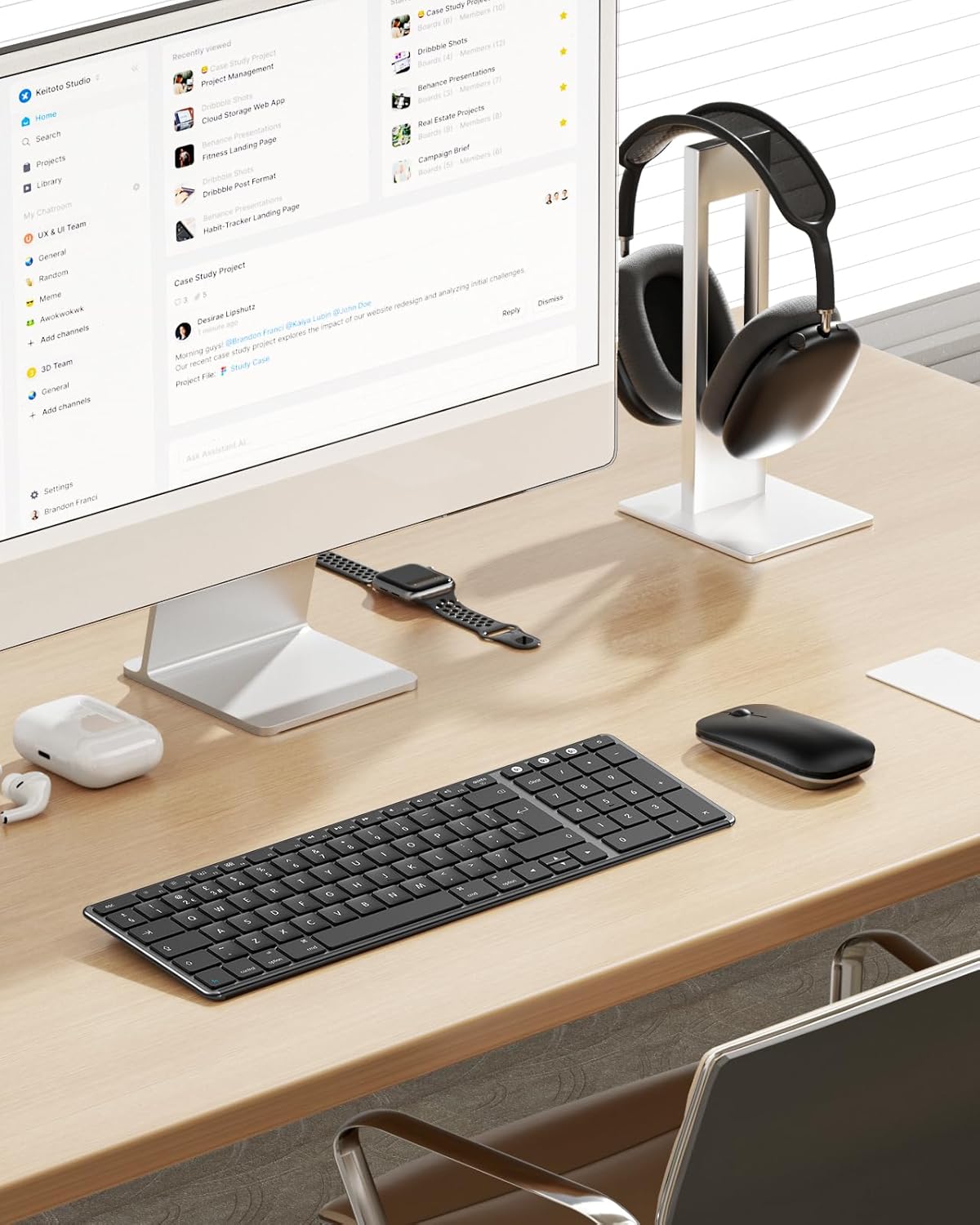
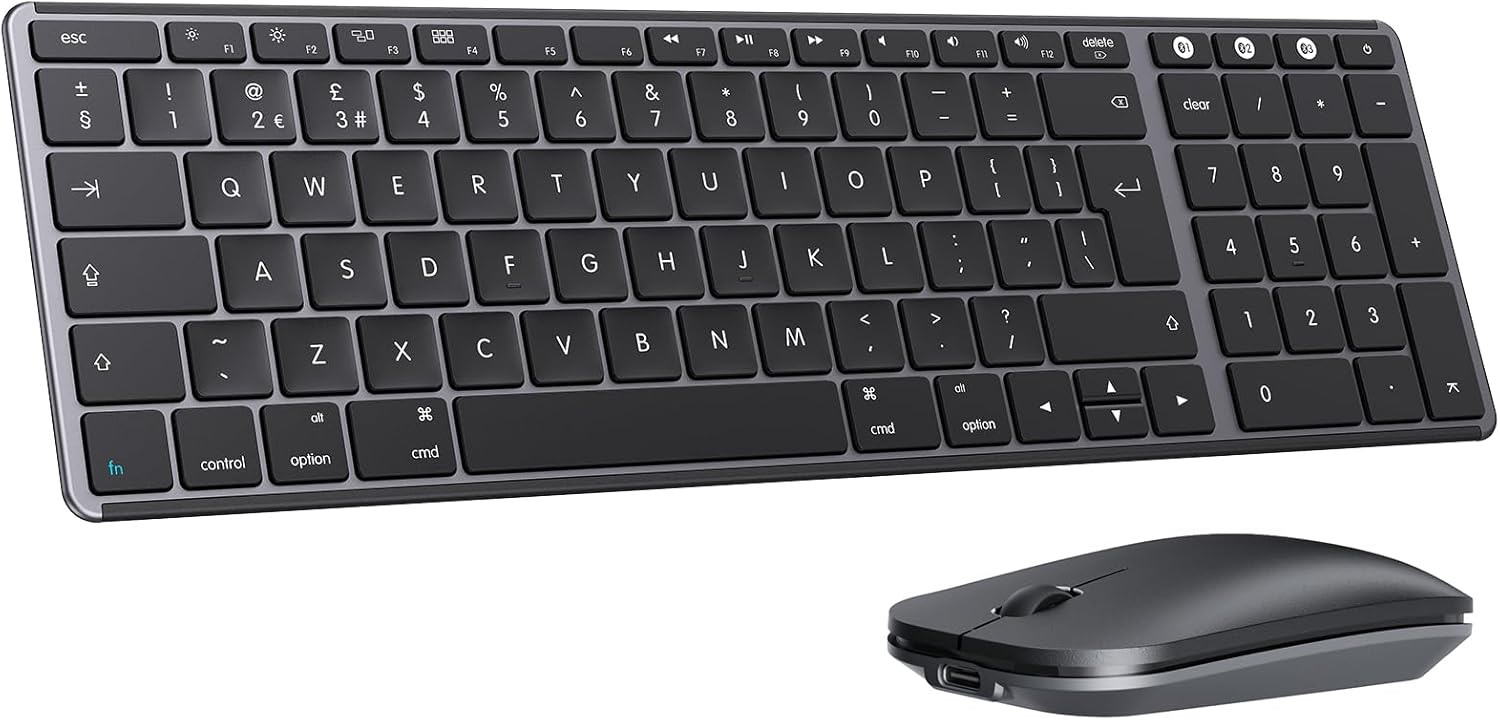
The seenda SKM64-2 is a compact Bluetooth keyboard and mouse set designed for Apple users. It pairs a slim keyboard and a matching mouse with a standard Apple layout and a number pad, built for Mac laptops, iMacs and iPads. It aims to simplify multi‑device workflows without sacrificing desk space or comfort.
Who it’s for
If you work across a Mac, MacBook Pro/Air and iPad, and you value a low‑profile keyboard plus a responsive, quiet mouse, this pair could be a practical companion. It’s especially handy for students, freelancers and professionals who move between devices and want a cohesive typing experience in a small footprint.
How it works in practice
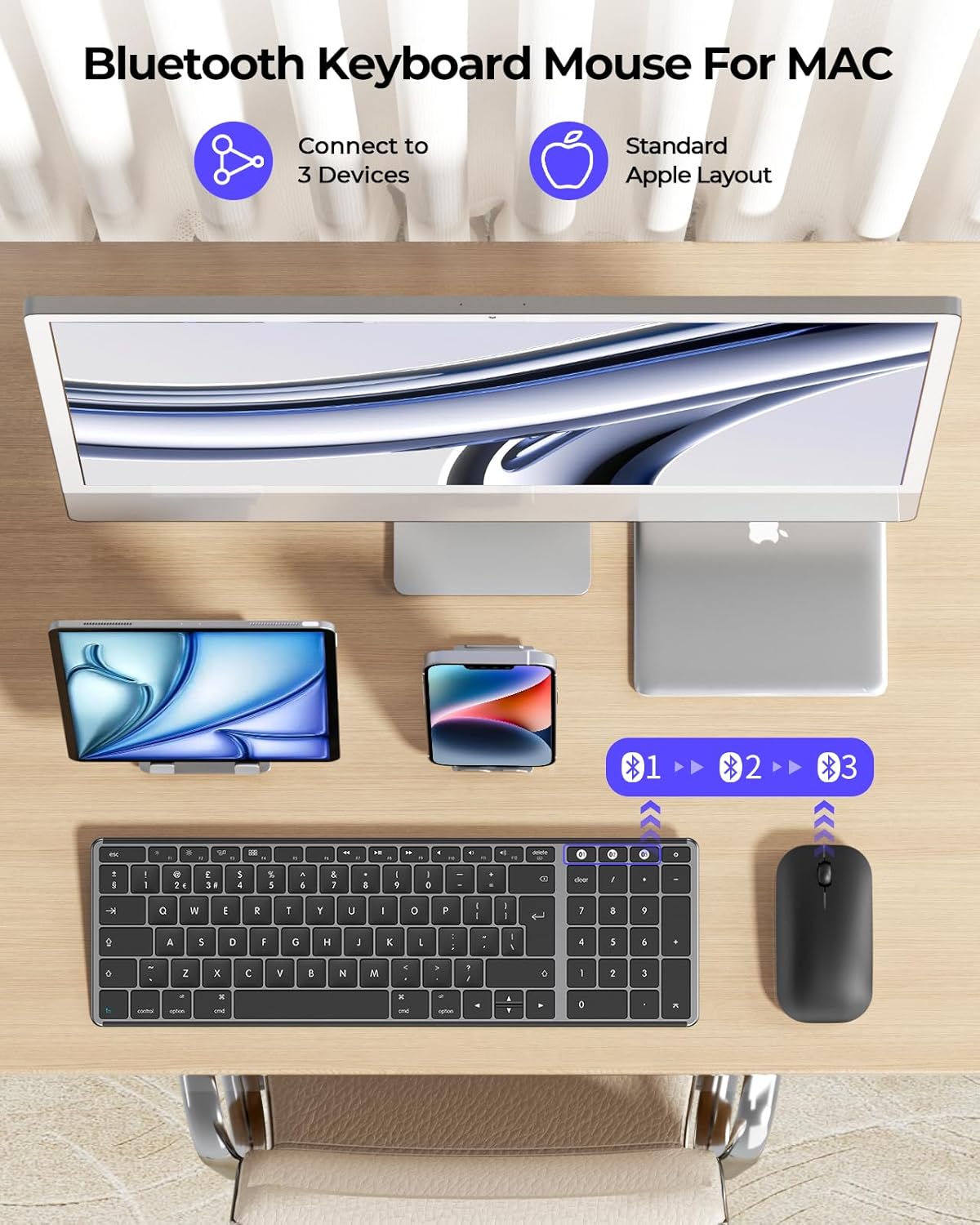
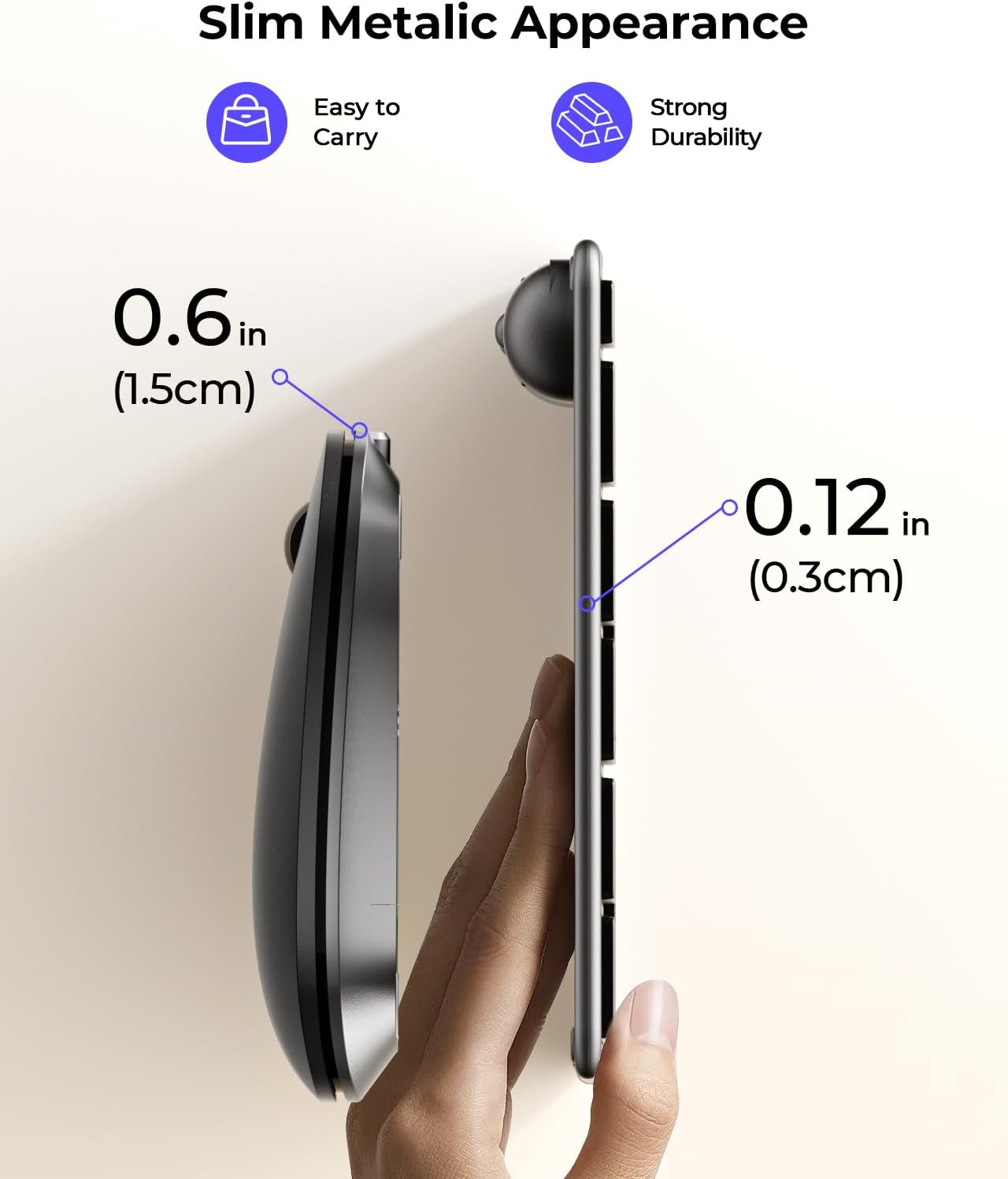
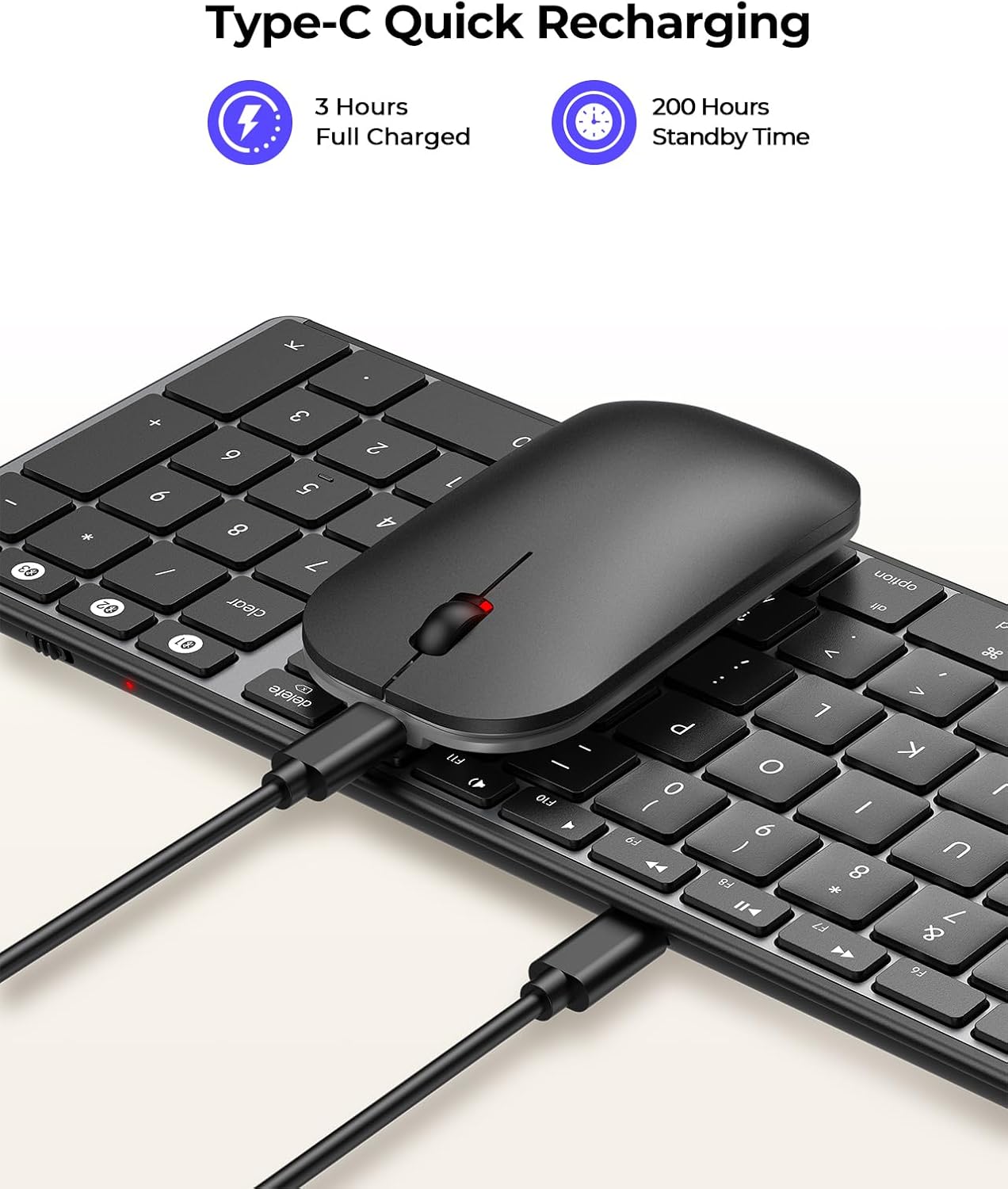
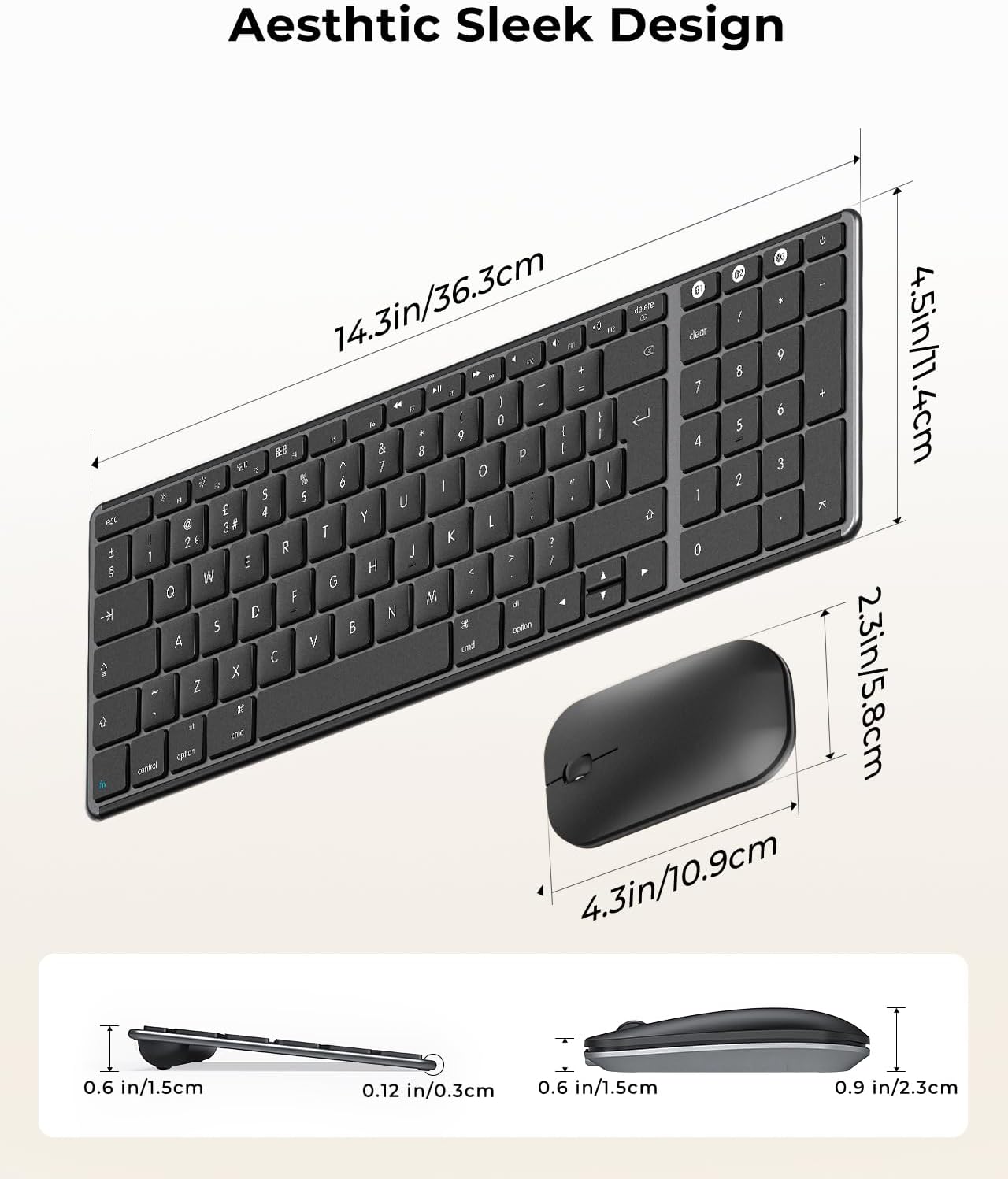
The setup relies on Bluetooth 4.0+ with three channels (BT1/BT2/BT3), allowing quick switching among up to three devices. In use, you’ll notice the keyboard is slim—about 0.12 inches thick—and the mouse sits around 0.9 inches high, both crafted from stainless steel and premium ABS for a lightweight yet durable feel. The Type‑C rechargeable battery eliminates frequent battery changes and promises long standby—up to around 200 hours—so you’re less likely to reach for a spare pair of AAs.
What stands out day to day
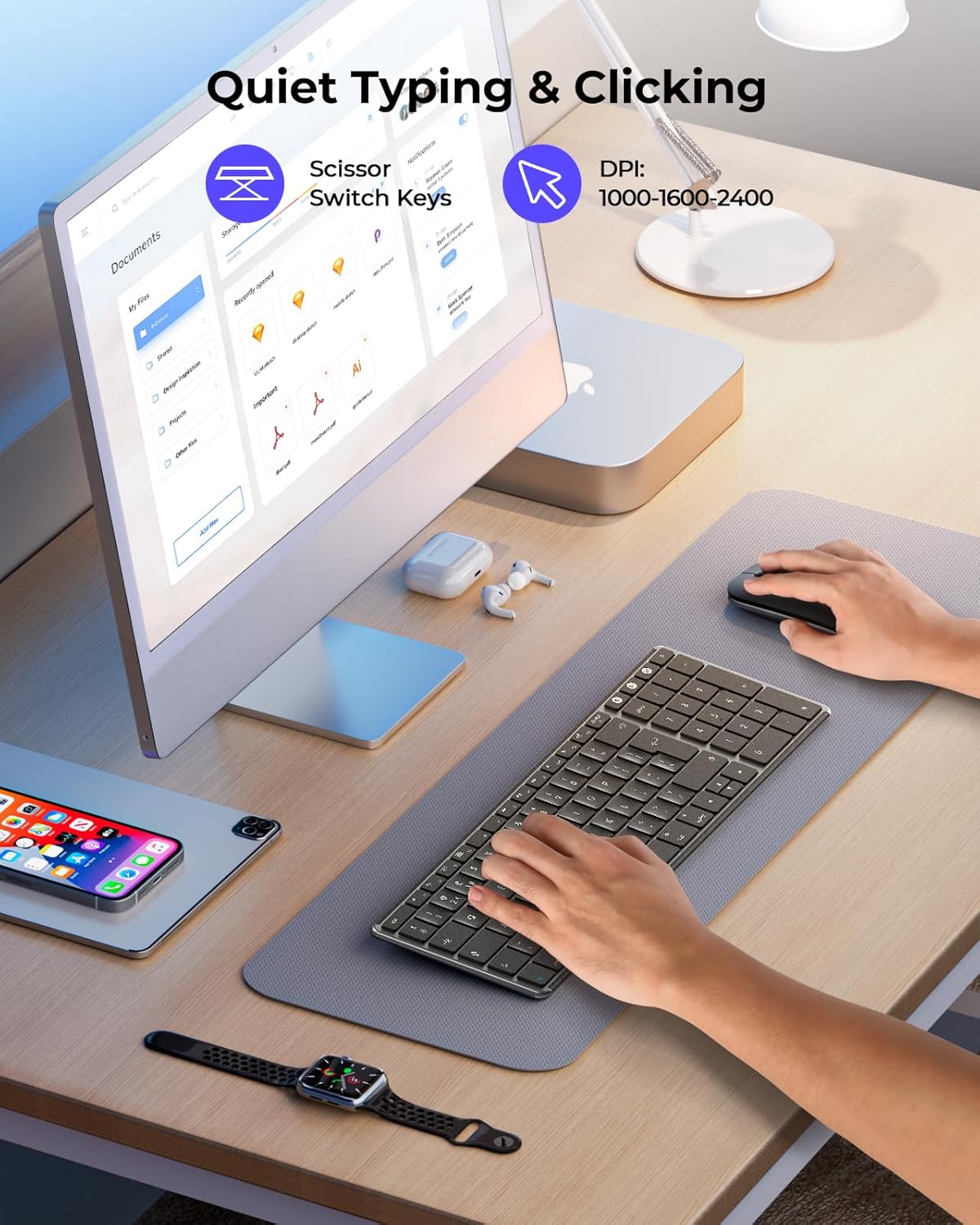
- Quiet, tactile keystrokes with reduced noise, helping when you work in shared spaces or late into the evening. The keys are stabilised to lower clatter while preserving a responsive feel.
- A slim, portable form factor means you can slip the bundle into a bag and still have a full‑size number pad for data entry. Ideal for spreadsheets or codes where numeric input matters.
- Eco‑friendly charge approach with auto‑sleep and an on/off switch to minimise power draw when not in use.
What may give you pause
- The Bluetooth version relies on BT 4.0 or above, and the Bluetooth adapter isn’t included. If your device doesn’t natively support Bluetooth, connectivity will require an external adapter, which adds a layer of setup.
- It’s described as fully compatible with macOS 10.12+, iPadOS 13.0+ and iOS 13.0+. If your devices live on older software, compatibility can’t be guaranteed and you may need to factor in software updates.
How it fits with alternatives
For macOS users, this combo sits between entry‑level and mid‑range input devices focused on Apple workflows. If you already rely on Apple’s own peripherals or a more expensive high‑end keyboard, you’ll be evaluating the SKM64‑2 on portability, quietness and multi‑device convenience rather than raw features alone. If your priority is a dedicated Mac layout and seamless device switching rather than gaming or heavy typing torque, this set can be sensible as a second workstation or travel kit.
What to check before buying
- Confirm your devices support Bluetooth 4.0+ and that you’re comfortable with pairing across three channels.
- Consider your usage environment: if you share a desk or library space, the whisper‑quiet nature is a definite plus, but verify the key feel aligns with your preferences.
- Battery strategy: while rechargeable, assess how easy charging is in your routine and whether you’ll keep a charger handy when travelling.
Practical usage example
Picture a creator switching from a MacBook to an iPad for on‑the‑go editing. With the SKM64‑2, you can type on the keyboard, use the mouse on the laptop stand, and flick between devices with the press of a button. The compact size means your bag doesn’t bulge, and the quiet keys prevent disturbances in a quiet café or shared workspace.
FAQ (practical answers)
- Does it work with Windows or Android? The description emphasises Apple devices, compatibility with non‑Apple OS isn’t stated, so it’s best treated as an Apple‑centric accessory.
- How long does charging take? The exact charging time isn’t specified, the emphasis is on Type‑C rechargeability and long standby, which suggests charging duration will depend on usage.
- Is there a dedicated key layout for Mac? Yes, it is described as a standard Apple layout, designed to feel familiar to Mac users.
Is it worth it?
It makes sense if you prioritise a slim, quiet setup that works across Mac, MacBook Pro/Air and iPad, and you want a single keyboard with a numeric keypad for productivity on the go. It may not be the best option if you need USB‑A wired fallback, or if your work relies on devices beyond the Apple ecosystem. Overall, for multi‑device Mac users who want a compact, stylish bundle with rechargeable power, this set offers practical value without over‑promising.