

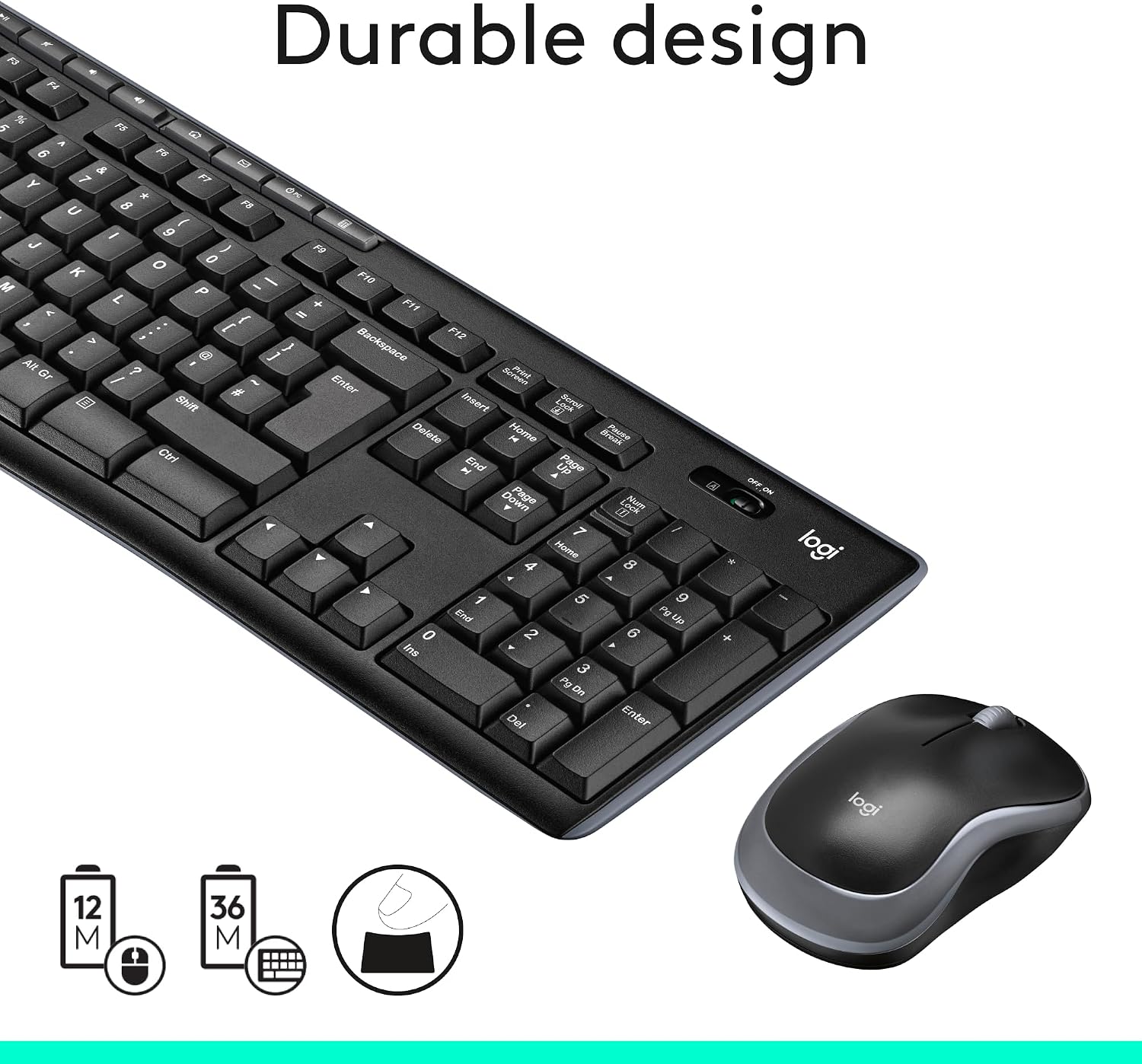
Logitech MK270 Wireless Keyboard and Mouse Combo for Windows
Reviews
Price
Product description
What it is and what it solves
The Logitech MK270 is a wireless keyboard and mouse combo designed for Windows users who want a simple, reliable setup for the desk. It’s a compact, no-fuss pairing that aims to reduce cord clutter and keep the focus on the tasks at hand. If you’re seeking a dependable input solution for everyday computing—emails, browsing, document work—this combo offers a straightforward, proven approach rather than gimmicks or flashy features.
How it feels in use
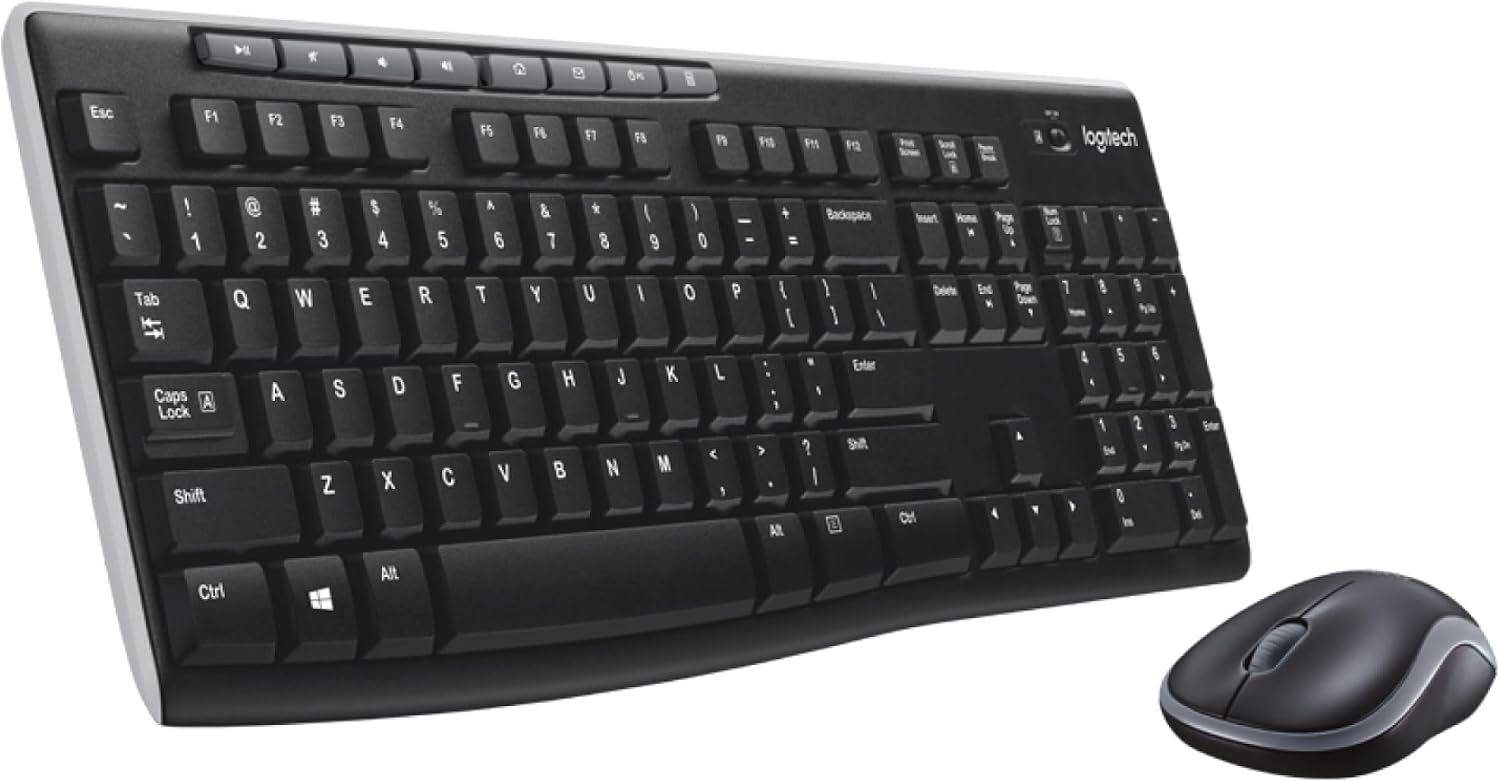
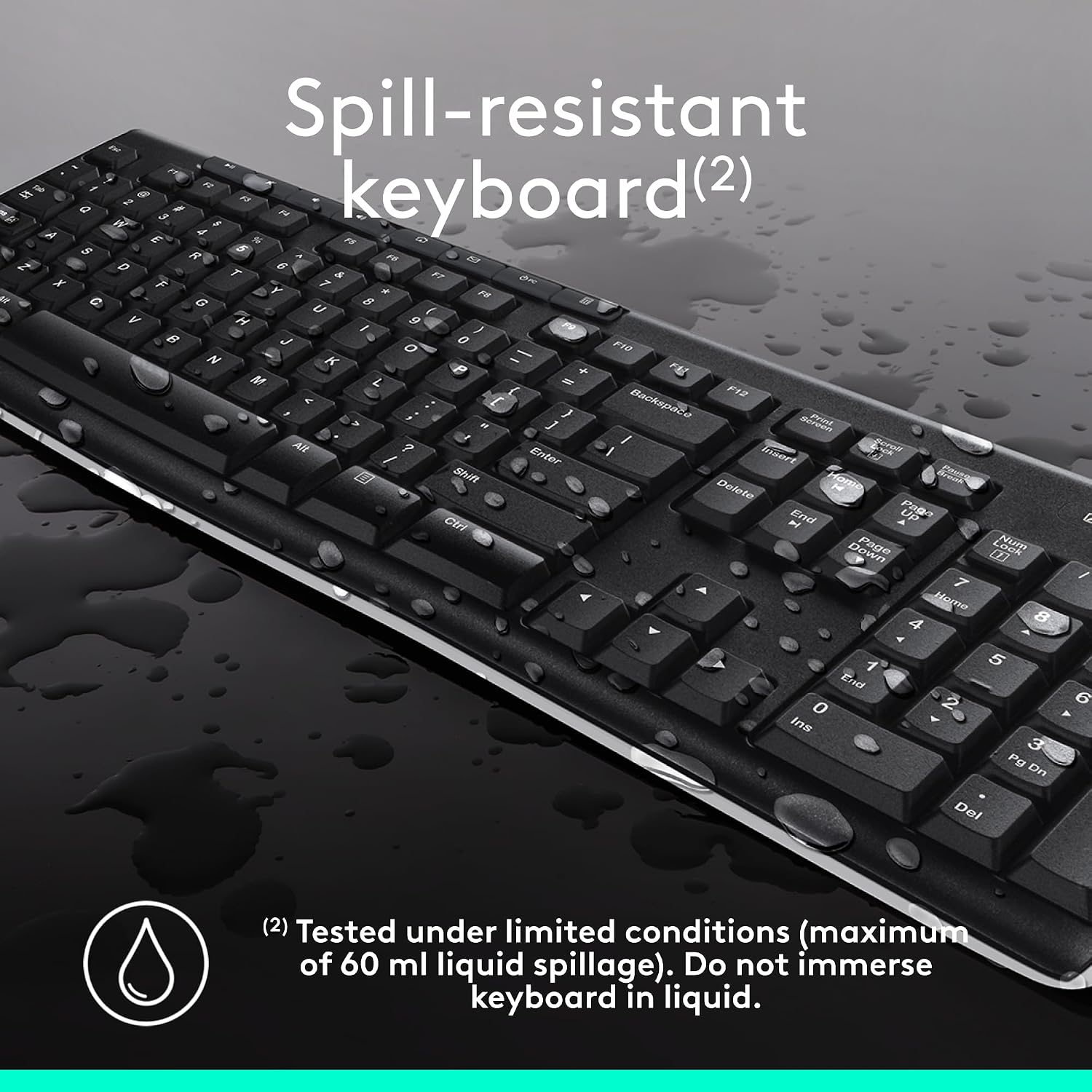
On the keyboard side, you’ll get a familiar UK QWERTY layout that makes typing comfortable for long sessions. The keys are typically quiet enough for shared workspaces, and the mouse sits well in the hand for smooth navigation. It’s the kind of setup you can forget about after a quick pairing, plug in the receiver (or use Bluetooth not required here) and you’re ready to work. It’s not designed to be a gaming rig or a high-precision professional tool, but for routine day-to-day tasks it feels dependable and unobtrusive.
Strengths and what stands out
One clear advantage is its straightforward integration into a Windows environment without fuss. The value here is in durability and consistency: you’re not paying extra for features you won’t use. The MK270 tends to deliver dependable battery life and stable connection in everyday office or home setups. It’s also relatively compact, which helps if your workspace is tight or you’re tidying cables away from sight.
Limitations and what to be wary of
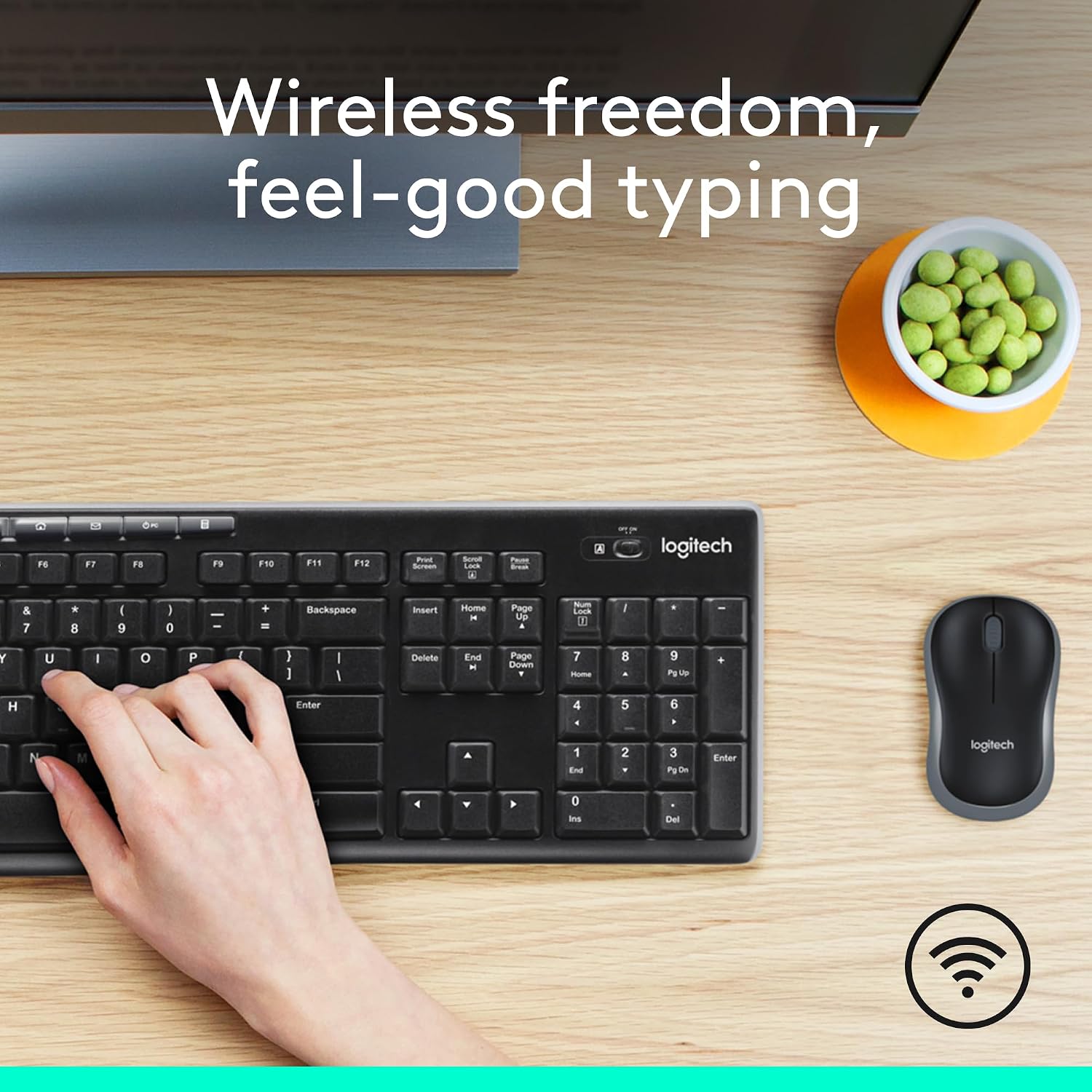
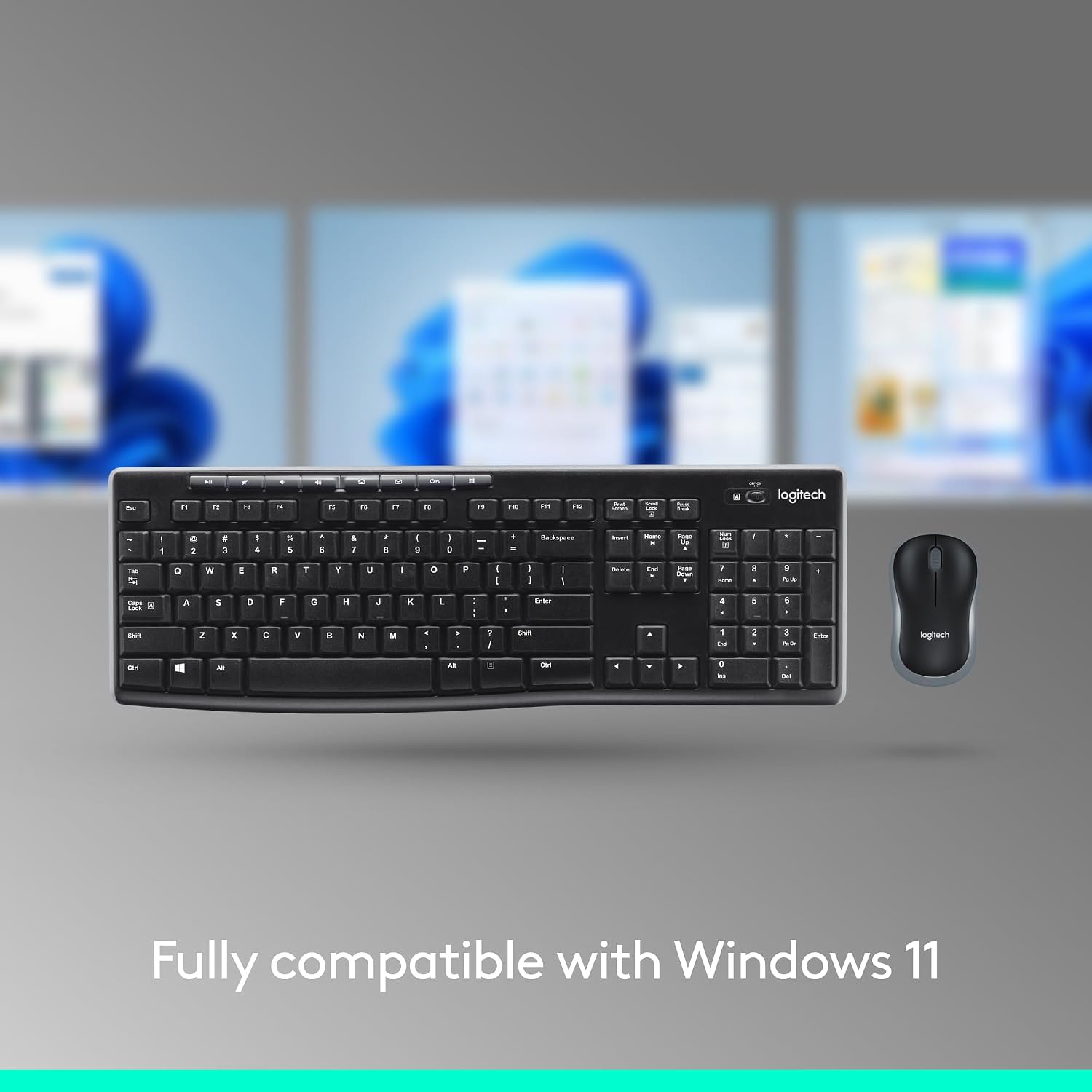
If you crave high-end customisation, advanced macro keys, or ultra-fast gaming responsiveness, this isn’t likely to satisfy those needs. The setup is geared toward practicality over performance, so it may feel generic next to more premium options. Also, since this is a Windows-focused combo, macOS or other ecosystems might not offer the same level of intended compatibility or convenience. It’s worth noting that the experience relies on a straightforward, uninterrupted wireless link—interference or distance can impact performance, as with any wireless peripheral.
Who it’s for

This duo tends to suit buyers seeking solid daily use without drama: students, home offices, or professionals who don’t require specialised peripherals. If you value a low-maintenance, straightforward input solution that just works, the MK270 is a reasonable candidate.
Who it isn’t for
If you need programmable keys, ergonomic shaping, or features aimed at gamers, you’ll likely want to look elsewhere. It’s more middle-of-the-road than premium, so power users or those chasing niche forms of input may find it lacking.
When it makes sense to buy
Choose this combo when you want a proven, plug‑and‑play setup for Windows that keeps costs sensible and doesn’t overpromise on features. If you prefer a clean desk without cables and you don’t need the latest bells and whistles, this offers a pragmatic balance of reliability and value.
When to skip

Skip it if you need portability beyond a basic desk setup, or if you rely on features you won’t get here (like high-precision gaming input or extensive software customisation). Consider whether a newer or different model might better align with your specific workflow or ecosystem needs.
Quick checks before buying
- Confirm the product is compatible with your Windows version and intended use case.
- Check the keyboard layout is UK QWERTY as expected to avoid layout surprises.
- Consider the balance between desk space and the compactness of the kit for your setup.
- Be mindful of wireless reliability in your environment, if interference is common, assess whether a wired alternative would be more stable.
Practical use case
Imagine you’re drafting a long document on your PC: the MK270 keeps the keyboard and mouse responsive without demanding power or space. The compact footprint means it won’t crowd the desk, and the straightforward pairing keeps you focused on content rather than tinkering with settings. If you’re moving between rooms or working from different spots, the wireless link helps maintain a clean, distraction-free workspace.
How it compares to a more feature-rich setup
If you’re weighing this against higher-end or feature-rich keyboards and mice, remember the MK270 prioritises simplicity and value. It isn’t a premium or ergonomic specialist kit, but it offers reliable basic input that suits many everyday tasks. For those who want bespoke key mappings, macro support, or advanced sensor options, a more bespoke package would be a better fit.
The decision, in short
Should you buy it?
It makes sense if you’re after a dependable, uncomplicated Windows keyboard and mouse with modest cost and solid longevity. It’s a sensible choice for a basic office or study desk where reliability and simplicity trump extra features.
FAQ
- Is the MK270 suitable for long typing sessions? Yes, for average daily use, though it isn’t marketed as an ergonomic or luxury typing solution.
- Will it work with non-Windows devices? The description targets Windows, compatibility with other systems isn’t detailed here.
- How long will the batteries last under normal use? Battery life isn’t specified here, but the setup emphasises durability and everyday practicality rather than frequent replacements.