

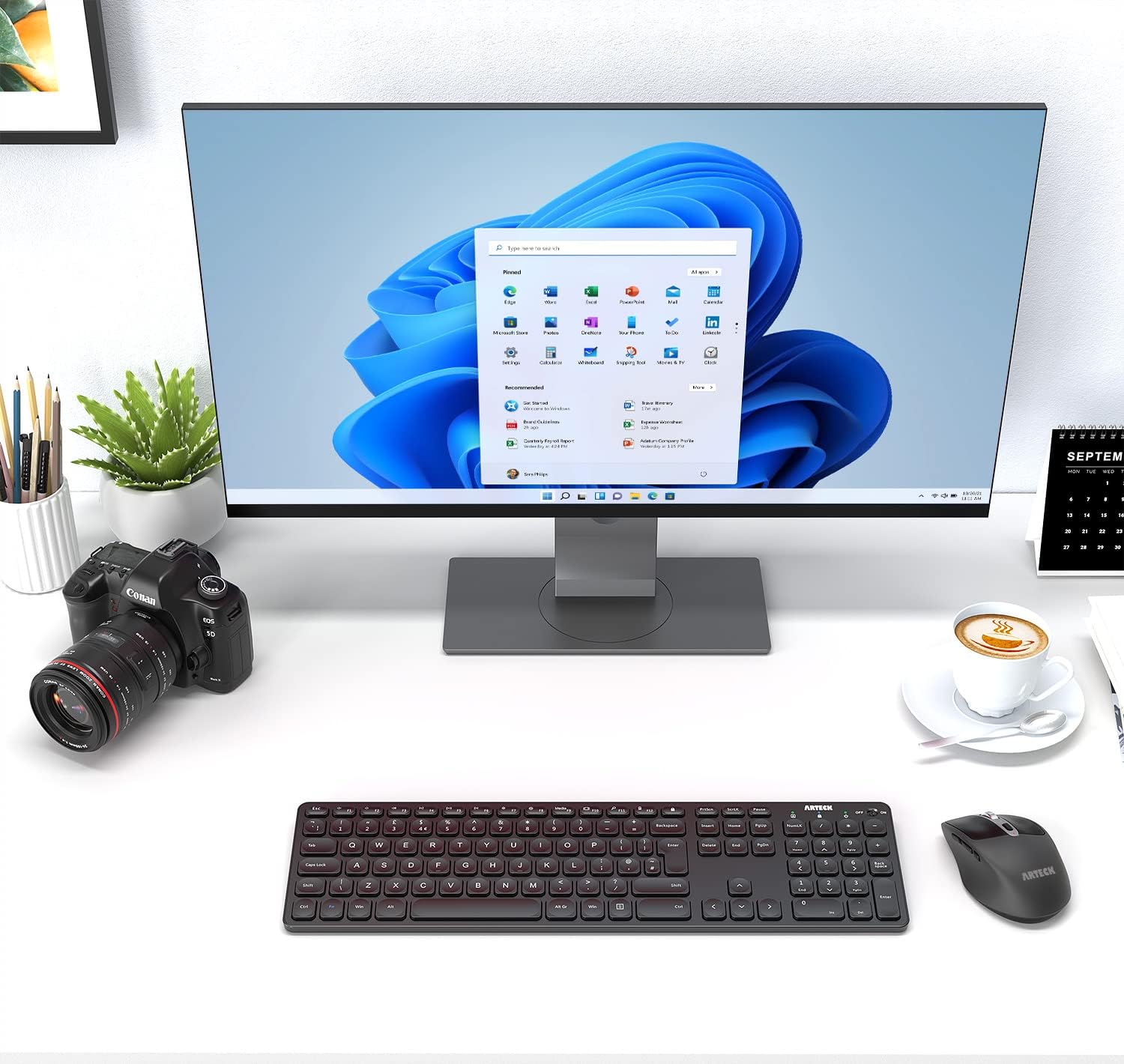
Arteck 2.4G Wireless Keyboard and Mouse Combo (Ultra Slim Full Size Keyboard + Ergonomic MW167 Mouse) with USB-C charging
Product description
The essentials
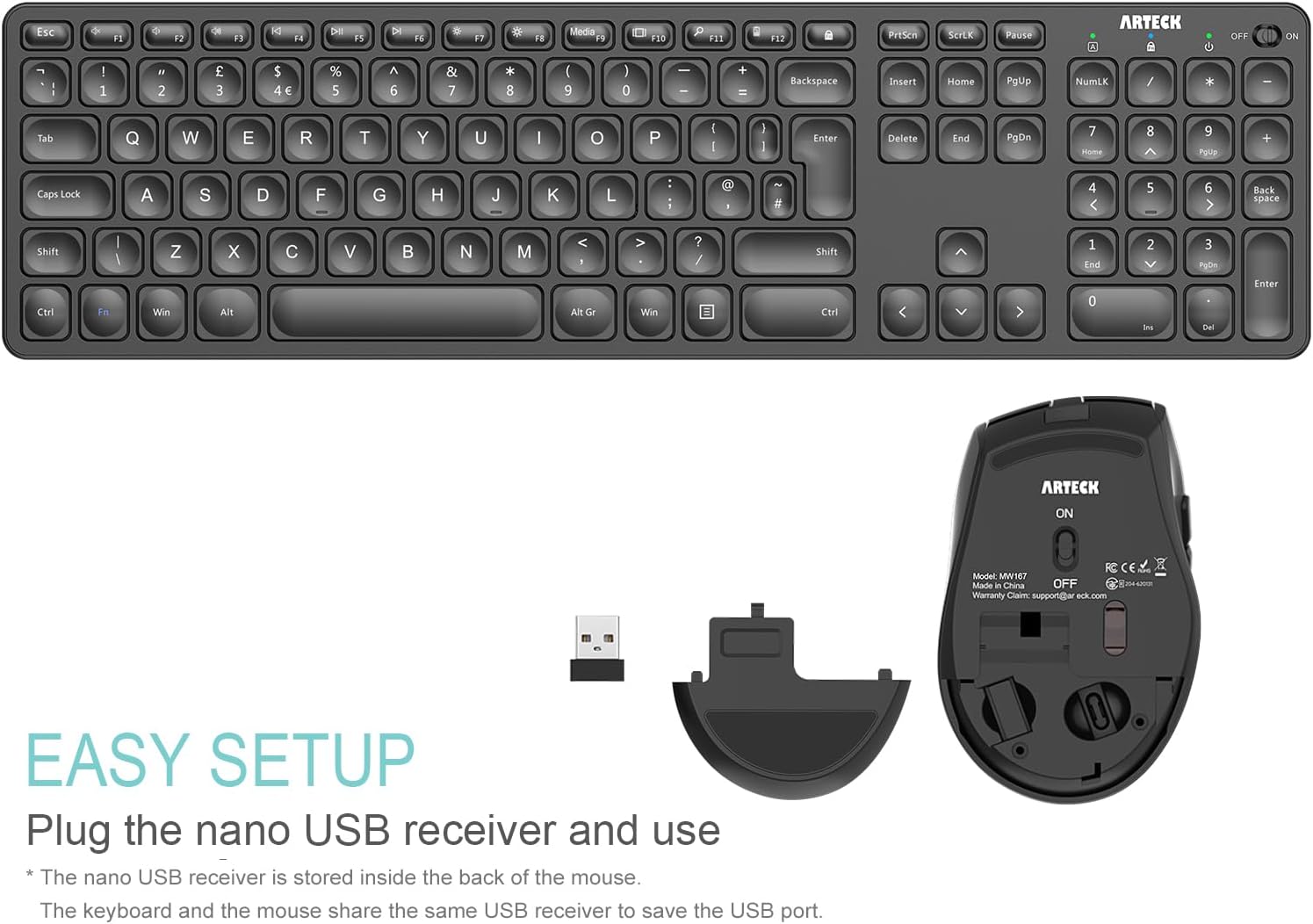
If you want a neat, low-fuss desktop setup, this Arteck 2.4G wireless keyboard and mouse combo is built for exactly that: plug in the tiny USB receiver and start typing without messing about with Bluetooth pairings. Both the keyboard and the mouse use the same nano USB receiver stored at the back of the mouse, which also helps keep your USB ports free.
It’s also aiming squarely at comfort for everyday work. The keyboard uses low-profile keys with a full-size layout (including arrow keys and a number pad), while the mouse is described as ergonomic and includes extra controls like side buttons. The DPI button gives you a quick cursor speed change on the fly, which can be useful if you switch between general browsing and more precise work.
One practical point to keep in mind: the battery life figures are based on “non-stop use” assumptions per day, so your real-world runtime may vary depending on how often you’re away from the desk and how heavily you use the mouse.
Key features that matter in day-to-day use
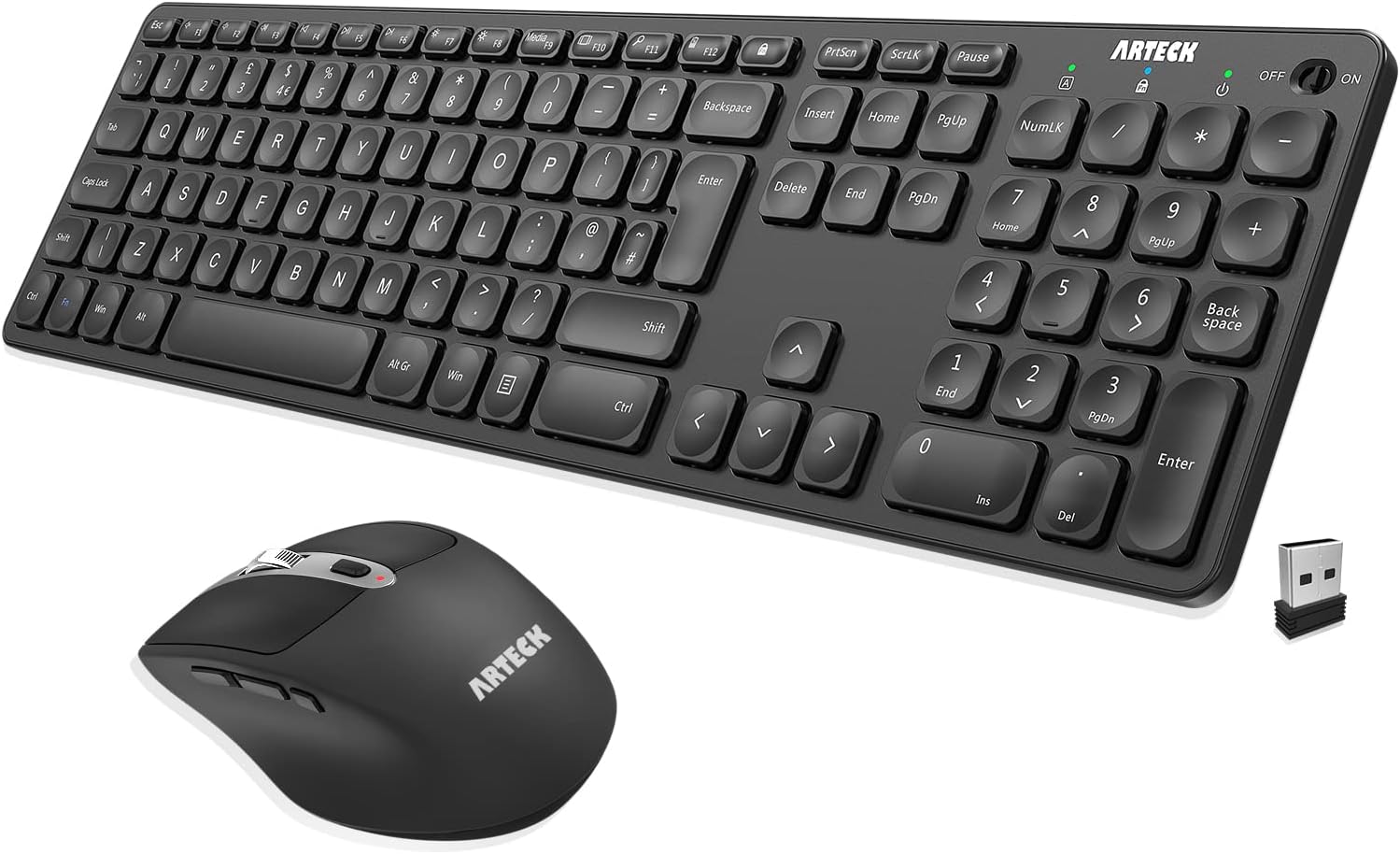
The combo is designed around convenience first. Setup is straightforward: insert the nano USB receiver into your computer, and you can use the keyboard and mouse straight away. Because it’s a single receiver for both devices, it suits people who hate cable clutter and also anyone with a laptop where USB ports are already spoken for.
Typing feel is addressed via the “Scissors X structure” and low-profile keys, while still keeping a full-size keyboard with a number pad. That tends to be the sweet spot for typical PC users—especially if you do spreadsheets, number-heavy tasks, or just prefer a familiar layout rather than a compact keyboard.
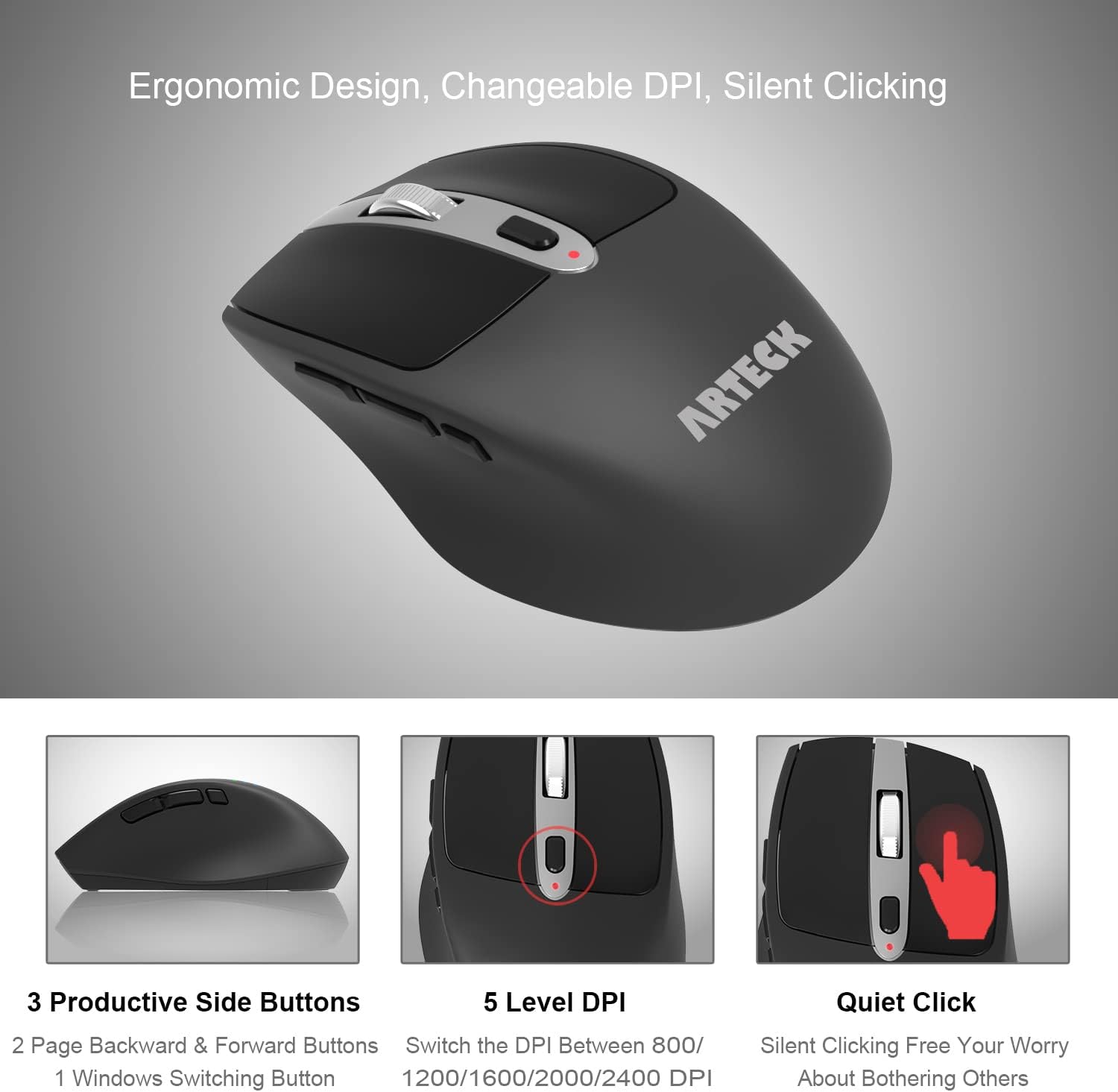
On the mouse side, you’re not limited to the basics. Alongside left/right buttons and a wheel, there’s a DPI switch (800 / 1200 / 1600 / 2000 / 2400 DPI), plus two side buttons for page back/forward and a button to switch windows. In real use, that can mean fewer mouse gestures—like using the side buttons to hop between pages while writing or researching, then switching window focus when you need to move quickly.
Tech specs
- Type: 2.4G wireless keyboard and mouse combo
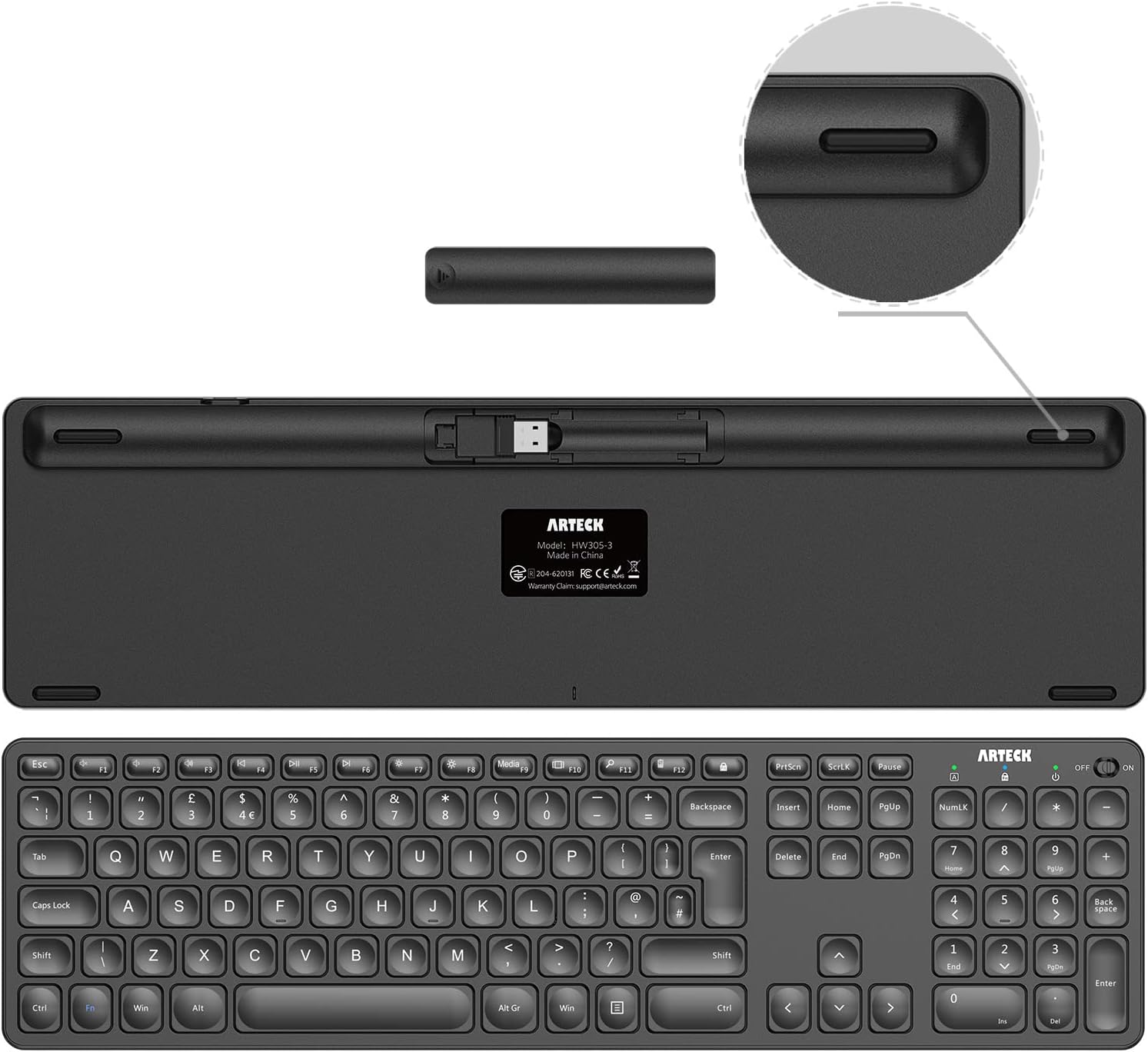
- Connection: nano USB receiver (stored inside at the back of the mouse) for both keyboard and mouse
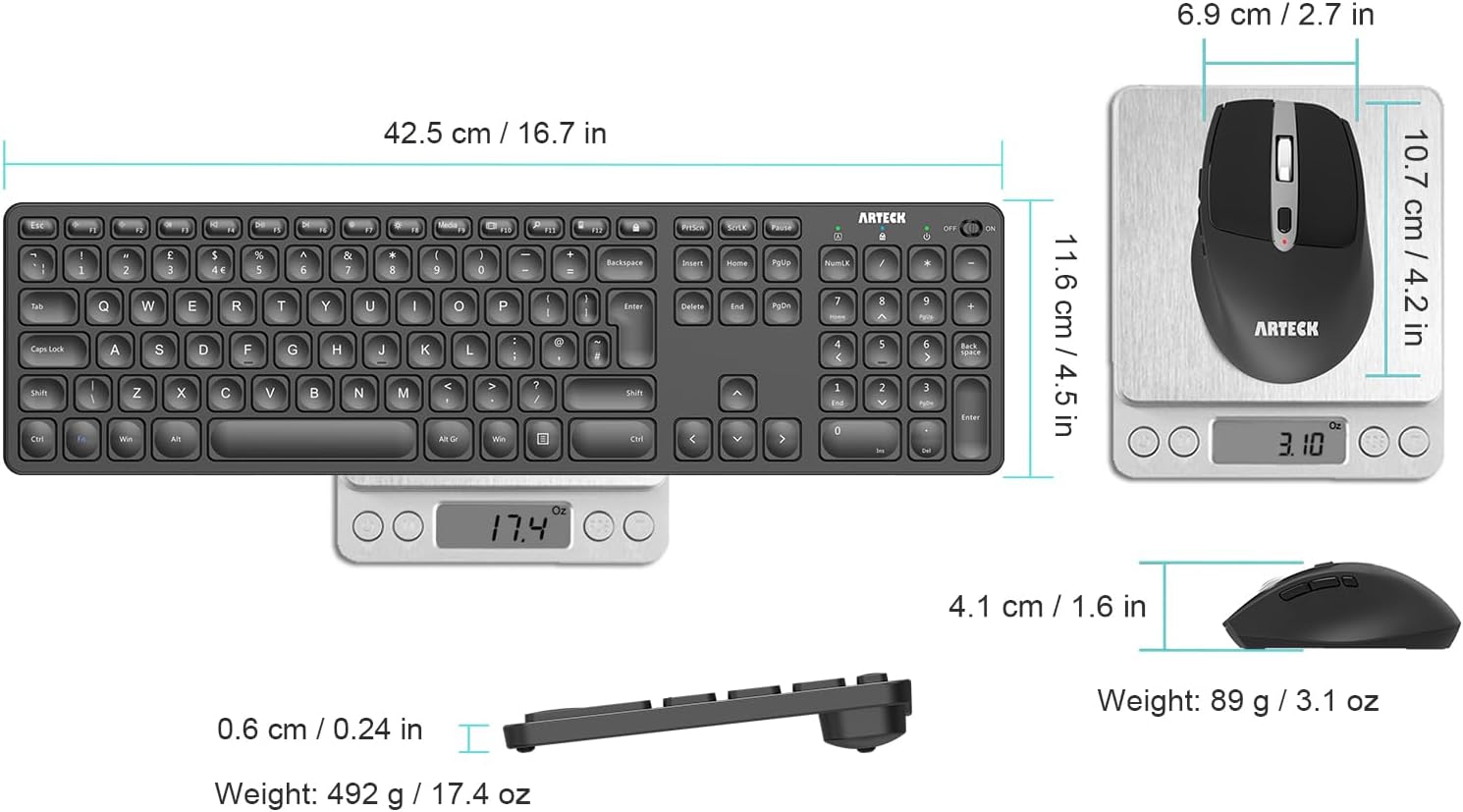
- Keyboard layout: full size with arrow keys and number pad
- Key design: Scissors X structure, low-profile keys
- Mouse DPI: switch between 800 / 1200 / 1600 / 2000 / 2400 DPI
- Mouse controls: left button, right button, wheel, DPI button, two side-buttons (page backward/forward), and a window switch button
- Battery: rechargeable lithium battery
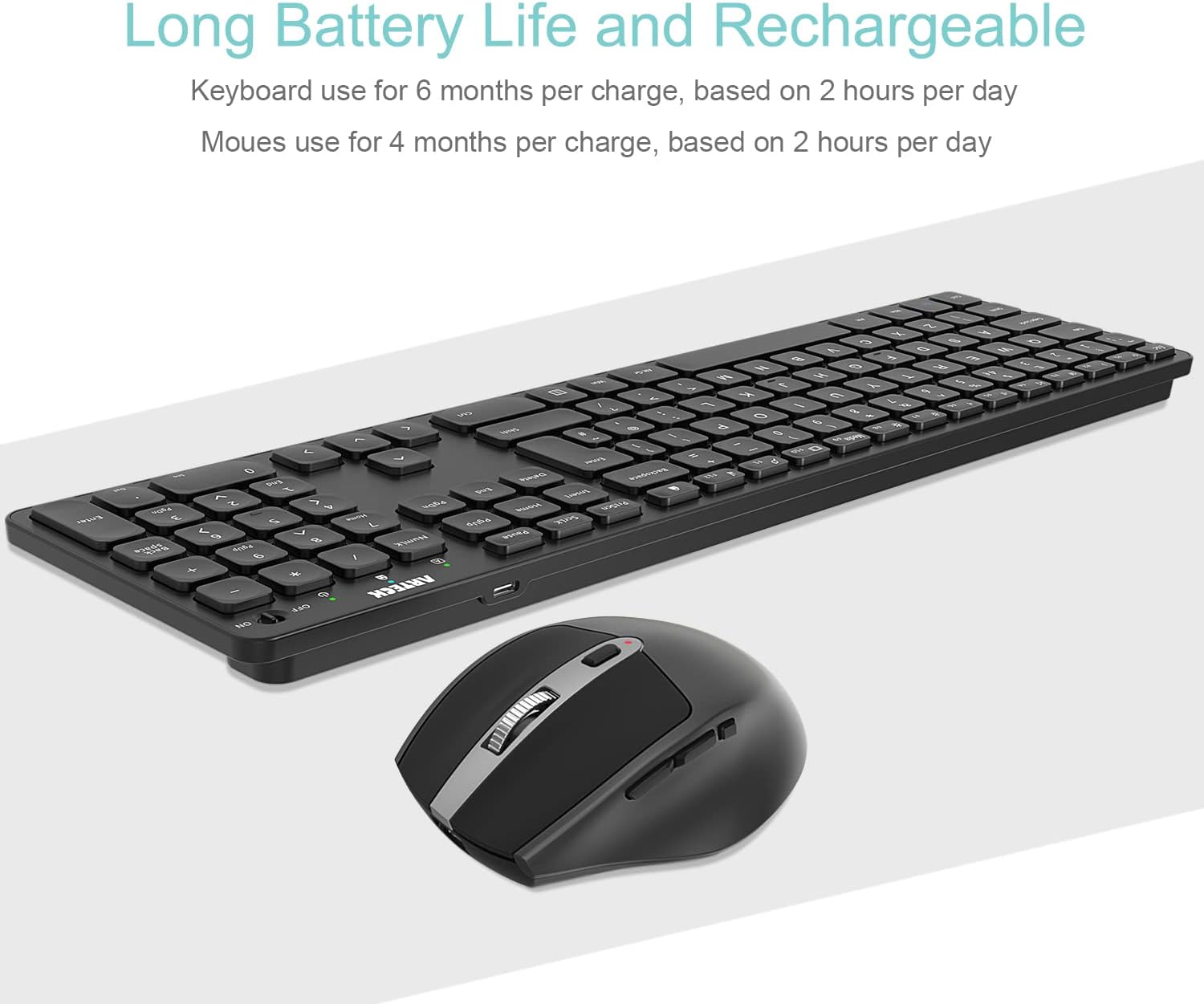
- Keyboard battery life (claimed): lasts for 6 months per single charge (based on 2 hours non-stop use per day)
- Mouse battery life (claimed): lasts for 4 months per single charge (based on 2 hours non-stop use per day)
- Charging: USB-C rechargeable battery with USB-C charging cable included
- What’s in the box: Arteck HW305-3 wireless keyboard, MW167 wireless mouse, one nano USB receiver (stored in the back of the mouse), USB-C charging cable, welcome guide
- Warranty: 24-months warranty
What you’ll notice day to day (and where it may fall short)
If you like a straightforward office-style setup, this combo feels like it was designed for “work first”. The full-size keyboard layout with a number pad is a big deal for people who do finance, data entry, or anything that benefits from having keys close to where you expect them.
The mouse also looks practical rather than flashy. Having DPI levels from 800 up to 2400 gives you flexibility, and the side buttons plus a window switch button can speed up navigation without reaching for the keyboard. For day-to-day tasks like moving between documents, scrolling through pages, and using browser back/forward, that’s the sort of convenience you actually end up using.
That said, it may not be the best fit if you’re extremely sensitive to mouse ergonomics or key feel. The descriptions cover the intended comfort, but they don’t promise a specific comfort target (for example, no detailed measurements or adjustable features are mentioned). So if you’re coming from a premium mechanical keyboard or a specialised mouse, you may find it sits more in the “solid everyday” range than the “upgrade and forget” category.
Who it’s for (and who should skip it)
It makes sense if you want: - a single, simple 2.4G setup using one nano receiver for both devices - a full-size keyboard with arrow keys and a number pad for desk work - a rechargeable wireless combo that uses USB-C charging - a mouse with DPI switching and extra buttons for smoother navigation
It may not suit you if: - you specifically prefer Bluetooth connectivity - you need highly specialised ergonomic features beyond an ergonomic shape and extra controls - you’re chasing maximum precision tuning or premium feel, where you’d usually expect more detailed performance claims
Worth considering if you’re setting up a PC desktop or a laptop workspace and want fewer moving parts—one receiver, quick start, and rechargeable batteries.
Care, charging, and compatibility notes
Charging is handled via a USB-C charging cable included in the box, which is convenient if your desk already has other USB-C devices. Battery life is described with a “single charge” duration for keyboard and mouse, but it’s based on non-stop use assumptions, so actual time will depend on your usage patterns.
In terms of compatibility, the product is described as working with Windows 11/10/8/7. As always with wireless receivers, you’ll want to check that your device has a spare USB port for the nano receiver (unless you’re comfortable removing it when you travel).
Should you buy it?
This Arteck 2.4G wireless keyboard and mouse combo is a sensible buy if you want a tidy desktop/laptop setup with quick setup, a full-size keyboard (including number pad), and a mouse that covers more than the bare minimum controls. The single nano USB receiver for both devices and the USB-C rechargeable battery approach are the kind of practical touches that make it feel less hassle than many budget wireless kits.
Buy it if your priorities are straightforward day-to-day typing, navigation convenience (side buttons and window switching), and reducing USB clutter. Skip it if your main goal is ultra-precise ergonomics or a premium key/mouse feel you already know you’ll be picky about. Also, if you’re the type who expects Bluetooth out of the box, you may want to look elsewhere since the setup here centres on the nano USB receiver.
Mini FAQ
Does it need Bluetooth?
No. The setup uses a nano USB receiver inserted into your computer, and it’s the same receiver for both the keyboard and the mouse.
Where is the USB receiver stored?
It’s stored inside at the back of the mouse, which helps avoid misplacing it.
How long do the batteries last?
The listing states up to 6 months for the keyboard and 4 months for the mouse from a single charge, based on 2 hours of non-stop use per day. Your actual results may differ.
Is the keyboard full size?
Yes, it’s described as a full-size keyboard with arrow keys and a number pad.
What DPI options does the mouse support?
The DPI button switches between 800, 1200, 1600, 2000, and 2400 DPI.