

Logitech Signature M650 Wireless Mouse for Small to Medium Hands
Reviews
Price
Product description
What it is and who it's for
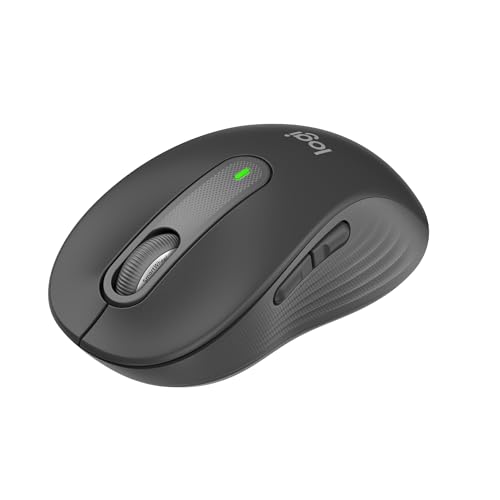
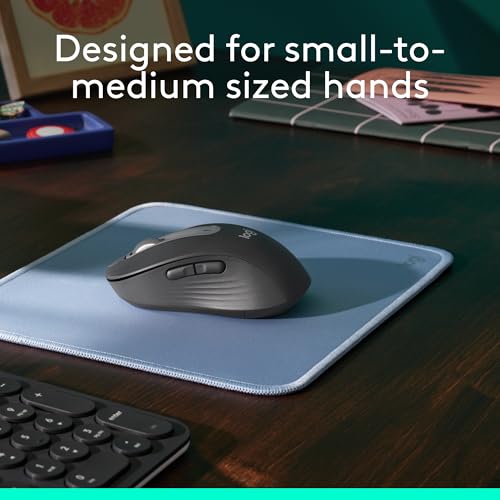
The Logitech Signature M650 is a wireless mouse designed to offer comfortable, precise navigation for everyday tasks. It targets users with small to medium hands who want a dependable, multi‑device input device for office work, web browsing and document editing. On paper, it blends a contoured shape with soft thumb rest and rubber grips to reduce fatigue during long sessions. It’s not a gaming mouse, but for general productivity it aims to be a practical, unobtrusive companion.
How it works and what powers it
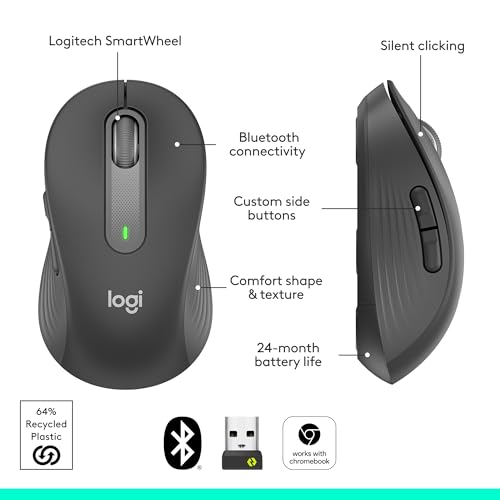
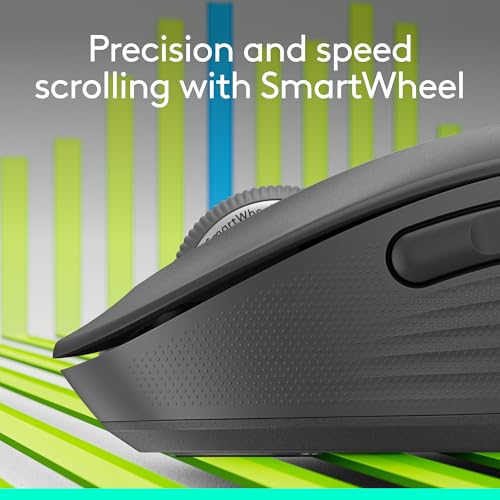
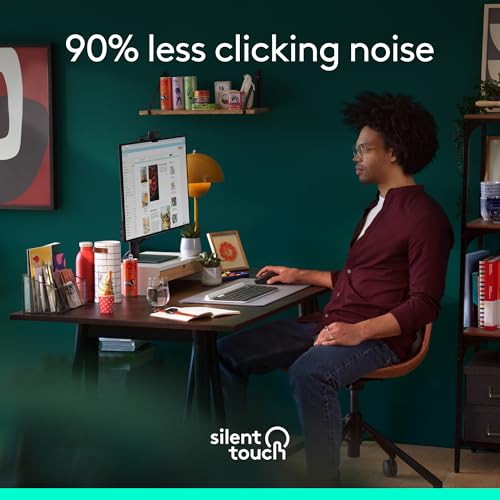
Connection is flexible: you can pair it via Bluetooth Low Energy or use the Logi Bolt USB receiver. The SmartWheel provides two modes—line‑by‑line precision for documents and rapid scrolling for long pages—so you can switch quickly depending on the task. The mouse is designed to be quiet thanks to SilentTouch technology, which helps you focus in shared spaces or at home without drawing attention to every click.
What stands out on paper
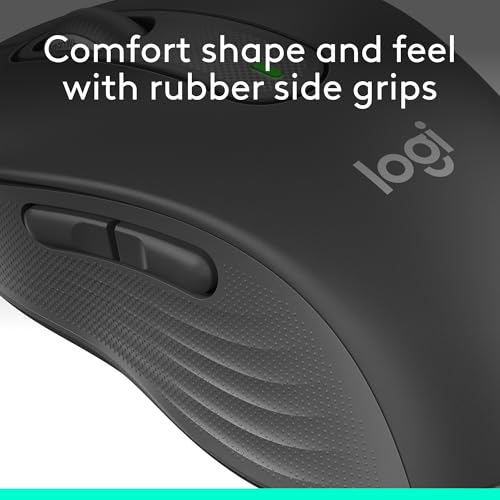
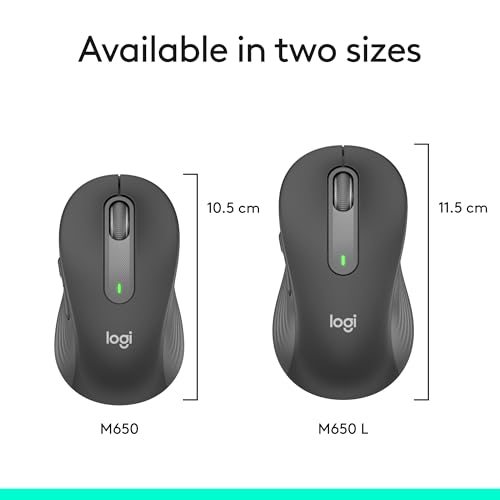
A key strength is comfort. The shape supports a relaxed hand position, with a dedicated soft‑touch thumb area and rubber side grips. The footprint is designed to suit smaller to mid‑sized hands, making it a sensible upgrade for users who found other mice too bulky. Battery life is rated at up to 24 months from a single AA battery, which translates to fewer interruptions for typical office use. It’s a multi‑device mouse by design, so switching between devices can be done, and it’s certified as Works with Chromebook and compatible with Windows, macOS, Linux, ChromeOS, iPadOS and Android.
What you’ll notice in day‑to‑day use
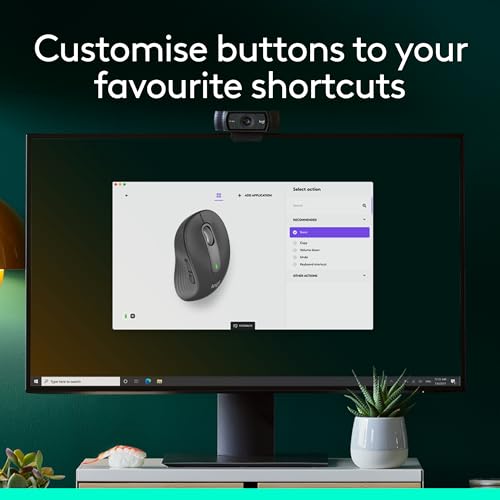
The customizable side buttons can be programmed via Logitech Options+ (Windows and macOS). This opens quick shortcuts for back/forward navigation or copy/paste, which can speed up common workflows. The combination of quiet operation and ergonomic shape makes it easy to work for long periods without discomfort, though it isn’t aimed at high‑intensity gaming or rapid, highly technical markup tasks.
Pros
- Comfortable design with a soft thumb area and rubber grips
- Flexible connection options (Bluetooth LE or Logi Bolt USB receiver)
- Quiet clicking with SilentTouch technology
- Two useful scrolling modes via the SmartWheel
- Long battery life (up to 24 months on one AA)
- Customisable side buttons with Logitech Options+ for common shortcuts
- Broad OS compatibility and Works with Chromebook certification
Cons and limitations
- It’s not a gaming mouse, users seeking high‑speed precision for gaming or design work may prefer a different form factor or sensors
- The 24‑month claim depends on usage and battery type, real‑world life can vary
- While multi‑device, some users may find pairing and switching less seamless than dedicated multi‑device ecosystems
- The feel and performance are geared toward productivity rather than premium flagship models, build materials aren’t described as premium high‑end
Who it’s for
- You want a comfortable, reliable mouse for office tasks and daily browsing
- You use multiple devices and value easy switching between them
- You prefer a quiet workspace and unobtrusive clicks
- You have small to medium hands and want a better‑fitting shape than larger models
Who it isn’t for
- If you mainly play fast‑paced games or need high‑end graphics/ CAD input
- If you favour ultra‑light, minimalist mice or require a very compact form factor
- If you’d prefer a model with replaceable batteries or a rechargeable option
When it makes sense to buy
- When you prioritise comfort and long‑lasting battery life for day‑to‑day work
- If your workflow benefits from quick shortcut access via side buttons
- If you want a quiet mouse that won’t disturb others in shared spaces
When you might want to pause
- If you need extremely precise tracking for detailed design work, consider a different sensor or size
- If you want an entirely silent device and are sensitive to small mechanical differences between models
- If you frequently rely on a single‑handed compact mouse with very slim profiles—this model targets a broader ergonomic fit
What to check before buying
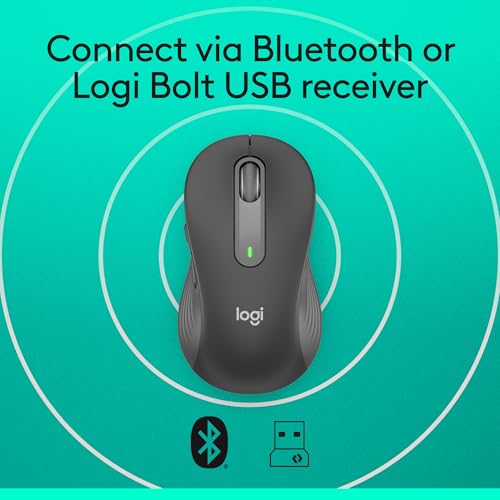
- Confirm your preferred connection: Bluetooth LE or Logi Bolt USB receiver
- Consider hand size and whether the mid‑size footprint suits you
- Check whether you plan to use Logitech Options+ for personalised side‑button shortcuts
- Review if you need Chromebook compatibility or multi‑OS support in your setup
- Think about the environment where you’ll work (quiet office vs noisy workshop) and whether SilentTouch meets that need
Practical usage example
Imagine drafting a lengthy document: you switch to line‑by‑line scrolling with the SmartWheel for precise edits, then flip to rapid scrolling to scan through references. You keep your dominant hand comfortably supported by the curved shape, and when you reach a page where you need to copy a citation, a quick back/forward button press speeds up your workflow without reaching for the keyboard.
Decision time
Is it worth it?
Worth considering if you prioritise comfort, multi‑device productivity and quiet operation over extreme technical specs. It’s a sensible mid‑range pick for daily work, not a specialised high‑end tool.
FAQ
- Does it work with Windows and macOS equally well? Yes, with Logitech Options+ offering customisation on supported OSes.
- How long does the battery last in real use? Logitech rates up to 24 months on a single AA battery, actual life depends on usage and settings.
- Can I use it with both Bluetooth and a USB receiver at the same time? It supports multiple devices, but typically you connect one device at a time per pairing profile.