

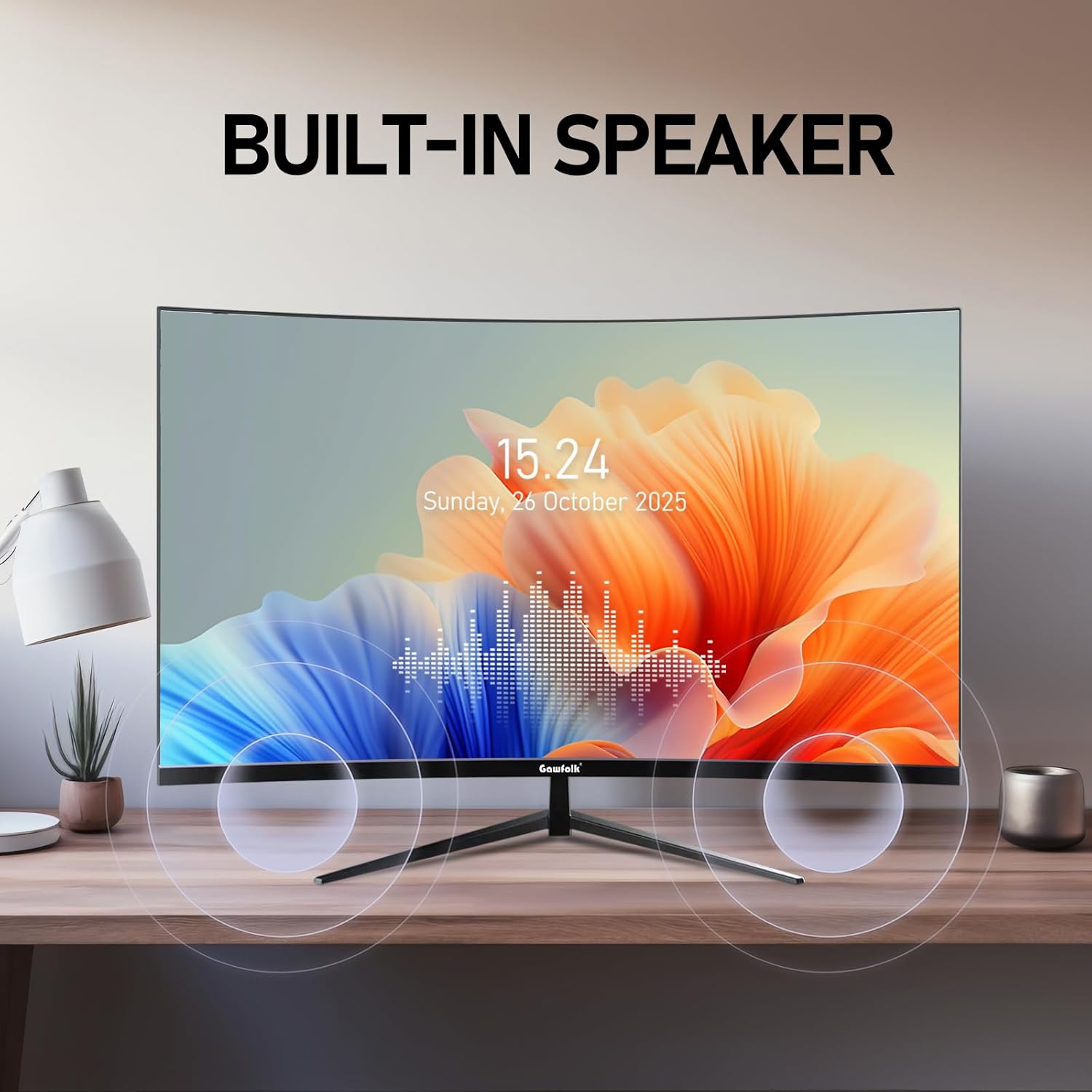
Gawfolk 32-inch 4K curved monitor
Product description
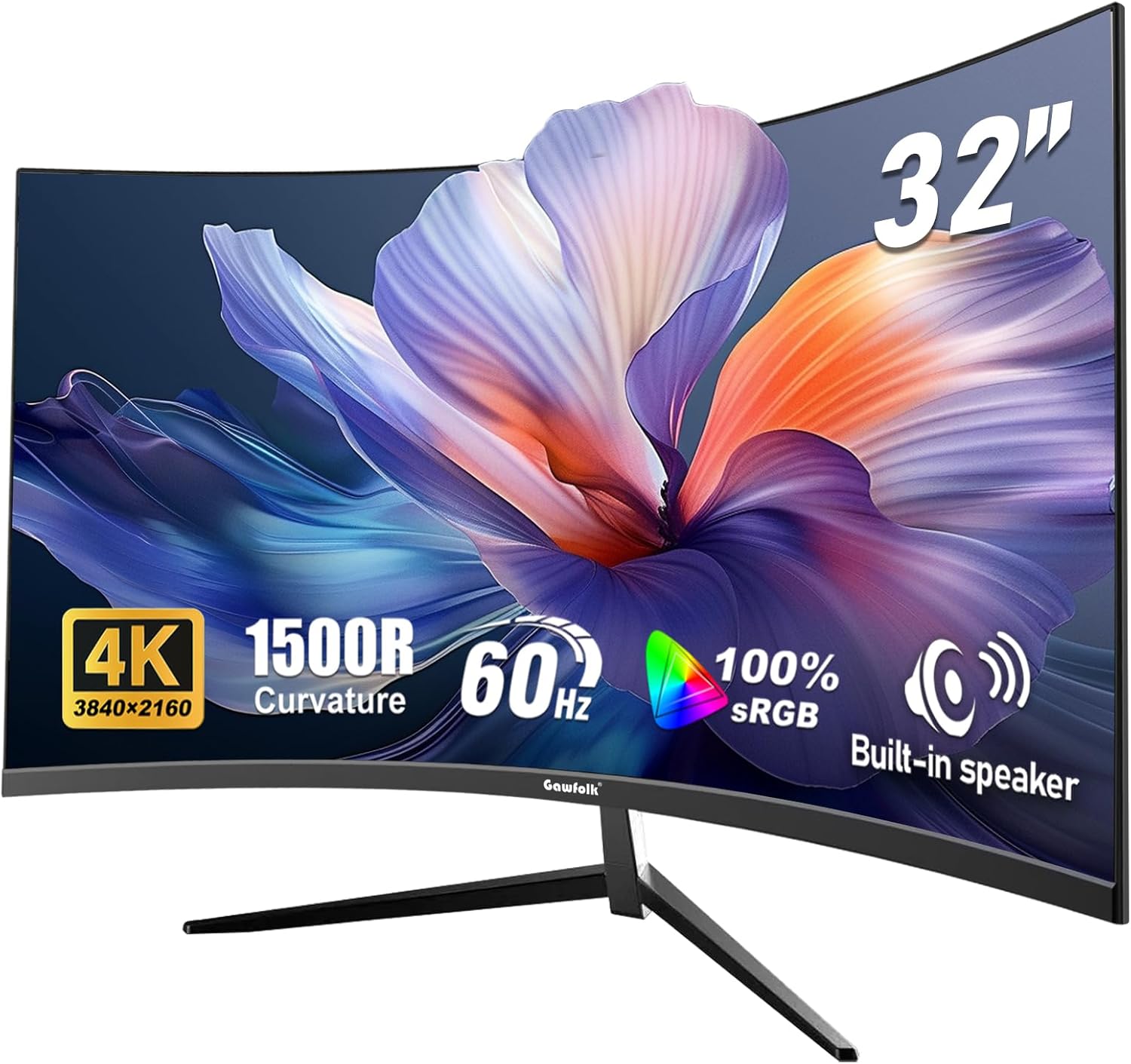
Buying a big-screen 4K monitor is often about getting more usable workspace and sharper detail, and the Gawfolk 32 inch 4K UHD Curved 1500R Computer Monitor is built around that idea. With a 3840×2160 resolution and a 1500R curved panel, it aims to make long viewing sessions feel more natural, while keeping text and visuals clear. 👀 For home offices, video editing, and gaming, the extra screen space can make day to day tasks like document work and side by side comparisons feel less cramped.
The screen is described as a 1500R curved display, with a focus on immersion and reduced edge distortion compared with flat setups. It also includes 100% sRGB colour coverage, which matters if you want colours to look consistent when working with photos, design, or content creation. On the connectivity side, you get DisplayPort 1.4 and HDMI 2.0, plus dual HDMI and dual DP ports for connecting multiple devices without constantly swapping leads. ✅
Key features
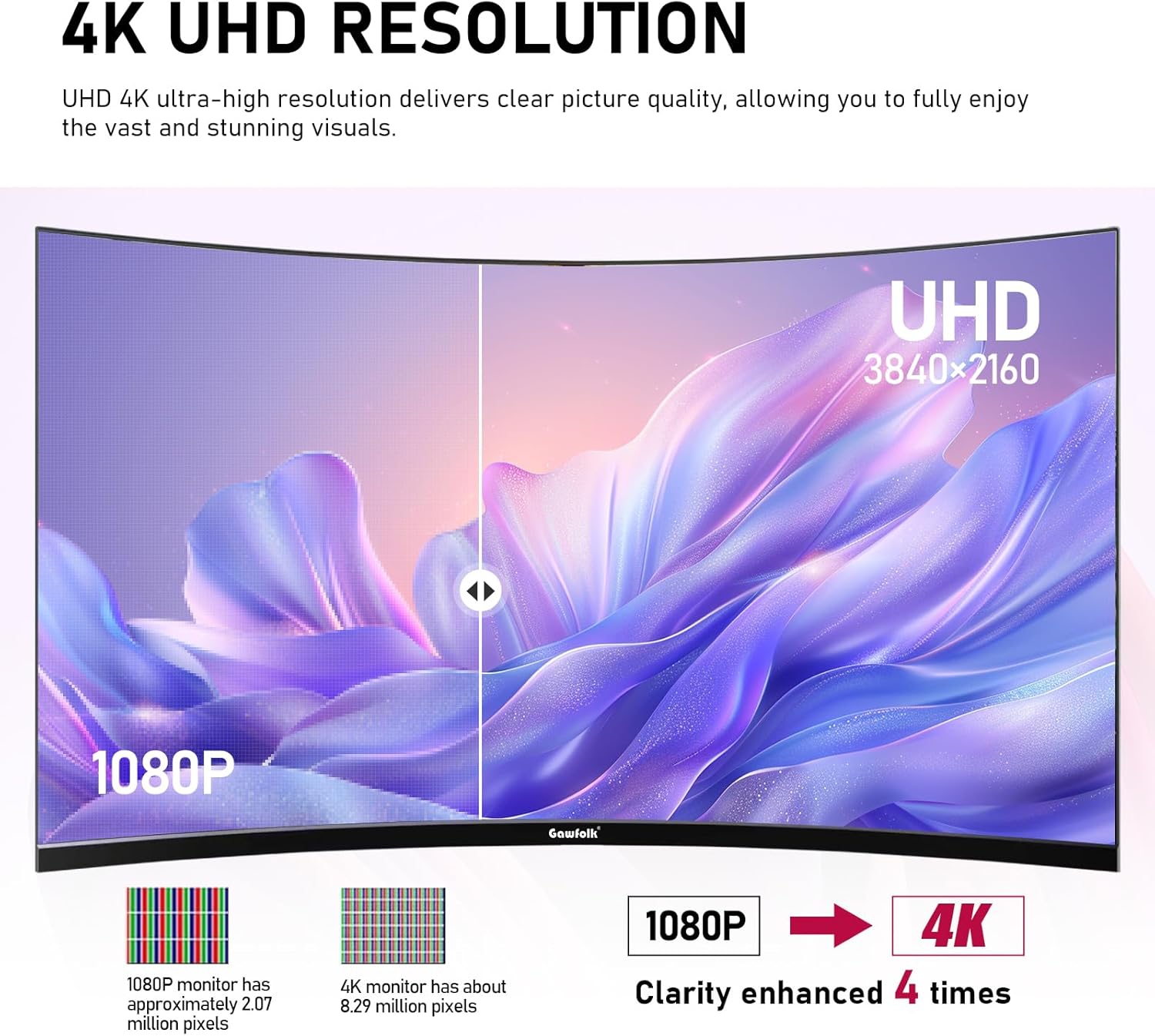
The headline specification here is the 32 inch 4K UHD panel, using a 3840×2160p resolution. That means you can see more detail in spreadsheets, timelines, and image previews than you typically would on lower resolution displays, and the manufacturer highlights a sharp text experience with reduced jagged edges. With 138 PPI pixel density as stated by the product information, the screen is positioned for both productivity and media.
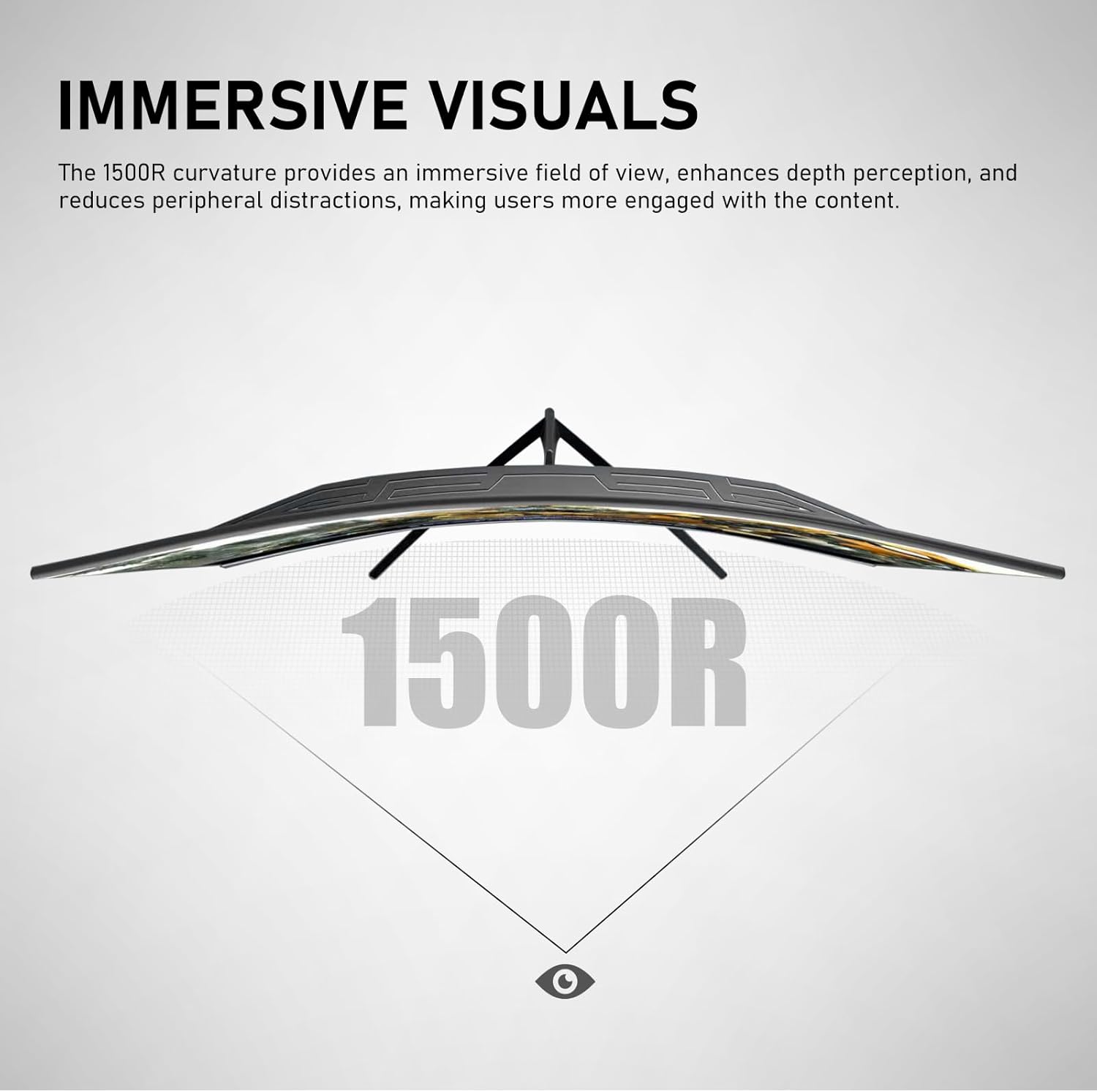
Curvature is another central selling point. The 1500R curved design is intended to match a natural field of view, and the goal is to help reduce visual fatigue and improve overall immersion. In practical terms, a curved screen can feel more wrapping, particularly when you sit at a consistent distance from the display. 🎮 If you move between office work and entertainment, that comfort focus is likely to be the most noticeable day to day.
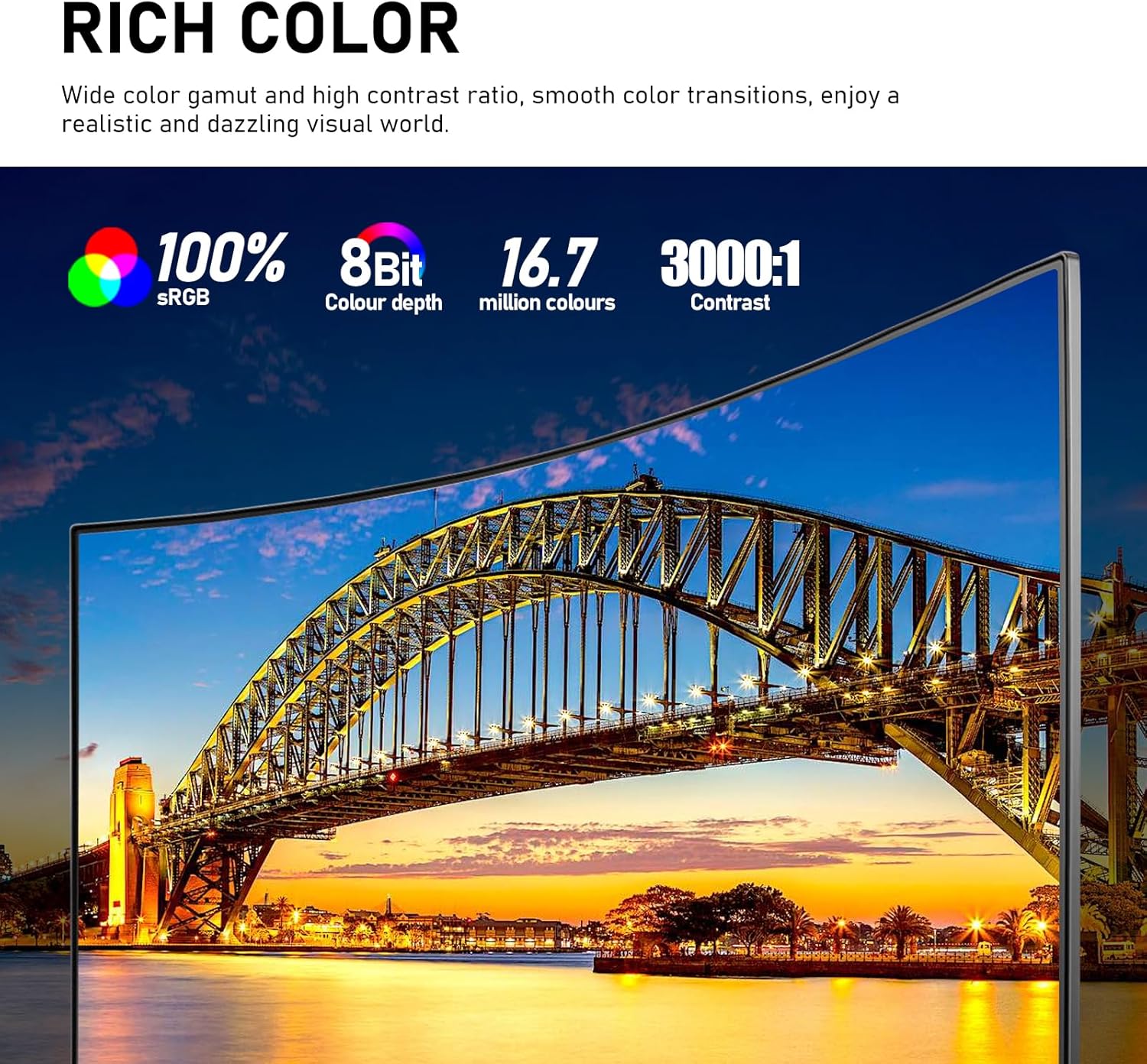
Colour is addressed in the specifications as well. The monitor is described as offering 100% sRGB coverage, paired with an 8 bit colour depth and 16.7 million colours. The aim is true and accurate colour reproduction, with smooth transitions and fewer issues like colour deviation or banding. If you care about how photos, graphics, and edited content look before exporting, this is one of the aspects worth paying attention to.
Tech specs
- Type: Computer monitor
- Size: 32 inch
- Resolution: 3840×2160 4K UHD
- Colour gamut: 100% sRGB
- Viewing angle: 178°
- Refresh rate: 138 PPI pixel density
- Connectivity: DisplayPort 1.4, HDMI 2.0
Why it’s worth it
A key benefit of choosing a 4K monitor at this size is the amount of screen space available for multitasking. The manufacturer specifically mentions that document editing and data comparison can be more efficient thanks to the larger display area. That can translate into fewer compromises, whether you are working with multiple windows, reviewing data, or editing content where you need to see fine details.
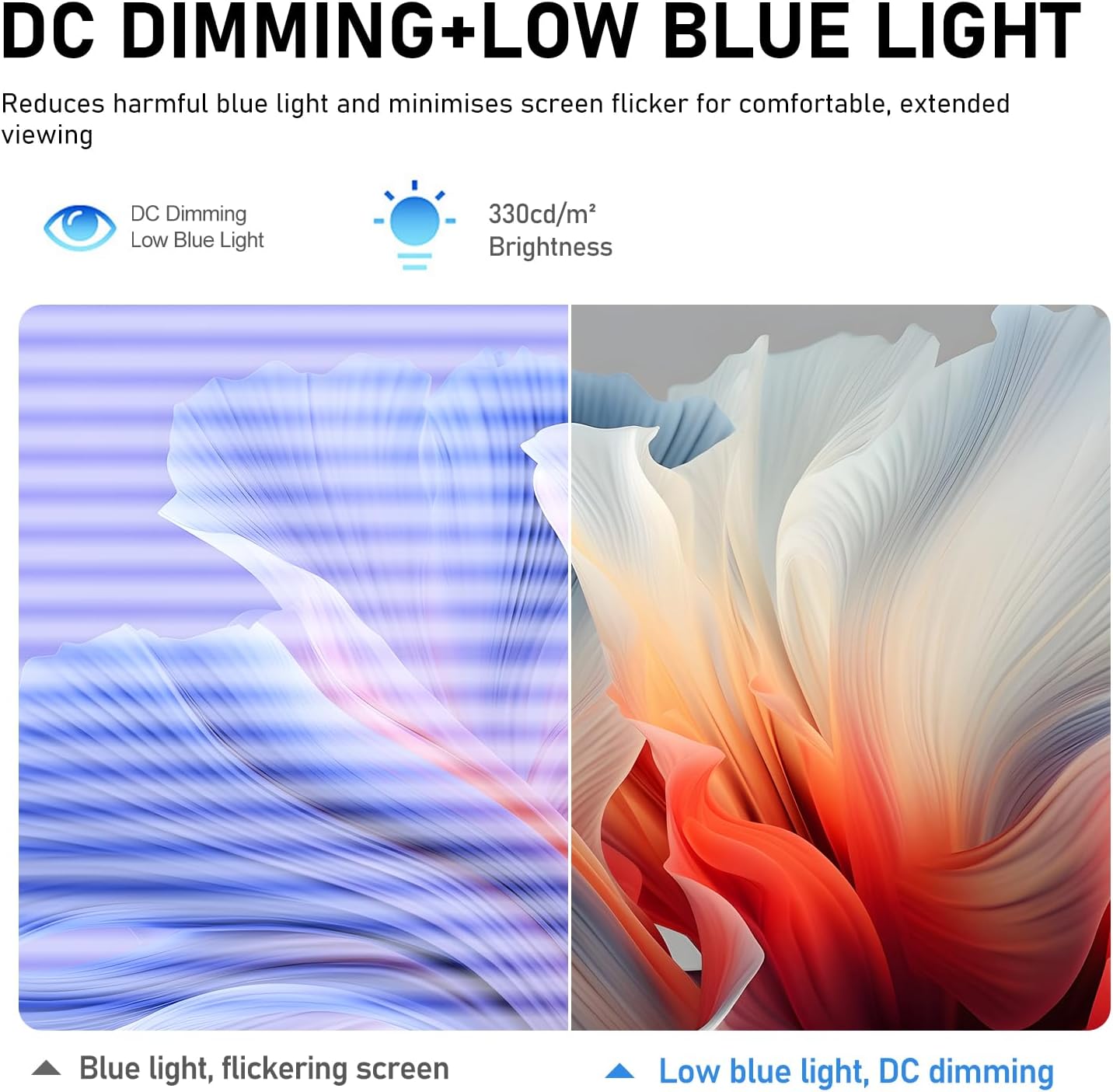
Brightness and contrast are also included as part of the picture quality story. The monitor is listed with 330 cd/㎡ brightness and a 3000:1 high contrast ratio, which is designed to help separate bright areas from darker details. When you are watching dark scenes in films or playing games, the information suggests that highlights should not feel overly dazzling while shadow details remain easier to distinguish. 🌓
If you spend many hours in front of your screen, the comfort features may be particularly relevant. The product information notes a low blue light mode and flicker free technology using DC dimming, with the intention of making long-term use more comfortable. It is always wise to remember that lighting conditions and personal preference vary, so comfort features are best seen as part of a wider setup, including desk lighting and seating distance.
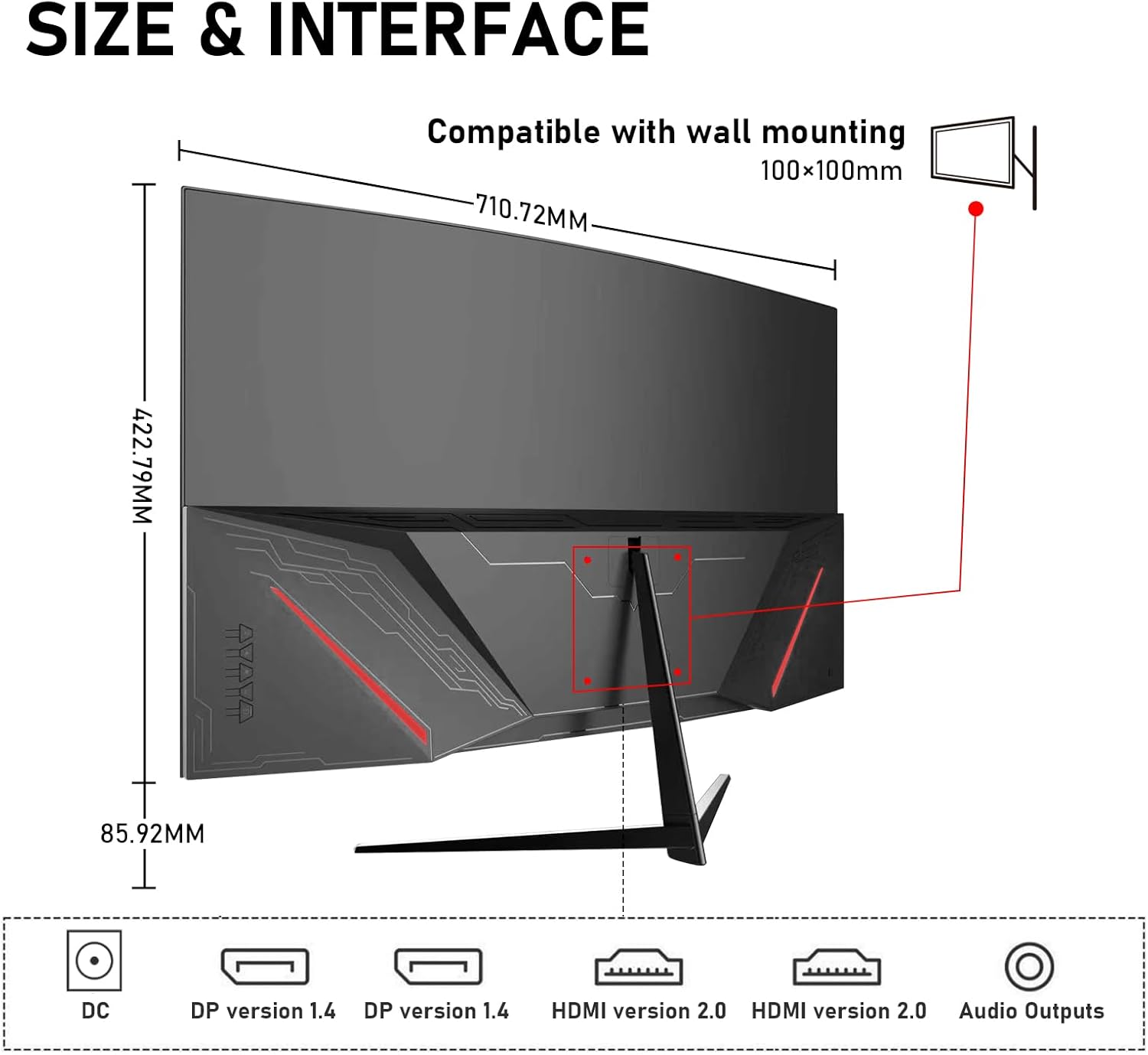
Connectivity is practical and geared towards real day to day use. The monitor supports dual HDMI and dual DP ports, which can help you connect multiple devices at once and switch more easily. That can be useful if you alternate between a work laptop, a desktop, and a console, without constantly unplugging cables. The manufacturer also states that it supports synchronized presentation of 4K picture quality and audio over those ports.
Specifications for wall mounting and everyday setup
If you prefer a cleaner desk arrangement, the monitor is listed as compatible with wall mounting using 100×100 mm VESA. That gives you flexibility for placing the display where it suits your workspace, whether that means mounting it to the wall or using a compatible arm and mount setup. The product information also indicates a black colour finish.
For daily usability, the combination of screen size, curvature, and high resolution is aimed at covering multiple use cases. The description highlights immersive movie watching, gaming, and multitasking office work, while also mentioning that it is meant to avoid blind spots in your vision. For buyers who want one screen that can handle both work and leisure, these points are worth considering alongside your typical desk distance.
The manufacturer includes 12 months after-sales service, which is useful to know when buying a monitor for ongoing daily use. If there are issues after purchase, the information advises reaching out for support. For most people, a monitor is a long-term purchase, so having a defined support window can help reduce the stress of setup and early testing.
It’s not a small display, so it will reward a setup where you can sit comfortably and see the curved screen properly.