

LG Replacement Remote Universal for LG 4K TVs
Reviews
Price
Product description
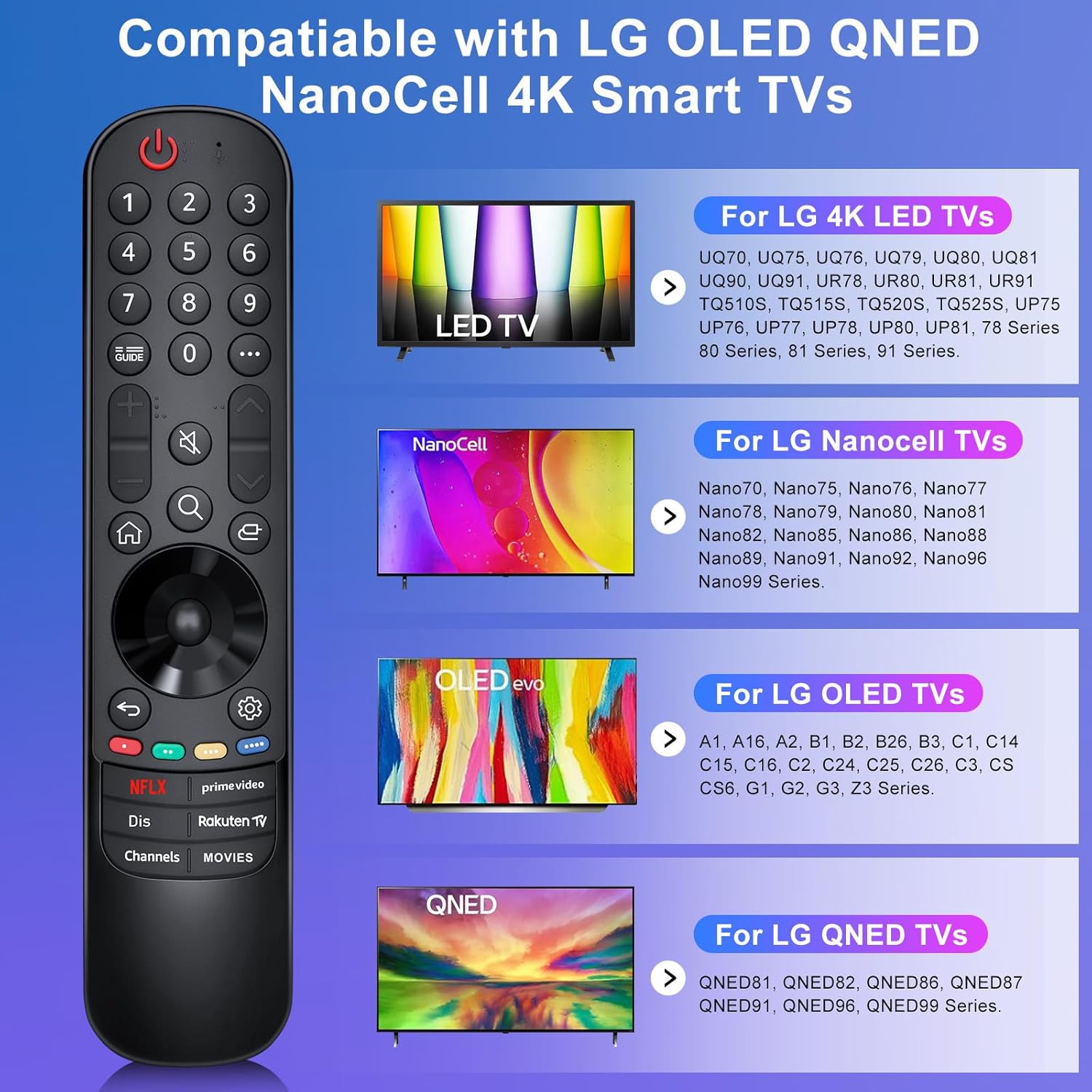
This universal replacement remote offers straightforward control for a wide range of LG OLED, QNED and NanoCell 4K televisions, making it easy to navigate streaming apps and channels. If you need a basic, plug-and-play handset for casual viewing, this universal remote for LG OLED TV works up to around 12 m and includes direct-access buttons for popular services.
Key Points
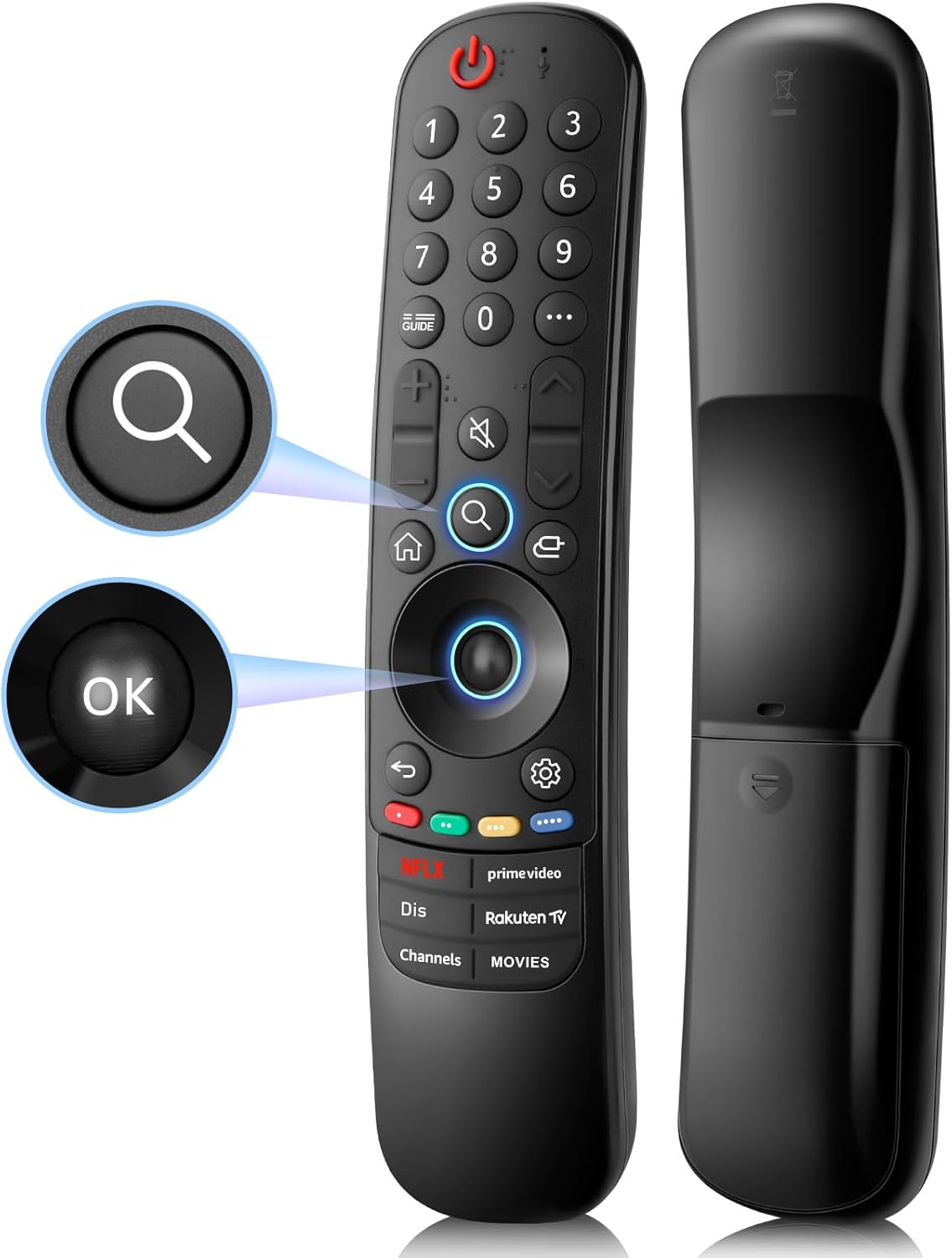
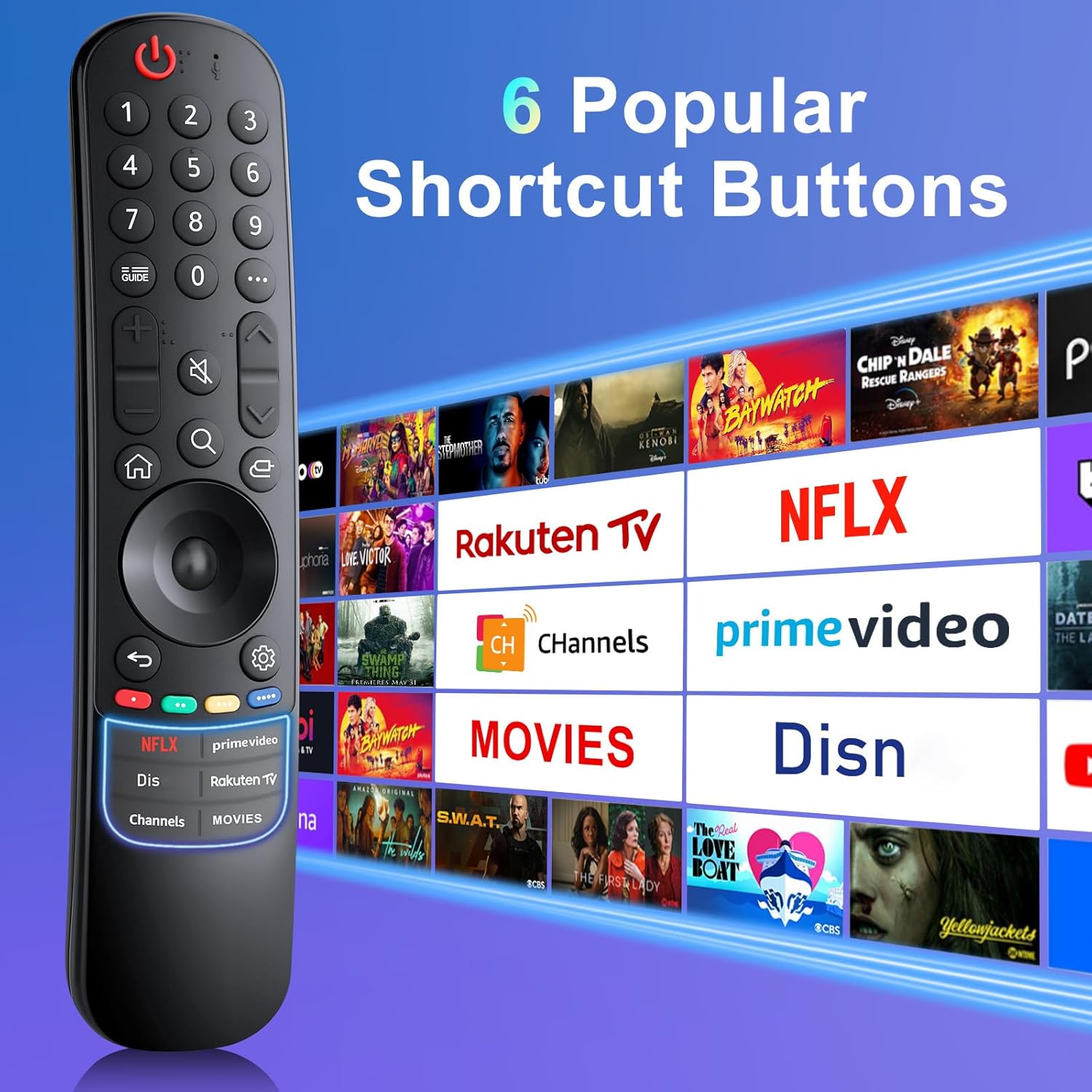
The remote covers many recent LG TV series across OLED, QNED and NanoCell ranges. It does not include voice control, a pointer or a microphone, so it keeps interaction tactile and simple. The upgraded layout includes six direct-access buttons labelled for common services, which can speed up getting to streaming and catch-up content. 🎯
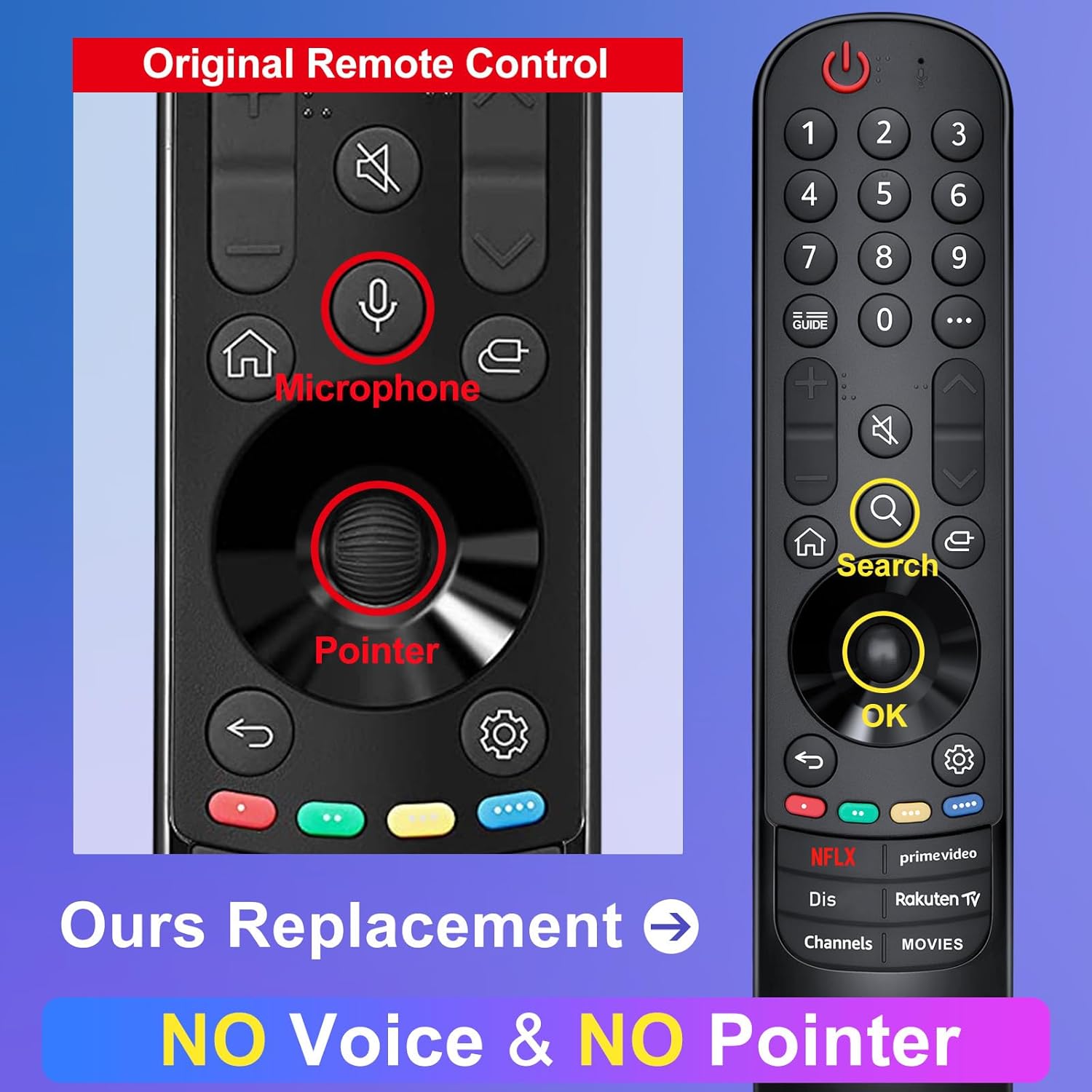
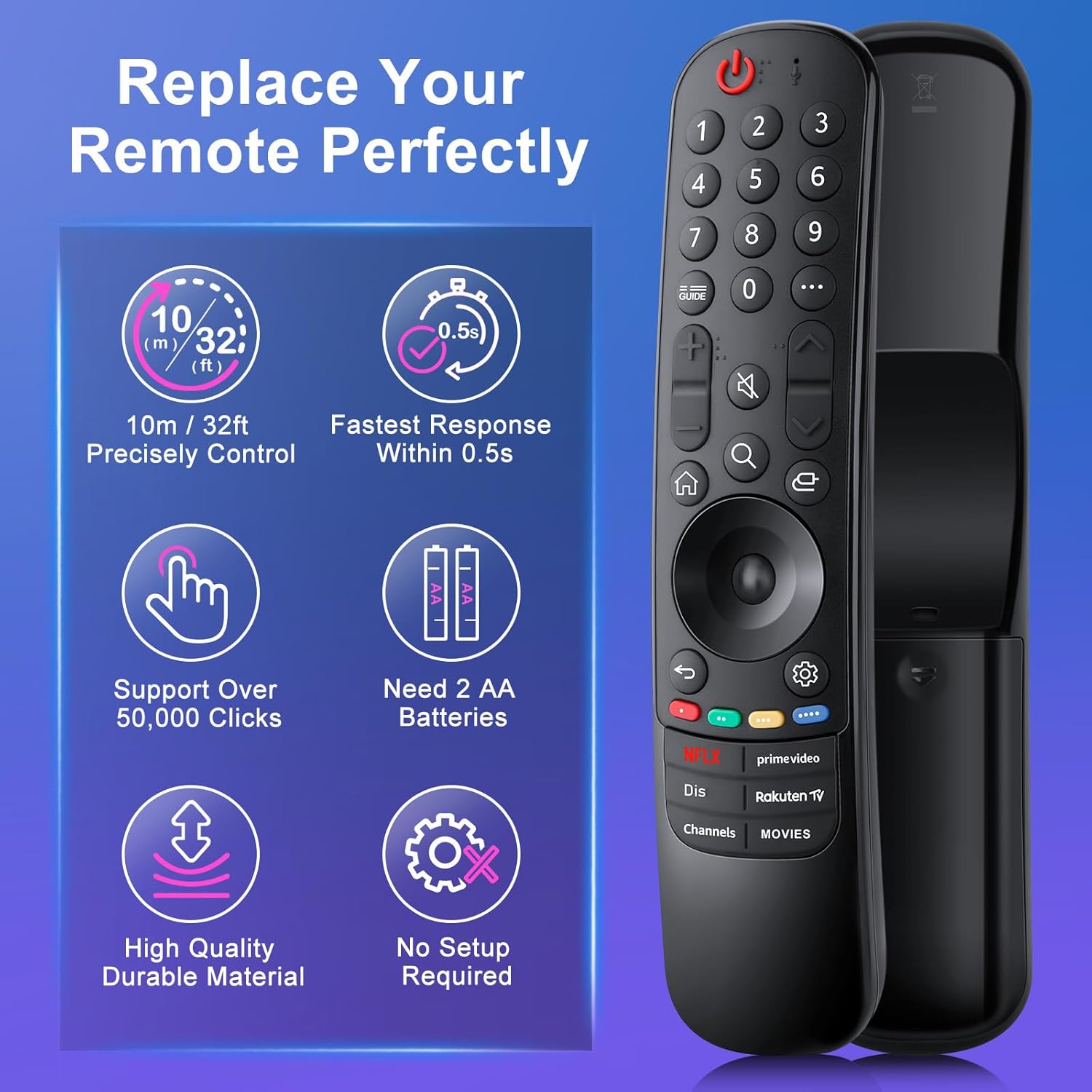
Range and responsiveness are convenient for living rooms and medium-sized spaces, with an effective distance of about 40 feet according to the manufacturer. Batteries are required to operate, and the unit arrives ready to work once you insert two AA cells. 🔋
Benefits
This handset removes the complexity of learning a universal code or pairing process, since it claims to work without programming for compatible LG models. The omission of voice and pointer features reduces potential compatibility issues with some TV software updates, and the dedicated app buttons make launching entertainment a single press. For users who prefer a traditional remote layout, the keys are easy to find in low light and during fast channel changes. 📺
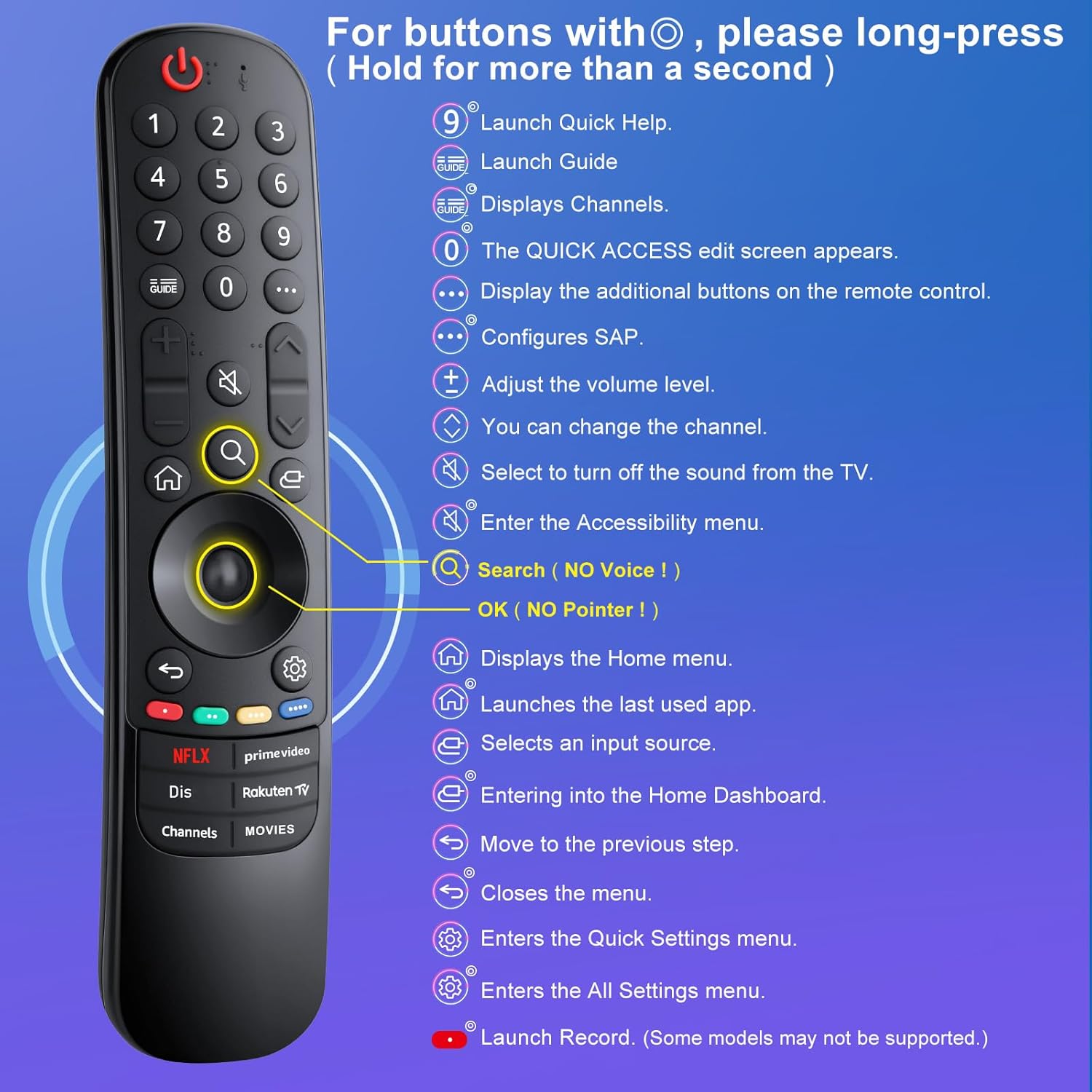
Consider that the lack of voice input means you cannot use spoken search or assistant features with this remote. Also note that batteries and a printed manual are not included in the package.
Technical Specifications
- Name: Loutoc Replacement Remote for LG-Smart-TV-Remote
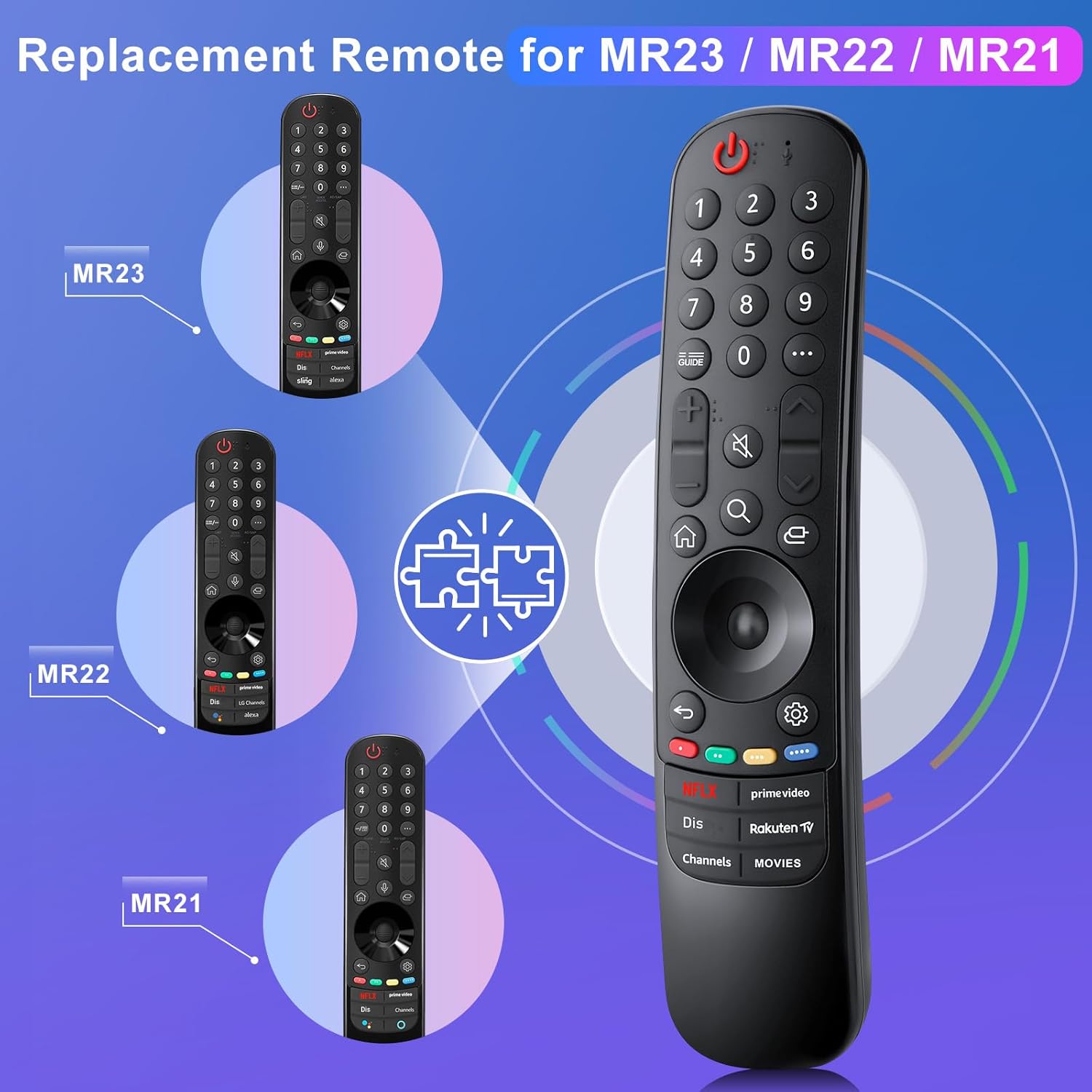
- Compatibility: LG OLED, QNED and NanoCell 4K series (detailed model lists include MR23, MR22, MR21 families and many UQ, UP, TQ, Nano and QNED series)
- Power: 2 x AA batteries required, not included
- Range: Works up to approximately 12 m (40 feet) according to the manufacturer
- Special buttons: - 6 direct-access keys for popular streaming services
- Exclusions: - No voice control, no pointer, no microphone
Usage Recommendations
Insert two AA batteries and point the remote at the TV sensor to start using it. For best performance, keep a clear line of sight between the handset and the TV infrared receiver. If your set is listed among the compatible models, operation should be immediate without additional setup. If a handset appears defective on arrival, contact the seller for support before leaving feedback, as post-sale assistance is provided.