

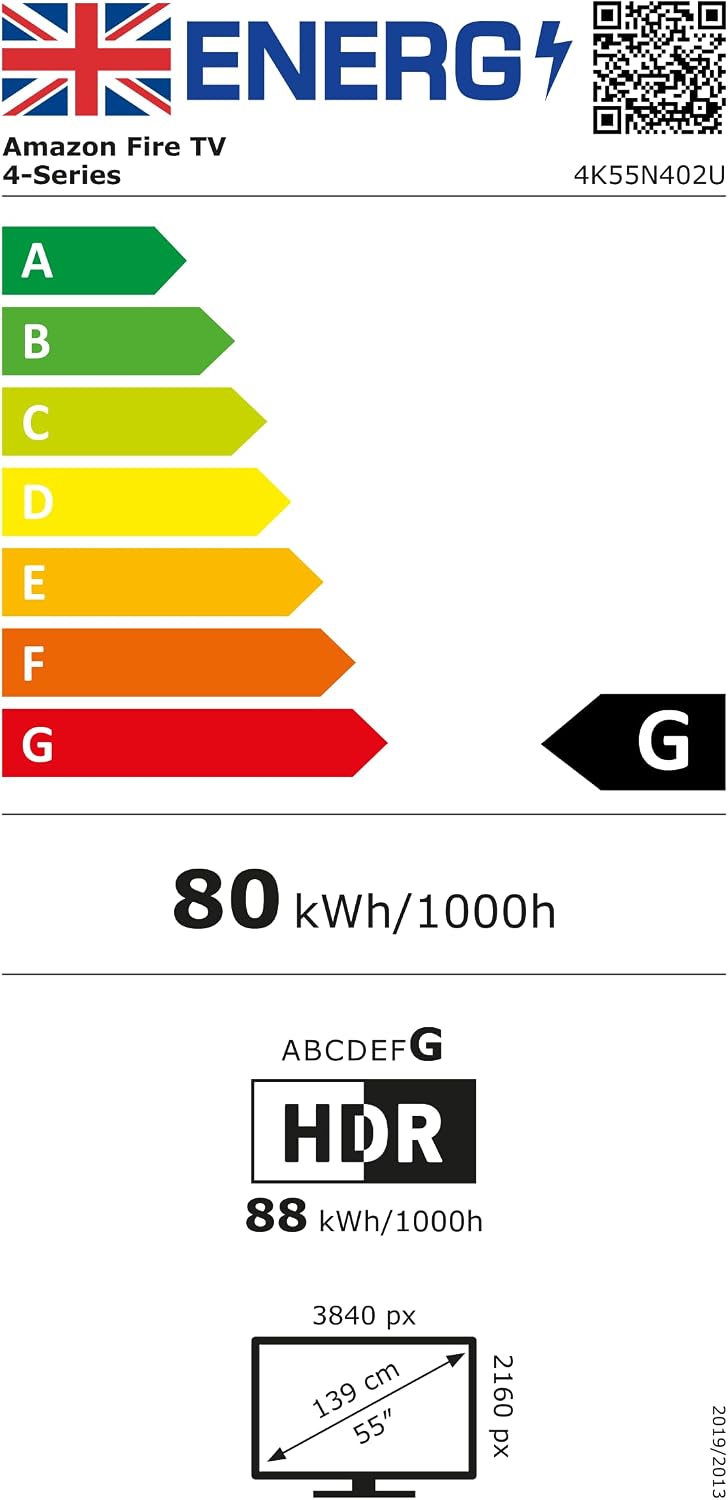
Amazon Fire TV 55" 4-Series (newest gen) 4K Ultra HD smart TV with Alexa Voice Remote
Product description
The essentials
If you want a modern 55-inch TV that feels responsive, the amazon Fire TV 4-Series is built around that idea. It pairs 4K Ultra HD with HDR10+ for punchier contrast and a brighter look on paper, and it leans heavily on speed: apps should open quickly and the screen should stay smooth thanks to a quad-core processor and Wi‑Fi 6 support.
It’s not trying to be the most feature-heavy TV around. Instead, it’s more of a practical “get on with it” smart TV—good if you mainly watch streaming, enjoy free and live TV, and like the convenience of controlling everything through a dedicated Alexa remote.
What it’s for (and what you’ll actually use it for)
This Fire TV setup is designed for everyday viewing: switching between apps, finding something to watch fast, and keeping the experience snappy when you move around the interface.
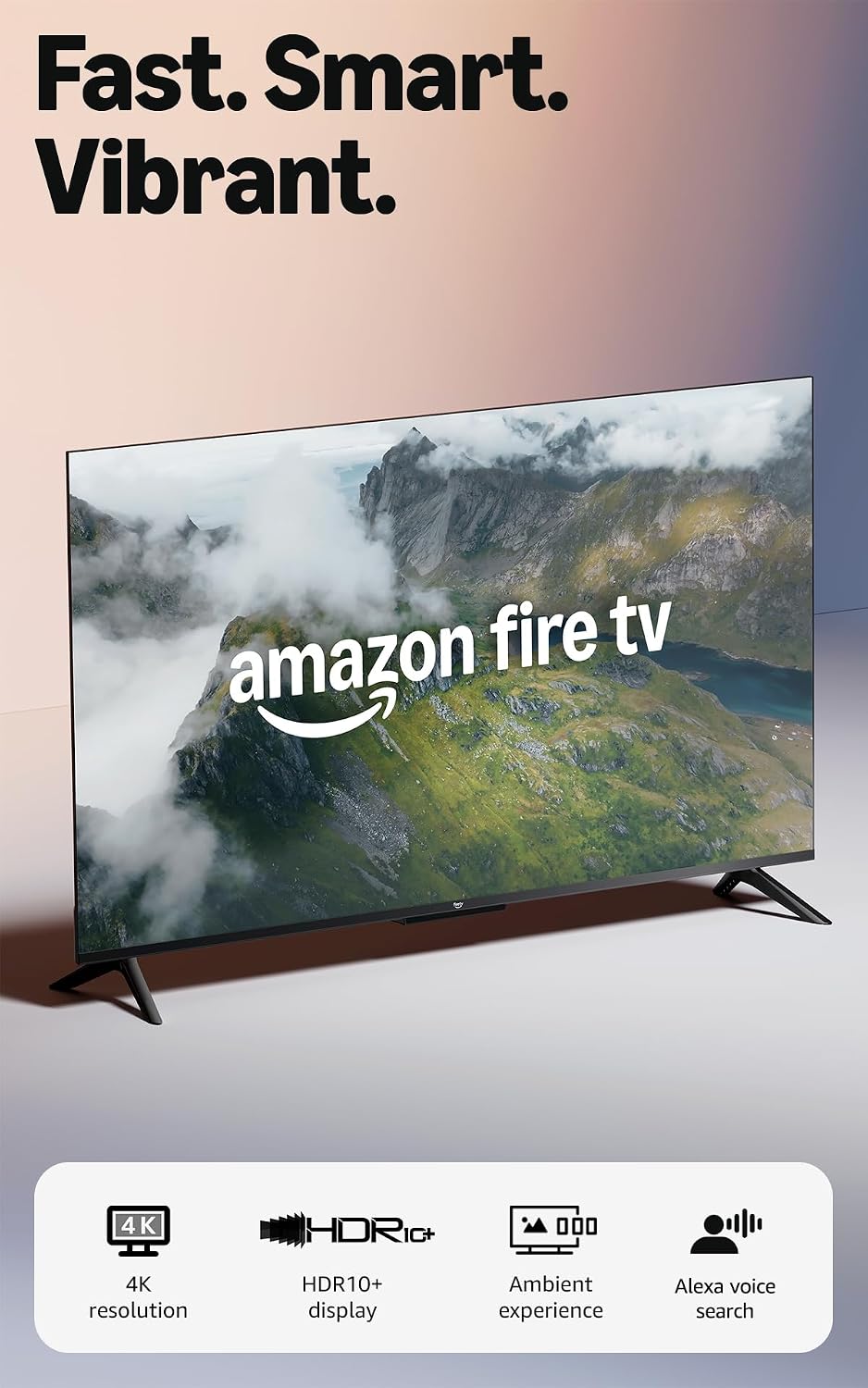
A typical use case looks like this: you come in, the display can wake when you enter thanks to built-in sensors (Omnisense technology), shows your preferred artwork, and you can start watching quickly without digging through menus. Later, when the family settles in, you can use the preset buttons on the Alexa Voice Remote to jump into your go-to apps, then adjust audio and content with the one-remote approach.
For gaming, it points you towards free games via the Appstore and also cloud streaming options through Amazon Luna, but whether that suits you depends quite a lot on what you play and how much you care about dedicated gaming features.
Where it stands out
A few elements are clearly meant to improve day-to-day viewing rather than just list specs.
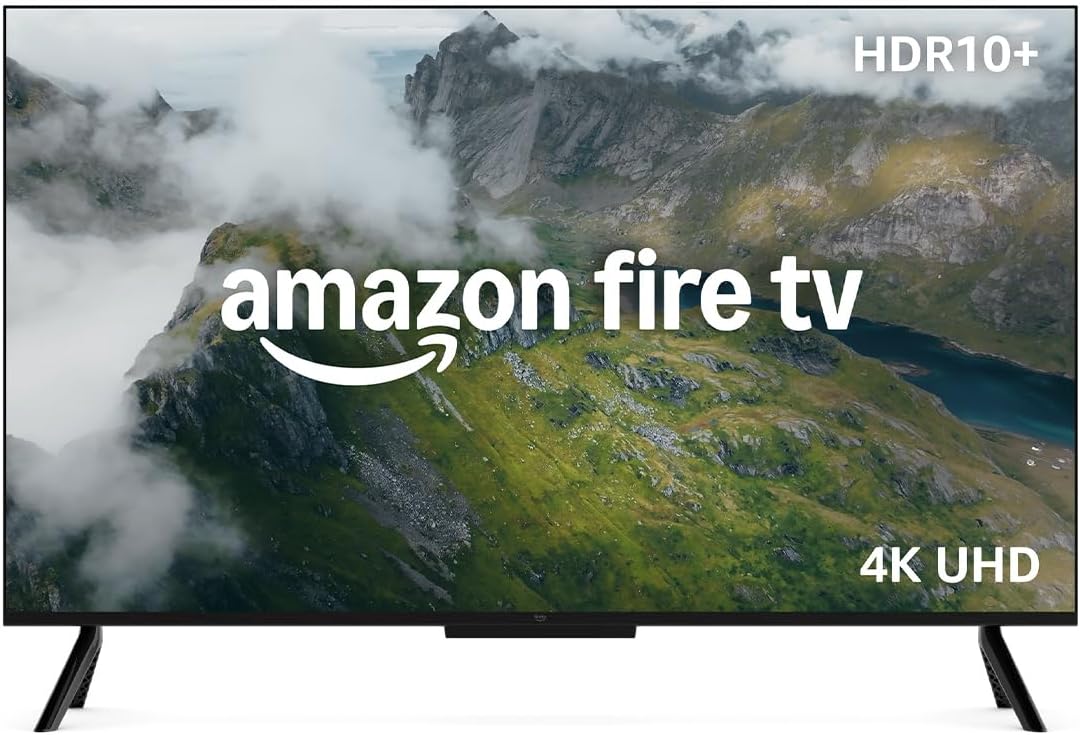
First, the picture and contrast angle: 4K Ultra HD combined with HDR10+ and “enhanced brightness” is positioned as keeping details looking clear even in darker scenes. That’s the sort of improvement you notice when you watch films or shows with a lot of shadows.
Second, speed and connectivity: Wi‑Fi 6 plus a quad-core processor is the “fast response” story here. On a good day, that means less waiting for app loading and quicker switching.
Third, the audio and convenience package: Dolby Audio is included, and there’s a straightforward approach to connecting your kit. With four HDMI inputs, you have room for a soundbar, consoles and other devices without immediately needing extra switching boxes.
Tech details that matter (without getting lost)
It’s a 55" smart TV in the Fire TV 4-Series line with a 4K Ultra HD display and HDR10+. The remote is the Fire TV Alexa Voice Remote, and the TV includes Ambient Experience. It also supports AirPlay for sharing content from compatible devices.
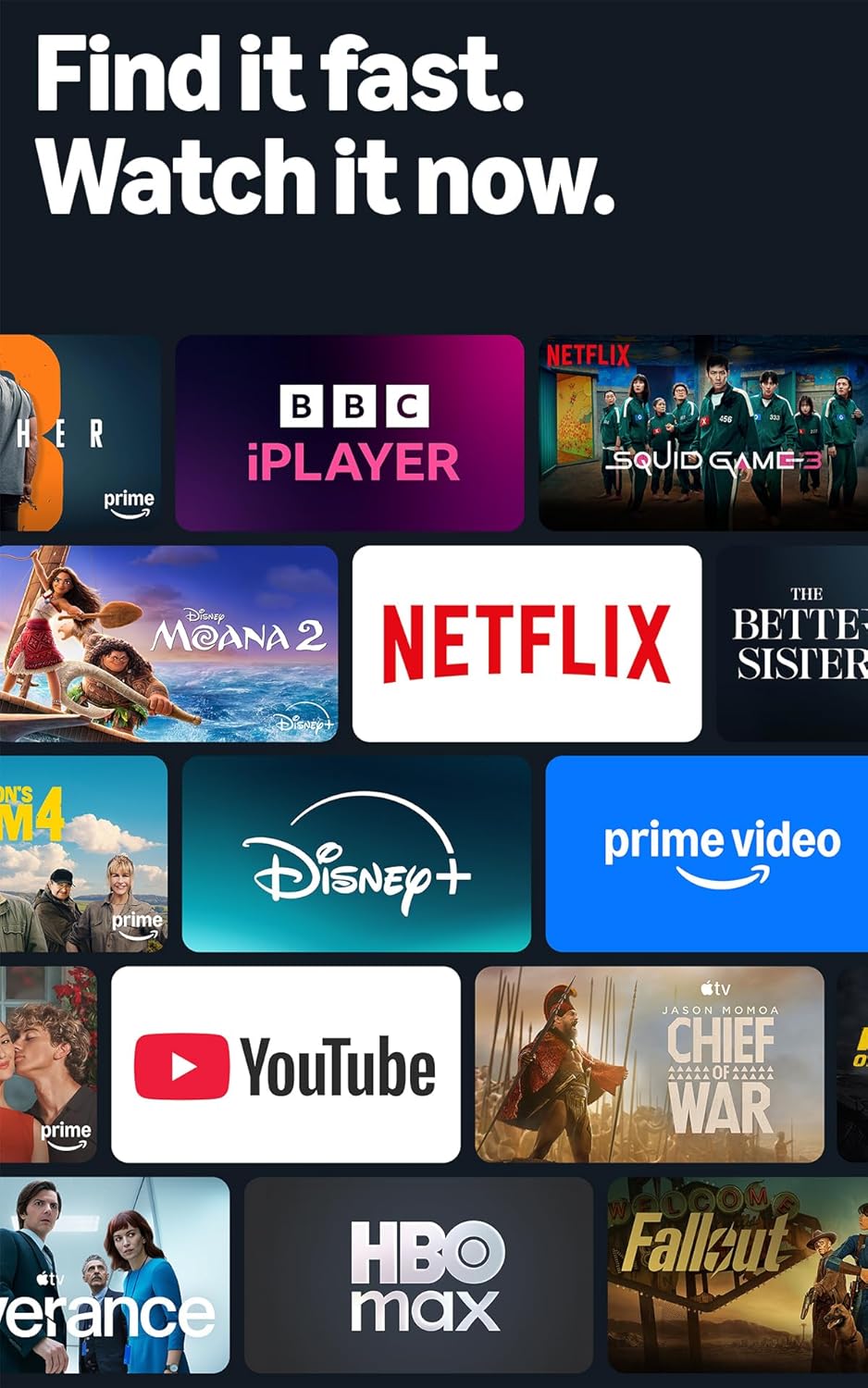
For the smart side, you get access to movies and TV episodes via the Fire TV interface, with hundreds of thousands of titles and thousands of free episodes available (subscriptions fees may apply). It also includes free and live TV.

Potential limits to keep in mind
Not every buyer needs all the “smart TV” extras, but here’s where you might feel it’s not the top-end option.
- If you’re very picky about top-tier picture processing or advanced audio performance, this set sits in a more mainstream, performance-for-its-class lane based on what’s described. You may find higher-end alternatives go further in refinement.
- For gaming, the mention of free app games and cloud streaming (Amazon Luna) suggests a convenience-first approach. If you’re expecting a deeply optimised console-style experience with the most advanced gaming features, you may need to double-check what’s available for your exact gaming setup.
- While “instantly on” behaviour via Omnisense sensors sounds great, it still depends on your room layout and how often it will detect when you walk in.

Quick buying checklist before you commit
Before buying, it’s worth checking the basics so it fits your home rather than just the product description.
- Measure where the TV will go and confirm the 55" size works for your viewing distance.
- If you already have devices (soundbar, games consoles), make sure you’re happy with the four HDMI inputs and plan how you’ll connect everything.
- Think about your streaming habits: if you mainly use Fire TV apps and want free and live TV, this aligns well.
- If you rely on AirPlay, confirm you have compatible devices you’d actually use for sharing.
Final verdict
Is it worth it?
This Fire TV 55" 4-Series makes the most sense if you want a responsive, everyday smart TV with 4K Ultra HD, HDR10+ support, Dolby Audio, and an Alexa Voice Remote built around quick access.
It’s a sensible pick if you watch a mix of streaming and free/live content, want fast app loading (Wi‑Fi 6 plus quad-core processor), and like the idea of the display reacting when you enter the room.
You may want to skip it if you’re chasing premium, cutting-edge picture/audio performance above all else, or if your gaming needs are highly specific and you expect the TV to be tuned for that first.
Mini FAQ

Does it include a voice remote?
Yes. It comes with the Fire TV Alexa Voice Remote, with preset buttons intended to get you to your favourite apps faster.
Is there free content?
Yes—there are thousands of episodes of free content mentioned, and there is also free and live TV. Subscriptions fees may apply for some titles.
How does AirPlay work here?
The TV supports AirPlay to share content from compatible devices.
How many HDMI connections does it have?
It has four HDMI inputs for connecting a soundbar, gaming consoles and more.
What’s Omnisense?
It’s part of the Ambient Experience concept: the built-in sensors can wake the display when you enter, showing artwork or helping you start watching quickly.