

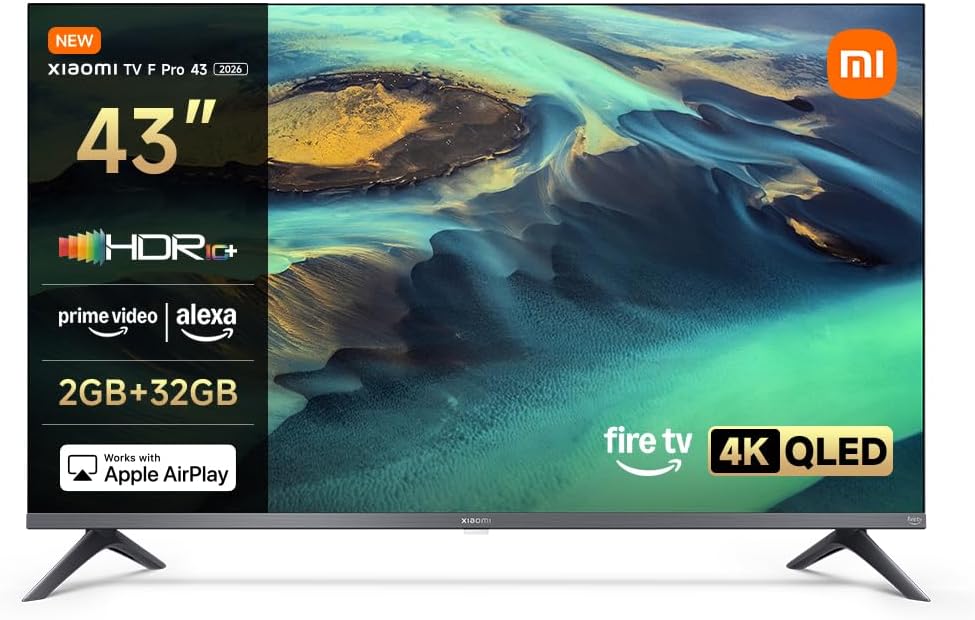
Xiaomi TV F Pro 43" QLED 4K Smart TV with Fire TV, HDR10+, Alexa and Apple AirPlay
Product description
The essentials
If you’re shopping for a 43-inch 4K smart TV that leans into vivid picture performance and simple streaming, the Xiaomi TV F Pro 43” makes a clear case for itself on paper. It pairs QLED-style colour performance with a 4K HDR10+ feature set, then wraps it up with Fire TV for app access and Alexa for voice control. The key question is whether this approach fits your viewing habits—especially if you stream regularly and you like controlling things without juggling menus.
It’s also the sort of TV that tends to suit everyday households: evening programmes, weekend films, and casual sports or family viewing where “good enough fast” matters. Not everything is guaranteed—any TV can disappoint if you expect top-tier motion handling or the absolute deepest blacks in every lighting condition—but this one is built for mainstream streaming and a punchy HDR look.
Worth noting: the spec highlights QLED, 4K and HDR10+, yet the real-world experience will still depend on your room lighting and viewing distance.
What stands out in everyday use
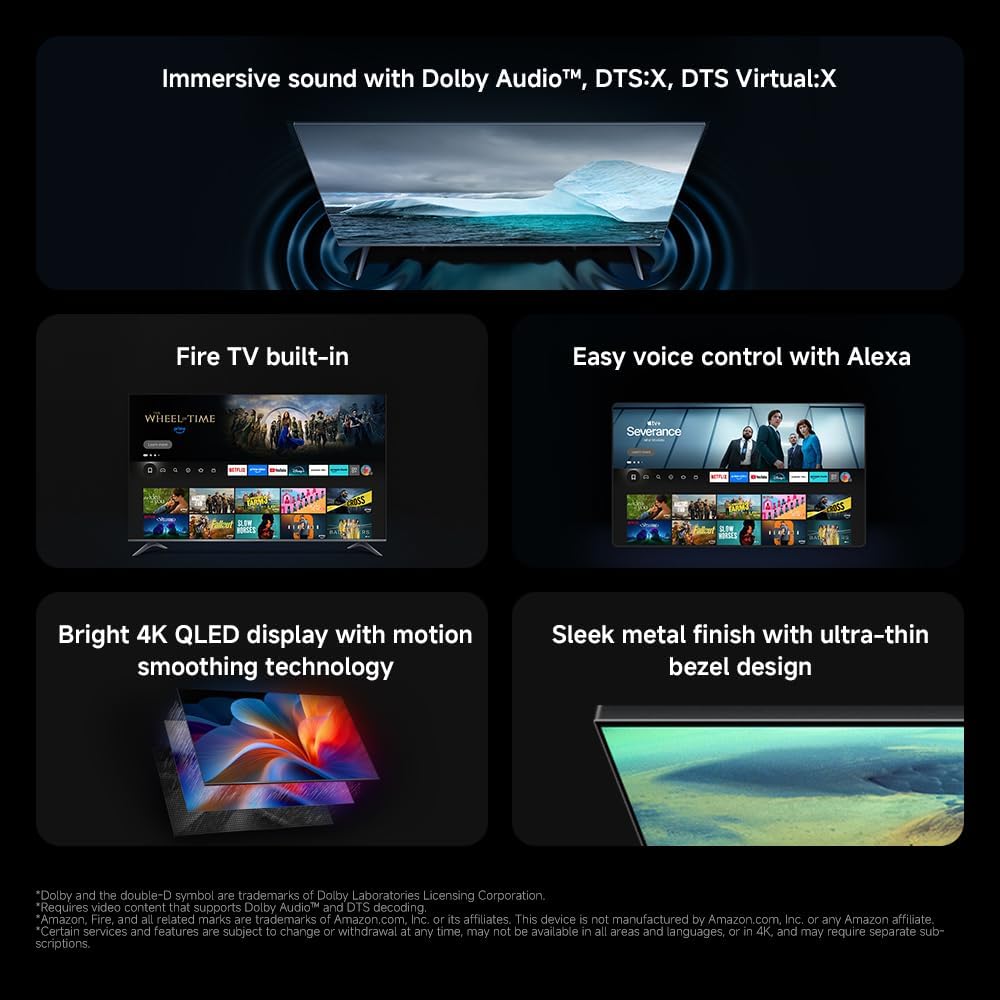
The practical advantage here is Fire TV. On paper, it’s designed to get you into apps quickly and keep navigation straightforward, with the promise of personalised recommendations. So instead of hunting around, you’re meant to spend more time watching and less time searching.
Alexa voice control also targets a common pain point: endless scrolling. The idea is that you can press an Alexa button on the remote and use your voice to find content or adjust things like volume and channels. That’s handy if you often co-watch with others, or if you just don’t want to type search queries.
And if your household includes Apple devices, Apple AirPlay is the feature that can save you from extra boxes. It’s positioned as an easy way to stream from an iPhone, iPad or Mac straight to the TV, including wirelessly mirroring your screen.
For a micro example: imagine you’ve got photos on your iPhone. With AirPlay, you can bring them up on the TV without fiddling with cables, then switch to a video or a presentation from the same device.
Picture and HDR approach (QLED + 4K + HDR10+)
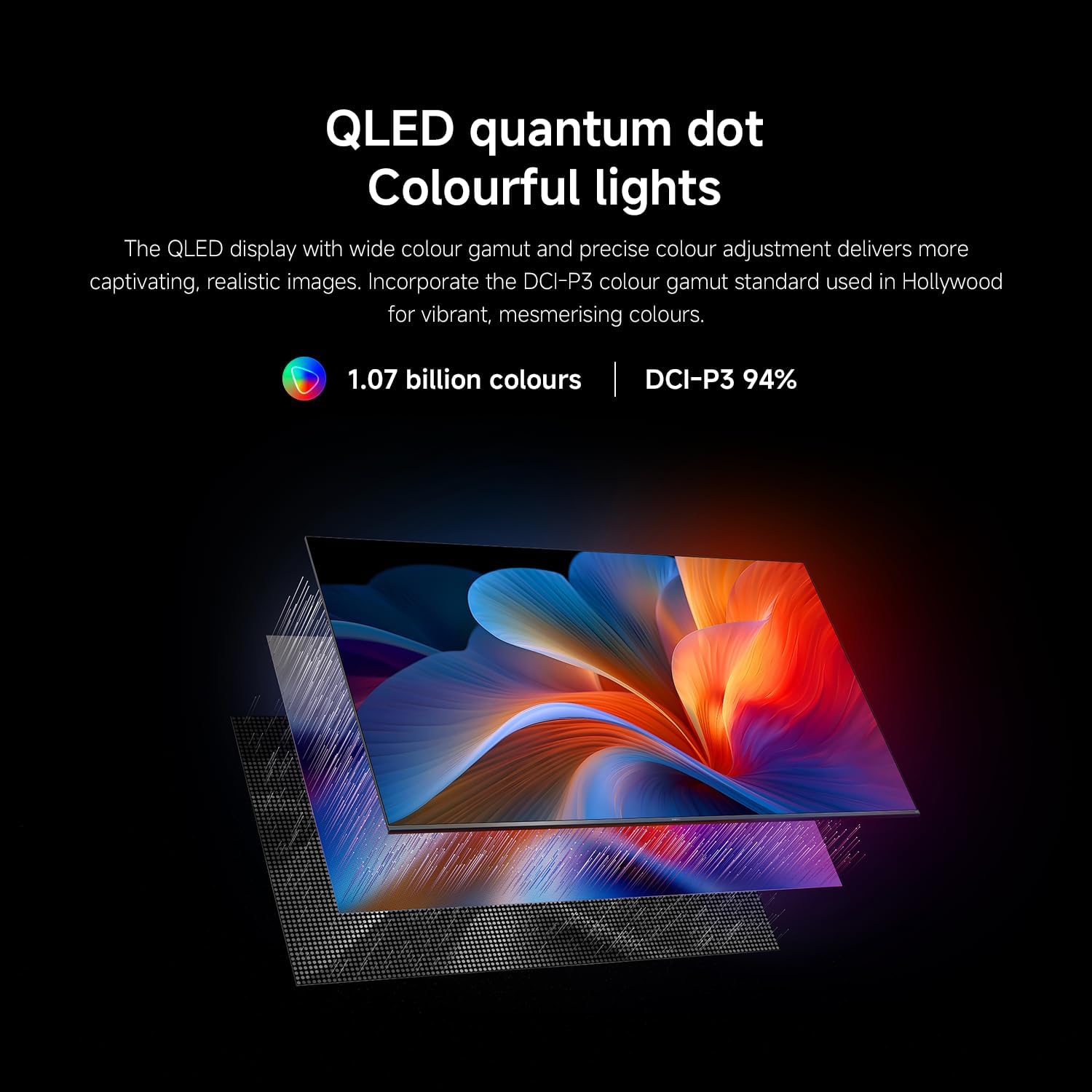
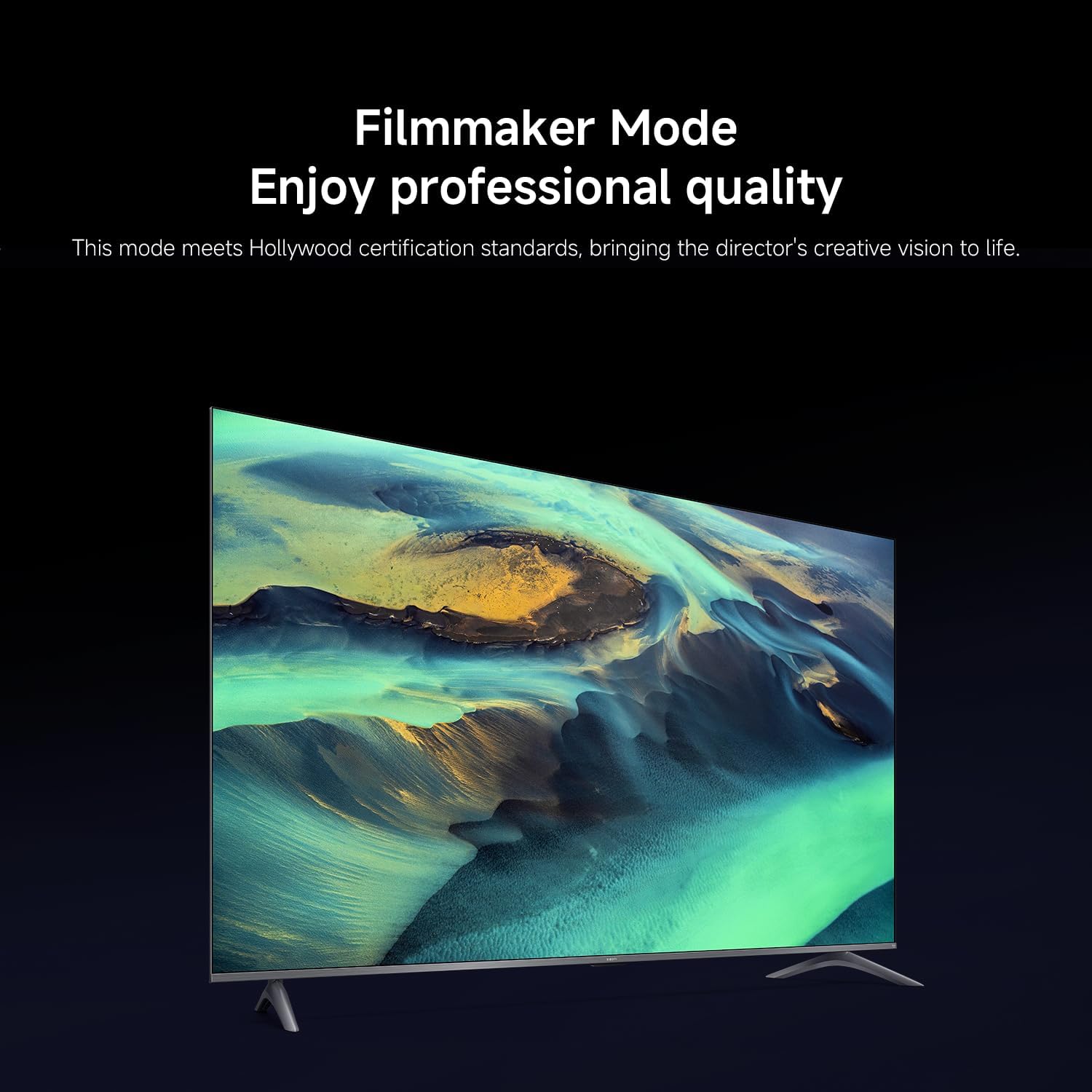
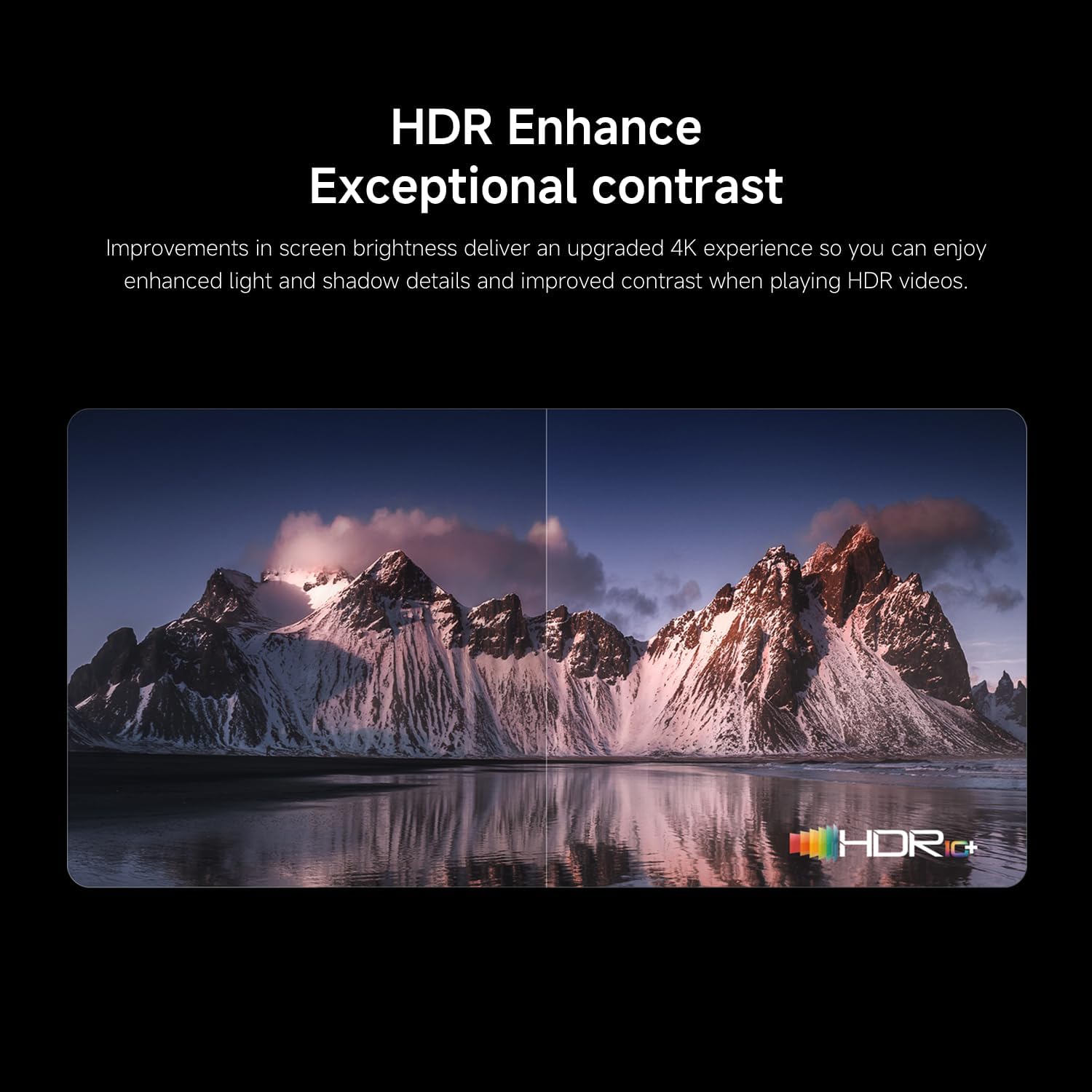
The TV’s display pitch is built around QLED technology and 4K UHD. QLED is marketed as delivering vibrant colours, stronger contrast and clear detail, with quantum dot tech described as producing over a billion true-to-life colours. In HDR mode, HDR10+ is presented as something that dynamically adjusts brightness and contrast scene-by-scene.
What that means in practice, in plain terms: you can expect a more “alive” HDR presentation than a basic 4K set, particularly for content mastered with HDR10+. It’s aiming for deeper blacks, brighter highlights and more lifelike colours.
However, keep expectations realistic. QLED and HDR features usually improve the look significantly for supported content, but they don’t automatically cancel out reflections from bright rooms. If your TV sits opposite a strong window, you may still want to manage glare rather than assume the tech will handle everything.
Tech summary you’ll actually care about
- QLED TV for vibrant colour and contrast, using quantum dot technology
- 4K UHD resolution for sharper detail
- HDR10+ for dynamic brightness/contrast by scene
- Fire TV smart platform for streaming and app access
- Alexa voice control via the remote
- Apple AirPlay support for streaming and mirroring
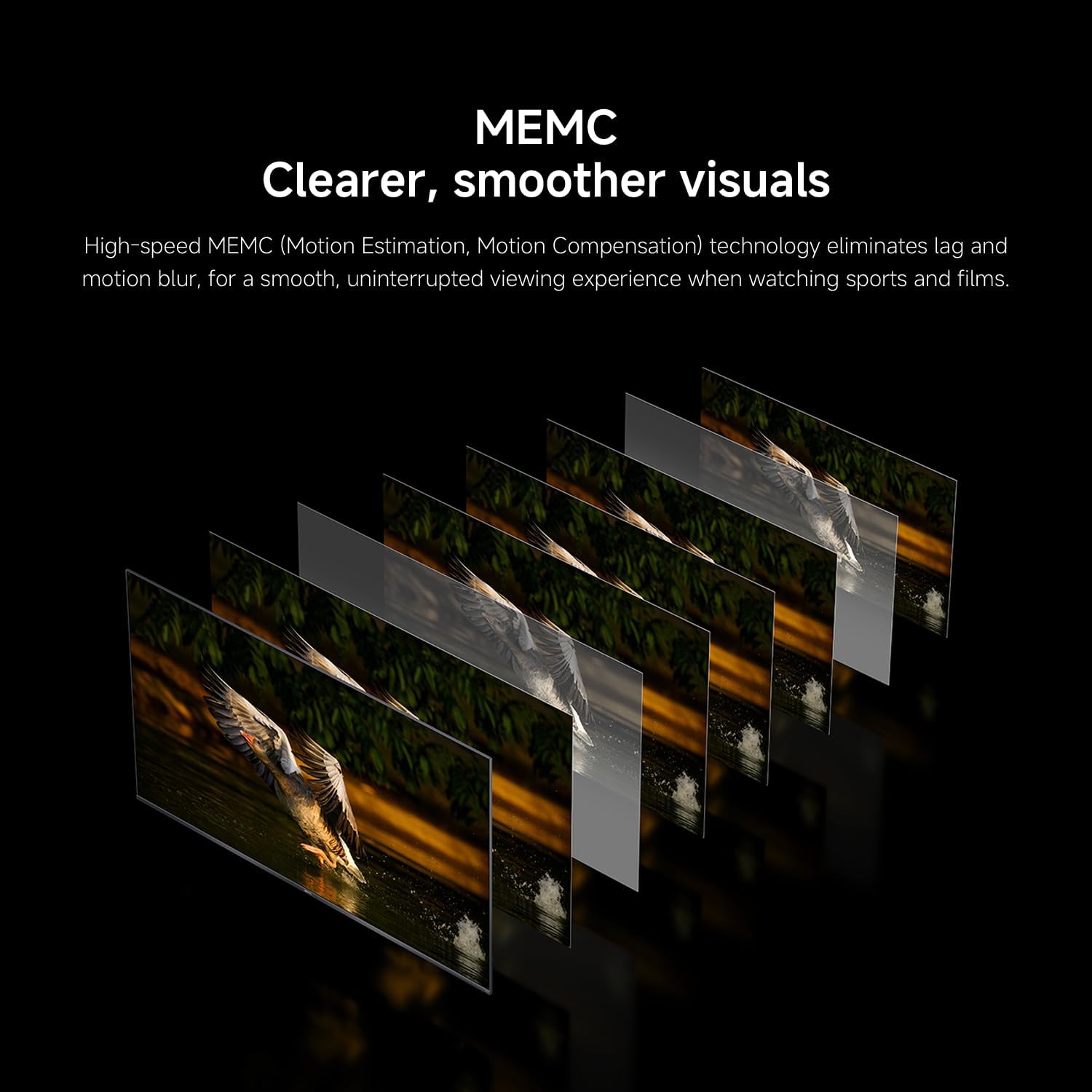
- MEMC listed in the feature set, aimed at improving motion handling
- 2GB + 32GB storage/memory combination mentioned in the listing
One more practical thing: the smart side matters as much as the panel. With 2GB/32GB noted, it’s set up for typical app use and everyday streaming, but it may feel less “future-proof” if you plan to load lots of apps and keep them all active.
Who it suits, and who should be cautious
It’s a good fit if you primarily watch streaming services, want a TV that’s quick to operate with Fire TV, and you value voice search rather than constant remote typing. It also suits Apple users who want AirPlay for quick sharing from iPhone/iPad/Mac.
It may not be the best match if you’re extremely sensitive to motion blur in fast action, or if you’re buying mainly for a dark-room cinema experience where you want the deepest blacks possible. The listing mentions MEMC and HDR, but “perfect” performance in every scenario isn’t something you can assume without seeing the TV.
If you’re choosing between a more basic smart TV and this model, the pitch here is that you’re paying for a better picture approach (QLED + HDR10+) and a smarter, easier interface (Fire TV + voice + AirPlay). If you don’t use those smart features much, the extra picture spend might not feel as justified.
Care & maintenance
This is a straightforward home TV, but QLED screens and HDR viewing are still about keeping the panel clear. Wipe the screen gently with a suitable microfibre cloth and avoid harsh cleaners. For best results, try to place or use the TV in a way that reduces glare—big difference for contrast-heavy content.
Also, because it’s a smart TV with streaming apps, it’s worth keeping its software updated when prompted, so you benefit from app performance and stability improvements.
Final verdict
Is it worth it?

The Xiaomi TV F Pro 43” looks like a sensible buying choice if your priority is an easy streaming experience (Fire TV), voice control (Alexa), and quick Apple device sharing (AirPlay), alongside a more colourful 4K HDR picture using QLED and HDR10+. It’s the kind of 43-inch TV that should work well for family living rooms and everyday viewing.
You may want to skip it if you’re buying mainly for specialist viewing conditions—like very dark cinema nights—or if you’re expecting top-end motion performance to impress on the most demanding sports or gaming scenarios. On paper, it’s more of a strong mainstream smart TV with an “immersive picture” focus than a no-compromise enthusiast display.
Quick FAQs
Can I stream from an iPhone or mirror my screen?
Yes. The listing says it works with Apple AirPlay, which is meant to stream content from iPhone, iPad or Mac and also mirror your screen wirelessly.
Does it support voice control?
It includes Alexa Voice Control, with the ability to use your voice after pressing the Alexa button on the remote.
Is HDR10+ supported?
Yes, HDR10+ is listed, with dynamic adjustment of brightness and contrast by scene.
What streaming platform does it use?
It uses Fire TV, with access to a large number of apps from a home screen, including major services mentioned in the description.
Does it have motion enhancement?
MEMC is listed in the features, which typically indicates an attempt to improve motion handling for fast scenes.