

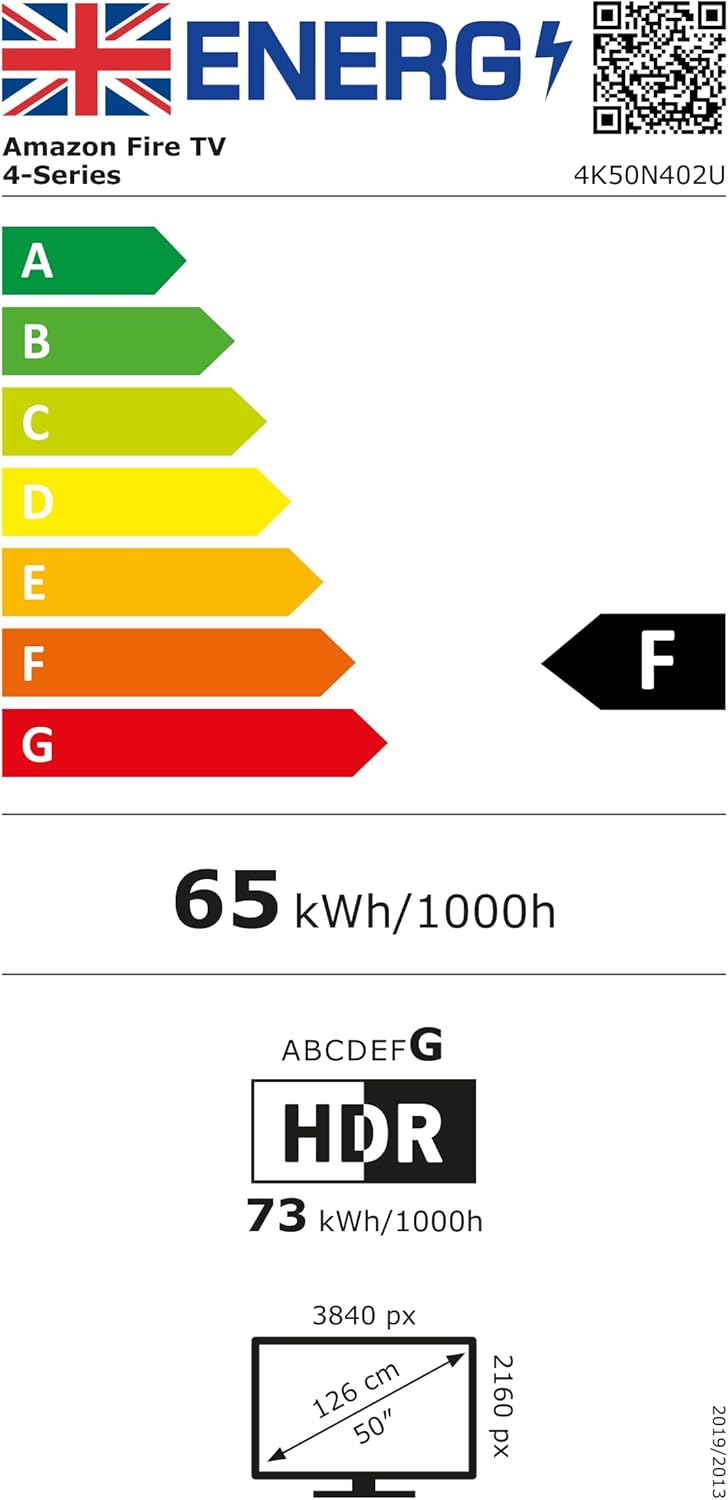
Amazon Fire TV 50" 4-Series (newest gen) 4K Ultra HD smart TV with Alexa Remote
Reviews
Price
Product description
The essentials
If you’re shopping for a 50" smart TV that feels quick and straightforward, the amazon Fire TV 4-Series (newest gen) is built around that idea. On paper, it leans into a smooth day-to-day experience: 4K Ultra HD with HDR10+, faster app loading, and an Alexa Voice Remote designed to get you to what you want without too much hunting.
The picture side is aimed at everyday viewing rather than demanding calibration. With HDR10+ and improved contrast, it’s meant to keep detail looking decent even in darker scenes. Brightness is also mentioned as enhanced, which matters if your living room gets a fair amount of daylight.
And then there’s the “life with a TV” stuff: it has built-in sensors for an Instant On experience (it can wake when you’re around and show artwork or start you watching), plus fast connections with four HDMI inputs. If you want a smart TV that stays responsive, this one is clearly trying to earn its keep in the background rather than just on a spec sheet.
What matters most day to day
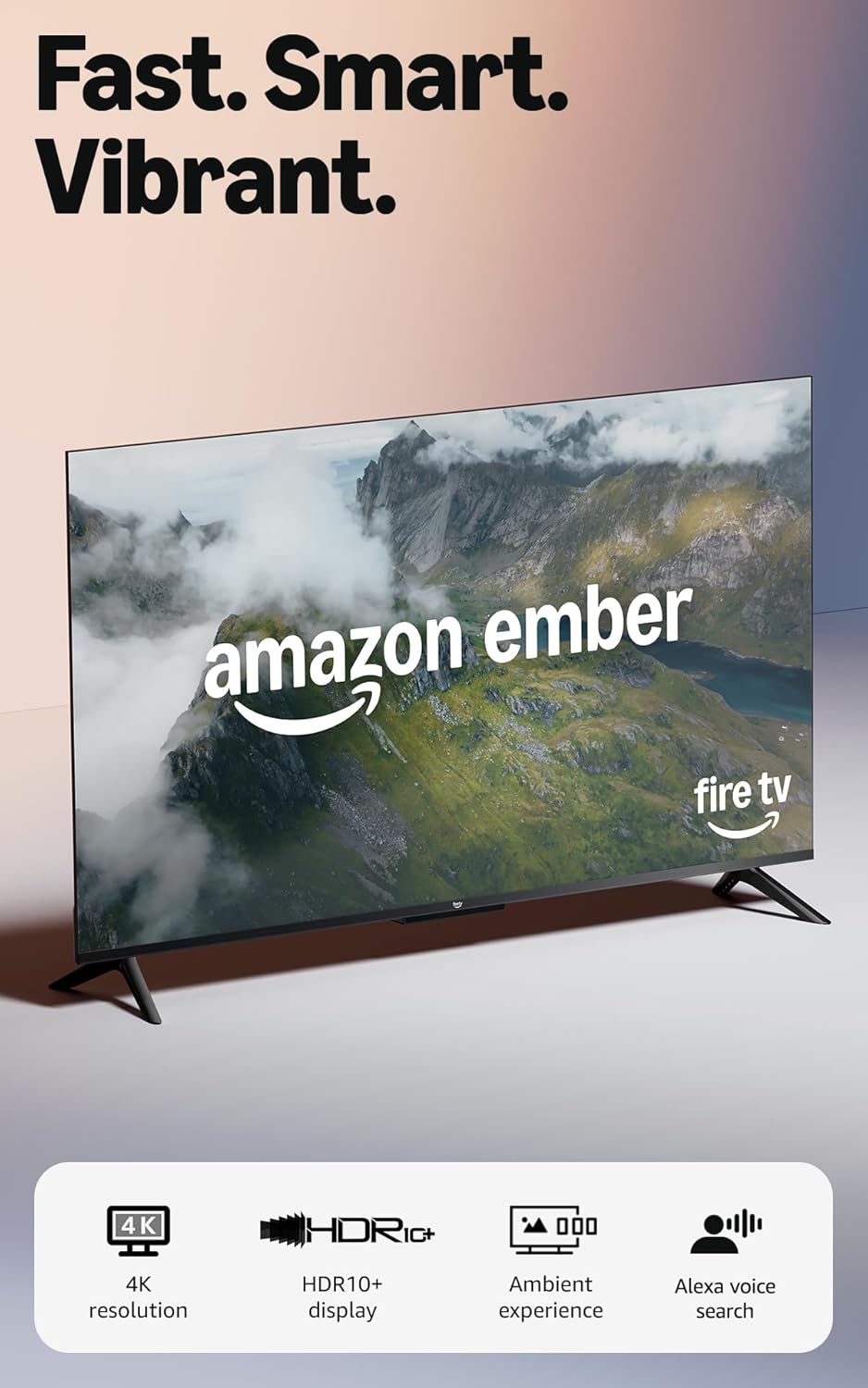
The practical selling point here is speed. Amazon calls out a quad-core processor and Wi‑Fi 6, specifically for apps opening and loading fast, with a smoother picture. That’s exactly what people tend to notice over time: menus that don’t feel laggy, streaming apps that launch quickly, and fewer moments of “why is it taking so long?”.
For sound, it includes Dolby Audio and positions the audio as “clear”, which is useful if you don’t plan to run a separate sound system straight away. Not everyone is chasing a full home cinema setup, so it’s good to see audio included as part of the main idea.
The gaming story is fairly modern for this class too. You can download free games from the Appstore, and there’s also cloud gaming via Amazon Luna (streaming). If you mainly play casual stuff or want the option without buying extra hardware, the direction makes sense.
Picture and viewing experience (where HDR10+ shows up)
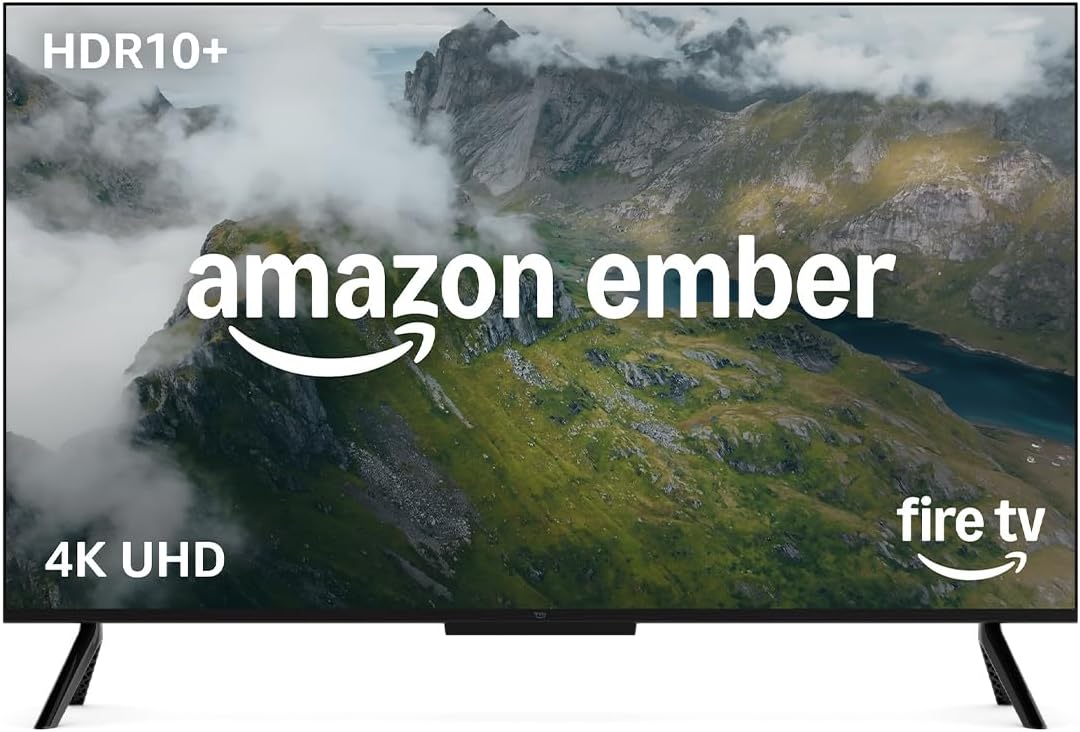
This Fire TV 4-Series is pitched as a “vivid views” upgrade thanks to 4K Ultra HD, enhanced brightness and HDR10+. HDR10+ is included, and the goal is brighter, crisper visuals with improved contrast. Over a normal evening—films, box sets, and sports highlights—you’ll generally notice the benefit in how highlights and darker areas are handled.
One limitation to keep in mind: the input info doesn’t spell out things like panel type, peak brightness numbers, or specific gaming performance measures. So while the concept is clear, you may want to read more reviews or confirm display behaviour if you’re particularly sensitive to motion handling, blooming, or low-light performance.
Connections and everyday setup
If you’re connecting more than one device, four HDMI inputs can be a big deal. The product mentions connecting a soundbar, gaming consoles and more, which is exactly the sort of setup most households end up with.
It also supports AirPlay to share content from compatible devices to your TV. That’s a handy feature if you’ve got friends or family who switch between phones/tablets and want to cast without fiddling.
For the remote, the Fire TV Alexa Voice Remote includes preset buttons for quicker access to favourites, and it supports controlling entertainment with a single remote. Again, the focus is convenience and fewer steps.

Who it suits (and who might want to look elsewhere)
It’s a good fit if you want a responsive smart TV experience with 4K Ultra HD and HDR10+ included, plus an Alexa Remote to speed up navigation. It also makes sense if you value practical features like Instant On with built-in sensors and you plan to use several HDMI devices.
It may not suit you if you’re after a very specific “hardcore” display goal—like chasing the best possible cinematic motion or the most accurate HDR experience—because the provided details stay high-level. If your priority is precision viewing performance and you’re choosing around panel characteristics, you may want to compare against models that give more detailed display performance information.

Key takeaways before you buy
Before committing, it’s worth checking:
- How you’ll watch most: streaming apps, live TV, or a mix. The description mentions free and live TV content, but subscription fees may apply for some services.
- Your device setup: four HDMI inputs sound accommodating, but confirm what you actually need plugged in.
- Remote and control expectations: preset buttons and Alexa are central here, so consider whether that style of control works for you.
- AirPlay needs: it’s included, but you’ll want to make sure your devices are compatible in practice.
If you’re coming from a slower smart TV, the Wi‑Fi 6 and quad-core angle is probably the most reassuring part—on everyday use, that’s what tends to make the experience feel less frustrating.
Final verdict
Should you buy it?
Worth considering if you want a 50" 4K smart TV with HDR10+ for bright, crisp viewing, plus a focus on speed (Wi‑Fi 6 and a quad-core processor), and you’d like Alexa control without extra remotes. It also suits people who want convenient features like Instant On with sensors and easy connection options via four HDMI inputs.
Better avoided if your decision is driven by very specific display performance priorities and you don’t want to rely on broad claims without deeper panel details. Also, if cloud gaming and Appstore downloads aren’t on your radar at all, the added features may feel a bit wasted compared with simpler alternatives.
In the end, this looks like a sensible mid-range style choice: not trying to be niche or experimental, just aiming to make streaming, switching inputs, and day-to-day use feel quick.

Mini FAQ
Does it support live TV and free content?
The listing says you can watch free and live TV, and it also mentions thousands of episodes of free content. Some subscriptions fees may apply for other services.
Will the TV wake up when I’m in the room?
It includes built-in sensors for an Instant On experience, designed to wake the display when you enter and either show artwork or start watching quickly.
How do I connect a soundbar and consoles?
It mentions four HDMI inputs, so you should have enough room for common add-ons like a soundbar and gaming consoles.
Is there support for AirPlay?
Yes, AirPlay is mentioned for sharing content from compatible devices.
What remote control options are included?
You get a Fire TV Alexa Voice Remote with preset buttons for fast access to favourite apps, plus Alexa-style voice control for entertainment.