

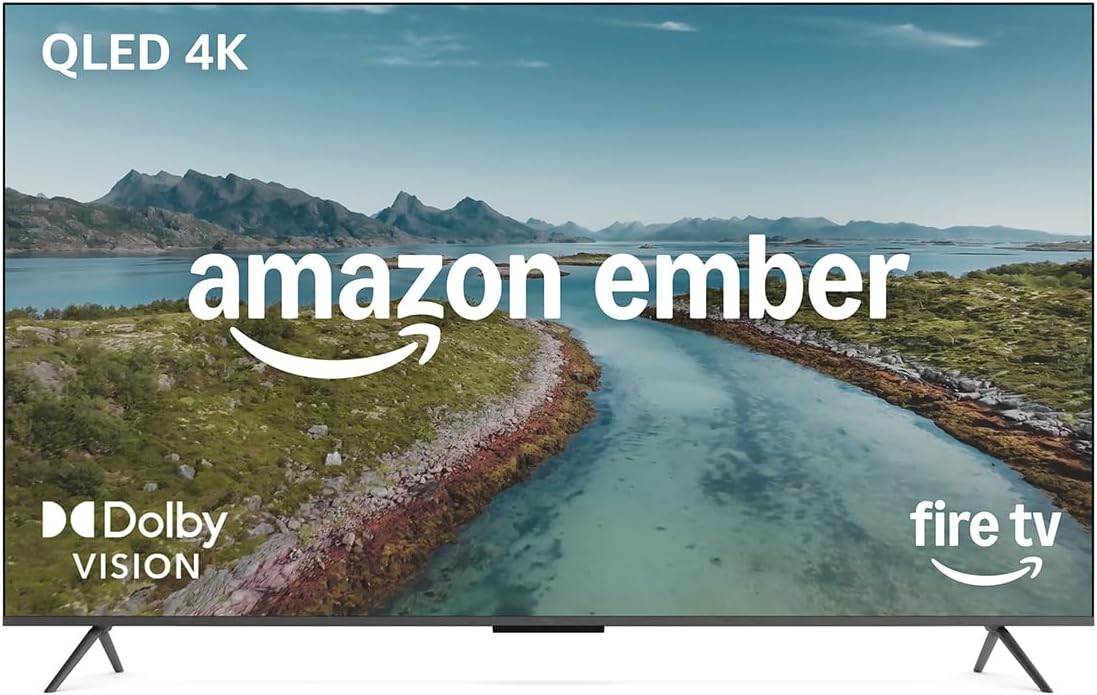
Amazon Fire TV 50" Omni QLED Series (latest gen) 4K smart TV with Alexa hands-free
Product description
What it is and why people buy it
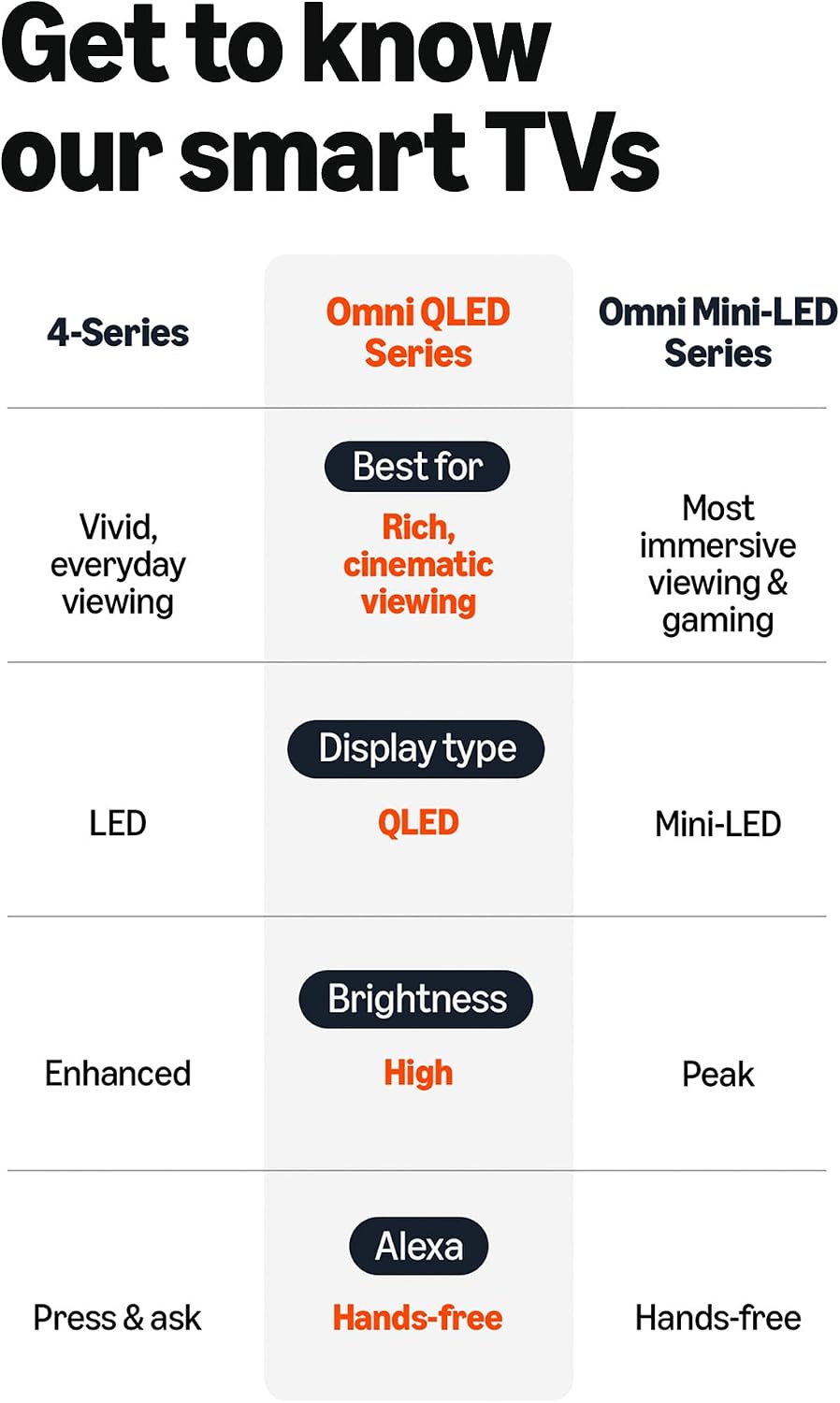
The amazon Fire TV 50" Omni QLED Series is a 50-inch 4K QLED smart TV aimed at everyday viewing: box sets, films, streaming apps and even some gaming. On paper, it leans into a mix of picture tech (QLED plus full-array local dimming, and support for Dolby Vision and HDR10+) and convenience features built around Fire TV and Alexa.
If you’re shopping for a TV that’s meant to feel responsive, not something you wait on, the “quad-core processor” and Wi‑Fi 6 support are there for a reason. The hands-free Alexa angle also matters for real life: you can ask to play content, set timers and more even when the remote isn’t in your hand.
The picture: QLED, full-array dimming, and HDR modes

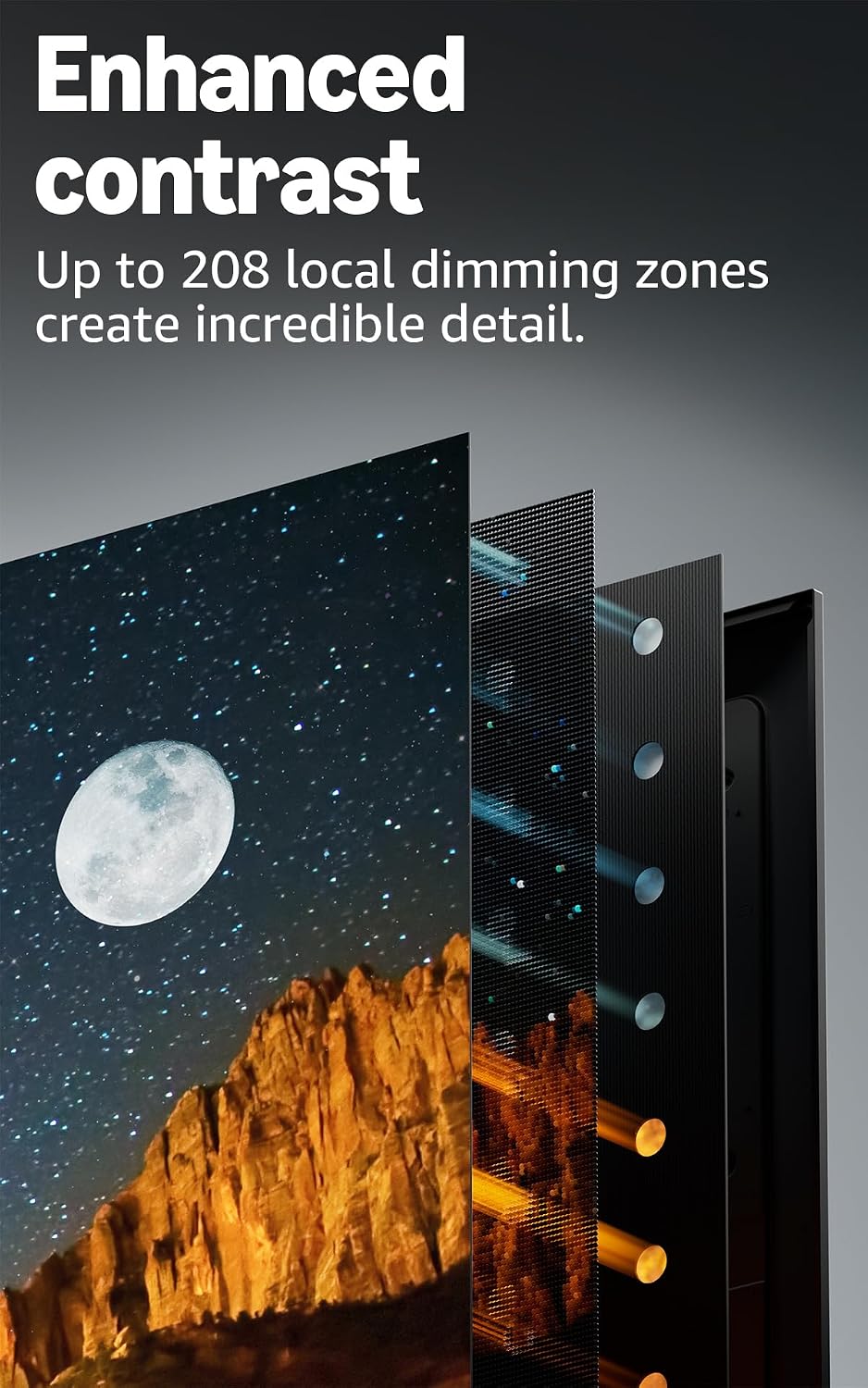
For image quality, the pitch here is fairly specific. A 4K QLED display plus full-array local dimming is designed to improve contrast, so you should get deeper blacks and brighter whites than you would from a more basic backlight approach. It also includes Dolby Vision and HDR10+ Adaptive, which is aimed at making highlights and scenes look better across different lighting conditions.
One limitation to keep in mind: HDR quality depends heavily on what you’re watching and the room lighting. So yes, the tech is there, but if you mostly watch standard dynamic range content in a dark room, the “adaptive” benefit may feel less dramatic.
A quick use scenario
Imagine you come home in the evening and your living room lights are still on. You start a Dolby Vision title on a streaming service. The idea is that the TV handles contrast and tone mapping in a way that keeps scenes looking punchy rather than washed out.
Speed and smart features you’ll notice day to day
This model focuses on fast performance: apps are described as opening and loading quickly, with a quad-core processor helping with day-to-day smoothness. Wi‑Fi 6 is also included, which can be useful if you have a busy home network or you stream a lot.
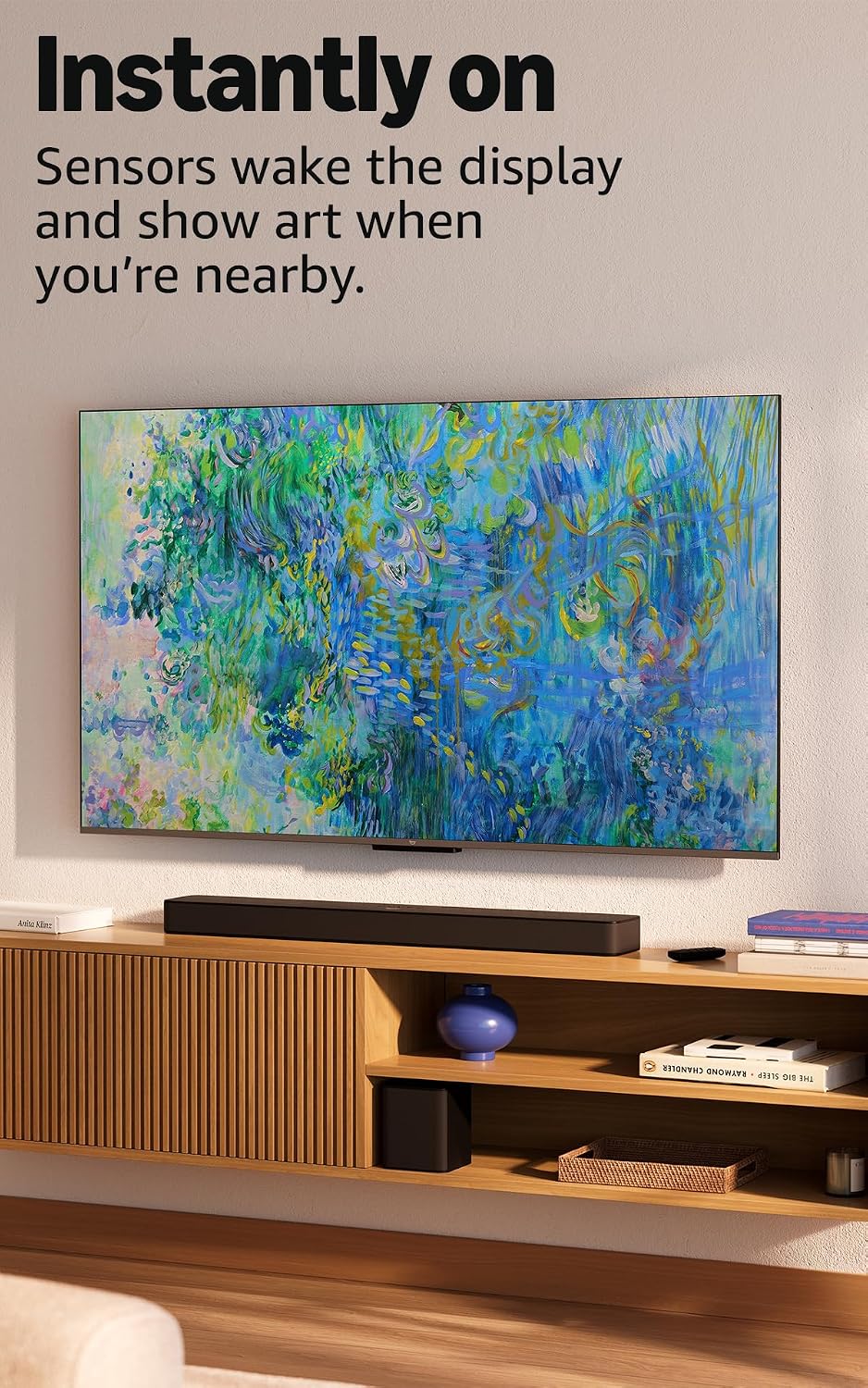
It also uses “Instantly On” with Omnisense technology. Built-in sensors wake the display when you enter the room, showing your favourite artwork or letting you start watching quickly. That’s the sort of feature that can be genuinely handy if the TV is in a frequently used space like a kitchen-diner or a living room you walk past often.
Alexa hands-free: convenient, but don’t expect miracles
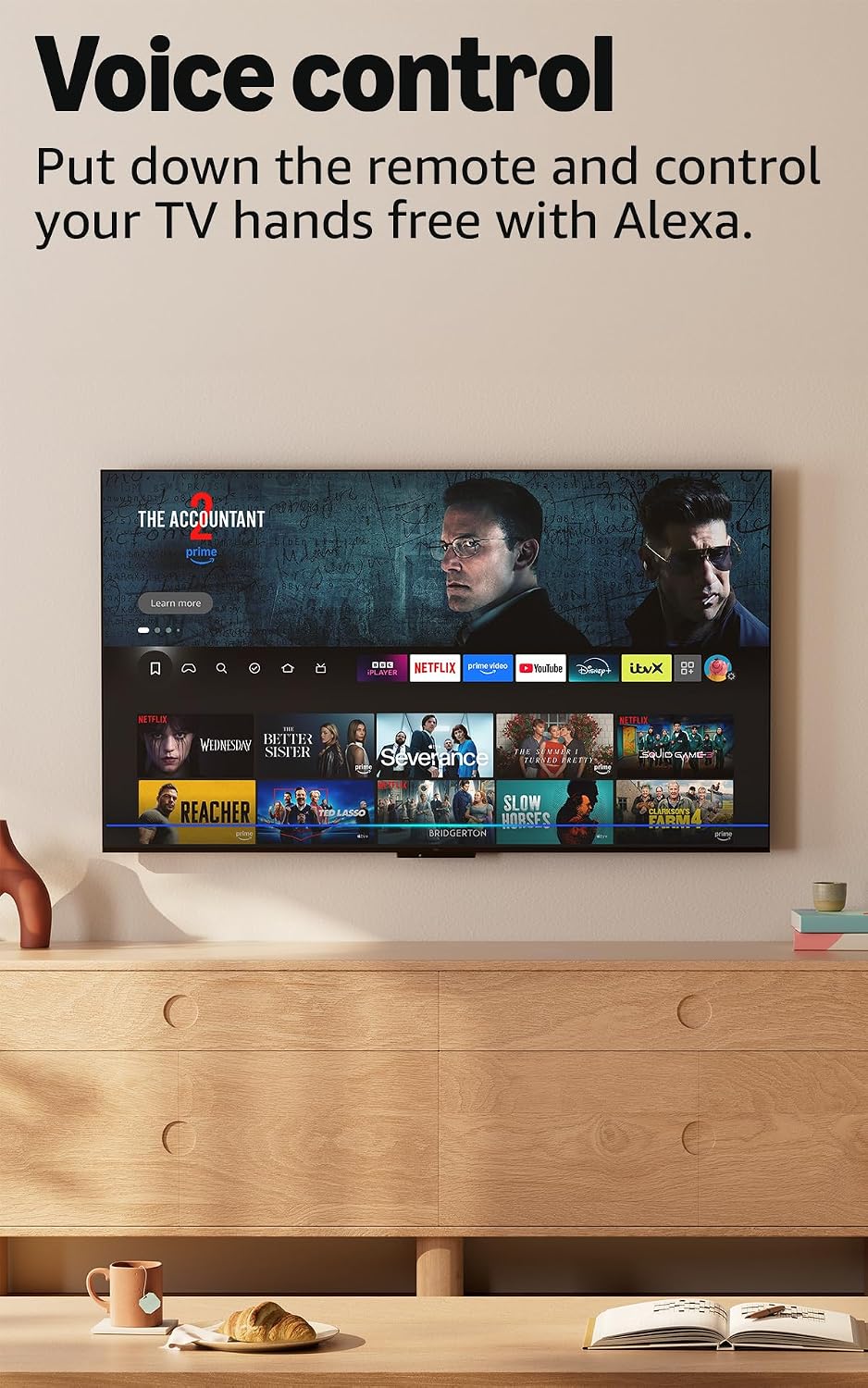
Hands-free Alexa support is one of the standout conveniences: you can ask Alexa to play programmes, set timers and more, even when the screen is off. The sensors can wake the display while you’re in the room.
Do note, though: this doesn’t mean the TV replaces every other control method. If you’re the kind of person who likes to browse channels or type quickly, you’ll still want a remote and a straightforward way to navigate apps. The hands-free approach is best for quick requests and routines.
Gaming and entertainment beyond streaming
There’s a gaming angle here too. The description mentions downloading free games from the Appstore, and also streaming games via Amazon Luna. If you want “something to play” without setting up a console, this could fit that casual use.
However, if you’re a more serious gamer who cares about competitive performance and the finer details of latency and refresh behaviour, you may want to look beyond the marketing basics and check the specific gaming performance details that aren’t provided in the information here.
What to check before you buy
Before committing, it’s worth checking a few practical points that can affect whether this TV feels right: - Wi‑Fi setup: it supports Wi‑Fi 6, but your home layout still matters for signal strength. - Content formats: Dolby Vision and HDR10+ Adaptive can be excellent when the content supports it, so it’s worth confirming the services you use offer those formats. - Streaming and subscriptions: the description notes that subscriptions fees may apply for some content. - Space and wall use: the Omnisense wake-and-display behaviour is meant to help when you enter the room, so think about how often the TV is visible and how you move around the space.
Should you buy it?
It’s a good fit if you want a 50-inch 4K smart TV with QLED picture promise, Dolby Vision and HDR10+ support, and you value speed plus hands-free Alexa routines. If you often stream, use apps regularly and dislike slow menus, the quad-core processor and app performance focus are the direction you’re aiming for.
It may not be a great match if you mainly watch non-HDR content and you’re looking for a “set-and-forget” TV where the smart and sensor features won’t really matter. And if you’re a gaming-focused buyer, you’ll likely want more detail about gaming performance than what’s provided here.
If you prioritise everyday convenience, responsive smart navigation and strong HDR support, this Omni QLED Fire TV family is worth considering. If those features don’t align with how you watch, you may get better value elsewhere by choosing based on the basics you’ll actually use.
Mini FAQ

What HDR formats does this TV support?
It supports HDR10+ Adaptive and Dolby Vision, both mentioned in the product information.
Does it work without a remote?
The TV is described as hands-free with Alexa, allowing you to ask Alexa to play programmes and set timers, even when the screen is off.
Is it fast for apps and menus?
The description specifically calls out a quad-core processor and that apps open and load fast.
Can you play games on it?
It mentions downloading free games from the Appstore and streaming games via Amazon Luna.
What content is available?
The TV can find what to watch across hundreds of thousands of film and TV episodes, including thousands of episodes of free content, though subscriptions fees may apply.