

Laptok Android 16 11-inch Tablet (20GB RAM, 64GB storage up to 1TB TF, 5G WiFi) - Black
Reviews
Price
Product description
If you’re shopping for an 11-inch Android tablet and want something that can handle everyday tasks without constant charging, this Laptok Android 16 model is built around a pretty clear idea: practical screen time, enough RAM for multitasking, and storage you can grow. It’s also positioned with features like Widevine L1 and dual-band 5G WiFi in mind, so it’s not just for basic browsing on paper.
That said, it’s not trying to be a flagship. Depending on what you expect from Android tablets at the high end (especially for heavy creative work), this may feel more like a sensible mid-range choice than a “do everything effortlessly” device.
The essentials
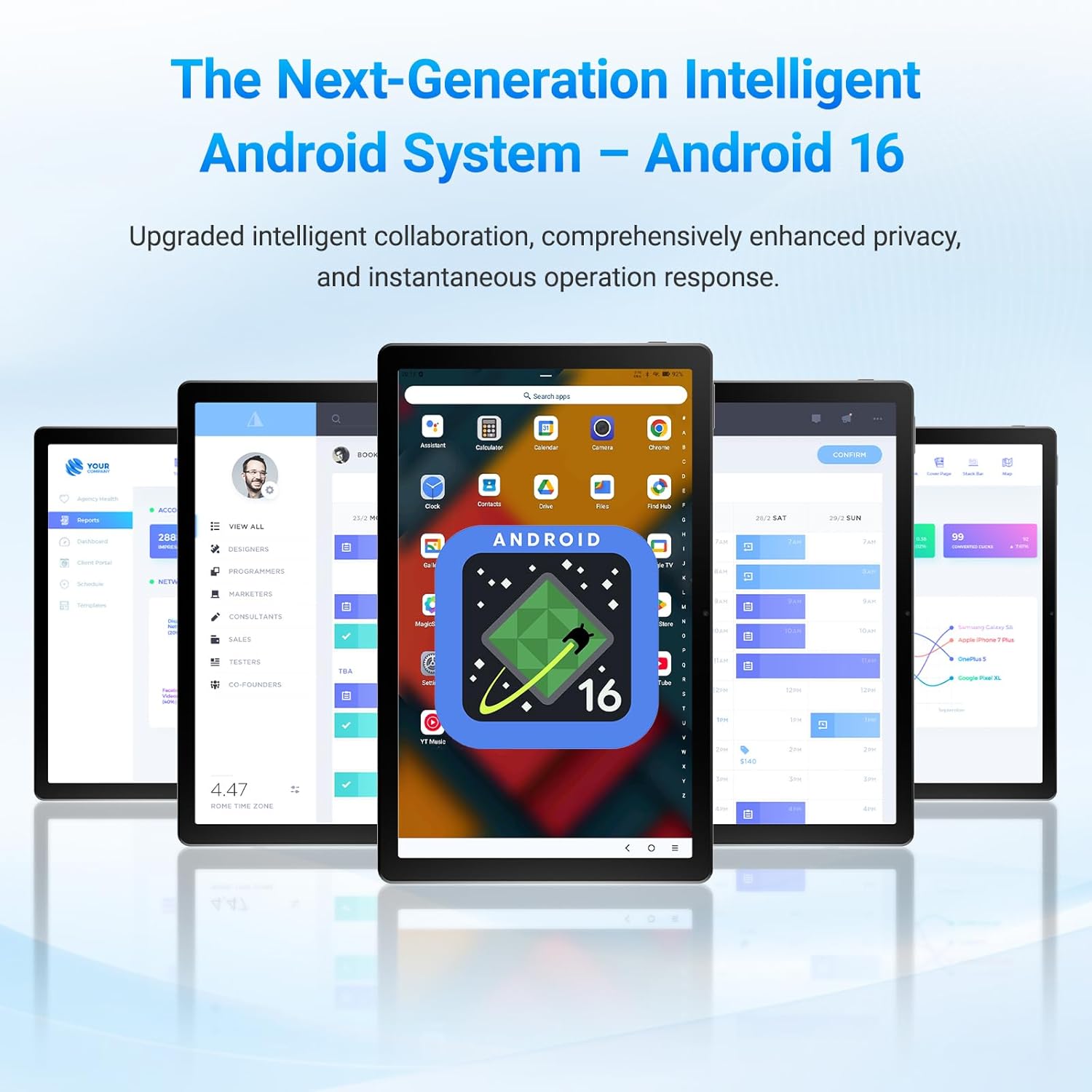
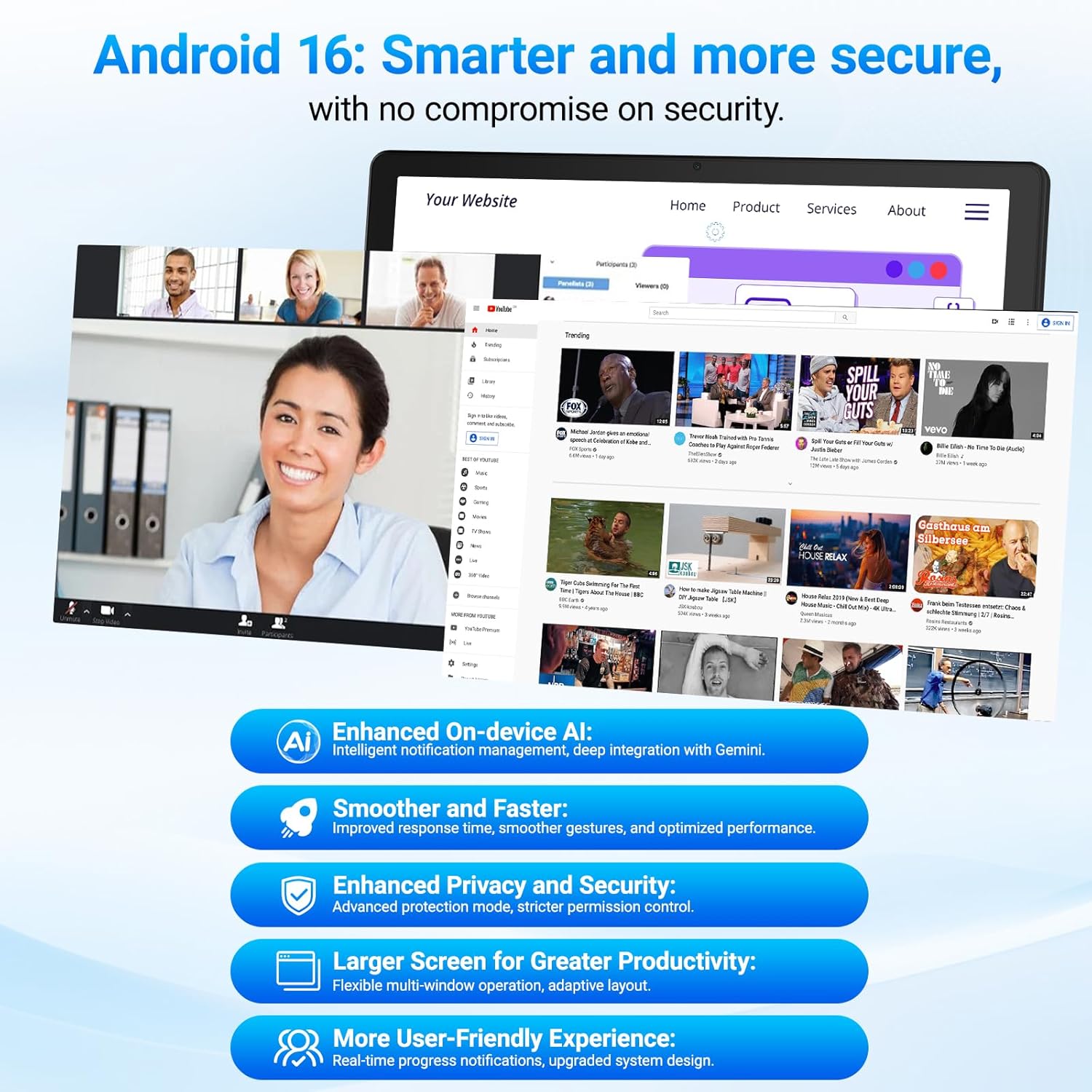
This is an 11-inch Android tablet running the latest Android 16 operating system. The pitch here is speed and smoother multitasking, along with enhanced security and regular security updates. For day-to-day use, that translates to a tablet that’s meant to feel responsive when you’re switching between apps, watching content, and handling light productivity.
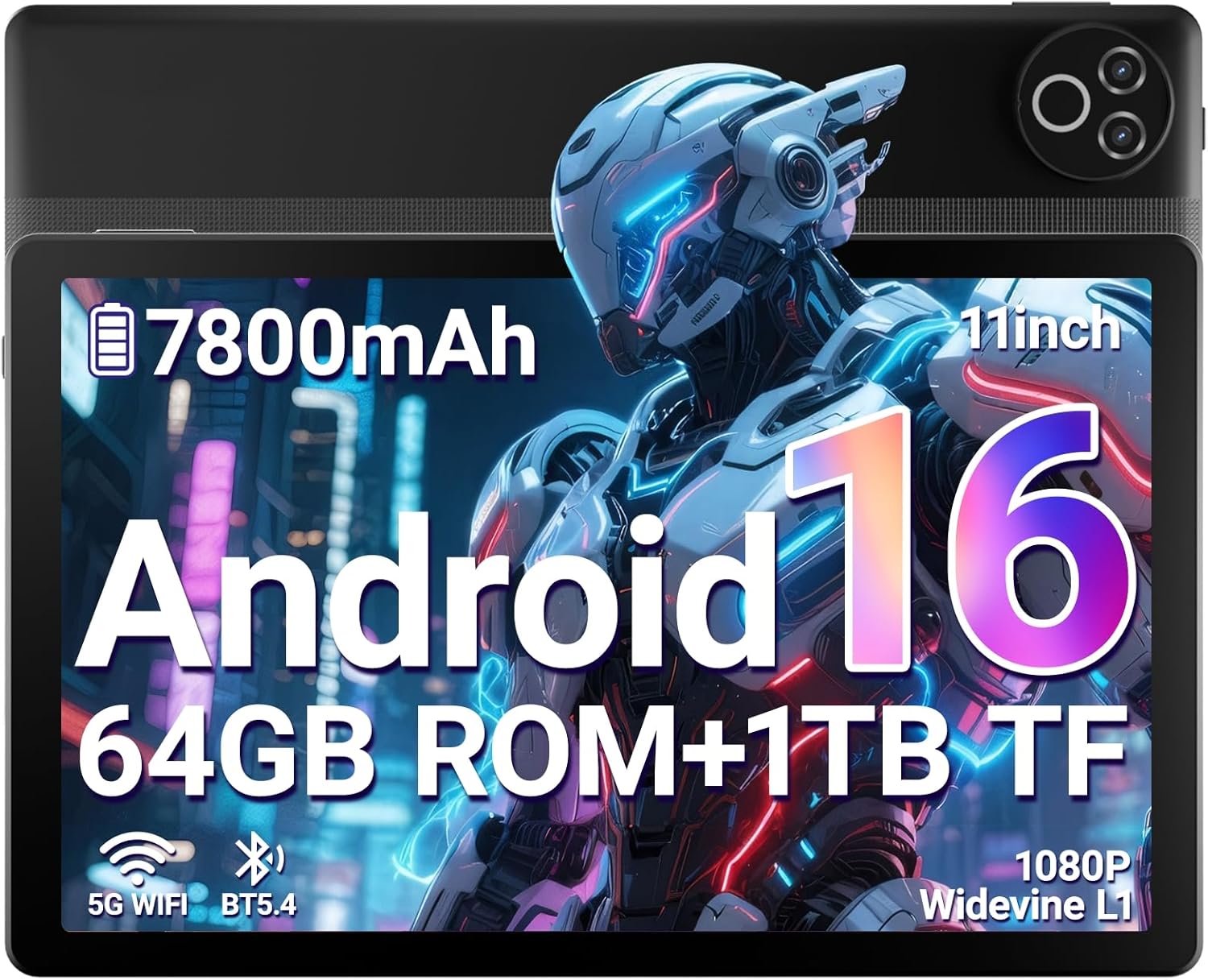
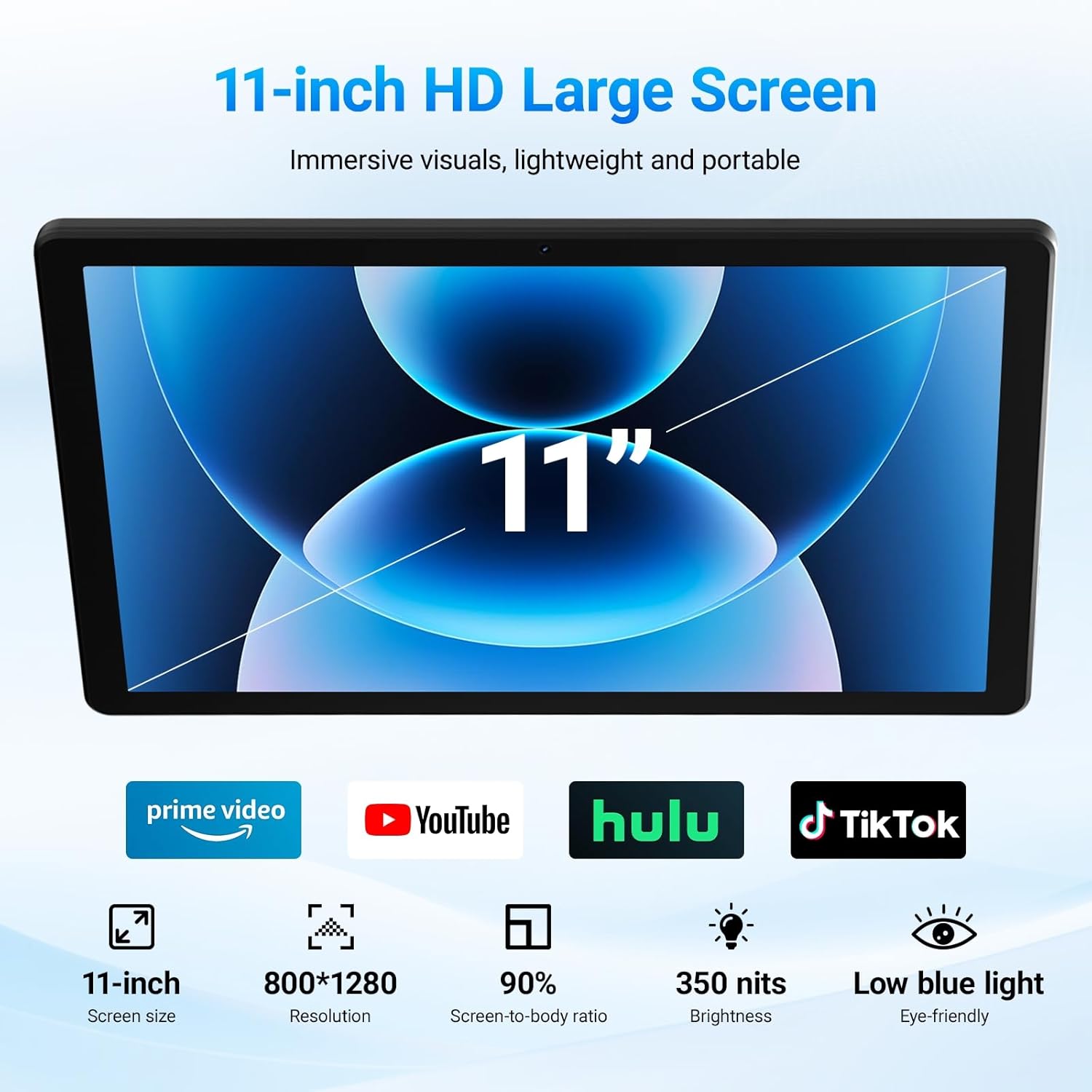
The display is an 11-inch 1080P Full HD panel (given resolution 1280x800 in the description). It’s the kind of screen spec that usually makes sense for streaming, web browsing, reading e-books, and casual video calls.
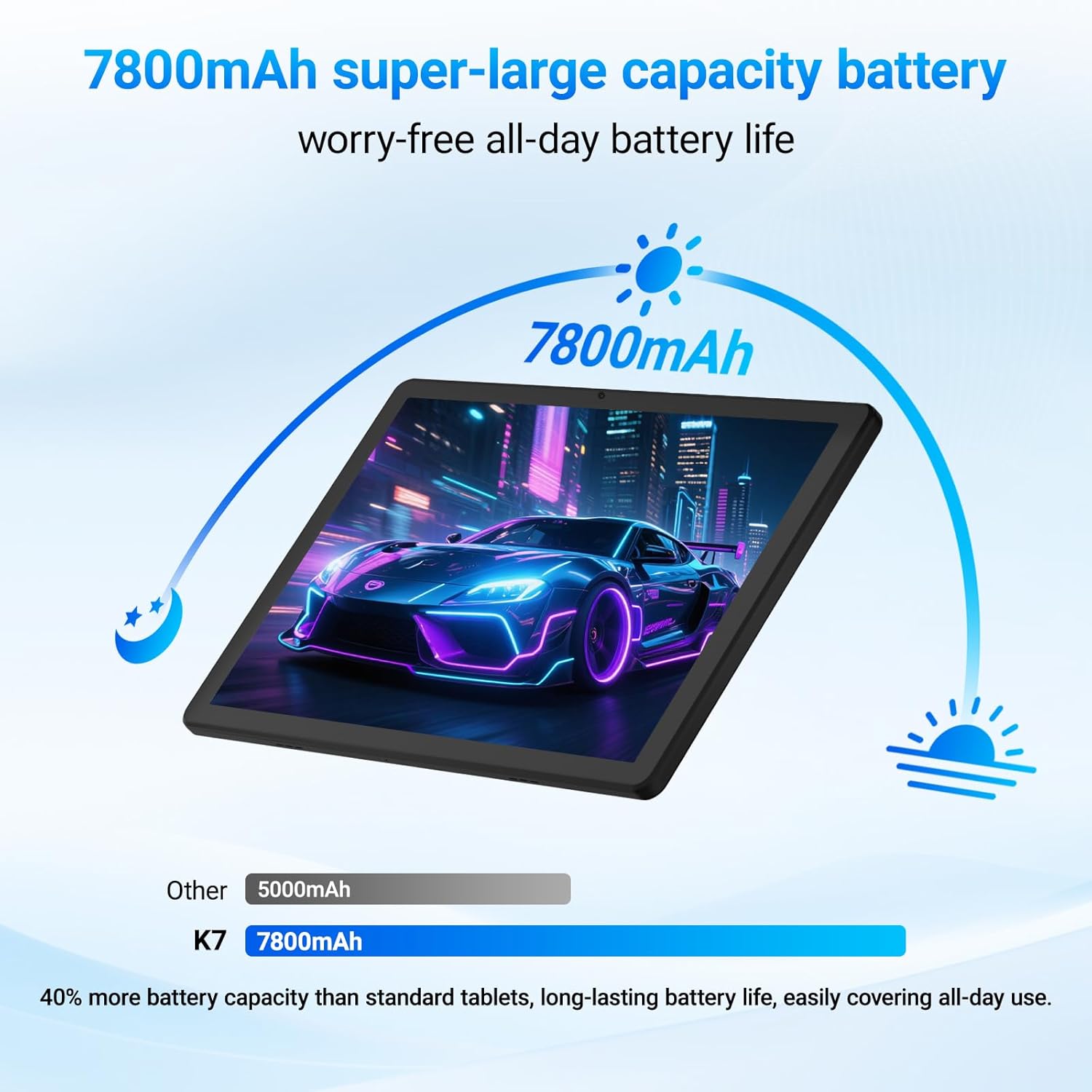
For power, the tablet uses a 7800mAh battery and is described as delivering up to 12+ hours of continuous use on a single charge. Realistically, battery life depends a lot on brightness, signal strength and what you’re doing, but the capacity is there for people who don’t want to think about charging every few hours.
What stands out in daily use
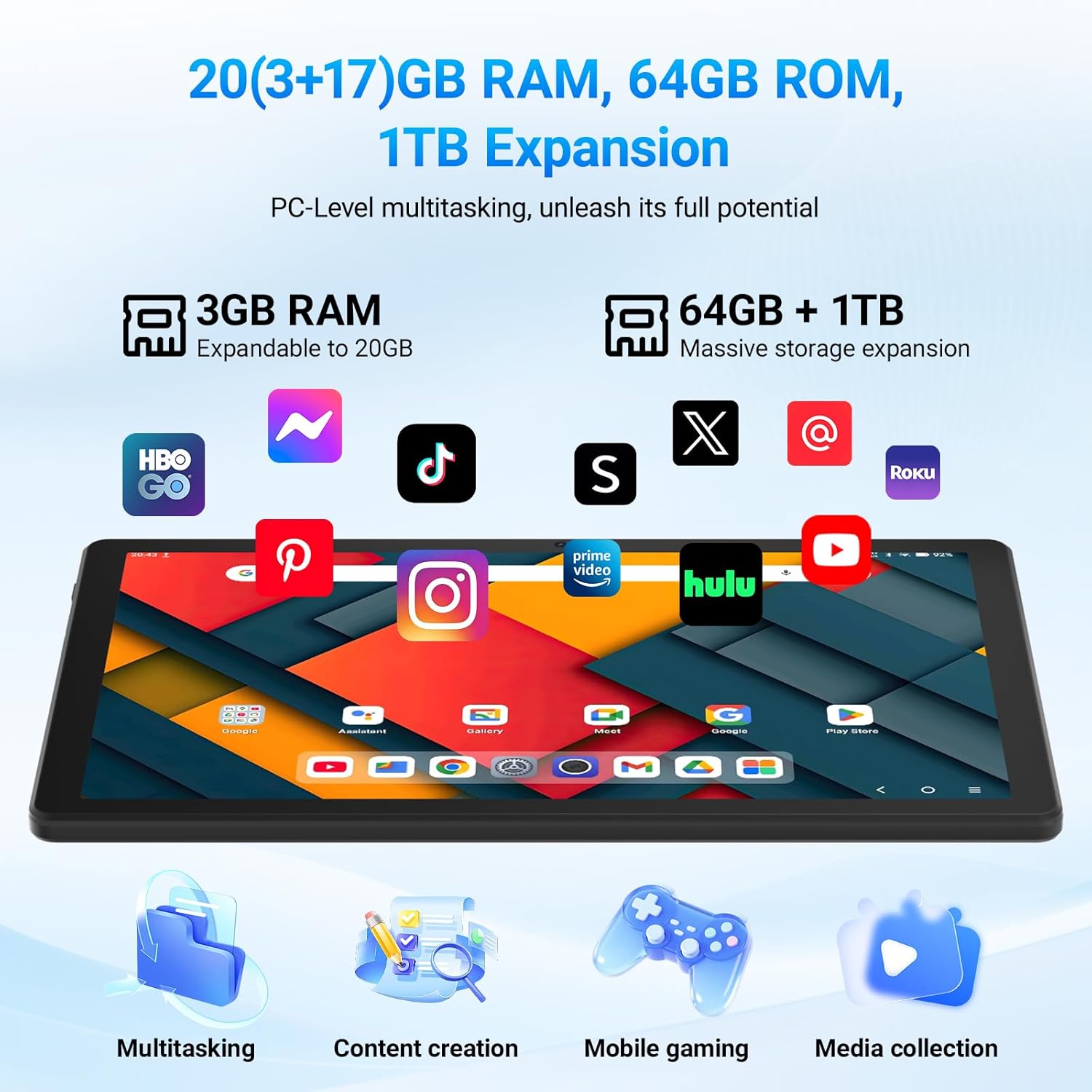
The most practical “worth noting” part is the memory and storage setup. It’s listed as 20GB RAM using a split of 3GB + 17GB (expandable to 20GB), paired with 64GB of internal storage. There’s also micro SD expansion up to 1TB (via a TF card), which is useful if you download videos, keep lots of photos, or want room for documents and learning materials.
A typical scenario: you’re commuting or away from a desk, watch something on the 11-inch screen, then switch to taking notes or editing documents without closing everything first. The combination of Android 16 multitasking plus the RAM approach is designed for that sort of flow.
Connectivity is another day-to-day factor. It includes dual-band Wi‑Fi with 5G plus Bluetooth 5.4 for headphones/speakers and other devices. Widevine L1 certification is included too, which matters if you plan to stream HD content without annoying playback restrictions.
Screen, cameras and streaming capability
On the display side, the tablet is clearly aimed at comfortable viewing rather than tiny screens. The 1080P label, the 11-inch size, and “wide viewing angles” (as stated) suggest it should be decent for family viewing or using it on a lap.
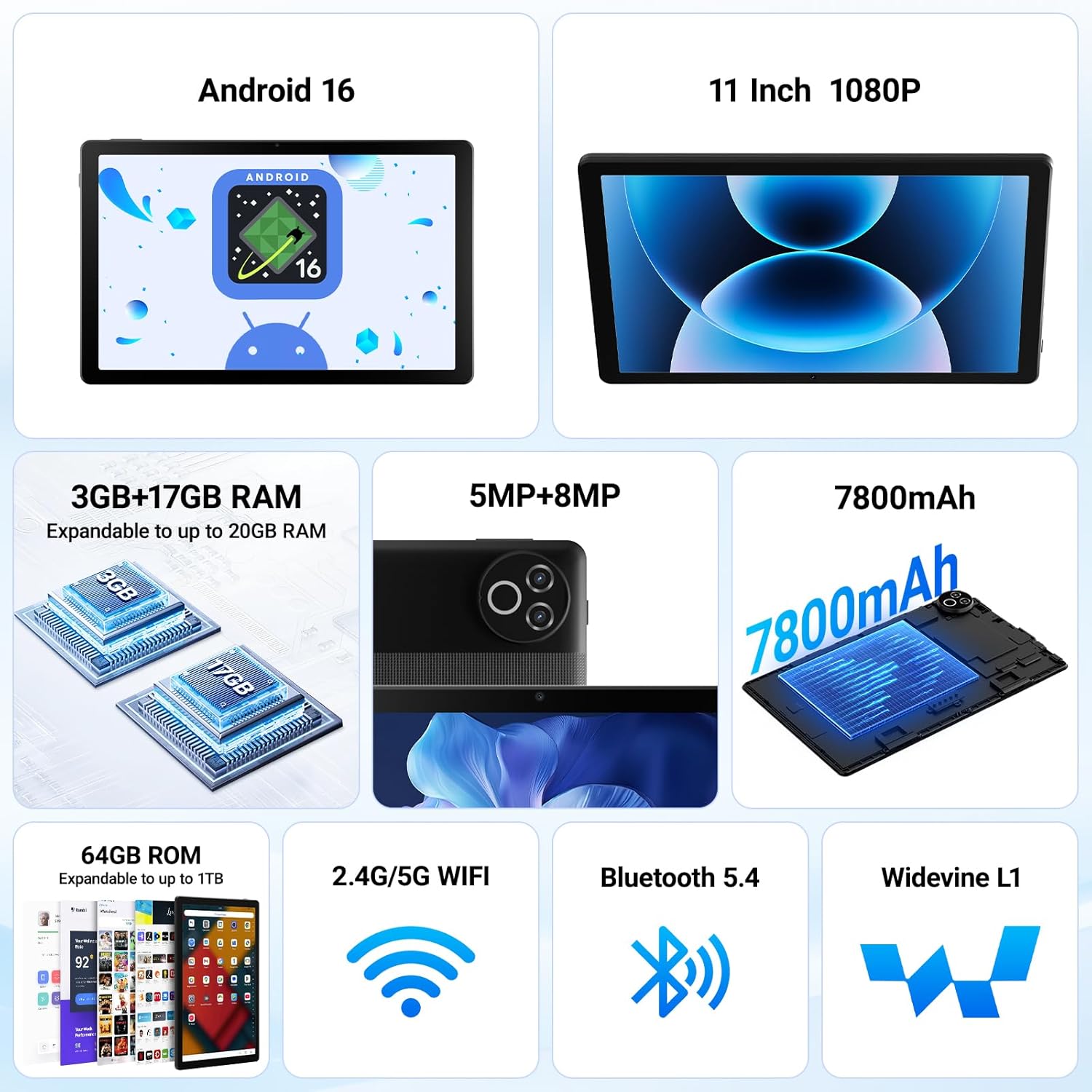
For cameras, the spec summary given is 5MP front and 8MP rear. That doesn’t make it a “camera-first” tablet, but front 5MP is the sort of setup you’d use for video calling, and the rear 8MP is fine for snapping photos or scanning documents (within the usual limits of tablet cameras).
The tablet also includes Widevine L1. If streaming HD is a key reason you’re buying, that’s one of the more reassuring signals in the spec list.
Tech summary (the bits you’ll compare)
- Name: Laptok Android 16 Tablet
- Type: Android tablet
- Display: 11 inch 1080P Full HD (1280x800)
- Battery capacity: 7800mAh
- RAM: 20GB (3GB+17GB, expandable)
- Storage: 64GB ROM
- Expandable storage: up to 1TB via TF card
- Connectivity: 2.4G/5G dual-band Wi‑Fi, Bluetooth 5.4
- Streaming certification: Widevine L1
- Cameras: 5MP front, 8MP rear
- Resolution: 1280x800
- Battery life (claimed): up to 12+ hours continuous use
- Video: 1080P (as stated)
Careful expectations: where it may not fit
This tablet can make sense if you mainly want a larger screen, modern Android support, and storage you can expand. But it may not be the best choice if you’re expecting top-tier performance for demanding tasks all day, or if you’re very particular about camera quality and low-light results.
Also, while the description mentions support for “all your favourite UK apps (Prime Video, YouTube)”, compatibility is usually safest when you treat app behaviour as dependent on the app itself and your region settings. On paper it’s aimed at mainstream UK streaming and entertainment, but it’s still worth checking the apps you rely on before committing.
Who it suits (and who should skip it)
It’s a solid pick if you want an 11-inch Android tablet for work basics (documents, study notes), entertainment (streaming and browsing), and video calls, with the option to add storage up to 1TB.
It might not suit you if you need a tablet for heavy creative production or you’re chasing the very smoothest performance under sustained, demanding loads. In that case, you may find yourself wanting something more premium and power-focused.
Mini FAQ
Does it support HD streaming? Widevine L1 certification is included, which is relevant for HD playback on supported services.
Can you add more storage? Yes—internal storage is 64GB and is expandable up to 1TB using a micro SD/TF card (as stated).
How long does the battery last? The listing claims up to 12+ hours of continuous use, though real performance will vary by brightness and usage.
Is it good for video calls? It has a 5MP front camera, so it’s designed for video calling and similar everyday use.
Is it worth it?
Buy it if you want a practical 11-inch Android tablet with Android 16, dual-band 5G Wi‑Fi, Widevine L1 for HD streaming, and storage expansion up to 1TB—especially if you hate running out of space or charging too often. Skip it if your priorities are ultra-high-end performance or camera quality beyond “good enough” for everyday snaps and calls. If you’re mainly doing streaming, browsing, study, and light work, this is the kind of spec set that should feel sensible on paper—just keep app and real-world battery expectations grounded before you press buy.