

ESR Geo Digital iPad Pencil: Find My compatible, with quick shortcuts and tilt sensitivity
Reviews
Price
Product description
What it is and who it’s for
The ESR Geo Digital iPad Pencil is a stylus designed for iPads released from 2018 onwards that run iOS 12.2 or later. It emphasises Find My compatibility, Bluetooth shortcuts, and a tilt-sensitive drawing experience. If you own a supported iPad and you want a stylus that integrates with Find My while offering handy quick controls, this could be worth a closer look. It’s not designed for wireless charging, and it uses a Type C charger for fast charging. If your workflow hinges on rapid charging and reliable location tracking, there’s a logical argument to consider it over more basic options.
Core features at a glance
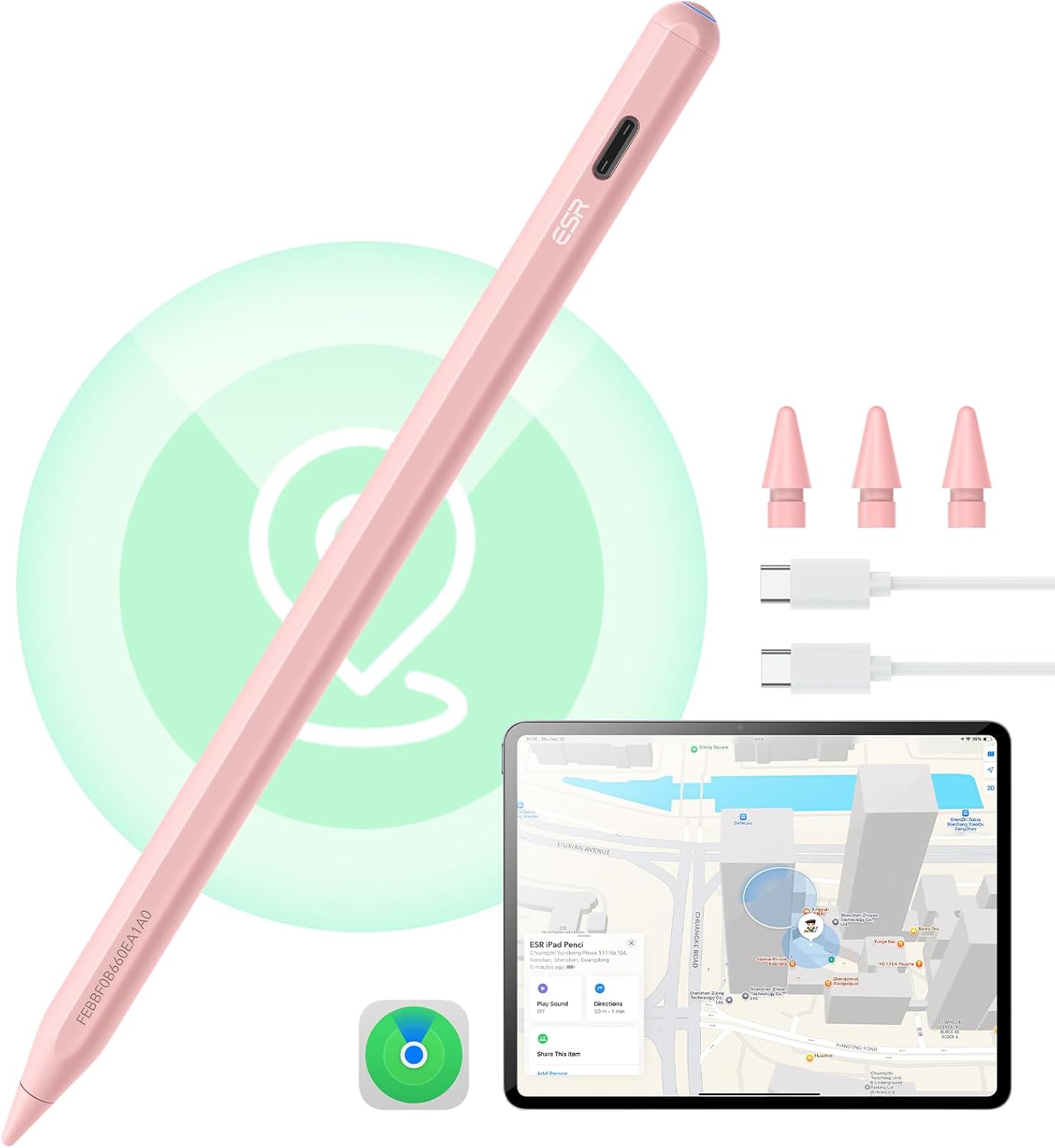
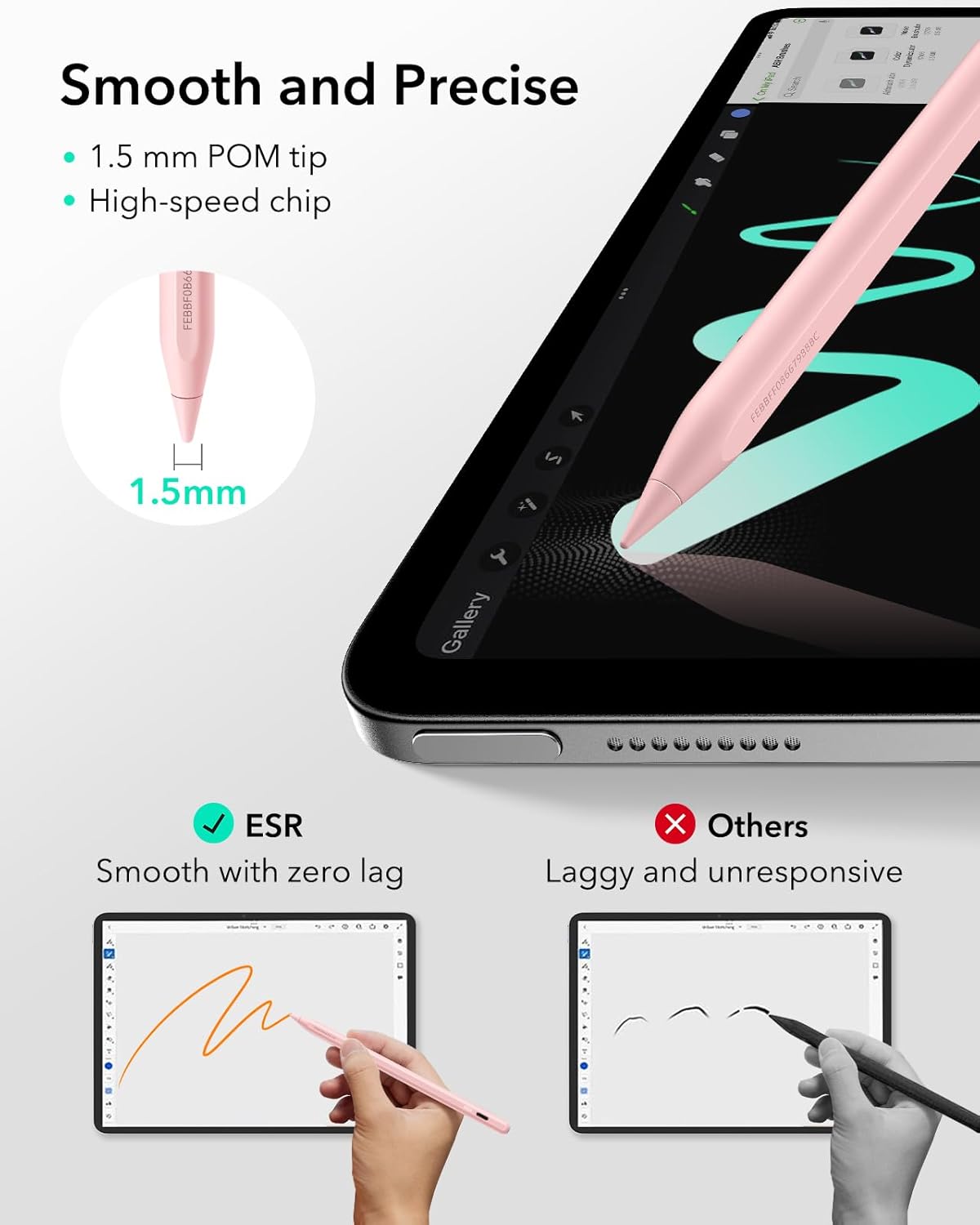
On the surface, the Geo model focuses on practical features rather than gimmicks. The Find My integration means you can locate the pencil when it’s misplaced, a common annoyance for people who use an iPad in multiple rooms or outside the home. When connected via Bluetooth, you can trigger quick actions: tapping returns you to the main interface, and a double-tap opens the task manager. It also provides a real-time battery indicator to help you plan charging time. Tilt sensitivity comes from a built-in sensor that lets you vary line thickness by tilting the nib, which helps with shading and more natural writing—an advantage if you tend to draw or annotate in detail.
Compatibility and what it means in practice
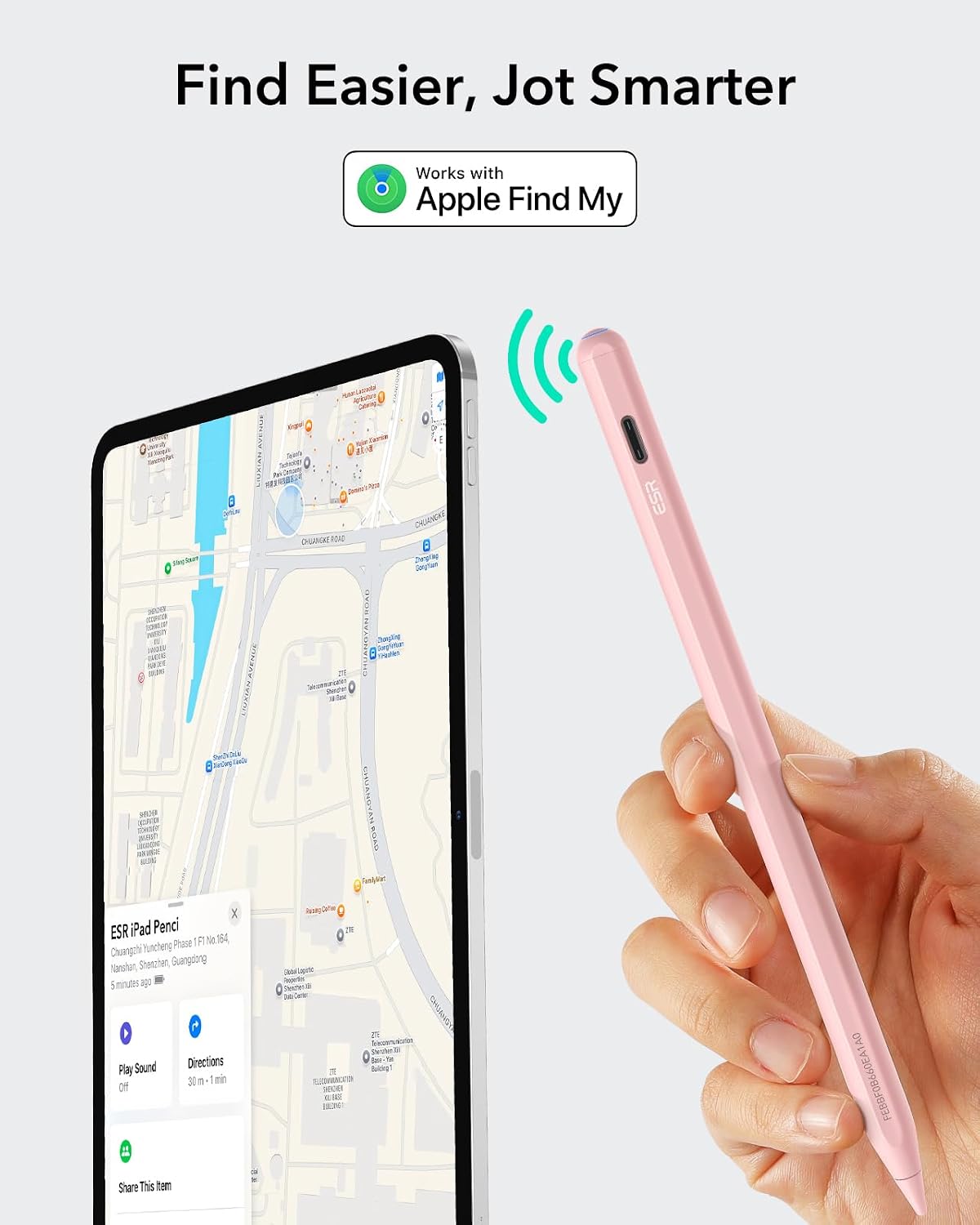
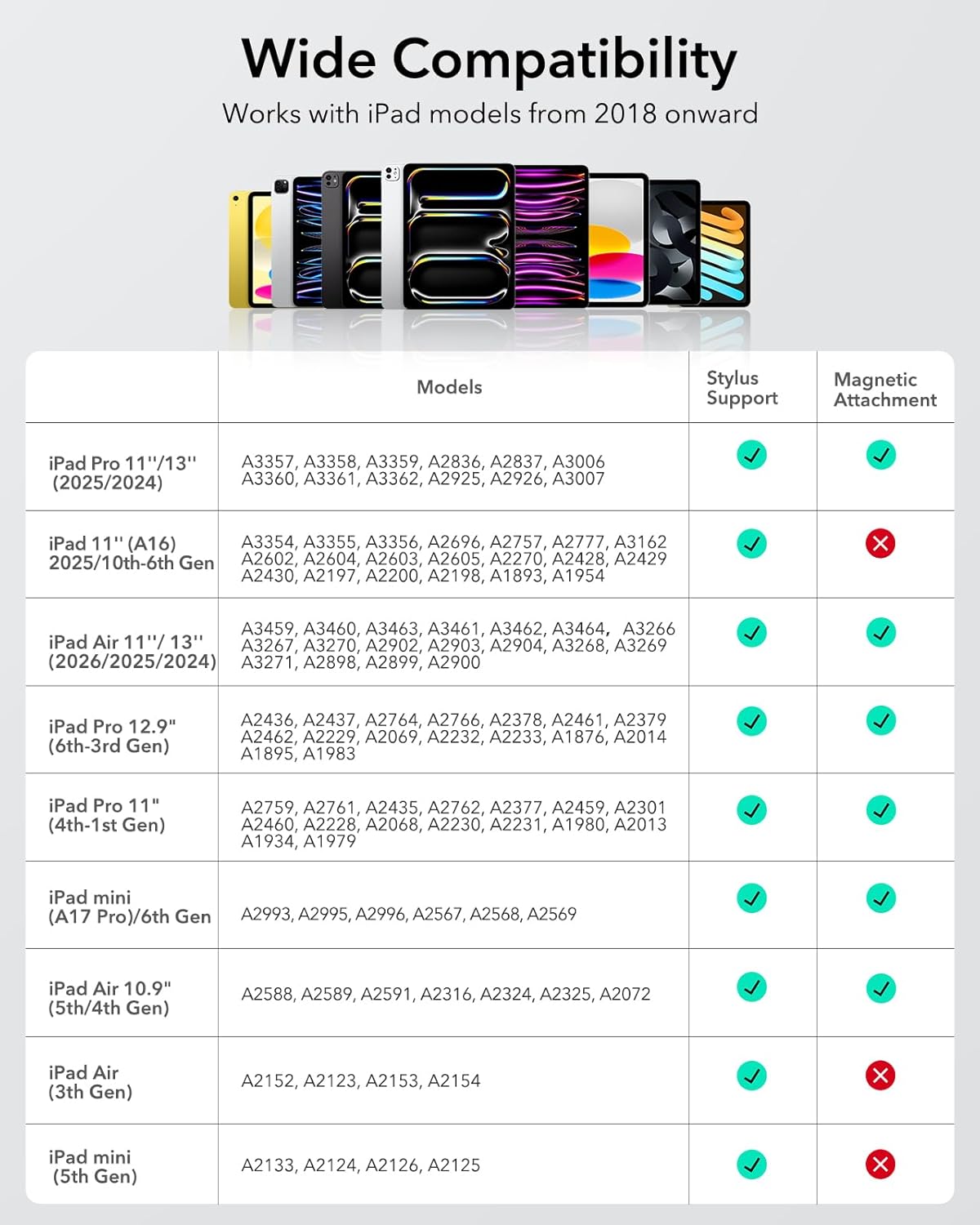
Compatibility spans iPads released in 2018 and later that run iOS 12.2 or above. The listing mentions current and newer iPad lines (including recent Air, Pro, and Mini models) to align with a broad ecosystem. It’s important to note that the product specifically states it’s not compatible with other devices, including iPhone, Android, or Microsoft hardware. If you rely on features like wireless charging, this stylus won’t support that, which could be a deciding factor if you were hoping for a wireless-enabled experience.
Design, usability and handling
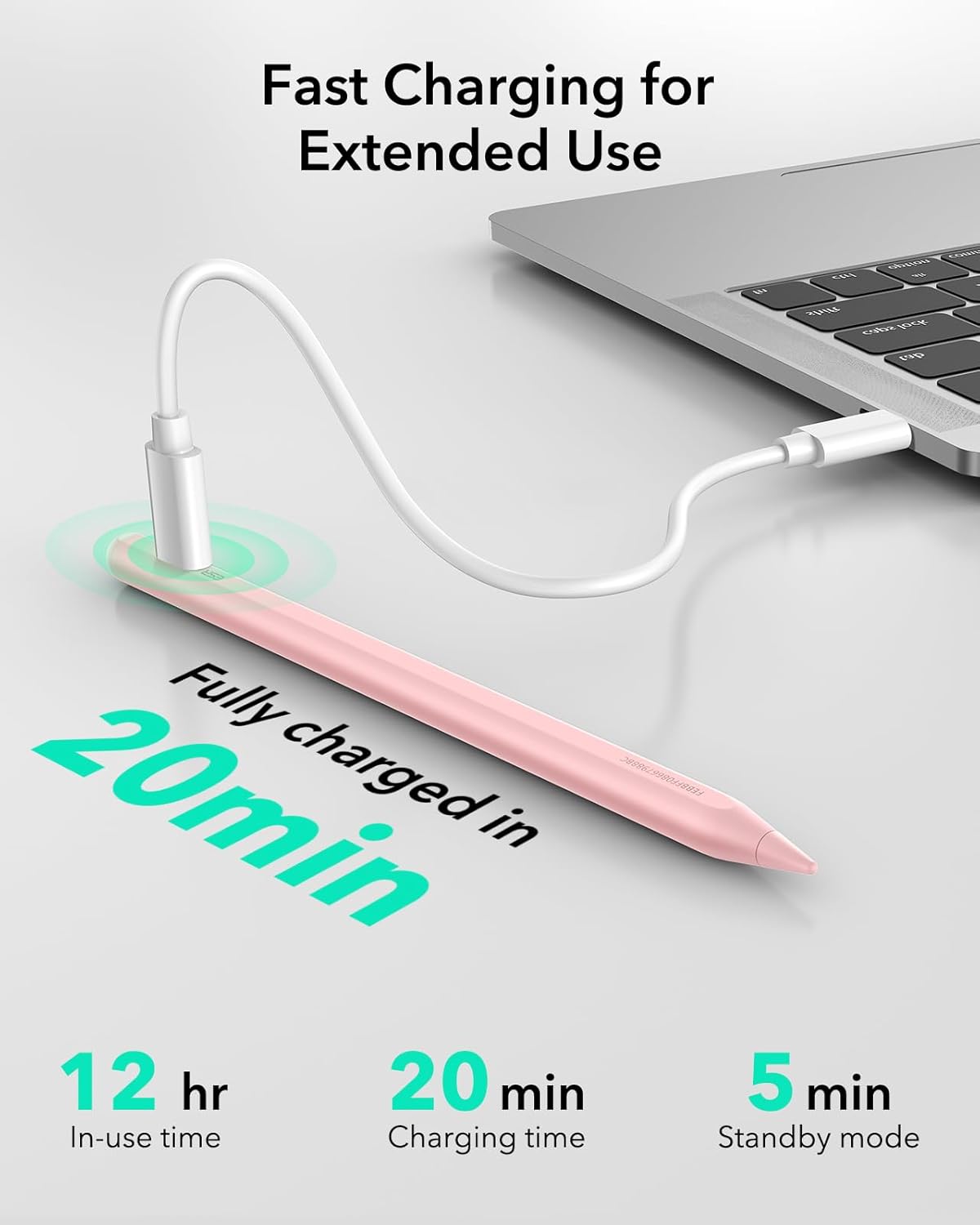
The ESR Geo keeps a straightforward approach: plug in a Type C charger and you can be fully charged in around 20 minutes. Short charging cycle can be a real time-saver in busy days. The Bluetooth shortcuts add a layer of convenience when you’re working on a document or sketching. Whether you’re annotating PDFs, taking notes in class, or drafting ideas, the tilt-based line variation helps create more natural shading without hunting for a dedicated drawing tablet setup.
Pros and possible drawbacks
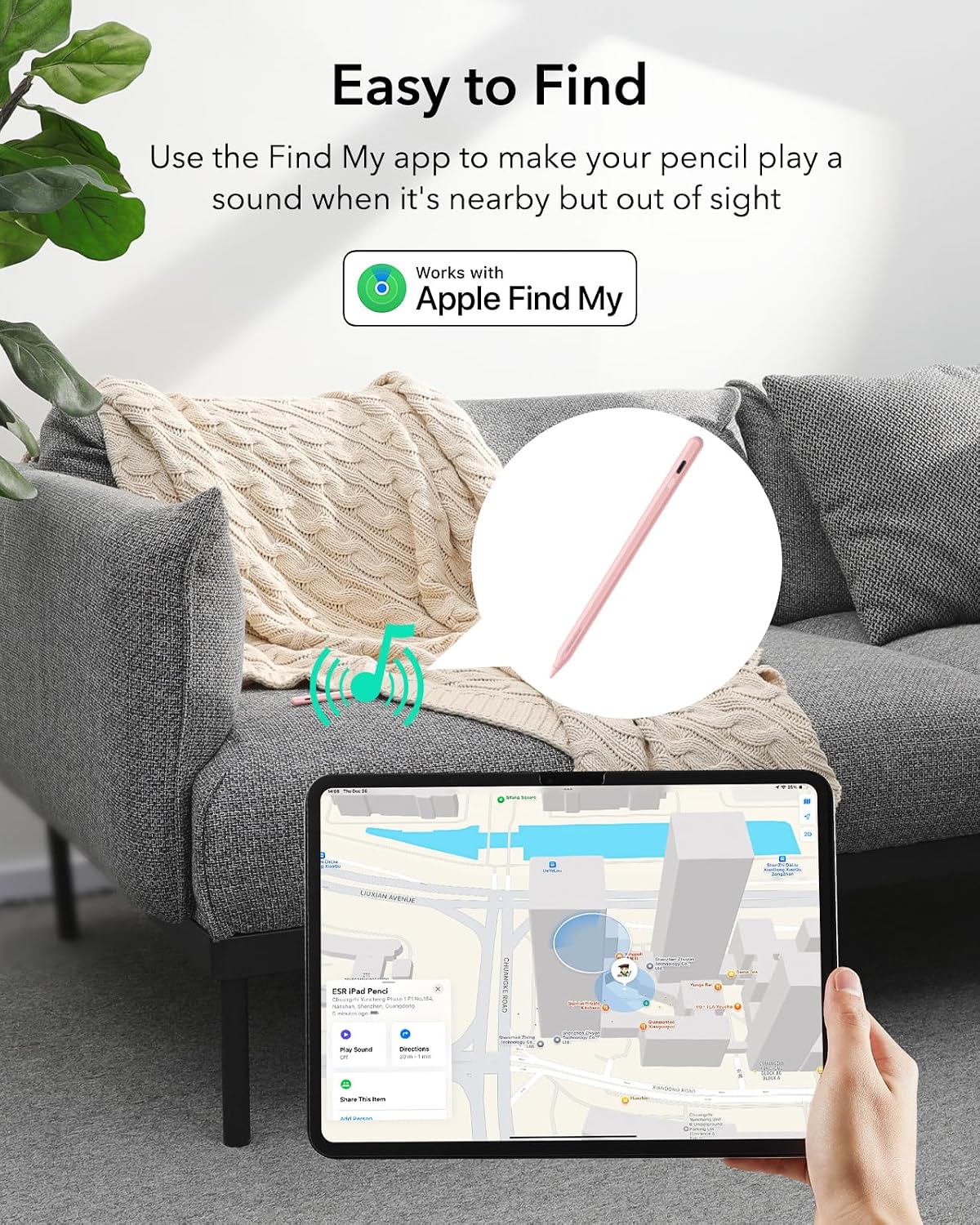
What stands out: Find My compatibility reduces the risk of losing the stylus, and the fast charging is a practical perk. The shortcut controls offer quick context-switching during work sessions, which can boost productivity for people who juggle multiple apps. The tilt sensitivity mirrors a more paper-like experience, helpful for sketching and fine detail.
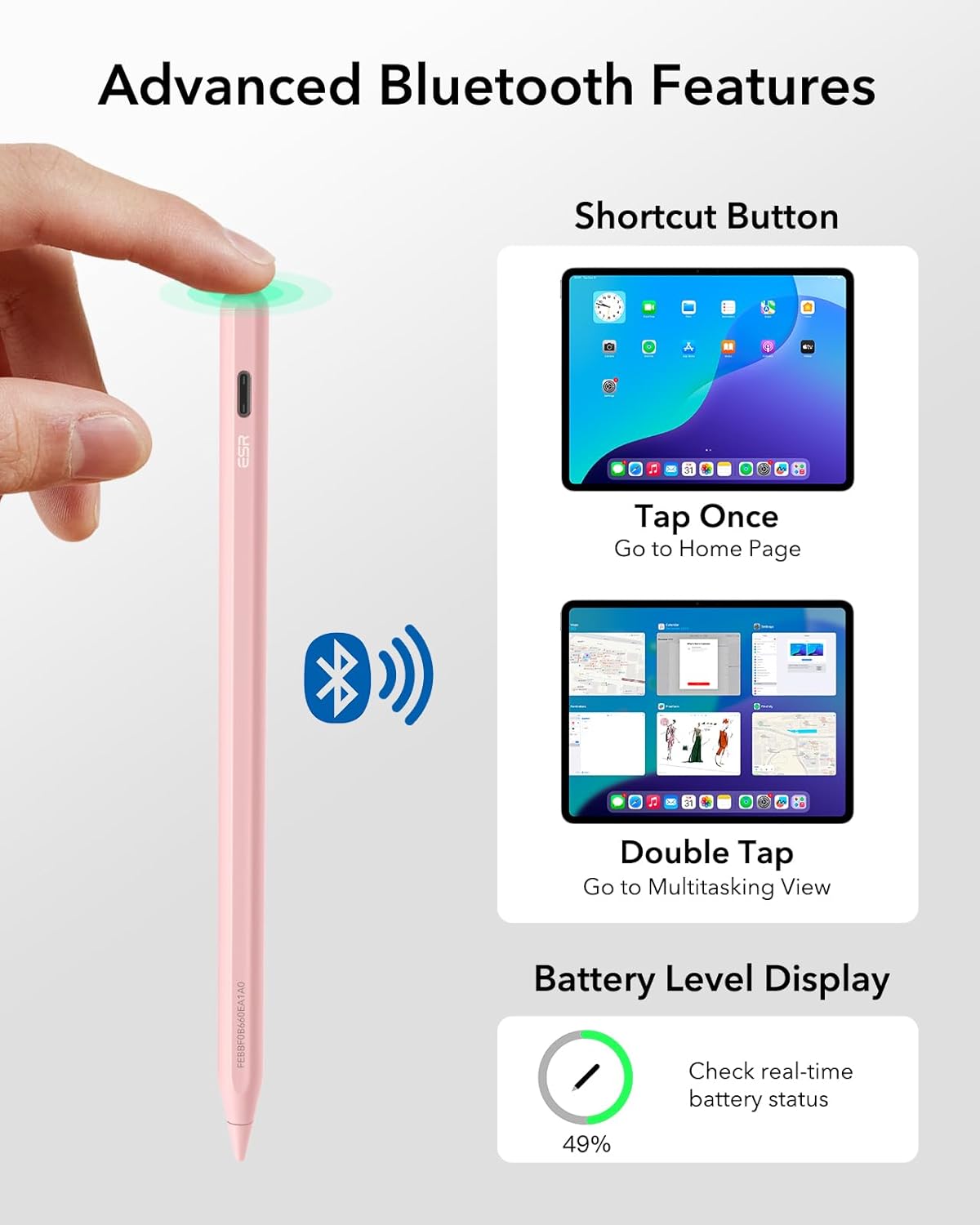
What might hold you back: it depends fairly on the ecosystem you use. If you prize wireless charging or warranty-backed integration with certain accessories, or if you use an iPad model not explicitly listed, you may want to double-check compatibility. Also, while the shortcut features are useful, they’re contingent on Bluetooth being active and the iPad’s OS supporting the expected behaviours.
How to decide if it fits your needs
If you prioritise locating a misplaced stylus, quick on-device controls, and a reasonably fast charge time, this model aligns well with those needs. It suits students, professionals annotating documents, and hobbyists who want a responsive drawing tool without stepping up to premium, high-end pencils. If you mostly use basic note-taking and don’t need tilt shading or Find My tracking, a simpler option could suffice.
Practical usage scenarios
Imagine you’re in a meeting or a lecture and need to jot down notes while marking up slides. The quick-tap back to the main interface and the double-tap access to the task manager can keep you moving without fumbling through menus. For artists, the tilt sensitivity allows you to vary line weight as you sketch, giving a more expressive linework without switching tools. If you frequently misplace your pencil around the home or office, Find My integration adds a layer of reassurance—though you still need to keep Bluetooth enabled and the device powered up.
What to check before buying
- Confirm your iPad model compatibility against the list described in the product details.
- Consider whether you need wireless charging, this model uses Type C for charging and explicitly does not support wireless charging.
- Check that Bluetooth is available on your iPad and that your iPad’s iOS version remains within the supported range.
- Think about how often you’ll rely on the built-in shortcuts and whether you’ll benefit from real-time battery display during long sessions.
FAQ (quick answers)
- Is it compatible with my iPad? It supports iPads released in 2018 or later with iOS 12.2 or above, including several newer Air, Pro, and Mini models. Double-check your exact model to be safe.
- Does it charge wirelessly? No, it uses a Type C connection and does not support wireless charging.
- Can I use tilt shading? Yes, tilt sensitivity lets you vary line thickness for shading and more natural drawing.
Final verdict
Is it worth it? Worth considering if you value Find My tracking, fast charging, and on-device shortcuts, and you own a compatible iPad. It may be less compelling if you require wireless charging or a model not listed in compatibility notes. If you want a practical, mid-range stylus that complements everyday iPad use with a focus on convenience and real-world usability, this ESR Geo warrants attention.
Decision at a glance
You’ll like it if you need quick access to on-device controls and appreciate being able to locate your stylus. It may not be the best fit if wireless charging or specific compatible models fall outside your current iPad lineup. A sensible option for daily note-taking, drawing, and document annotation within the supported iPad range.