

Inateck Magnetic Keyboard Case for iPad 10th/11th Gen with Trackpad (KB09119-10) – Blue
Reviews
Price
Product description
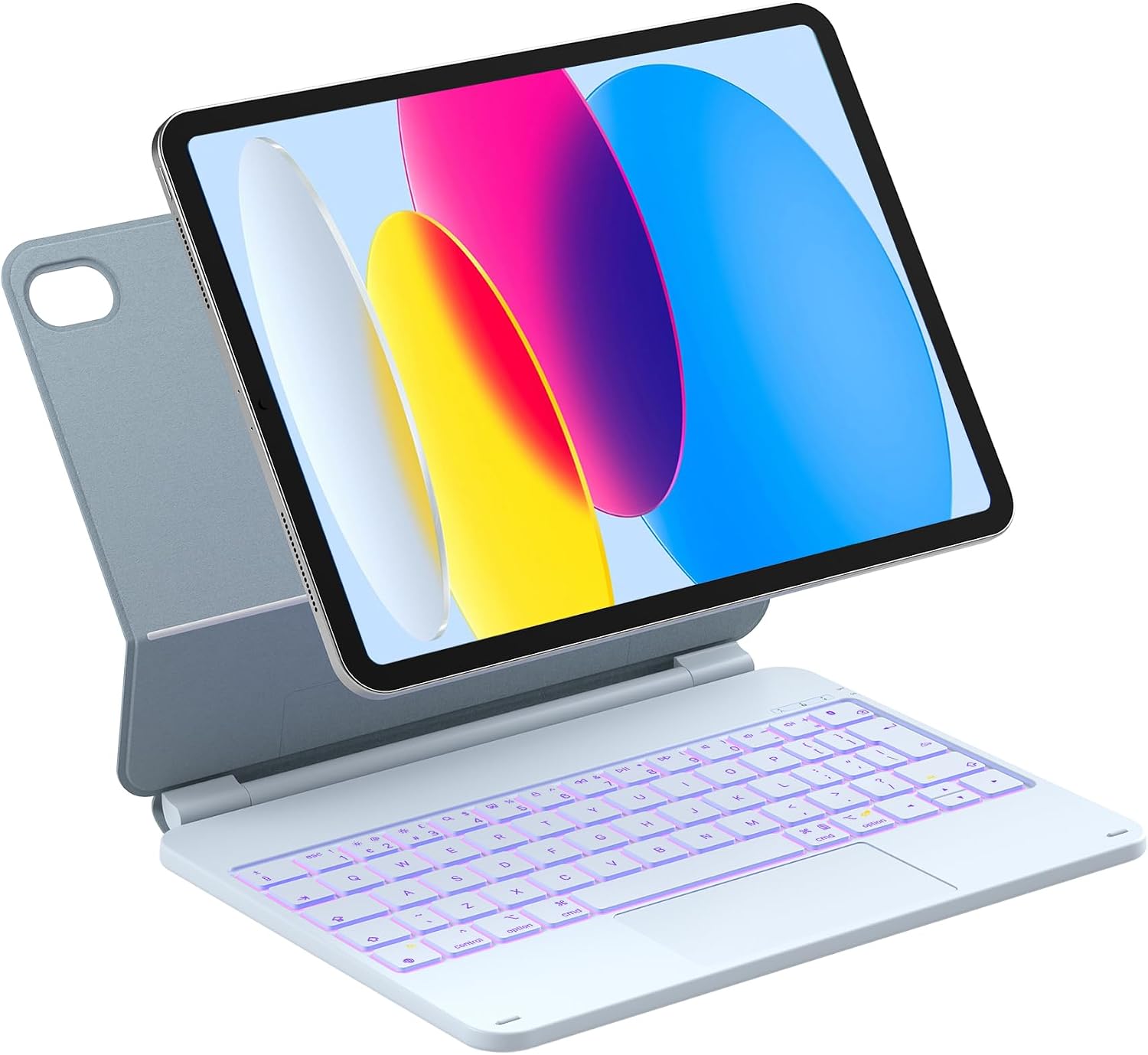
If you want an iPad to feel more like a laptop, a magnetic keyboard case is a pretty direct route. The Inateck Magnetic Keyboard Case for iPad 10th Generation (10.9 inch) and iPad 11th Generation (11 inch) is built around a floating magnetic stand, a trackpad and a backlit keyboard, so you can type, navigate and switch apps without juggling extra accessories.
That said, it’s not a one-size-fits-all cover. It’s designed for specific iPad model numbers, and if your device isn’t on the compatibility list, it simply won’t fit the way you’d expect. Worth checking first, because that’s the main “deal-breaker” with this type of product.
Key takeaways
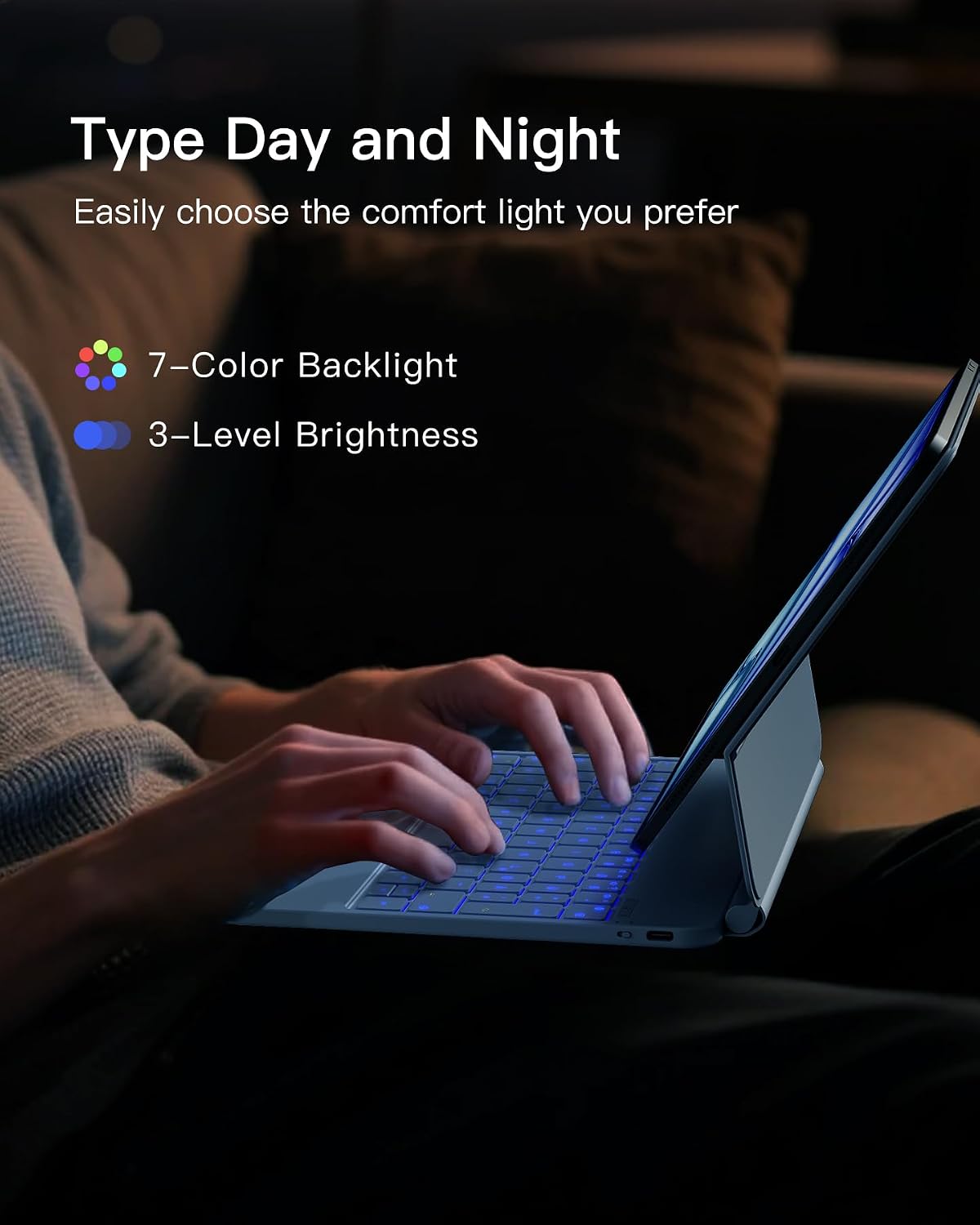
On paper, this case targets everyday productivity: typing with a tiltable stand, using a multi-touch trackpad for gestures and relying on intelligent wake/sleep to reduce battery hassle. The inclusion of 7-colour backlight is a nice touch if you often work in darker rooms, but you’ll want to be mindful that backlight usage reduces battery life compared with using it off.
If you travel, study, or work on the go, the slim, lightweight approach makes sense. If you’re expecting desktop-computer levels of comfort for long sessions, you may find you still prefer a dedicated desk setup.
What matters most (and what to double-check first)
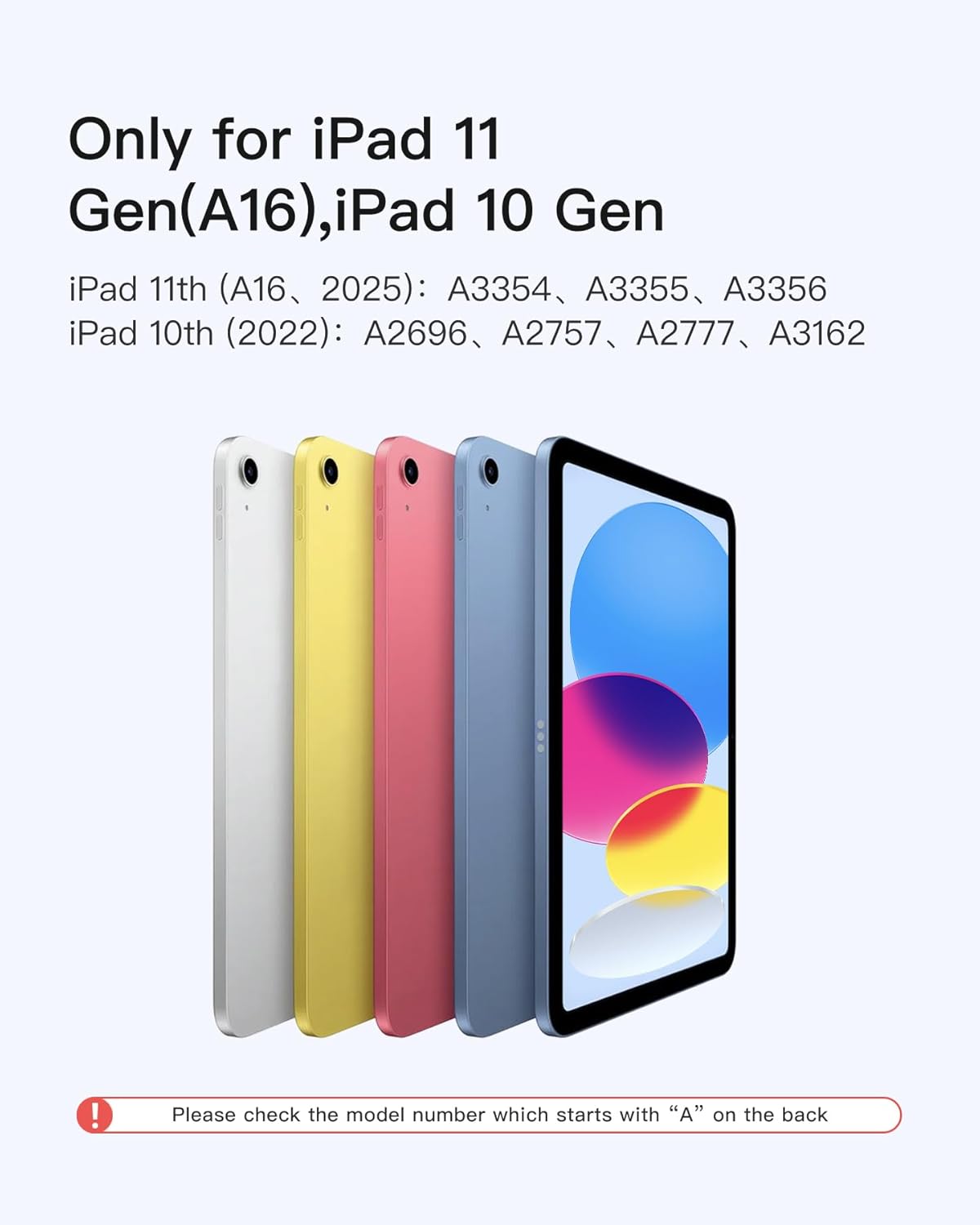
The most important thing to verify before buying is compatibility. This magnetic keyboard case is described as compatible with:
- iPad 11th Gen 11 inch (2025) with model numbers A3354/A3355/A3356
- iPad 10th Gen 10.9 inch (2022) with model numbers A2696/A2757/A2777/A3162
You’ll find the model number starting with “A” printed on the back of your iPad. If you’re between models, don’t guess—check.
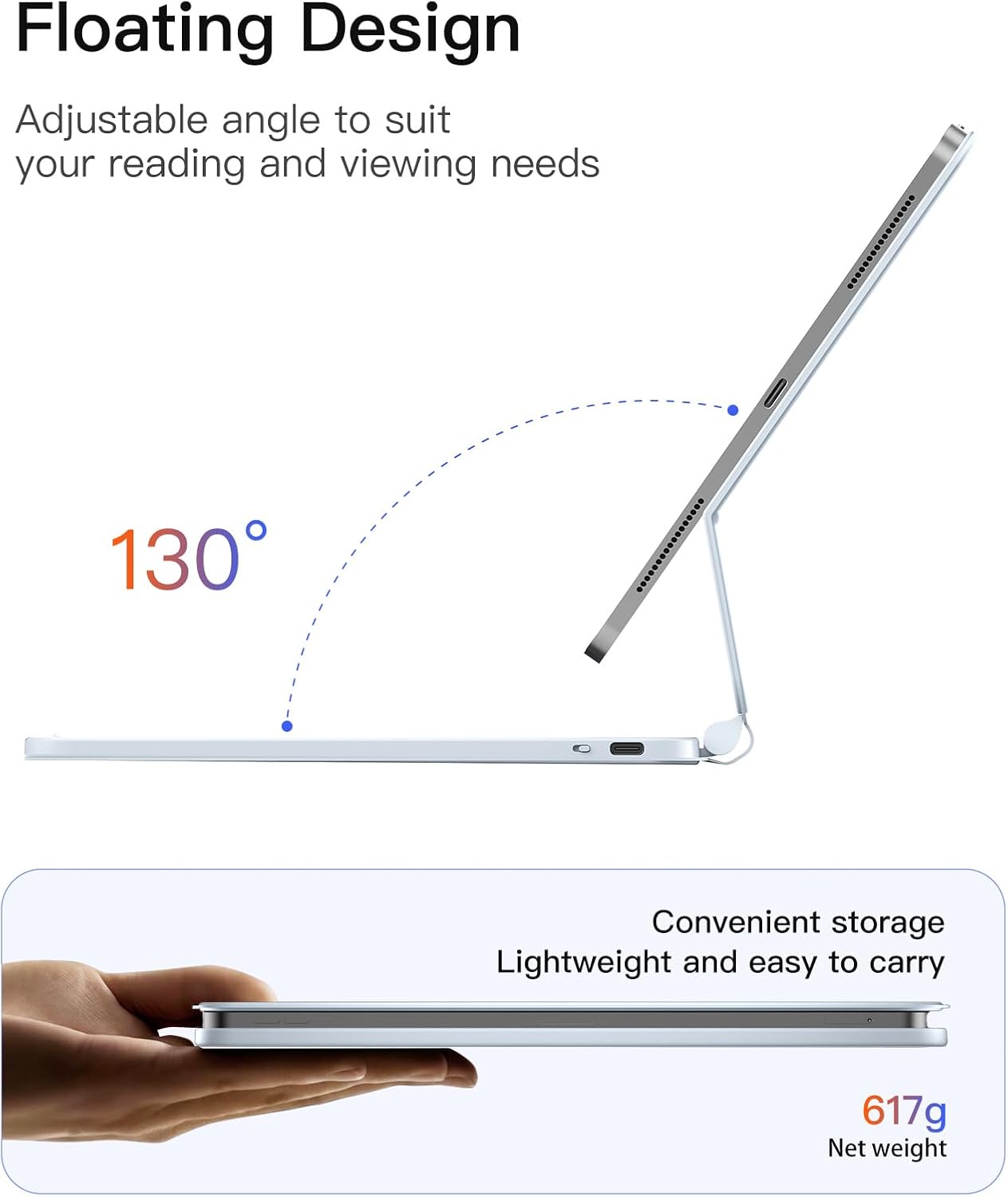
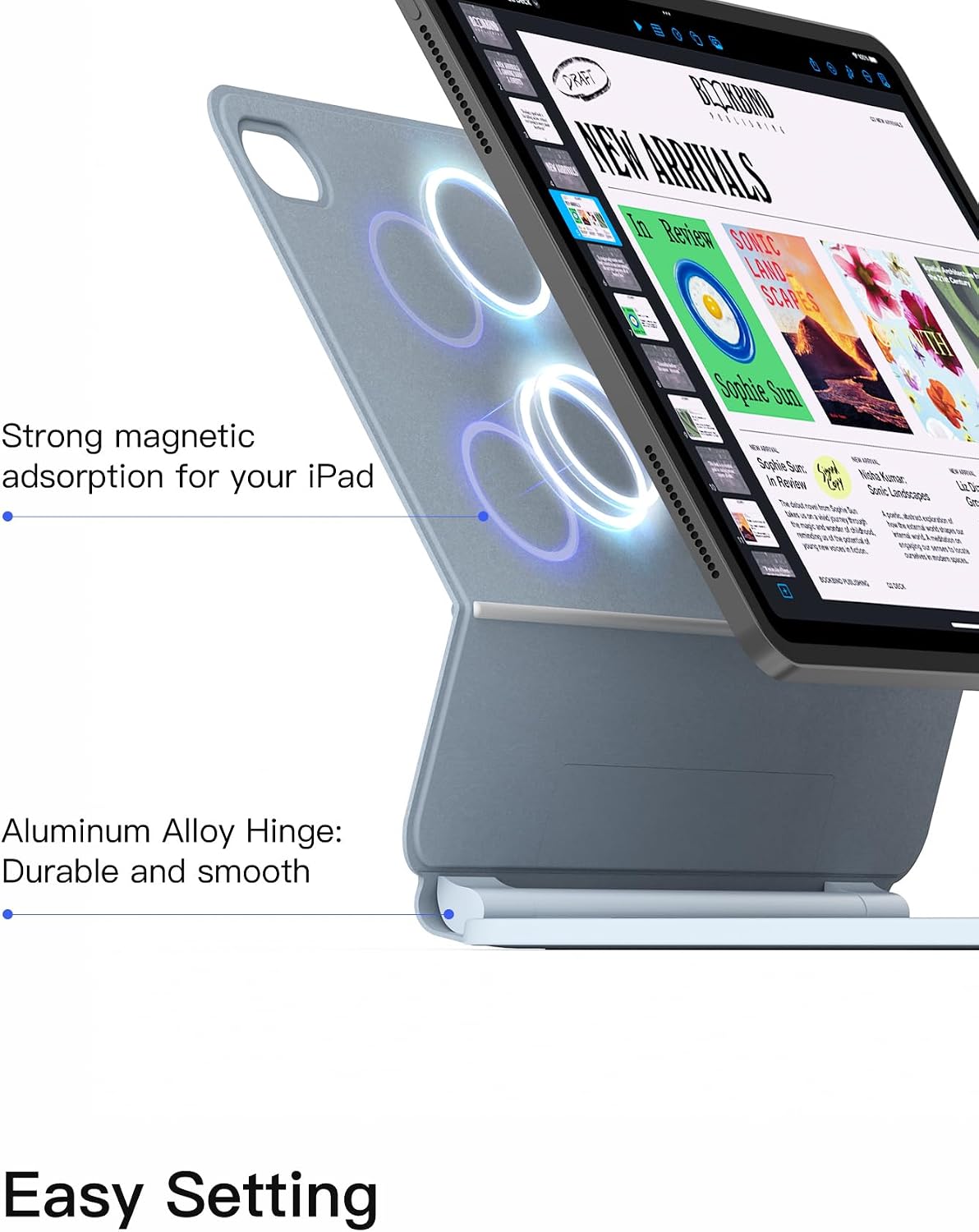
Also, note the way this case is designed to “transform” your iPad: it uses a magnetic floating stand. That’s convenient, but it also means the hinge angle and how it sits will matter for your typing posture.
Where it shines in daily use
The floating stand uses an aluminium alloy hinge with an adjustable tilt up to a 130-degree angle. For many people, that range is a practical middle ground—comfortable enough for typing without forcing the iPad flat against the desk.
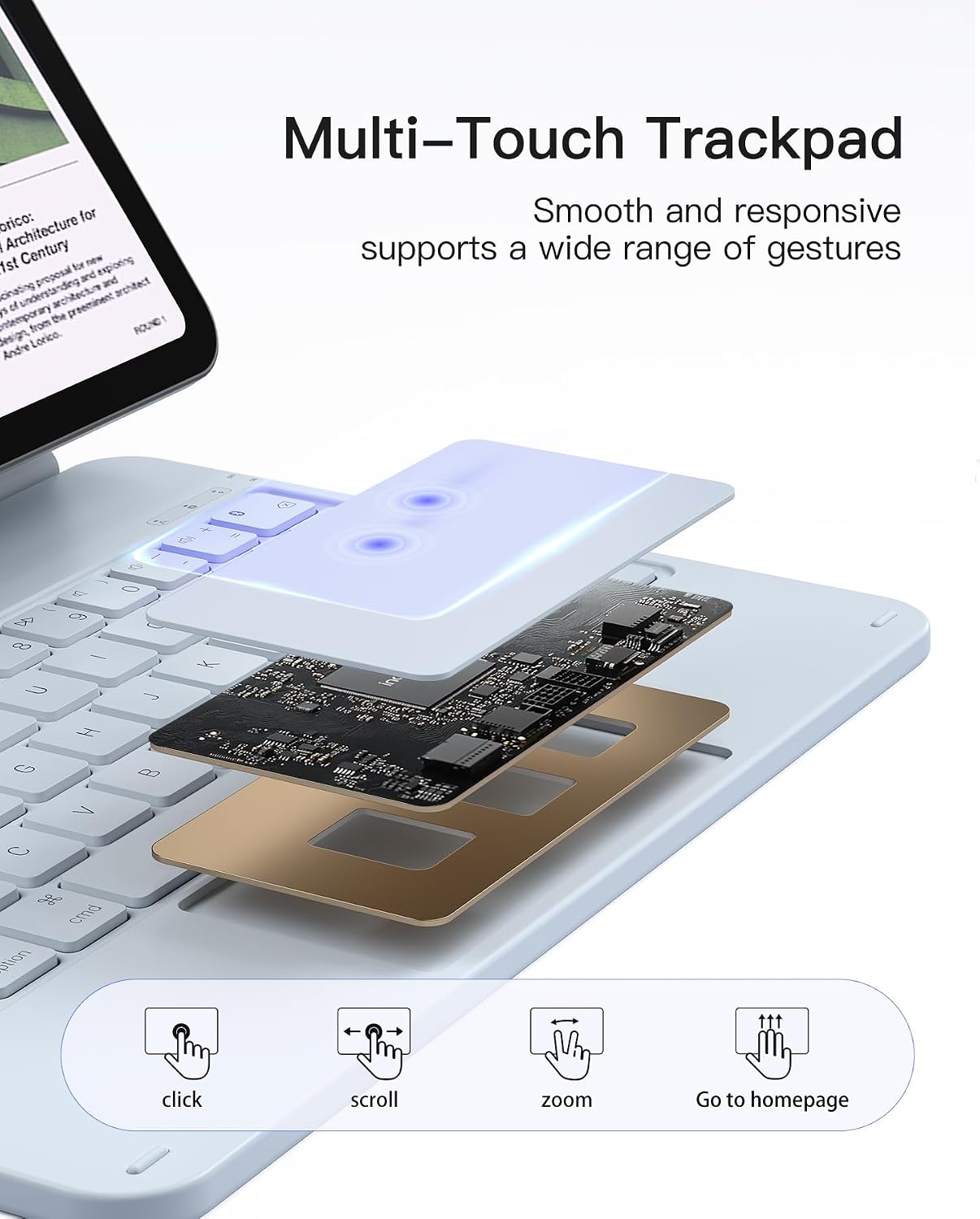
A trackpad is included, with multi-touch support and anti-mistouch technology. In real life, that’s the bit that helps when you’re moving from typing to navigation—tapping to select, dragging items around, and doing quick gesture-based actions instead of always relying on the iPad screen.
One simple example: you could draft an email, use the trackpad to highlight a sentence and drag to reposition text, then switch apps quickly via keyboard shortcuts without reaching for the screen every time.
Keyboard comfort and shortcuts
The case supports iPadOS keyboard shortcuts, aimed at more efficient multitasking with one-touch operations. That’s the sort of feature that doesn’t look dramatic in a listing, but once you’re used to it, it can make the difference between “typing occasionally” and actually working faster.
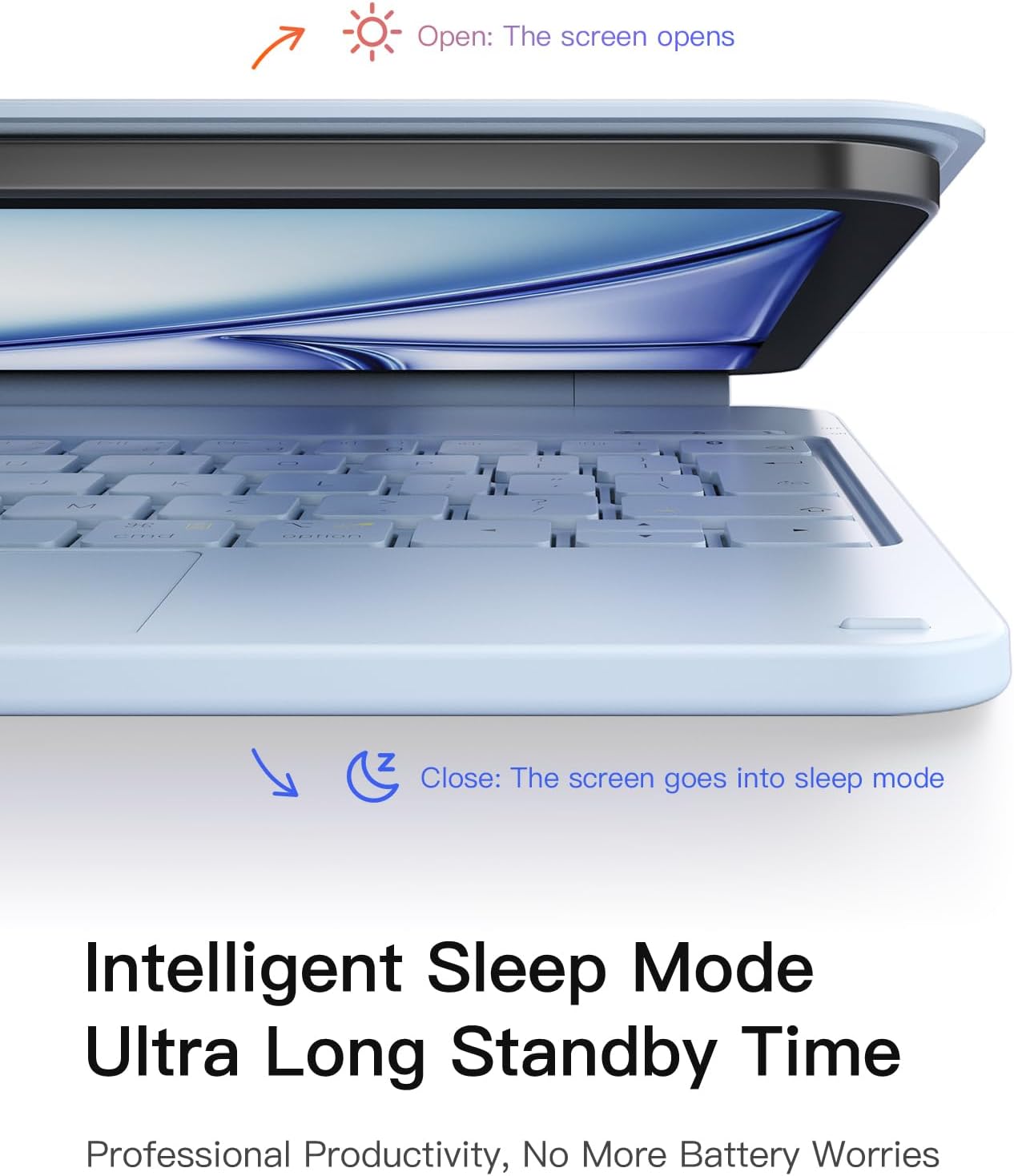
There’s also automatic wake and sleep behaviour: it wakes on open and sleeps on close, with ultra-low power standby. This is one of those under-the-radar features that helps with daily routine—especially if your iPad spends time in a bag and you don’t want to remember to power things on and off manually.
Battery and backlight: a realistic limitation
The battery details are fairly clear: after 3 hours of charging, it’s described as lasting about a month without backlight, and about a week with the backlight.
So if you’re the sort of person who always wants the keyboard lit—especially for evening sessions—keep the “about a week” figure in mind. It’s not a deal-breaker, but it’s a real trade-off and it’s worth factoring into your routine.
Tech summary
- Magnetic compatibility for iPad 10th Gen 10.9 inch (2022) models A2696/A2757/A2777/A3162 and iPad 11th Gen 11 inch (2025) models A3354/A3355/A3356
- Floating magnetic stand
- Aluminium alloy hinge with up to 130-degree tilt
- 7-colour backlight
- Multi-touch trackpad with anti-mistouch technology
- Intelligent wake on open / sleep on close
- Charging note: after 3 hours, lasts about a month without backlight, about a week with backlight
Should you buy it?
It makes sense if you’ve got one of the compatible iPad model numbers, and you want a laptop-like workflow: physical typing, a trackpad for navigation, a tiltable stand for comfort and backlight for low-light use. It’s also a sensible choice for commuting, business trips and study, because the design is described as slim and lightweight.
You may want to skip it if your iPad model isn’t in the listed A-model range, or if you don’t want to manage charging based on backlight use. And if your main priority is maximum comfort for ultra-long typing sessions, this type of case can only go so far—desk ergonomics still tend to win.
What to know before you commit (quick FAQ)
Does it work with any iPad model?
No. The listing specifies compatibility by model number. Check the A-number on the back of your iPad before purchasing.
Is the stand magnetic?
Yes. It attaches magnetically as a floating stand, with an adjustable hinge for a typing angle.
Will the keyboard work without charging?
The listing explains battery life after charging. If you plan to use the backlight often, expect shorter runtime than when it’s off.
Does it include a trackpad?
Yes. It has a multi-touch trackpad with anti-mistouch technology and supports touch gestures.
Are there keyboard shortcuts?
Yes, it supports a range of iPadOS keyboard shortcuts for multitasking and quick actions.