

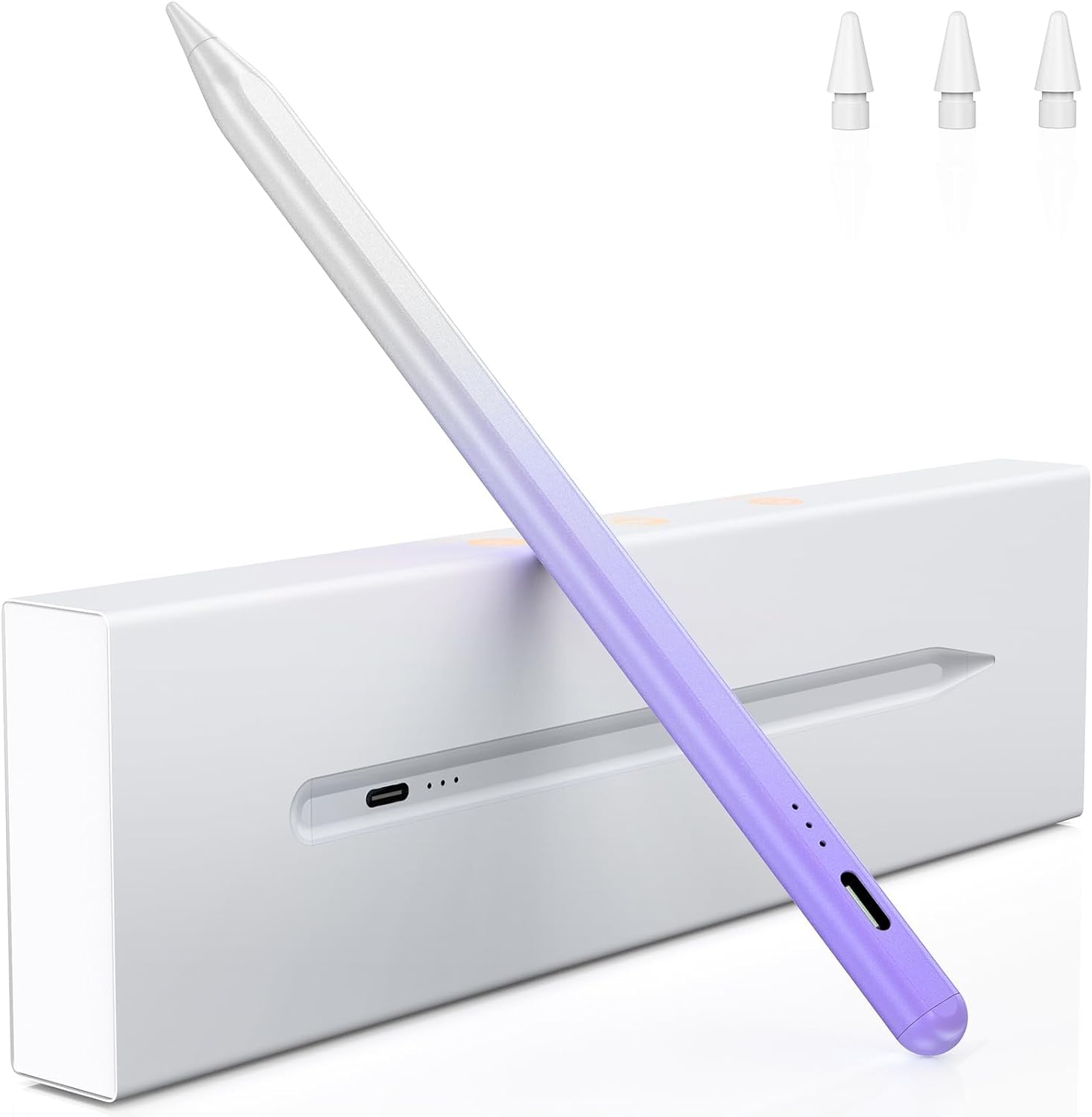
Variglas Pencil for iPad (2018–2025) – 15-minute fast charging, tilt sensitivity & palm rejection, gradient purple
Reviews
Price
Product description
The essentials
If you’re after a simple, reliable stylus for your iPad, the Variglas Pencil for iPad (2018–2025) is designed around everyday practicality: fast wake-up, quick top-ups, and controls that try to feel closer to a regular pencil. It’s not perfect for every setup, and there are a couple of compatibility limitations to be aware of, but on paper it ticks enough boxes for taking notes, sketching and marking up documents.
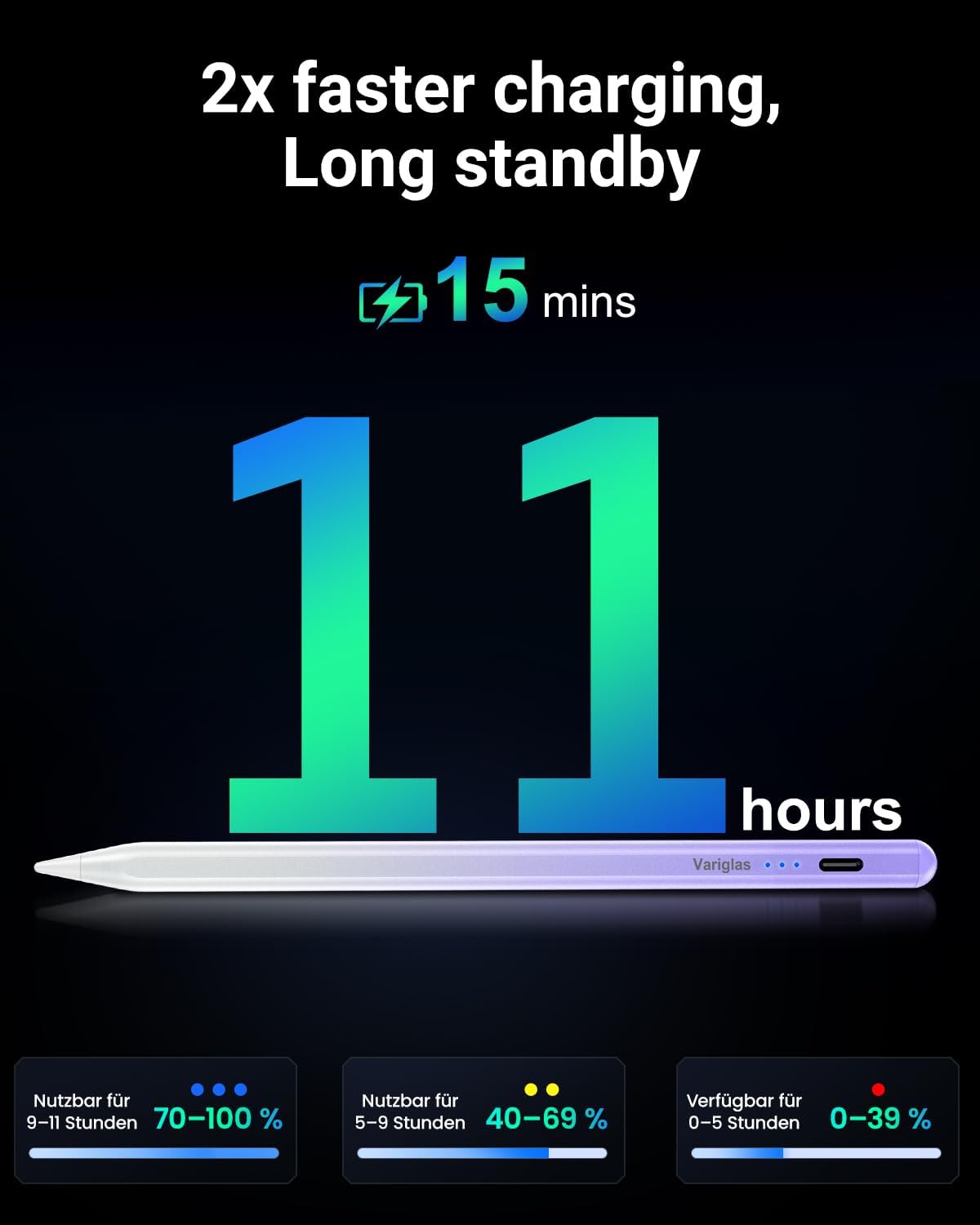
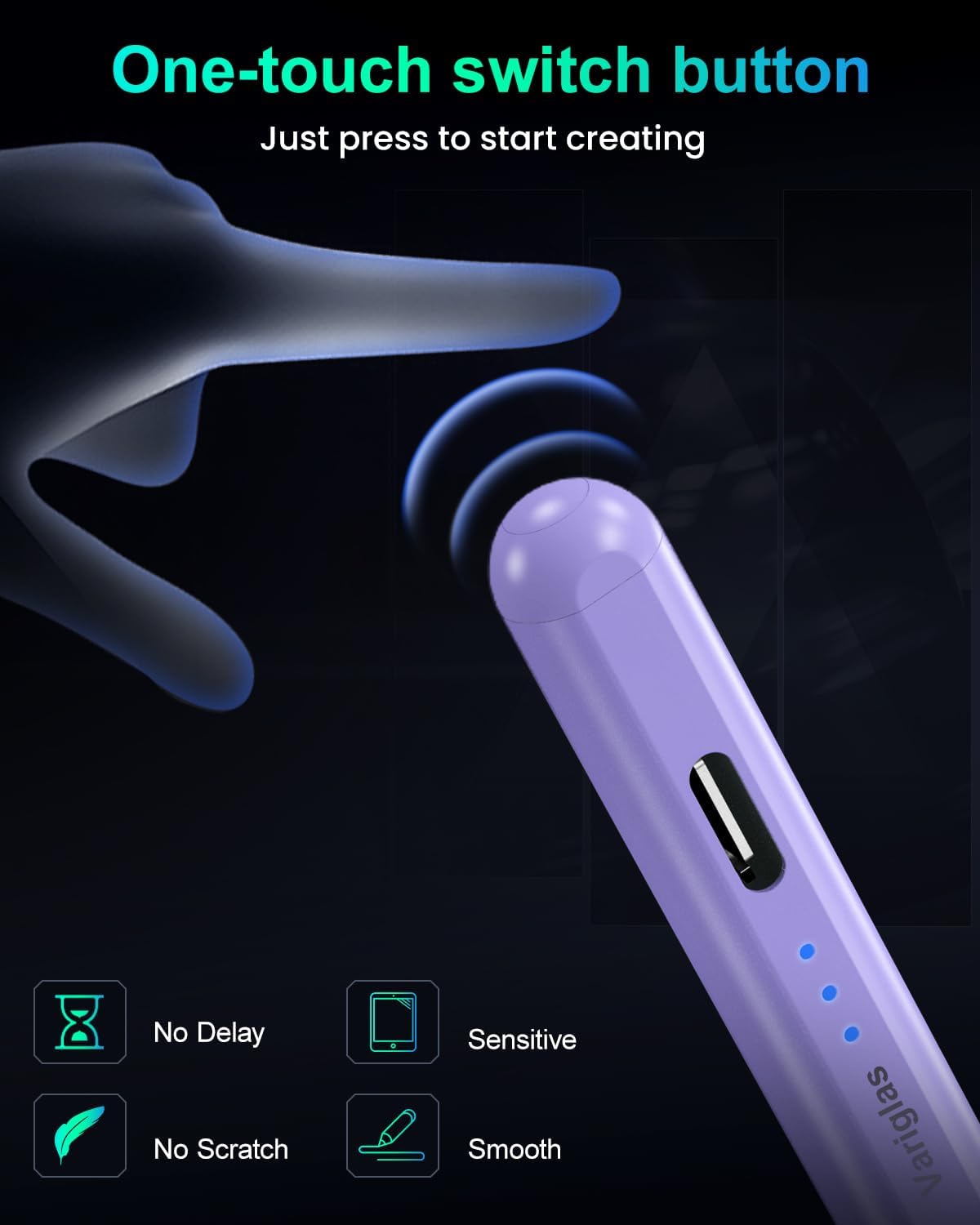
The big headline is the charging approach: it claims 15-minute fast charging and up to 11 hours of battery life after a full charge. It also avoids Bluetooth pairing — you’re expected to just tap the top to switch it on/off for instant use.
Key features and what you’ll notice in use
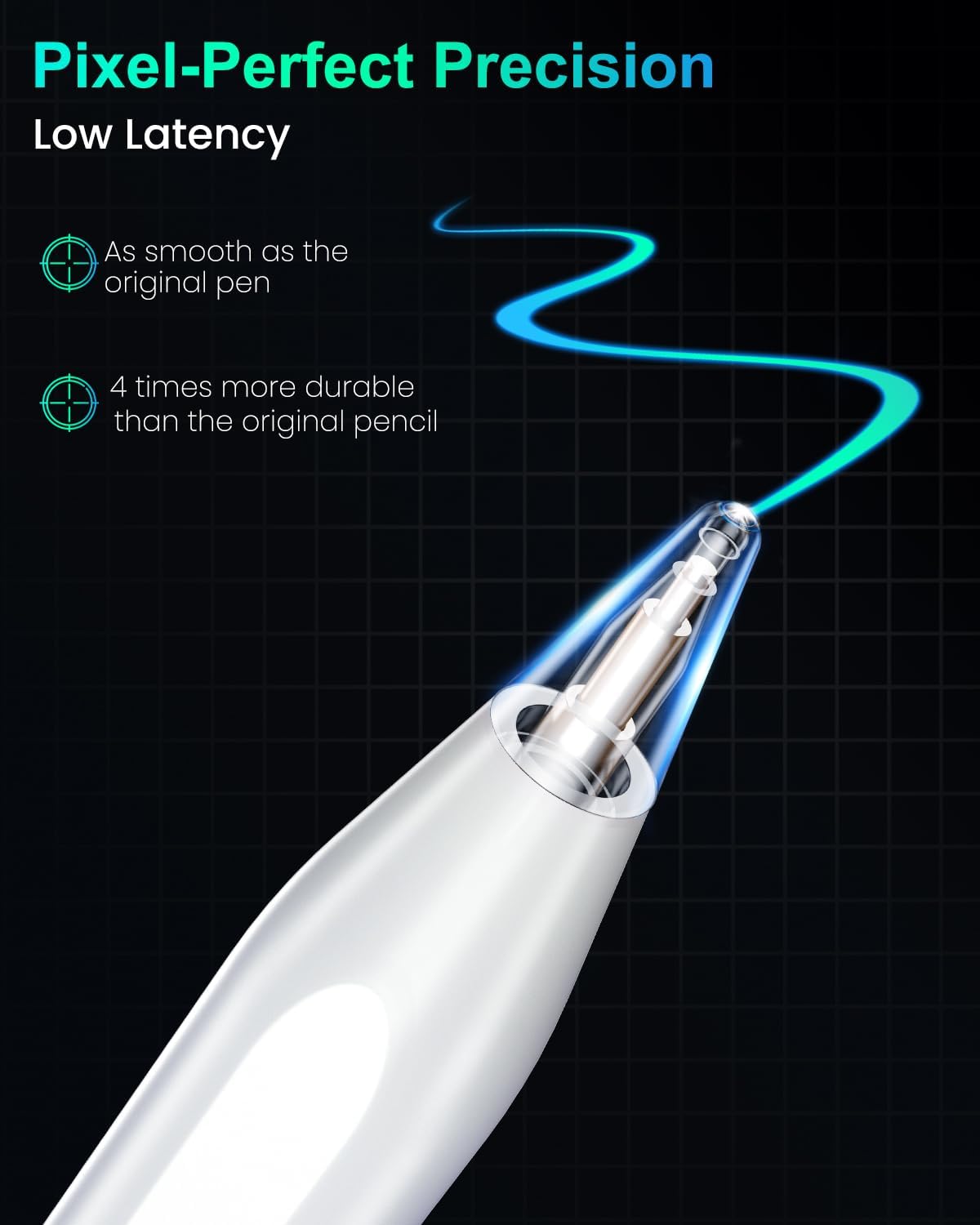
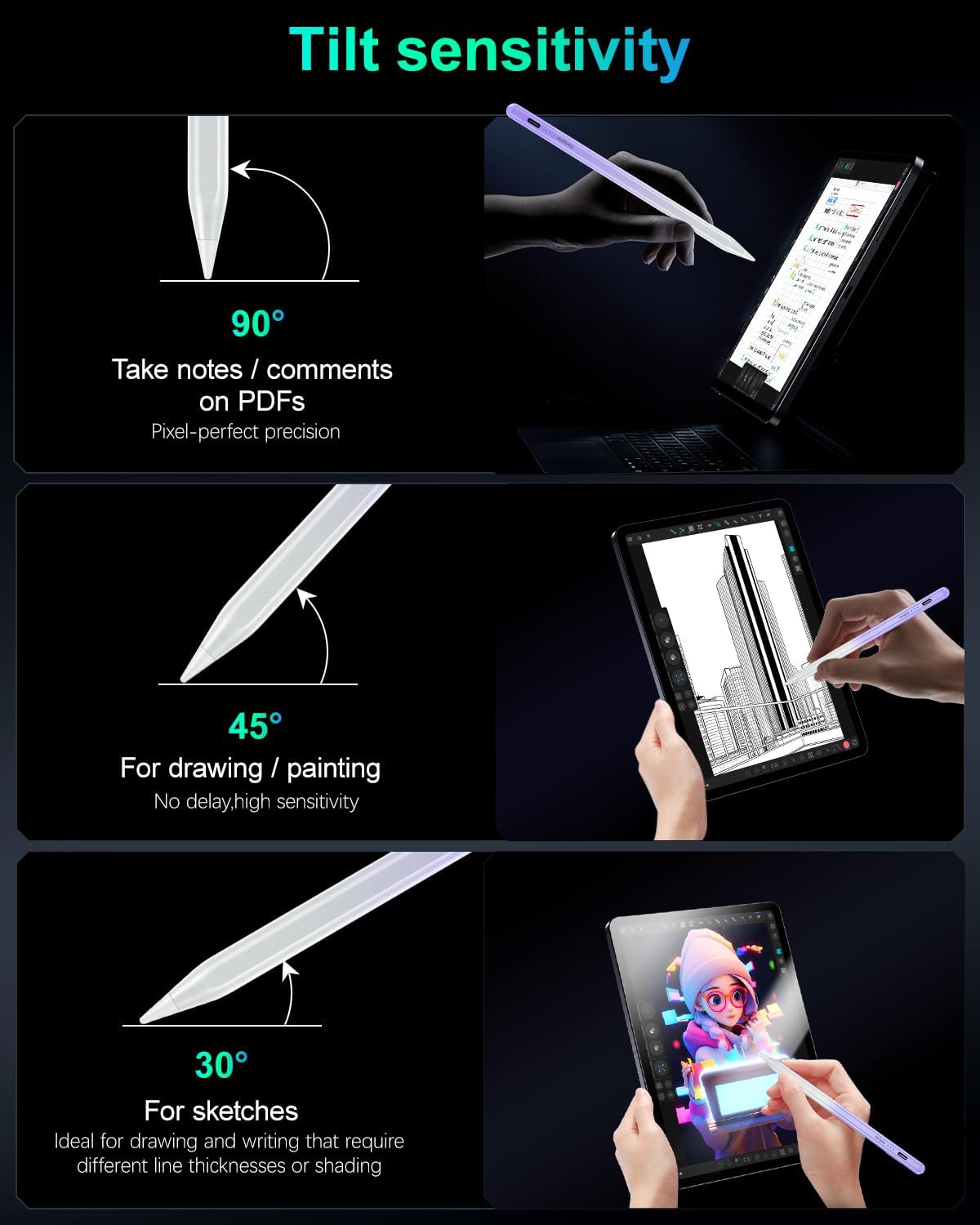
Tilt sensitivity is the feature that tends to make the biggest day-to-day difference for drawing and shading. Instead of producing one fixed line style, this pencil is set up to respond to the angle of the tip, helping you vary line width and create shaded effects. If you’ve used a more “graphite-like” workflow before, that tilt response is the closest feel described here.
Palm rejection is another practical touch. It’s there so you can rest your hand on the screen while writing or drawing without constantly triggering accidental marks. That matters when you’re doing longer note sessions or annotating a page — you spend less time trying to hover your hand.
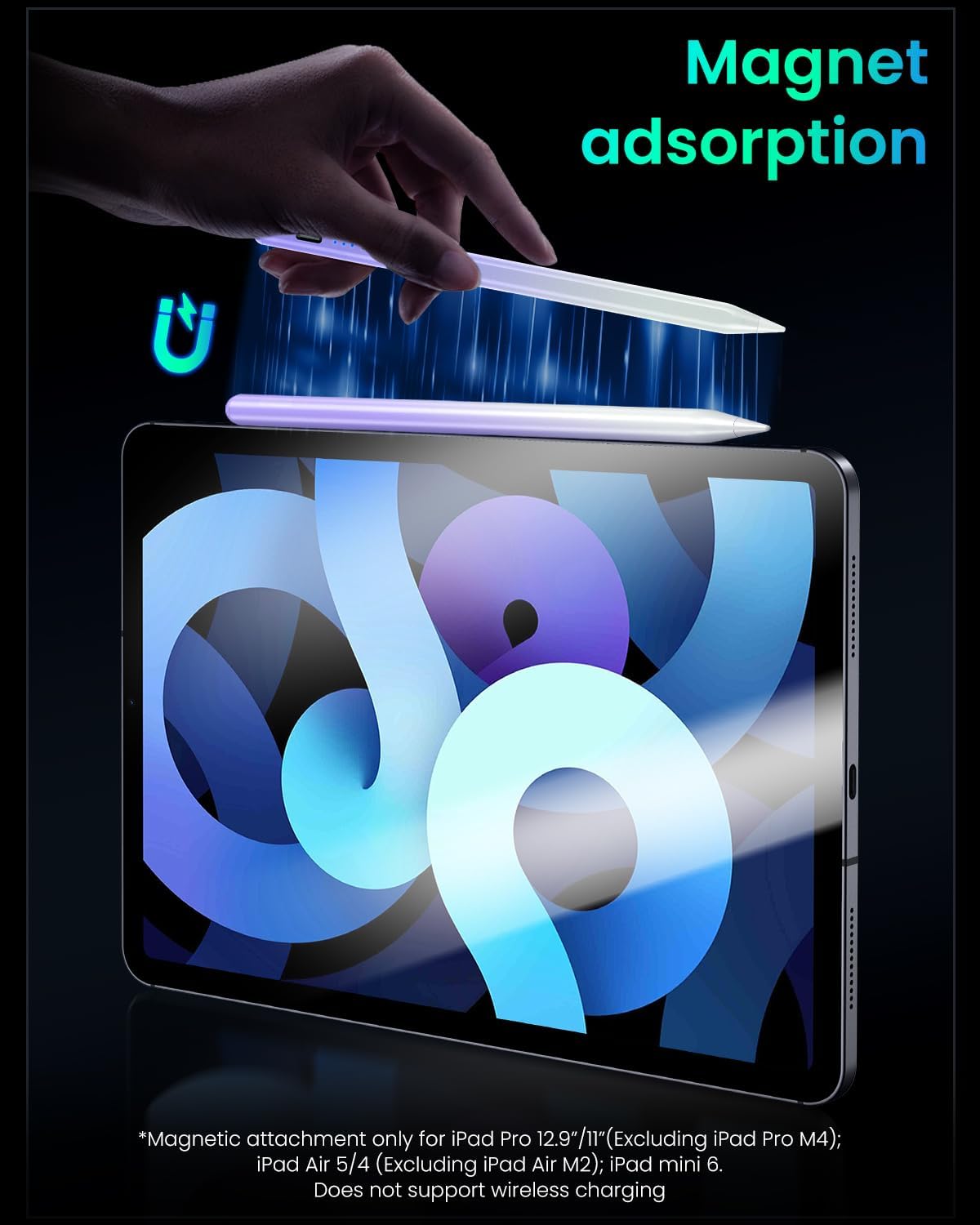
There’s also magnetic attachment built in. The idea is that it can stick securely to compatible iPad models, which is handy if you travel or just don’t want to keep finding a place to store the stylus.
And yes, you get replaceable tips. The pack includes three extra replacement tips, and the description frames them as durable, with a stated durability test and a 1.5 mm precision tip size for controlled lines.
Tech specs
- Name: Variglas Pencil for iPad 2018-2025
- Type: Capacitive stylus pen
- Charging: 15 Minutes fast charging
- Battery life (claimed): 11 hours with a single charge
- Power control: Tap to turn on/off (no Bluetooth pairing)
- Auto sleep: Switches off after 10 minutes of inactivity
- Tilt sensitivity: Yes
- Palm rejection: Yes
- Magnets: Integrated magnetic attachment (for compatible models)
- Tip precision: 1.5 mm
- Included tips: 3 additional replacement tips
- Colour: Gradient purple
Compatibility and the limits you should check
This pencil is presented as compatible with a range of iPad models across 2018–2025, including iPad Pro (11-inch and 12.9-inch variants listed in the description), iPad Air (13-inch/11-inch and model generations listed), iPad (including the 6th to 11th generation series listed) and iPad mini (5th and 6th generation).
That said, the description includes a couple of important notes: - Wireless charging is not compatible. - There’s a specific mention that it’s not compatible with iPad mini 7.
Also, magnetic absorption is only suitable for certain models called out in the description. So if magnetic attachment is part of what you’re buying for, it’s worth confirming your exact iPad model before you assume it will dock neatly.
The charging and battery story (and where it fits)
The claimed 15-minute fast charging is the kind of feature that sounds small until you’re actually in the middle of a school day, commuting, or travelling with a busy schedule. Instead of planning charging around usage, you can top up briefly and get back to work.
It’s not a full “set and forget” battery claim either — the pencil does include auto shut-off after 10 minutes of inactivity, which should help preserve battery when you step away.
One limitation to consider: because it uses the “tap to turn on/off” approach rather than Bluetooth pairing, it should be straightforward, but you’ll still want to keep an eye on the charging method. Wireless charging isn’t supported, so you’ll need a compatible wired charging setup.
Who it’s for (and who should look elsewhere)
It makes sense if you want a capacitive stylus for an iPad and you care about practical features like tilt sensitivity, palm rejection, quick activation, and spare tips for longer-term use.
It might not be the best match if: - You specifically need wireless charging for your stylus workflow. - You own an iPad model mentioned as not compatible (the description flags iPad mini 7). - You’re expecting magnetic docking to work perfectly on any iPad — magnet attachment is only suitable for certain models.
If you’re mostly browsing and doing light marking, a basic stylus can do the job, but this one is aiming at people who actually draw, shade, or write for longer sessions and want fewer accidental screen touches.
Getting the most from it
For a simple test of whether it suits your style, try a quick workflow like: open your notes app, rest your hand naturally on the screen, and write a few lines with your usual pressure and angle. Then switch to drawing and deliberately change the tilt to see how line width and shading behave.
Also, if you’re the type to press hard or use the stylus daily, keep the spare tips in reach. Wear can vary depending on the surface you write on, and the inclusion of replacement tips is usually the sort of detail that saves hassle later.
Mini FAQ
How long does the battery last after a full charge?
The description states up to 11 hours of battery life with a single charge.
Does it need Bluetooth pairing?
No. It’s described as not requiring Bluetooth pairing — you tap the top to turn it on/off for instant connectivity.
Will it charge wirelessly?
No. The description notes that wireless charging is not compatible.
Does it support palm rejection?
Yes. Palm rejection is included to reduce accidental touches while your hand rests on the screen.
Is it compatible with iPad mini 7?
The description specifically notes it is not compatible with iPad mini 7.
Is it worth it?
Buy it if you have a compatible iPad from the models listed in the description and you want a stylus built for everyday writing and sketching, with tilt sensitivity, palm rejection, quick activation (tap on/off), and fast charging that’s meant to get you back in action quickly.
Skip it if your iPad model isn’t covered as compatible in the description, if you rely on wireless charging for your stylus accessories, or if you specifically want magnetic attachment on a model where the description says it won’t apply. For most people in the supported iPad range, it comes across as a sensible mid-category stylus focused on real use — not a gadget that only looks good on paper.