

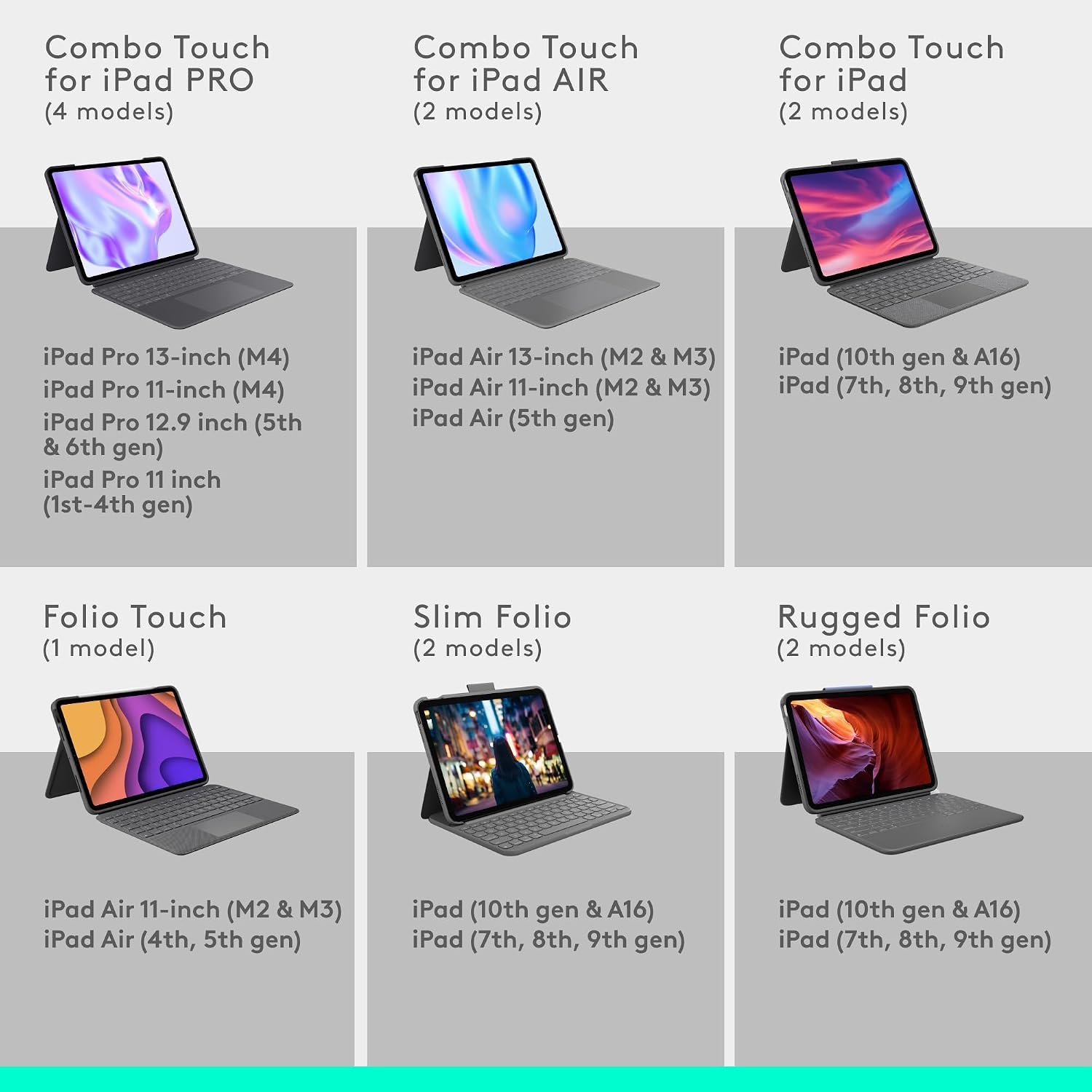
Logitech Slim Folio Keyboard Case for iPad (10th gen & A16) with wireless keyboard and Logitech Crayon (USB-C)
Product description
If you want your iPad to feel more like a proper writing and study device, the Logitech Slim Folio set is designed for exactly that. It pairs a full-size, edge-to-edge keyboard with iPadOS shortcut keys, and it also bundles a Logitech Crayon (USB-C) for note-taking and drawing.
On paper, it ticks a lot of boxes for everyday productivity. The keyboard’s key spacing is meant to be comfortable for longer typing sessions, and the battery plan is refreshingly low-maintenance. That said, it’s a specific compatibility play for iPads released in 2018 or later, so it’s not for older models.
The essentials
This is a slim folio-style keyboard case for compatible iPads, built around a full-size keyboard layout. Instead of you fumbling for menus, it includes a row of iPadOS shortcut keys for quick access to things like volume and media controls.
The keyboard connects wirelessly using Bluetooth Low Energy, which is aimed at being reliable while keeping power use efficient.
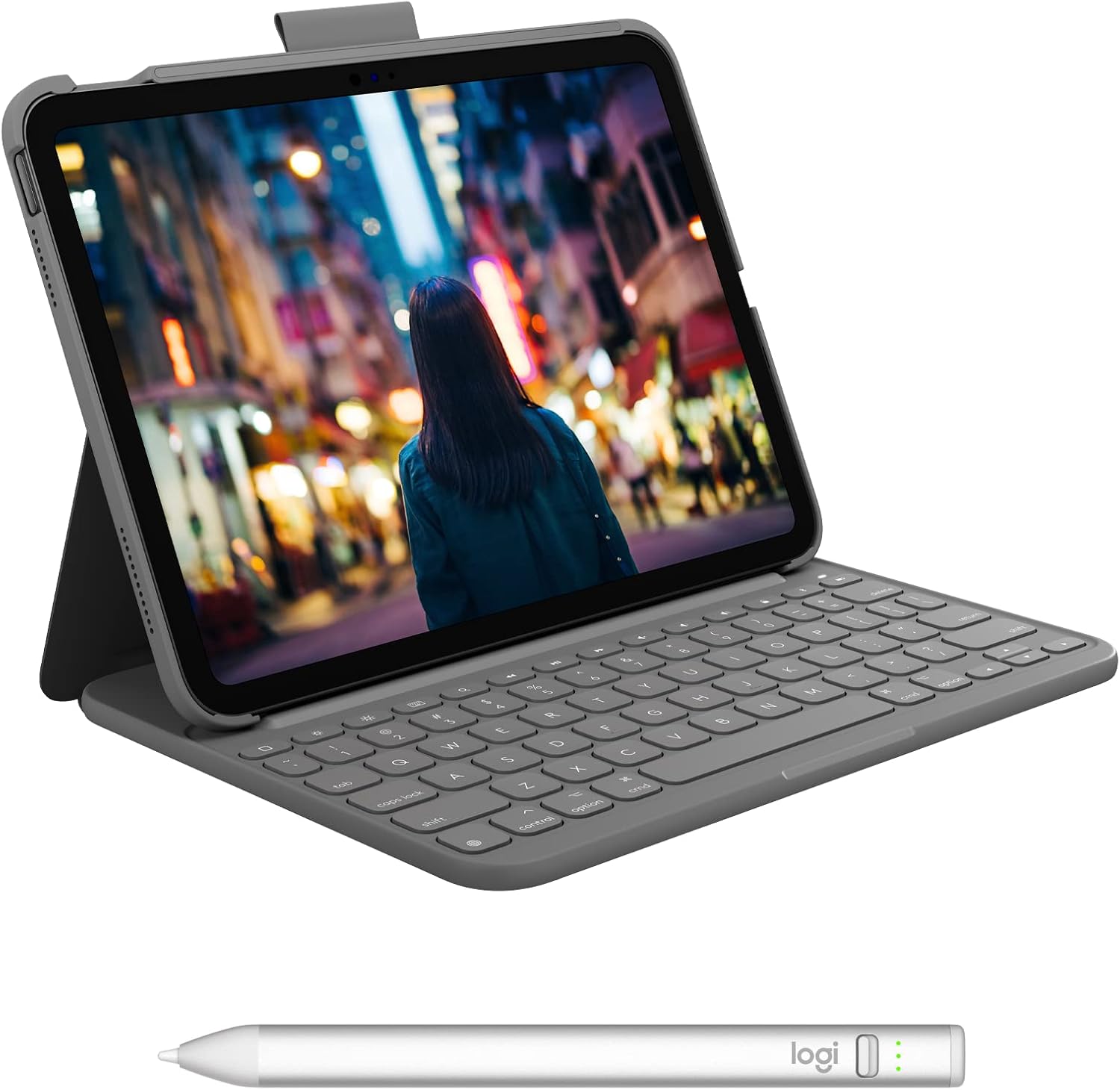
There’s also Logitech Crayon (USB-C) in the box. It’s designed to work with Apple Pencil technology, so writing and drawing can feel more natural than typing alone—especially if you use your iPad for handwritten notes, diagrams, or sketching.
What stands out in day-to-day use
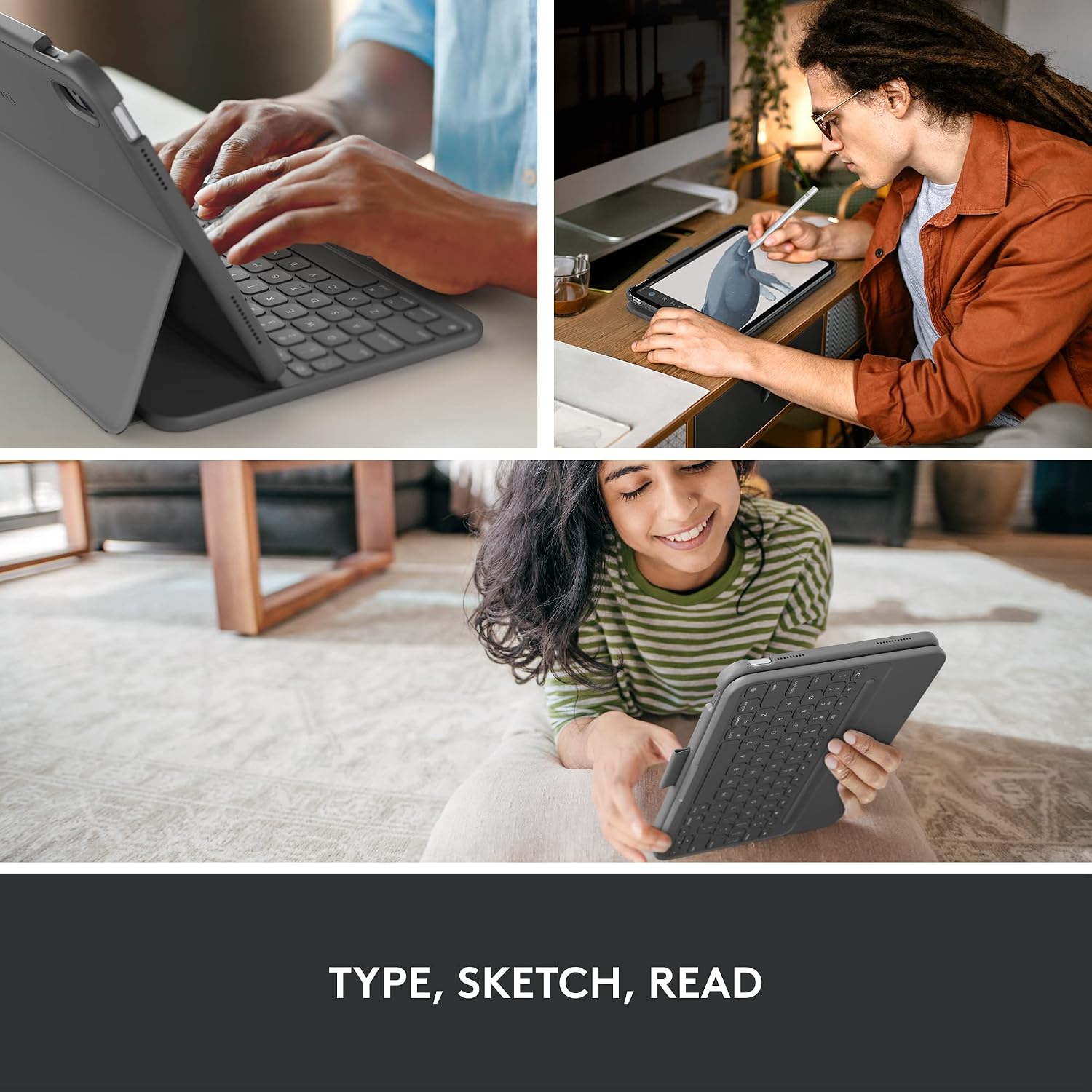
The most noticeable “why this exists” element is the combination of full-size typing and shortcuts. Having well-spaced keys stretched across the folio makes a difference if you’re doing anything more than a few quick messages—emails, schoolwork, revision notes, or longer documents.
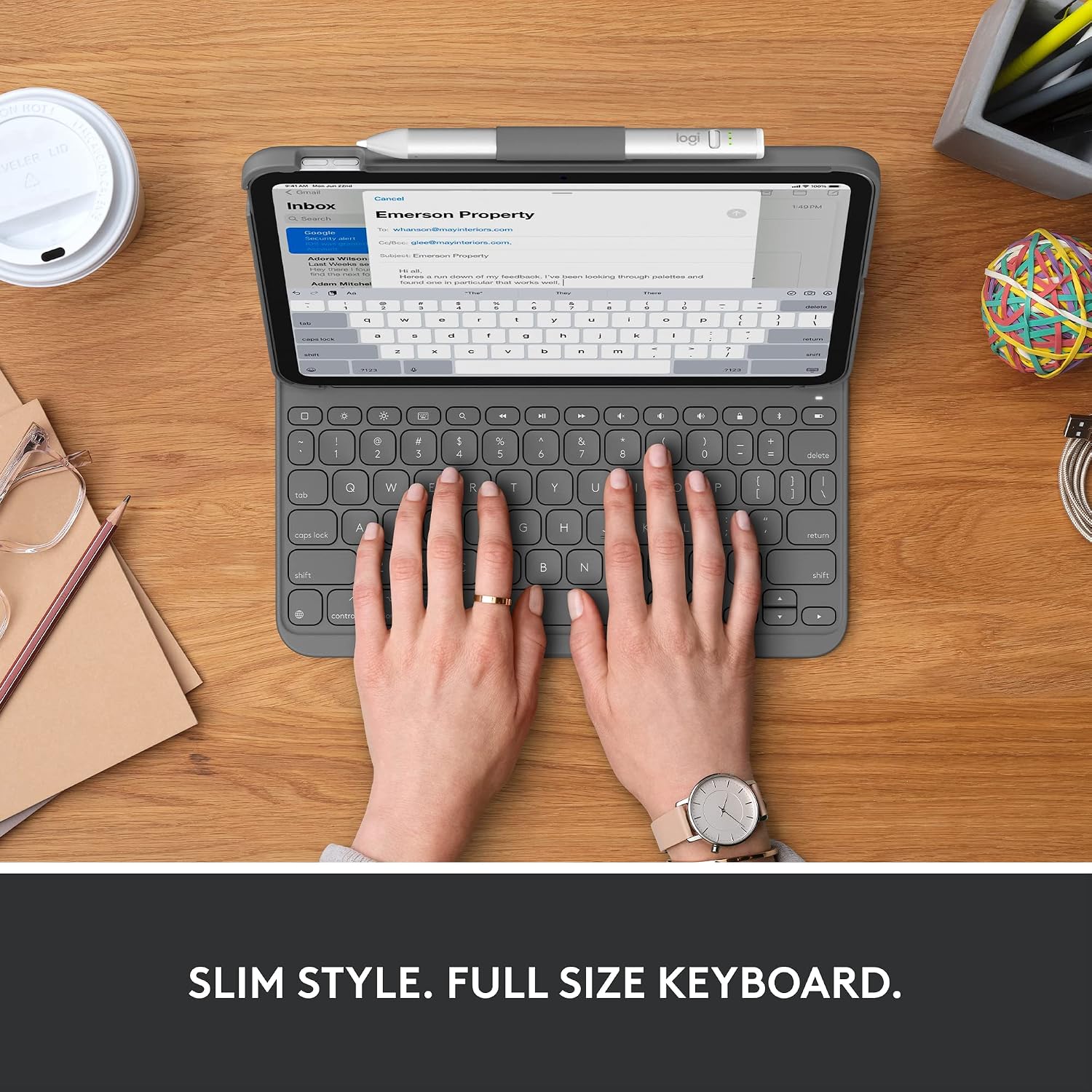
The keyboard also has practical iPadOS shortcuts. Depending on what you do most, those one-tap controls for volume and media can save time compared with reaching for on-screen controls.
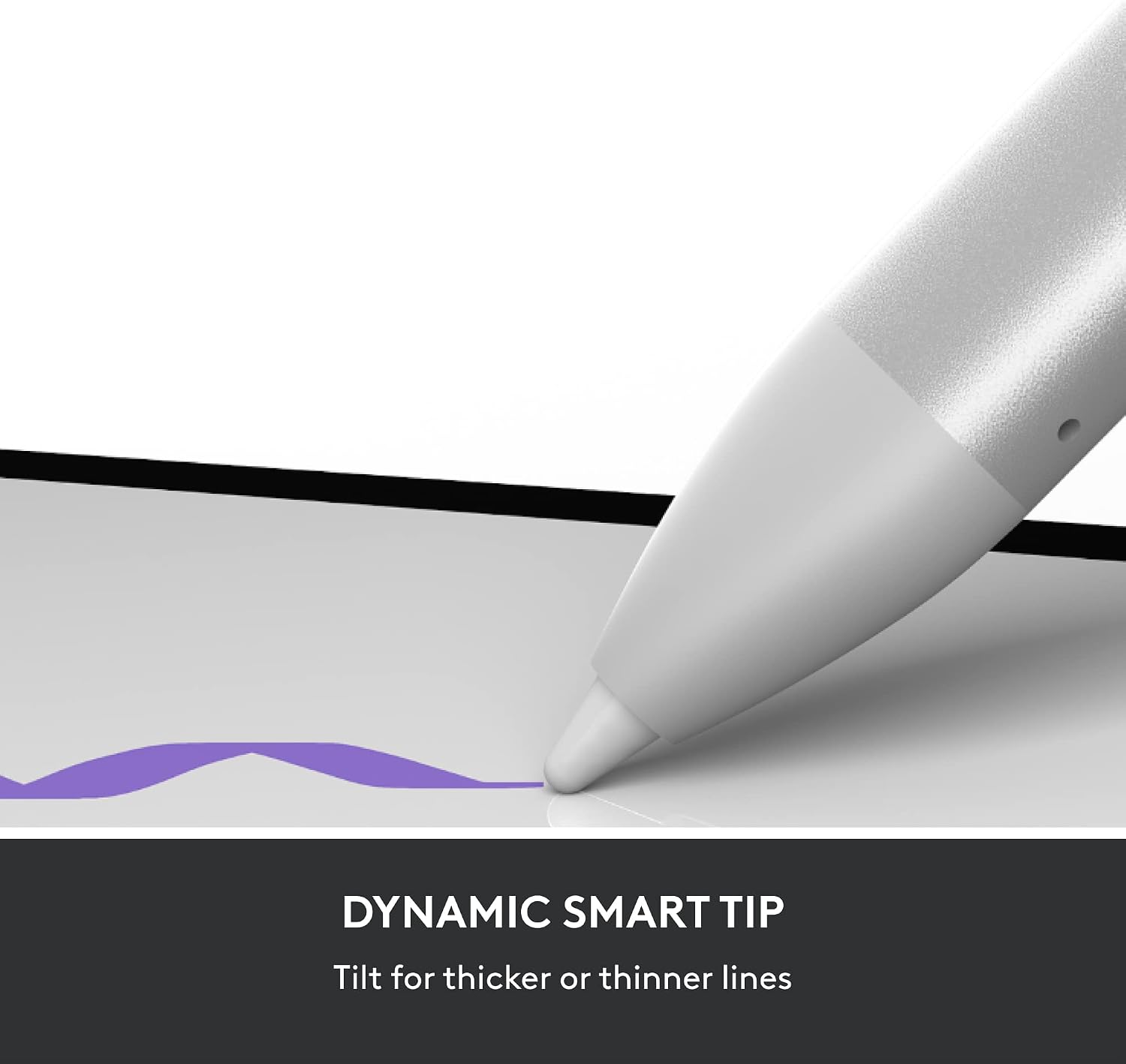
And when you’re done typing, the Crayon angle matters: the smart tip is described as adjusting line weight automatically when you tilt it, which is a genuine improvement over a fixed line style. It connects instantly by sliding an on/off switch, with no device pairing steps.
You can picture a typical routine: sit down for a lecture, type your key points with the keyboard, then switch to handwritten annotations for diagrams using the Crayon—without changing apps or waiting for connections.
Key takeaways
- Built for compatible iPads (see below), not as a universal keyboard.
- Full-size, well-spaced keys are the point for comfortable typing.
- iPadOS shortcut keys reduce menu-hunting.
- Up to 3 years battery life is claimed for the keyboard using replaceable coin cells.
- Crayon (USB-C) supports Apple Pencil technology-style input, with tilt-based line weight adjustment.
Tech specs
- Keyboard battery life: up to 3 years (claimed)
- Keyboard power system: smart-power management with 2 replaceable coin cell batteries
- Wireless connection: Bluetooth Low Energy
- iPad compatibility listed: iPad models released in 2018 or later with the named iPadOS/iOS requirement mentioned (iOS 12.2)
- iPad (10th gen) compatibility codes: A2696, A2757, A2777

For iPads released in 2018 or later, the description also references these families: iPad Pro 12.9 inch (3rd, 4th, 5th, 6th gen), iPad Pro 11 inch (1st, 2nd, 3rd, 4th gen), iPad (6th, 7th, 8th, 9th, 10th gen), iPad Air (3rd, 4th gen), and iPad mini (5th gen).
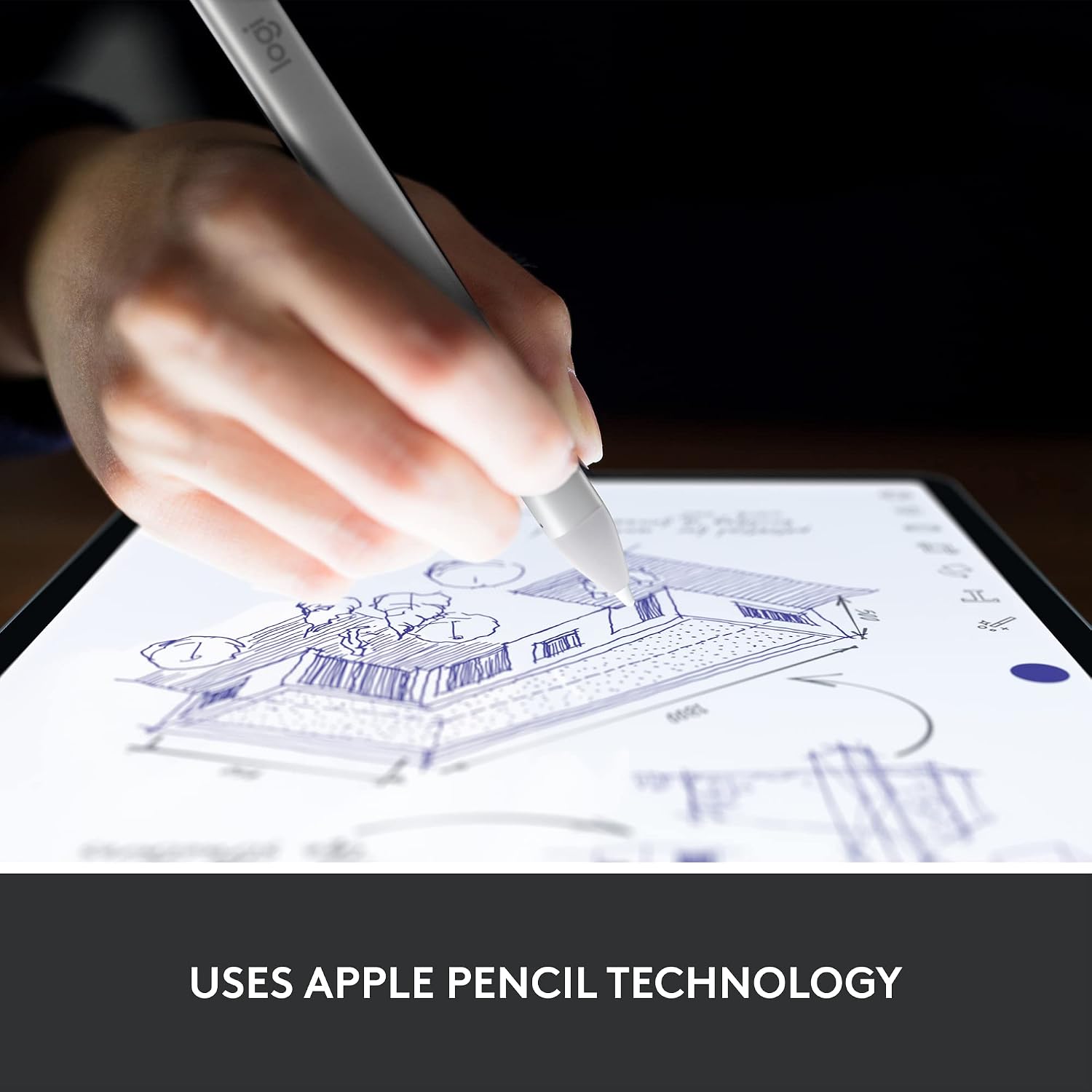
Logitech Crayon (USB-C) details from the description: uses Apple Pencil technology, connects instantly by switching on, tilt adjusts line weight automatically.
Who it suits (and who should skip it)
It makes sense if you want one setup that covers both typing and handwriting. This is particularly relevant if you’re the sort of person who alternates between essays, email drafting, and handwritten notes in the same day.
It also suits anyone who values low-fuss power management on the keyboard—replaceable coin cells plus an “up to 3 years” claim means you’re less likely to be stuck charging frequently.
It may not be the best match if you own an iPad outside the listed 2018+ compatibility scope. Also, if you rarely type for long stretches, the bundled keyboard might feel like overkill compared with simpler input accessories.
Buying verdict
It’s a solid pick if your iPad is among the listed 2018 or later models (including iPad (10th gen) with A2696/A2757/A2777) and you genuinely want a keyboard that’s meant to be comfortable to type on, plus a Crayon for handwritten work.
You may want to skip it if your iPad model isn’t covered by the compatibility list, or if you’re mainly using your iPad for browsing and media rather than regular writing. One more thing to keep in mind: the Crayon uses Apple Pencil technology, so if you’re expecting a specific “Apple Pencil” experience, this is positioned as the closest equivalent—still, the iPad and input support need to match what’s stated in the description.
Practical FAQs
Does this case replace a keyboard, or is it more for quick typing?
It’s aimed at full-size typing with well-spaced keys and a row of iPadOS shortcut keys, so it’s better viewed as an actual keyboard setup rather than just a quick-tap companion.
How does the keyboard connect?
The description says it uses Bluetooth Low Energy for a reliable, energy-efficient wireless connection.
How long will the keyboard battery last?
Logitech states up to 3 years of battery life, powered by 2 replaceable coin cell batteries.
Do I need to pair the Crayon?
No device pairing is described. You slide an off/on switch and start writing.
Is the Crayon USB-C or does it need a specific adapter?
The included pencil is described as Logitech Crayon (USB-C). The connection method is described as instant once switched on.