


Lenovo Tab M11 Android Tablet (11”) with Pen, 4GB RAM, 128GB, Luna Grey
Reviews
Price
Product description
What it is and who it’s for
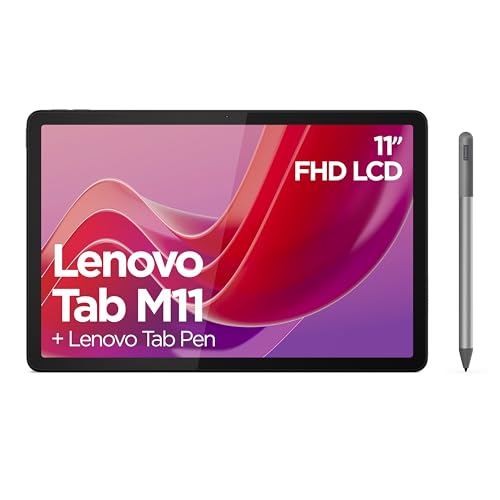
The Lenovo Tab M11 is an 11-inch Android tablet designed for family-friendly entertainment and everyday productivity. It pairs a durable, slim frame with water and dust resistance, all in a subdued Luna Grey finish. If you’re after a device that can handle streaming, light gaming, coursework, video calls, and quick notes, this tablet aims to cover those daily needs without fuss.
How it performs on paper
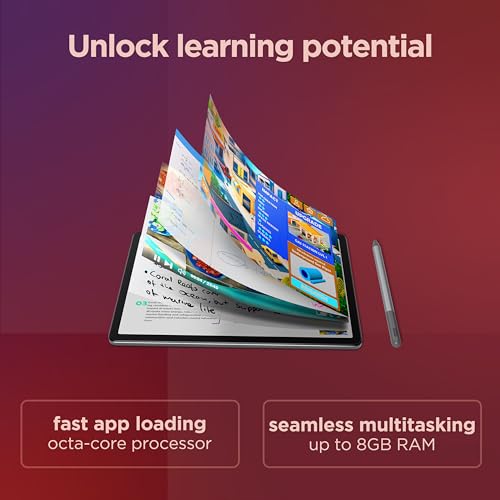
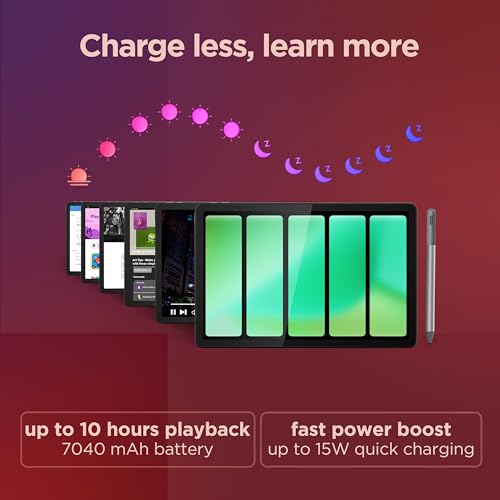
On the inside you’ll find a MediaTek Helio G88 octa‑core processor paired with 4 GB of RAM and 128 GB of built‑in storage. The display is an 11-inch WUXGA panel (1920 x 1200) with a smooth 90 Hz refresh rate, delivering reasonably crisp visuals for streaming and light gaming. The quad speakers tuned by Dolby Atmos should help with a more engaging audio experience when watching movies or videos. A substantial 7040 mAh battery is claimed to support long sessions, and the tablet offers WiFi connectivity for online tasks.
What stands out in day‑to‑day use
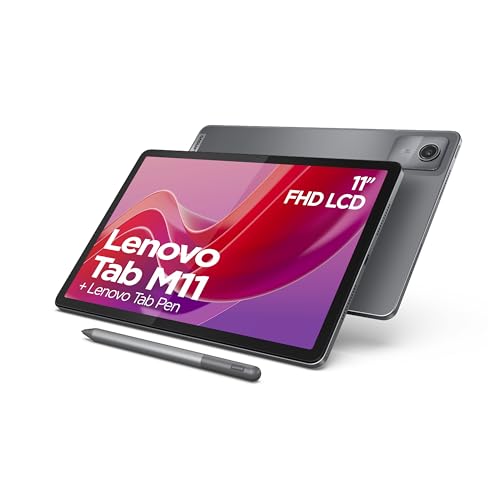
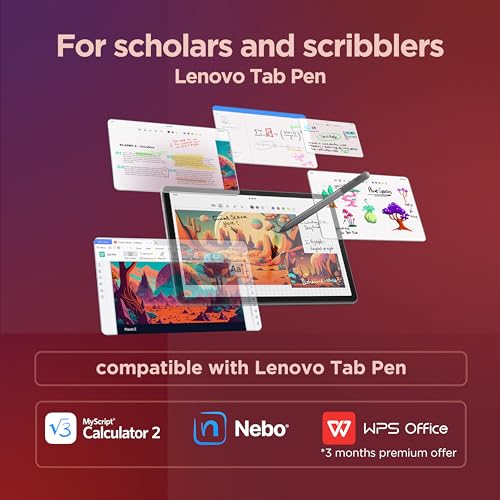
- The included Lenovo Tab Pen adds value for note‑taking and drawing, which can be handy for schoolwork or quick sketches. The pen’s pressure sensitivity (4096 levels) and tilt support can help when you’re jotting notes or marking up documents.
- The 11-inch screen size sits nicely between portability and usable reading/scrolling area, making it convenient for casual reading, video content, and light multitasking.
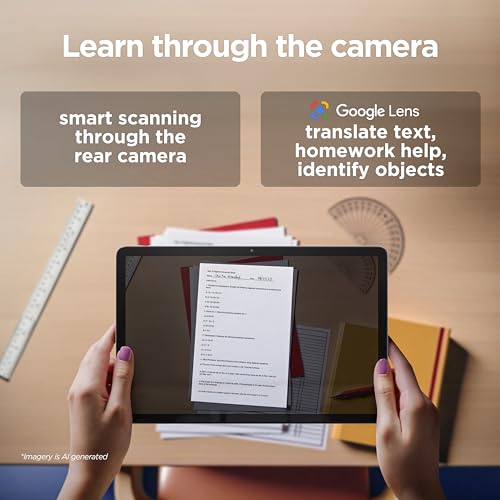
- The AI smart scanner in the camera aims to capture documents and convert them into PDFs with simple taps, which can save time when you need to share notes or receipts.
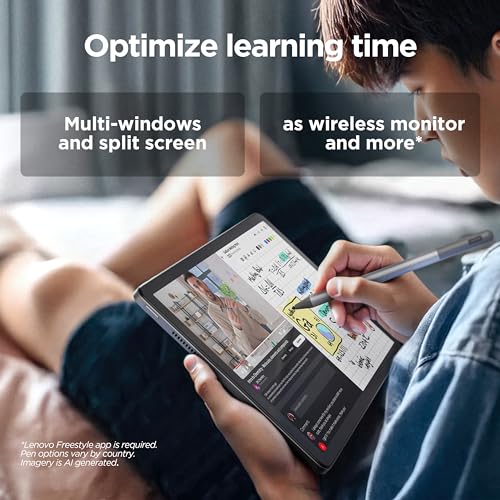
- The overall hardware package suggests a device that performs adequately for everyday Android tasks, but it isn’t aiming for high-end gaming or heavy multi‑window workloads.

What could be better or limited
- With 4 GB RAM, heavy multitasking or very demanding apps may feel restrictive compared with higher‑spec tablets. If you tend to keep many apps open or run resource‑intensive software, you may hit some slowdowns.
- Storage of 128 GB is decent, but you may want to rely on microSD expansion if you shoot lots of video, store large files, or install many apps. The base specs don’t explicitly state expandability, so plan accordingly.
- The 90 Hz display is a pleasant touch for fluid scrolling and casual gaming, yet the resolution sticks at 1920 x 1200. If you’re chasing top‑tier visuals for cropping or photo editing, it may not feel premium compared with higher‑end tablets.
- Battery life is advertised up to 10 hours of video playback, but actual endurance will depend on brightness, app use, and network activity. Real‑world results may vary.
Suitability: who it’s for
- Students and families who want a practical device for media consumption, light study tasks, and note taking will likely appreciate the pen and document tools.
- Casual gamers and social media users who prioritise a balanced price‑to‑performance ratio may find this a sensible option, especially if you don’t need the latest flagship specs.
- People who value compact charging and a device that sits comfortably in a backpack or satchel will benefit from the 11‑inch form factor.
Who should think twice
- If you’re a power user who runs RAM‑heavy apps, edits large videos, or plays demanding modern games, you might outgrow the 4 GB RAM and the Helio G88‑based performance.
- If you require optimal multitasking with many apps open simultaneously or need top‑tier camera performance, this model isn’t designed as a flagship device.
- If expansion and futureproofing are priorities, verify whether storage can be expanded or consider how long you expect the device to remain capable of your needs.
Before you buy: what to double‑check
- Confirm the exact availability of WiFi features (and whether you need cellular data in your use case).
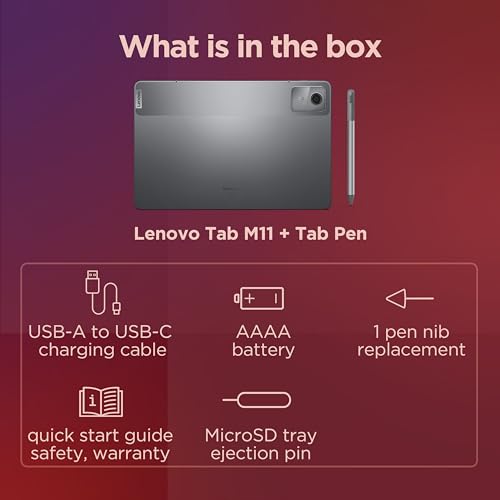
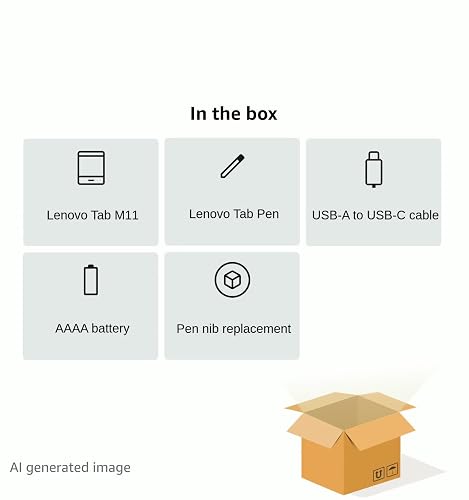
- Check whether the Pen is truly included in your package and if there are any replacement tips or batteries needed for long‑term use.
- Consider your typical content: streaming, reading, or note‑taking? The 11‑inch screen with 1920x1200 resolution should suit most reading and streaming tasks, but real‑world brightness and colour accuracy depend on the display panel.
- If you rely on offline storage for media or documents, plan how you’ll manage downloads and potential expansion.
A practical comparison in context
For budget‑conscious multimedia use, this tablet sits between entry-level and mid‑range devices. It’s not pitched as a high‑end option, but it offers a compelling set of features for family use, especially with the included stylus and document capture tools. If your priority is top processing power or the sharpest display, you may look towards devices marketed as higher‑spec or with larger RAM and storage options. If, however, you want something reliable for everyday tasks, family‑friendly features, and the convenience of pen input for notes, the Tab M11 presents a reasonable balance.
Is it worth it?
- It’s a good fit if you want a practical, all‑round Android tablet for media, light productivity, and learning tasks at a fair price. The pen and document capture features add tangible utility for schoolwork or quick drafting.
- You may want to skip it if your priorities include heavy multitasking, advanced gaming, or premium camera capabilities.
- Overall, this model tends to suit casual and family use better than niche or premium workloads.
Quick FAQ
- Does the tablet support expansion via microSD? Data not specified, plan based on included storage (128 GB) and potential expansion needs.
- Is the Pen included in all configurations? The device listing mentions the Lenovo Tab Pen as included, but verify the exact package contents at purchase.
- How long will the battery realistically last? Up to 10 hours of video playback is advertised, but real‑world results depend on usage, brightness, and app activity.
- Can it handle video streaming and basic gaming? Yes for streaming, 90 Hz helps with feel of smooth visuals, but performance for graphic‑heavy games may be limited by RAM and CPU.