

XP-PEN Artist 22R Pro 21.5-inch drawing monitor 🎨
Reviews
Price
Product description
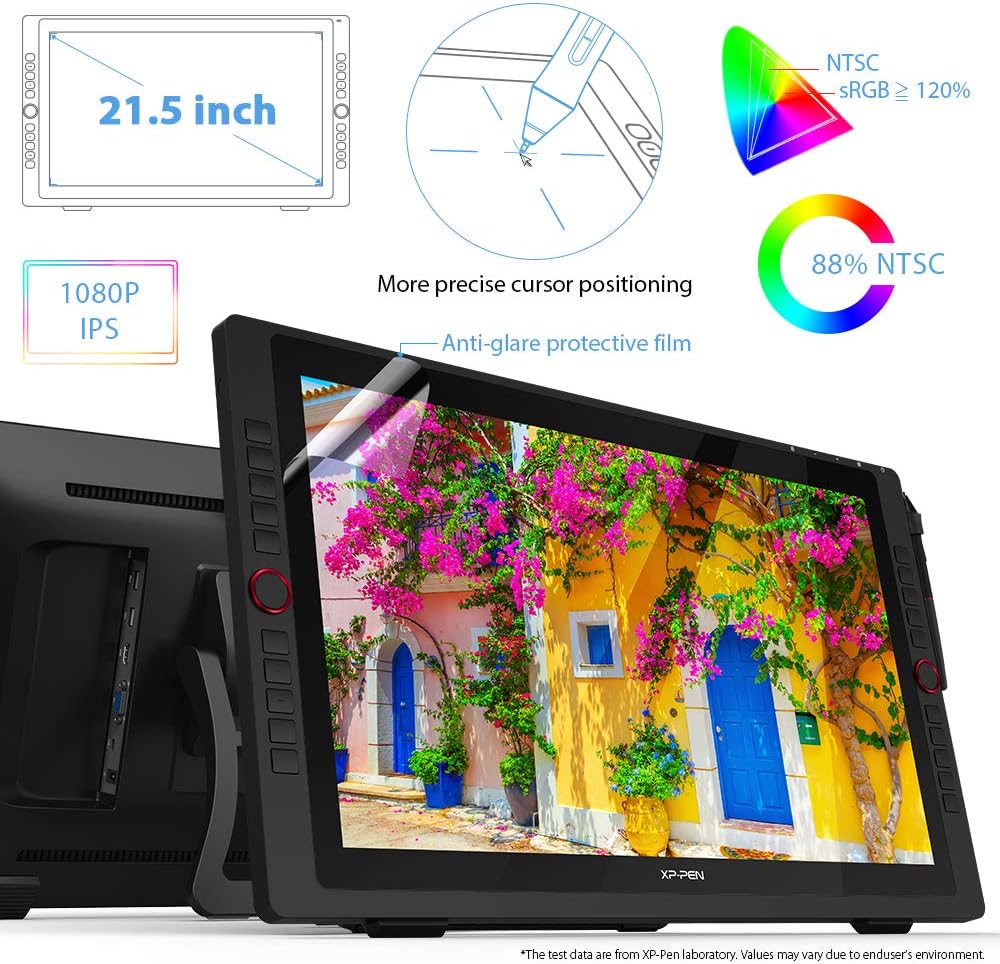
This 21.5-inch creative display brings pen-on-screen control to artists and designers who need direct, responsive input for illustration, photo retouching and concept art. The 21.5 inch drawing tablet with USB-C connection enables a simpler desktop layout and reduces cable clutter, while the FHD panel helps reveal finer colour and detail for daily creative work.
Key Points
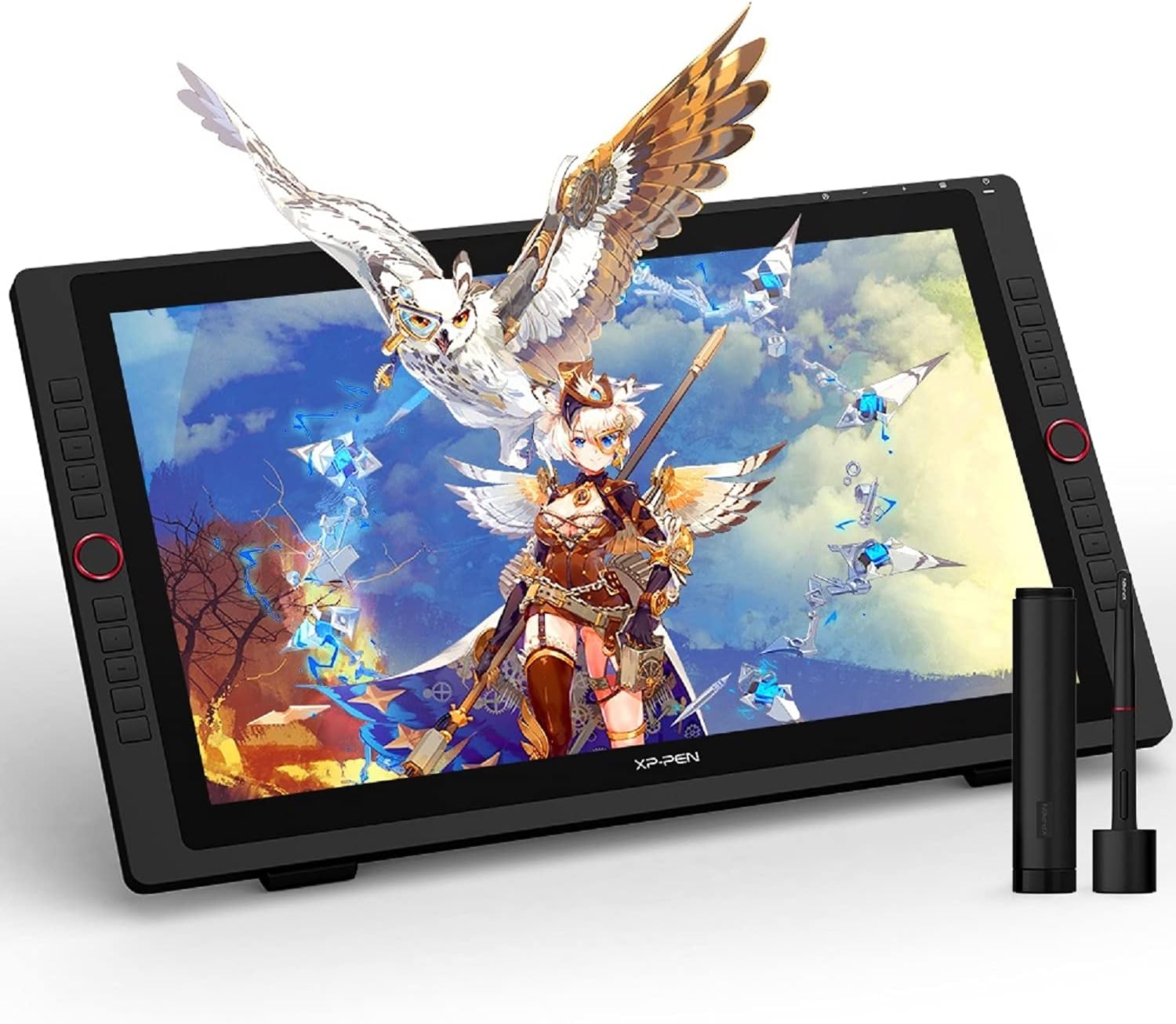
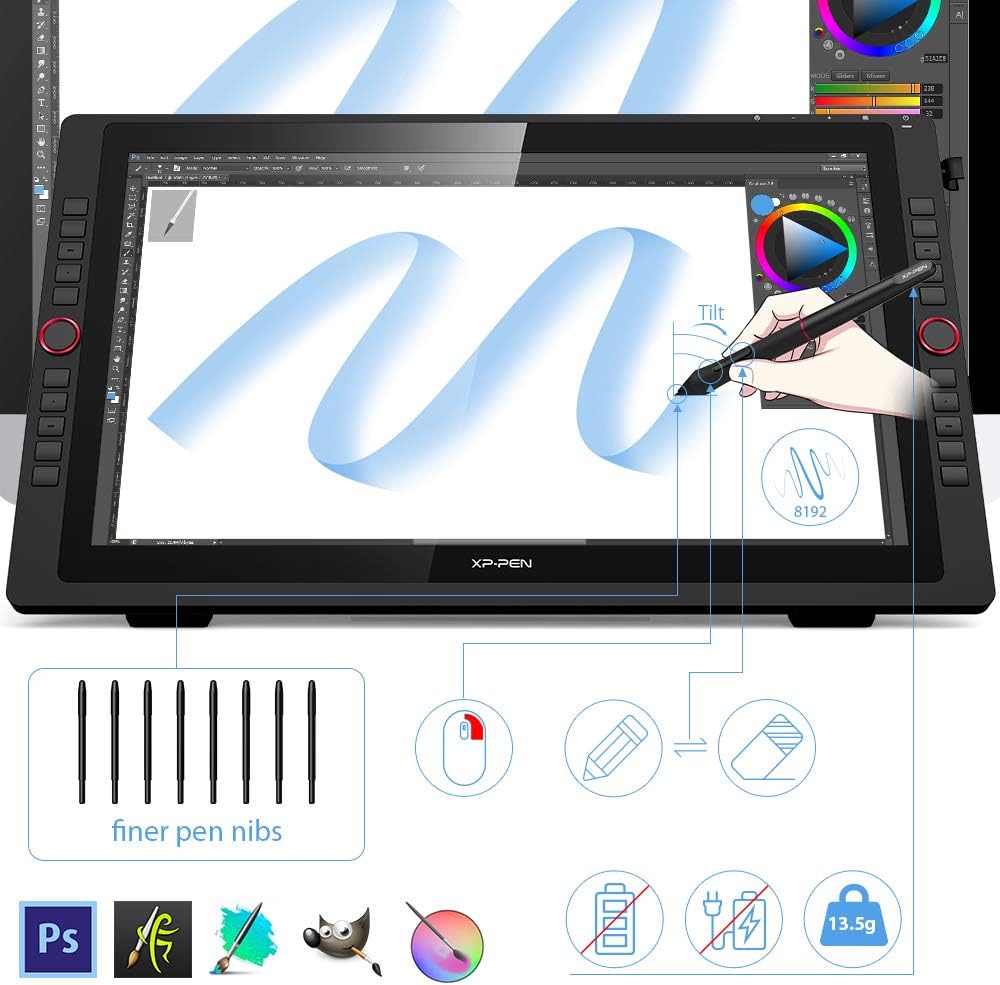
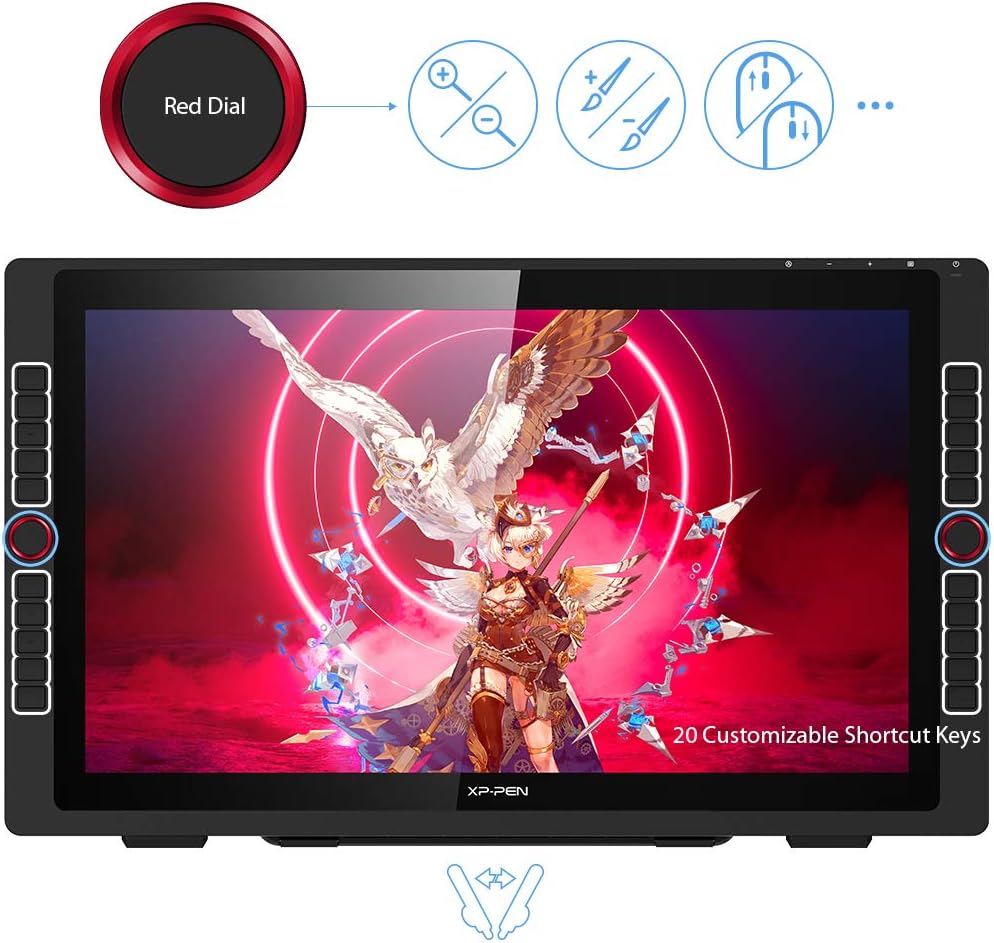
The display offers a Full HD 21.5-inch panel with wide colour coverage and improved cursor positioning across the whole surface, which makes detailed work easier and reduces parallax. The integrated USB hub accepts peripherals such as a mouse and helps keep a tidy workstation. The device includes a battery-free stylus that supports up to 60 degrees of tilt for more natural shading and sketching, and there are two red control dials plus twenty customisable shortcut keys arranged for both right- and left-handed use. 🎨
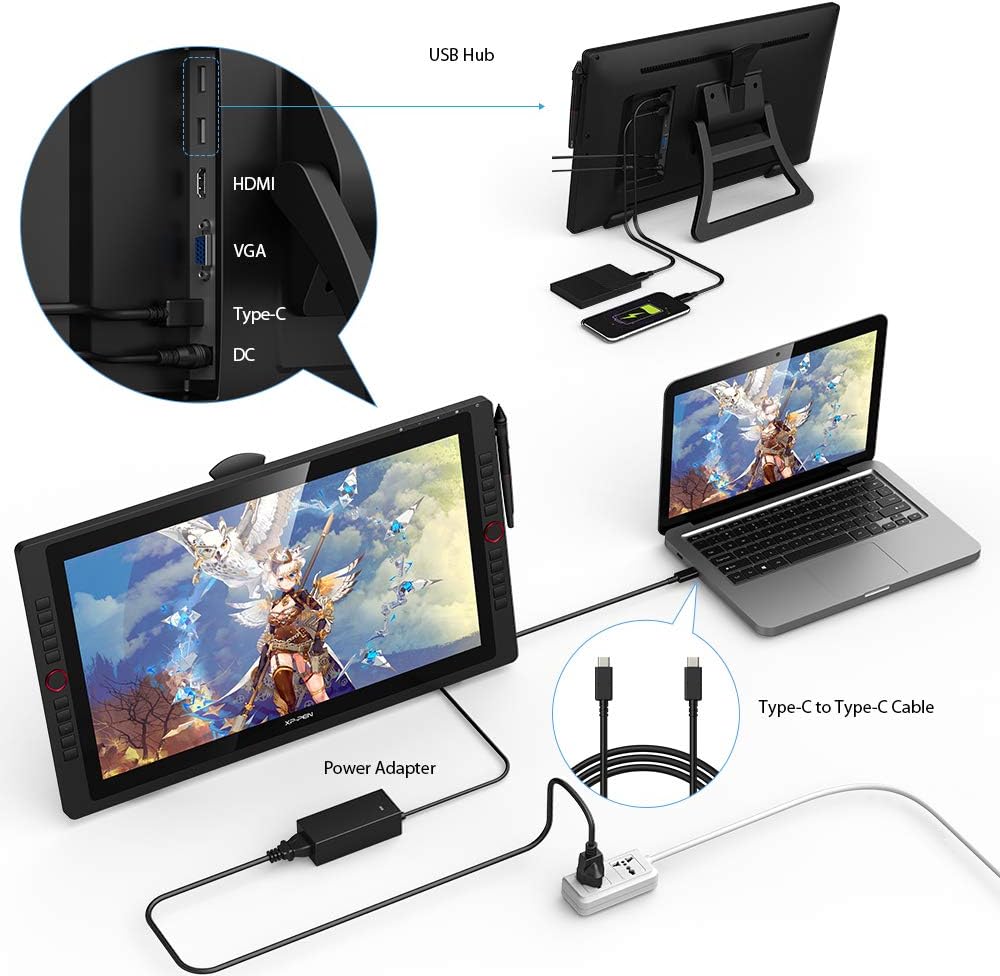
This model connects directly by USB-C to compatible Macs and Windows laptops, removing the need for a separate HDMI adapter in many setups. Take into account that older systems without a Type-C video output will require the usual converters according to the manufacturer.
Technical Specifications
- Name: XP-PEN Artist 22R Pro
- Screen size: 21.5 inch FHD
- Colour gamut: 88% NTSC, 90% Adobe RGB (manufacturer figure)
- Pen: PA2 battery-free stylus, tilt support up to 60°
- Connectivity: USB-C input and built-in USB hub
Usage Recommendations
Use the tablet as a primary drawing surface for detailed illustration and editing workflows, placing the screen at a slight angle for comfortable long sessions. Install the official drivers to access the full customisation of shortcut keys and the dial controls, which speed up repetitive tasks and brush adjustments. For chromatically sensitive projects consider soft proofing on a calibrated monitor, since manufacturer colour figures may vary under different lighting. 🖌️
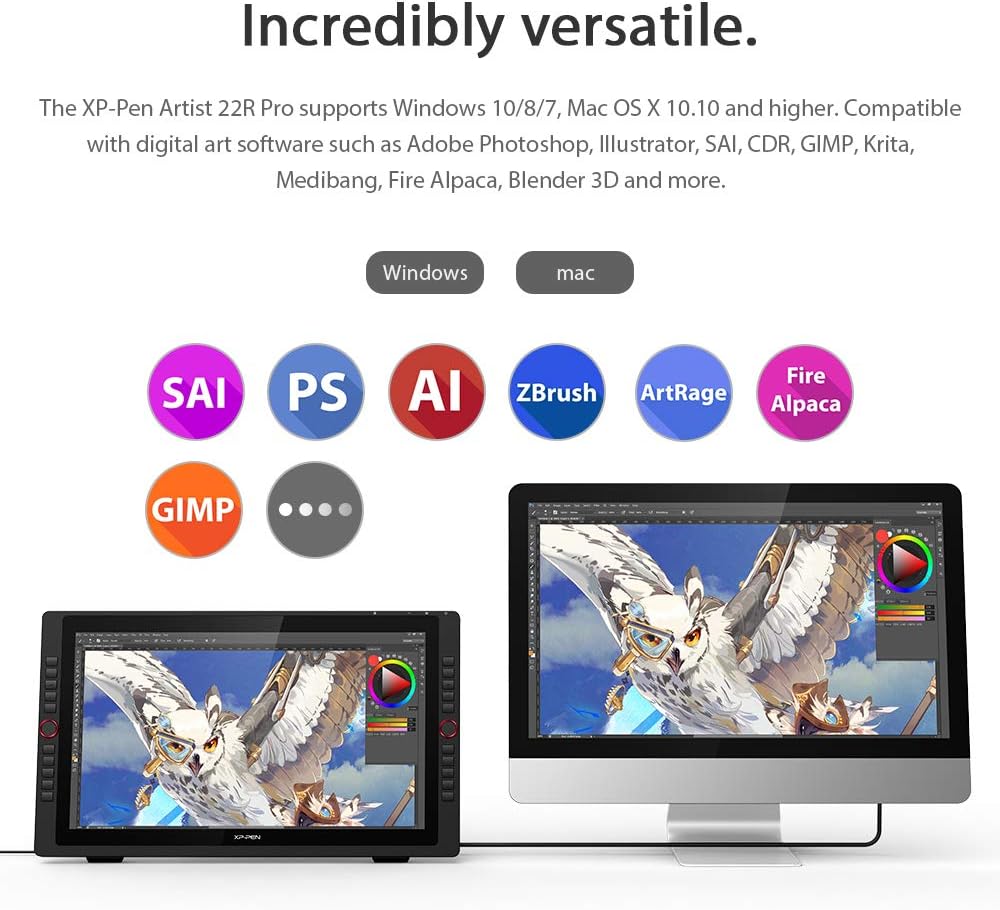
The device is compatible with common creative software such as Adobe Photoshop, Illustrator, Clip Studio, Krita and Blender, providing pressure sensitivity and tilt recognition where the applications support those input features. Adjust pen pressure settings within your chosen program to match your preferred line weight and responsiveness.