

External USB 3.0 & Type-C Portable CD/DVD Drive (USB + Type-C), Slim DVD/CD Burner for Windows, Mac and Linux
Product description
What it is and why you’d buy one
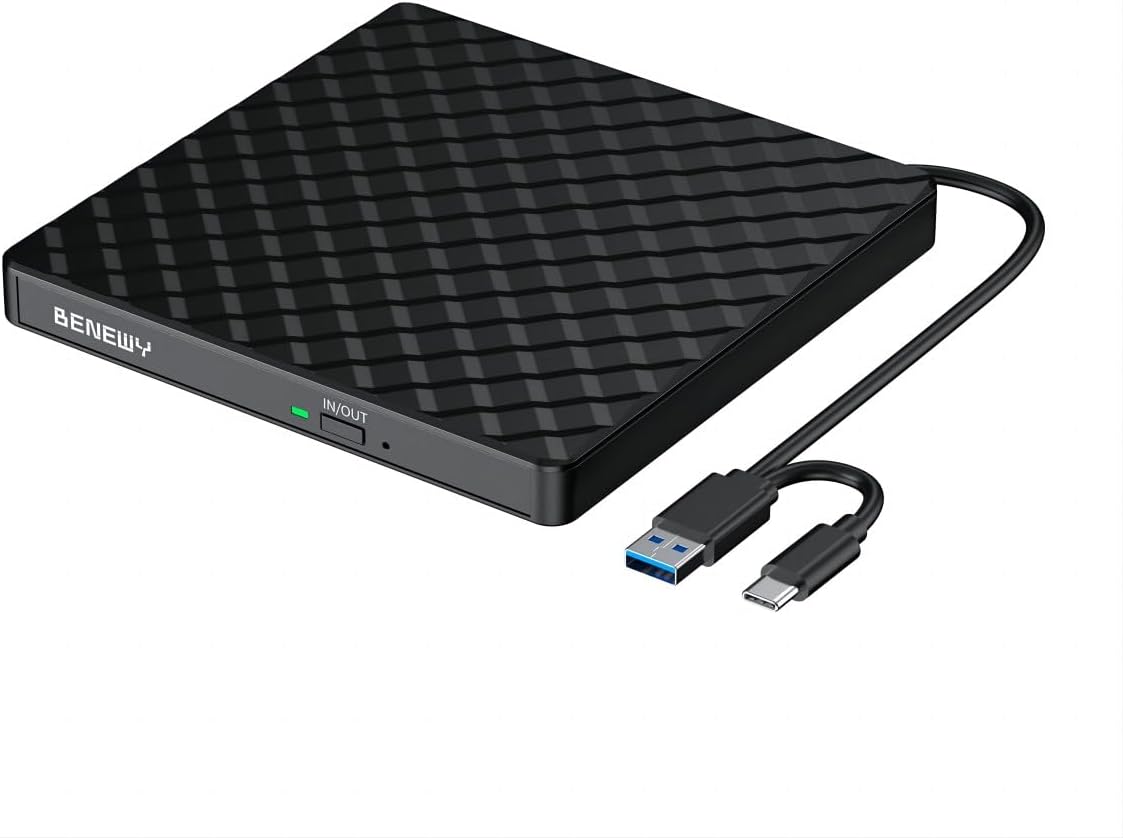
An external CD/DVD drive is one of those simple tools that becomes essential the moment you need it. This portable optical drive is built for reading discs and for writing (burning/re-writing) CDs and DVDs, using a dual USB connection: USB 3.0 and Type-C. On paper, it’s aimed at people who still have software on discs, want to watch DVD media on a desktop or laptop, or need to copy/burn music and video back to optical media.
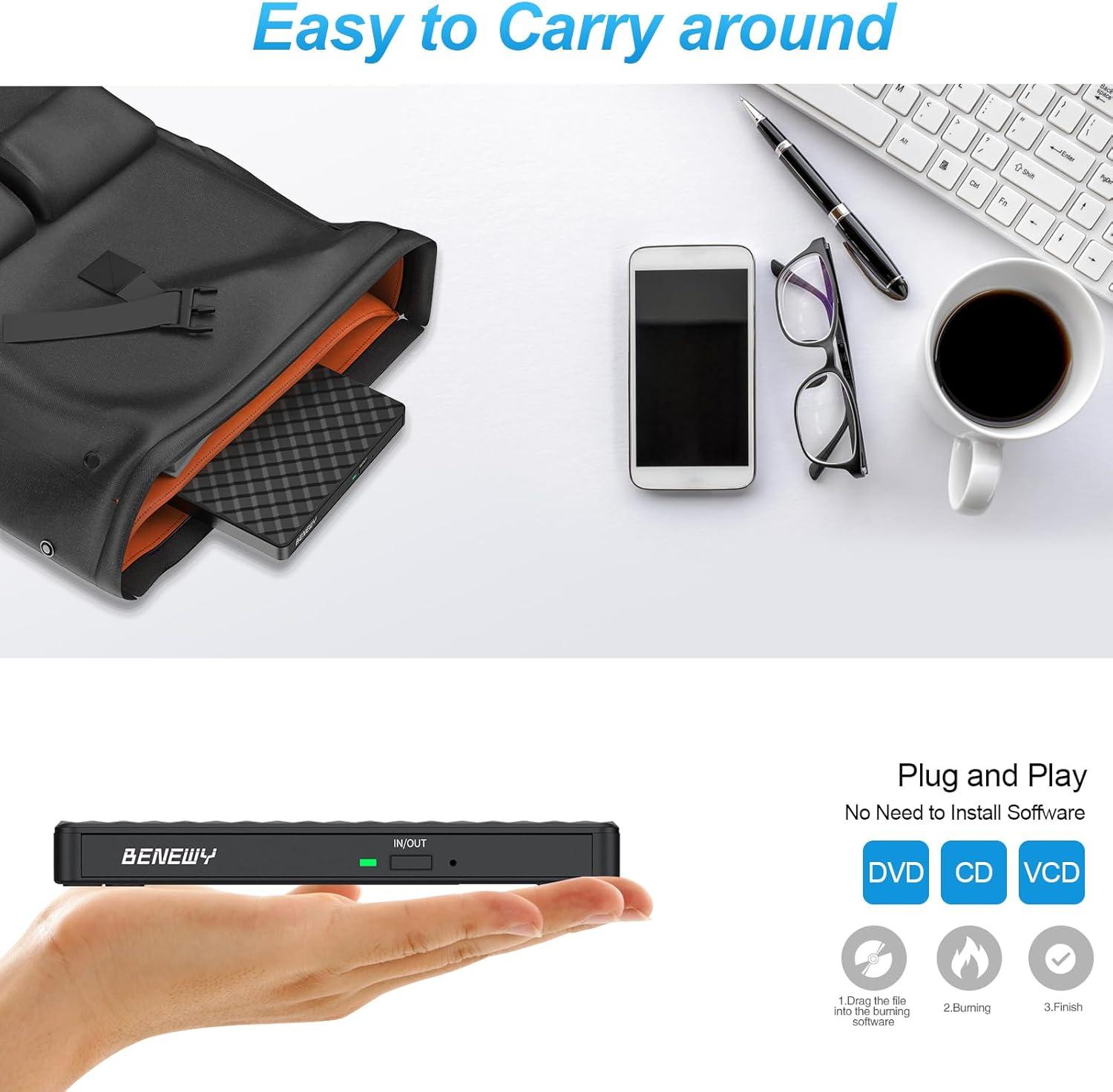
It’s also designed to be practical day-to-day rather than fiddly: it’s described as ultra-slim with an embedded cable, so you’re less likely to misplace a loose lead compared with bulkier external drives.
That said, it’s not the right choice for everyone. If your priority is the newest Mac chips or you’re expecting an all-in-one solution to eject discs perfectly across every iOS/macOS scenario, you may find the limitations listed in the notices a bit annoying.
The essentials at a glance
This drive focuses on four areas: compatibility, convenience, performance limits, and portability.
Compatibility and what to watch out for
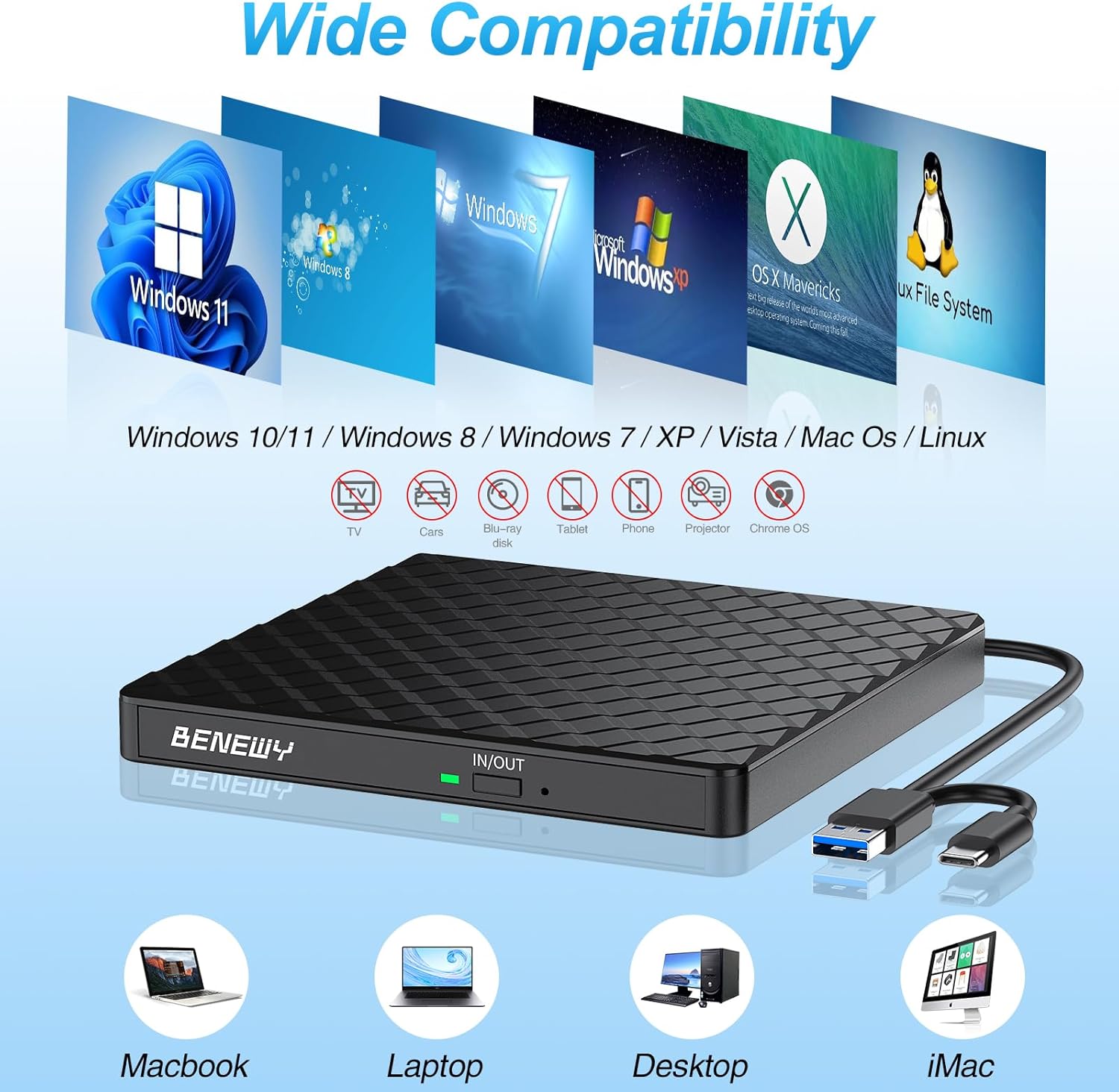
The manufacturer claims broad compatibility across Windows versions (including Windows 11/10/8.1/7/XP/2003/Vista) and Linux, and also compatibility with Mac OS systems for laptops/desktops and MacBook models. However, there are clear exclusions and notes you should factor in before buying: - It does not support Mac with m1, m2, m3 and m4 chips. - For Windows 11, it notes that you may need a media player. - For iOS, it states that using Mac commands to eject the disc won’t work as expected because iOS refuses to perform the command made by the drive.
So, if you’re buying for an Intel-based Mac environment (as implied by the “not support” list), it may make sense. If you’re on a newer Apple Silicon Mac, you’ll want to skip it.
Plug-and-play style use
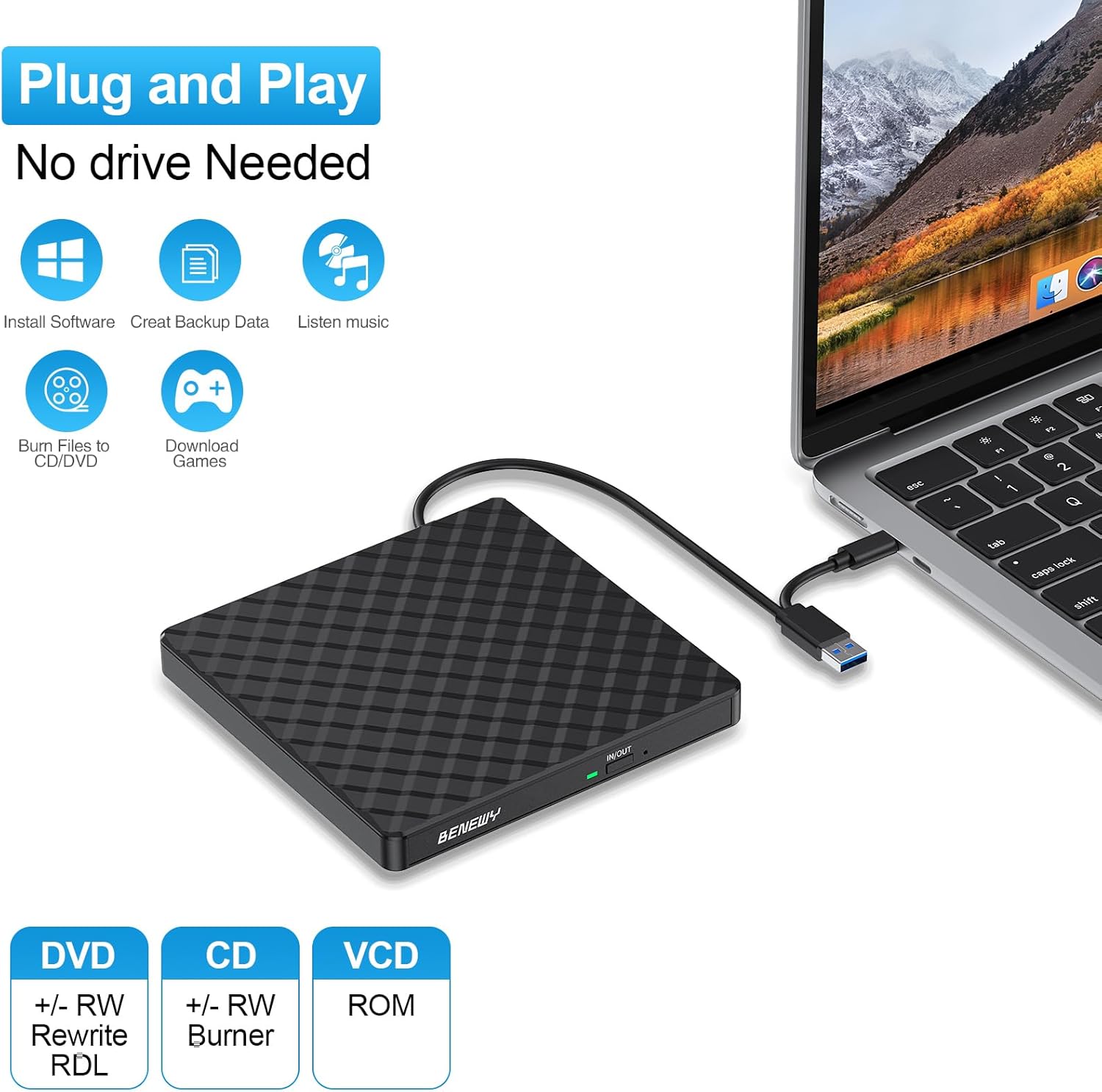
The drive is described as powered by the USB port, with no extra driver or power needed. In practical terms, that means you plug it into a suitable USB/Type-C port, and it should be detected. There’s still a “make sure” note worth taking seriously: you may need appropriate media player software and burn software, and the computer needs normal driver programs.
That’s fairly typical for optical drives, but it’s useful to know: the hardware isn’t the whole story.
Key features that matter in real use
Writing and reading speed (how to interpret the figures)
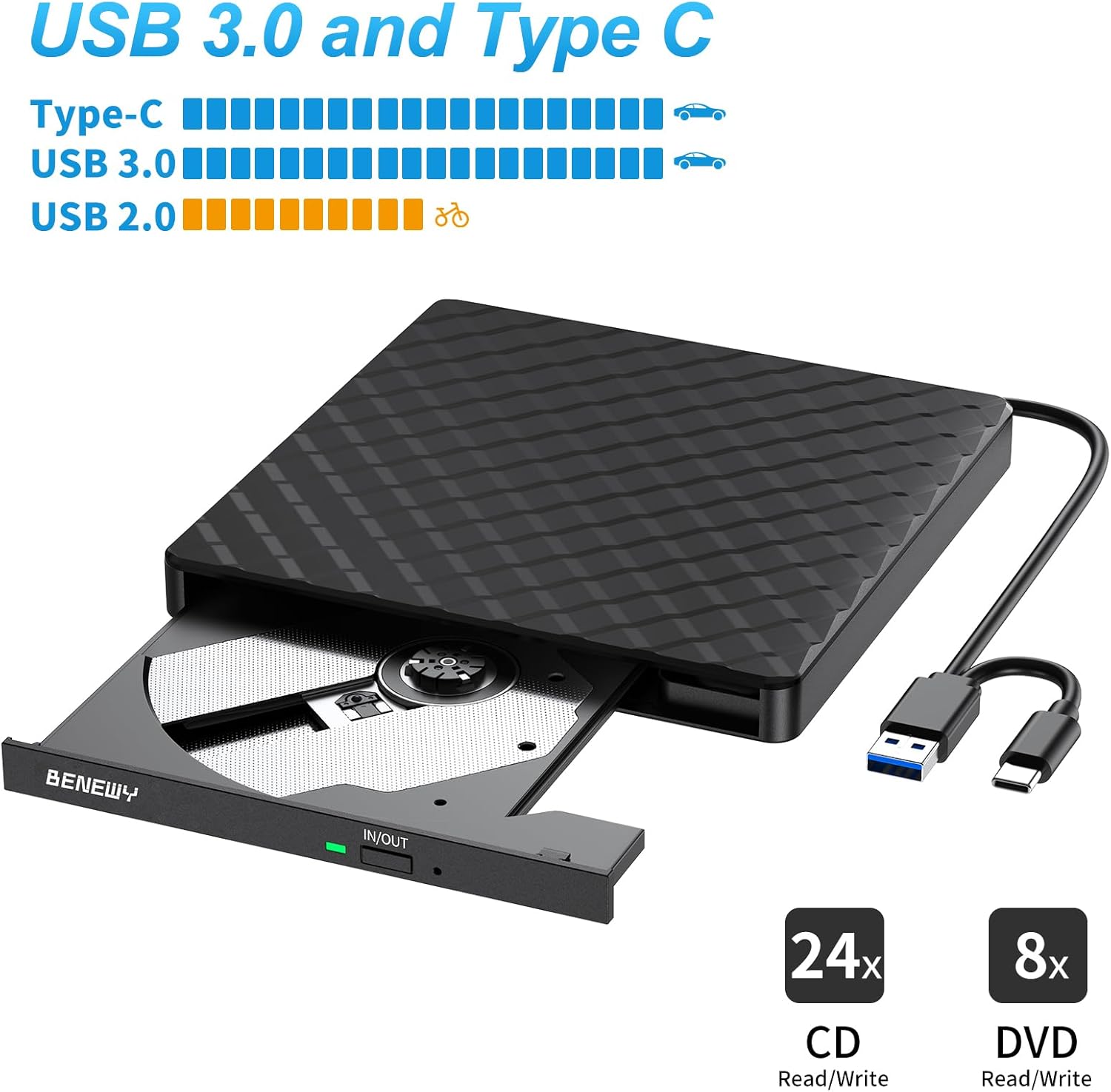
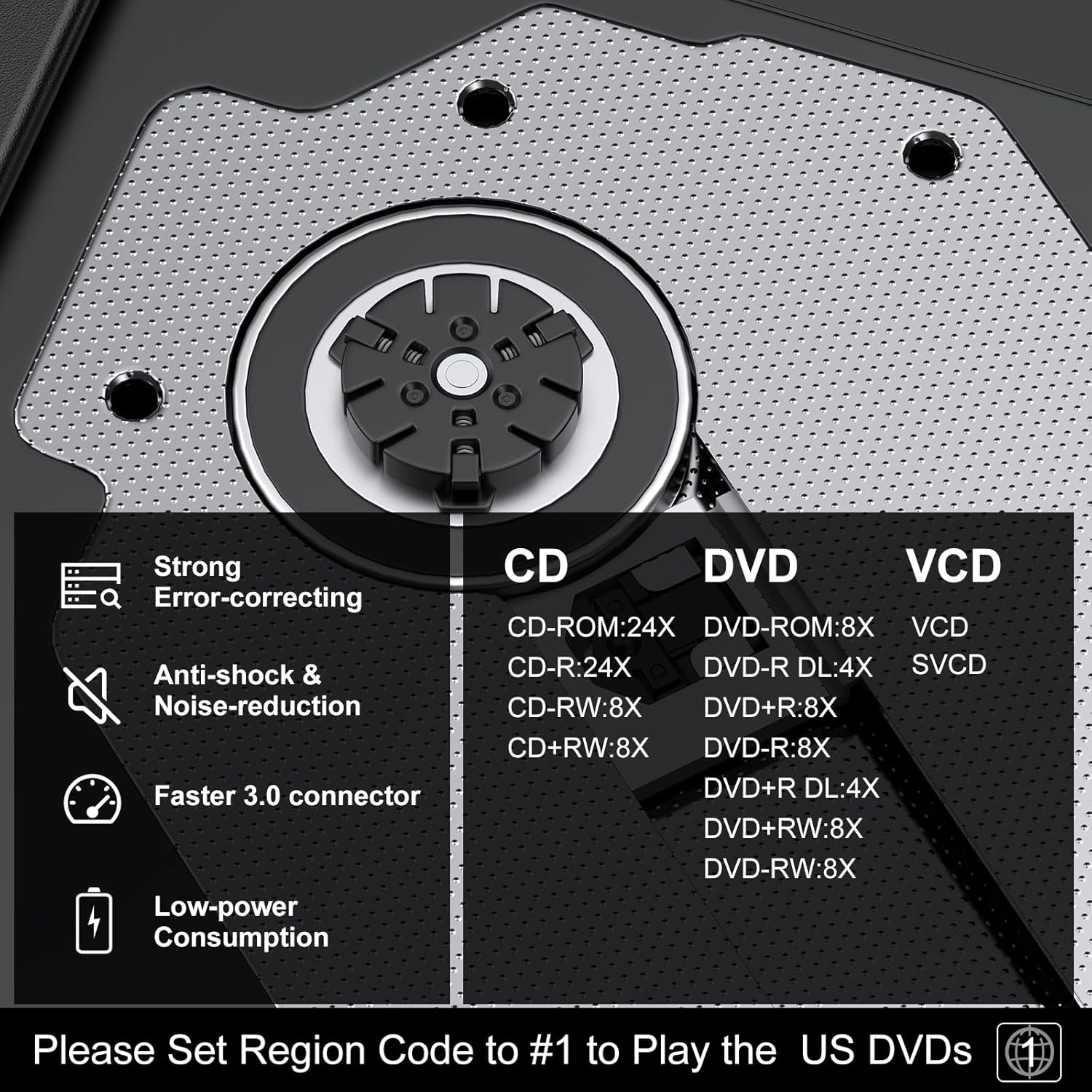
The listed maximum write speeds are: - Max 8x DVD write - Max 24x CD write
And it supports reading/playback for music and movies, plus copying/burning movies and music to DVD or CD. Those speed numbers are helpful for managing expectations. If you’re burning lots of discs, you’ll likely appreciate the ability to write CDs faster than DVDs, but it still won’t behave like a modern SSD workflow. Optical media takes time, and speed can vary depending on disc type and software.
Dual USB 3.0 and Type-C connection
The drive includes a “USB 3.0 and Type-C dual interface” and is said to be backwards compatible with USB 2.0 and USB 1.0. The performance claim is “up to a maximum of 5Gbps” with USB 3.0, plus stable performance with strong fault tolerance.
If you’ve got both older USB-A ports and newer Type-C ports around the house or office, that dual-interface design is genuinely convenient. You won’t be hunting for the right cable as much.
Ultra-slim portable design
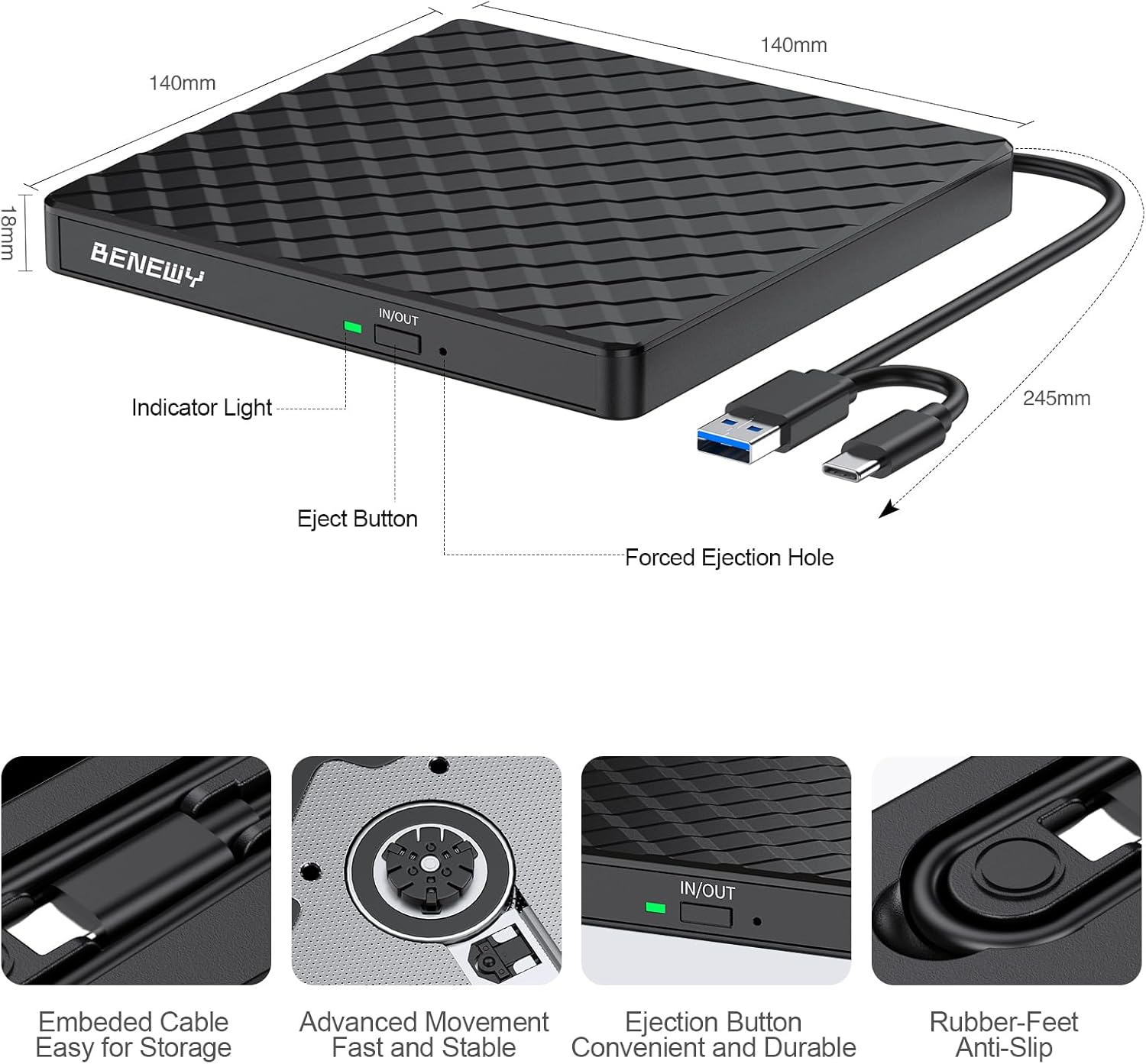
It’s described as ultra slim with an embedded cable design and a lightweight body. The practical upside: it’s easier to pack for travel or to keep on a desk without it taking over your setup.
For example, if you’re doing a one-off job where a client provides installation files on a DVD, you can connect it quickly to a laptop, use your existing burn/playback software, and be done—rather than searching for a bulky internal drive.
Pros and cons based on the stated details
Pros
- Dual USB 3.0 and Type-C interface for flexible connections.
- Supports both reading and writing (burning/re-writing) for CD/DVD.
- Portable and slim with an embedded cable design.
- Broad Windows and Linux compatibility listed, plus Mac OS support for supported Mac systems.
- Plug-and-play style operation powered from USB.
Cons (where it may fall short)
- Not supported on Mac with m1, m2, m3 or m4 chips.
- Windows 11 may require a media player (so it’s not fully “everything included”).
- iOS eject behaviour may be limited: Mac commands to eject discs won’t work in the way you might expect.
- Speed figures are maximums, real-world burn/write time will depend on software and media.
Tech summary
- Type: External CD/DVD drive (portable optical drive)
- Interfaces: USB 3.0 and Type-C dual interface
- Write speeds (maximum): 8x DVD write, 24x CD write
- Power: USB port powered (no extra power stated)
- Compatibility: Windows 11/10/8.1/7/XP/2003/Vista, Linux, and Mac OS systems (with exclusions)
- Notes on exclusions:
- Not support: m1 chip, m2 chip, m3 chip, m4 chip
- Windows 11 requires media player
- iOS eject command limitation as noted by the manufacturer
What’s included / how to set expectations
The information provided doesn’t list a full “in the box” checklist, so it’s safest to assume you’re mainly getting the external drive itself, with the embedded cable being part of the design.
Before you buy, it’s worth confirming you already have: - Suitable disc types (CD/DVD) you actually need to read or burn. - Burn software (for writing) and a media player for playback—especially on Windows 11, where a note is made. - The right port on your device: either USB 3.0 or Type-C as supported by your laptop/desktop.
If your setup relies on iOS or a newer Mac chip, the manufacturer’s own notices are a strong clue that you may be disappointed.
When it makes sense
It’s a solid purchase if: - You have an Intel-based Mac OS environment (since Apple Silicon m1–m4 is listed as not supported). - You need an external drive for occasional DVD/CD playback or occasional disc writing. - You want a portable, slim drive that’s easy to connect to a laptop or desktop via USB. - You want the convenience of having both USB 3.0 and Type-C options.
If you’re mostly buying for rare one-off tasks, this kind of drive can be more cost-effective than upgrading your entire setup to avoid optical media altogether.
Should you buy it?
Final verdict
It’s worth considering if you’re using Windows (including Windows 11, with a media player in mind) or Linux, or you’re on a Mac system that isn’t based on m1–m4 chips. The dual USB 3.0 and Type-C connection and slim portable design make it practical for desks and travel, and the write/read support for CD/DVD is the key reason it earns its place.
You may want to skip it if you’re on an Apple Silicon Mac (m1–m4), or if your workflow depends on reliable iOS eject behaviour. Also, if you expect “plug in once and burn everything automatically with no software considerations”, the notes about drivers/driver programs, media players and burn software suggest you’ll still need a bit of setup.
Mini FAQ
Is it really plug-and-play?
The drive is described as powered by the USB port and detected without extra drivers, but it also notes you should make sure your computer has normal driver programs and that you have suitable media player and burn software.
Does it work with Windows 11?
Windows 11 is listed as supported, but it specifically notes that Windows 11 requires a media player.
Will it work with iOS for disc ejection?
The notice says that for iOS systems, Mac commands to eject the disc are refused by iOS when made by the drive. So eject behaviour may not be as smooth as you’d hope.
Is it compatible with MacBook models?
Mac OS systems are listed as compatible, but it also explicitly says it does not support m1, m2, m3 and m4 chips—so compatibility depends heavily on the Mac’s chip generation.
What discs can it burn?
It supports writing (burning/re-writing) for both DVD and CD, and it can read/play music and movies as well as copying/burning media to DVD or CD.