

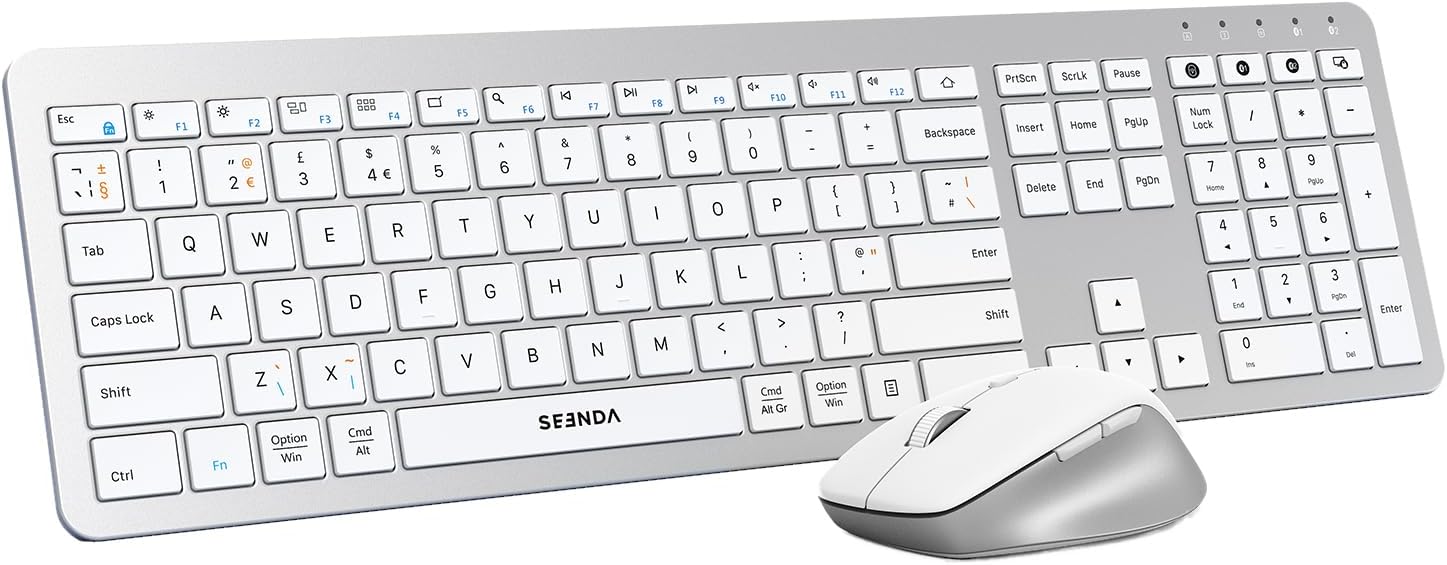
seenda COE300 dual Bluetooth + 2.4G wireless keyboard and mouse set (white & silver)
Product description
If you’re juggling a laptop, tablet and maybe a work desktop, constantly swapping peripherals gets old fast. The seenda COE300 is a slim wireless keyboard and mouse set designed around multi-device switching, with three connection channels for the keyboard and mouse.
That makes it a practical choice on paper if your desk space is limited or you prefer one keyboard/mouse for more than one device. Still, it’s not a setup for everyone—USB-only support is limited to Windows, and Bluetooth requires a Bluetooth 4.0+ capable device.
Key takeaways
The headline here is multi-device convenience: both the keyboard and mouse are described as offering three connection modes—USB, Bluetooth 1 and Bluetooth 2—so you can move between up to three devices without physically re-pairing each time. It’s also positioned as quiet enough for shared spaces, with low-profile keys on the keyboard and quiet clicking on the mouse.
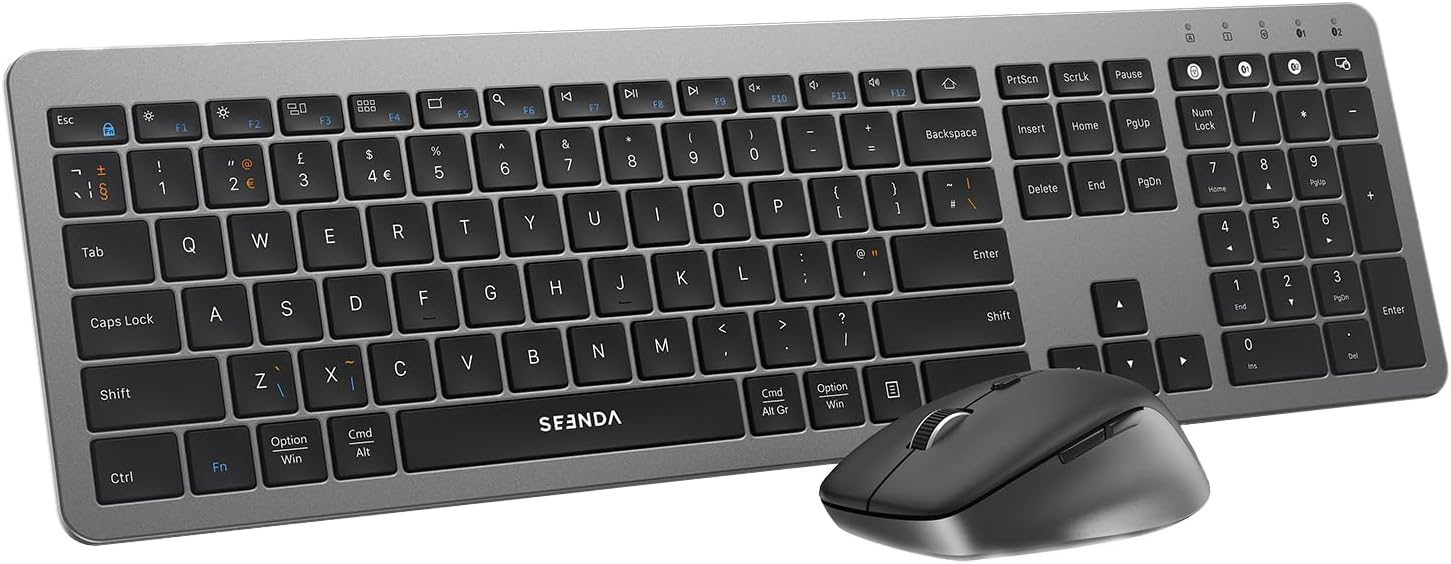
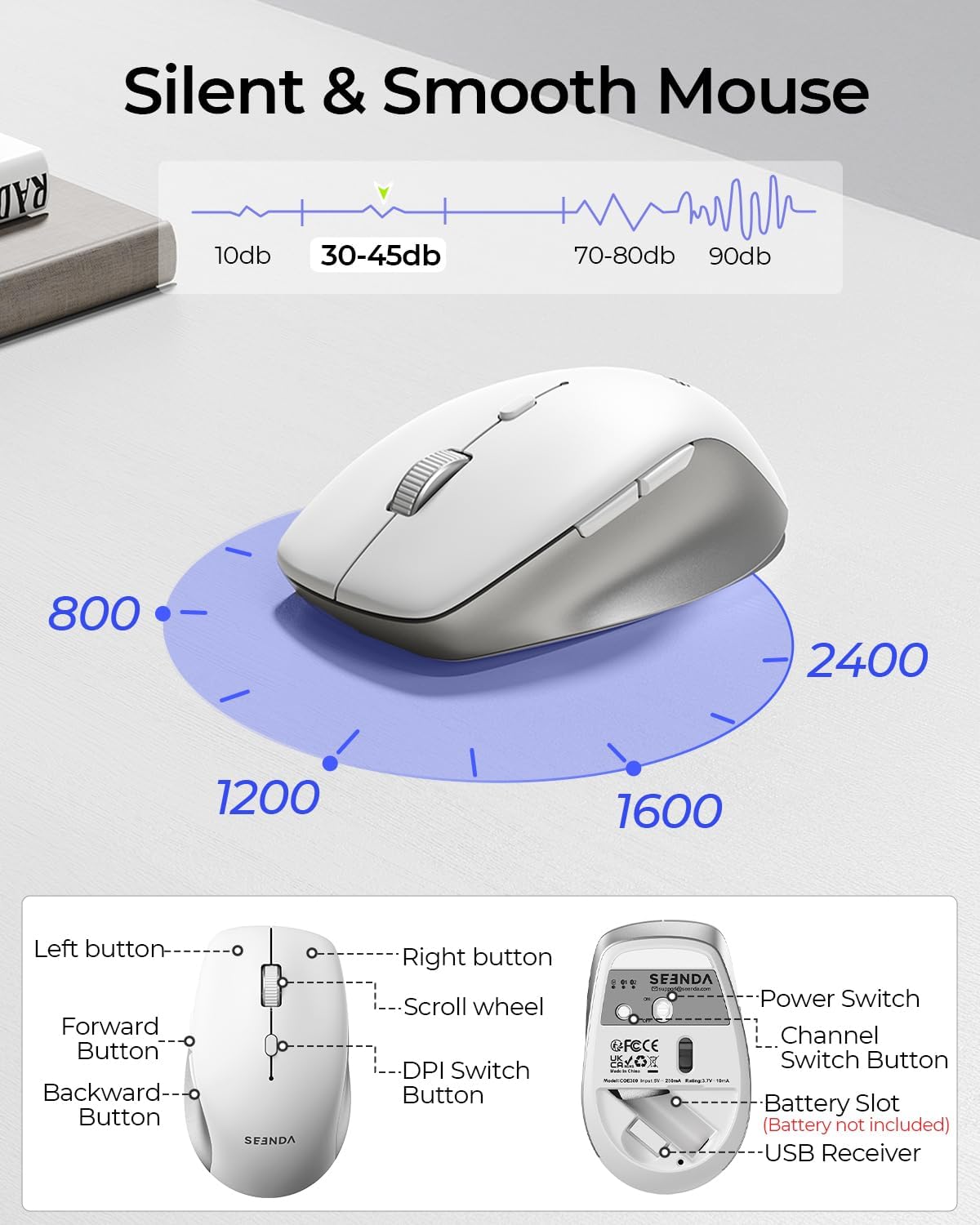
On the use side, it covers a wide spread of everyday computing needs: full-size QWERTY UK layout with a numeric keypad and function shortcuts on the keyboard, plus an ergonomic mouse shape for longer sessions. The mouse DPI is listed across multiple steps (800-1200-1600-2400), so you can pick a sensitivity that feels more natural.
What to know about connectivity
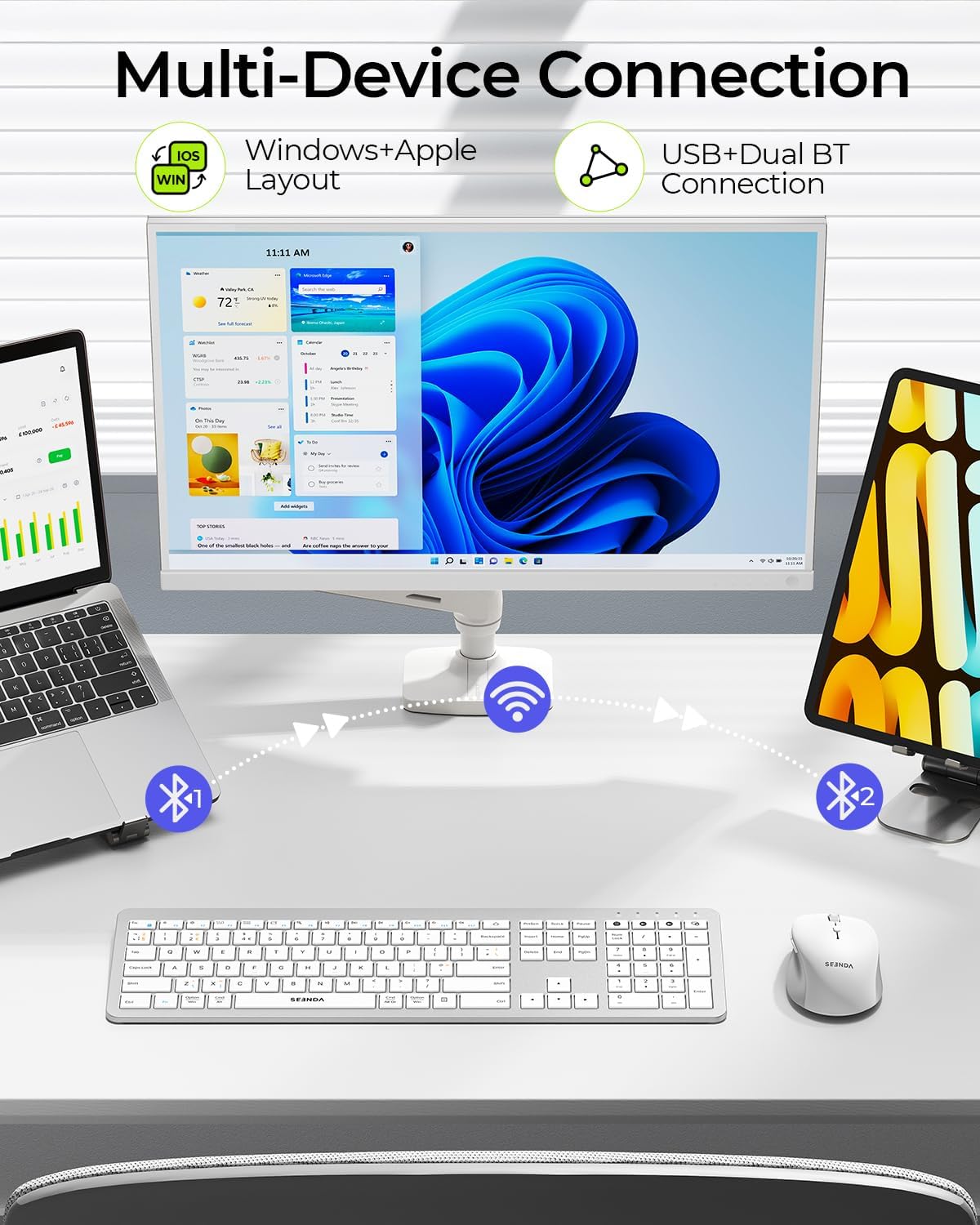
The COE300 is built around “multi-device” switching, using three channels (USB / BT1 / BT2). This is the part that matters most if you often alternate between work apps, email, spreadsheets and streaming on different devices.
A key limitation to keep in mind: the USB connection is only for Windows. For Bluetooth use, the set is described as widely compatible with Windows/Mac OS/iOS/Android, provided your device has Bluetooth 4.0+ built in (a Bluetooth adapter isn’t included). If your device doesn’t meet that requirement, the Bluetooth modes simply won’t be available.
Where it shines day to day
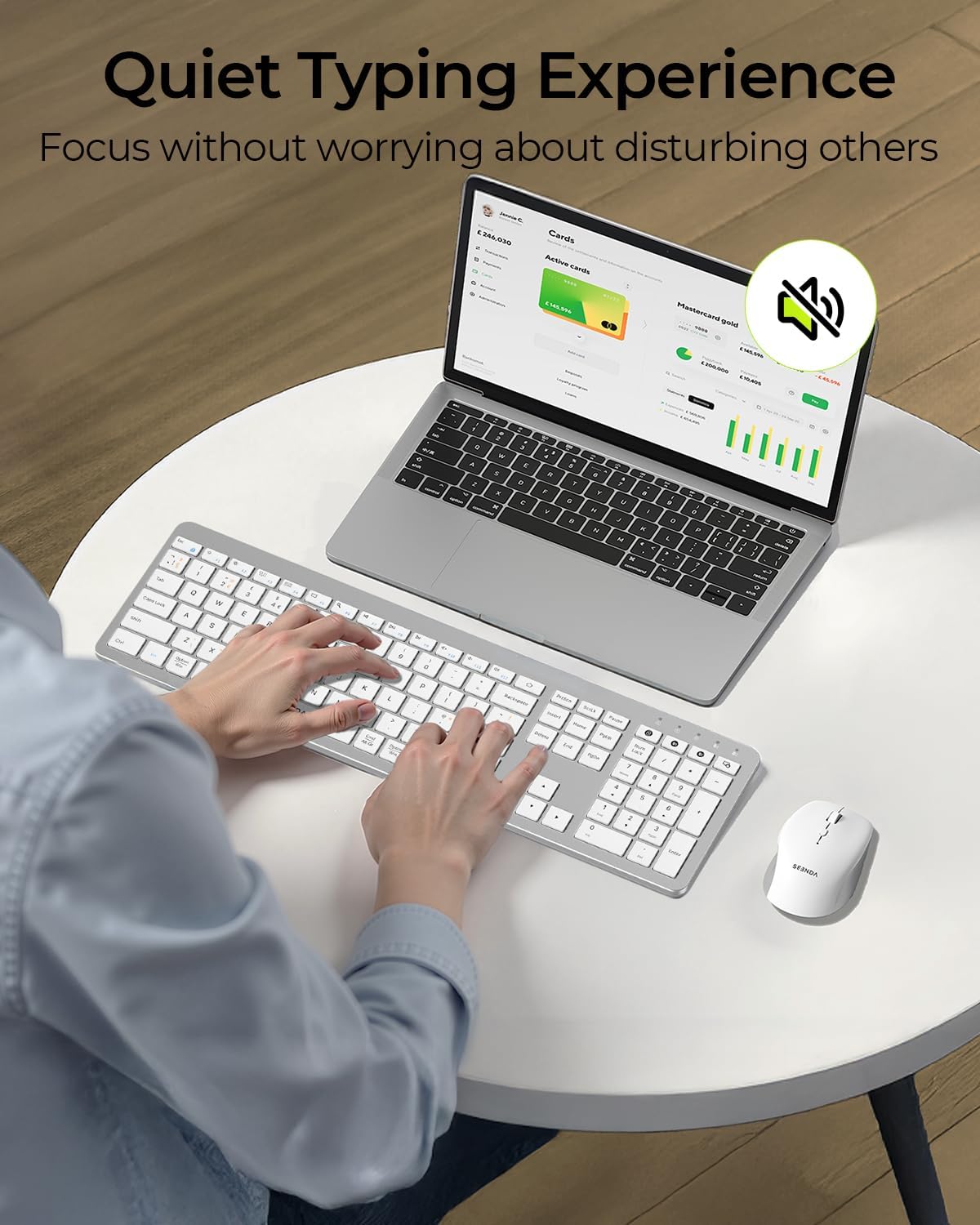
This set leans into comfort and low-distraction typing. The keyboard is described as not completely silent, but “definitely” quieter than typical keyboards, helped by low-profile keys and a scissor-switch style design. In practice, this is the kind of improvement you notice if you type a lot in the evening or you share a room with others.
The mouse is also aimed at everyday quiet use, with a soft, smooth feel and silent clicking to reduce noise. The shape is described as ergonomic, designed to fit the hand and help reduce strain over longer periods.
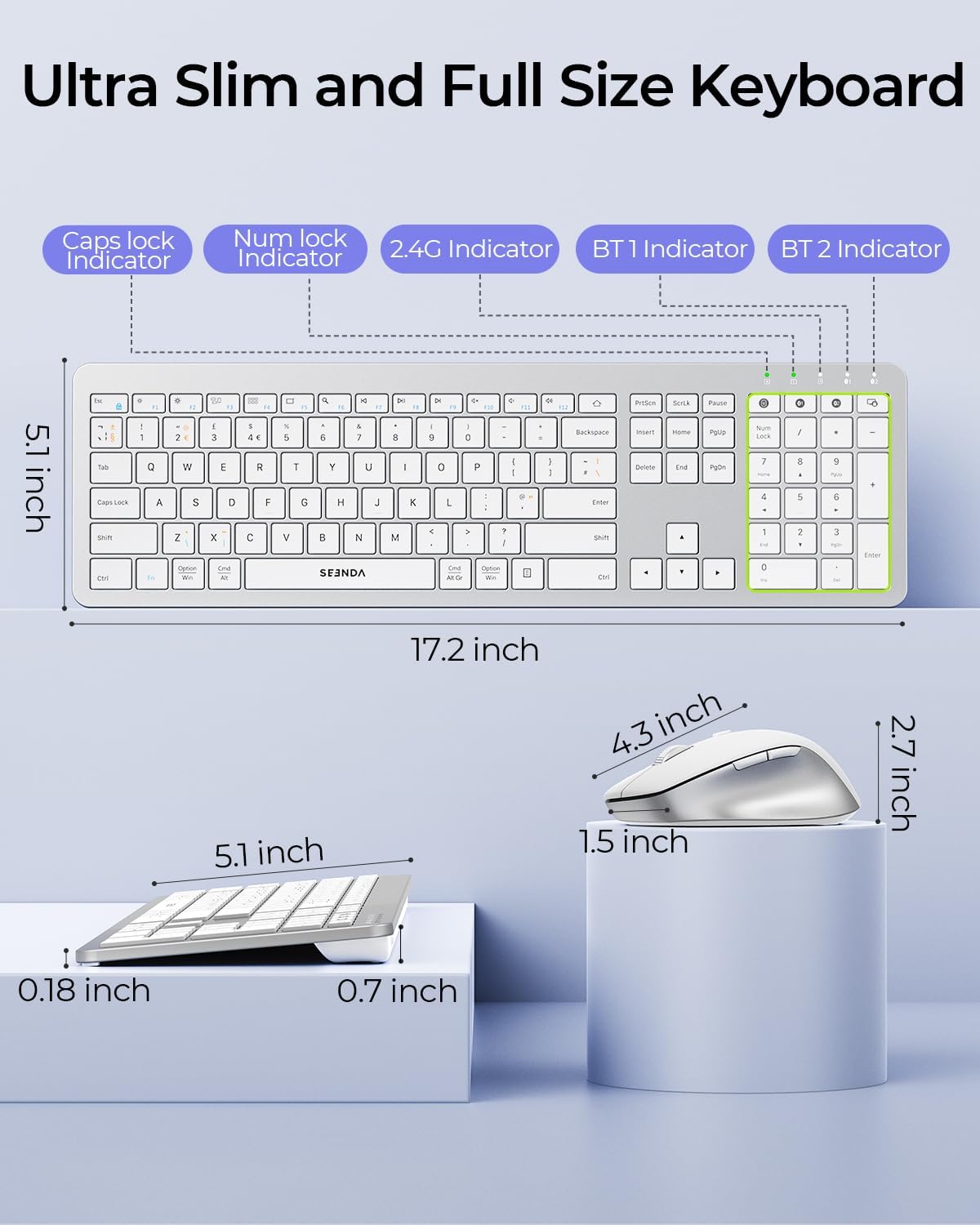
There’s also a sensible size choice: the keyboard is described as ultra-slim but full-size, including a numeric keypad. That suits people who still need numbers and shortcuts for spreadsheets, invoices, or general admin work.
Tech specs that affect real buying decisions
Here are the details that can change whether this set fits your workflow:
- Connection modes: USB, Bluetooth 1 and Bluetooth 2 (multi-device switching up to 3 devices)
- Keyboard layout: full-size QWERTY UK, including a numeric keypad and functional shortcuts
- Mouse DPI range: 800-1200-1600-2400
- Power: keyboard uses 2x AAA batteries, mouse uses 1x AA battery (batteries not included)
- Compatibility (as stated): Windows XP/Vista/7/8/10/11, Mac OS 10.12, iPad OS 7.0, Android 4.4 and later
- Bluetooth requirement: Bluetooth 4.0+ built in is required for Bluetooth modes
Keep expectations realistic: the quiet claim is relative (“much more silent”), so if you’re expecting near-whisper typing, you may still hear some sound.
Care & maintenance
Because this is a slim wireless keyboard and mouse, it’s worth treating it like portable kit rather than a spill-proof workstation. Regular light cleaning (dust, crumbs) and keeping it dry will help maintain responsiveness and smooth button feel over time.
Also remember the batteries aren’t included. If you’re buying last-minute, it’s a good idea to have AAA and AA batteries on hand so you’re not waiting to test it.
In the box
The description doesn’t list exact package contents beyond the set itself, but you’re buying a wireless keyboard and a wireless mouse set. Batteries are not included for either device.
Should you buy it?
It makes sense if you want one keyboard and one mouse for multiple devices and you specifically like the idea of switching between up to three devices using USB and two Bluetooth channels. It’s also worth considering if you value a full-size UK QWERTY layout with a numeric keypad, and you’re trying to keep noise down without going to a niche “completely silent” keyboard.
It may not be a great match if your devices don’t have Bluetooth 4.0+ support, or if you were planning to rely on USB for non-Windows devices (the USB connection is only for Windows). It can also feel like mid-range value rather than a premium pick if you’re expecting ultra-premium build details or dramatically reduced sound—because the keyboard isn’t described as totally silent.
Worth a quick check before buying: confirm your target devices support Bluetooth 4.0+ and that you’re comfortable with battery-powered operation (2x AAA for the keyboard and 1x AA for the mouse).
Mini FAQ
Will it work with Windows and Mac?

The set is described as compatible with Windows XP/Vista/7/8/10/11 and Mac OS 10.12 for both Bluetooth and the multi-device approach (USB being Windows-only).
Can I connect to iPad or Android?
Yes, Bluetooth use is described as widely compatible with iPad OS 7.0 and Android 4.4+, as long as Bluetooth 4.0+ is available.
Is the keyboard completely silent?
No—it's described as quieter than traditional keyboards, but not totally silent.
What batteries does it use?
The keyboard uses 2x AAA batteries and the mouse uses 1x AA battery. Batteries are not included.
How many devices can I switch between?
The description states switching between up to three devices using USB/BT1/BT2 channels.