

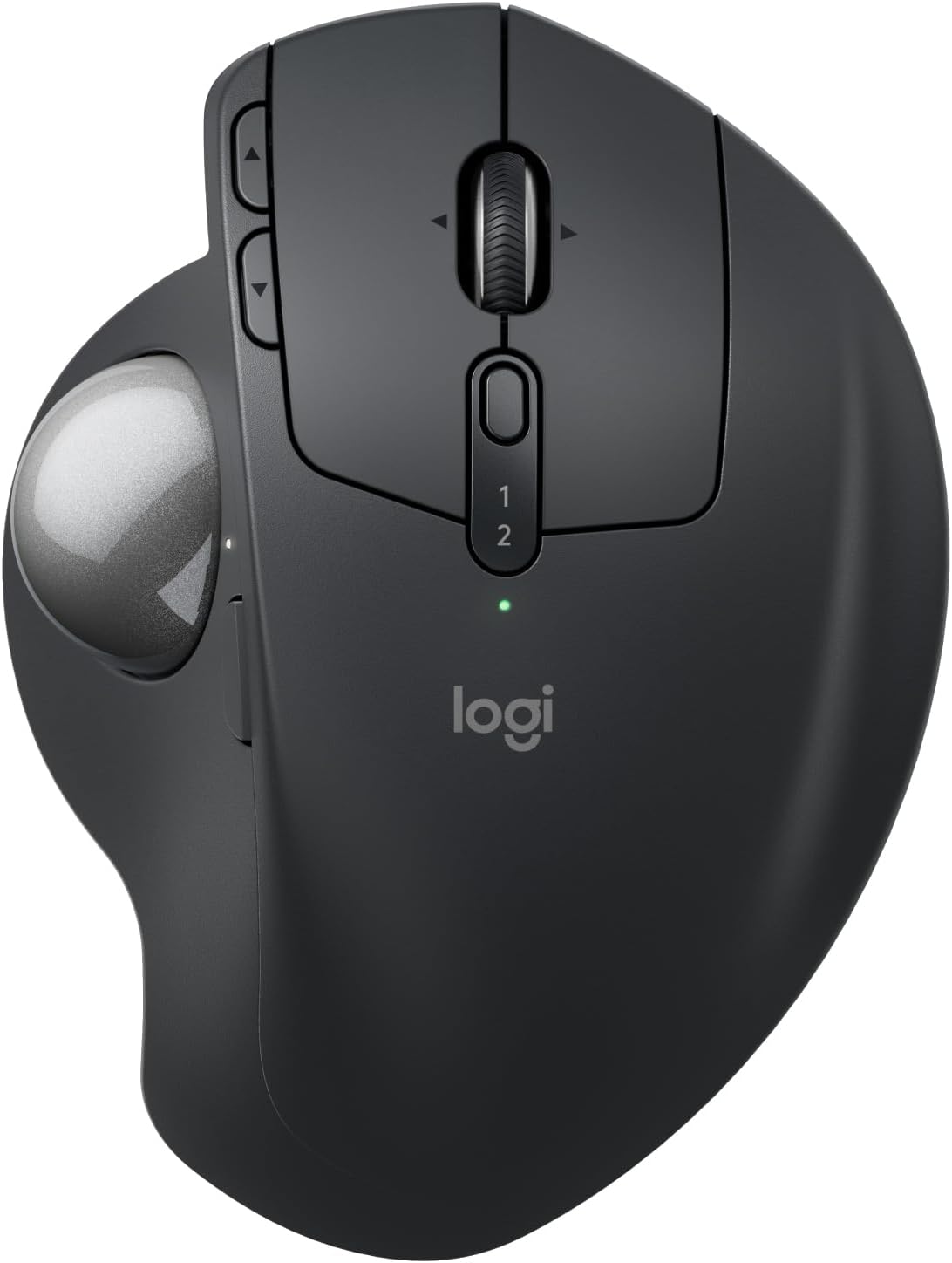
Logitech MX Ergo S Advanced wireless trackball mouse (Grafite) with USB-C charging, Bluetooth and Logi Bolt
Product description
What it is and why people buy it
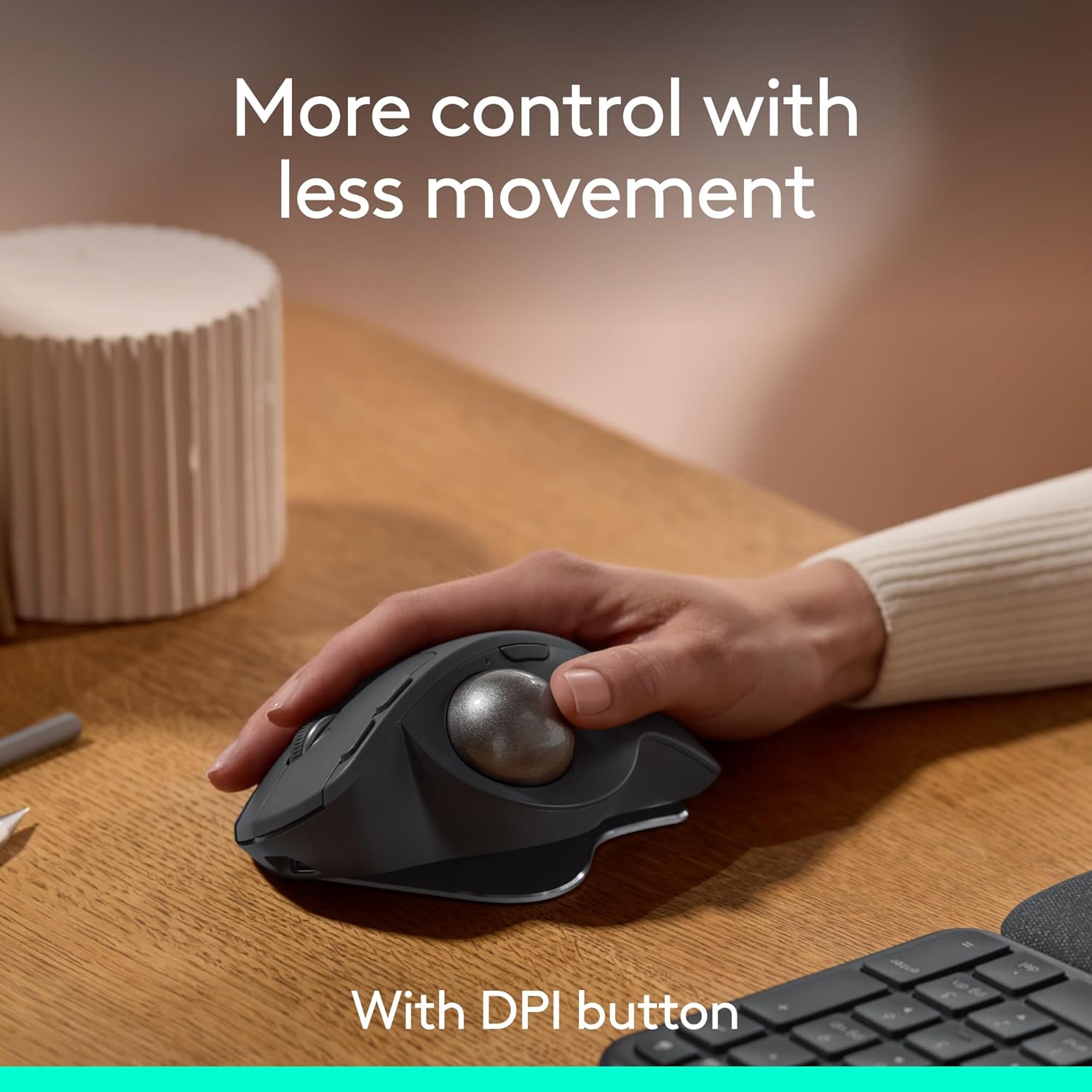
The Logitech MX Ergo S Advanced is a wireless ergonomic trackball mouse designed to give you more control with less hand movement. Instead of pushing a traditional mouse around a desk, you rotate the trackball with your thumb. It’s a different rhythm, and it can be surprisingly helpful if you want steadier cursor movement without constantly moving your arm.
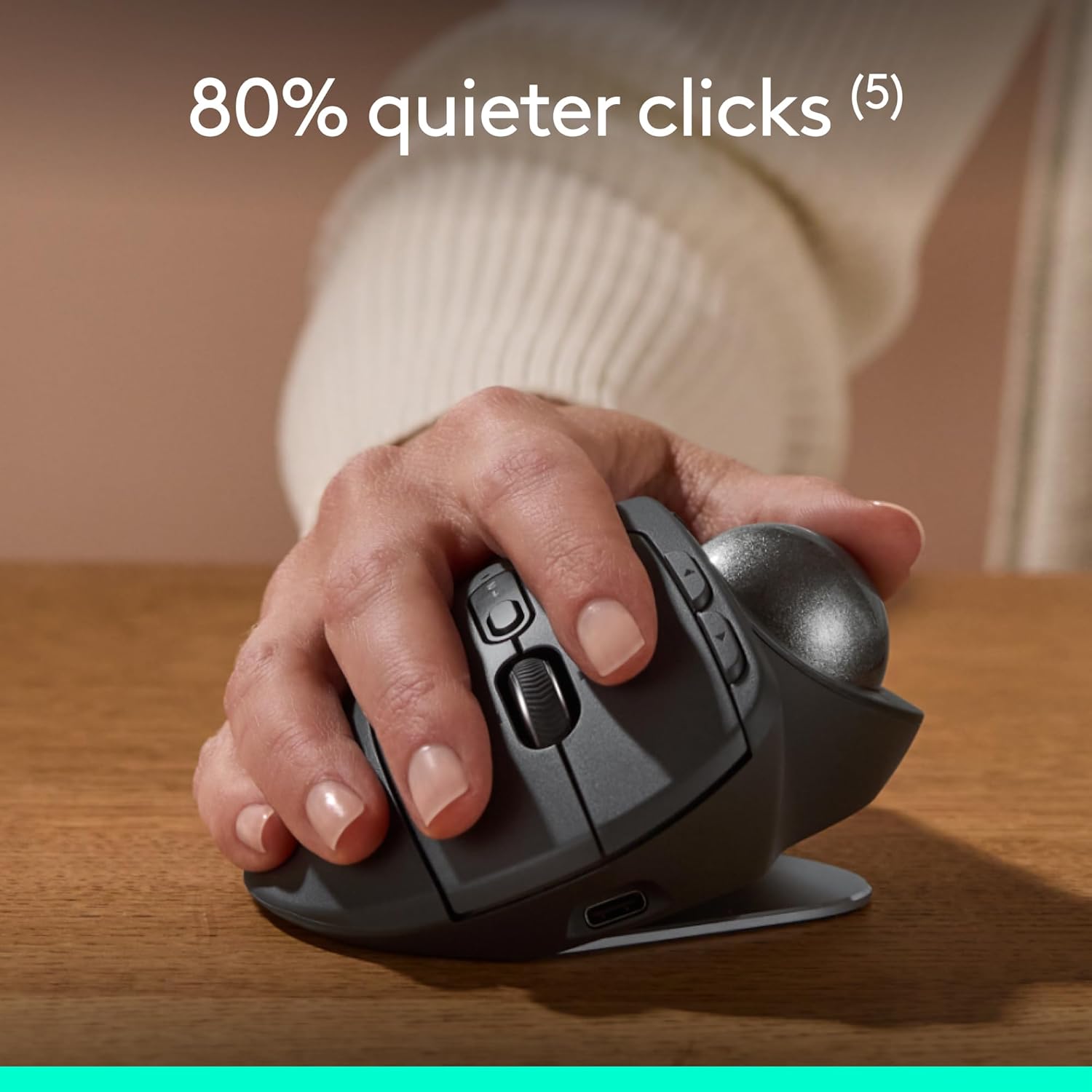
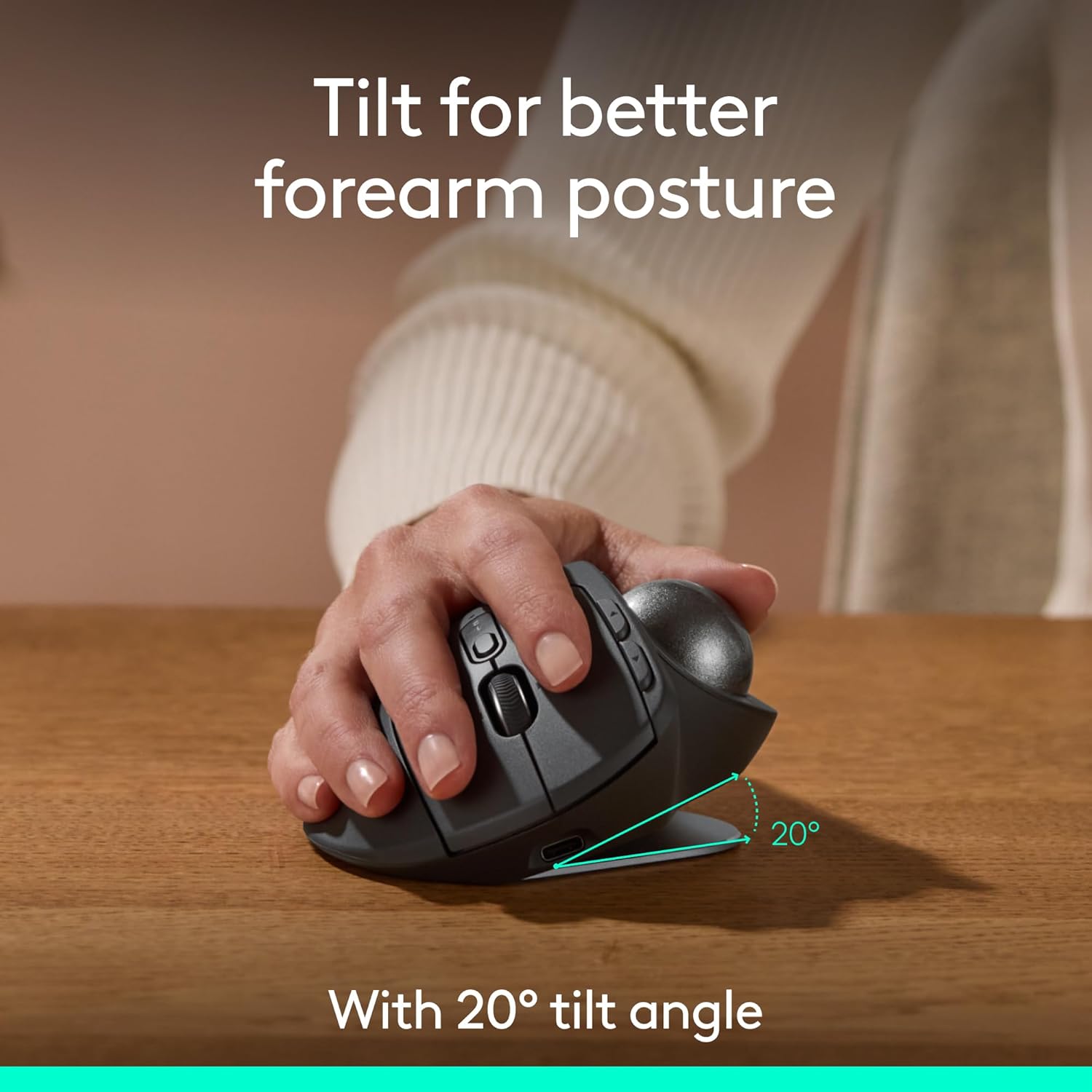
On paper, the attraction is the combination of ergonomic shape, adjustable tracking speed, and a thumb-operated control system that aims to reduce effort. Logitech also highlights quieter clicks and a 20-degree tilt intended to support forearm posture.
How it feels in everyday use
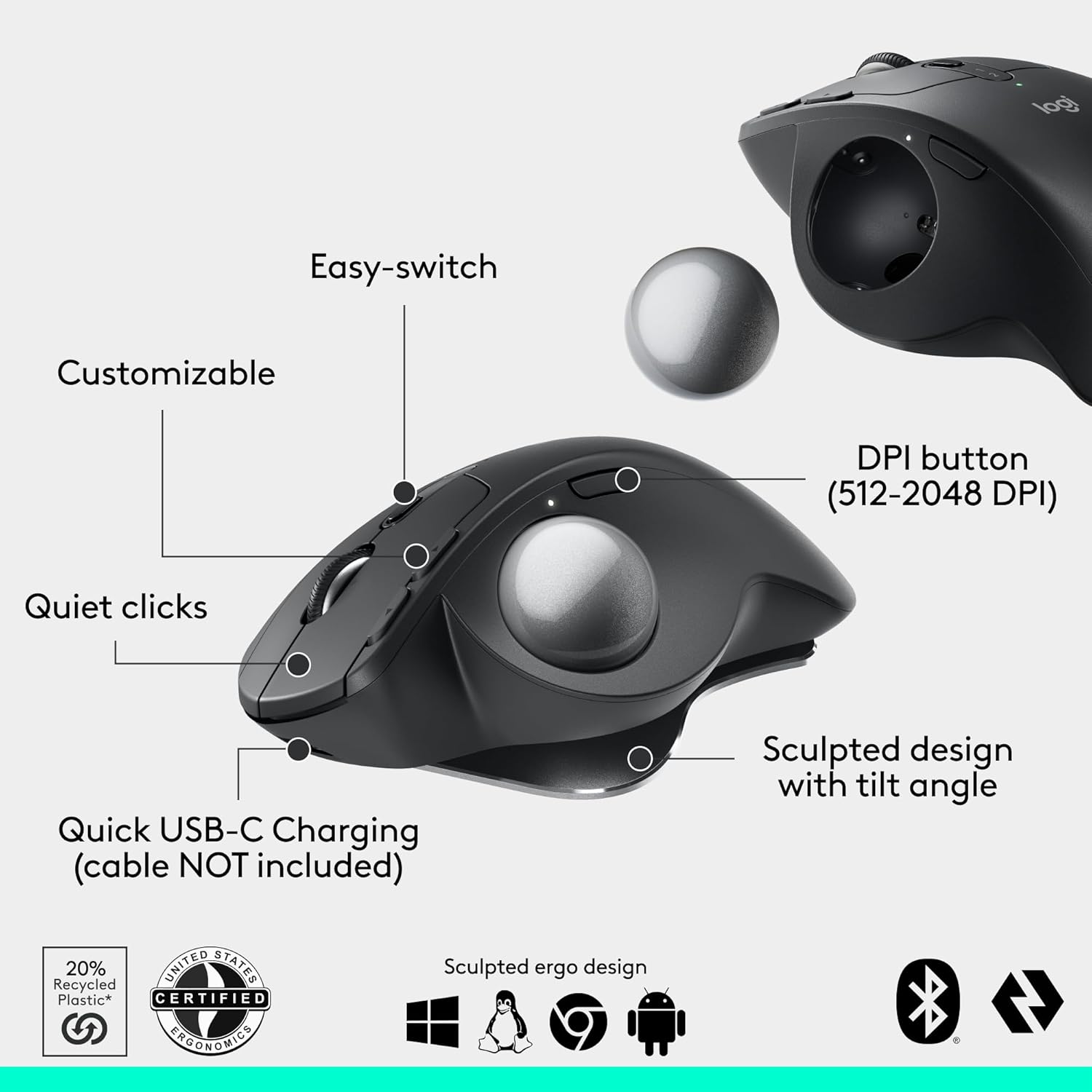
The “advanced thumb control” concept is the headline here: you can switch between speed and high-precision tracking at the tap of a button. In practical terms, that usually means you can work broadly (scrolling through content, moving around a document) and then switch into a more careful mode when you need fine pointer placement—like aligning a cursor in a small UI element or nudging selections into place.
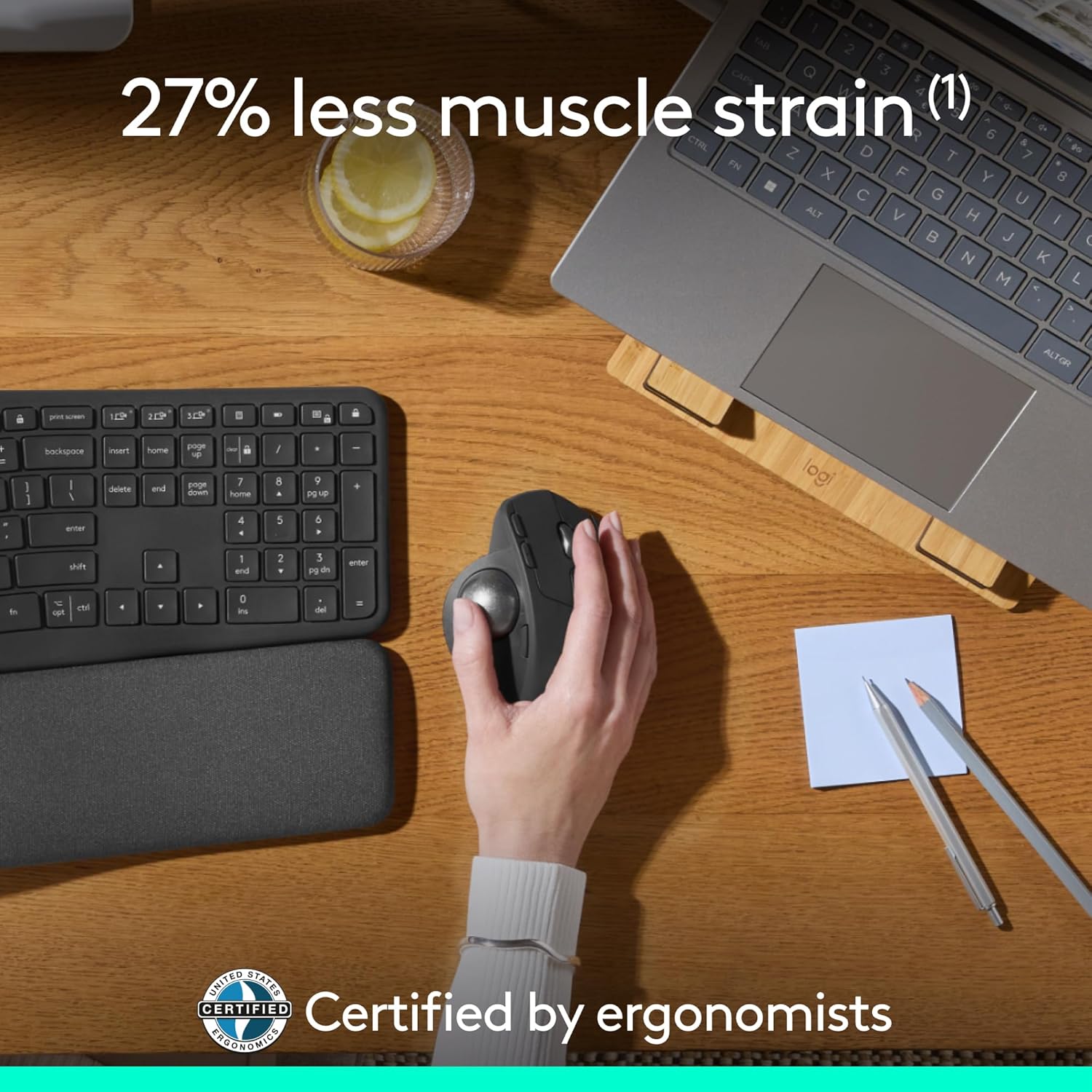
There’s also the 20-degree tilt and a contoured, sculpted shape with a soft rubber grip. Logitech frames this as helping reduce muscle strain, and the mouse is ergonomist-certified for improved comfort. It’s not a miracle fix, but if you’ve ever found you grip too hard or your wrist starts to feel cramped, the posture-first design is at least a sensible approach.
Worth noting: trackball mice aren’t for everyone. If you’re used to fast, arm-driven aiming, there’s a learning curve. Some people click with them straight away, others take a bit of time to get comfortable.
Connectivity, charging and multi-computer switching
This MX Ergo S Advanced is a rechargeable wireless trackball mouse with USB-C charging. Logitech states up to 24 hours of use from a 1 min charge, and up to 120 days with a full charge. It charges via USB Type C to Type C or USB Type A to Type C cable (the cable isn’t included).
For wireless connections, it supports Bluetooth and also Logi Bolt via the included USB receiver. You can switch between computers with the Easy-Switch button. So if you’re bouncing between a PC and a work laptop, it’s built for that kind of routine.
Buttons and software control (the productivity angle)
With 6 programmable buttons, the MX Ergo S is aimed at people who do repetitive tasks and prefer shortcuts over hunting through menus. Logitech also points you to the Logi Options+ app for customisable buttons, time-saving shortcuts and “Smart Actions”.
If you like tailoring controls—say, quick commands for copy/paste variations, workspace switching, or app-specific actions—this kind of setup usually pays off more than you’d expect. If you’re the sort of user who never changes mouse settings, you may not fully benefit from the extra control.
Where it stands out (and where it can fall short)
The strengths are pretty clear from its design intent: ergonomic posture via the 20-degree tilt, quiet(er) clicks (Logitech says 80% quieter), and the thumb-driven control that reduces how much you need to move your hand. It also uses recycled plastic in the parts, with 20% certified post-consumer recycled plastic.
However, it can be a less straightforward buy if you need pure “plug and play” simplicity. Programmable buttons and Smart Actions depend on the Logi Options+ app, and trackball control is a different feel compared with a standard mouse.
Also, if your use is mostly fast gaming or twitch-focused precision, it’s not exactly the category where this style is usually chosen. It’s more about controlled desktop work and comfort than about extracting every last fraction of performance in high-speed play.
Tech specs
- Name: MX Ergo S Advanced wireless trackball mouse (Grafite)
- Type: Wireless trackball mouse
- Format: Advanced thumb control
- Size: 20-degree tilt angle
- Material: Recycled plastic (20% certified post-consumer recycled plastic)
- Colour: Grafite
- Connection: Bluetooth or Logi Bolt USB receiver (included)
- Charging: USB-C rechargeable
- Buttons: 6 programmable buttons
Should you buy it?
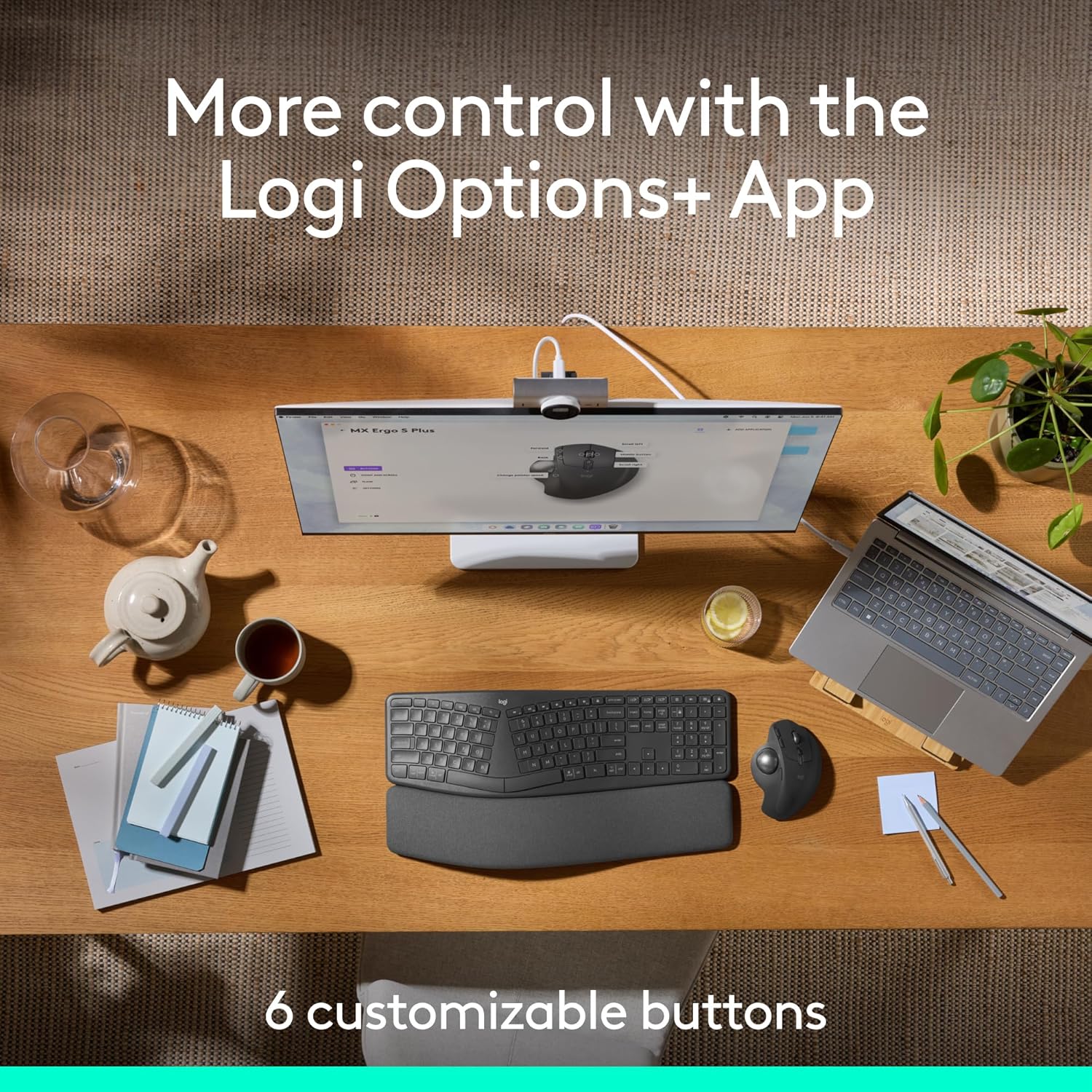
It’s a good fit if you want an ergonomic, wireless trackball mouse for everyday desk work, you like the idea of thumb-driven control with speed and precision switching, and you’re comfortable setting up shortcuts using Logi Options+. It also makes sense if you regularly switch between two computers and you’d rather not rely on swapping cables or re-pairing.
It may not suit you if you’ve never used a trackball and you don’t want a learning curve, or if you’re after a basic mouse that you’ll leave completely unconfigured. Also consider skipping it if you mostly do activities where traditional fast movement is essential, because this model’s whole advantage is its controlled, posture-focused approach.
Mini FAQ
How do you control speed vs precision on the MX Ergo S?
Logitech says you can switch between speed and high-precision tracking with the tap of a button, using its advanced thumb control approach.
Can it connect to more than one device?
Yes. It supports Bluetooth and the Logi Bolt USB receiver, and you can switch between computers using the Easy-Switch button.
How long does the battery last?
Logitech quotes up to 24 hours from a 1 min charge and up to 120 days with a full charge, depending on use.
Does it require a specific charging cable?
It charges via a USB Type C to Type C or USB Type A to Type C cable, but the cable is not included.
Is it comfortable for longer sessions?
Logitech positions it around ergonomics: a sculpted design with soft rubber grip and a 20-degree tilt intended to improve forearm posture and reduce muscle strain.