

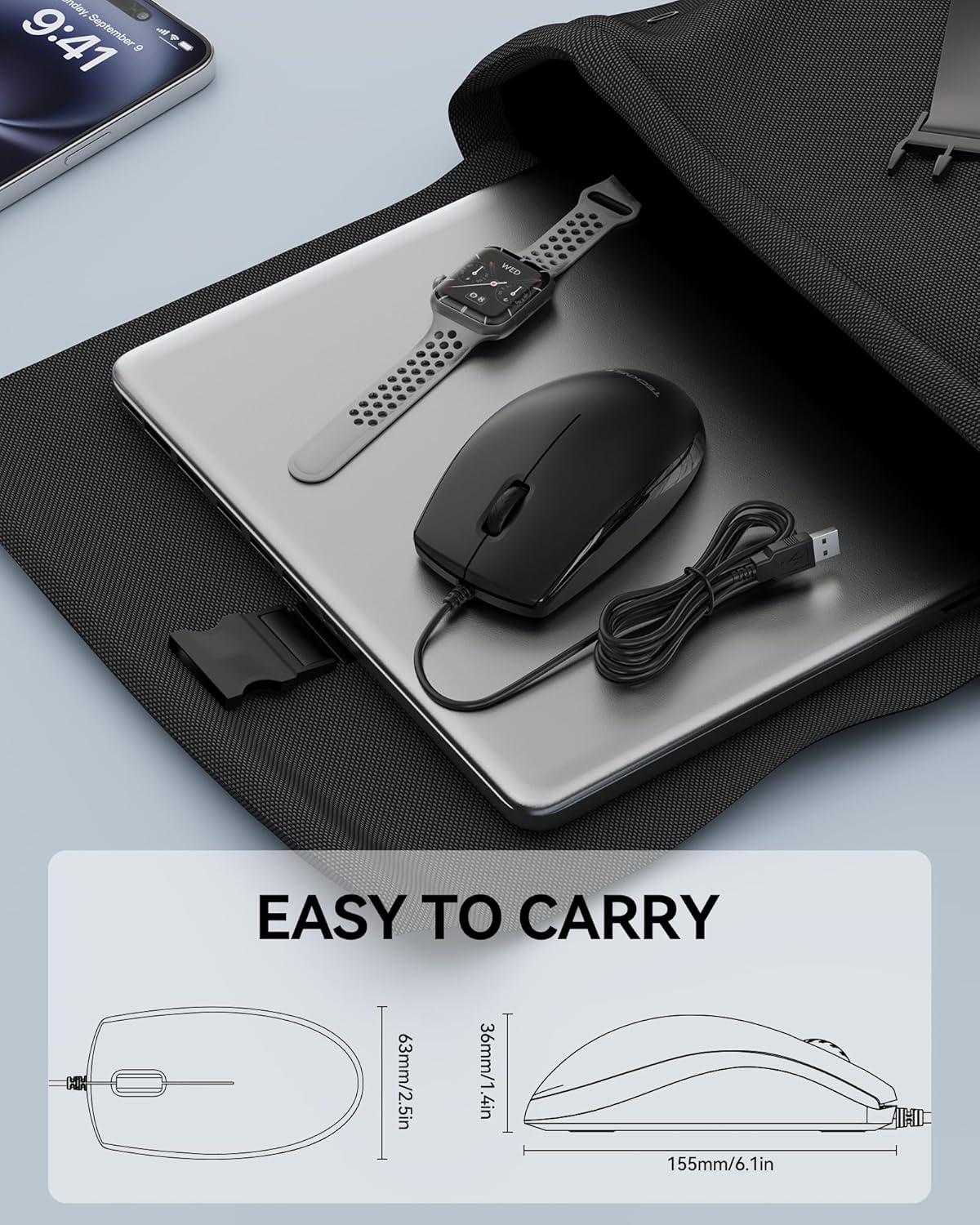
TECKNET Wired Mouse: Ambidextrous, Quiet, Plug & Play USB Office Mouse
Product description
What this mouse is and who it’s for
The TECKNET Wired Mouse is a compact, corded optical USB mouse designed for daily office work, study sessions, and general graphic tasks. It focuses on quiet, reliable clicking and comfortable use over long periods, making it a sensible pick for shared desks or late-night work. If you prioritise a low-distraction input device that works straight away without extra software, this model fits the bill.
Design and comfort
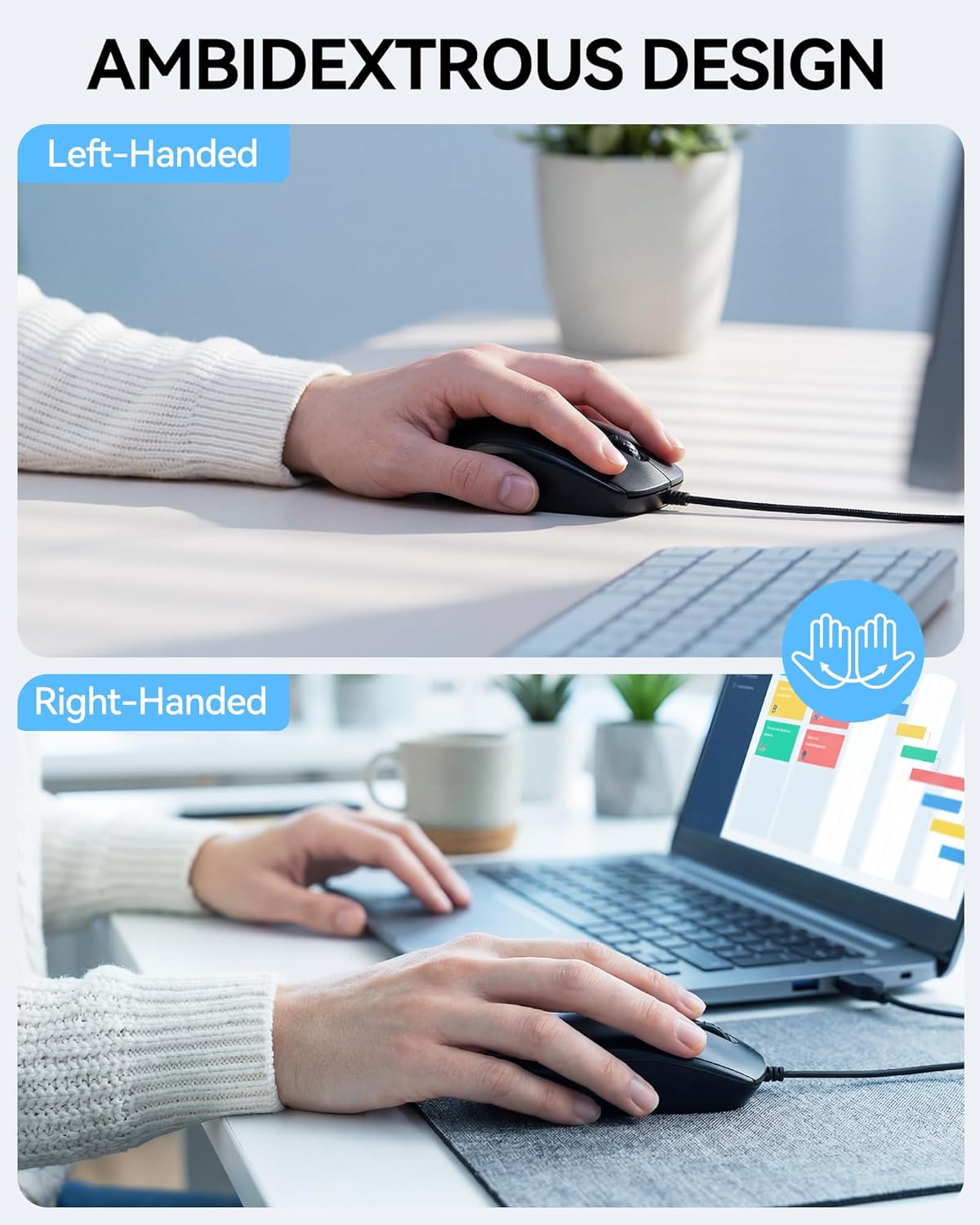
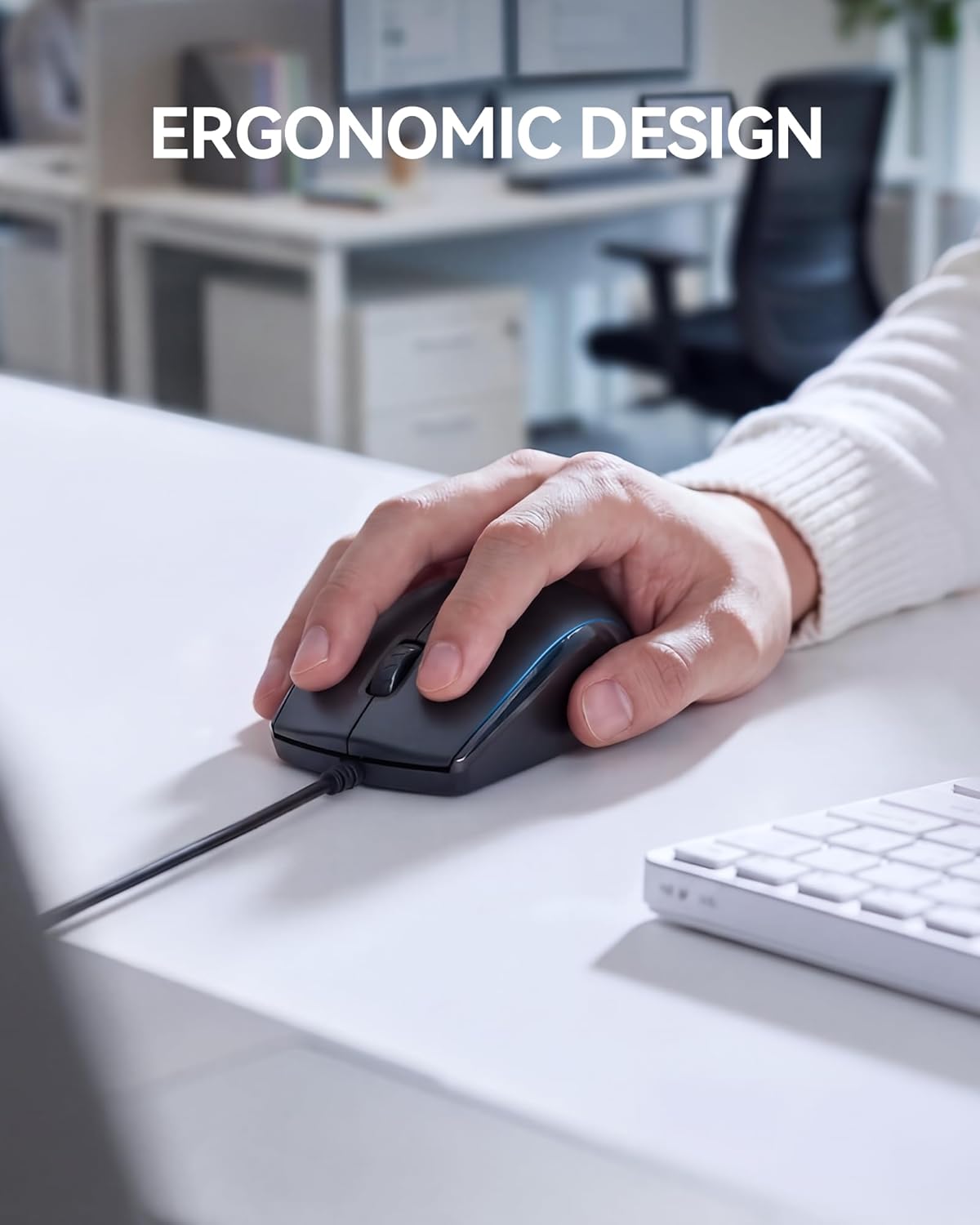
Ambidextrous symmetry means the mouse sits comfortably in both hands, which helps when you share a workstation or simply don’t want to be tied to a right-handed ergonomic shape. The overall contour is described as ergonomic enough for longer sessions, with a form aimed at reducing fatigue for hours of browsing, editing, or design lightwork. It’s not a gaming peripheral, but it does offer a steady, predictable feel for precise clicking and navigation.
Connectivity and setup
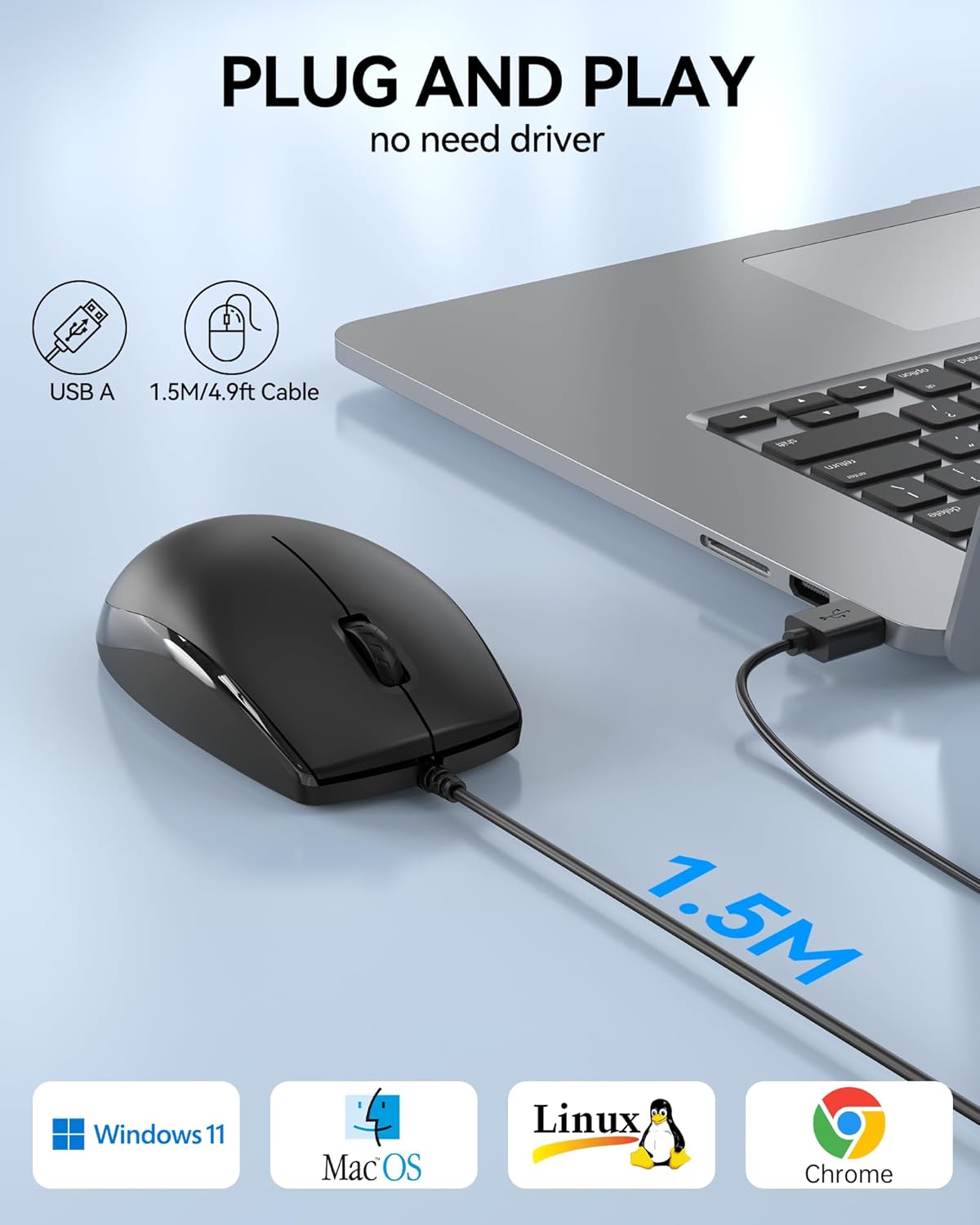
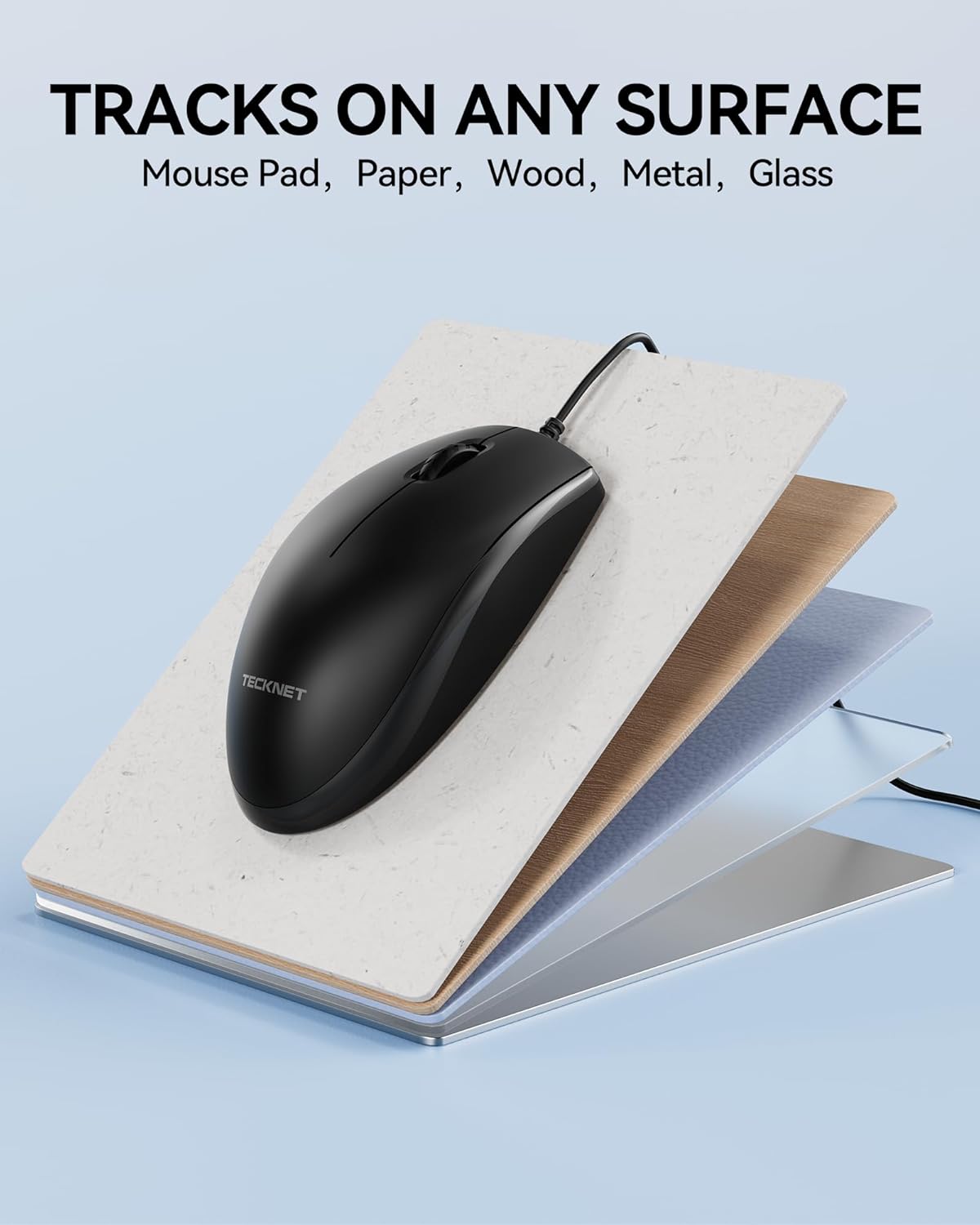
This is a true plug-and-play option: no drivers, no software, just a USB connection. It should be compatible with Windows, Mac, Chrome OS, Linux, and similar environments, so you can swap machines without hunting for new settings. If you’ve got a minimalist setup and want to avoid driver clutter, this keeps things simple.
What makes it stand out
Whisper-quiet clicks are the standout feature. If you work in quiet spaces—libraries, open offices, or shared flats—the reduced noise can be a real benefit. Add to that the symmetrical design and straightforward operation, and you’ve got a reliable workhorse for everyday tasks like document editing, web research, and light design work.
Limitations and who it isn’t ideal for
If you’re after a high-DPI gaming sensor, macro programmability, or an aggressively sculpted ergonomic model, this TECKNET mouse isn’t the best fit. It’s a practical, no-frills option that aims for dependable performance in standard tasks rather than peak gaming or specialised design workflows. If your priority is precision across intricate, heavy-duty design work, you may want to consider models with more configurable DPI ranges or additional programmable buttons.
Use cases and practical scenarios
A realistic use case is a student pulling notes and slides on a laptop late at night, where quiet taps help preserve concentration. For someone sharing an office desk, it reduces the chance of distracting others while still delivering a dependable click. In a graphic design workflow, it serves well for navigation and selection tasks, though you might reach for a more feature-rich peripheral if your work demands intensive tablet-like control or custom shortcuts.
What to check before buying
- Confirm your connection is USB and that your workstation supports plug-and-play without extra drivers.
- Consider the hand you favour, although ambidextrous, your personal comfort may vary with shape.
- If you need a heavier build or a different grip, measure how the mouse sits in your palm and compare to your typical working posture.
Competitors and how this fits into the market

Compared with more feature-heavy mice, this TECKNET model emphasises simplicity, quiet operation, and cross-platform compatibility. It’s more about dependable everyday use than advanced customisation. If you value durability and a straightforward setup at a reasonable price, it sits well in the middle ground between ultra-basic and feature-rich gaming devices.
Decision time
Is it worth it?
It makes sense if you want a compact, quiet, reliable wired mouse that works with multiple operating systems and doesn’t require software. It may not be the best choice if you need high-DPI sensitivity, a wide range of programmable buttons, or an ergonomic shape tailored to long gaming sessions. If you prioritise a low-hassle, durable input device for office tasks or study, this TECKNET model offers solid value for money.
Quick FAQ
- Does it require software to use? No, it’s plug-and-play.
- Is it suitable for left-handed users? Yes, thanks to its ambidextrous design.
- Can I use it with Linux? Yes, it’s described as compatible with Linux among other systems.
- Will it improve my gaming performance? It’s designed for general use, not high-end gaming precision.
- How long is the warranty? The product listing mentions a 36-month warranty when registered.