

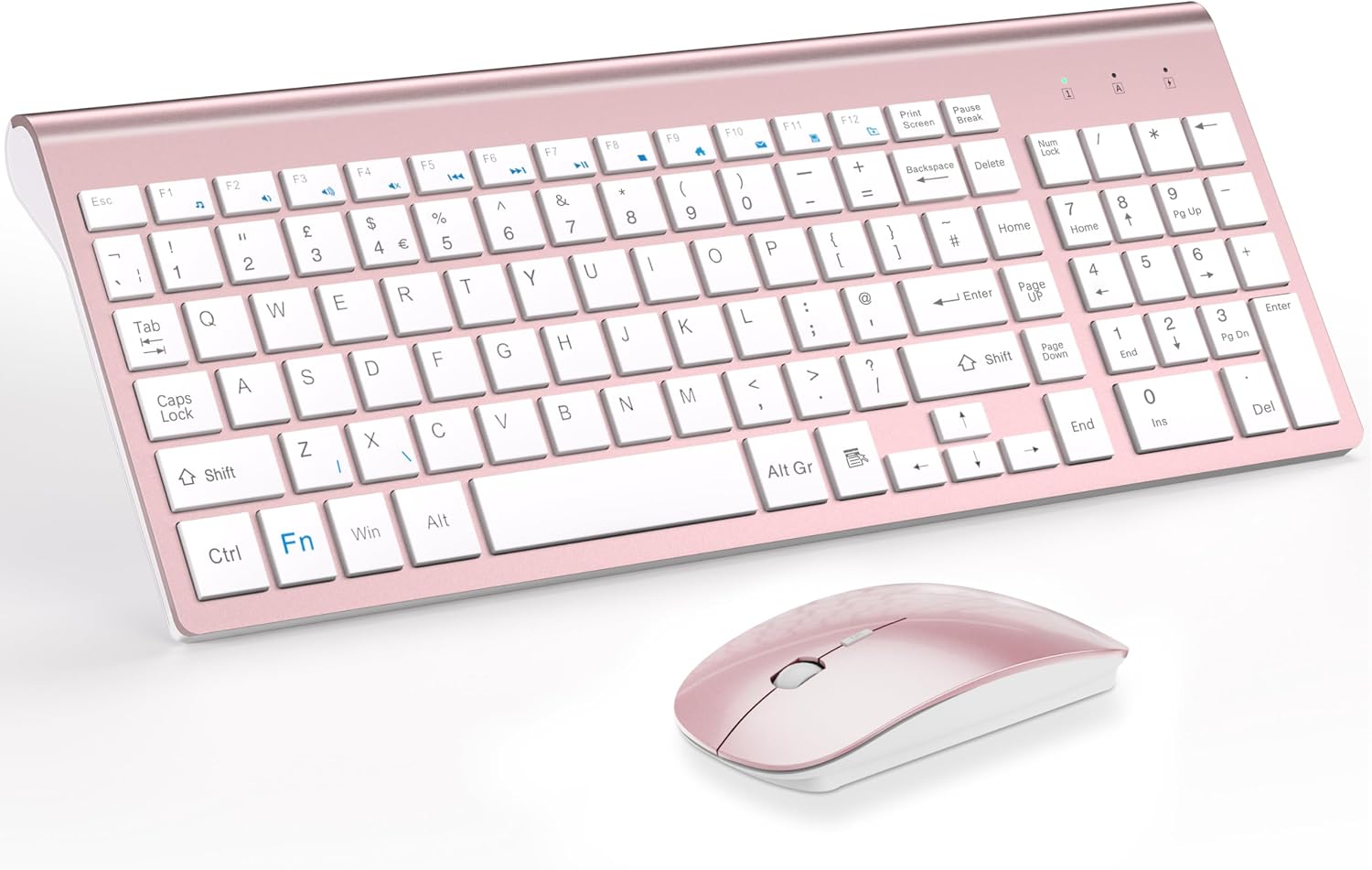
TopMate 2.4G Wireless Keyboard and Mouse Ultra Slim Combo (USB, silent keys, 2400DPI) – Silver White
Reviews
Price
Product description
At a glance
If you want a tidy desk setup without cables and extra software, this TopMate ultra-slim wireless keyboard and mouse combo is built around a single 2.4G Nano receiver. The idea is simple: plug in, start using, and keep the clutter down—especially useful at home, in an office, or while travelling between workspaces.
On paper, it leans into two everyday priorities: quieter typing (scissor switch keys) and a mouse that’s adjustable up to 2400DPI. It’s also a full-size keyboard with a numeric keypad, plus 12 function keys for common quick actions.
What it’s for (and the kind of user it suits)
This set makes sense if you’re after a straightforward wireless kit for day-to-day computing rather than tweaking advanced features. The wireless keyboard and mouse are positioned as a practical work companion for PC/laptop use, covering Windows XP through 10 and macOS (as listed by the manufacturer), with the Nano receiver stored at the bottom of the mouse.
A typical micro-scenario: you set it on your laptop desk for a work session, plug the Nano receiver into a USB port, and get on with emails or spreadsheets using the numeric keypad. If you’re in shared spaces (library, open-plan office, or late-night gaming without bothering others), the “silent” keyboard design is the key reason people choose something like this.
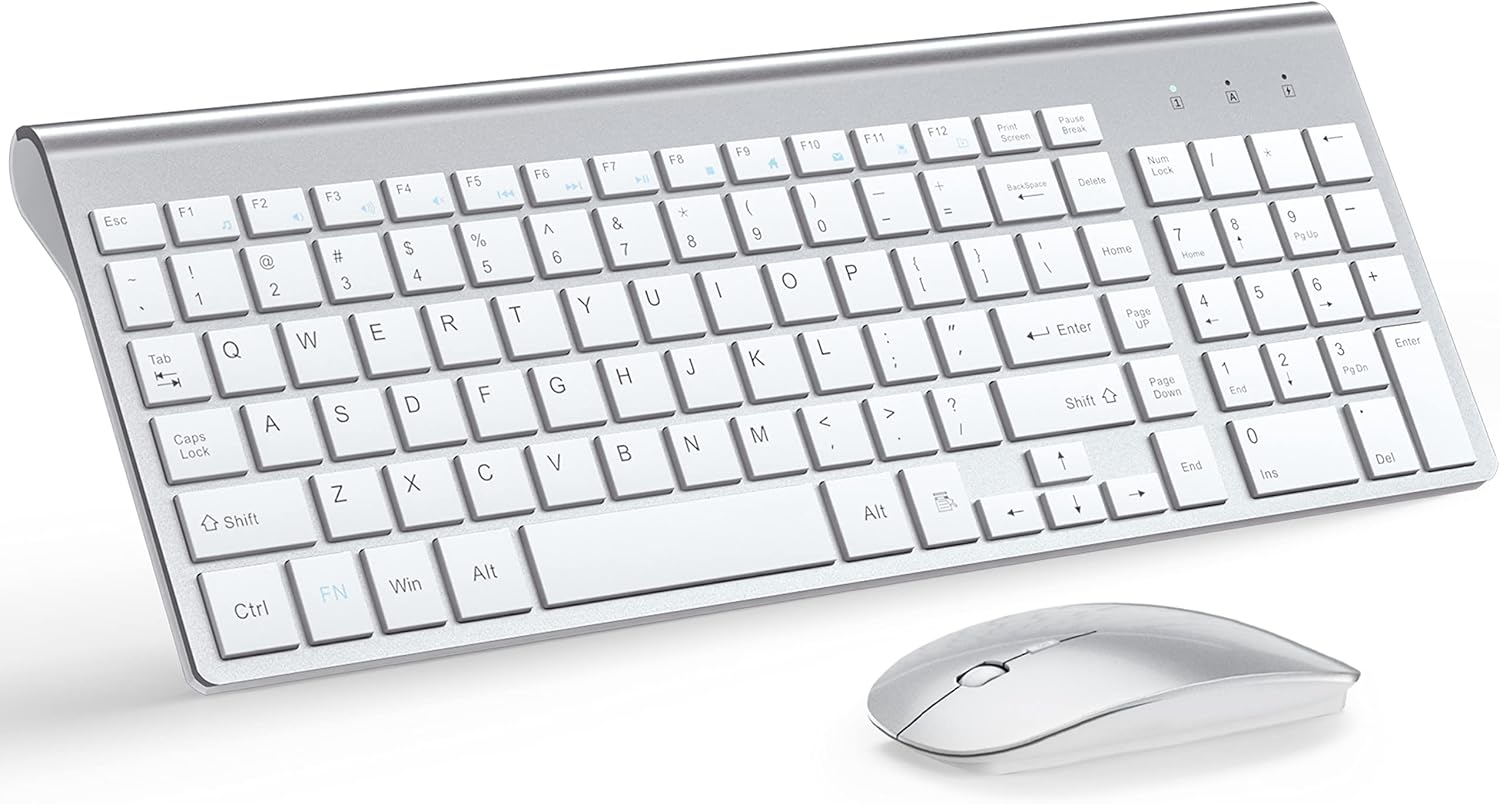
Key features that actually matter
The standout themes here are connection stability, comfort for everyday typing, and a compact footprint.
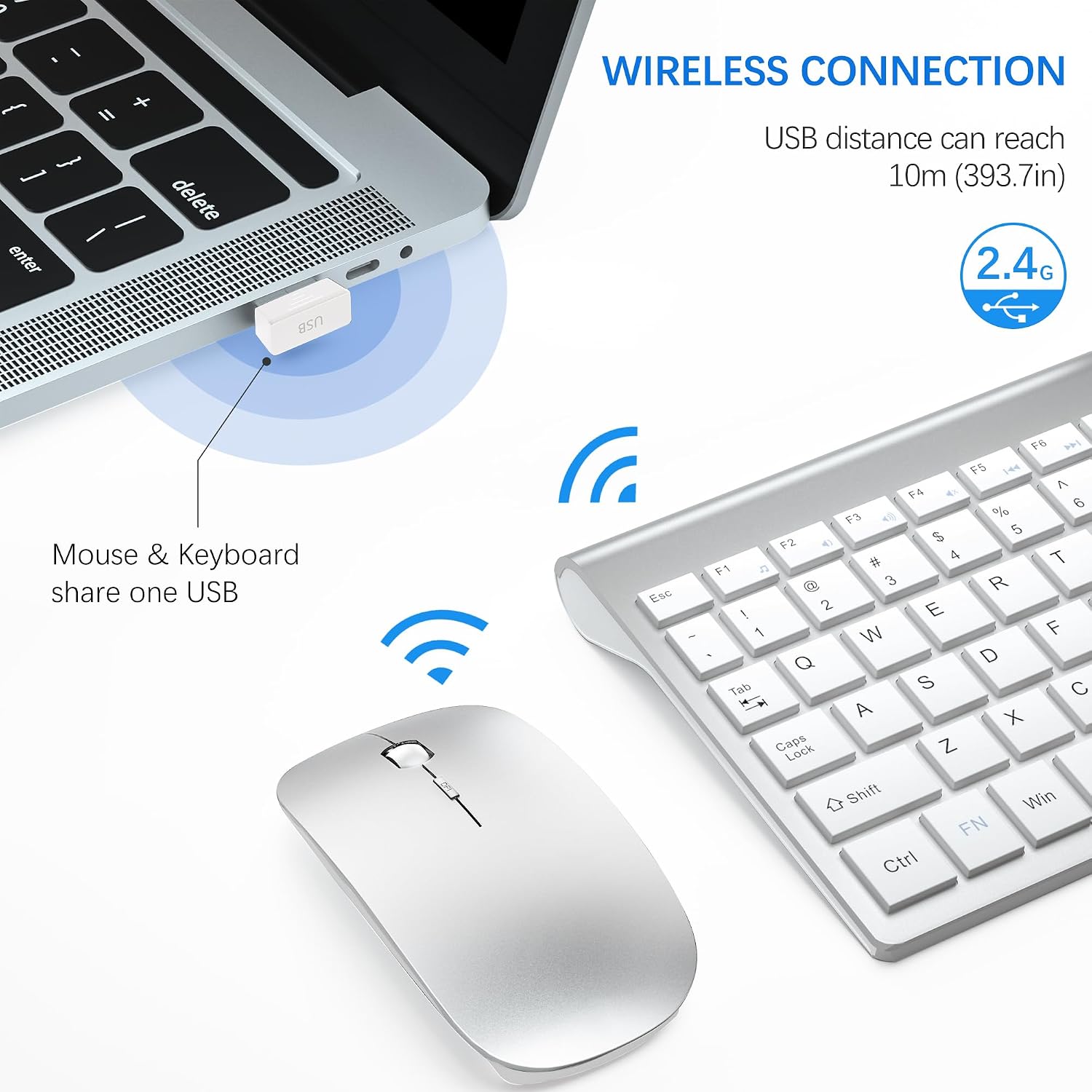
- 2.4G wireless with Nano receiver (plug and play): you share one receiver between keyboard and mouse, stored in the mouse, with no additional software installation required.
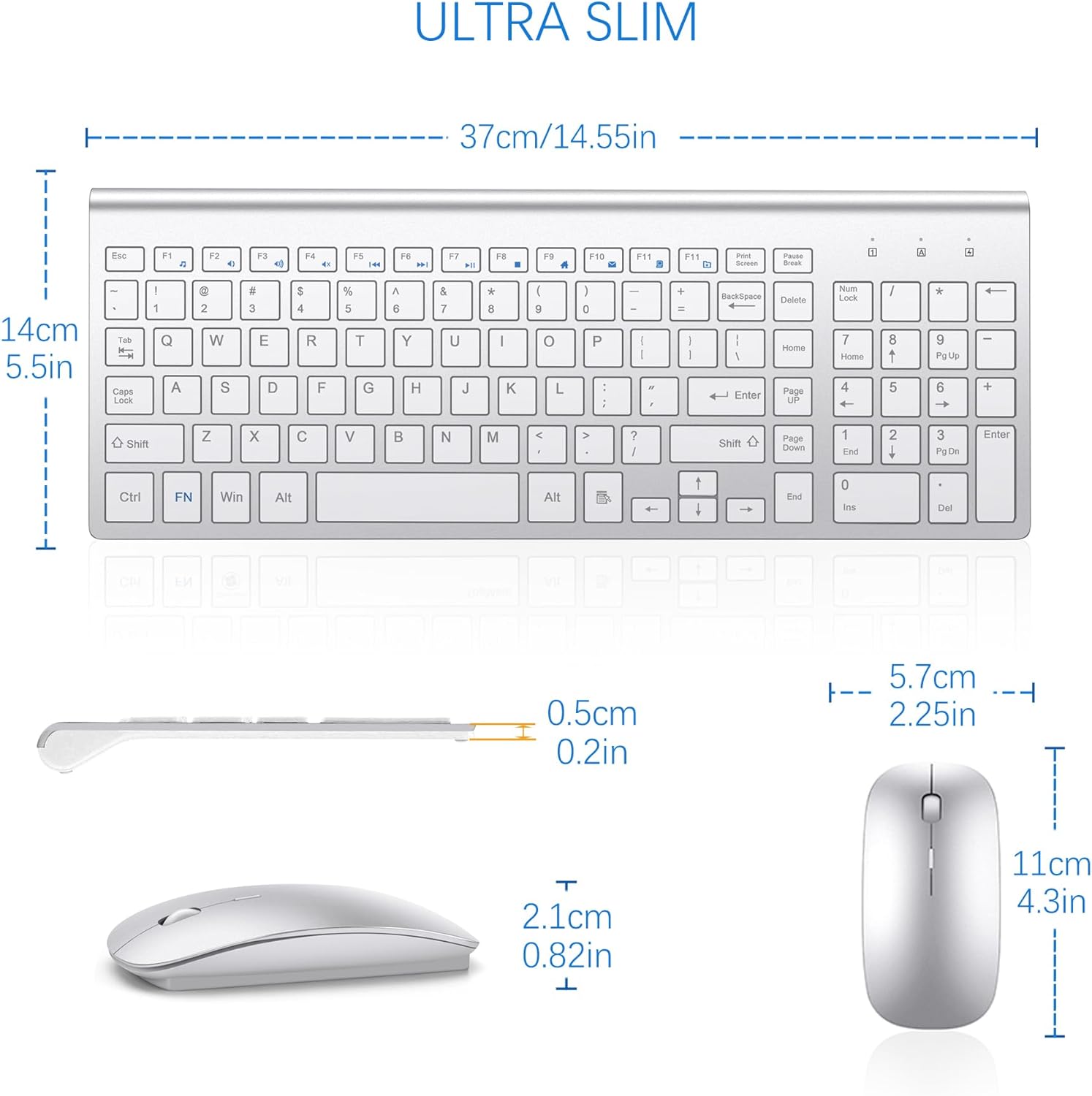
- Keyboard layout with numeric keypad + function keys: the keyboard keeps both the numeric keypad and full-size layout, alongside 12 function keys for shortcuts like music/control volume or mail.
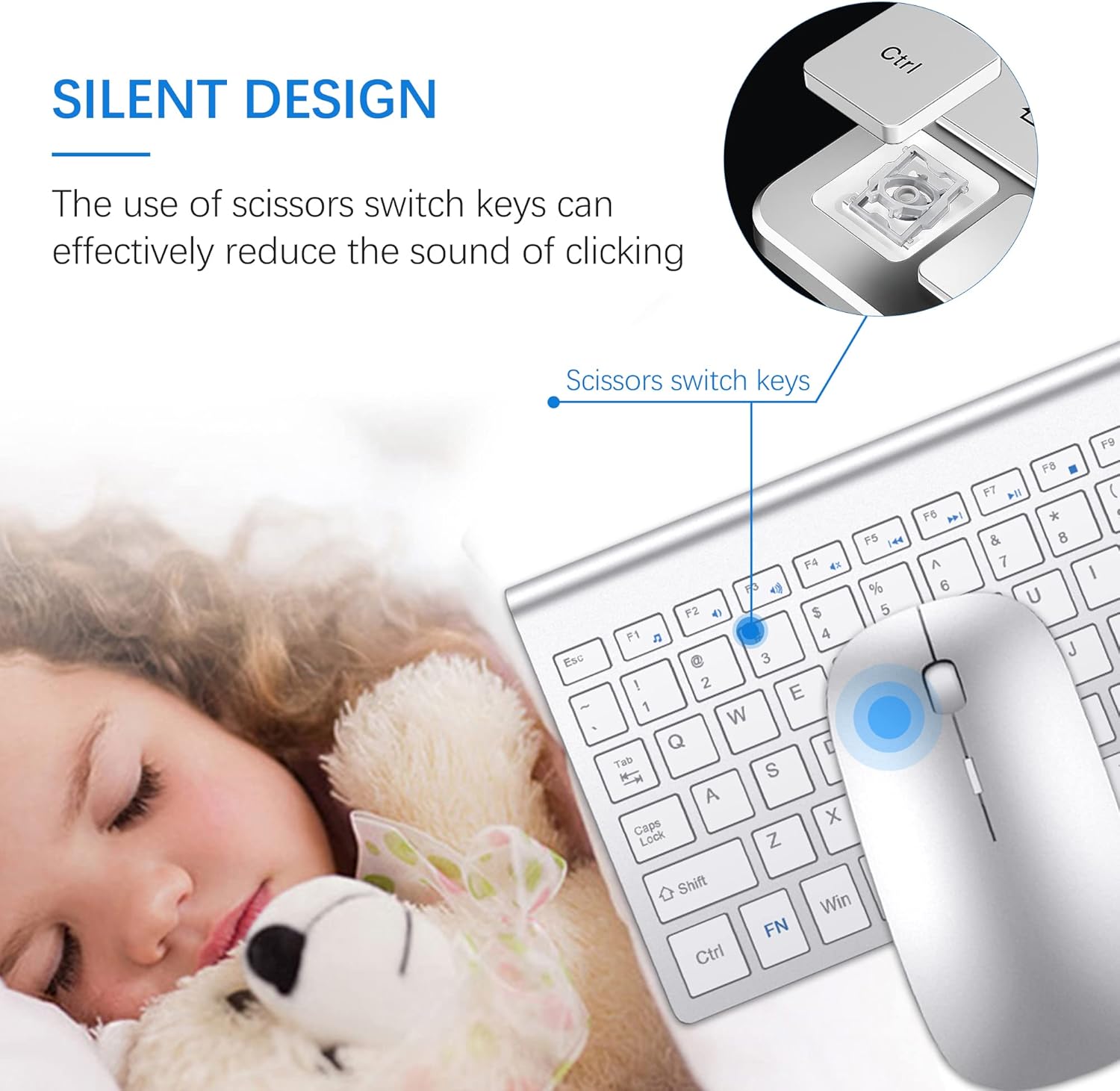
- Quieter typing on scissor switch keys: the keyboard is designed to reduce noise versus louder key mechanisms. Whether it’s “silent enough” for your exact environment depends on your sensitivity to sound.
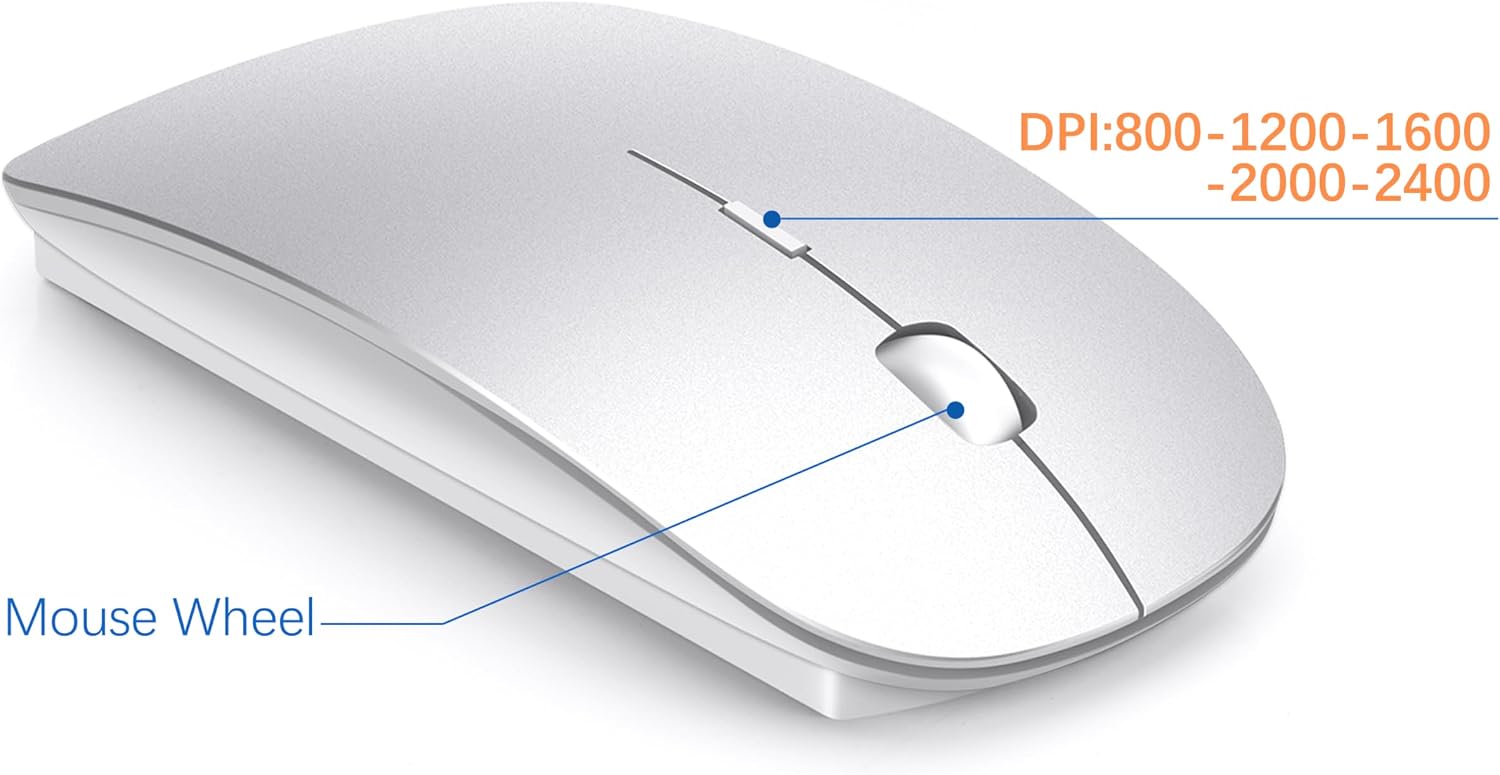
- Mouse with multiple DPI settings up to 2400DPI: the included wireless mouse offers 5 DPI levels (800/1200/1600/2000/2400) for more flexible cursor control.
- Ultra-slim, portable design: the keyboard is listed as 0.8in ultra-thin with an ABS plastic body, aimed at saving desk space and being easy to transport.
The essentials (specs without the clutter)
This is the practical technical snapshot based on the information provided:
- Wireless type: 2.4G with Nano receiver
- Range: up to 10 m (as stated)
- Mouse sensitivity: 5 DPI levels (800/1200/1600/2000/2400)
- Keyboard switches: scissor switch keys
- Keyboard design: full-size with numeric keypad and 12 function keys
- Size (keyboard): 14.55 x 5.5 x 0.8 in (37 x 14 x 2 cm)
- Power: 2 AA batteries (keyboard) and 2 AAA batteries (mouse)
- Batteries included: yes
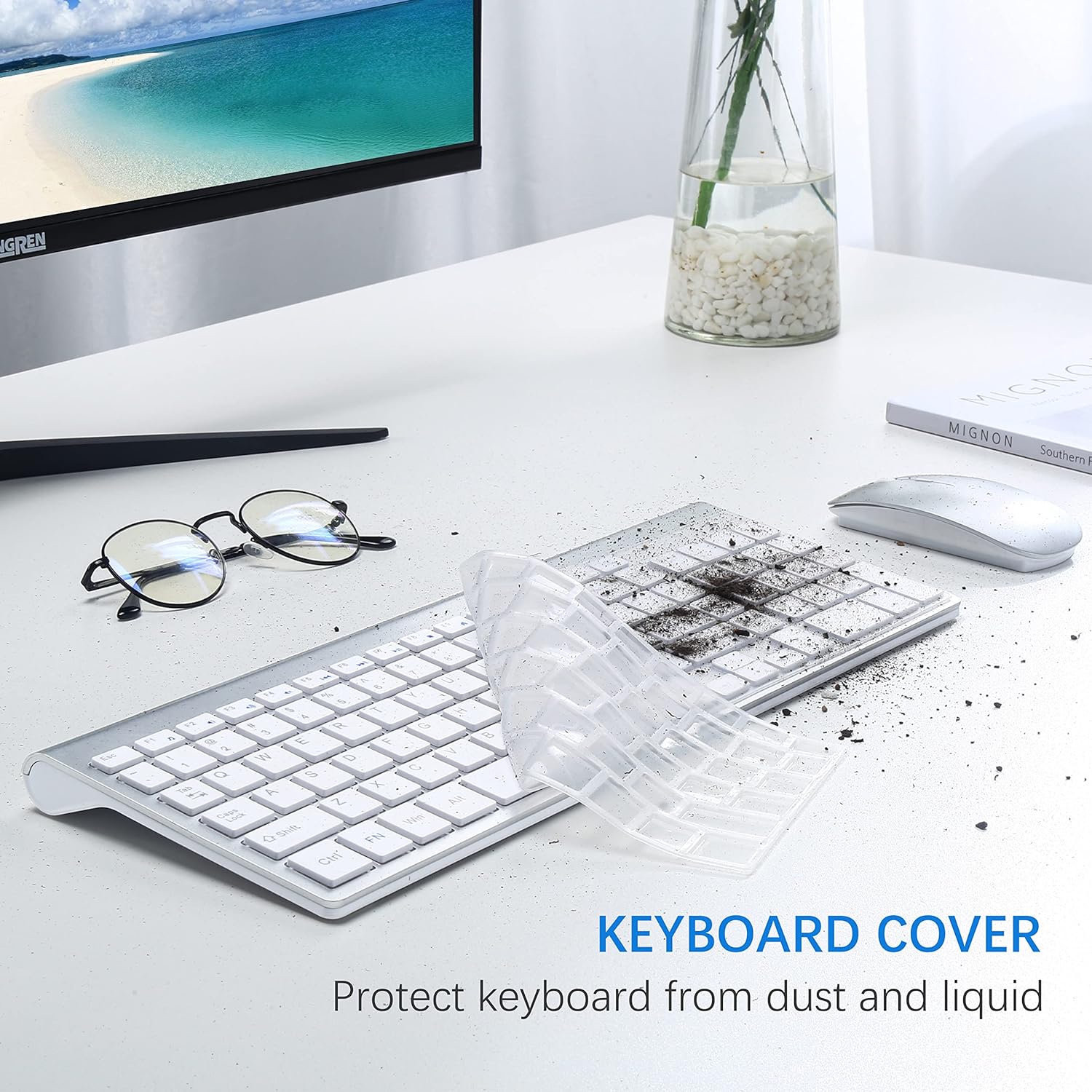
- Keyboard cover: included to protect against dust and liquid (per the description)
- Warranty: 2-year warranty (with replacement promised if a quality problem occurs within one year)
What you’ll notice day to day (pros and limits)
The main reason this combo is worth considering is that it tries to solve typical “office desk” friction: cable mess, noisy keystrokes, and awkward setup.
Pros
- Cleaner desk thanks to one Nano receiver for both keyboard and mouse.
- Quiet typing approach via scissor switch keys, useful in shared spaces.
- Adjustable mouse DPI up to 2400DPI for more control when you need it.
- Portable, slim keyboard design for compact desks or travel.
- Batteries included and a keyboard cover in the pack.
It’s not perfect (and where it may fall short)
You should also be aware of a couple of limitations.
- Battery life varies: the stated 3 to 5 months depends on usage conditions, so heavy daily use may shorten that.
- Silent is relative: the keyboard is designed to be quieter, but it may still not suit someone who needs truly whisper-level silence.
- It may sit in the “basic to mid-range” feel: there’s no mention of high-end gaming features or advanced customisation—so if you’re looking to “max out” performance or precision, this might feel more like a dependable work kit than an enthusiast tool.
Compatibility & requirements
The listing states compatibility with Windows XP/ME/Vista/7/8/10 and OS operating systems (macOS mentioned in the description). The setup is intended to be plug and play using the Nano receiver stored in the mouse—so as long as you have a free USB port, it should be straightforward.
That said, it’s worth double-checking your device’s USB availability and your preferred operating system version before ordering, just to avoid any “technically supported, but not what I expected” surprises.
Getting the most from it
If you want this combo to feel good in daily use, focus on two things:
First, keep the Nano receiver in a stable position (and preferably not loosely dangling off a hub). Second, take a moment to experiment with the mouse DPI level you’re comfortable with—800 for slower, steadier movement and higher settings like 2000/2400 when you want faster cursor travel.
Also, use the included keyboard cover when the keyboard is exposed to dust or there’s a risk of liquid contact—this is the kind of small habit that extends how “new” a setup stays.
Mini FAQ
How far does the wireless connection reach?
The description states a range of up to 10 m, but real-world distance can vary depending on your environment.
Do I need to install software?
No—both the keyboard and mouse are designed to work using a shared Nano receiver with plug and play, without additional software installation.
Are the batteries included?
Yes. The set includes 2 AA and 2 AAA batteries.
Can I use the keyboard cover straight away?
Yes, it’s included in the kit and is intended to help protect the keyboard from dust and liquid.
Is it suitable for Mac as well?
The listing includes OS compatibility and mentions Mac in the product name, so it should work on Mac systems as stated—still, it’s sensible to check your specific macOS version.
Should you buy it?
It makes sense to buy this TopMate wireless keyboard and mouse combo if you’re setting up a compact, cable-free workstation, want quieter-than-average typing using scissor switch keys, and prefer a mouse with multiple DPI levels up to 2400DPI. The ultra-slim keyboard design and included batteries make it a practical “out of the box” choice for home, office, and travel.
You may want to skip it if you’re chasing high-end precision, deep customisation, or truly ultra-quiet operation for a library/recording-room level of silence. It also might not suit you if you’re extremely sensitive to battery life variation, since the stated lifespan depends on usage conditions.
Final verdict
Should you buy it?
If your priority is a clean desk setup with straightforward 2.4G wireless plus a quieter keyboard feel, this combo is a reasonable purchase on paper. Just be realistic about it being a reliable everyday kit rather than a feature-heavy performance weapon.