

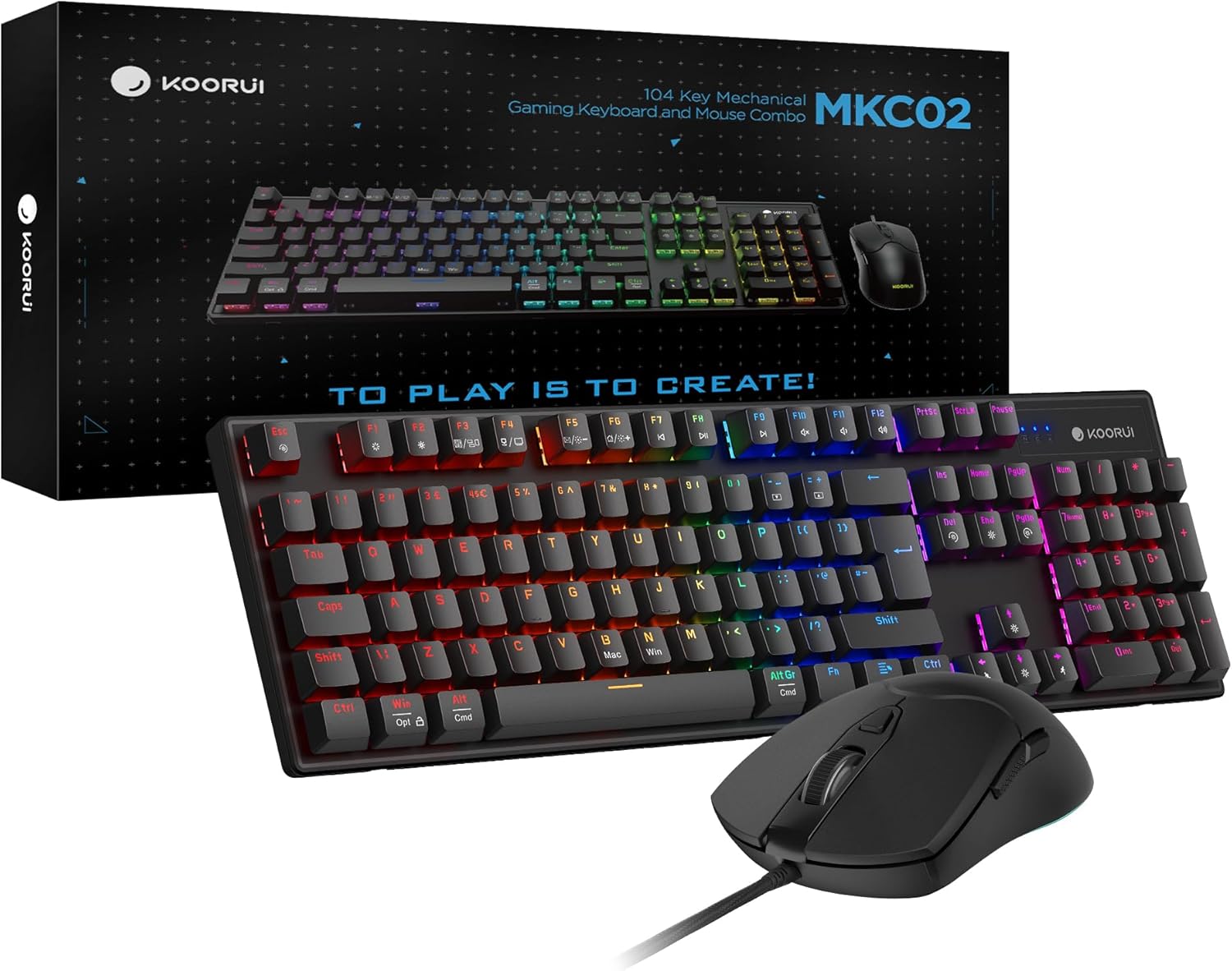
KOORUI Wired Gaming Keyboard and Mouse Combo with Blue Mechanical Switches
Product description
What it is
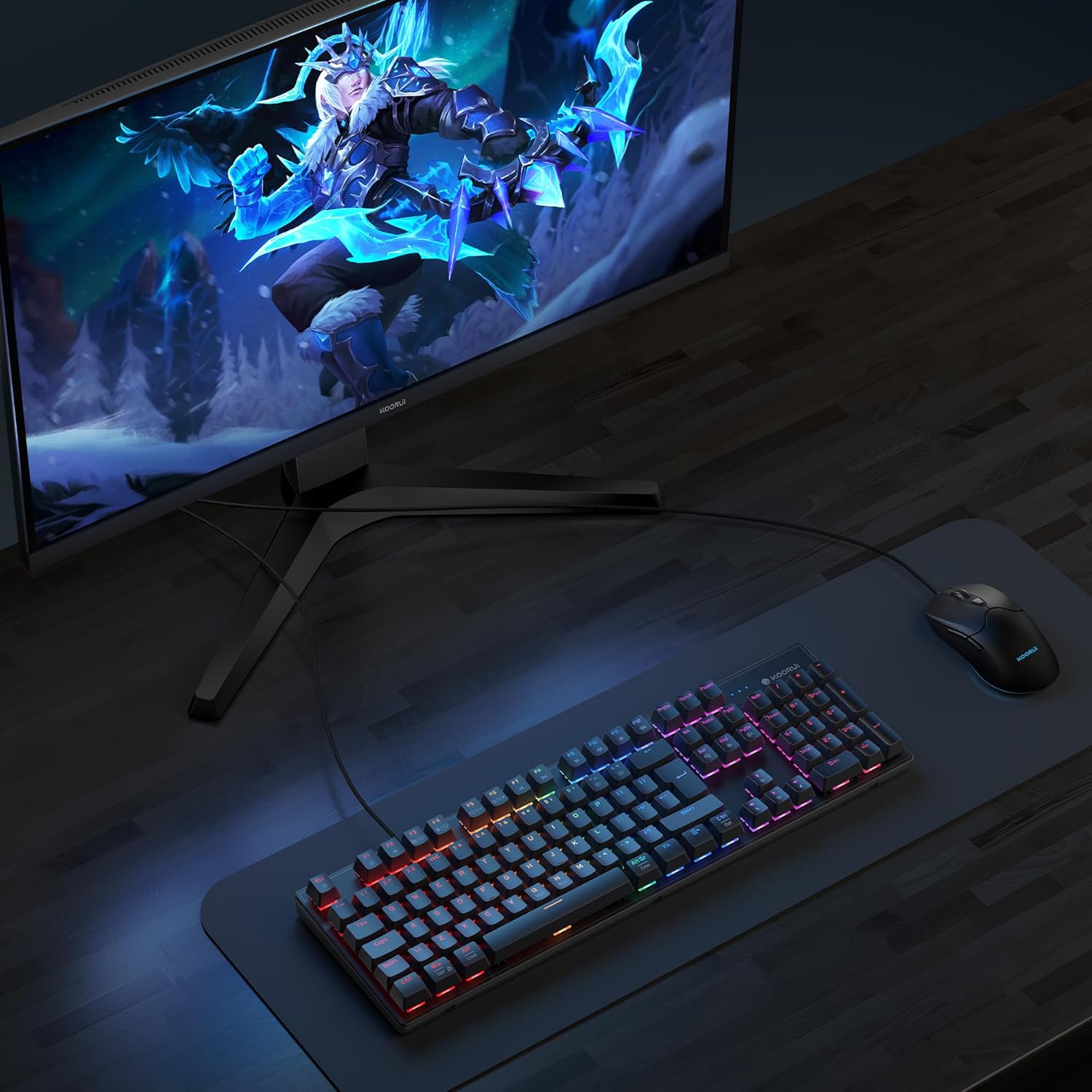
The KOORUI Wired Gaming Keyboard and Mouse Combo is a full-sized set featuring a 104-key mechanical keyboard and a 6-button wired optical mouse. It’s designed to deliver uninterrupted input with anti-ghosting and tactile Blue switches, aimed at gamers and productivity users who value a dependable, wired connection.
What you get and how it helps
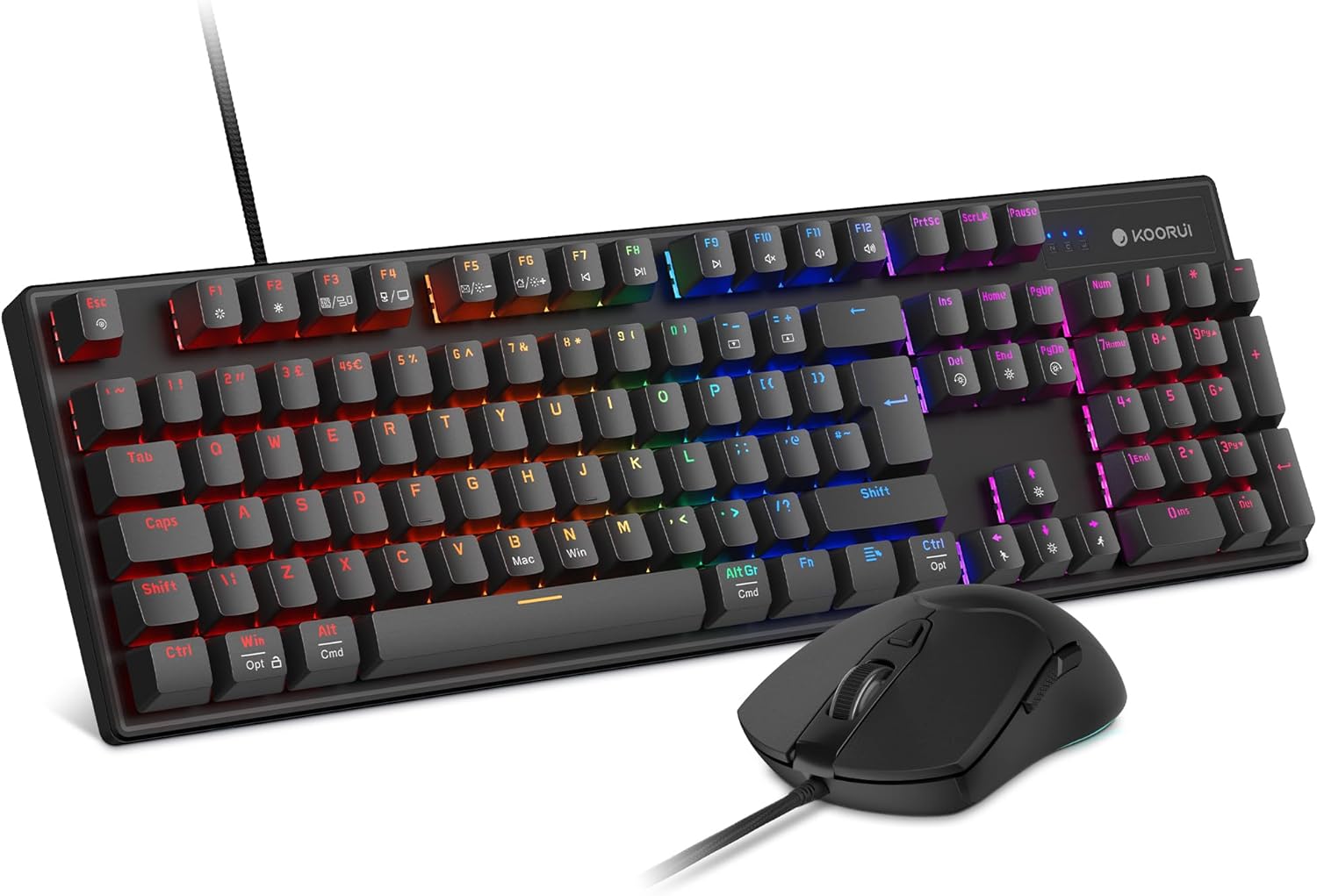
This combo connects directly via USB for straightforward setup on Windows, macOS, and Xbox, with a practical cable management clip and a three-way cable routing system on the keyboard to keep your desk tidy. For many, a clutter-free workspace can shave seconds off start-up times and reduce distractions before a match or a work session.
Key specifications in plain terms

On the keyboard, you’ll find 104 keys with full anti-ghosting, plus 12 multimedia function keys for quick control. The lighting offers 19 effects and a memory function so your preferred look stays put after rebooting. The mouse runs at a 500 Hz polling rate with adjustable DPI settings (800/1600/2400/3200) and includes forward, back, and side buttons for added flexibility.
How it feels in use
If you prioritise tactile feedback and reliability, the Blue mechanical switches are typically preferred for their audible and tactile response, which can help with both typing and rapid gaming inputs. The ergonomic design aims to reduce fatigue during long sessions, while the mouse’s grip is described as skin-friendly for both gaming and productivity tasks.
What stands out and where it may fall short
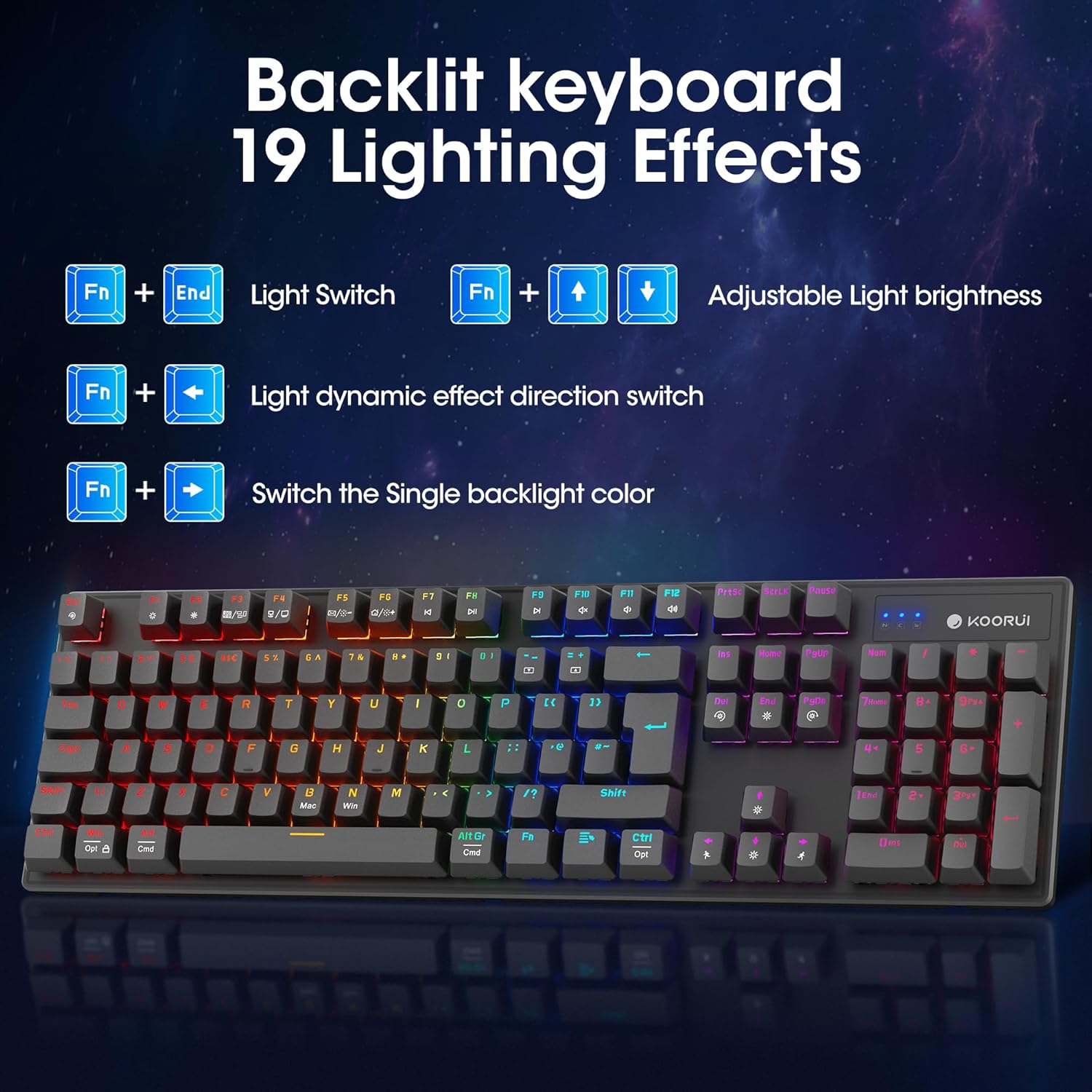
What stands out is the combination of a full set with dedicated lighting and memory-preserved effects, plus the practical three-way routing and cable clip. However, if you’re after wireless freedom or a hot-swappable keyboard, this wired, fixed-switch setup may not satisfy those preferences. Also, the exact switch feel and actuation force aren’t quantified beyond the general Blue switch positioning, so enthusiasts who demand precise switch specs may want to try in person.

Who it’s for
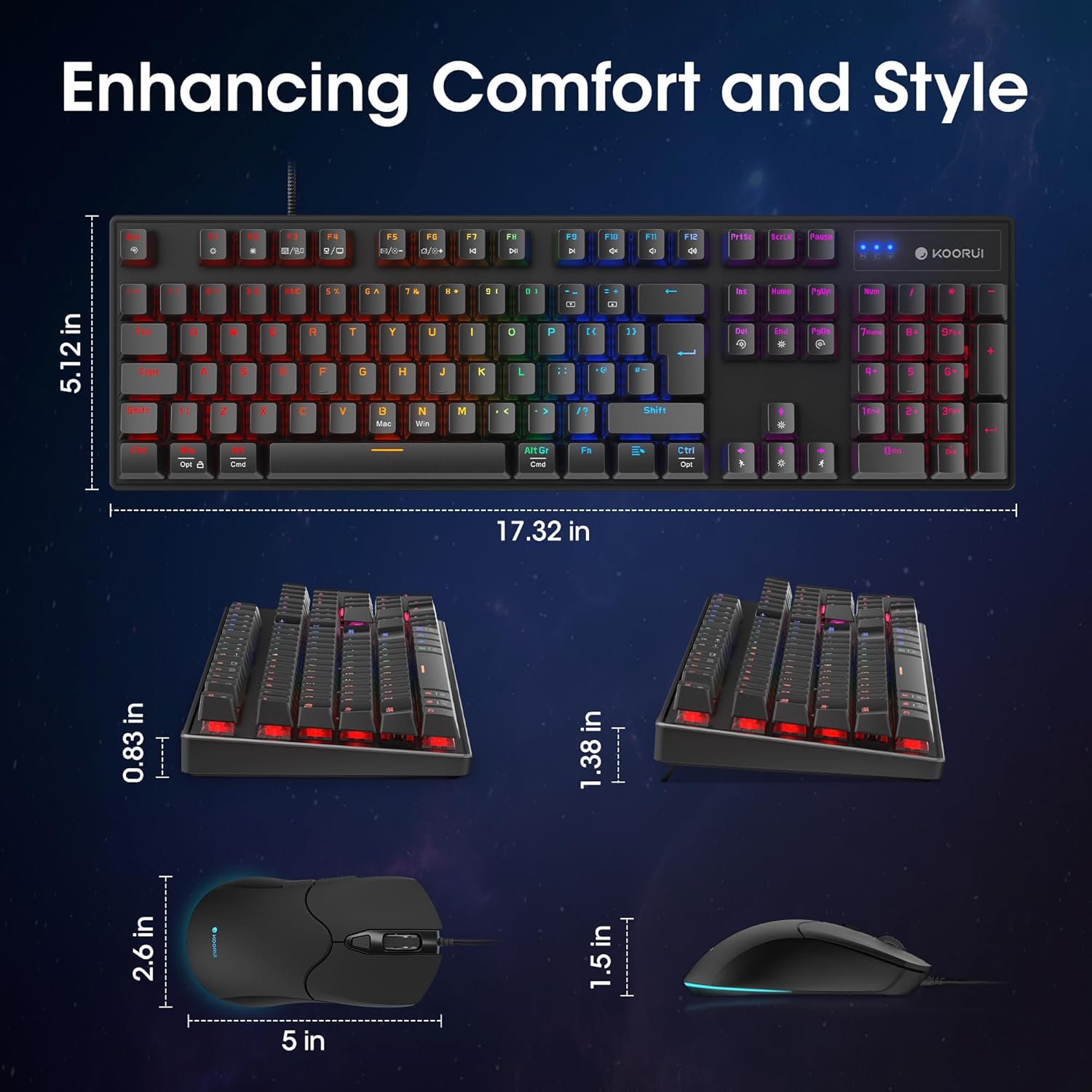
This combo suits gamers who want a straightforward, wired setup with reliable anti-ghosting and a roomy keyboard footprint, alongside a responsive mouse with adjustable DPI. It also appeals to productivity users who want multimedia shortcuts at a glance and the convenience of a tidy desk thanks to the cable management features.
Who it isn’t for
If you prefer a wireless or highly customisable keyboard, or if you prioritise silent switches, this particular kit may not align with those needs. It’s also worth noting that the value proposition sits in the mid-range for peripherals, rather than a premium or budget-only option.
Before you buy: what to check
- Ensure your computer or console supports wired USB inputs and macOS/Windows compatibility as described.
- Consider whether you’ll benefit from a full 104-key layout and the included media keys for your workflow.
- Think about your desk space and whether a three-way cable routing system matches your setup.
Practical comparison of approaches
If you want a straightforward, plug-and-play wired kit with a cohesive look and handy features, this KOORUI combo is a sensible middle-ground choice. For those who require wireless flexibility or highly customisable key feels, you might look at other offerings. If you’re happy with a dependable, no-fuss wired experience and a reasonable price point, this kit could be a good fit.
FAQ (practical answers based on available data)
- Q: Will the lighting effects remain after reboot? A: Yes, there is a memory function to preserve lighting settings.
- Q: Can I use this with macOS and Windows? A: Yes, it’s described as compatible with both, plus Xbox gaming consoles.
- Q: Is the mouse DPI adjustable? A: Yes, DPI options include 800, 1600, 2400, and 3200.
- Q: What about cable management? A: The keyboard includes a three-way routing system and a dedicated cable clip to reduce desk clutter.
- Q: What is the polling rate of the mouse? A: 500 Hz, which favours responsive input for gaming.
Is it worth it?
It makes sense if you value a complete wired setup, straightforward setup, and reliable input alongside practical desk organisation features. It may not be the best choice if you want wireless flexibility or ultra-quiet switches, but for a balanced, mid-range option this kit delivers solid value.