

OMOTON 65% Aluminum Mechanical Gaming Keyboard with Hall Effect Magnetic Switches
Product description
What it is and what problem it aims to solve
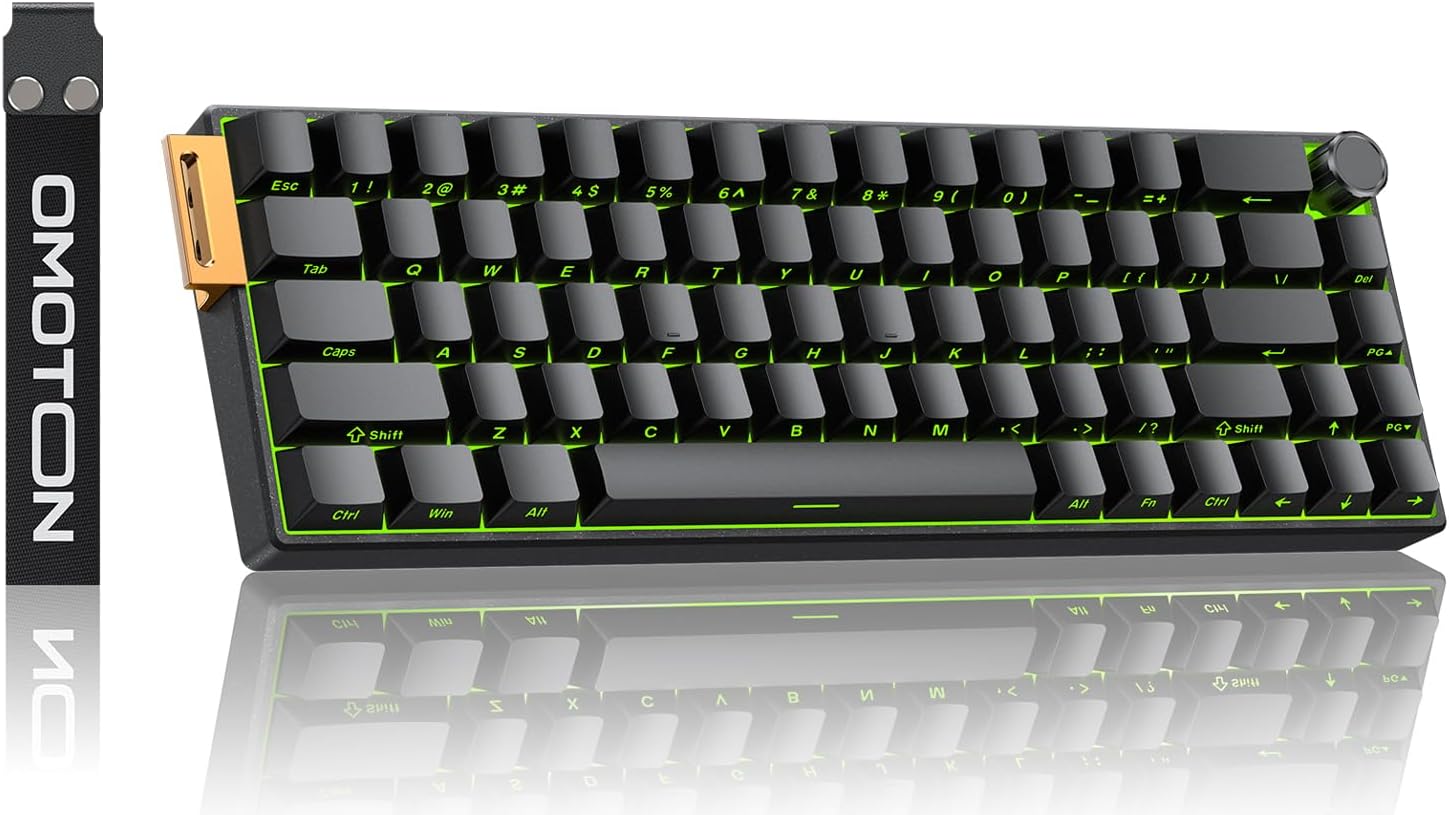
The OMOTON 65% Aluminium Mechanical Gaming Keyboard is a compact, wired keyboard designed for fast, precise inputs in FPS titles. With a 65% layout, it omits the number pad but retains a full arrow cluster and a dedicated volume knob, leaving more desk real estate for bigger mouse movements. The aluminium baseplate aims to keep actuation points stable during rapid keystrokes, addressing drift concerns that can come with dense, high-speed gaming sessions.
How it works and what makes it different
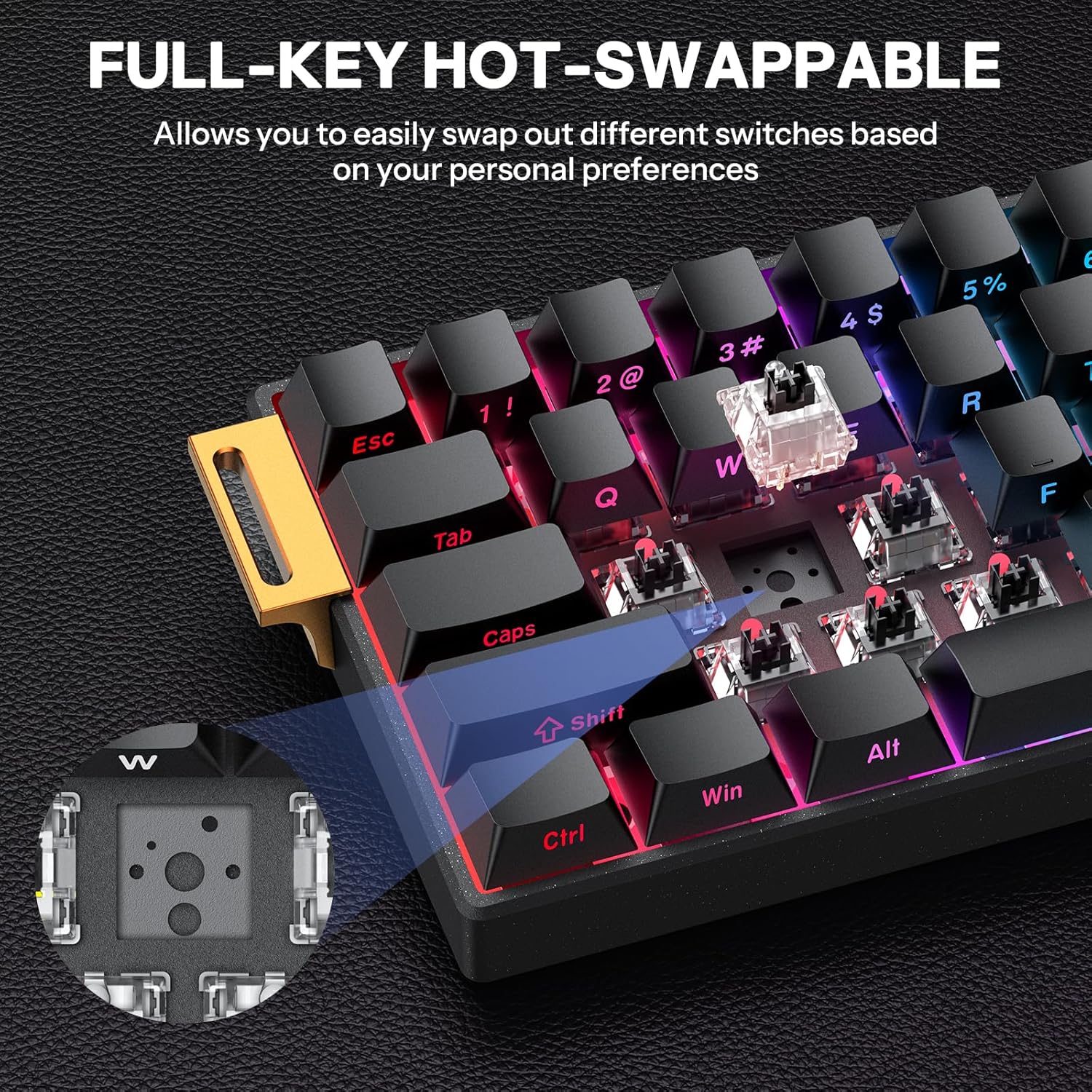
This keyboard uses Hall Effect magnetic switches, a setup that aims to deliver quick reset and consistent actuation compared with traditional mechanical switches. The result, on paper, is crisp input responses and a purported 0.01ms rapid trigger alongside an 8000Hz polling rate. It also features hot-swappable magnetic switches, meaning you can swap switches without soldering, should you want to tailor feel or swap for availability—though this requires care and a suitable desk setup.
Build quality and aesthetics
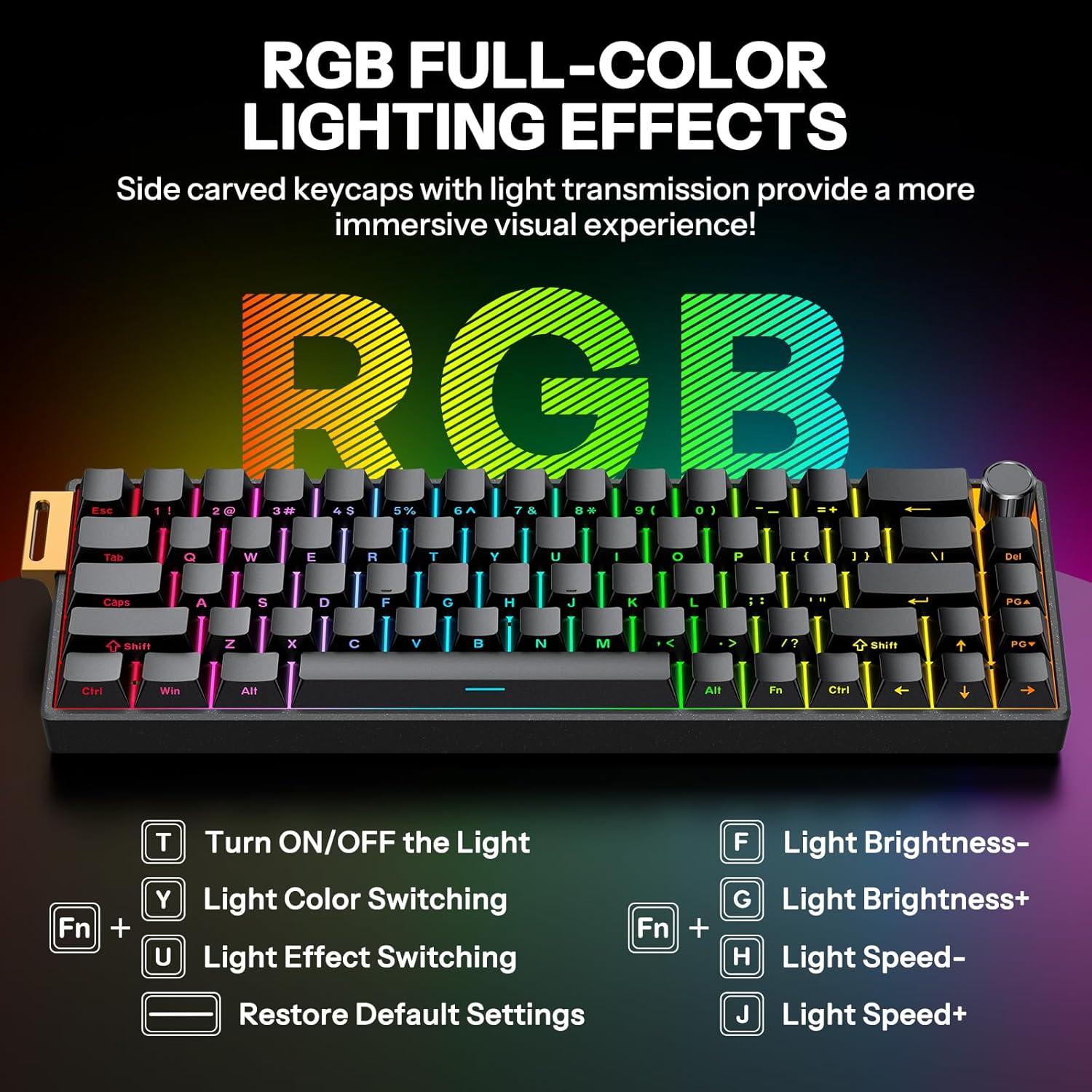
The chassis combines a sandblasted titanium-white finish with an aluminium baseplate for durability and a sturdier feel under rapid firing. Side-printed PBT keycaps resist shine and fading, keeping legends legible under bright RGB. A floating light effect remains sharp at high brightness, reducing visual noise even when the RGB is cranked up.
Connectivity and layout details
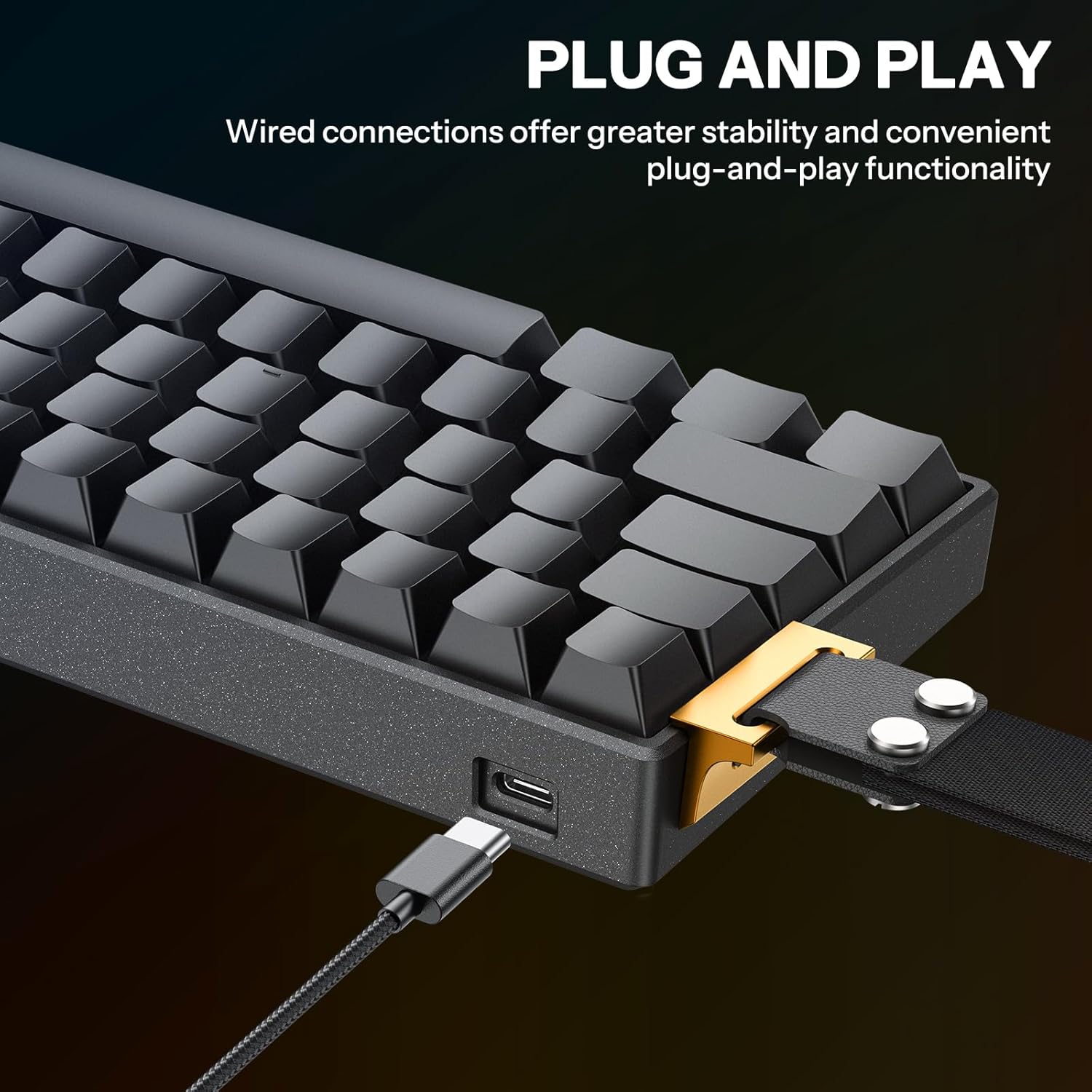
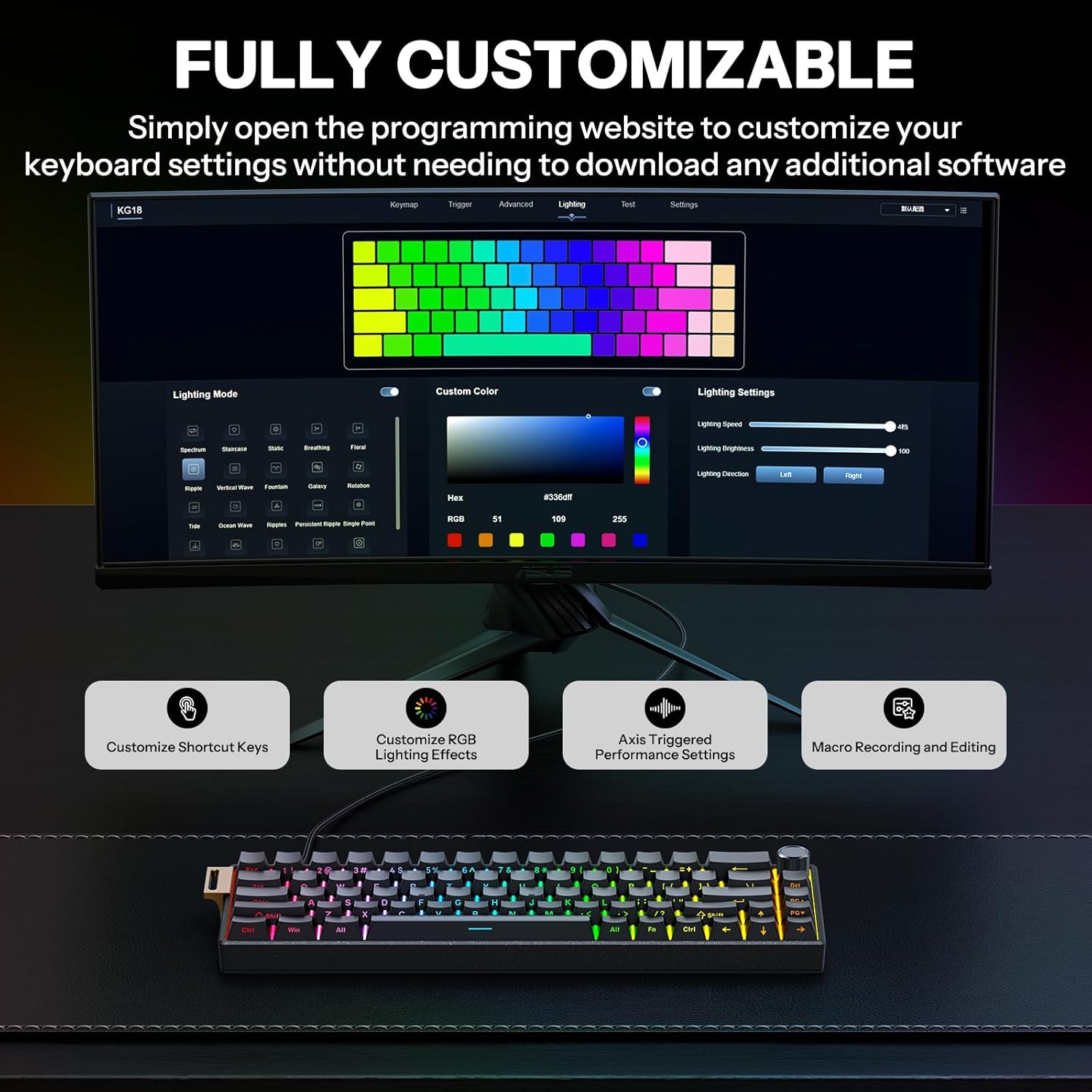
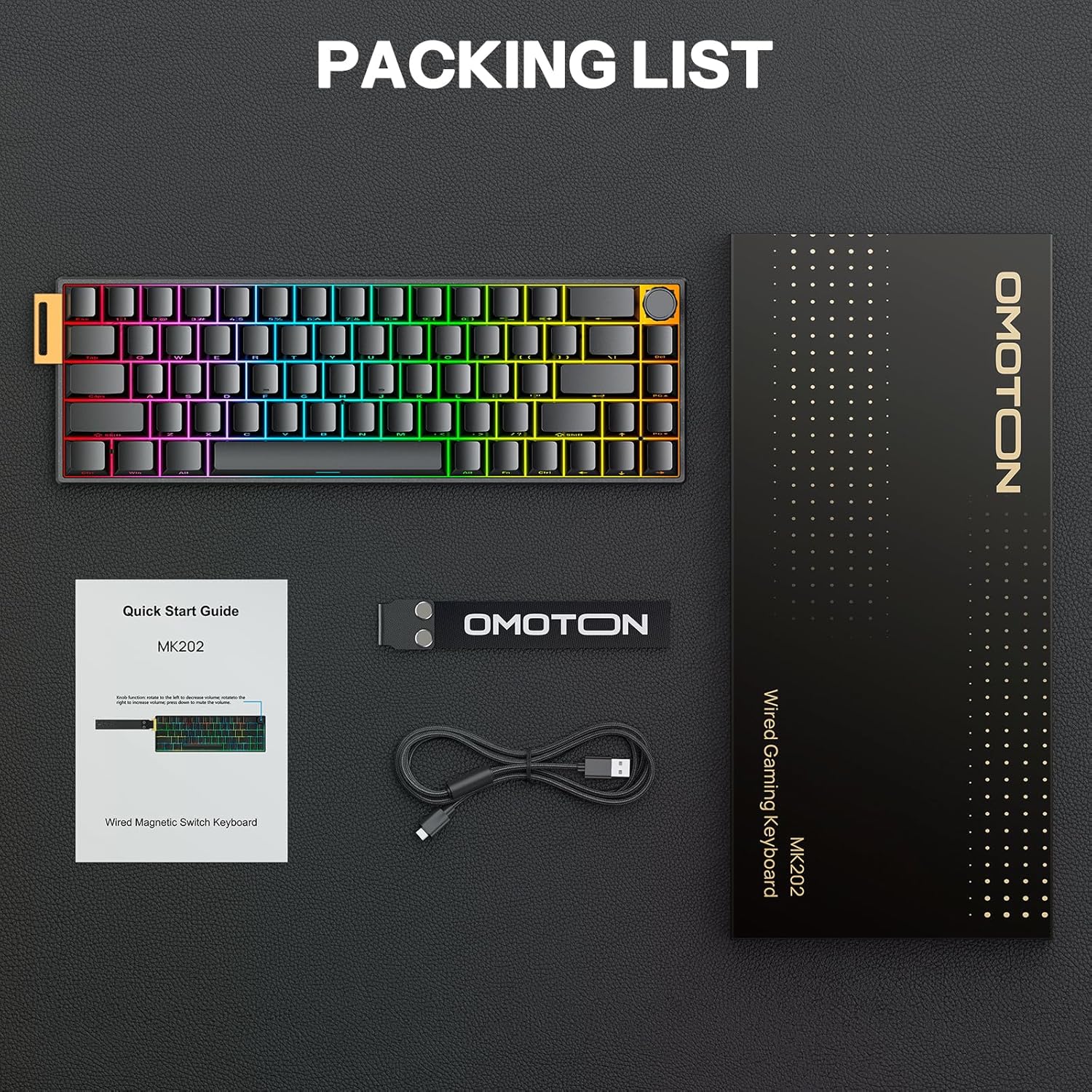
Key characteristics include a 67-key layout with full arrow keys and a dedicated volume knob. It is wired and uses a detachable USB-C connection, which helps reduce cable clutter and can aid portability for tournament-style setups or travel. The keyboard also supports full key remapping and macro layers, with per-key RGB customization, all of which can be configured without installing bulky software.
Who it’s for and usage scenarios
This model is targeted at FPS gamers who prioritise precise timing and compact desk space. If you value a smaller footprint without sacrificing function keys like arrows and volume control, it could suit you. It’s especially appealing if you’re looking for a robust, aluminium chassis and a hot-swappable magnetic switch system to experiment with feel without committing to permanent changes.
Potential limitations and who should reconsider
If you prioritise absolute software-based macro ecosystems or a traditional 100% keyboard footprint, this 65% form factor may feel limiting. The magnetic Hall switches, while offering theoretical advantages in speed and durability, aren’t universal in feel across players, so if you’re happy with standard mechanical switches, this is a different sensory experience. Also, hot-swapping in Hall Effect designs can be more niche, ensure you’re comfortable with potential maintenance or compatibility considerations.
What to check before buying
- Confirm the exact compatibility with your platform (PC, PS4, Mac, Windows) and the kinds of remapping or macros you expect.
- Consider how you’ll use the detachable USB-C and whether your desk space benefits from the extra room for wider mouse movements.
- If you’re curious about the switch feel, be prepared for a different tactile profile than typical mechanical switches and assess whether the magnetic reset timing aligns with your preference.
- Check that the 65% layout includes all necessary keys for your workflow, as missing numeric keypad is standard for this size.
Practical use: a quick scenario
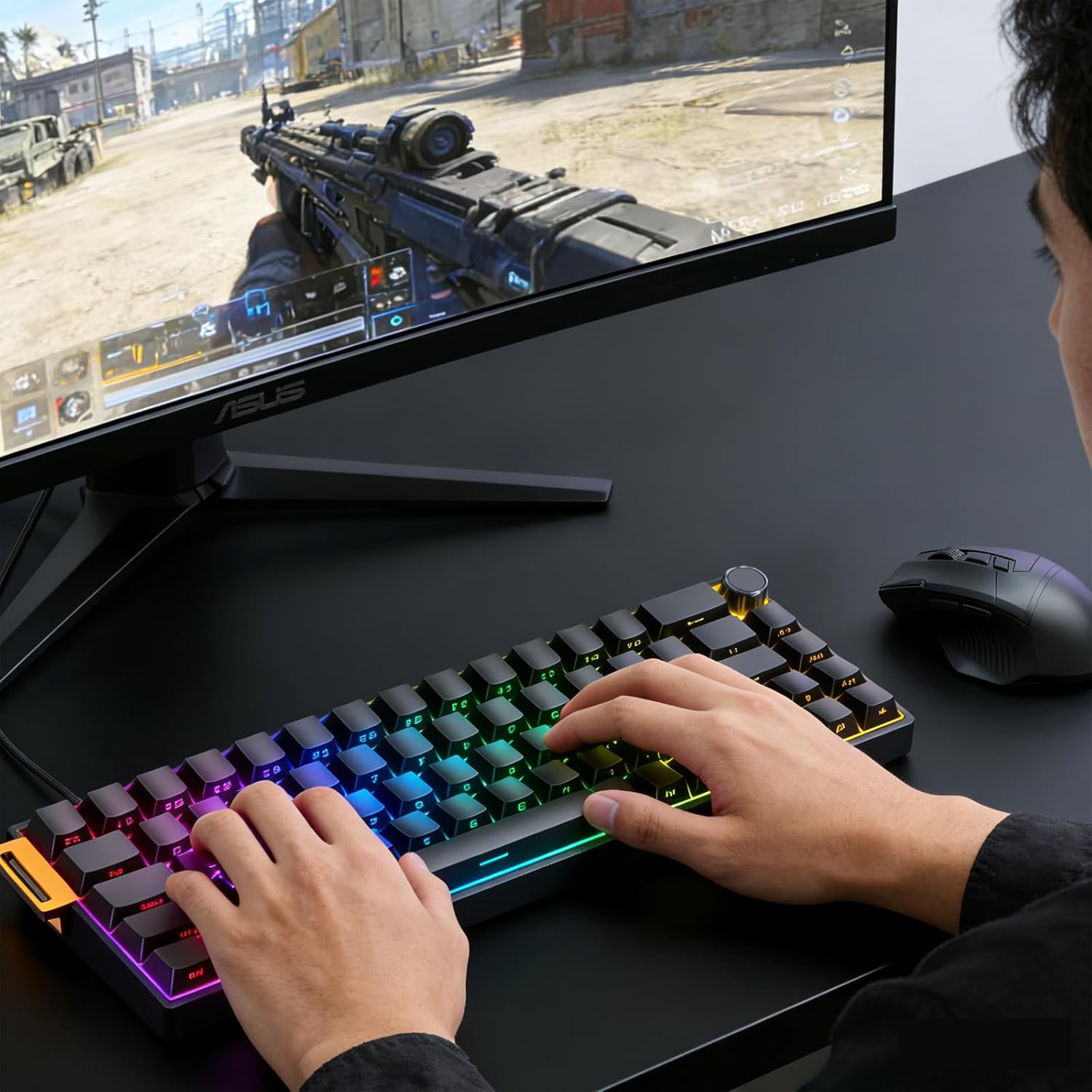
In a fast-paced FPS match, the 0.01ms trigger and high polling rate could translate into responsive actions on screen, while the aluminium plate should help keep keypoints stable during rapid sequences. A tournament-ready eye might appreciate the clean, legible side-printed key legends under RGB illumination, plus the ability to remap keys per map or mode during a session.
What stands out and what may not
What stands out: the combination of aluminium chassis, Hall Effect magnetic switches, hot-swappability, and a compact 65% layout with a dedicated volume knob. What may not be as compelling for some: the niche feel of Hall Effect switches, which can differ from traditional mechanical switches, and the fact that you lose a number pad if that’s important for your workflow.
Final verdict: Is it worth it?
Is it worth it? Worth considering if you value desk space, customisation, and a distinctive switch technology, and you’re not dependent on a full-size keyboard. It’s a pragmatic choice for FPS players who want durability and a clean setup, provided you’re comfortable with a different switch experience and the absence of a numeric keypad.
FAQ
- Do the magnetic switches require software to operate? No, setup focuses on browser-based remapping and macro layers rather than heavy software installs.
- Can I mix and match keycaps or replace individual keys? The design supports hot-swapping switches, but individual keycap replacements depend on compatibility and scope of the hot-swap system.
- Will this keyboard work with Mac and PS4 smoothly? It’s advertised for Mac and Windows, plus PS4 compatibility, some keys or macros may require re-mapping for optimal use on non-Windows platforms.