

Dell 24 All-in-One Desktop EC24250 review: a tidy 23.8-inch FHD everyday workhorse
Product description
What this is and who it’s for
The Dell 24 All-in-One Desktop EC24250 combines a compact 23.8-inch FHD display with a capable mid-range PC. It’s designed for everyday productivity tasks, web browsing, document editing and light multimedia use. If you want a single, neat workspace solution that avoids a cluttered desk, this all-in-one can be appealing. On paper, the combination of a 13th Gen Intel Core i5-1334U, 16GB DDR5 RAM and a 512GB PCIe NVMe SSD should handle multitasking without obvious slowdowns, yet it’s not marketed as a gaming or heavy creative machine.
Design and display
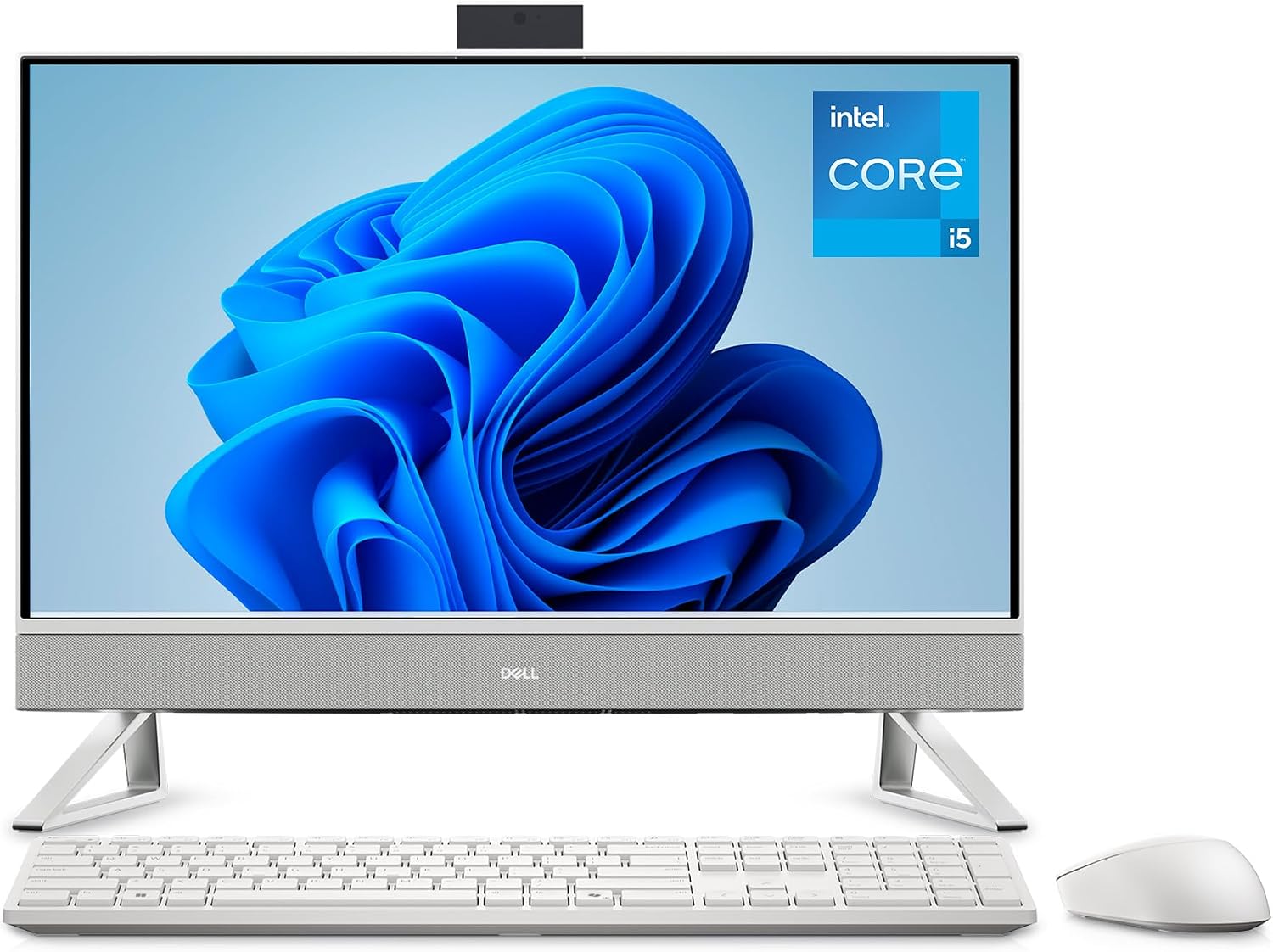
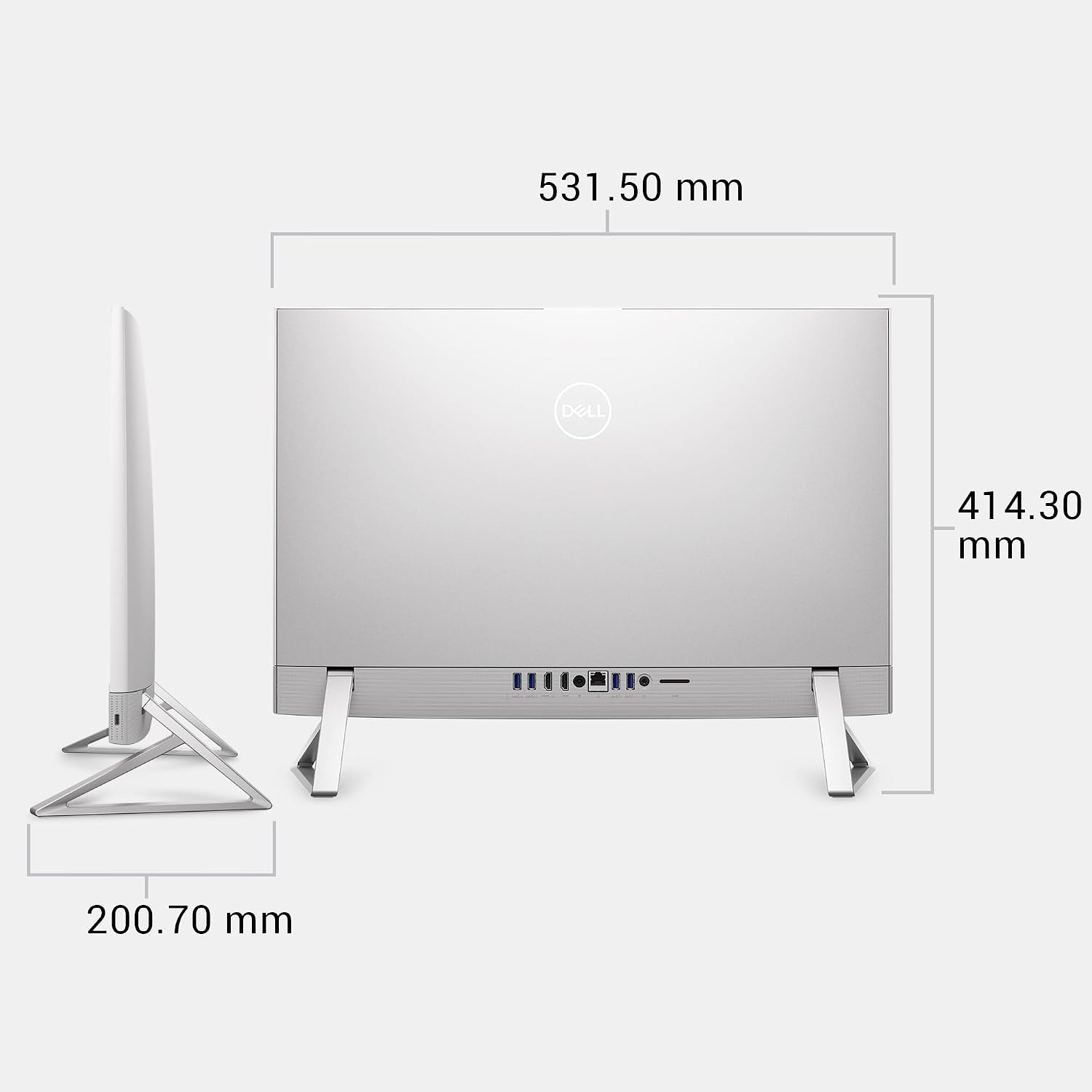
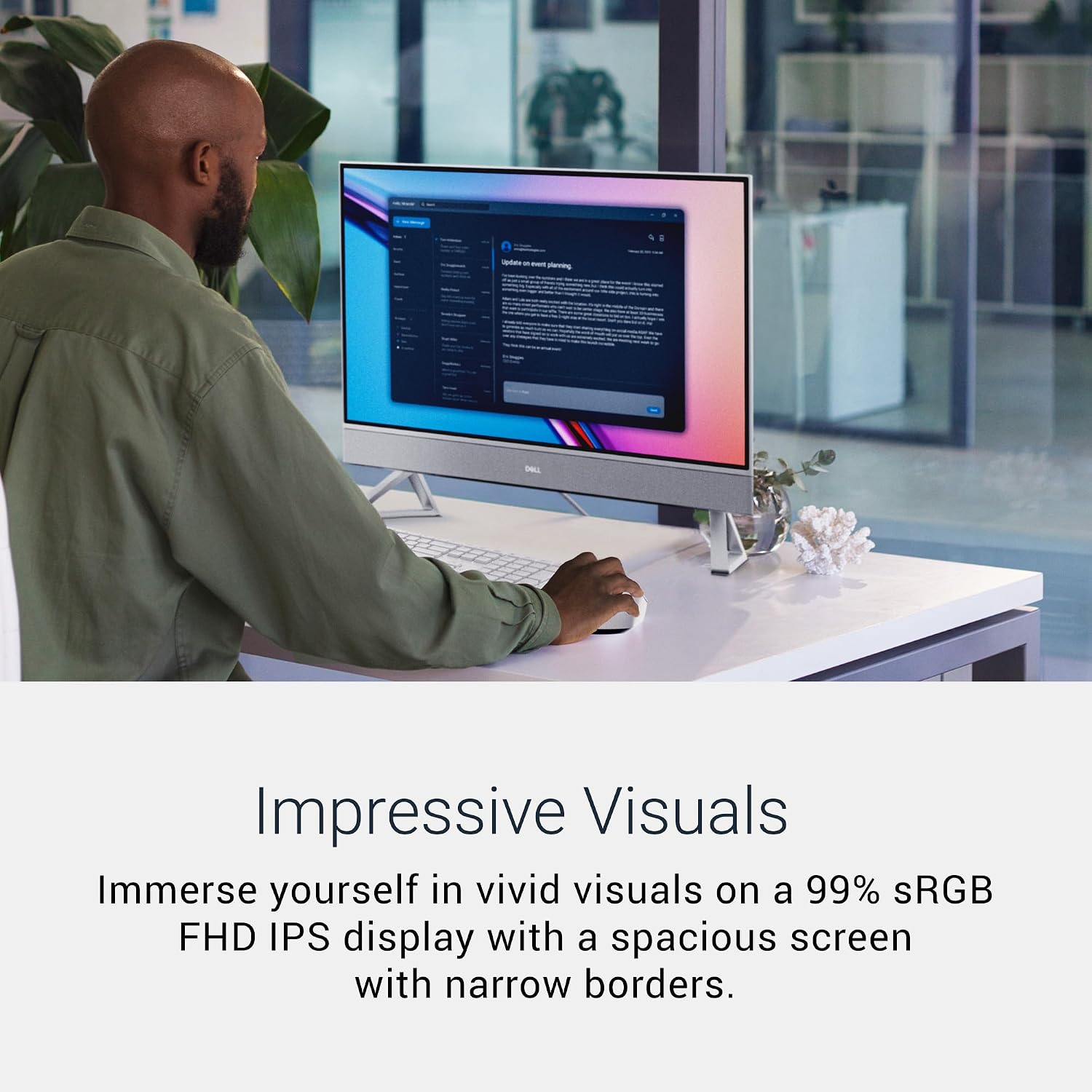
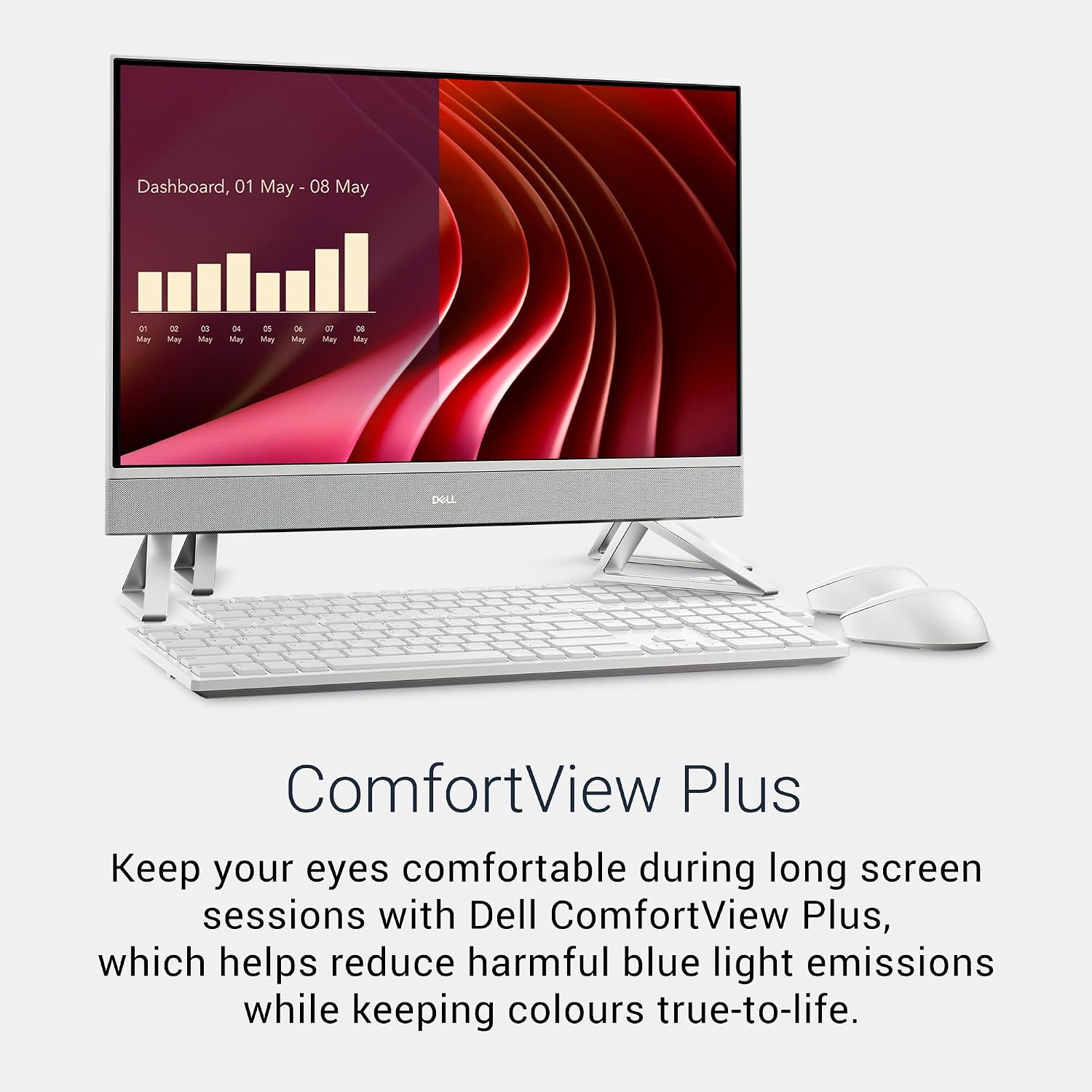
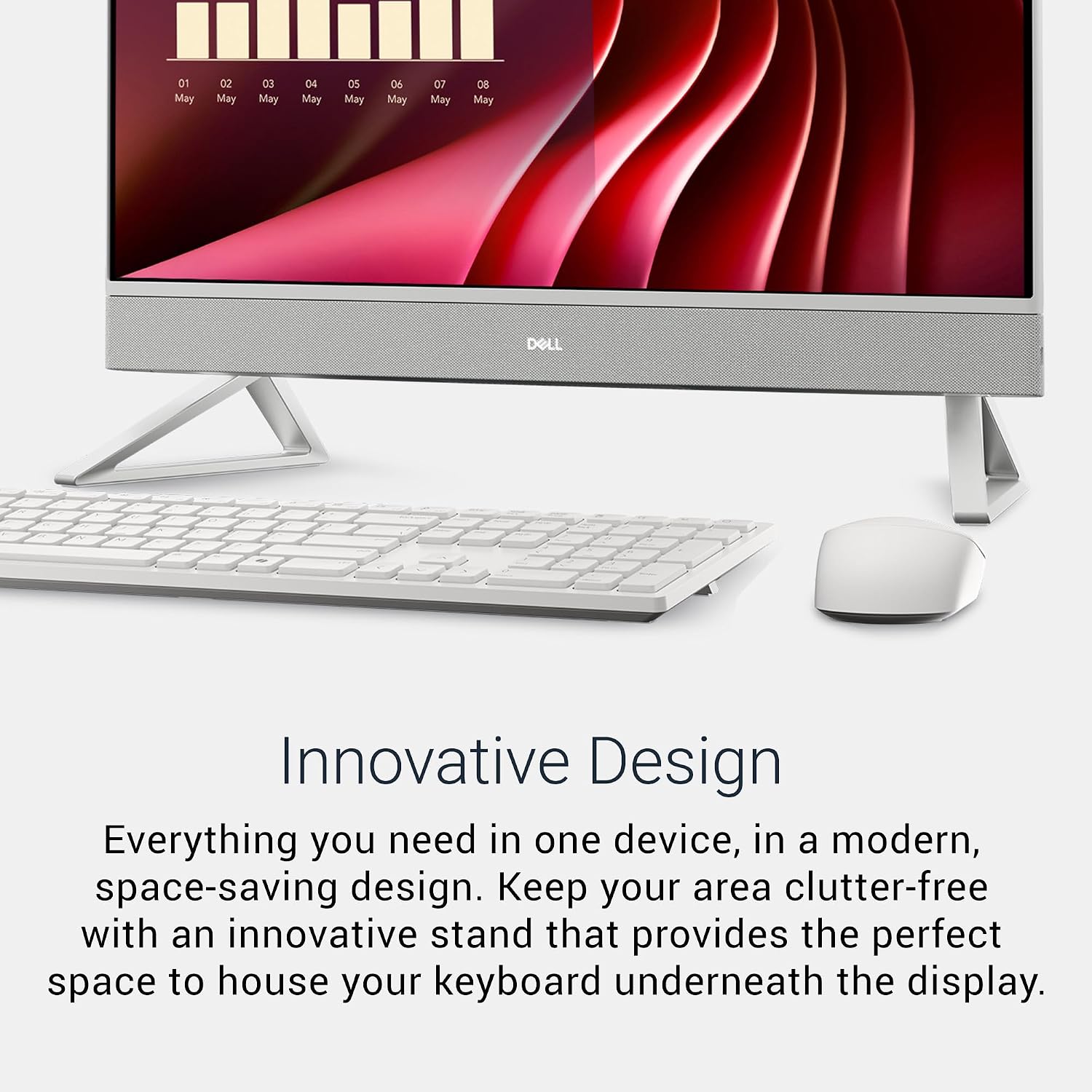
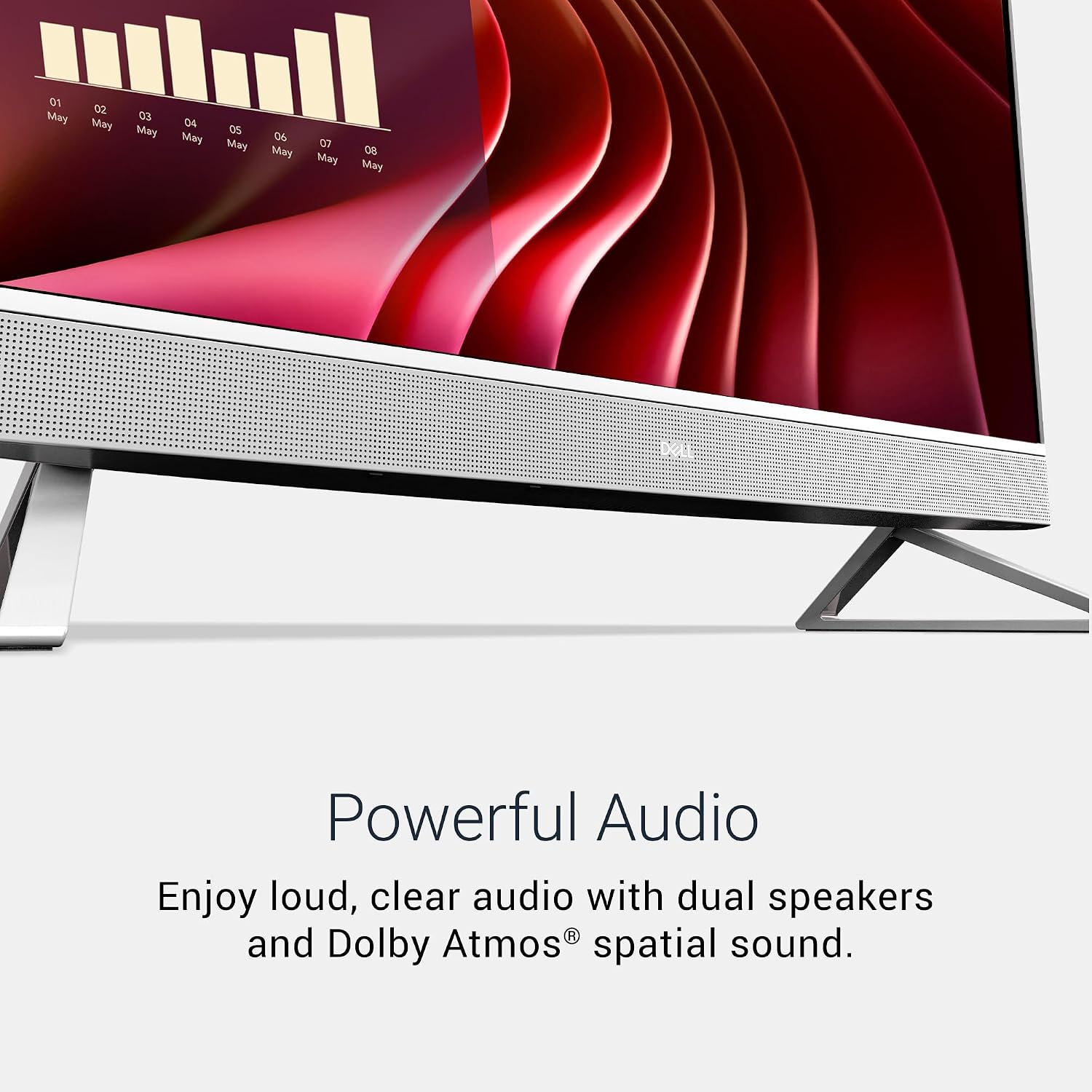
The all-in-one chassis in Pearl White aims for a clean, modern look with a fabric speaker grille and a triangular stand. It’s the kind of setup that can stay tidy on a busy desk and minimise cable clutter. The display is 23.8 inches with Full HD resolution, which is adequate for everyday tasks, streaming and light content creation. There’s an IR camera and Dolby Atmos-enabled speakers, which may offer a better-than-basic media experience for video calls and media, depending on room conditions.
Performance and memory
With 16GB of DDR5 RAM and a 512GB PCIe NVMe SSD, the EC24250 supports smooth multitasking for typical office, browser-heavy work and standard software use. The 13th Gen i5-1334U is a capable processor for daily productivity, though it isn’t aimed at demanding workflows like professional video editing or heavy 3D work. Realistically, you’ll likely notice snappier boot times and quicker app switching than older systems, but there will be limits if many demanding applications run simultaneously.
Connectivity and ports
The machine offers versatile connectivity options: HDMI-in and HDMI-out to connect external displays, USB-C and multiple USB-A ports for peripherals, an SD card reader and Ethernet. Wireless connections come from Intel Wi‑Fi 6E and Bluetooth, which should keep devices connected with reasonable stability in typical home or small office networks. The built-in 5MP IR camera is handy for video calls, though performance will depend on lighting and background conditions.
Peripherals and software
Dell ships this model with the Dell Pro Wireless Keyboard and Mouse KM5221W in white, German QWERTZ layout. The keyboard and mouse can improve typing comfort and productivity right from first use, but layout considerations may matter if you’re used to a different keyboard arrangement. It runs Windows 11 Home, which offers familiar productivity features and a modern interface, though your experience will depend on your software needs and familiarity with the OS.
What stands out and what may fall short
On the plus side, the all-in-one form factor simplifies setup and reduces desk clutter. The combination of solid RAM and a fast SSD supports everyday tasks with reasonable responsiveness. The inclusion of a wireless keyboard and mouse is convenient for immediate use. However, the 23.8-inch FHD screen, while adequate for most tasks, won’t satisfy those wanting higher resolutions or a more demanding display for photo editing or crisp multi-monitor setups. If you need substantial expansion or dedicated graphics power, this model isn’t designed for that.
Who it’s for and who it isn’t for
This EC24250 suits home offices or student desks where space matters and tasks are largely browser-based, document work and streaming. It’s a practical choice if you value a neat, all-in-one footprint with reliable daily performance. It may not be the best pick if you require top-tier photo/video editing, heavy multitasking with many demanding apps at once, or advanced gaming.
When it makes sense to buy

If you’re prioritising an organised workspace, straightforward upgrade-free maintenance, and a sensible price-to-performance balance for everyday tasks, this model makes sense. The inclusion of Windows 11 Home and modern wireless connectivity adds to its practicality for today’s cloud-based workflow.
What to check before you buy
- Confirm you’re comfortable with the 23.8-inch FHD display resolution for your needs.
- Consider whether the German QWERTZ keyboard layout is suitable for your typing preferences.
- Think about the need for an external GPU or higher RAM/SSD capacity if your work includes heavier software.
- Check the availability of ports you rely on and whether HDMI-in/out, USB-C and SD card reader meet your device ecosystem.
Tech overview (brief)
- Display: 23.8-inch FHD
- Processor: 13th Gen Intel Core i5-1334U
- Memory: 16GB DDR5
- Storage: 512GB PCIe NVMe SSD
- Connectivity: Wi-Fi 6E, Bluetooth, HDMI-in, HDMI-out, USB-C, USB-A, Ethernet
- OS: Windows 11 Home
- Peripherals: Dell Pro Wireless Keyboard & Mouse KM5221W (German QWERTZ)
Practical use example
Imagine returning from a day of remote meetings and document editing. The all-in-one stays compact on your desk, you switch between multiple browser tabs and a couple of office apps without noticeable slowdowns, and you’re able to share your screen with a colleague using HDMI-out to a larger monitor when needed. The built-in camera and speakers support video calls with decent clarity in a well-lit room.
FAQ
- Q: Is this good for everyday tasks? A: Yes, it’s well-suited to typical office work, web browsing and media consumption.
- Q: Can I upgrade the RAM or storage later? A: The data provided doesn’t specify upgrade options, plan according to your future needs.
- Q: How does Windows 11 Home affect productivity? A: It offers modern features and familiarity for day-to-day tasks, though some advanced business features require higher-tier SKUs or configurations.
Final decision
Is it worth it? Worth considering if you want a tidy, practical all-in-one for everyday tasks and a compact footprint, with solid on-board performance and inclusive peripherals. It may not satisfy those chasing high-end display quality or heavy-duty workloads. If portability and space-saving are priorities, and you’re comfortable with the screen and keyboard layout, this Dell model could be a sensible match for a light-to-moderate workload.