

AULA WIN68 HE Hall Effect 8000Hz RGB keyboard
Product description
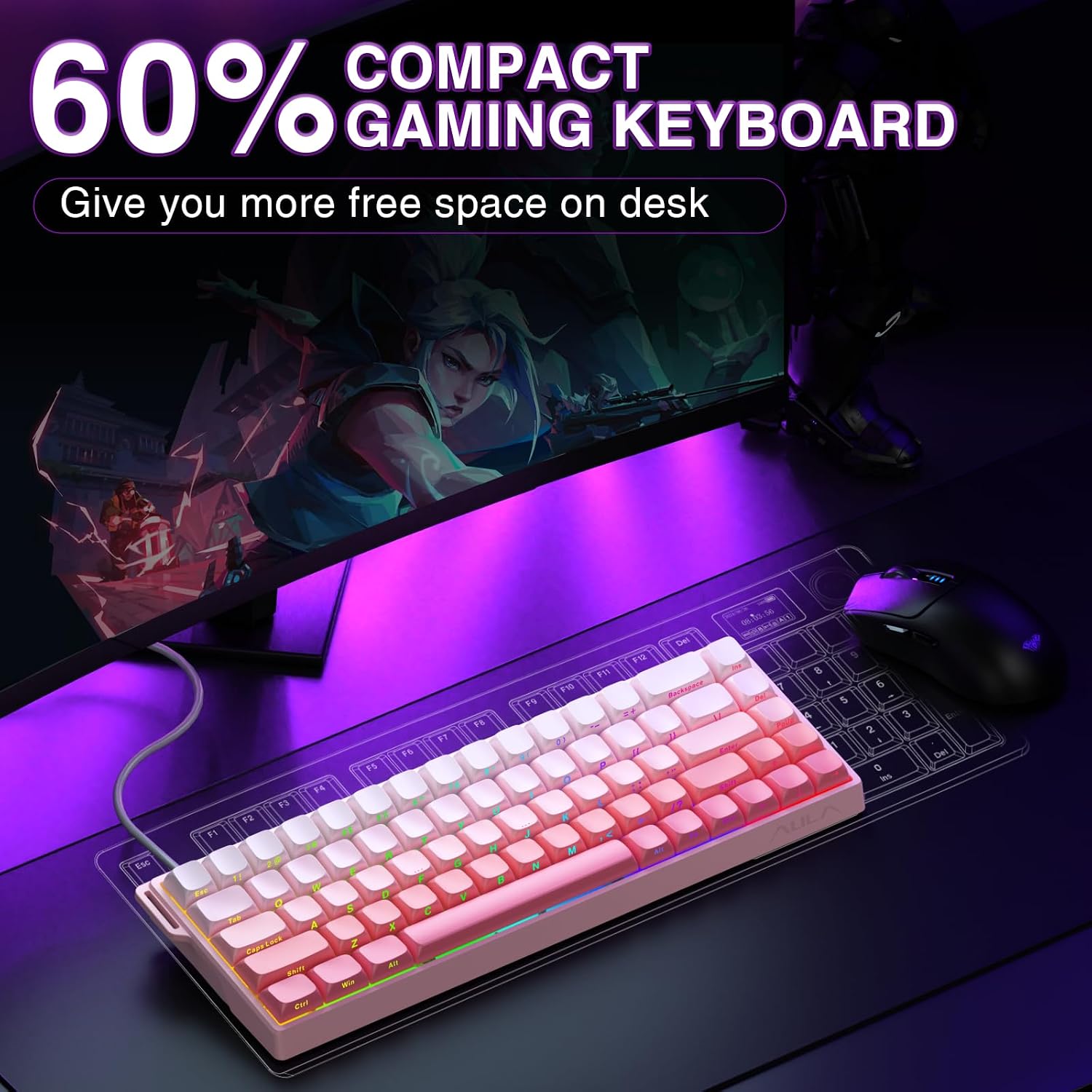
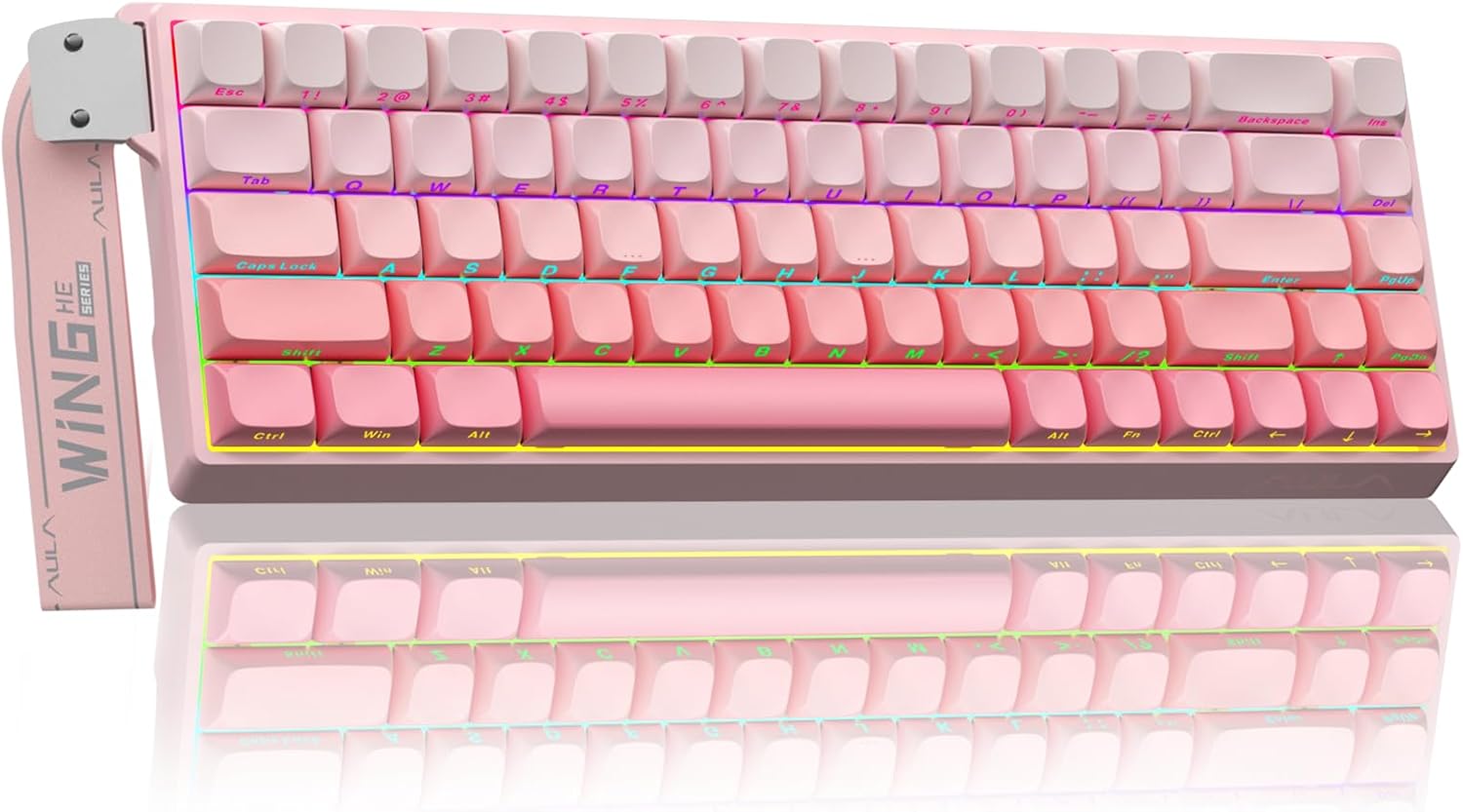
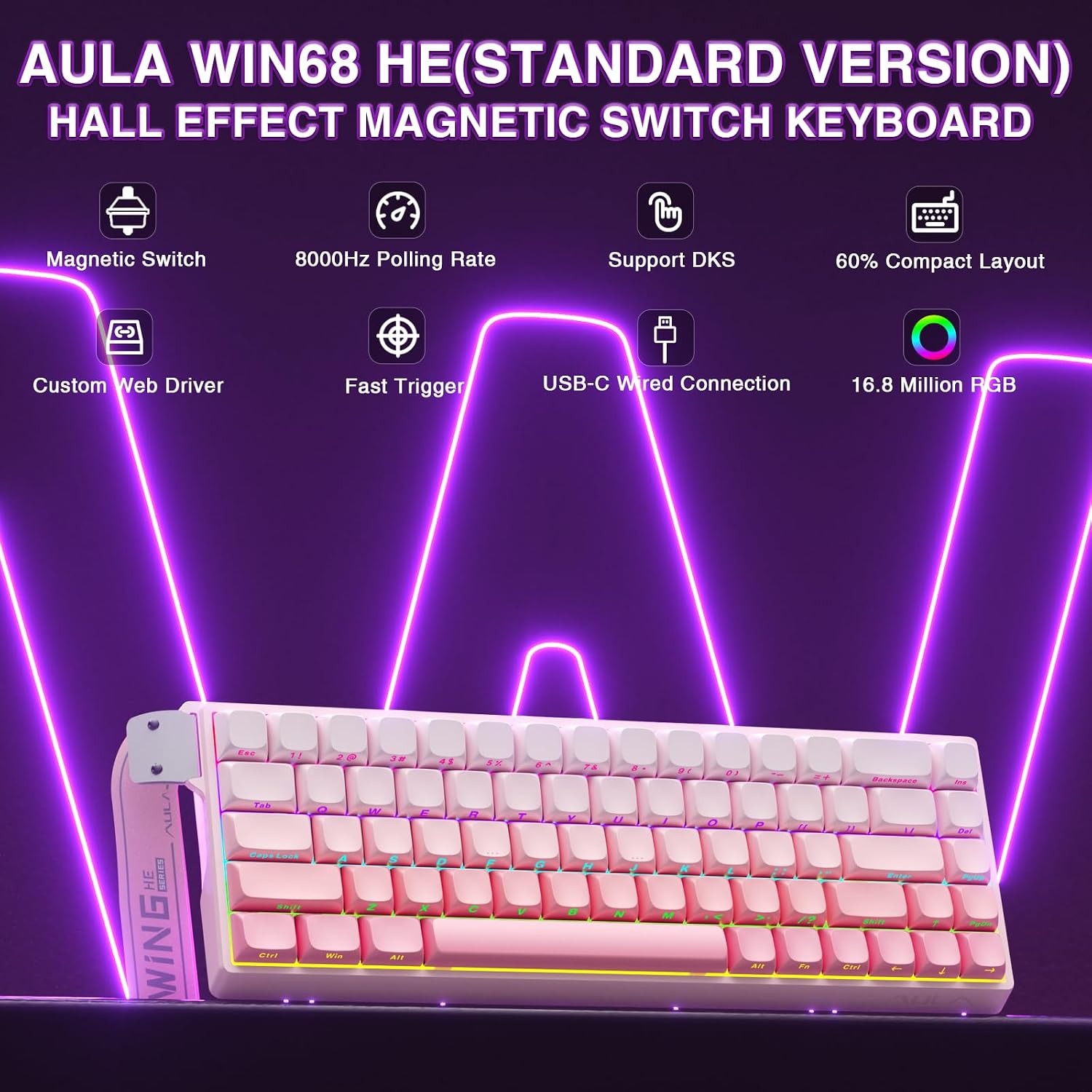
The AULA WIN68 HE is a compact 60% gaming keyboard that brings magnetic Hall Effect switches and an 8000Hz polling rate to a small, desktop-friendly layout. It targets players who value ultra‑fast response and fine control, with adjustable actuation and programmable lighting for both gaming and everyday typing.
Key features
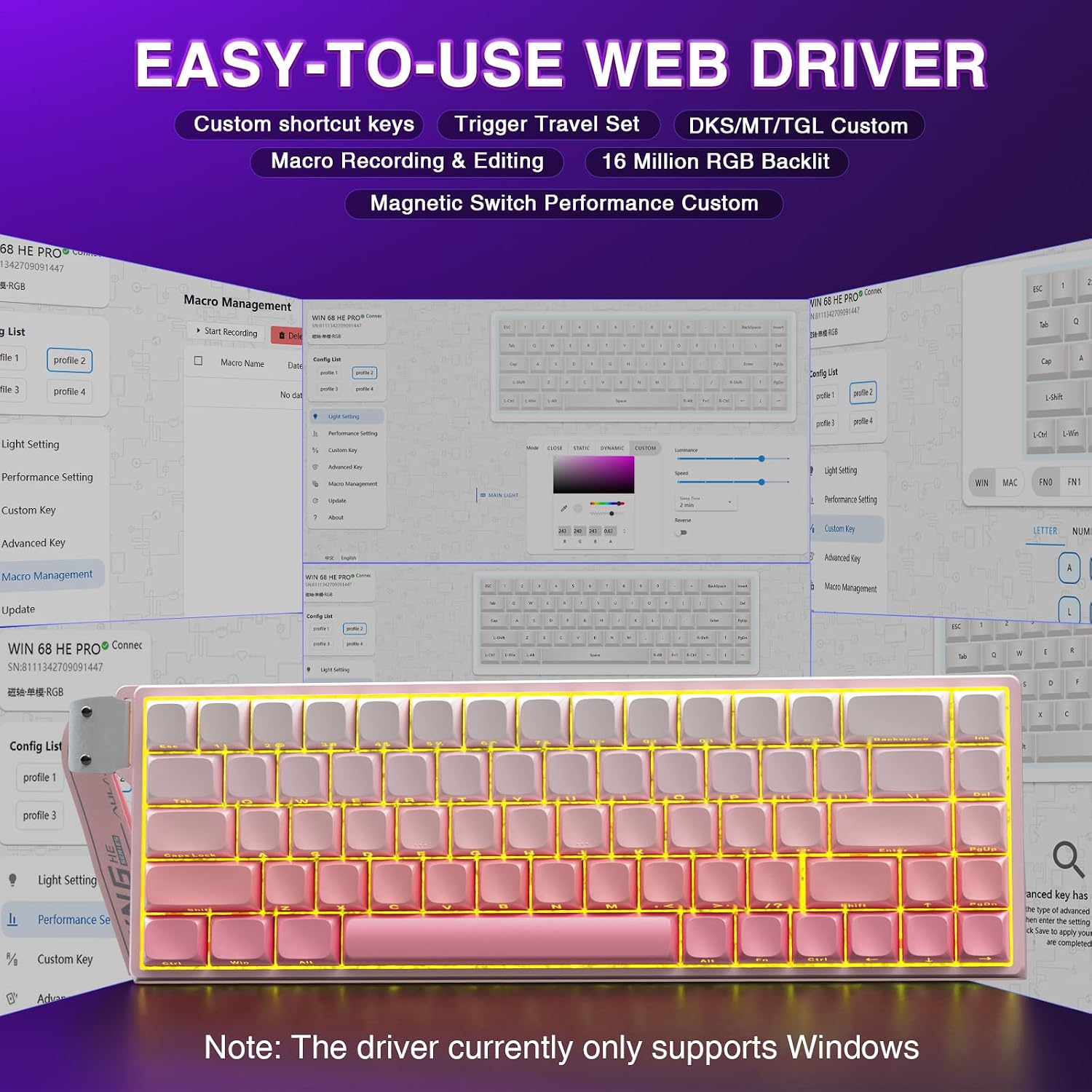
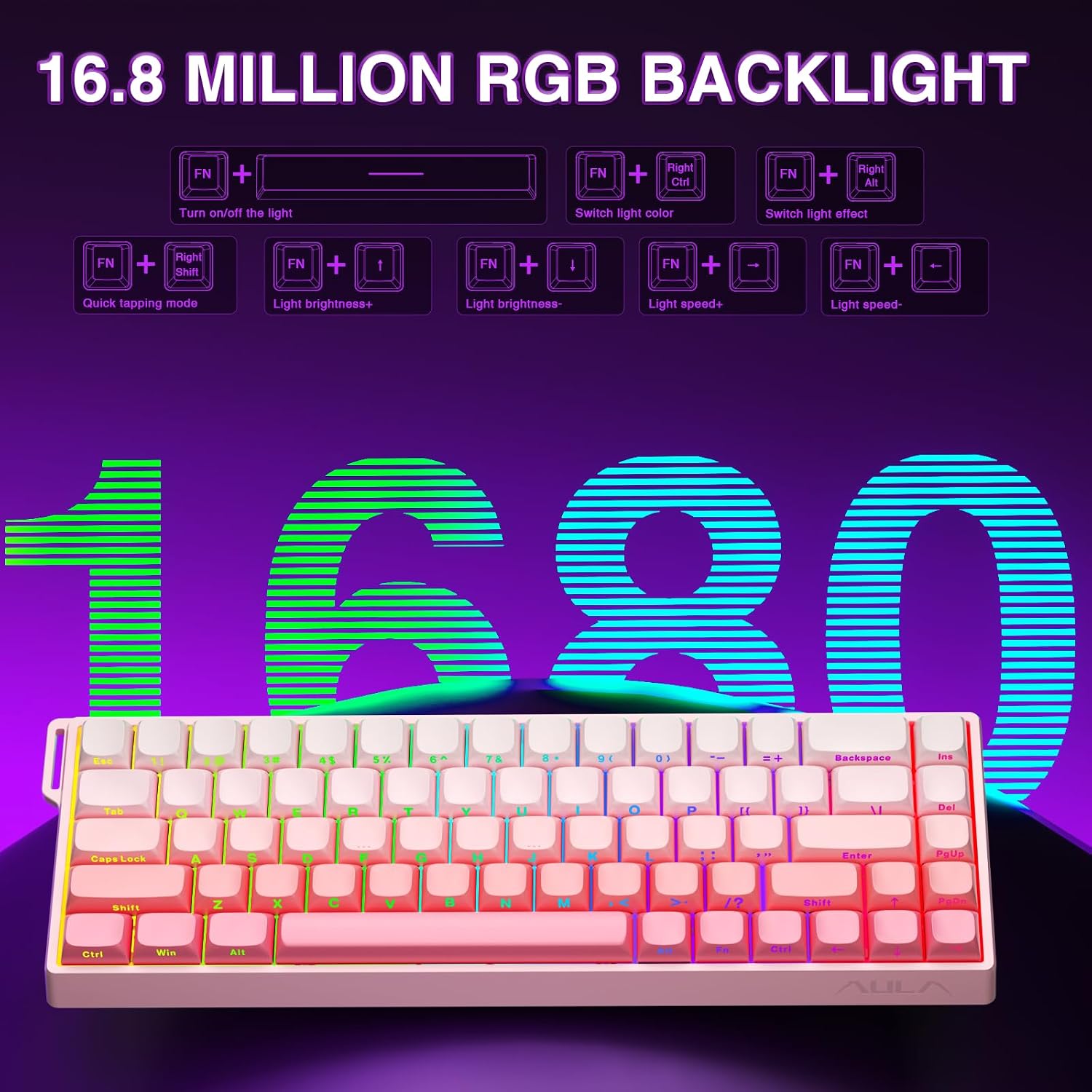
This keyboard uses Hall Effect magnetic switches with an adjustable actuation range from 0.02mm to 3.44mm, so you can tune how quickly keys register according to your playstyle. The 8000Hz polling rate and quoted 0.3ms latency aim to reduce input lag, and Rapid Trigger with Dynamic Keystroke technology allows personalised behaviour down to 0.1mm increments. The south‑facing RGB system offers 16 million colours and 14 preset effects that are easy to change via FN shortcuts or the web driver, and the backlight can be turned off when you prefer a subtler setup. Emojis add a touch of personality 🎮✨
Specifications
- Name: AULA WIN68 HE
- Type: 60% wired keyboard
- Polling rate: 8000Hz
- Actuation range: 0.02mm to 3.44mm
- Connection: USB‑C wired
- Colour: Pink
- Layout: 68 keys
Why it’s worth it

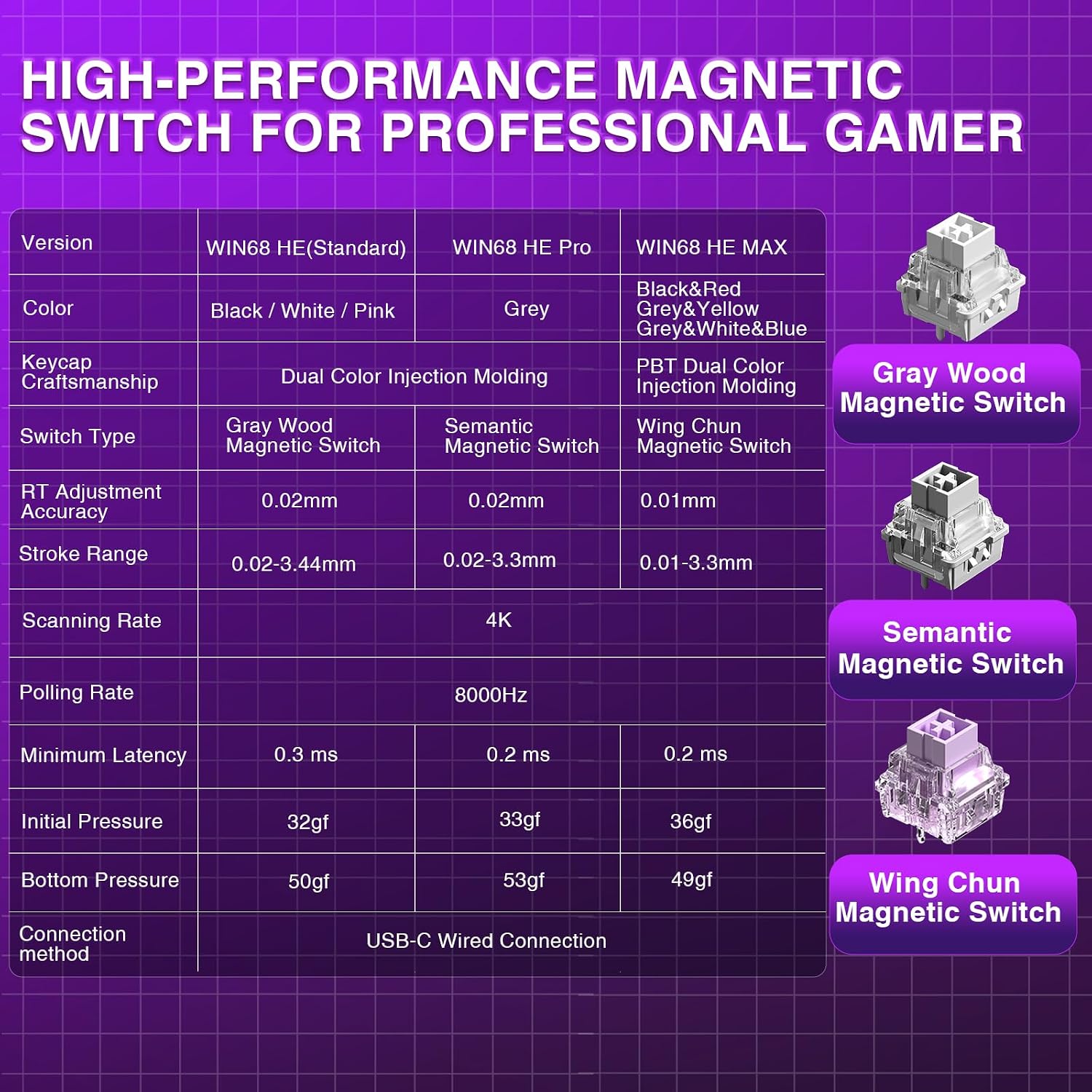
The WIN68 HE suits users seeking low latency and precise actuation adjustments, and it’s particularly useful if you experiment with different trigger points to shave reaction time. It’s also compact so you gain extra desk space for mouse movement, which can aid aim and comfort. Do note that the web driver is Windows only, so Mac users will lose the custom driver features.
How to use it
Start by setting an actuation point that feels responsive without causing accidental presses, then use the web driver to remap keys and build macros if you need complex inputs. It makes sense if you switch between competitive play and general typing, because you can quickly alter lighting and trigger behaviour. Keep an eye on key travel while testing, as very low actuation may take a short adjustment period.
Care & maintenance
Wipe the surface and wrist rest with a soft damp cloth and avoid liquids near the USB‑C port. Remove dust from between keys periodically to maintain switch feel and lighting clarity. 😊💡