

ByteCintia C80S Portable Printer for Travel: Bluetooth Thermal, Inkless, A4/US Letter
Product description
What it is
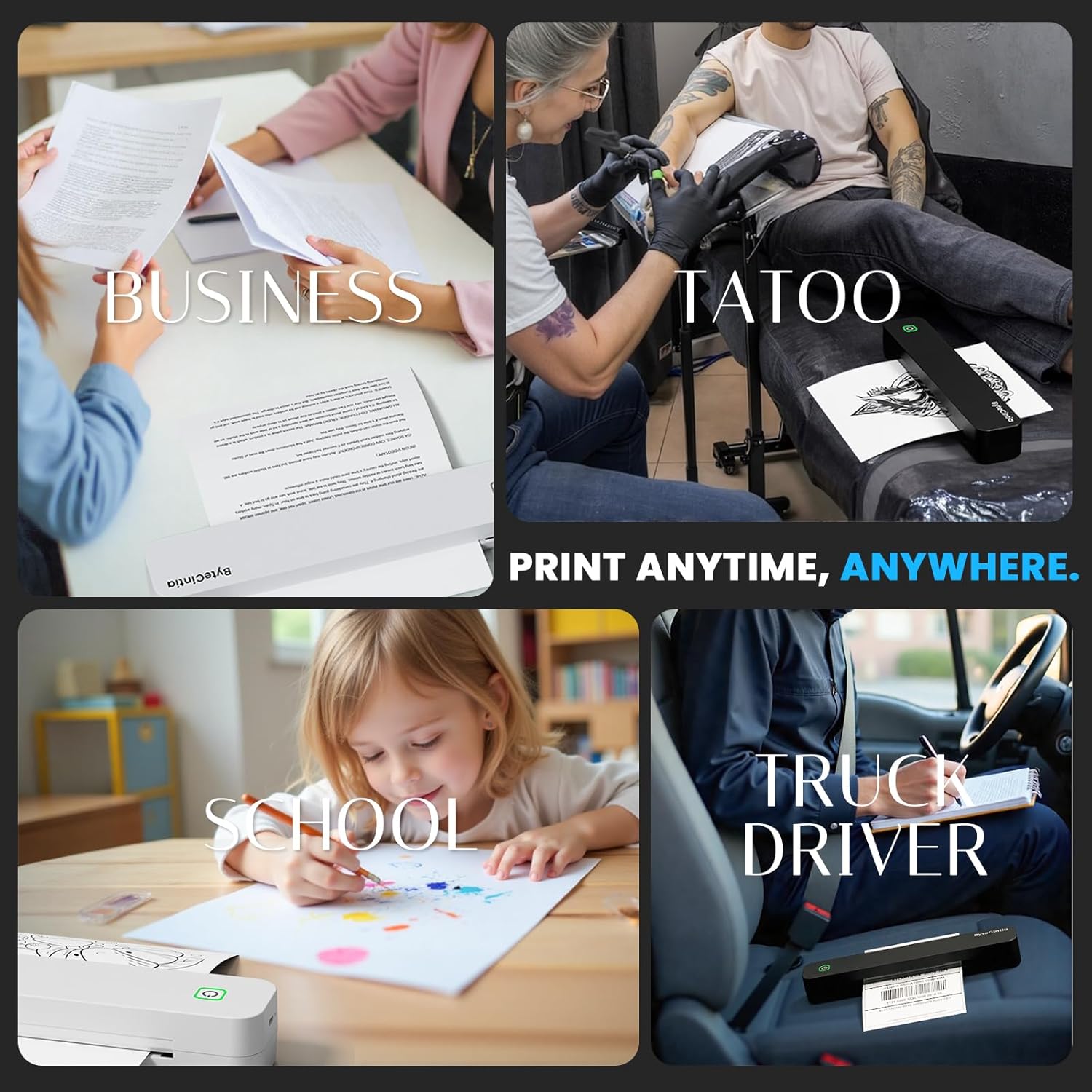
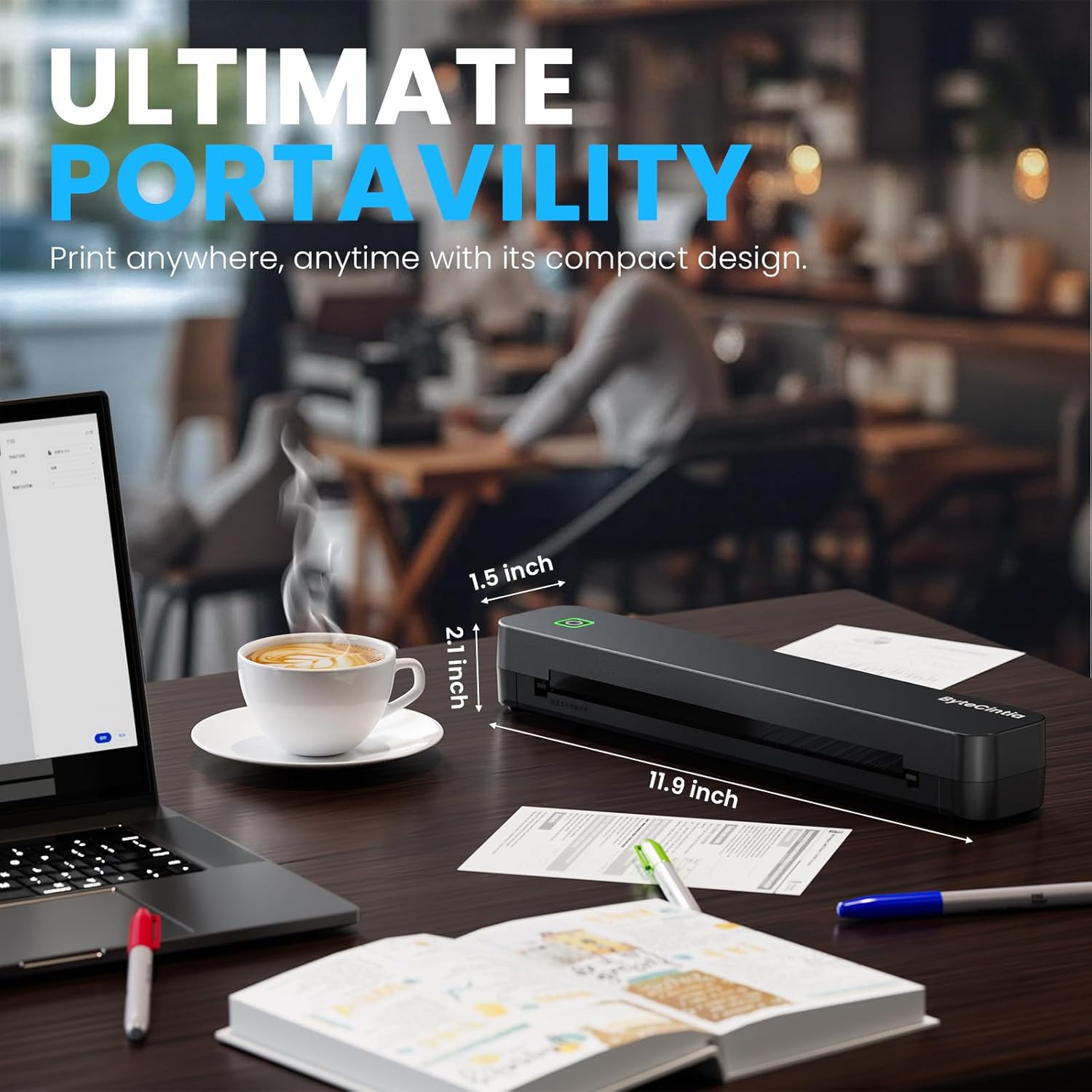
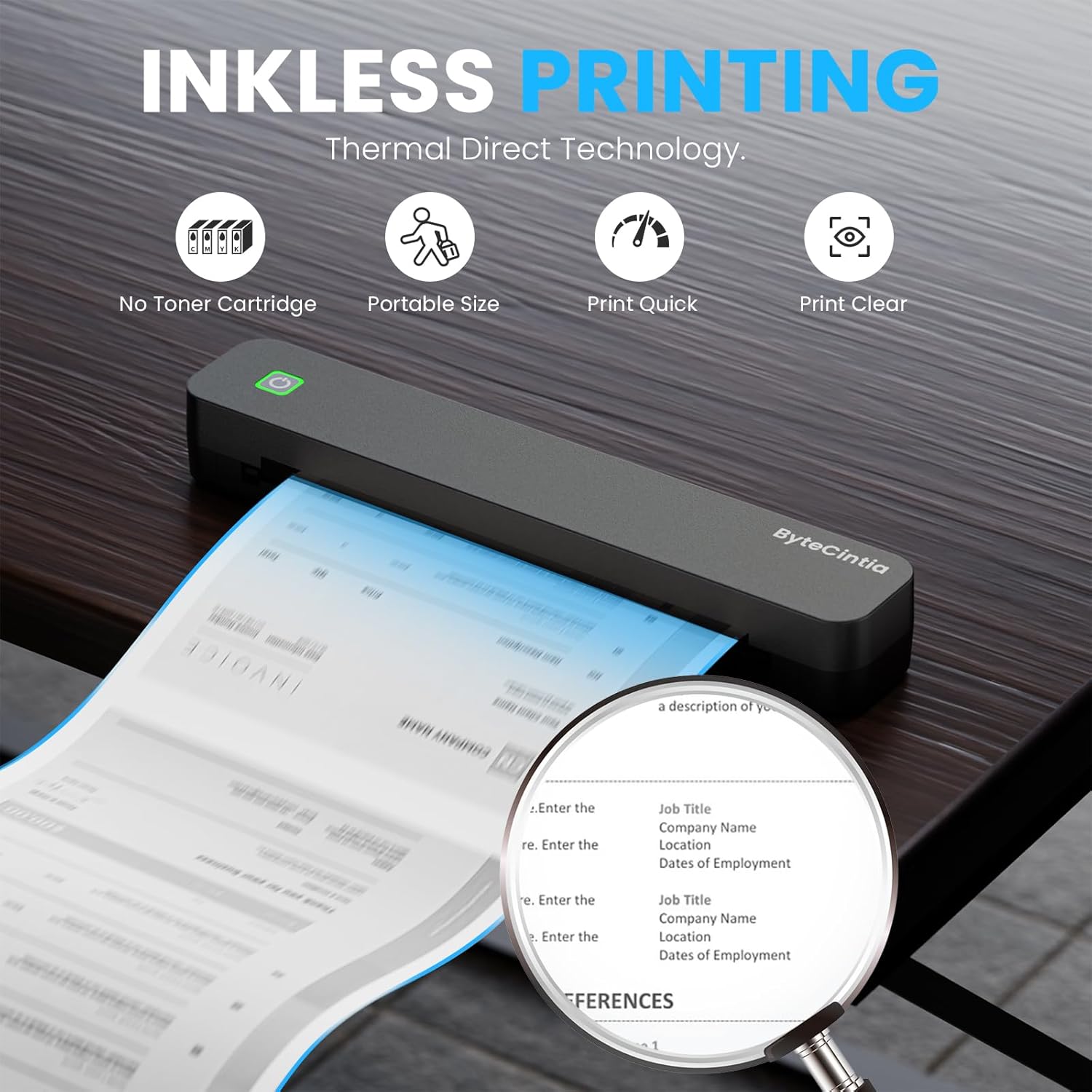
The ByteCintia C80S is a compact, inkless portable printer designed for travel, office, car and home use. It relies on thermal direct printing to deliver black-and-white documents without ink cartridges. Weighing about 0.88 lbs, it’s meant to slot into a bag or briefcase for on-the-go printing.
How it connects and what you can print
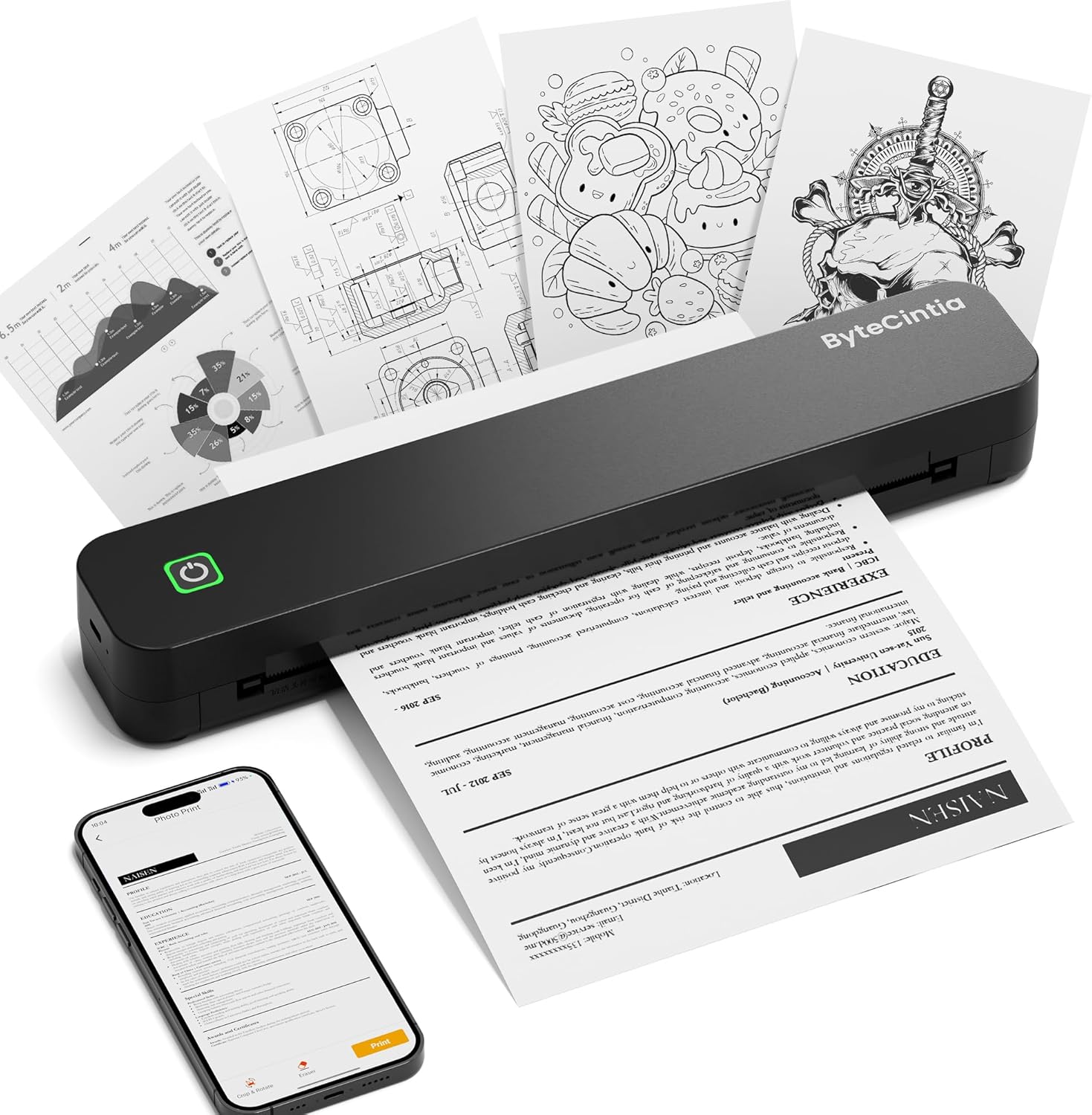
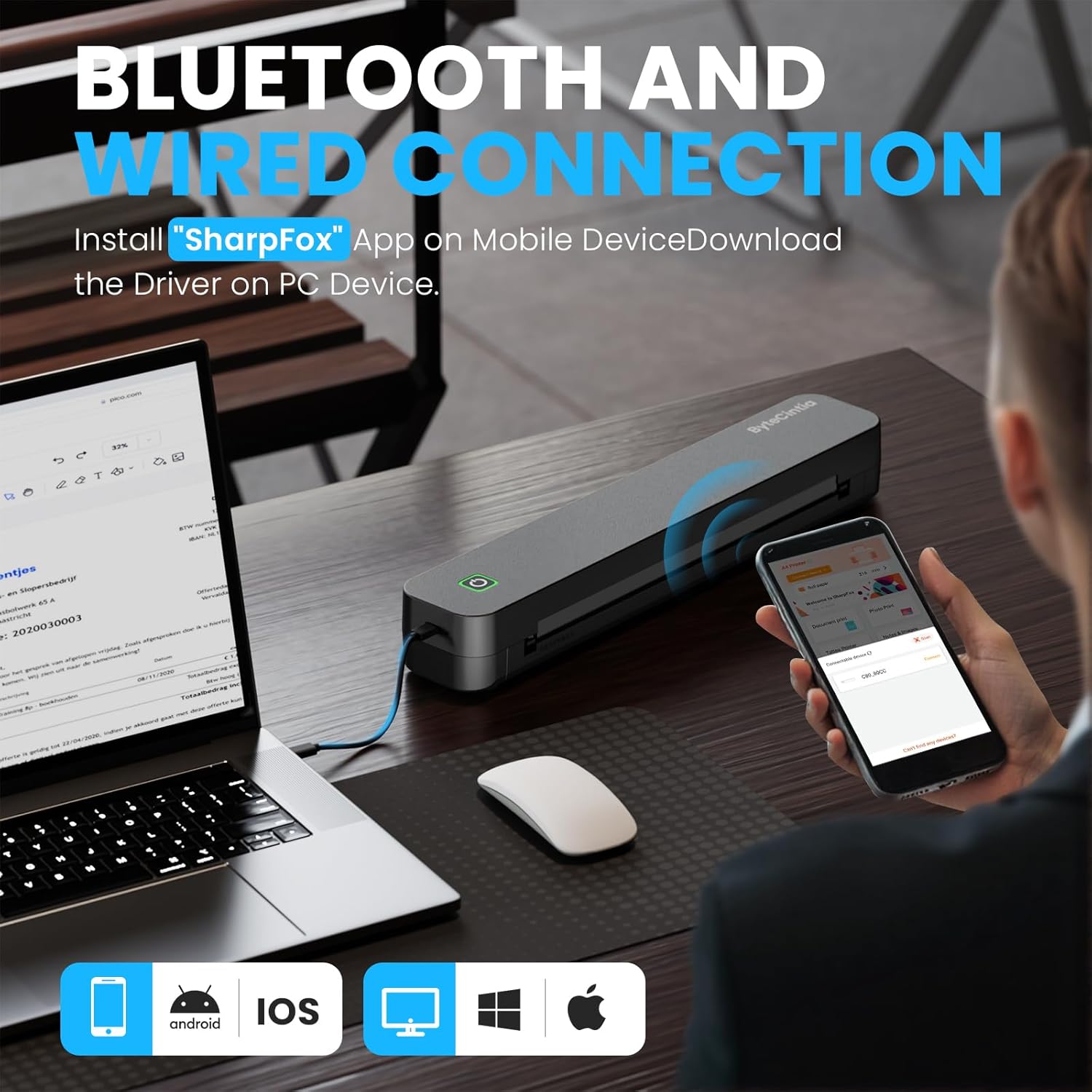
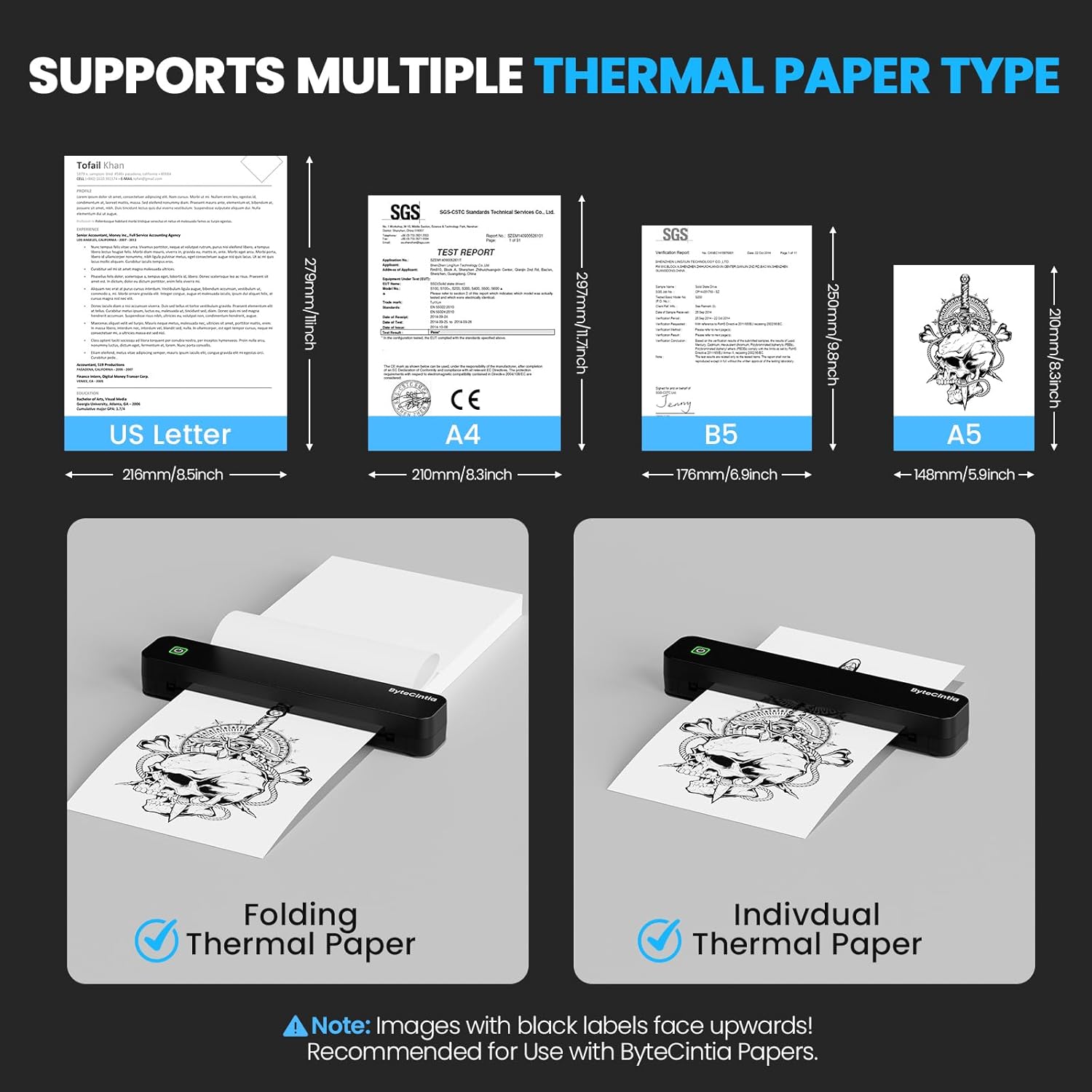
It supports iOS devices (iOS 13+), Android devices via Bluetooth through the SharpFox app, and it can connect to a PC via a wired USB connection (drivers available from ByteCintia.com). Note that Chromebook isn’t supported. For mobile devices, don’t pair directly in Bluetooth settings, use the app instead. Prints include PDFs, Word documents, images and web content, but only in black and white. The device is compatible with thermal paper (rolls or fan-fold) and requires dedicated thermal media to achieve best results. Standard copy paper isn’t suitable.
What it’s like in use
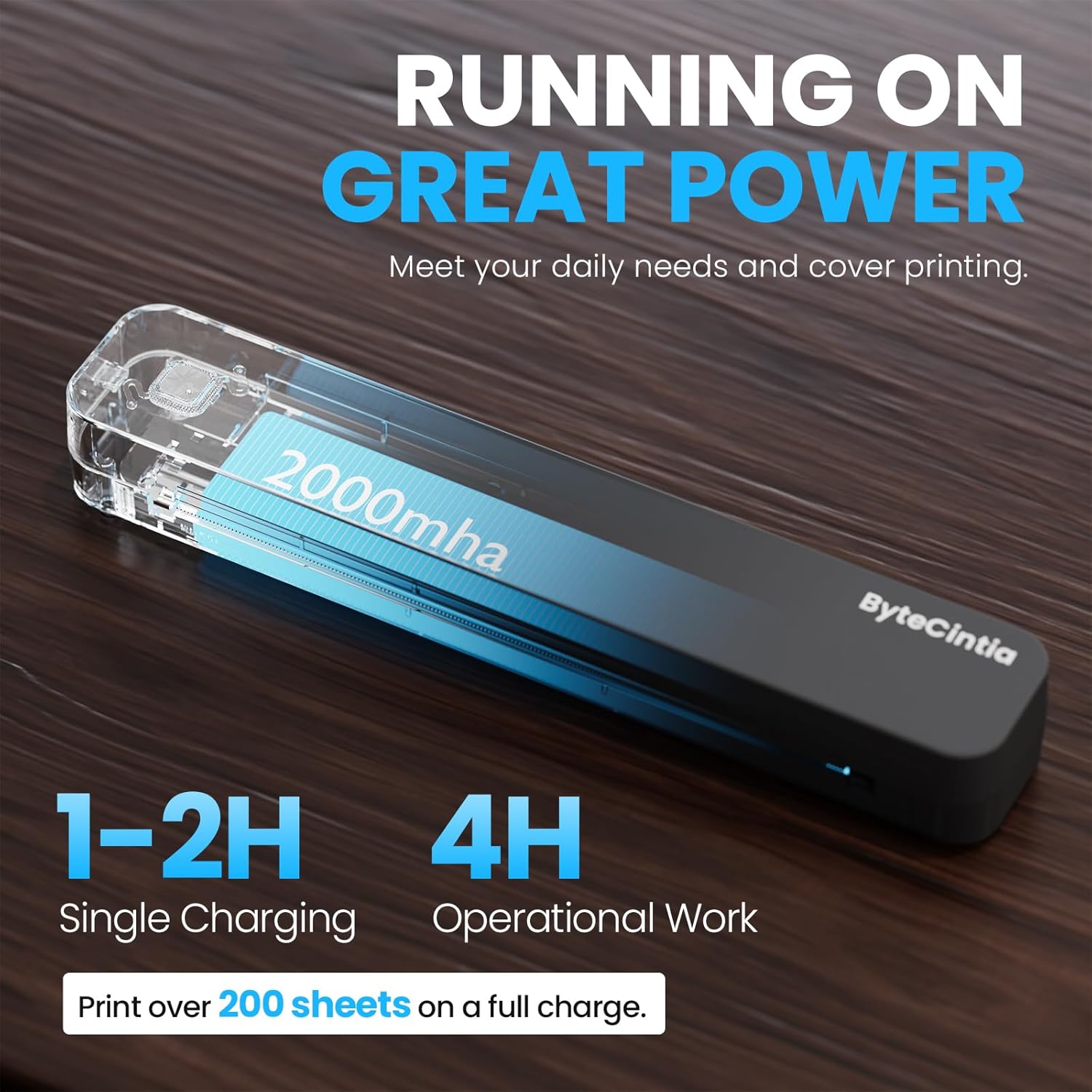
On a full charge, the printer can run for up to 4 hours and print roughly 200 sheets, depending on content. It’s designed around a small footprint and a straightforward workflow: load the appropriate thermal media, align the document in the app, and send the print job from your phone or laptop. The kit includes 2 rolls and 10 sheets of US Letter paper to get you started.
Strengths you can count on
The primary advantage is inkless operation, which reduces maintenance and running costs, and avoids clogs or cleanup nightmares common with liquid inks. The form factor is genuinely travel-friendly, making it viable for situations like last‑minute receipts on the road, or lists and notes while commuting.
Limitations to note
It prints only in black and white and relies on compatible thermal media, so you’ll need to source the right paper for best results. Not every paper type or use-case will suit thermal printing (for example, colour graphics or dense photo images won’t apply here). If you prioritise colour or high-resolution photography, this device isn’t the best fit. Chromebook compatibility is explicitly not supported, which could limit some user groups.
Who it’s for
This is sensible for travellers, freelancers, students, and light-duty office tasks where quick, on-site documentation is useful and keeping print costs low matters. It’s also handy in cars or workshops where a quick printout is convenient.
When it makes sense to buy
If you value a compact, battery-powered printer that can handle everyday documents on the move and you’re willing to work within black-and-white thermal media, this device offers a pragmatic balance of portability and practicality. It’s not the device for glossy colour prints or high-volume printing on the go.
What to check before buying
- Confirm your primary use is for black-and-white documents and not colour graphics.
- Ensure you’re prepared to source compatible thermal paper, standard paper won’t work.
- If you plan to print from a PC, expect to use USB with the provided drivers, for mobile printing, rely on the SharpFox app.
- Be mindful of Chromebook or non-supported device limitations.
Practical comparison in plain terms
If you mainly print receipts, notes or simple documents while travelling, the ByteCintia C80S offers a cost-conscious, maintenance-light option compared with traditional ink printers. For those who regularly need high-contrast visuals or abundant colour, a larger or different technology would be preferable.
What to know before you start
For best results, match the paper size setting on your device to the actual loaded media. Also, the device is designed for black-and-white text and simple graphics, complex layouts may not translate optimally.
buying decision
Is it worth it?
Worth considering if you need a compact, inkless printer for travel or light-use scenarios and you’re comfortable sticking to thermal media.
Quick FAQ
- Can I print in colour? No, this model supports black-and-white printing only.
- Which devices are compatible? iOS (iOS 13+), Android via SharpFox app, and PC via USB (drivers from ByteCintia.com).
- Do I need to buy special paper? Yes, dedicated thermal paper is required, standard copy paper won’t work.
- How long does a charge last? Up to about 4 hours of operation, with around 200 sheets printed depending on content.