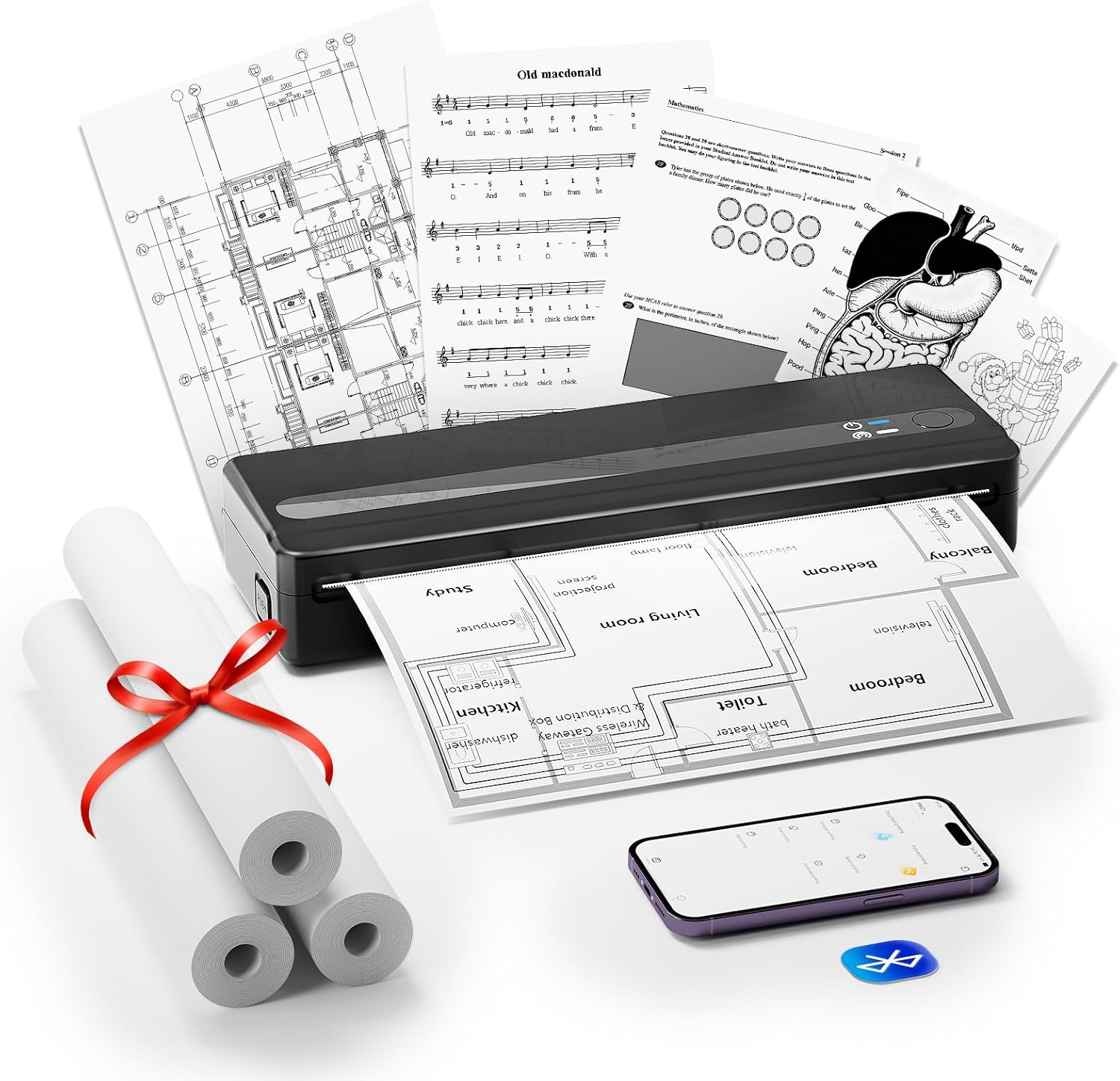
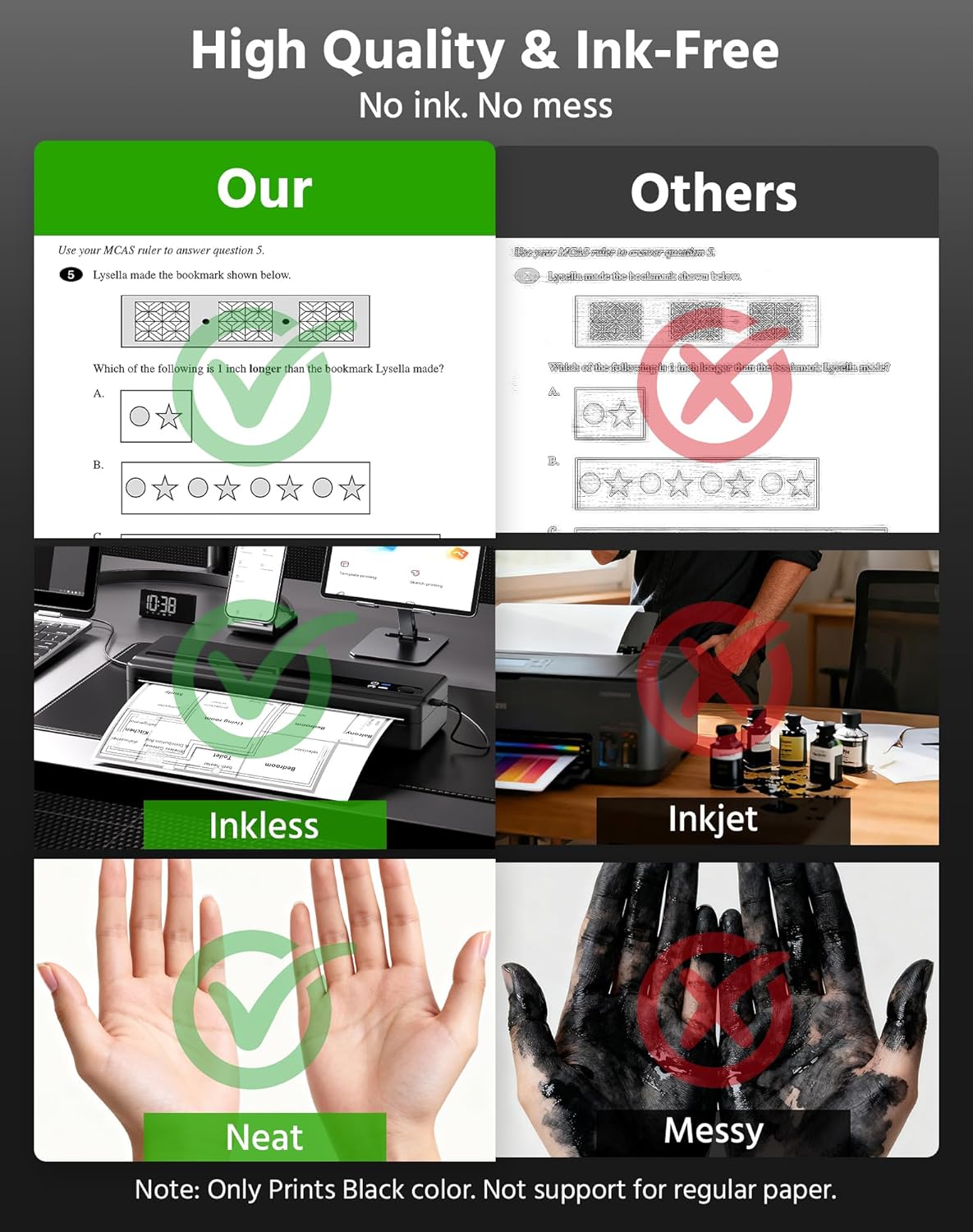
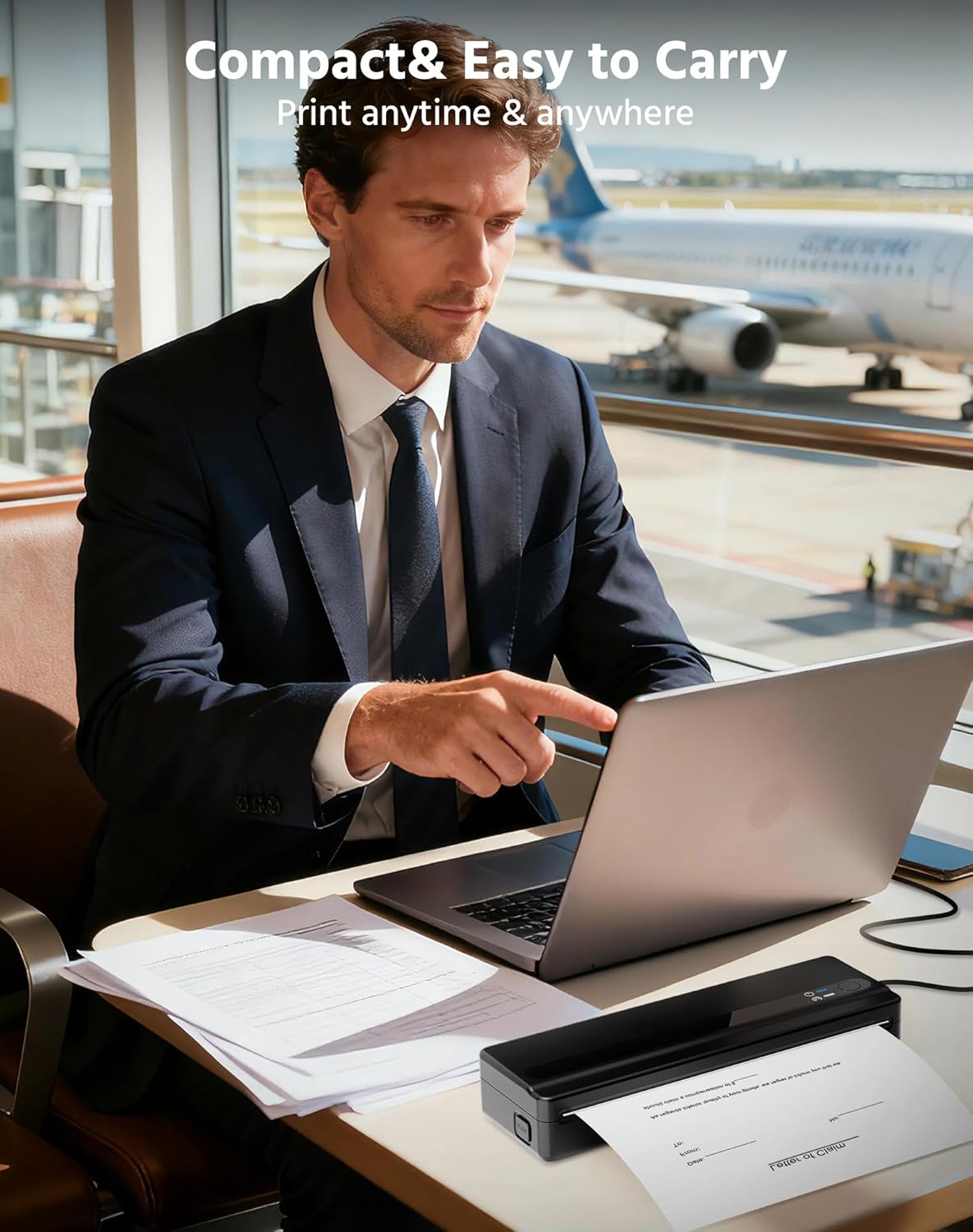
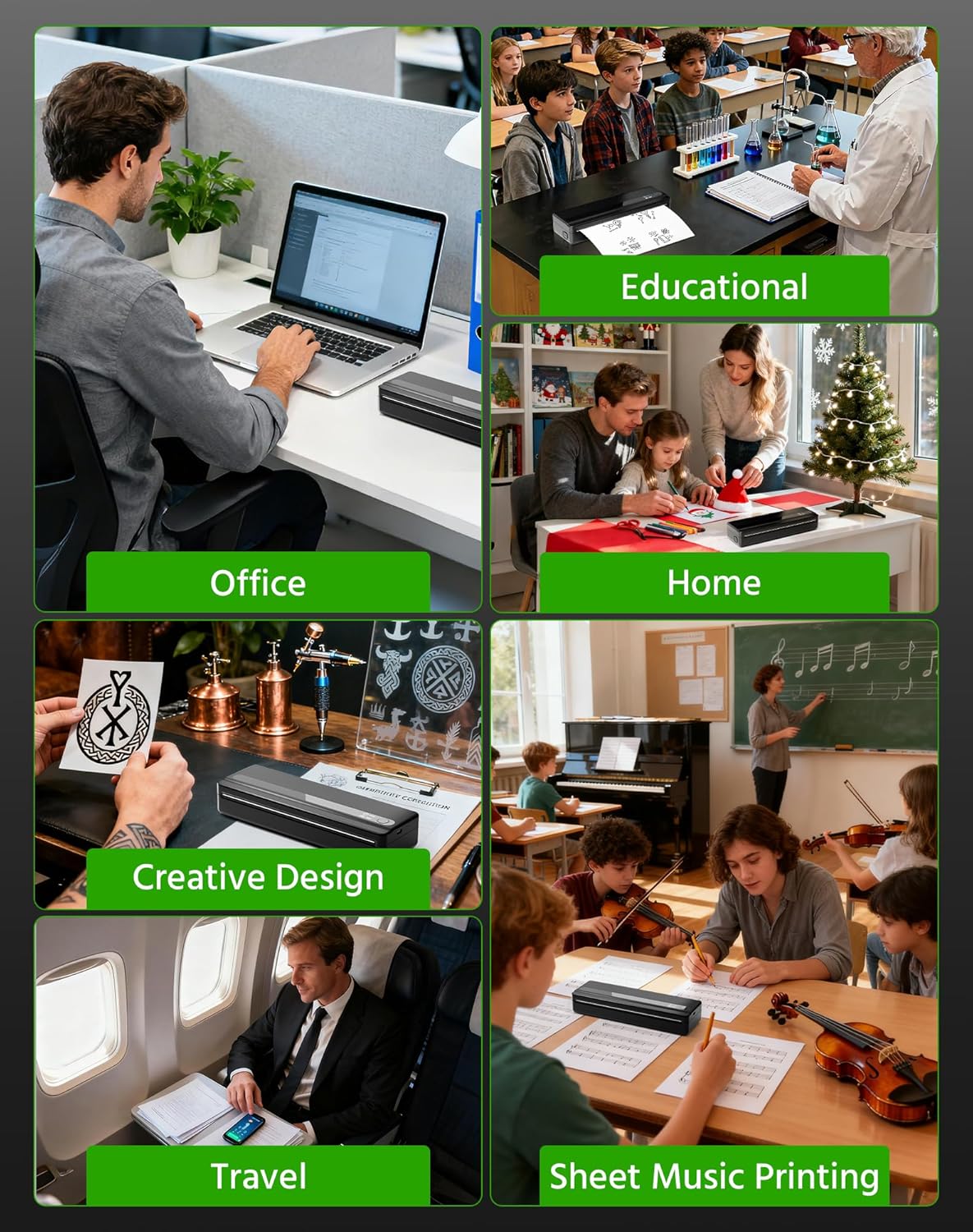
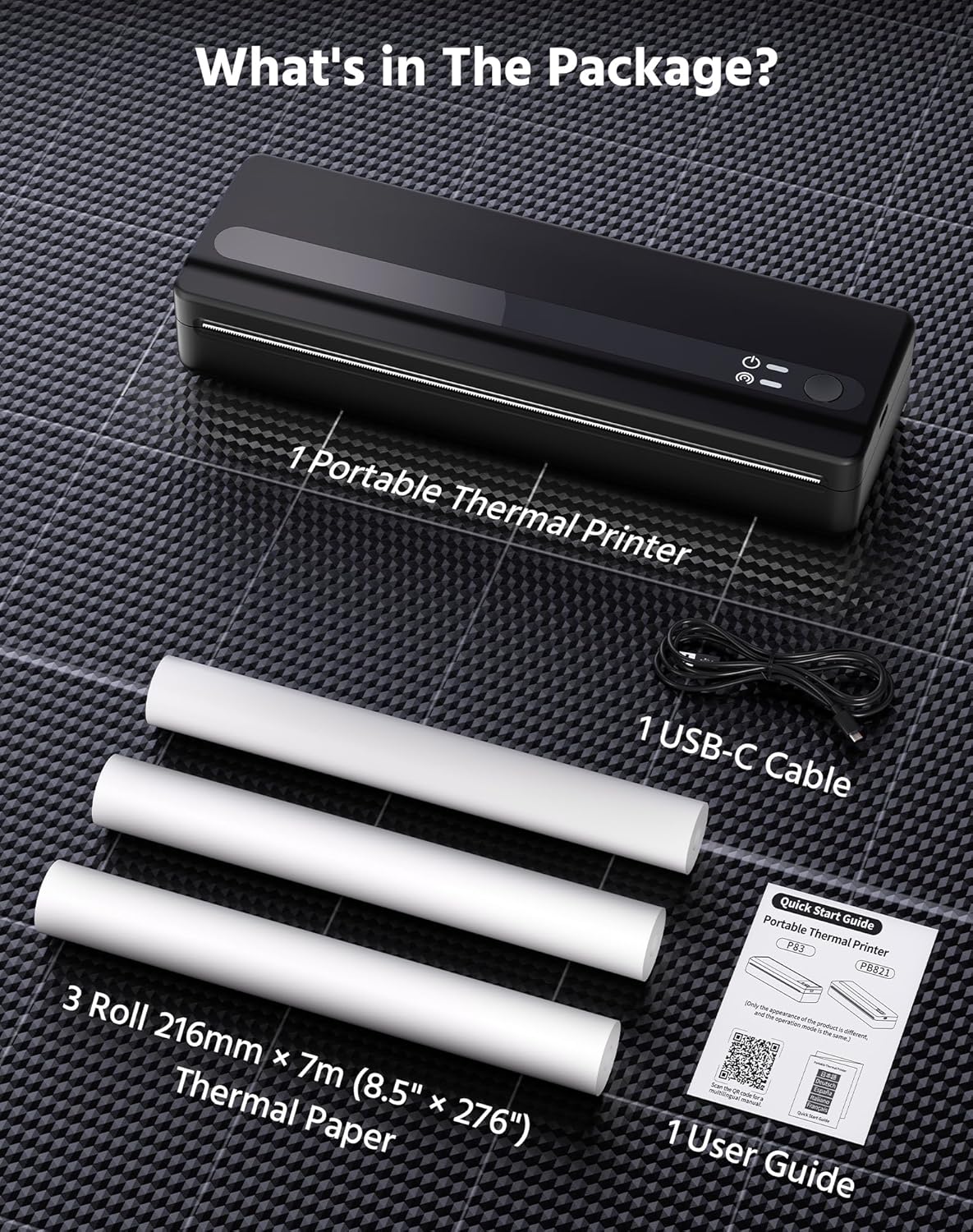
What this is and what it solves\nThe BORN4SHIP PB821 is a compact, inkless portable printer designed to print on the move. Using thermal technology, it connects via Bluetooth to smartphones and tablets, and also to laptops or desktops through a USB connection. In practice, it aims to simplify everyday printing tasks when you’re away from a traditional office setup—think shipping labels, PDFs, emails, or quick notes when travelling, in the car, or at a shared workspace.\n\n## How it works and what’s included\nIts core appeal is inkless thermal printing. There’s no ink, toner or ribbons to buy, only compatible thermal paper. The kit includes three rolls of A4-sized thermal paper to get you started, plus a USB‑C cable and a user guide. Paper width options range from 53 mm up to 216 mm, and the device supports both roll and fan‑fold paper formats, which makes it flexible for different print tasks. The printer offers a modest 203 DPI resolution and a print speed of 18 mm per second, which is adequate for text and simple documents but not designed for high‑volume photo printing.\n\n## Portability and endurance in real life\nWeighing around 1.1 lb, the PB821 is genuinely pocket‑friendly and fits in small bags or glove compartments. A substantial 1500 mAh battery is the standout feature here, delivering a claimed output of up to roughly 223 A4 sheets per charge—useful for long trips, fieldwork, or daily commutes when you don’t want to recharge constantly. If you’re someone who prints on the move, this endurance matters, if you mostly print in a fixed office, you might rarely need that level of battery life.\n\n## Connectivity and compatibility\nOn the software side, you connect via the XLife Pro app on iOS or Android for mobile printing. For computers, the USB connection enables printing from Windows, Mac, Linux, and Chrome OS. That means you can print emails, documents, or simple receipts whether you’re in a car, at a client site, or at a coffee shop with a laptop. The broad compatibility is convenient, but you’ll want to be mindful that the experience depends on the app and driver support for your device and OS version.\n\n## Print quality and limits\nWith 203DPI, the text is reasonably crisp for contracts, notes, or basic forms, but it isn’t a substitute for high‑quality photo printing or long, dense documents. The maximum paper diameter is 30 mm, and the device supports a wide range of widths, so it can be used for varying print tasks—from narrow receipts to wider labels—but if you frequently require high‑definition prints, this may feel limited.\n\n## Who it’s for and when it makes sense\nThis printer suits travellers, remote workers, students, drivers, or anyone who needs lightweight, cordless printing without fuss. If your typical need is fast, on‑the‑spot document copies or shipping labels while away from a desk, it’s a practical companion. It may not be the best choice if your priority is high‑volume or high‑definition print jobs, or if you primarily print from a single fixed workstation.\n\n## What to check before buying\n- Verify you’re comfortable with thermal paper and the occasional adaptation needed for different widths.\n- Consider whether you’ll rely on Bluetooth printing from mobile devices or the USB path for a laptop, mixed environments usually work fine, but might require occasional driver/app updates.\n- Think about the battery expectations: if you’re away from a power source for days, the stated endurance is helpful, if you’re near outlets most of the time, portability is still a plus, but battery life becomes less critical.\n\n## Practical use example\nImagine preparing shipping labels on a road trip or printing class handouts in a library car‑park. The PB821 can handle quick label formatting and basic document printing without hunting for a printer or a power outlet, which makes it a convenient catch‑all for occasional on‑the‑go needs.\n\n## Quick comparison lens\nIf you tend to print mainly in a fixed office, a traditional desktop printer with ample ink or toner reserves might still offer lower running costs per page and higher print volume. For sporadic, on‑the‑move tasks, especially when battery life and portability matter, this device is more sensible.\n\n## FAQ (practical, non‑technical)\n- Can I print from my phone directly? Yes, via the XLife Pro app on iOS or Android.\n- Do I need ink? No, it’s inkless and uses thermal paper.\n- Is it good for photos? No, it’s designed for text and simple documents.\n- How many sheets can I print on a full charge? Manufacturer claims up to about 223 A4 sheets, depending on content and settings.\n\n## DECISION: Is it worth it?\nWorth considering if you need portable, on‑the‑spot printing with decent battery life and broad device compatibility for everyday tasks. It may not be the best option if you require high‑volume printing or premium image quality.\n