

TATTMUSE Tattoo Printer (A887) Bluetooth thermal stencil printer for beginners and artists
Reviews
Price
Product description
What this tattoo stencil printer is for
If you’re learning tattooing or you’re an artist who prefers to spend more time on application than on drawing, the TATTMUSE Tattoo Printer (A887) is built around one job: printing tattoo transfer stencils using thermal printing. It’s a Bluetooth dot-matrix/thermal-style printer aimed at beginners and practicing artists who want a repeatable way to generate stencil sheets, then get them onto skin.
On paper, the appeal is the workflow. You connect to a smartphone/tablet over Bluetooth, use the companion app to create or choose designs, and print with a click. The printer is also described as portable (it weighs 715g and is sized 34010878mm), which matters if you don’t want a bulky desk setup.
That said, it’s not a miracle machine. Tattoo printing quality is still going to depend on how you handle the stencil transfer process and on the transfer paper workflow—this device helps with getting the stencil printed, but it can’t remove every step from tattooing.
Where it stands out day to day
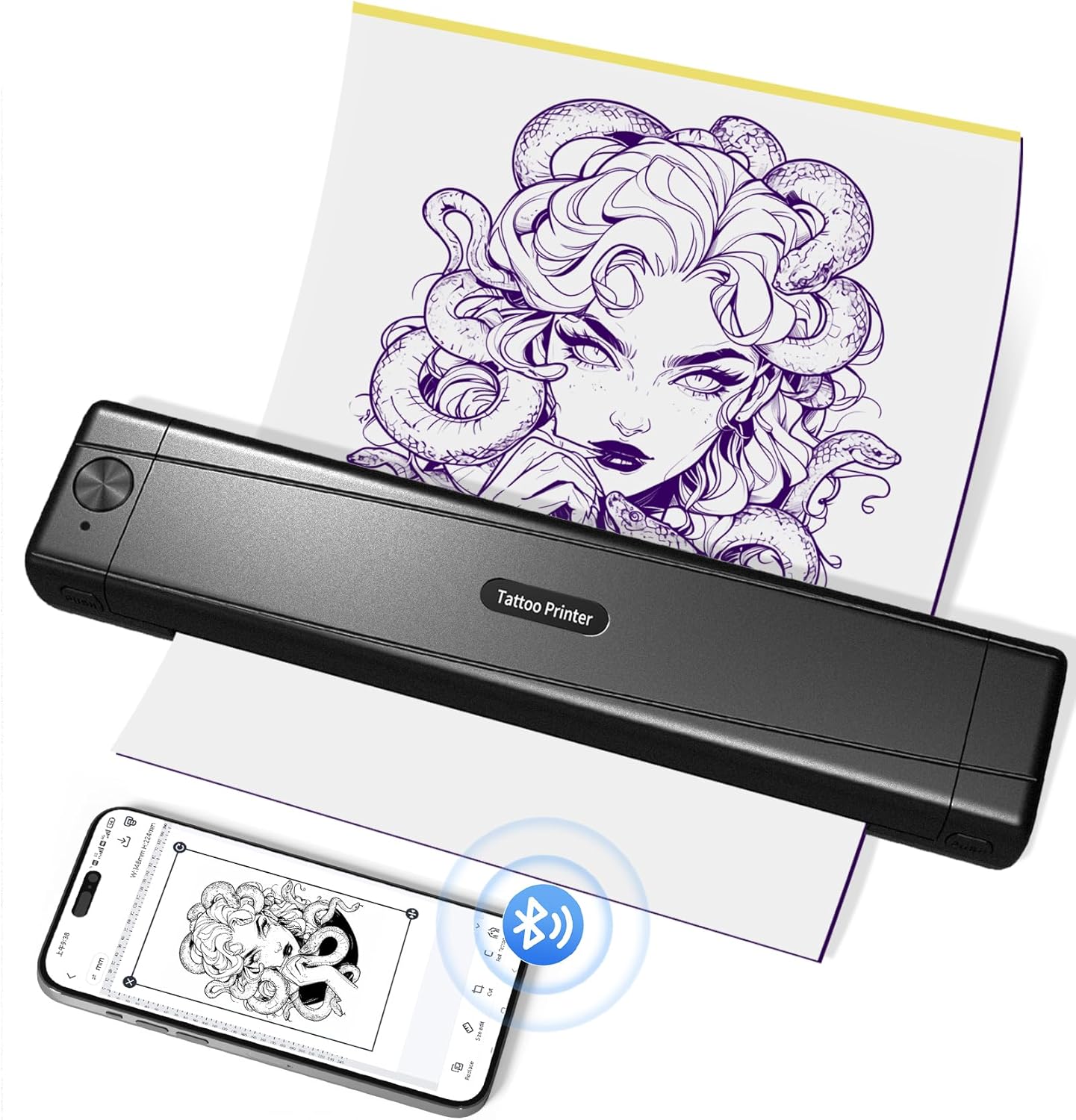
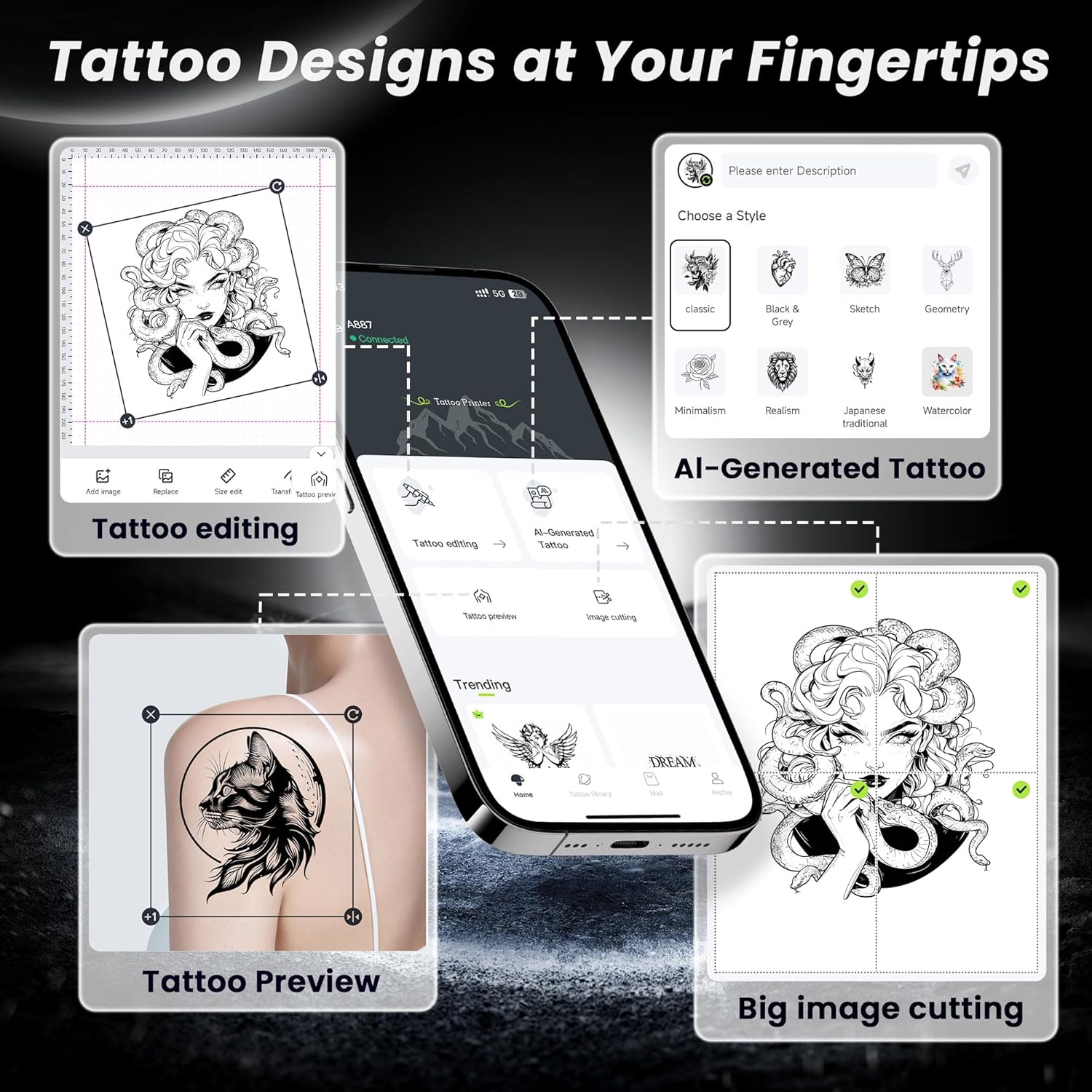
The most practical difference here is the blend of app control and editing tools. The manufacturer states you can print quickly through the app, including editing the design before printing, and it also includes a preview feature so you can see how the pattern may look on your body.
There’s also a specific feature for larger designs: an image cutting function intended to help copy larger tattoos more precisely. If you often find yourself resizing designs or splitting layouts manually, this is the sort of “small workflow win” that can save time.
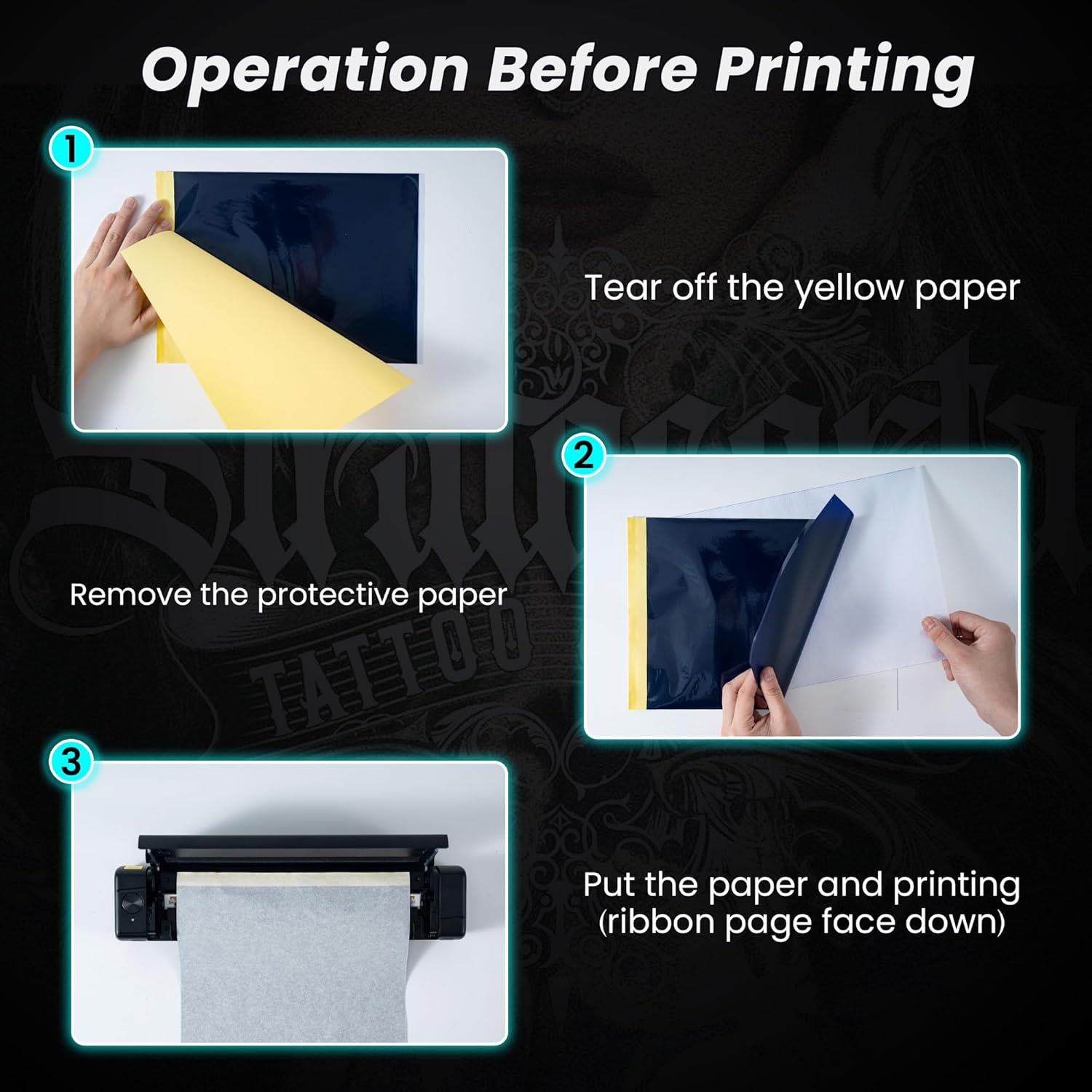
The printer also comes with 10 sheets of tattoo transfer paper, so you’re not immediately starting from zero.
App features, design library and AI creation (what to expect)
The app includes a library of tattoo designs across various styles and themes, plus an AI creation function described as “advanced”. The idea is simple: you describe your ideas, and the AI generates multiple design options for you.
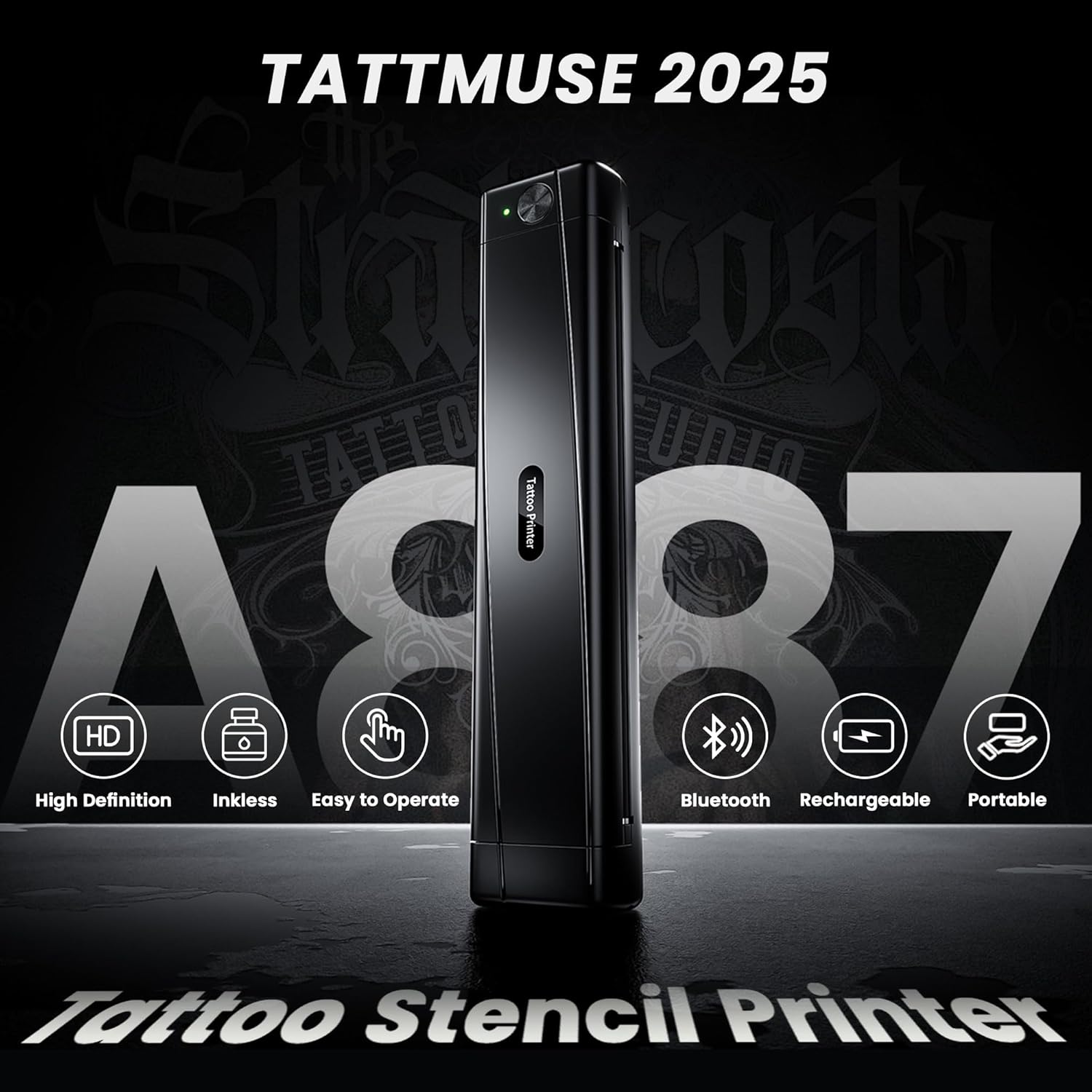
This can be useful if you want inspiration or you need fast starting points rather than designing from scratch. But it’s worth keeping your expectations realistic: AI-generated ideas are only the start. You’ll still want to review, adjust, and preview the stencil before you print, otherwise you may end up with something that doesn’t quite suit the placement.
Also, as with any app-based tool, features can change over time as the app updates periodically (the listing mentions regular updates).
Connectivity and compatibility: smartphone and computer together
The TATTMUSE tattoo stencil printer links to phones and tablets via Bluetooth. It also has a USB-C port on the printer body that supports laptops and desktop computers.
The listing states compatibility with Windows, macOS, ChromeOS and Linux. That’s a broad spread, which is handy if you’re not tied to one device ecosystem.
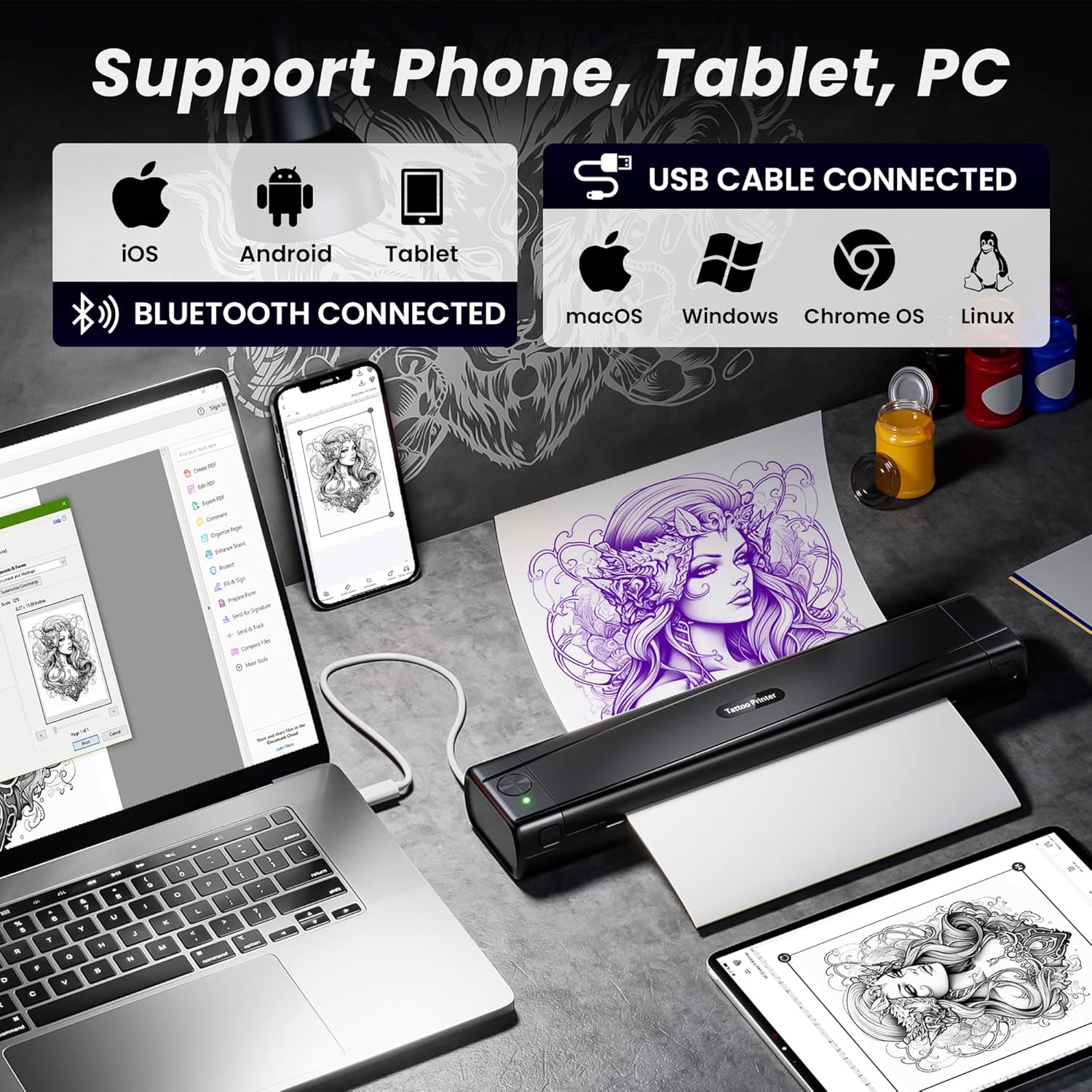
If you’re the sort of user who often swaps between a mobile workflow (for quick idea changes) and a computer workflow (for more control), this “either/or” approach is one of its stronger points.
Printing performance, speed and the limits to note
The printer uses thermal printing and is described as resistant to creases, aiming to keep complex patterns clear while reducing creases and paper jams. It’s also claimed that it can complete the printing of one sheet in under 10 seconds.
There’s a further claim tied to efficiency: the device is described as helping avoid time-consuming manual drawing. That’s fair as a goal, though your real-world speed will still depend on your readiness (choosing/editing designs, preparing the stencil, and doing the transfer steps).
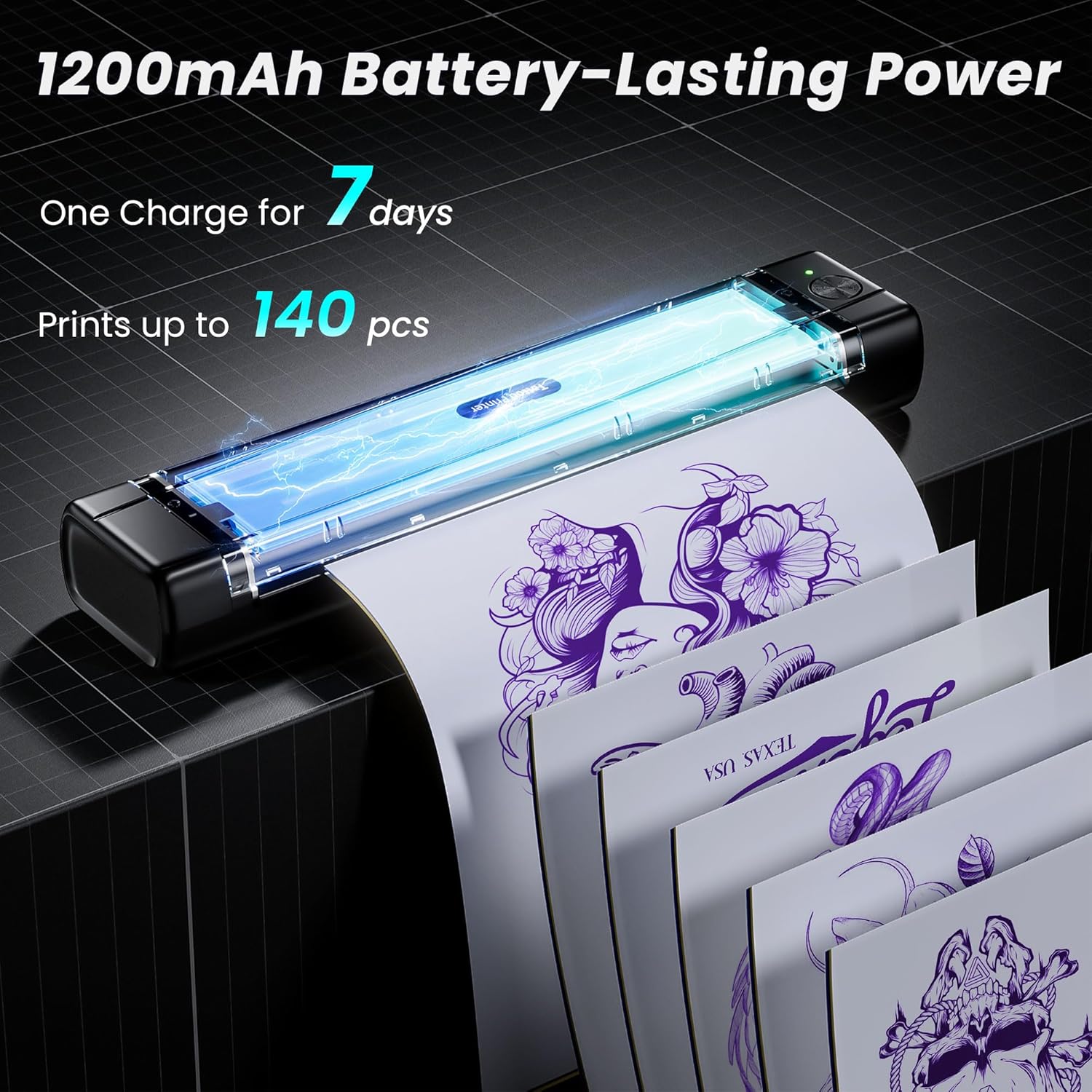
Battery is another practical element. It’s stated to have a built-in 1200mAh rechargeable battery and can print up to 110 tattoo pages on a full charge. The note is important: the listing advises not to use a charger with an output voltage higher than 5V. If you’re buying chargers or using what you already have, double-check that detail.
Tech summary (based on the provided details)
The essentials
- Model/variant: A887
- Printer type: Bluetooth tattoo stencil printer using thermal printing technology
- Portability: weighs 715g, size listed as 34010878mm
- Connectivity: Bluetooth to smartphones/tablets, USB-C to computers
- Computer compatibility: Windows, macOS, ChromeOS and Linux
- App support: includes printing, editing, preview and image cutting for larger stencils
- Design library & AI: includes tattoo design library and AI generation based on descriptions
- In the pack: 10 tattoo transfer paper sheets
- Printing speed (claimed): under 10 seconds per sheet
- Battery (claimed): up to 110 pages per full charge (1200mAh)
- Charging caution: don’t use a charger with output voltage above 5V
Who it suits best (and who should be cautious)
It’s a sensible pick if you’re a beginner or a working artist who wants a more efficient stencil workflow—especially if you value the app side: quick edits, previewing, and getting to print fast.
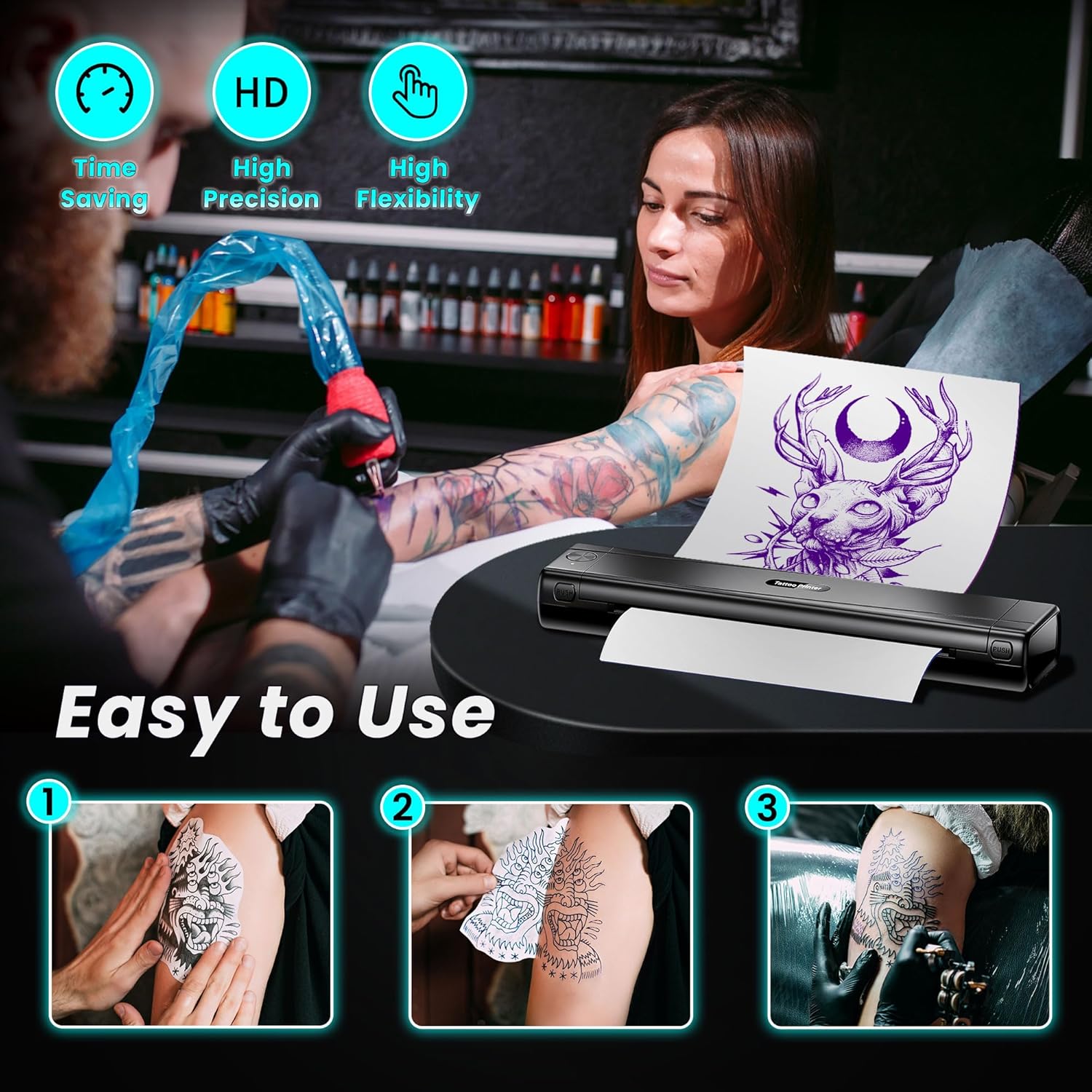
It may be less suitable if you’re expecting a fully “hands-off” tattoo stencil solution. Even with a printer doing the hard part of output, you still have to handle stencil placement, skin prep, and achieving crisp transfers. If your main bottleneck is the transfer application rather than printing, you may find the benefits feel limited.
It may also be a cautious choice if you’re sensitive to app dependencies. Since key features run through the app, you’ll want to be comfortable using mobile/connected tools rather than a purely standalone device.
Is it worth it?
Worth considering if you want an app-led tattoo stencil printer that’s portable, supports Bluetooth smartphone/tablet printing, and also connects via USB-C to computers across Windows/macOS/ChromeOS/Linux. The inclusion of 10 stencil paper sheets and the app tools (editing, preview, and image cutting) are practical reasons to buy, particularly for beginners who want a guided workflow.
You may want to skip it if your priority is a completely independent, desktop-only printing setup, or if you’re not keen on relying on an app for design creation/AI options and previews. And do watch the charging note—using a charger above 5V output is not recommended.
Mini FAQ
Getting started
Does it work with both a smartphone and a computer? Yes—Bluetooth for smartphones/tablets is listed, and USB-C is listed for laptops and desktops.
Design and editing
Do I need to design from scratch? Not necessarily. The app is described as having a tattoo design library, and there’s also AI generation based on your description.
Printing speed
Is it actually quick? The listing claims under 10 seconds per sheet, but your overall time will depend on how quickly you edit, preview and print.
Charging
What charger should I use? The listing advises not to use a charger with output voltage higher than 5V.
What’s in the box?**
The product pack is stated to include 10 sheets of tattoo transfer paper.