

BrosTrend BE6500 Wi-Fi 7 USB WiFi Dongle: Tri-Band USB Adapter for PC
Product description
What it is
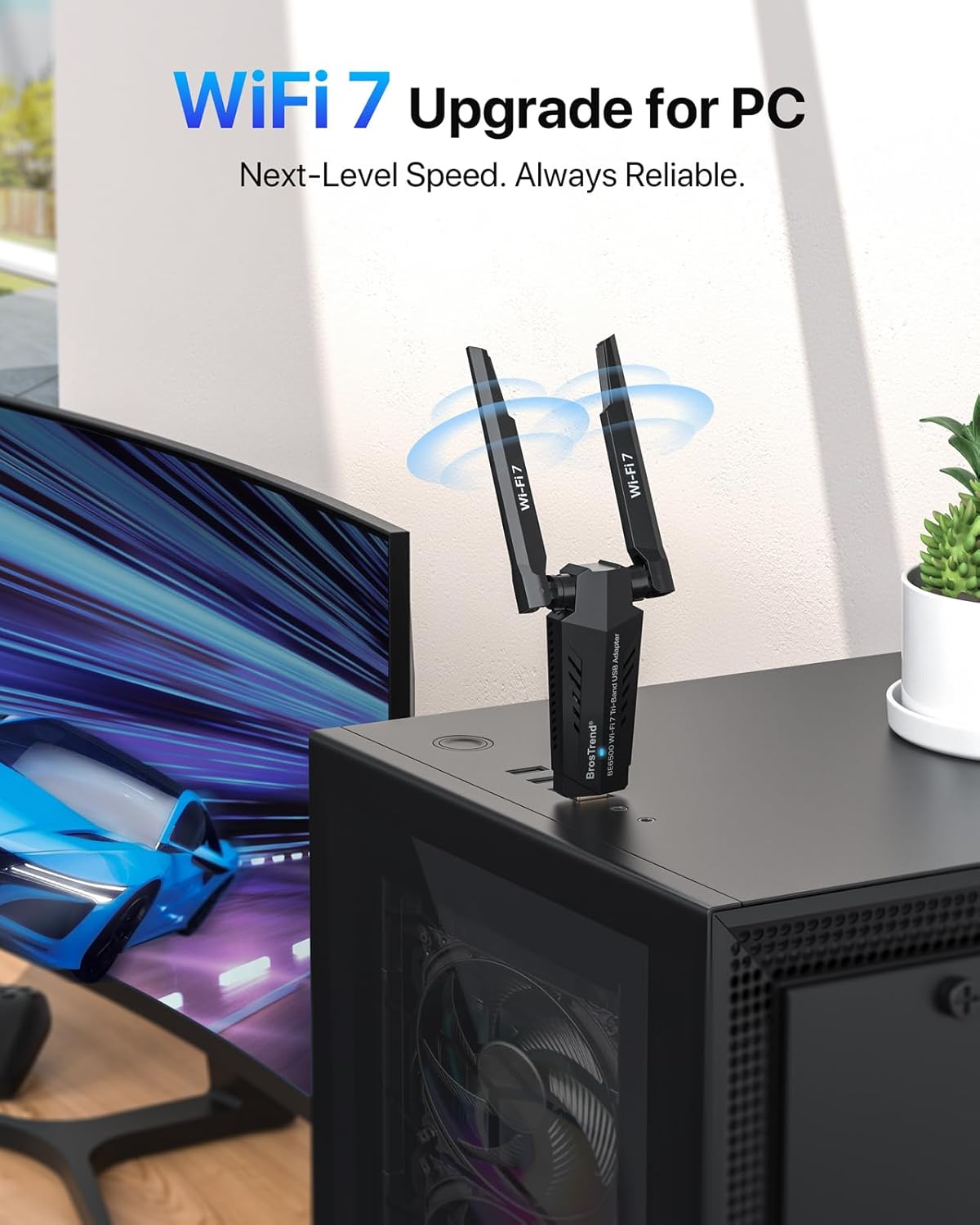
The BrosTrend BE6500 is a USB WiFi 7 adapter designed to boost a PC’s wireless capabilities. It plugs into a USB port and aims to unlock the 6 GHz band for higher speeds, while also supporting 5 GHz and 2.4 GHz bands. It’s positioned as a straightforward upgrade to improve speed, reliability, and capability for tasks that demand more bandwidth, such as gaming, multitasking, and 4K/8K streaming.
Who it’s for
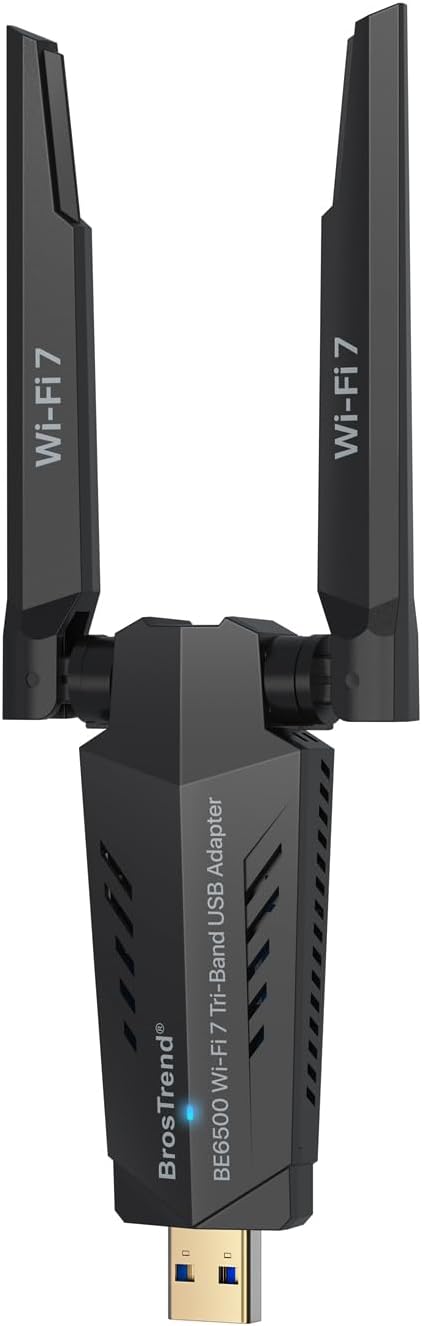
If you primarily use a desktop or laptop for demanding online activity and you want to take advantage of newer Wi‑Fi standards, this dongle targets users who prioritise higher throughput and steadier connections. Windows users who can access the 6 GHz band via Windows 11 will potentially benefit the most from the 6 GHz capability. If you’re on Windows 10, you’ll still get solid performance on 5 GHz and 2.4 GHz, albeit without 6 GHz access.
How it performs on paper
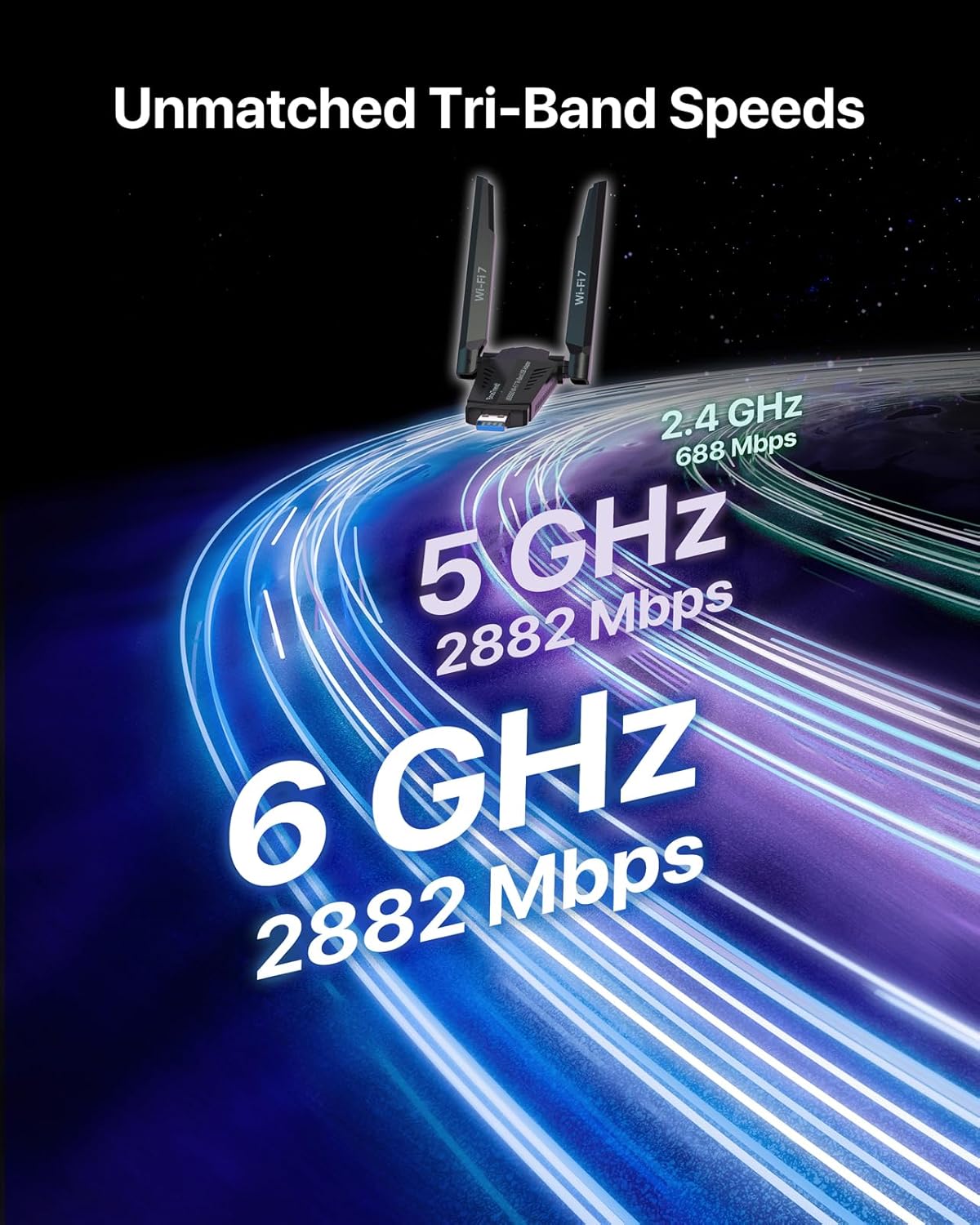
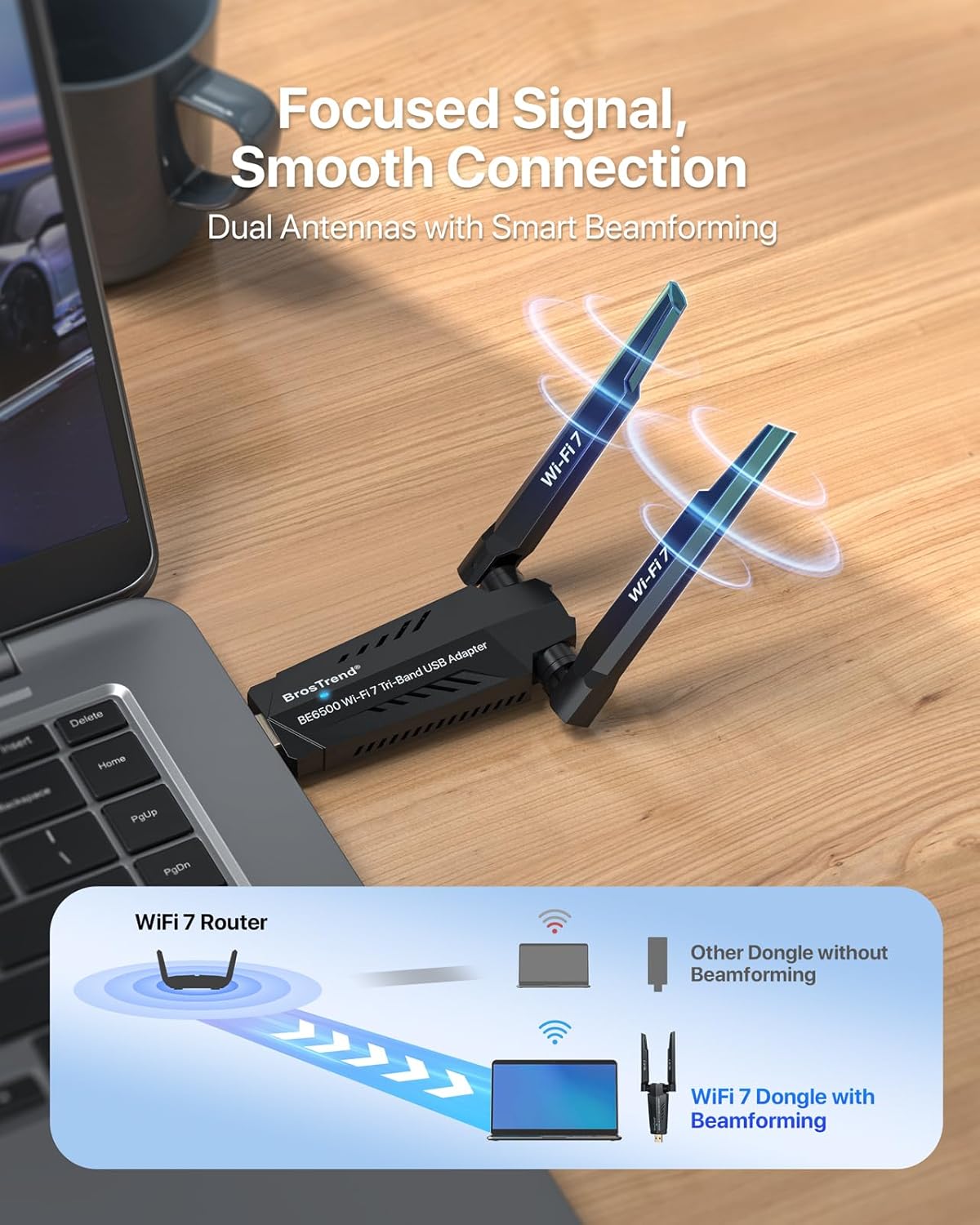
On paper, the BE6500 offers tri‑band performance with peak theoretical speeds of 6.5 Gbps total. Specifically: 2882 Mbps on 6 GHz, 2882 Mbps on 5 GHz, and 688 Mbps on 2.4 GHz. The device uses 4K‑QAM, 160 MHz channels, and Multi‑RU alongside Preamble Puncturing to reduce congestion and boost throughput. It also uses beamforming with dual external antennas to improve reception and stability, particularly when signals must travel through walls.
What stands out in use
- Aims to deliver high throughput across multiple bands, which can translate to smoother gaming, faster file transfers, and better streaming for busy networks.
- Dual external antennas and beamforming can help with signal strength and reliability compared with more modest USB adapters.
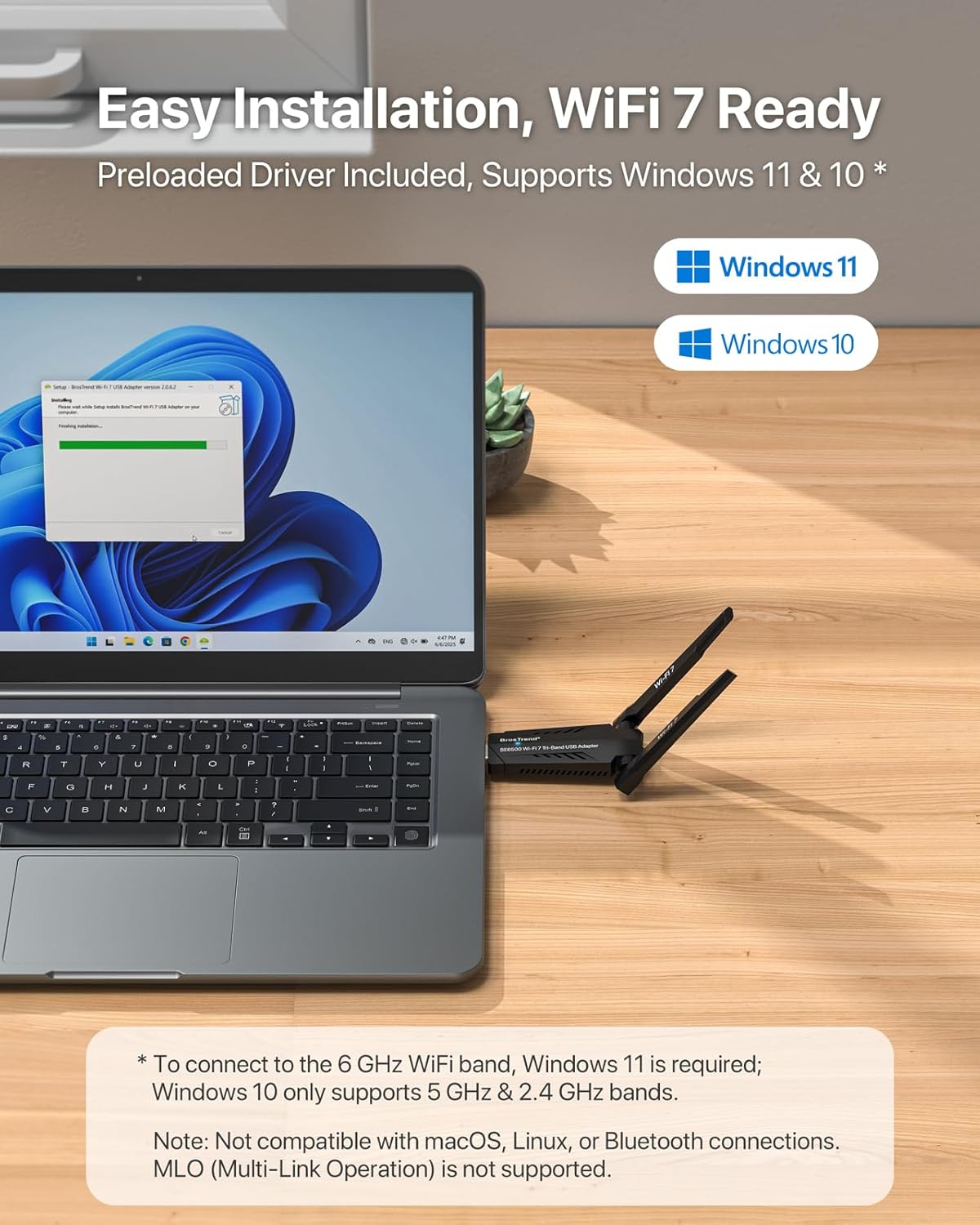
- The setup is designed to be simple: pre‑loaded drivers mean you can plug in and go without needing separate downloads or CDs. Windows 11 users gain access to 6 GHz when supported by the OS and hardware.
Limitations and caveats
- Multi-Link Operation (MLO) is currently not supported, which may limit some advanced use cases or future enhancements.
- Windows 10 users won’t access the 6 GHz band and will be restricted to 5 GHz and 2.4 GHz bands, Windows 11 is required for full 6 GHz access.
- Not compatible with macOS, Linux, or Bluetooth connections, so this is a Windows‑centric upgrade and may not be suitable if you need cross‑platform wireless support.
- While the speeds look impressive on paper, real‑world performance depends heavily on your router, network congestion, and distance from the access point.
Before you buy: what to review
- Check whether your PC has available USB 3.0 ports and whether you’re running Windows 11 to leverage 6 GHz access.
- Verify your router supports 6 GHz and 160 MHz channels to approach the theoretical speeds, otherwise the benefits may be limited to 5 GHz and 2.4 GHz.
- Consider your typical use: if you game online or stream 4K/8K content, the higher bandwidth options can help, but you’ll need compatible infrastructure at home.
- Remember this is a plug‑in solution, if you’re after a compact, hidden dongle for travel, the size and antenna setup may feel bulky compared with more portable options.
How it compares to other approaches
If you’re weighing options, an upgrade to a USB WiFi 7 dongle like the BE6500 can be more flexible than swapping a PCIe Wi‑Fi card, especially if you’re not building a new desktop or want a quick upgrade for a laptop. For households with older routers or where 6 GHz isn’t available, the device still provides strong 5 GHz/2.4 GHz performance. For those who only need basic wireless connectivity, a lower‑cost USB adapter may be adequate, but it would likely miss out on the higher throughput that this model advertises.
Practical use case

Imagine streaming 4K content while downloading large files and playing a competitive online game on the same PC. With the BE6500, you’re more likely to see stable transfers on the back end and lower latency, provided your network supports the higher bands. If you’re in a crowded apartment building with many networks, the 6 GHz band could offer a cleaner slice of airspace for supported devices.
Is it worth it?
- It makes sense if you prioritise higher throughput and you have access to the 6 GHz band via Windows 11 and a compatible router.
- It may not be worth it if your current network already meets your needs at 5 GHz/2.4 GHz, or if your router cannot support 6 GHz bandwidth.
- It’s a solid choice for users who want a straightforward upgrade without opening up a full PCIe upgrade, and who can benefit from beamforming and dual antennas for improved reliability.
FAQ
- What operating system is required? Windows 11/10, Windows 11 needed to access 6 GHz.
- Does it work with macOS or Linux? Not supported.
- Can I use it with any USB port? It requires USB 3.0 for best performance.
Final considerations
If you’re aiming to future‑proof your PC networking and you have the right home network configuration, the BE6500 provides a credible route to higher throughputs and more stable connections. It’s not a universal solution, and its advantages hinge on the availability of 6 GHz across your devices and router. Consider your current setup, appetite for a robust USB upgrade, and whether Windows 11 access to the 6 GHz band is part of your plan before buying.