

TP-Link Archer T3U Plus AC1300 USB WiFi Adapter
Reviews
Price
Product description
This USB Wi‑Fi adapter from TP‑Link brings faster dual‑band connectivity to desktops and laptops, helping stream, browse and work with fewer dropouts. It targets users who need a simple upgrade to an older PC or a portable device lacking modern wireless, offering a practical boost in range and throughput.
The essentials
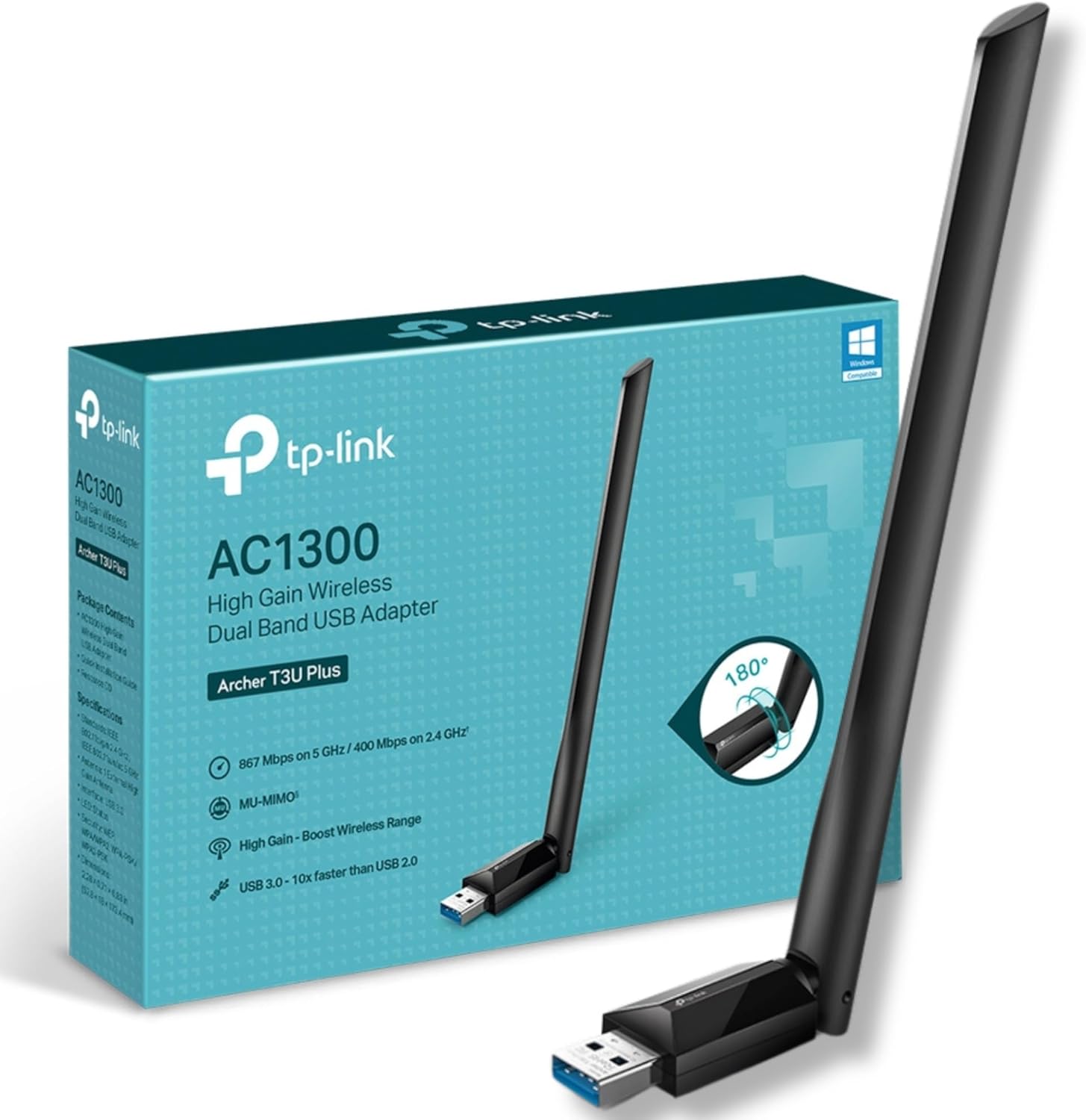
The Archer T3U Plus is a compact dual‑band USB dongle that supports AC1300 speeds, so you get a better experience on both 5 GHz and 2.4 GHz networks. Setup is straightforward, and the adjustable external antenna improves signal reception in rooms where built‑in Wi‑Fi is weak. It suits everyday tasks like HD streaming, video calls and web browsing.
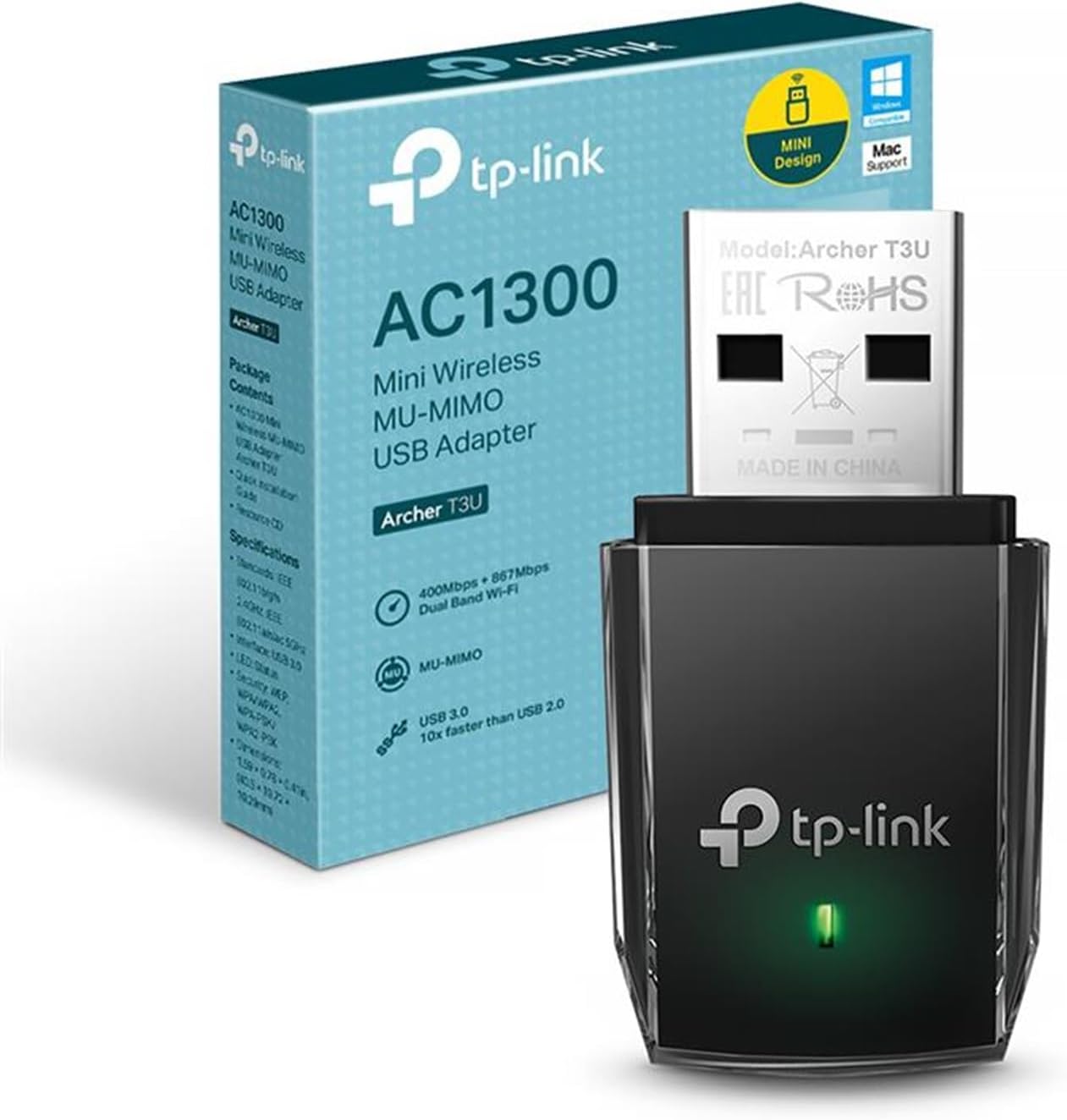
Product specs
- Name: TP‑Link Archer T3U Plus AC1300 USB WiFi Adapter
- Display: Dual‑band 5 GHz and 2.4 GHz
- Capacity: AC1300 (867 Mbps on 5 GHz, 400 Mbps on 2.4 GHz)
- Compatibility: Windows 11/10/8.1/8/7/XP and macOS
- Antenna: Adjustable external high‑gain antenna
Where it shines
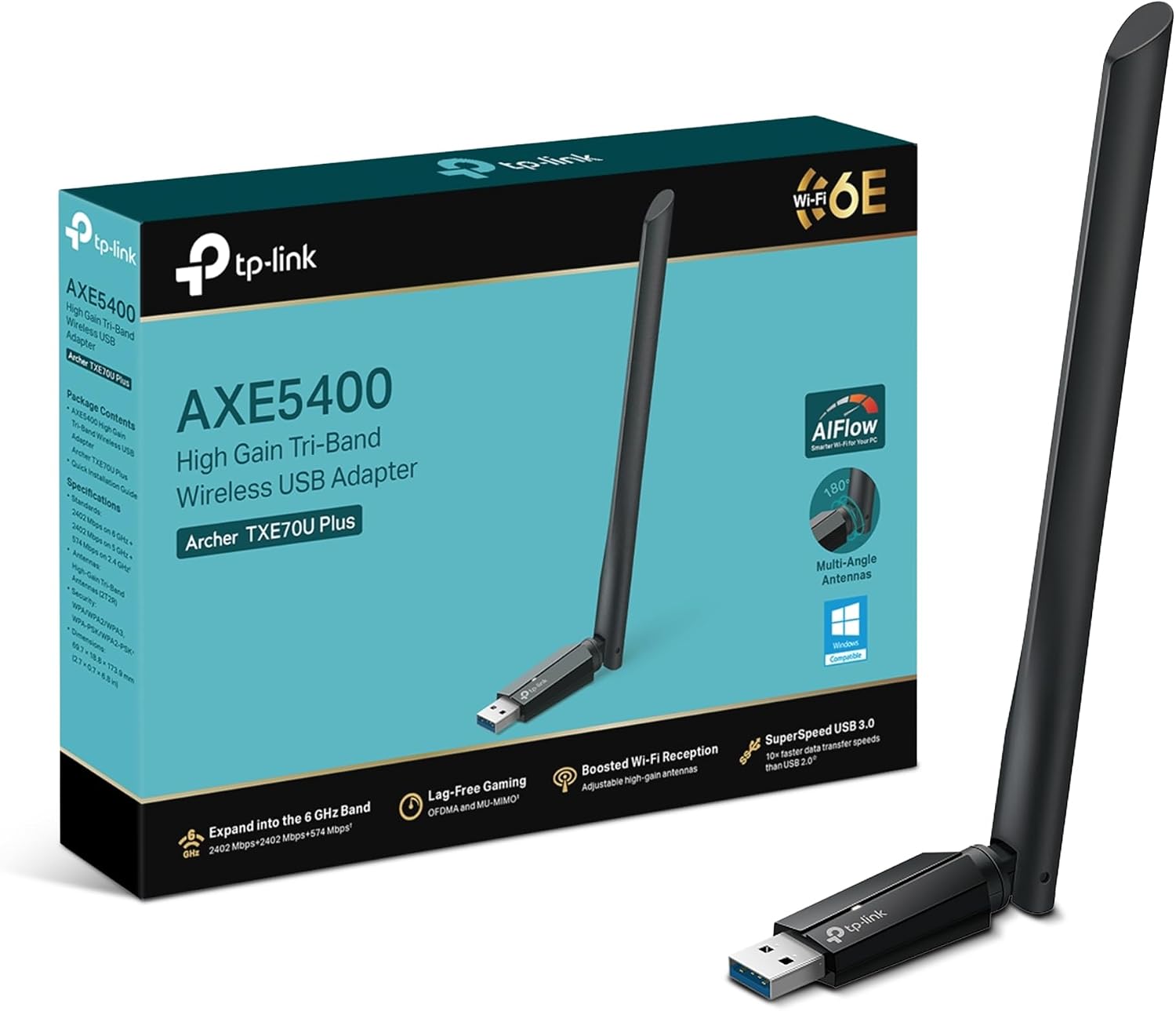
The external high‑gain antenna makes a tangible difference when the router sits far from your PC, improving both upload and download stability. MU‑MIMO support helps keep multiple devices flowing smoothly on the same network, according to the manufacturer. The small footprint keeps one USB port free, and the dongle is easy to carry between locations.
Who it’s for
It’s a good fit if you need to upgrade an older desktop or laptop to dual‑band Wi‑Fi without opening the case, or if you want improved reception in a study or small flat. It works well for people who stream video, attend frequent video calls or use cloud services regularly. It may not suit you if you require the absolute top wireless speeds for heavy gaming or professional streaming, or if you prefer an internal PCIe card for a permanent desktop install.
Compatibility & requirements
The adapter supports the latest common desktop and laptop operating systems, making it suitable for mixed environments. Drivers or a one‑click installer may be required for full functionality on some systems, so check the OS version before plugging in.