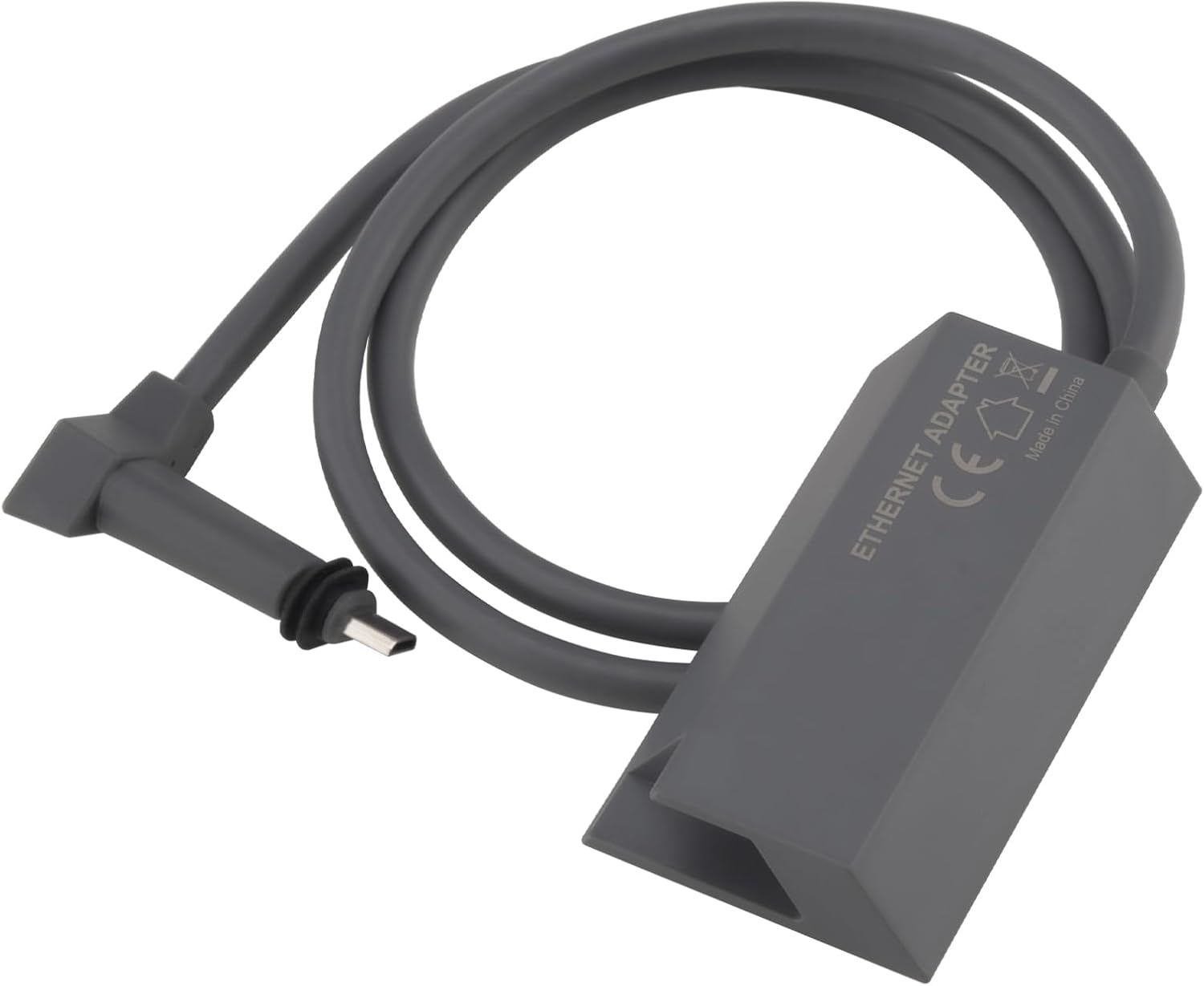
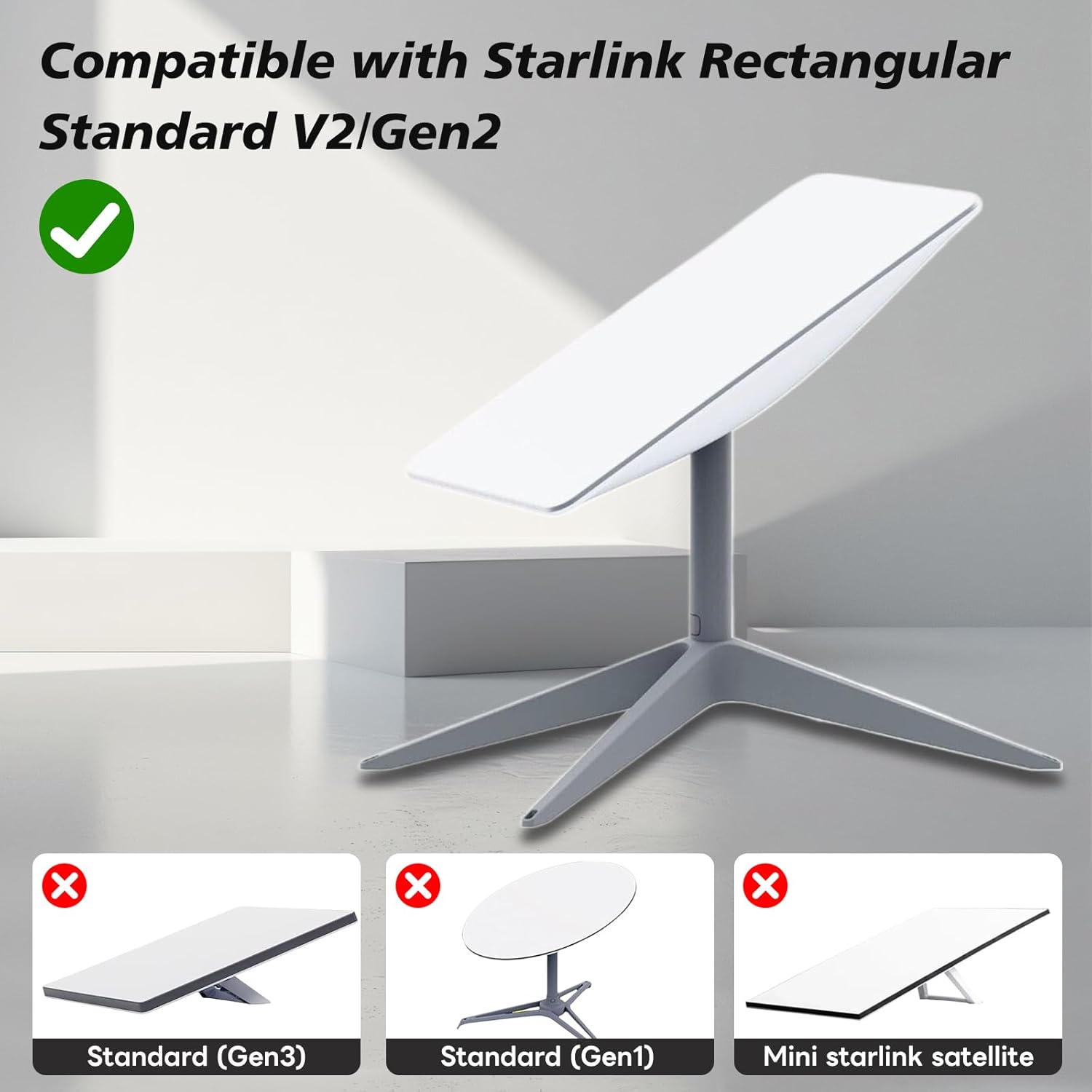
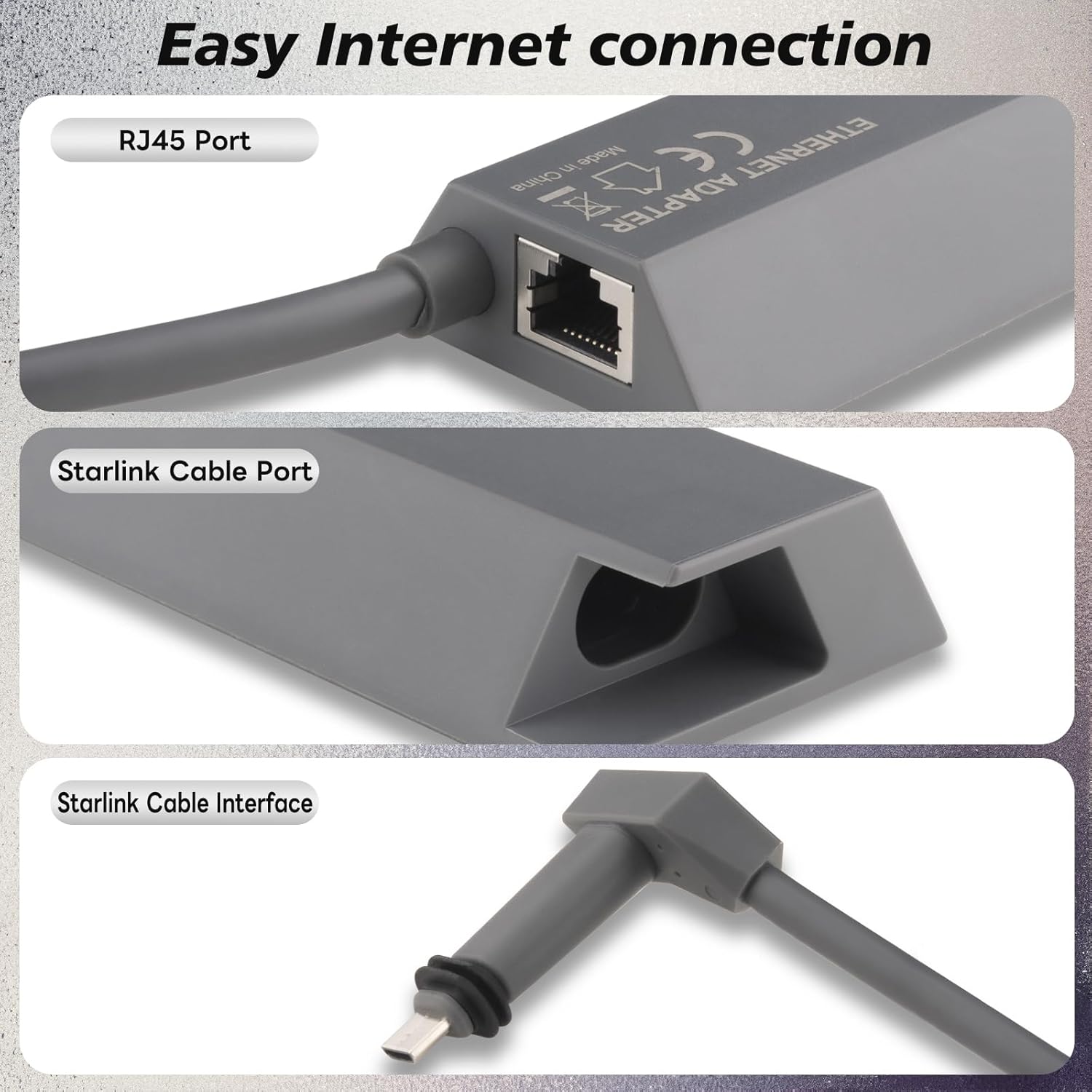
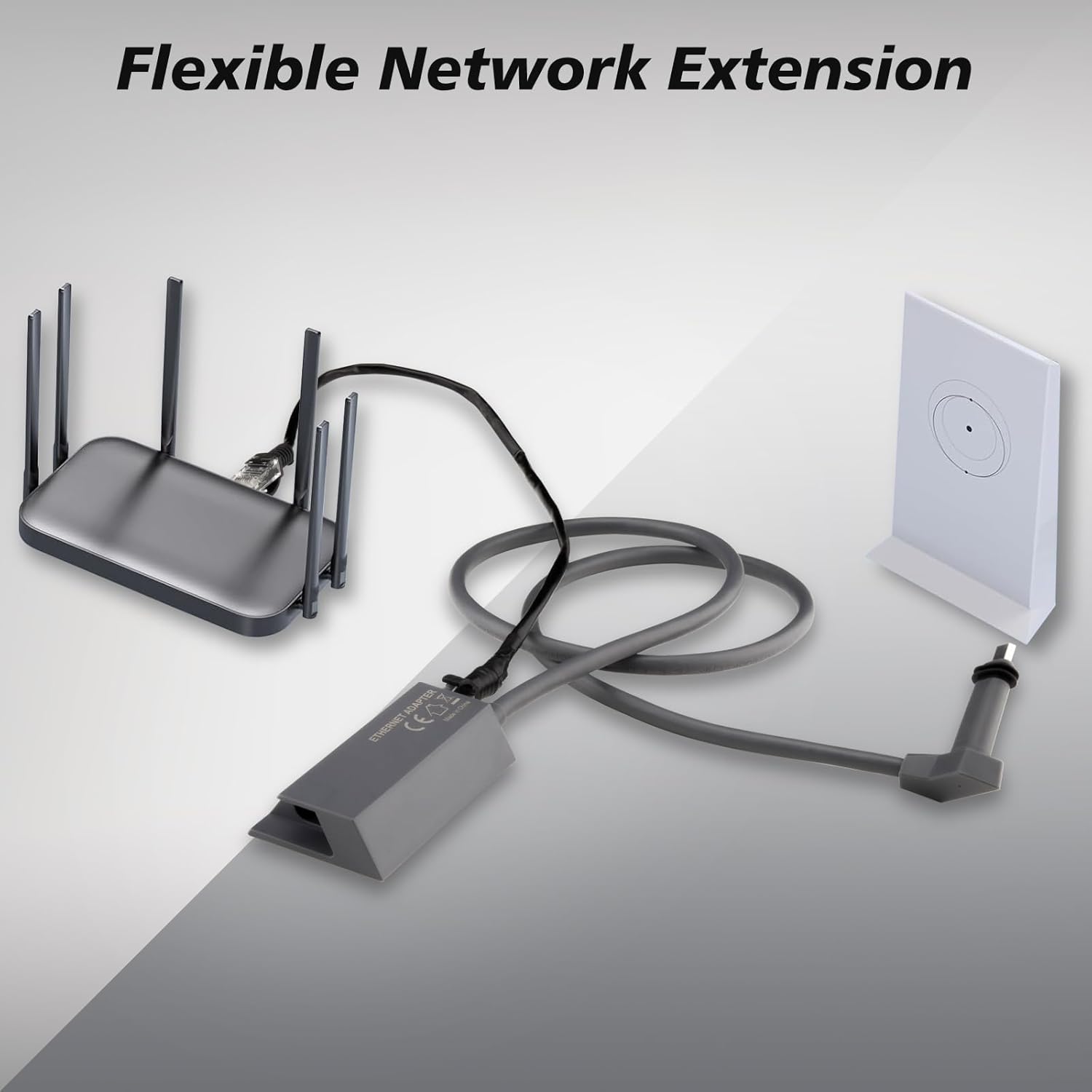
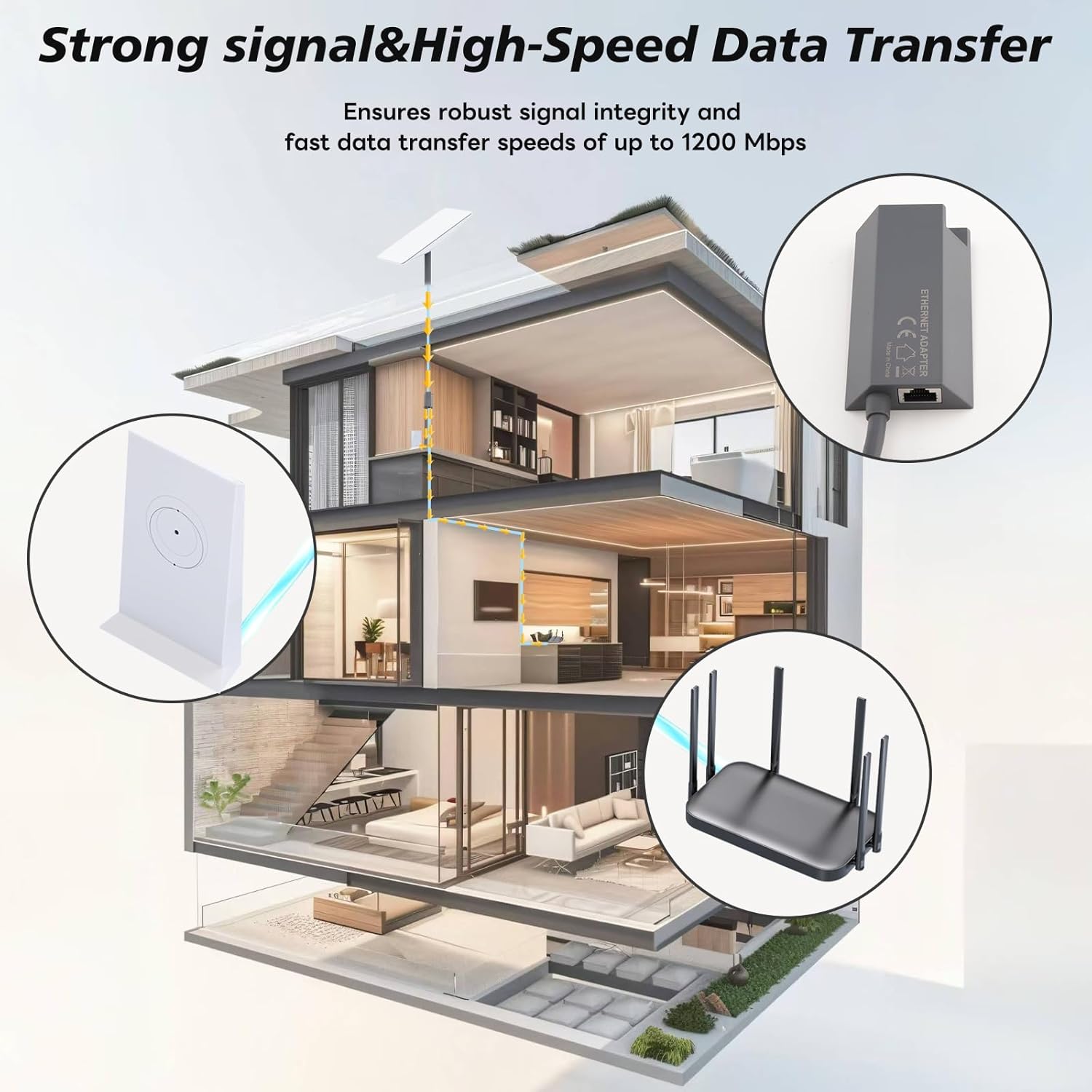
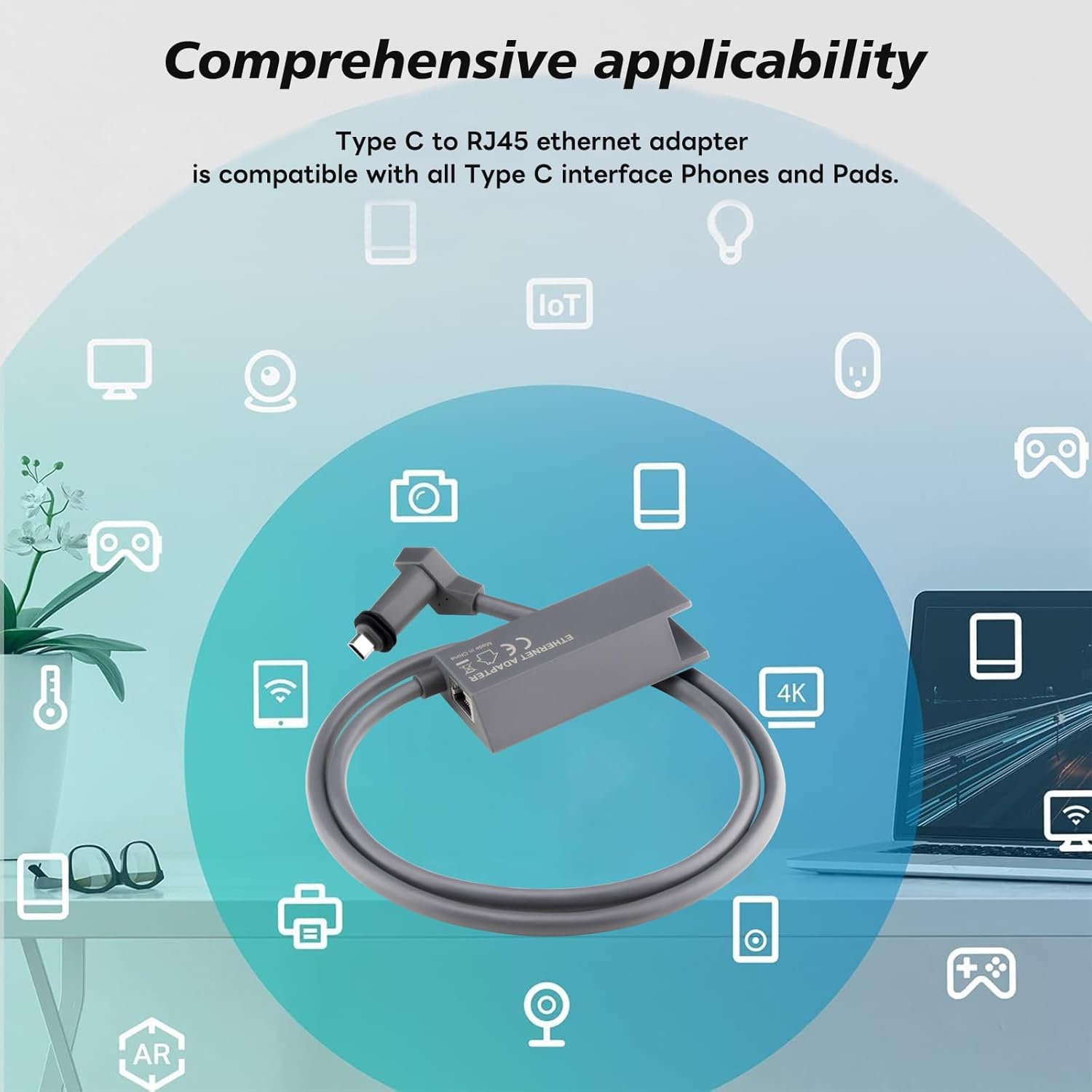
What it is and what problem it solves\nThe BOOBRIE Starlink Ethernet Adapter V2 is a compact 1-metre RJ45 Ethernet adapter designed for Starlink Gen 2 satellite internet. It provides a straightforward, wired alternative to Wi‑Fi, helping devices connect directly to the Starlink router for a stable link and potentially higher consistency in speed and latency where wireless performance is variable. If you’re trying to reduce wireless interference or want a direct LAN path for gaming, video calls, or streaming, this adapter offers a practical solution without fuss.\n\n## How it performs on the surface\nOn paper, the adapter supports up to 1Gbps, positioning it as a capable bridge for typical home and small-office use. It aims to deliver smooth streaming, responsive gaming, and fluid browsing by keeping the device on a dedicated wired line to the Starlink router. The plug‑and‑play nature means setup is minimal: you simply connect the adapter to the Starlink Gen 2 router and then attach your device via RJ45.\n\n## What stands out (pros)\n- Direct wired connection can reduce dependency on Wi‑Fi, potentially improving stability in busy networks.\n- Simple installation process without software or complex configuration.\n- Explicitly designed to fit Starlink Gen 2 systems, which may translate to a clean physical fit and reliable operation.\n\n## Where it may fall short (cons)\n- Real-world speeds depend on several factors (internet plan, network congestion, and device capabilities). If your setup demands multi‑Gbps throughput or specialised networking features, a basic adapter may feel limited.\n- Not a feature-rich network appliance, it doesn’t replace a full router or offer advanced security options in itself.\n\n## Who it’s for\nThis is likely a good fit for households or small offices using Starlink Gen 2 who value a dependable wired connection for a particular device or use case—such as gaming consoles, desktop PCs, or work devices—where stable latency matters more than peak wireless speed. It’s also suitable for users who want to minimise Wi‑Fi interference or who prefer a direct link for a specific task.\n\n## Who it isn’t ideal for\nIf you need robust multi‑device routing, advanced VLANs, or higher-than‑1Gbps wired throughput, this solution may not be the best fit. It’s also not a universal networking solution beyond Starlink Gen 2 context.\n\n## When to buy it\nConsider purchasing when you have a device that benefits from a steady wired connection to Starlink’s Gen 2 router and you want the simplicity of plug‑and‑play setup without configuring a separate router.\n\n## What to check before buying\n- Confirm your Starlink Gen 2 router supports a wired connection as expected.\n- Measure whether you truly need a wired link for your intended device to justify the 1‑metre cable length.\n- Consider the placement of the Starlink router and the device to ensure the 1 m cable reaches comfortably.\n\n## Practical usage example\nImagine a home gaming PC seated near the Starlink router but in a room where Wi‑Fi is unreliable due to interference. Using the BOOBRIE Ethernet Adapter, you can run a clean, direct Ethernet path, reducing jitter and potentially improving match latency and streaming stability.\n\n## Technical brief (brief overview)\n- Type: Ethernet adapter for Starlink Gen 2\n- Speed: up to 1Gbps\n- Length: 1 metre cable included\n- Connection: RJ45 to Starlink router and device\n- Installation: Plug‑and‑play, no software required\n\n## Decision section\n### Is it worth it?\nWorth considering if you prioritise a stable wired connection for a specific device within a Starlink Gen 2 setup and you value ease of use over expanded networking features. If your needs include multi‑user high‑demand networking or higher throughput across many devices, you may want to explore alternatives or supplementary network gear.\n\n## FAQ (quick answers)\n- Q: Is the adapter compatible with all Starlink Gen 2 routers? A: It is designed for Starlink Gen 2 systems to enable a direct wired link.\n- Q: Do I need any software to use it? A: No, it’s plug‑and‑play.\n- Q: Can this improve gaming latency? A: It may help reduce wireless interference and jitter for a single device, subject to network conditions.\n- Q: What length is included? A: 1 metre.\n- Q: What if I need more bandwidth? A: This adapter supports up to 1Gbps, for higher demands, consider broader networking solutions alongside Starlink.