

COMFAST AC1300Mbps USB WiFi Adapter: Dual-Band USB 3.0 Dongle with 2 Antennas
Product description
What is it and what does it solve
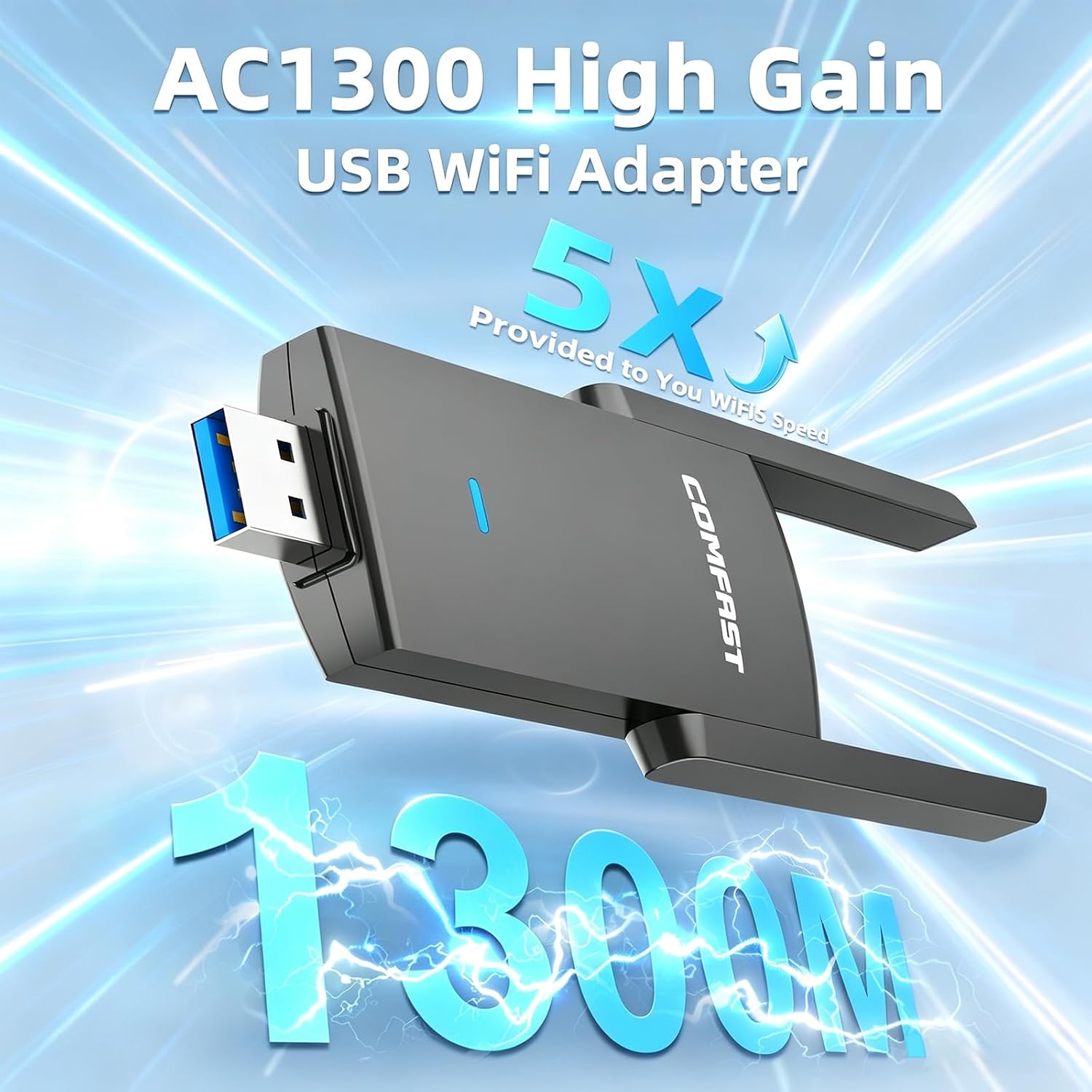
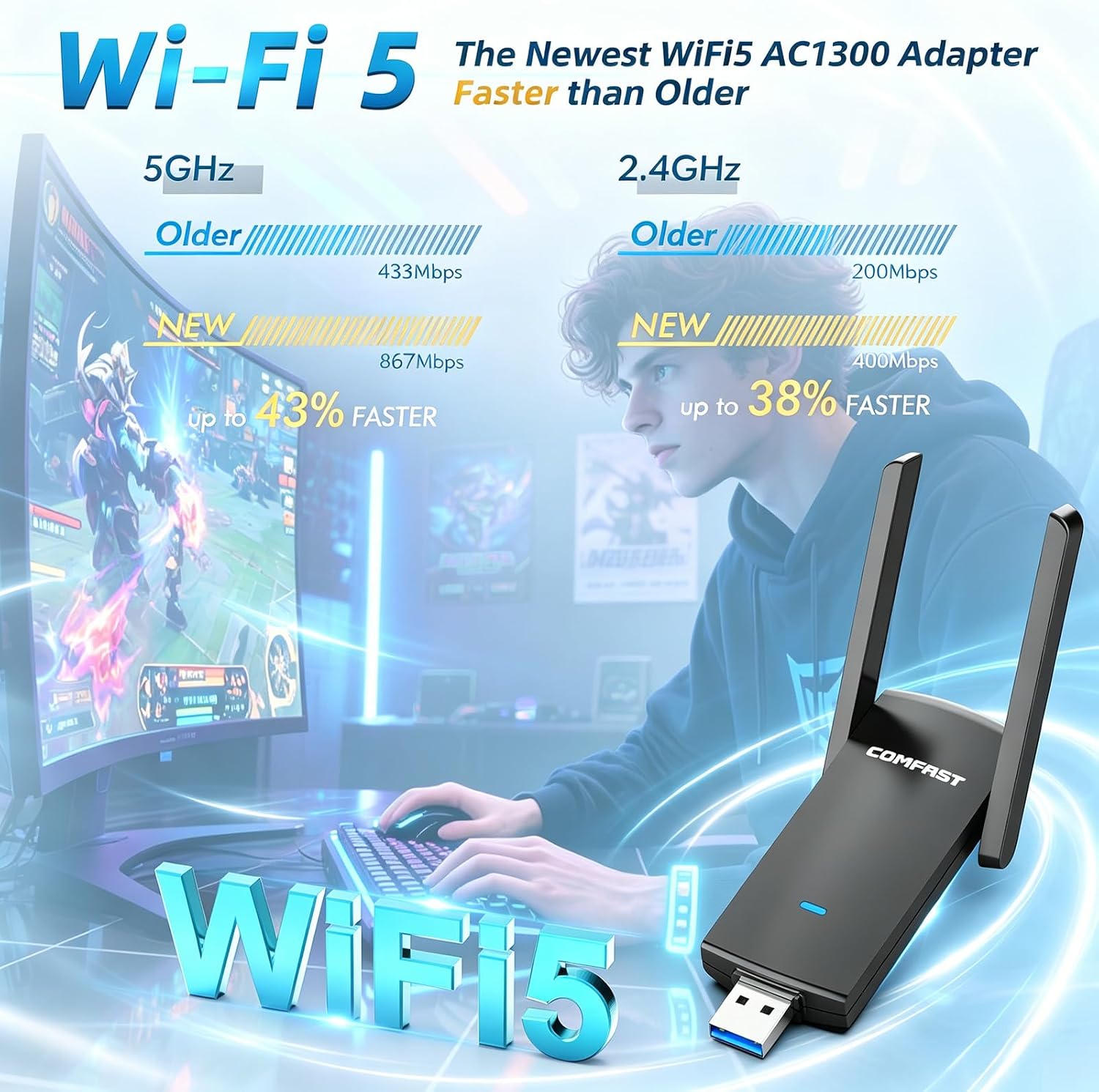
The COMFAST AC1300Mbps USB WiFi Adapter is a compact USB dongle designed to add or upgrade wireless connectivity on desktops and laptops. It supports dual-band operation, with up to 867Mbps on 5GHz and 400Mbps on 2.4GHz, which can help with gaming, streaming and general browsing. On paper, the device combines a straightforward plug‑and‑play approach with MU‑MIMO and two high‑gain antennas, aiming to improve stability and throughput compared with older 2.4GHz only adapters.
How it’s wired into your setup
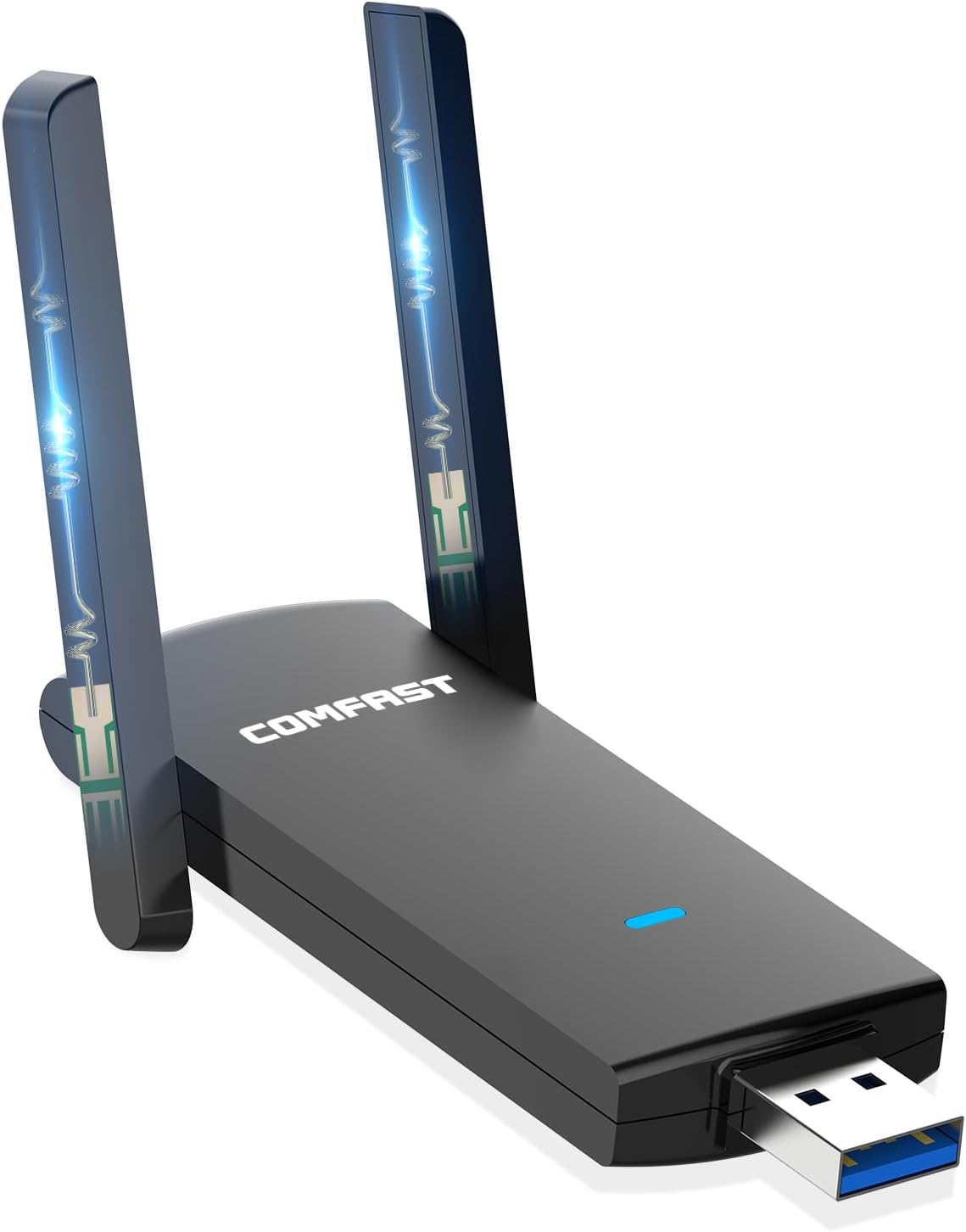
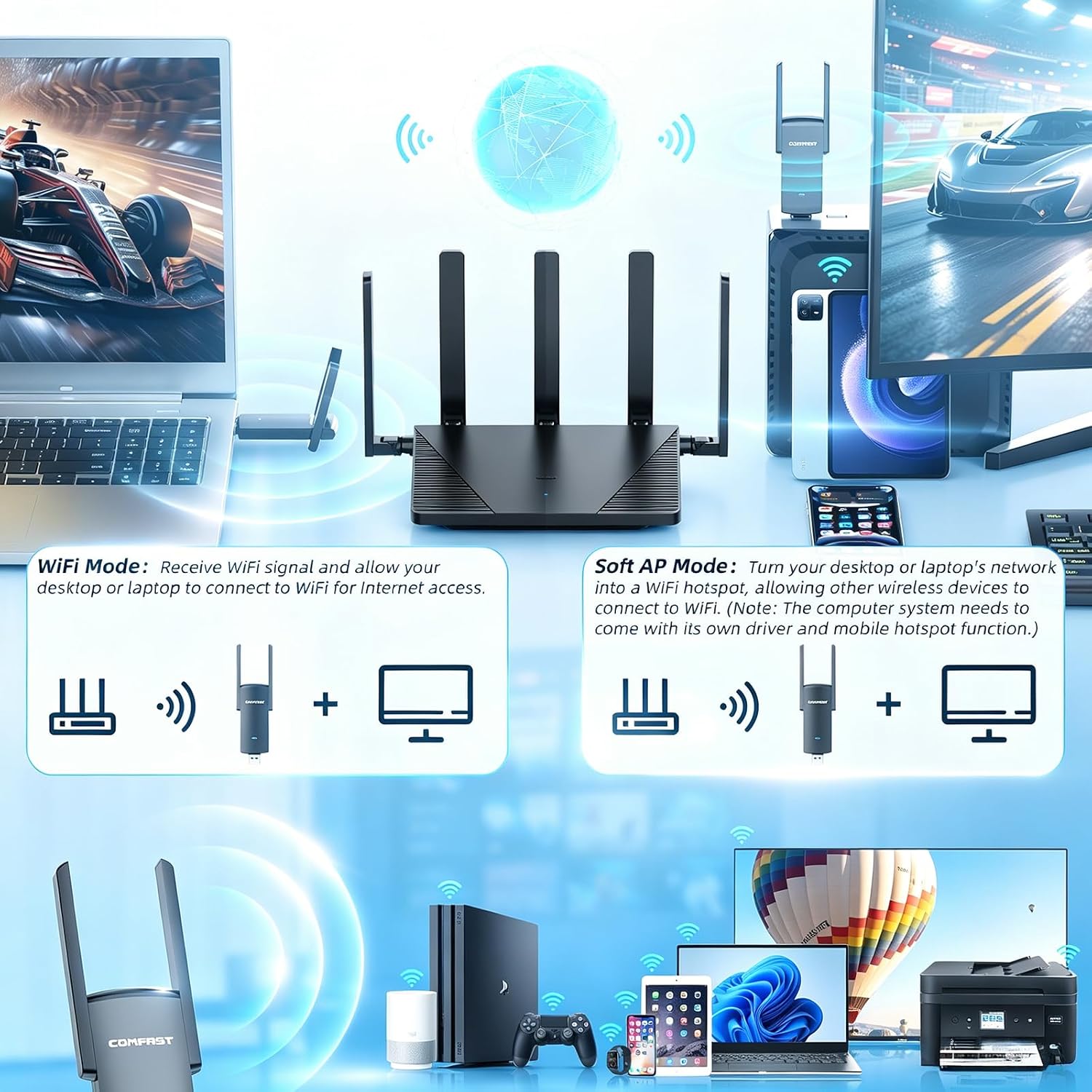
Setup is described as quick and uncomplicated: plug the dongle into a USB port and let the built‑in driver install automatically, then reboot. If you prefer, you can download the latest driver from the official site. For most users, this means minimal fuss and a usable connection without extra hardware or complex network tweaks.
What stands out on paper
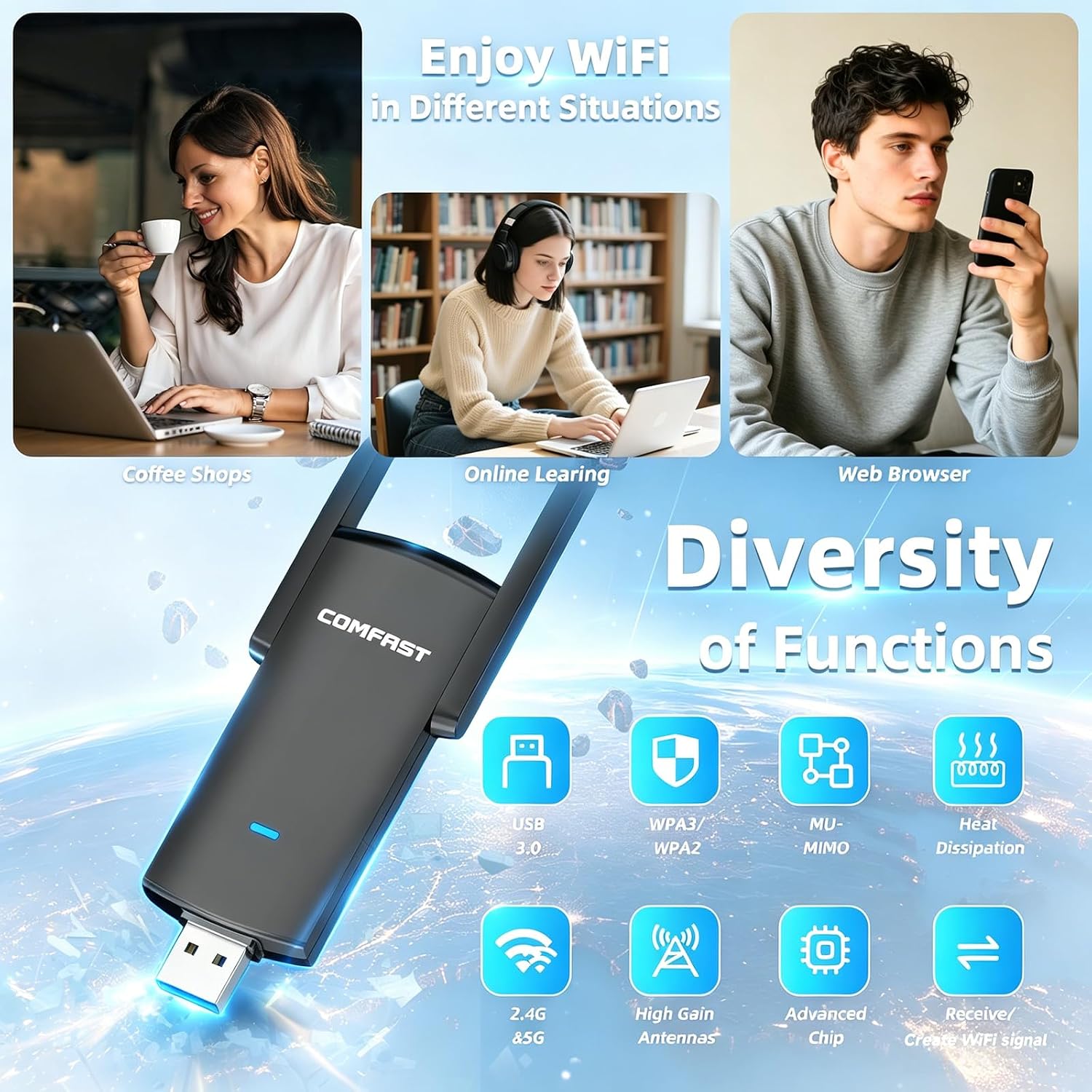
Two adjustable antennas are aimed at enhancing signal reception and stability, especially if the PC is not in the ideal spot for a router. MU‑MIMO support is highlighted as a way to improve performance when multiple devices are connected, potentially reducing bottlenecks in busy households. The product also emphasises security, supporting WPA‑PSK/WPA2‑PSK encryption to keep data safer on public or shared networks.
The trade‑offs to consider
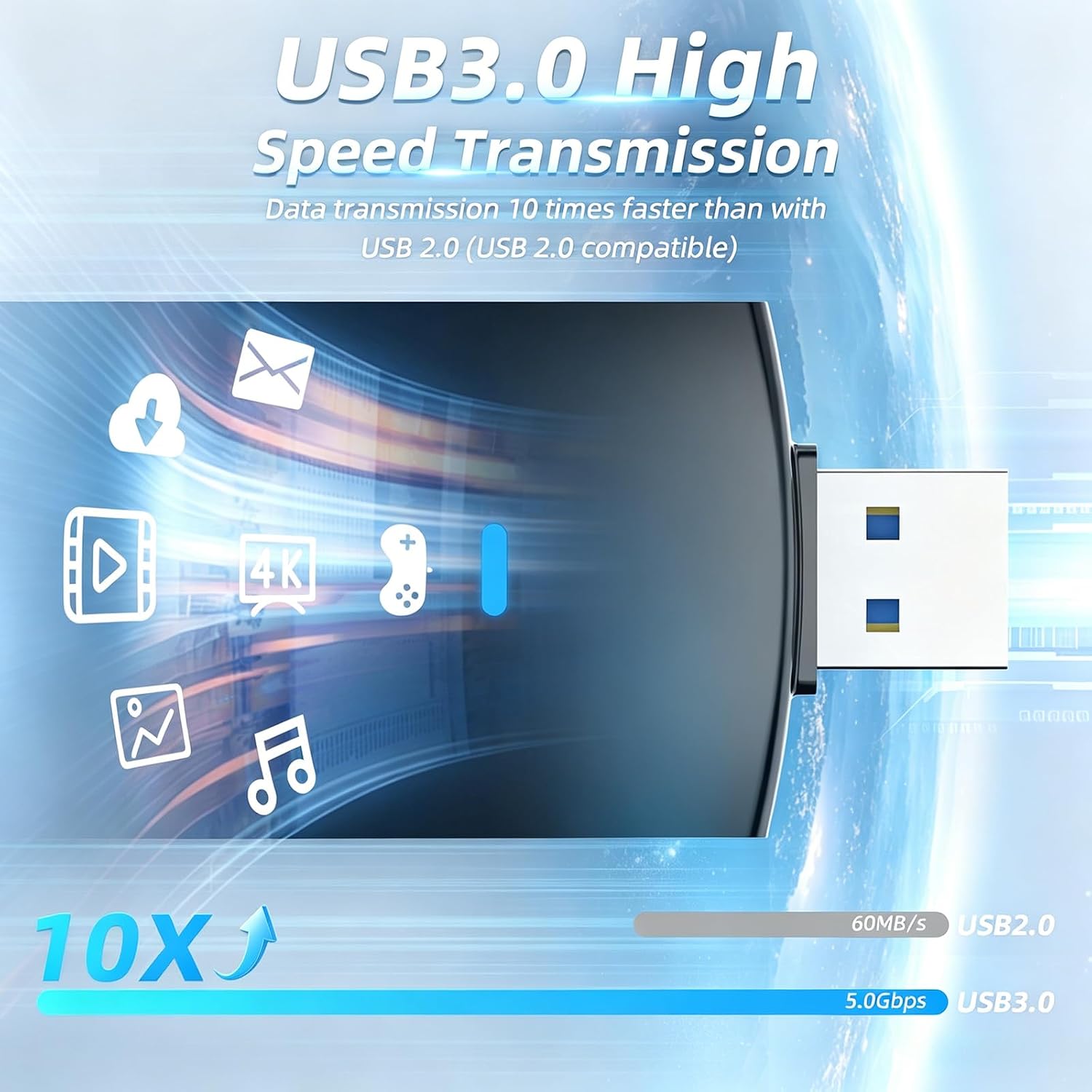
It isn’t perfect. The speeds cited are peak theoretical values, real‑world performance depends on your router, interference, and distance. The 5GHz band often performs best when you’re near the access point, while the 2.4GHz band can be more susceptible to interference from other devices. For a device that relies on USB 3.0, you’ll want to make sure you’re plugging into a USB 3.0 port to avoid potential bottlenecks.
Who it’s for
If you’re upgrading an older desktop or laptop without built‑in dual‑band WiFi, or you’re looking to improve streaming or online gaming with clearer connections, this adapter offers a simple route to better wireless performance. It suits home users who value ease of setup and a compact form factor, and who don’t want to invest in a full PCIe network card.
Who might want to look elsewhere
If you routinely push bandwidth to the limit, or need rock‑solid consistency for professional gaming or latency‑sensitive tasks, there are higher‑end adapters with more robust antennas or newer standards that might deliver more headroom. Likewise, users with Cupboard‑thin desks or unusual USB layouts may need to ensure the dongle doesn’t obstruct other ports.
When it makes sense to buy
Purchase makes sense if you have a computer with limited or unreliable built‑in WiFi, a need for dual‑band operation, and you want a straightforward upgrade with reasonable price to performance. The two‑antenna design and MU‑MIMO hint at better performance in typical home networks compared with basic single‑antenna dongles.
When you might skip it
If your current WiFi setup already hits the speeds you need or you require ultra‑low latency for competitive gaming, you may benefit from a solution with more advanced antennas or a different wireless standard. Also, if you rely on high‑quality 5GHz coverage across a large space, you might want to consider how well this dongle will maintain signal at the far edges of your home.
Practical usage note
A typical scenario: you’re gaming on a desktop located away from the router. The COMFAST adapter can provide a more stable link than a poor‑performing built‑in card, especially if you can position the antennas for better reception. In a mixed device environment, you may notice more consistent streaming on 1080p or higher as long as the router is reasonably close and free from interference.
What to check before purchasing
Ensure your PC has a free USB 3.0 port to maximise bandwidth, and verify your router supports dual‑band operation to fully exploit the 5GHz/2.4GHz capabilities. Consider whether your typical usage benefits from MU‑MIMO and dual antennas, or if a different solution would better fit your space and network layout.
Quick verdict in practice
Is it worth it?
It’s a sensible upgrade for users who need an easy, cost‑effective way to add dual‑band WiFi and improve stability in a typical home setup. It won’t transform a weak network into ultrafast broadband, but it can provide a noticeable improvement where the built‑in adaptor lags, especially if you can optimise antenna positioning.
FAQ (practical and short)
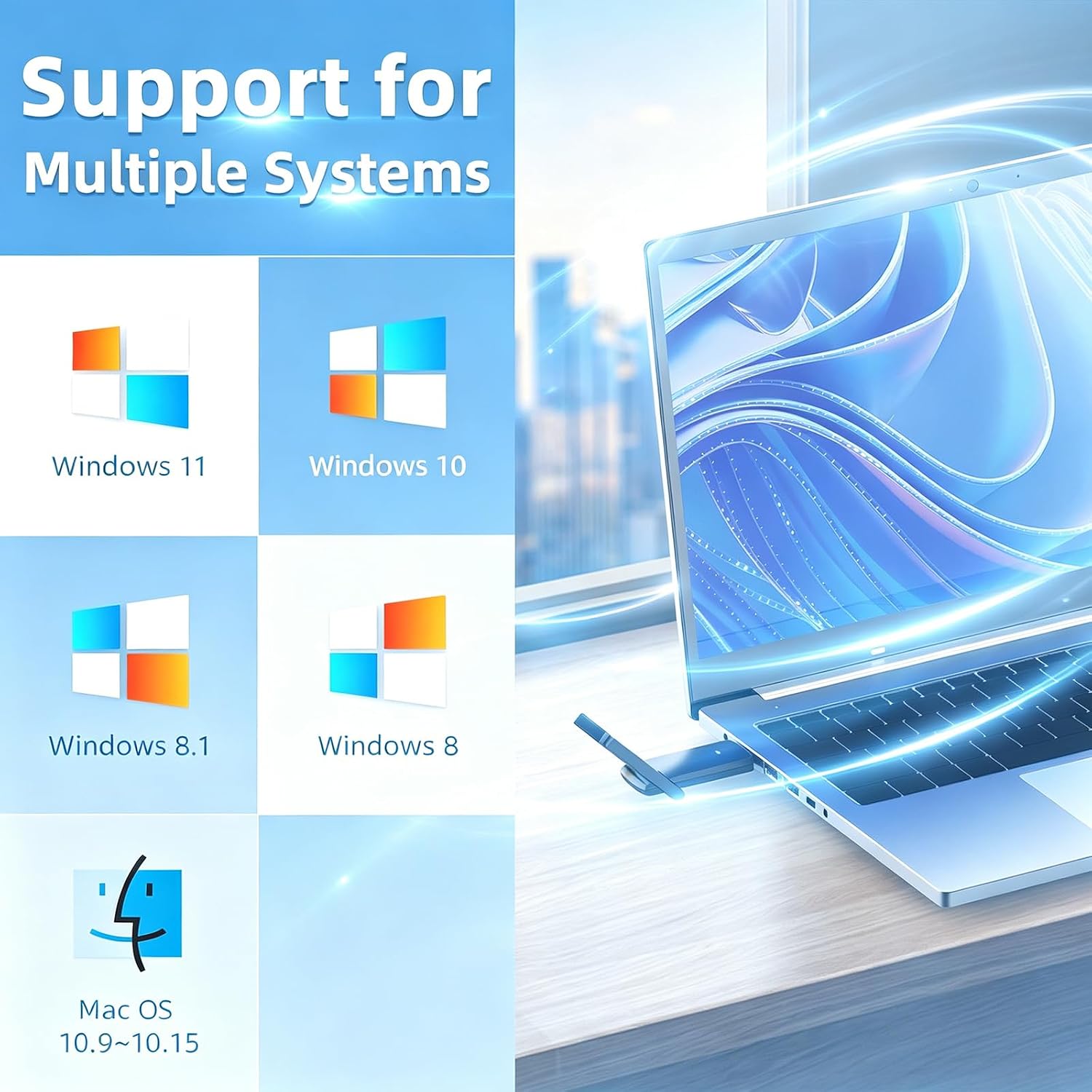
- Will this work with Windows 11? Yes, the base description indicates compatibility with Windows 11/10/8.1/8/7 and Mac OS 10.9–10.15.
- Do I need to configure drivers manually? The product advertises a built‑in driver for easy initial setup, with an option to download the latest driver from the official site.
- Can MU‑MIMO help in a busy household? It can improve overall network efficiency when multiple devices are connected, though results depend on your router and environment.
Final thoughts
If you value straightforward installation, dual‑band flexibility, and a two‑antenna design aimed at improving reception, the COMFAST AC1300Mbps USB WiFi Adapter offers a practical, budget‑friendly upgrade path. Consider your space, your current router, and whether the anticipated gains align with your daily use, especially for gaming and streaming.