

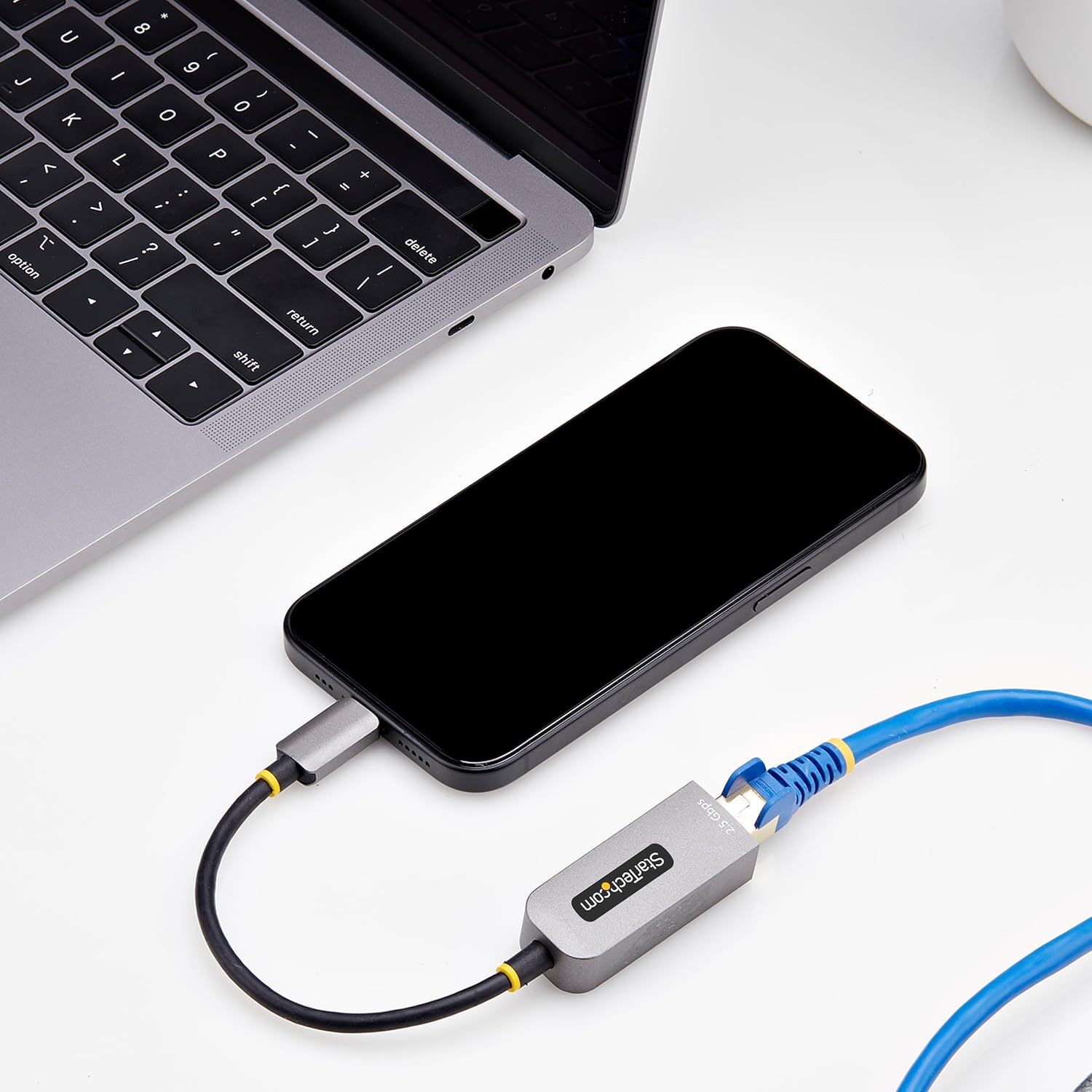
StarTech.com 2.5GbE USB-C to Ethernet Adapter (NBASE-T, multi-speed) – Thunderbolt compatible
Product description
If you’re trying to squeeze more speed and stability out of a laptop or tablet without rebuilding your whole network, this StarTech.com USB-C to Ethernet adapter is built for that job. It adds 2.5GbE access over a USB Type-C port, and it’s designed to work over existing Cat5e cabling thanks to NBASE-T.
That’s the headline, but the real-world question is whether it matches your device and your network hardware. It’s not a “set and forget no matter what” item—drivers, supported modes, and what your network can actually deliver do matter.
Key takeaways
On paper, this looks like a sensible multi-speed upgrade for anyone with a spare USB-C port who wants more than plain 1GbE. The adapter supports 2.5Gbps multi-gigabit networking over RJ45 and is set up for auto-negotiation, which helps it settle into the best agreed speed with your router/switch.
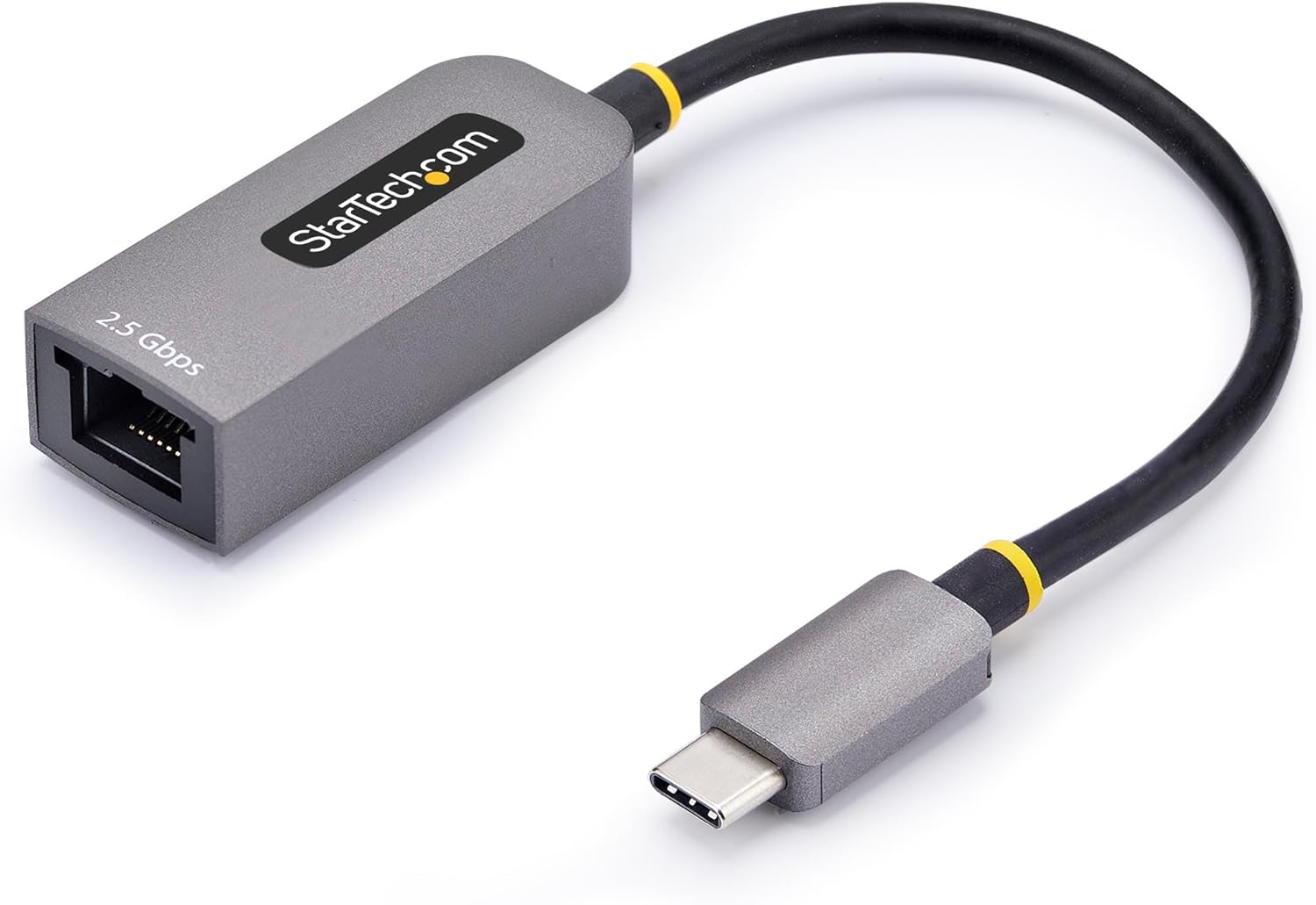
It also leans practical: a slim form factor for office or hot-desking, an attached short cable to reduce fiddling, and features aimed at day-to-day usefulness (like WoL and VLAN). Still, there’s at least one notable limitation to keep in mind—Jumbo Frames aren’t supported in macOS, so if you were counting on that specific behaviour, you may want to look elsewhere.
The essentials
This StarTech USB-C Ethernet adapter is a wired network add-on for devices with an available USB Type-C port. The goal is to bring a more reliable connection than Wi-Fi, while also giving you headroom beyond 10/100Mbps and standard 1GbE.
A useful micro-scenario: imagine you’re in an open-plan office with a laptop that only offers decent Wi-Fi at best. Plug in the adapter, connect to the desk Ethernet point, and your downloads and video calls can behave more consistently. If your network equipment supports 2.5GbE, you stand to benefit more than you would on basic gigabit.
Where it shines
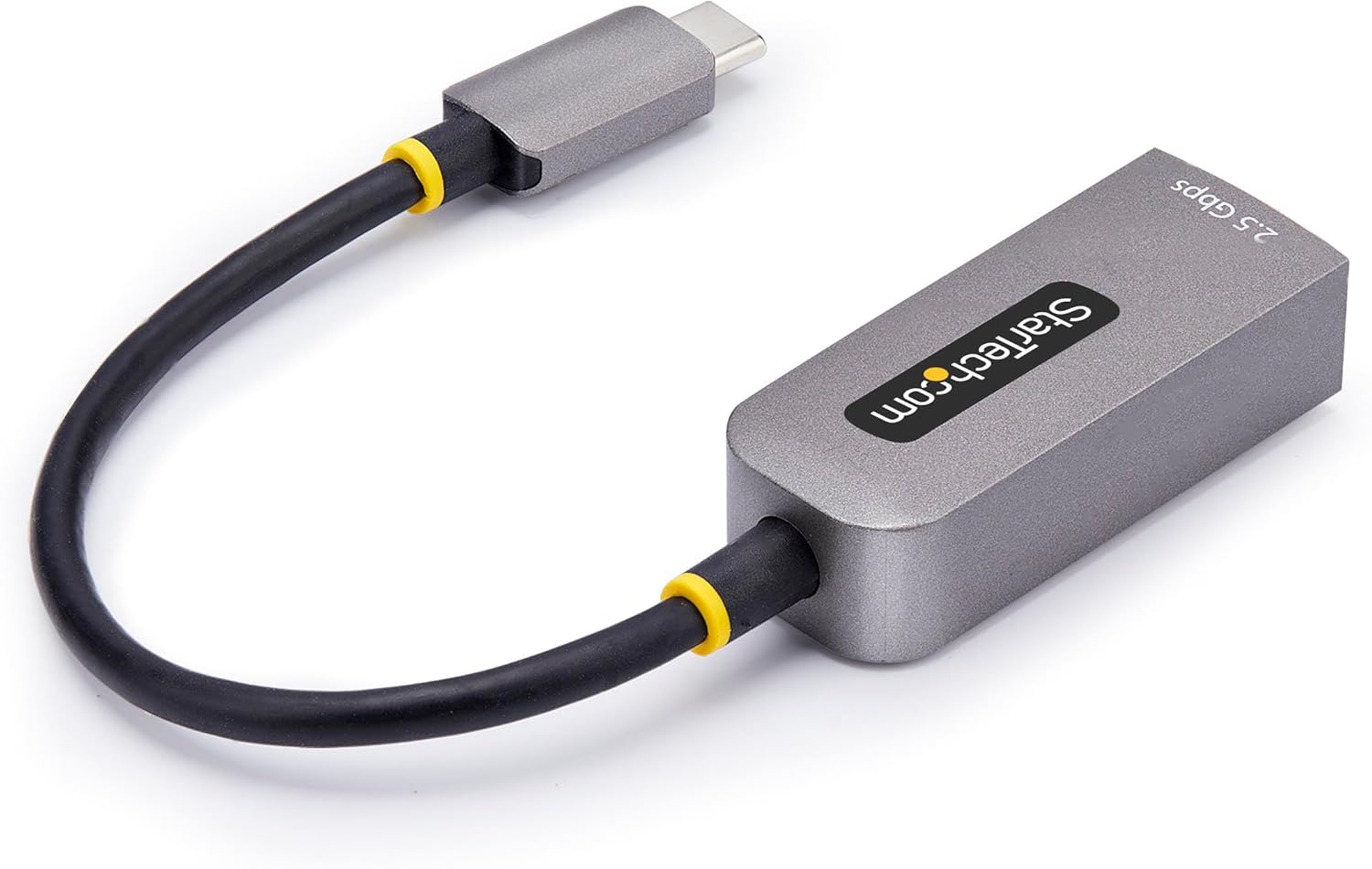
The standout angle here is NBASE-T support for 2.5Gbps over existing Cat5e. That can be a big deal if you don’t want the expense (or hassle) of upgrading to newer cabling just to get a small performance bump.
You also get a multi-speed approach—10/100Mbps and 1/2.5Gbps—so it should still connect in environments where not everything is 2.5GbE ready. The inclusion of 4-speed auto-negotiation is another part of that: it’s meant to help you find an optimal link mode with your network devices.
There’s also support for WoL and VLAN, which can matter if you’re managing devices rather than just plugging in occasionally.
What you’ll notice day to day
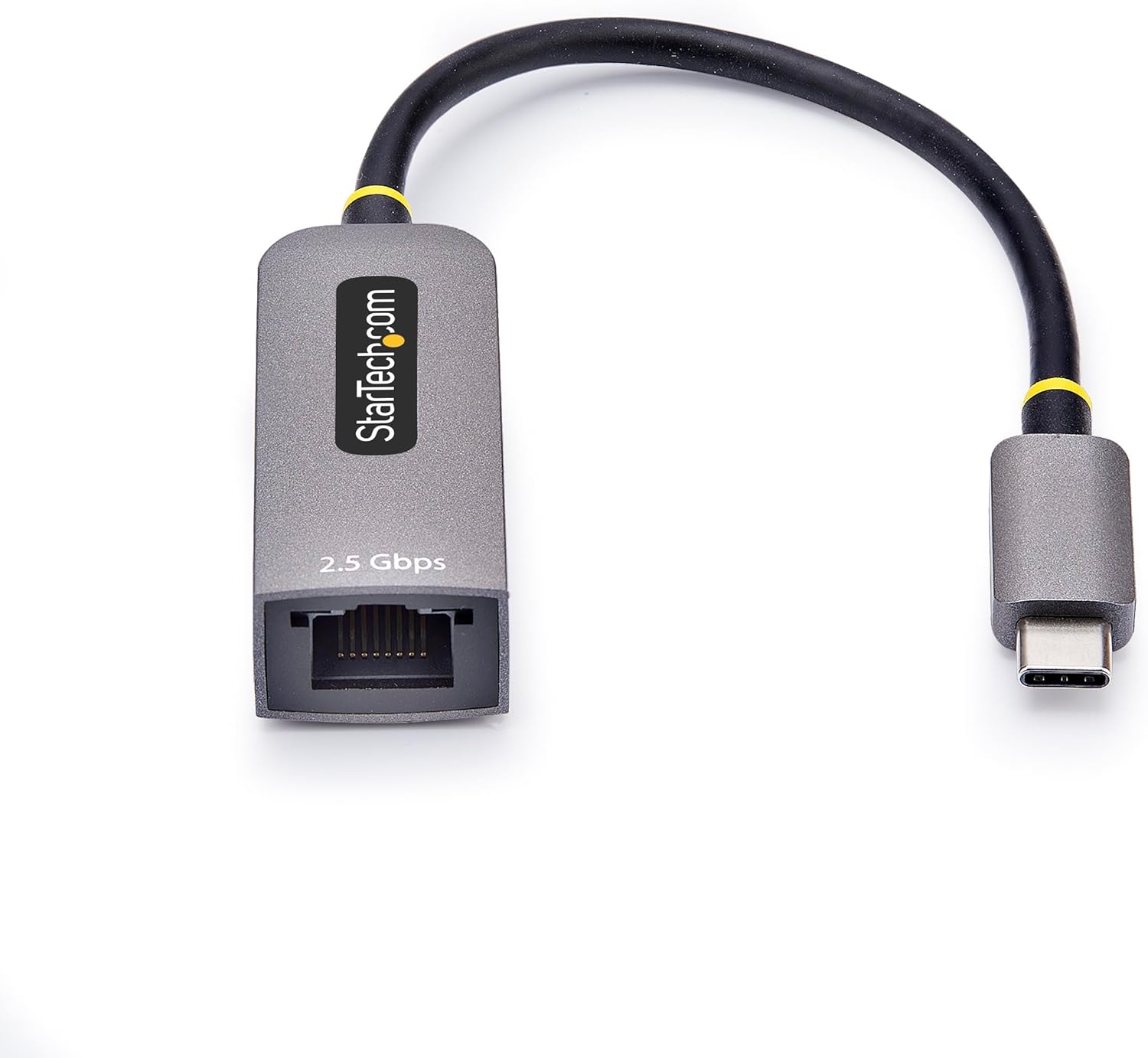
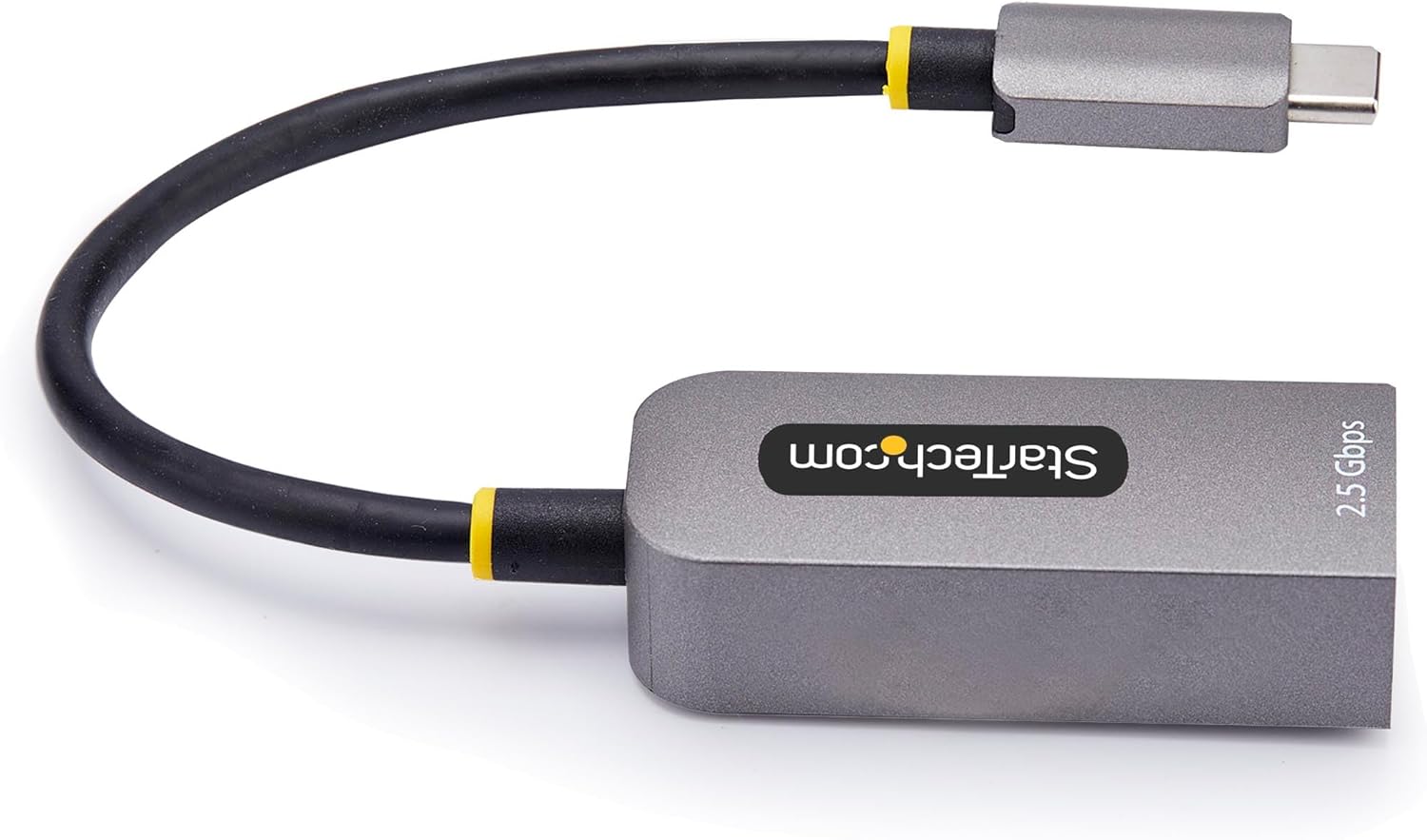
In everyday terms, this is the kind of adapter you buy when you want dependable wired networking on the go. The attached 6in (15cm) cable is there for convenience, particularly at desks where dangling dongles can get knocked.
The platform support described is broad: it auto-installs most operating systems including Windows 7 and up, Linux LTS Kernel 4.19+ and up, and MacOS/iOS/ChromeOS. It also claims compatibility across hardware platforms (Intel, AMD, ARM including Snapdragon, and Apple Silicon). On a practical level, that reduces the risk of ending up with an adapter that only works on one corner of the ecosystem.
That said, auto-install and compatibility claims don’t always remove every variable. You may still want to double-check that your specific device and OS version behave as expected for the features you care about.
Key specifications
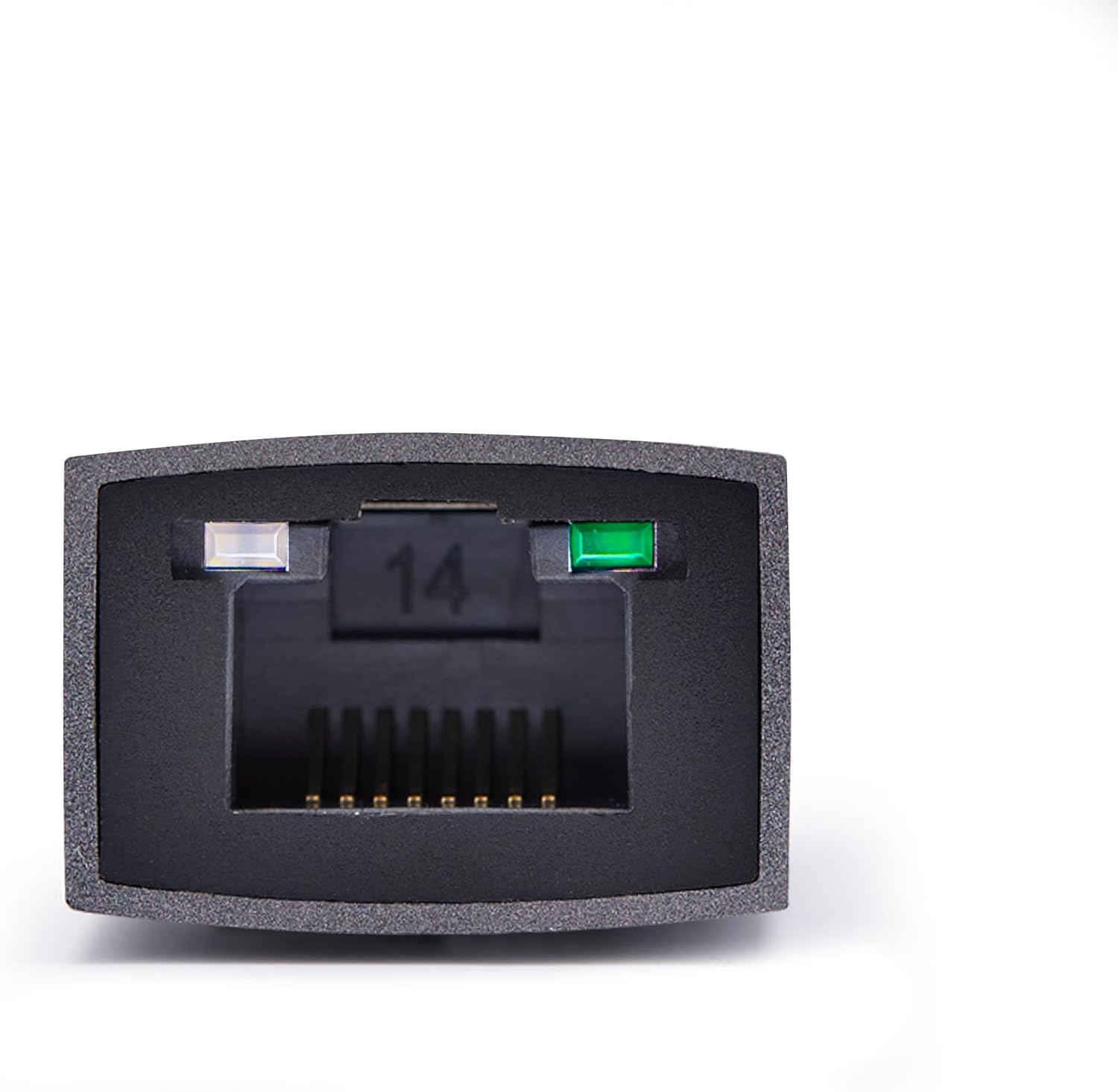
- Type: USB-C to Ethernet adapter (RJ45)
- Network speed: up to 2.5Gbps multi-gigabit, supports 10/100Mbps and 1/2.5Gbps
- Cabling approach: NBASE-T / 2.5GBASE-T for 2.5Gbps over Cat5e
- USB interface: USB 3.0 Type-C (USB 3.2 Gen 1, 5Gbps)
- Cable: 6in (15cm) attached cable
- Chipset: Realtek
- Features noted: 16K Jumbo Frames (not supported in macOS), WoL, VLAN
- Power: USB bus-powered
- Other: Thunderbolt compatible
Who it’s for (and who should skip it)
It makes sense if you’re looking for a straightforward wired upgrade for a laptop/tablet with USB-C, especially if your existing network wiring is Cat5e and your router/switch supports 2.5GbE. It’s also a good fit for office/hot-desk setups where you want one compact adapter rather than moving whole docking solutions around.
It might not be a great match if you specifically need Jumbo Frames on macOS, because that feature isn’t supported there. And if your network equipment is only gigabit, you may find the benefits are more “more stable than Wi-Fi” than “transformative speed”, since the link can only run as fast as what the network side can negotiate.
Mini FAQ
Does this adapter support 2.5GbE over existing Cat5e cabling?
Yes—NBASE-T is included, aimed at enabling 2.5Gbps over Cat5e without jumping straight to higher-spec cabling.
Will it work on Macs and Apple Silicon devices?
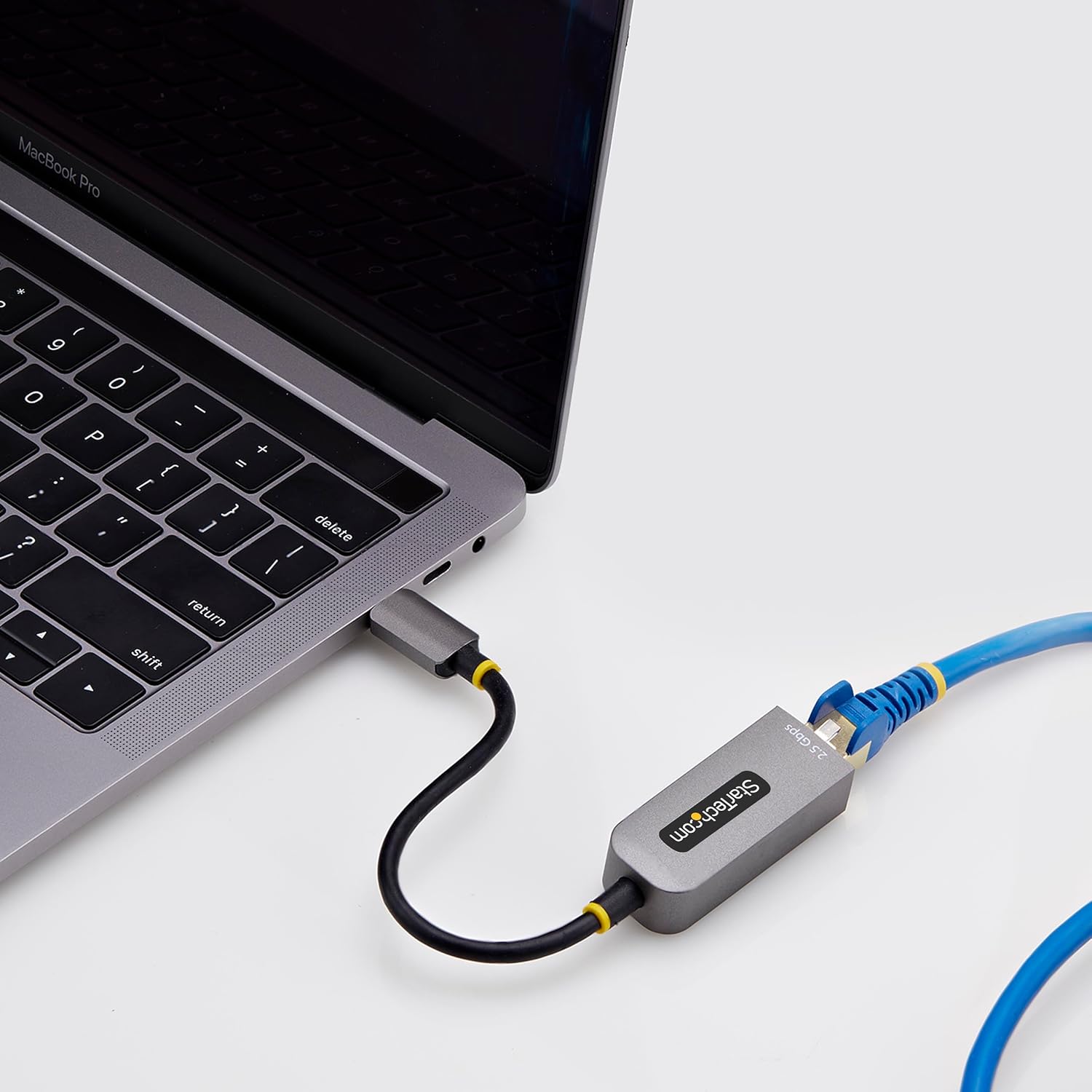
The description says it auto-installs for MacOS/iOS/ChromeOS and supports Apple Silicon devices, but it also explicitly notes that 16K Jumbo Frames are not supported in macOS.
Is it a full “driver-free” experience?
It’s described as auto-installing most operating systems, but as with any USB network adapter, your exact OS version and configuration can still influence how smoothly features behave.
Does it support wake-on-LAN and VLAN?
WoL and VLAN are listed as supported features, which can be useful in managed setups.
Final verdict
Should you buy it? This StarTech.com 2.5GbE USB-C to Ethernet Adapter is worth considering if you want reliable wired networking from a USB-C device and you have (or plan to use) 2.5GbE-capable network equipment over Cat5e. It’s positioned as a practical multi-speed upgrade rather than a specialist fibre replacement.
You may want to skip it if Jumbo Frames on macOS is essential for your use case, or if your network can only deliver 1GbE—then the “best-case” speed benefit will be limited even though the wired stability is still likely to be an improvement over Wi-Fi.