

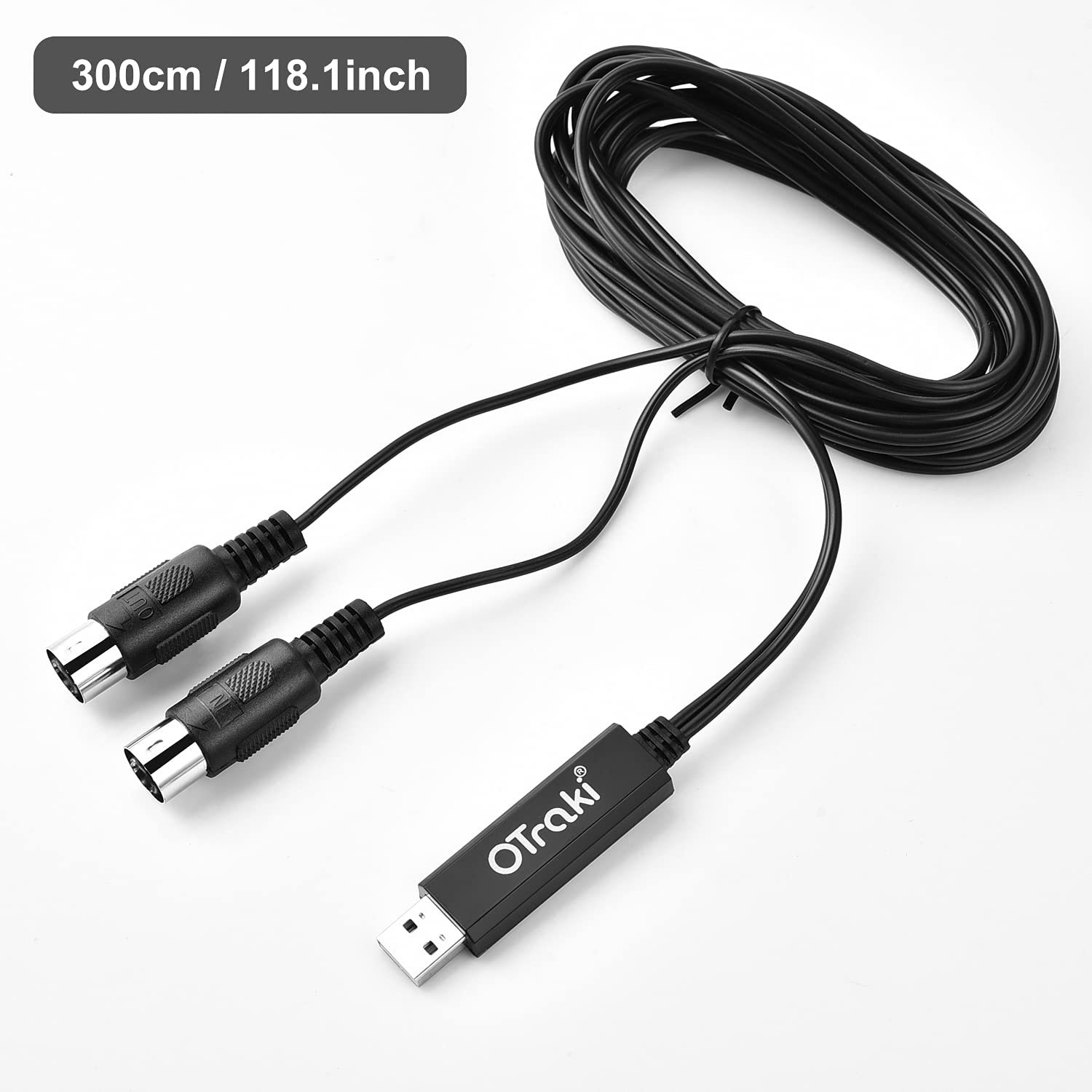
OTraki Midi to USB Cable (5 PIN, 3m) – USB MIDI Interface for Home Music Studio
Product description
What it is
The OTraki Midi to USB Cable is a simple, plug-and-play USB MIDI interface designed to connect a MIDI-enabled keyboard, piano or drum module to a computer or laptop. It uses a 5-pin DIN MIDI connection on a 3m / 10ft cable and includes LED indicators to show power (red) and signal activity (blue).
How it works
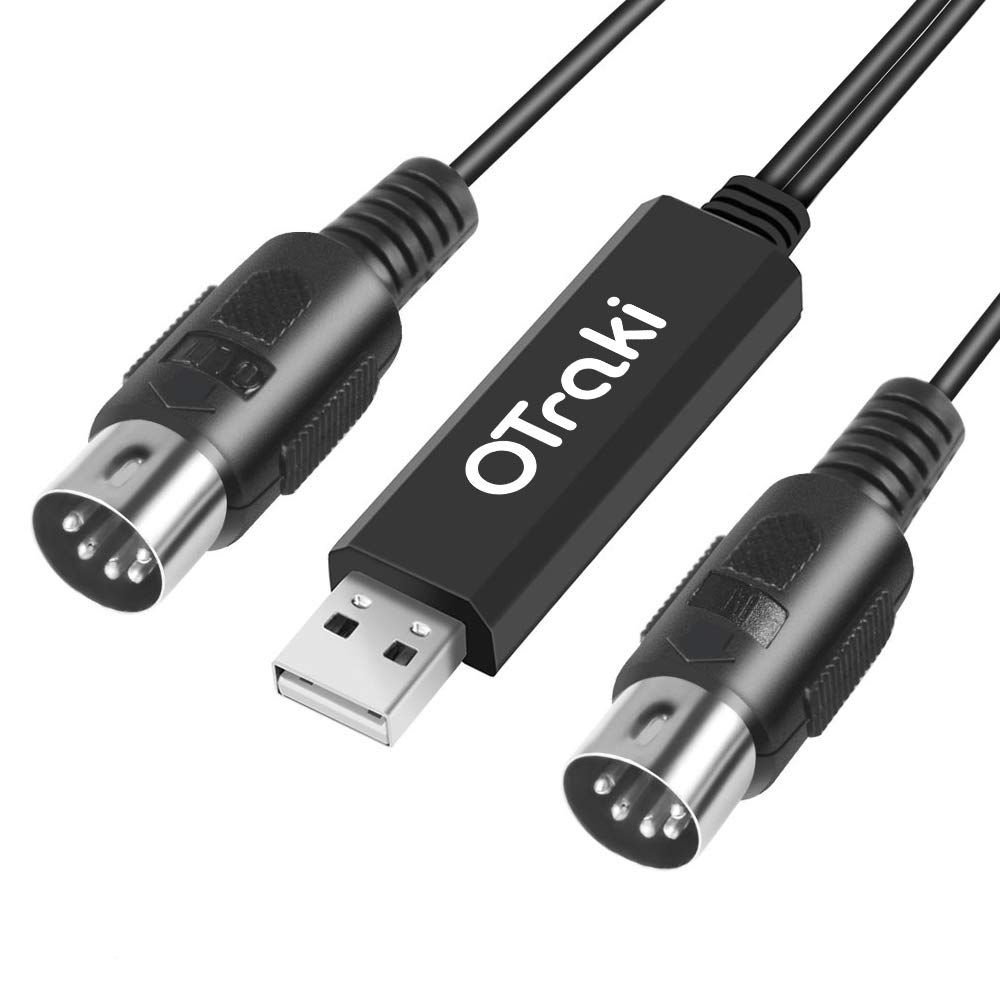
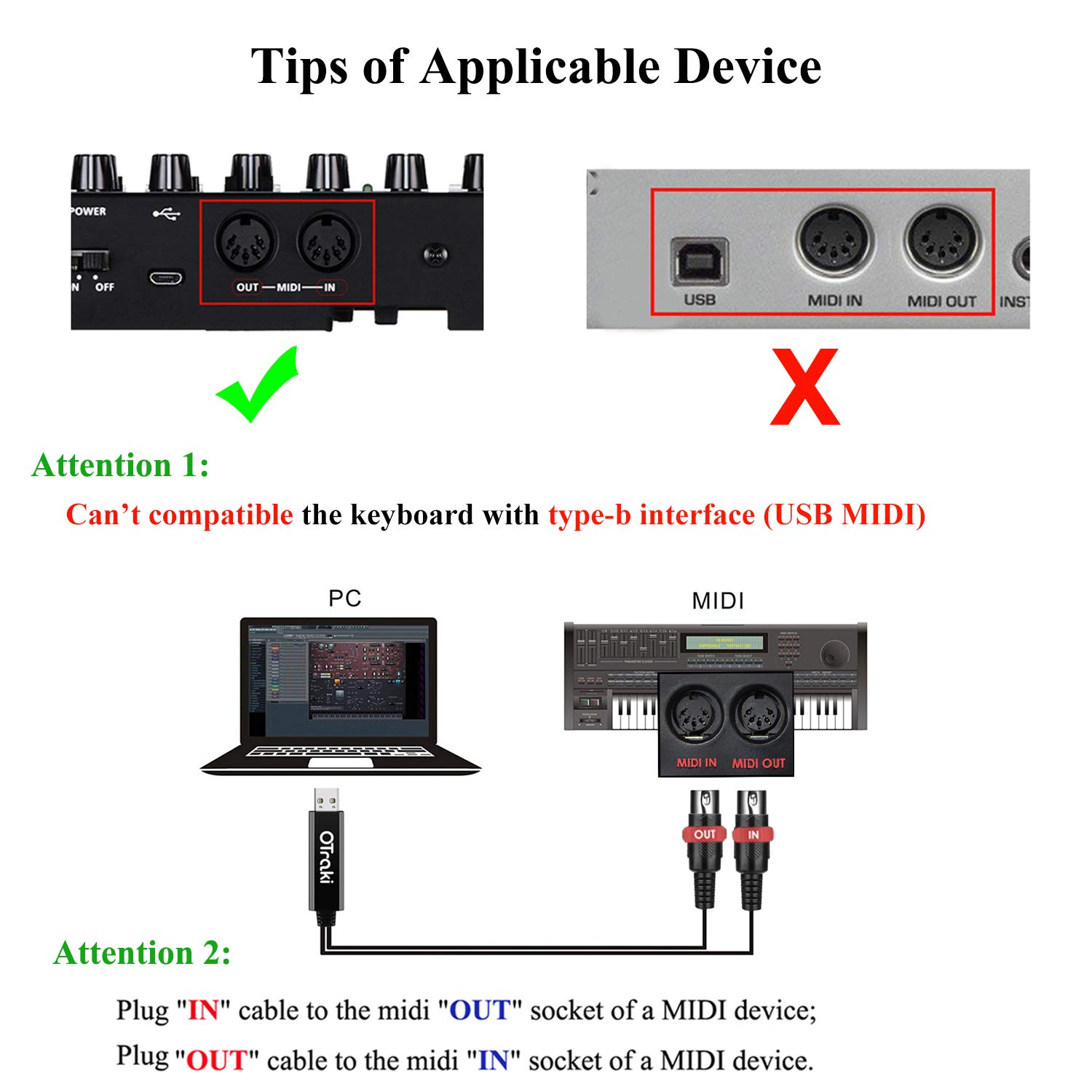
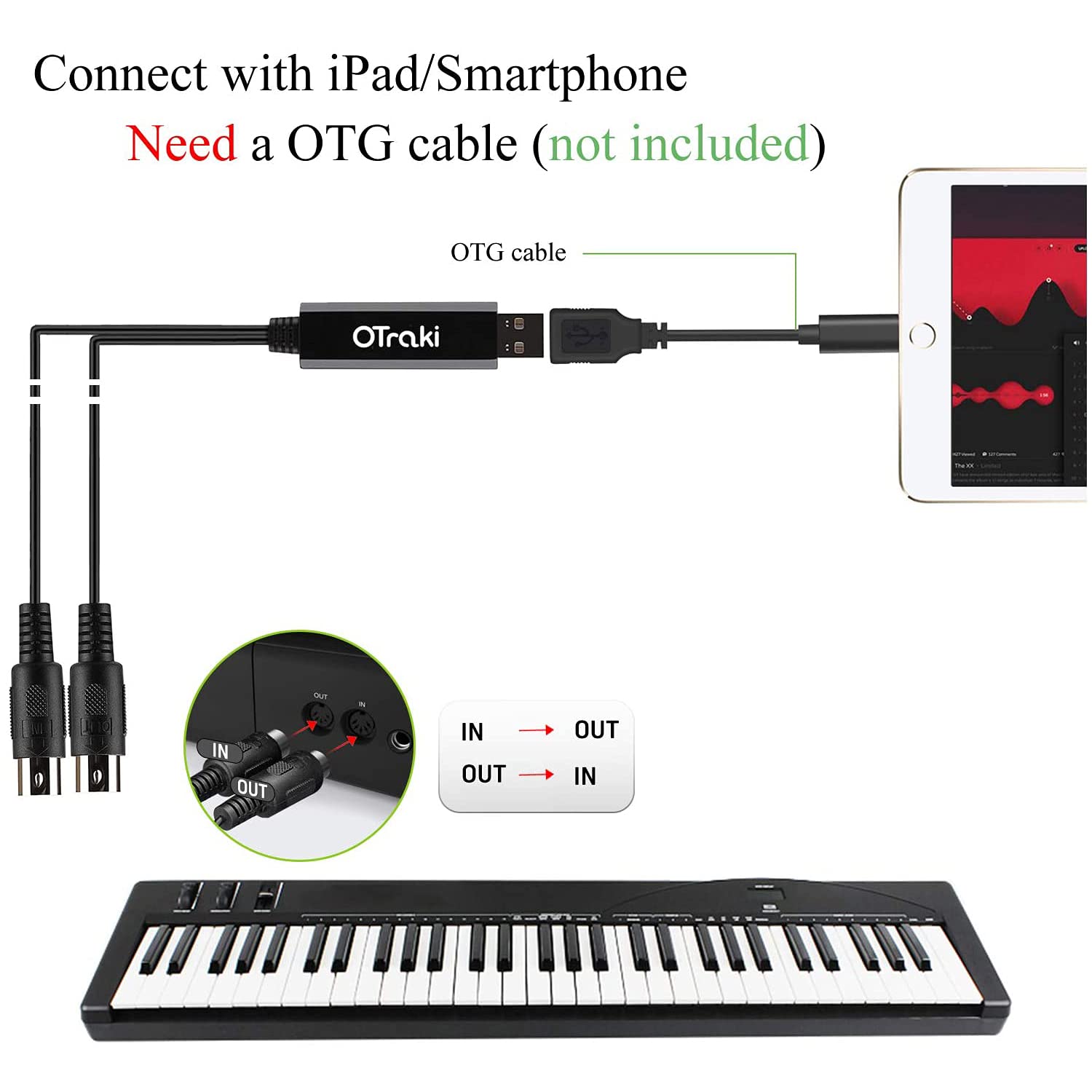
Connect the IN end of the 5-pin DIN to your MIDI device and the OUT end to the other device’s MIDI input. Then plug the USB end into your computer. No driver installation is required and there’s no need to download apps, which keeps things straightforward for home studios or practice setups. Note that it won’t work if you misconnect the interfaces.
What stands out
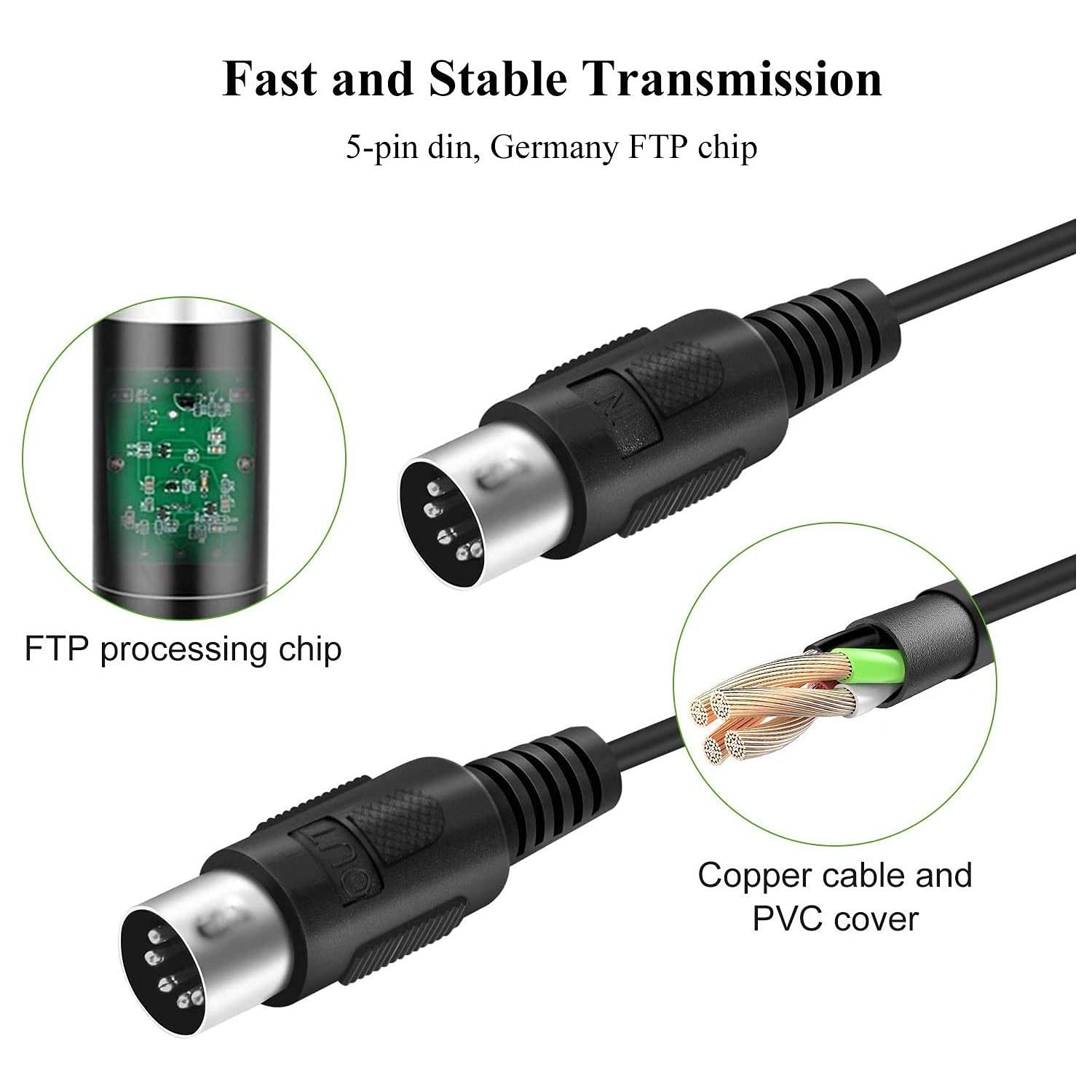
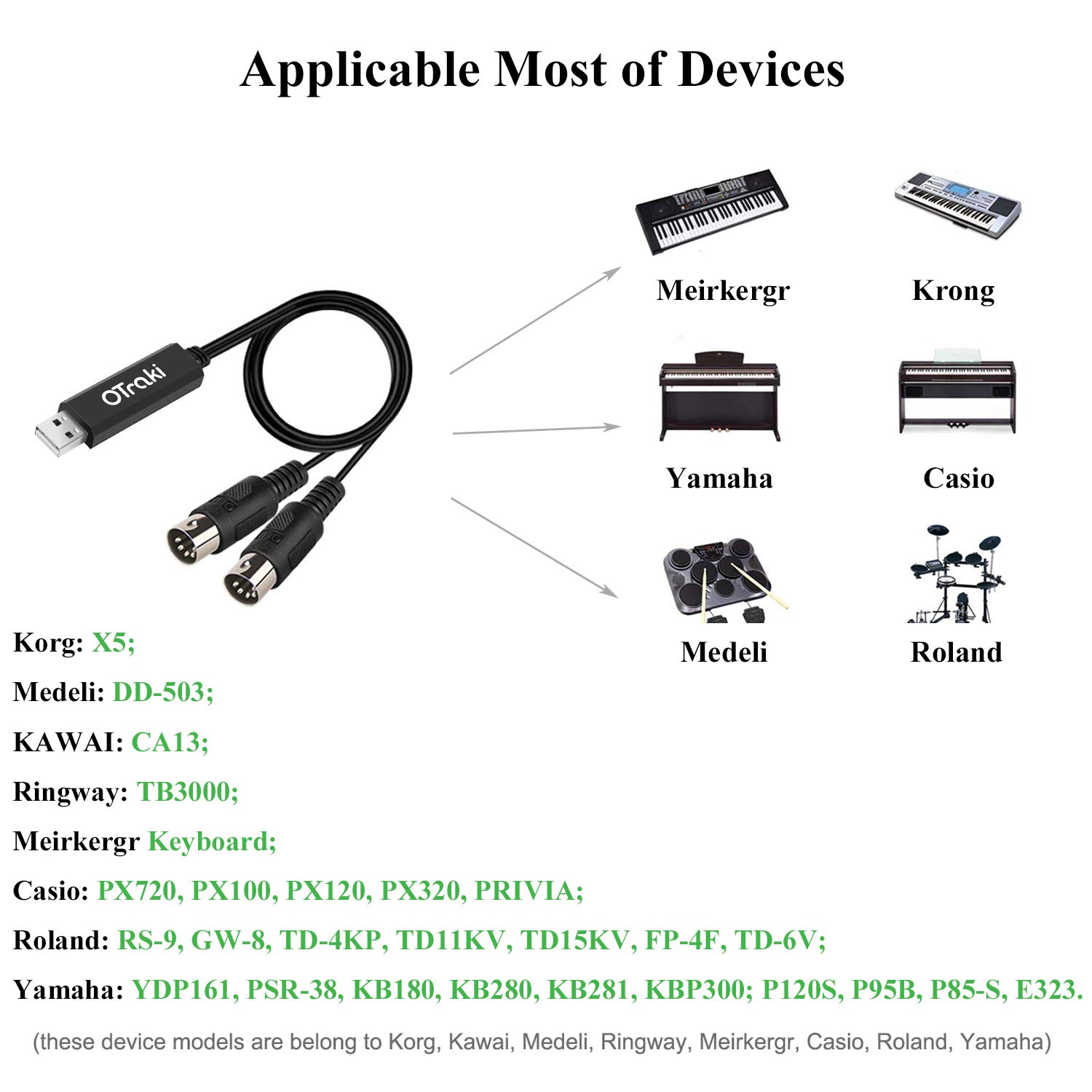
On paper, this is a basic, no-frills USB MIDI interface with a 1 in + 1 out configuration and a relatively long 3m cable, which can reduce the need for extension leads. The device advertises a relatively low-latency, stable transmission thanks to a high-performance FTP processing chip and anti-interference features. It’s positioned to support a range of MIDI gear, including keyboards, electronic drums and effects.
Pros and limitations
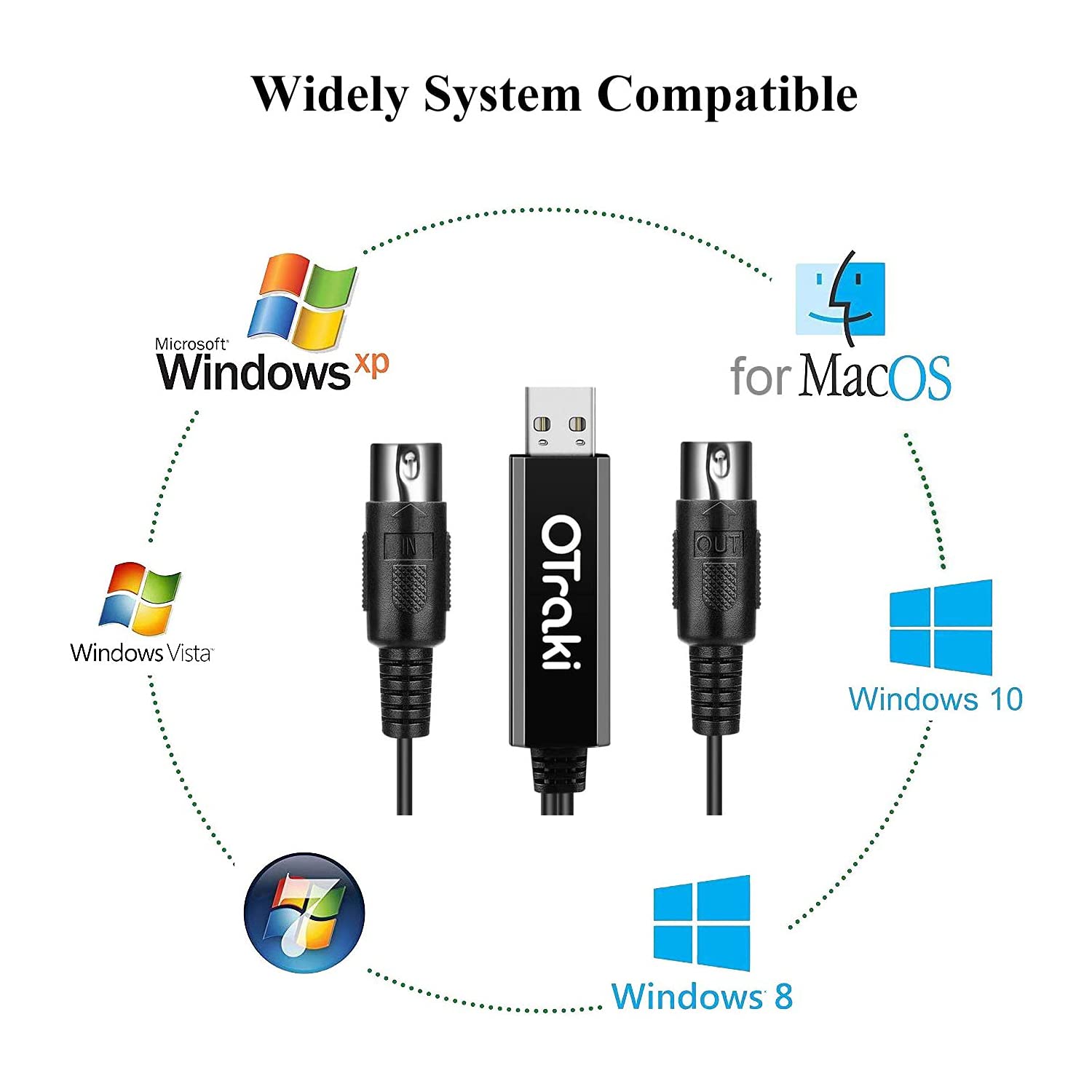
Pros: straightforward setup, driver-free, compatible with many Windows and macOS versions, clearly indicating power and signal transfer, and a reasonably long cable for flexible placement. Limitations: it uses a traditional 5-pin DIN plug, so you must have compatible MIDI equipment with the corresponding sockets. The USB interface is Type-A and may not work with devices that require USB Type-B connections. It may also require an OTG adaptor if you intend to connect to a phone or tablet. As with any budget-friendly interface, some users may notice limitations in comparative latency or feature depth versus higher-end MIDI interfaces.
Who it’s for
If you’re building a budget-friendly home studio or just need a simple way to route MIDI data between gear and your computer, this cable could be a practical option. It suits users who value plug‑and‑play practicality and a longer cable for flexible setup. It may not be the best choice if you require advanced features like multi-port MIDI, extensive routing, or USB-C compatibility without adapters.
When it makes sense to buy
Choose this when you want a straightforward MIDI-to-USB connection without installing drivers, and your gear uses a 5-pin DIN MIDI interface. It’s also worth considering if you already have USB-A ports and don’t need extra complexity.
What to check before buying
- Ensure your MIDI device has an independent MIDI input and output and uses a 5-pin DIN connector.
- Confirm your computer or laptop supports USB MIDI interfaces via USB-A, and be prepared for any OTG considerations if you plan to use a phone or tablet.
- If your setup relies on USB-C only devices, you may need an adapter, and a device with USB-C OTG support would require an adaptor—which is not included.
- Remember the cable length is 3m, verify it fits your workspace layout.
Practical use case example
Imagine a home studio where a MIDI keyboard sends performances to your computer for recording and software synth editing. With the OTraki cable, you can connect directly, see a blue LED indicating data flow, and later move the keyboard around the room without tripping over cables thanks to a 3m length.
FAQ
- Does it need driver installation? No, it’s designed to be plug‑and‑play.
- Can I use it with a phone or tablet? You may, but you’ll need an OTG adaptor (not included).
- Can it work with USB Type-B devices? No, it’s intended for devices with independent MIDI in/out sockets and USB Type-A interfaces.
Is it worth it?
It’s worth considering if you want a low‑friction, budget-friendly MIDI bridge that gets you up and running quickly. If you prioritise rugged multi‑port MIDI or PCIe‑level latency control, you might look at more feature-rich options. Not perfect, but a sensible choice for basic home recording or practice setups.
Buying verdict
You’ll benefit if you need a simple, driverless MIDI to USB solution for standard MIDI equipment and a room‑friendly 3m cable. If your use case involves high channel counts, USB‑C workflows, or devices with USB‑B interfaces, you may want to explore alternatives or expect adapters.
Quick FAQ (summary)
- Is it compatible with Windows and macOS? Yes, stated to support common systems.
- Do I need software to operate it? No software required.
- Will it work with every MIDI device? It covers many common devices, but ensure your device uses a standard MIDI in/out interface.