

AOC Q32V4 32-inch QHD monitor 75Hz
Product description
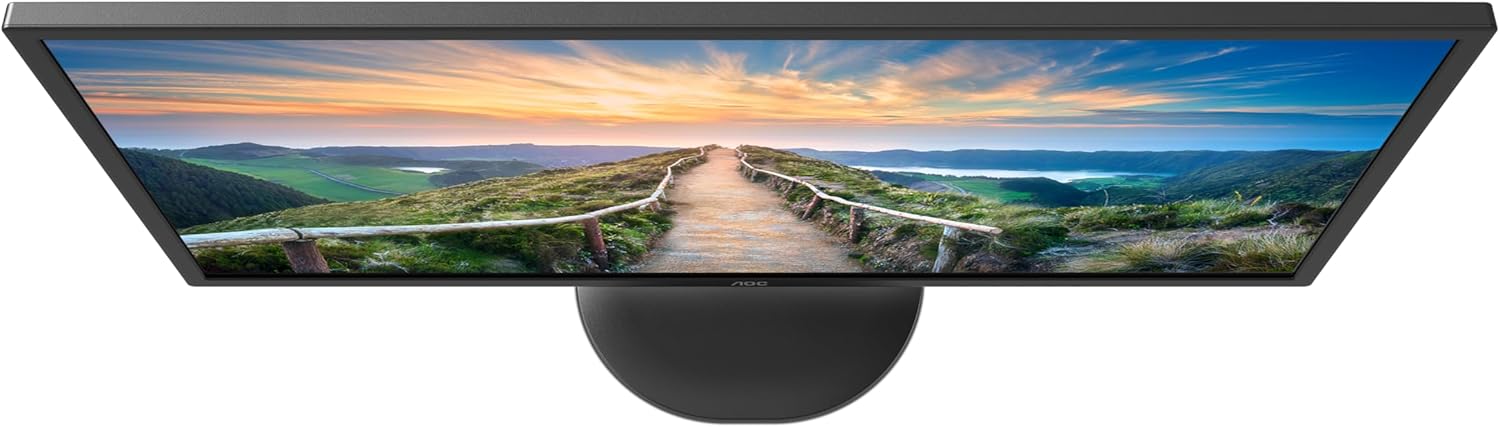
This 32 inch QHD monitor brings sharper detail and larger workspace for office tasks, multimedia and light gaming. The panel’s higher resolution and an IPS matrix deliver more accurate colour and wide viewing angles, helping when editing images or sharing the screen with others.
Key Points
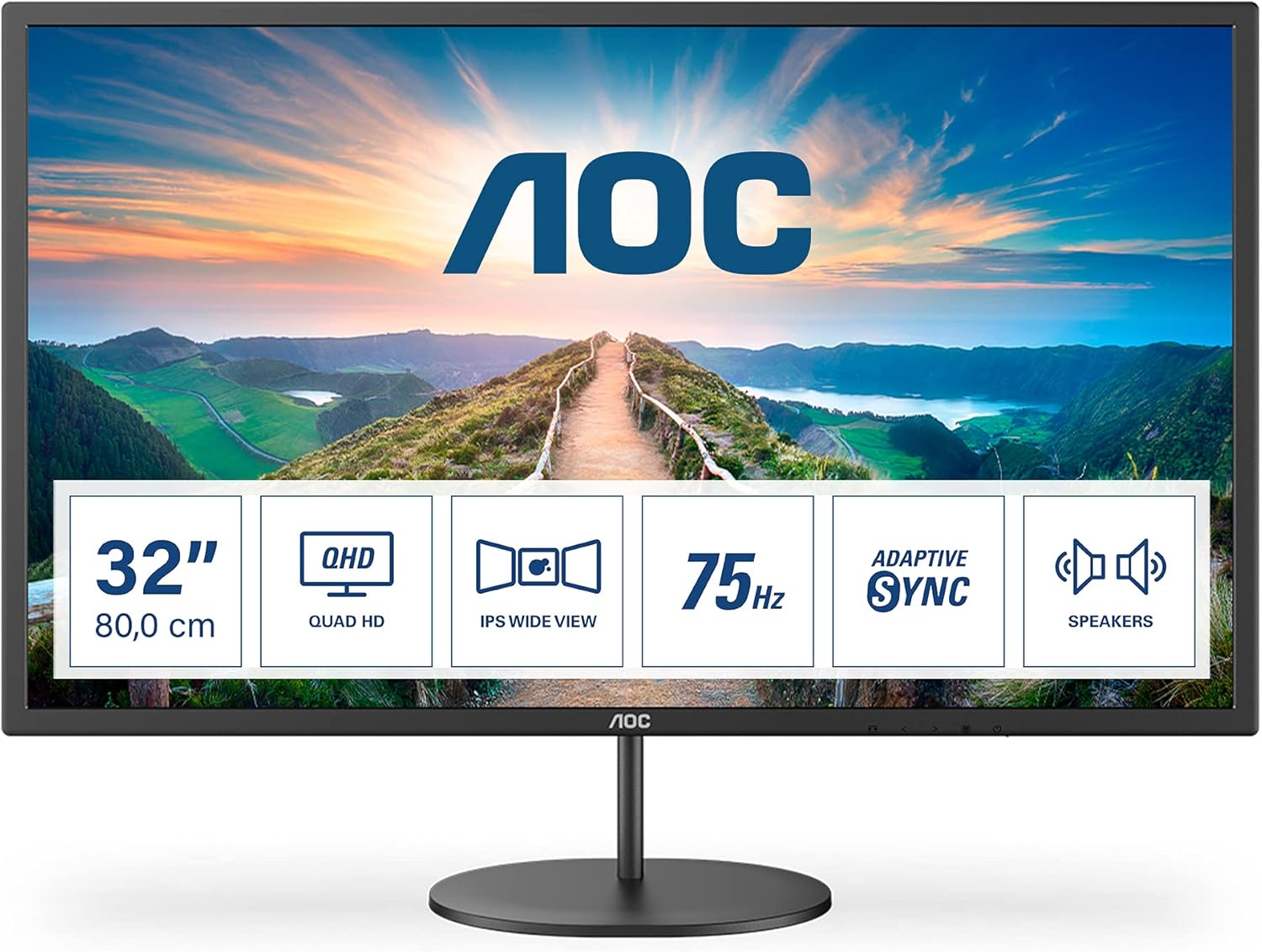
The screen uses an IPS panel that keeps hues consistent at different angles, and the 2560 x 1440 resolution reveals finer textures and text clarity for spreadsheets and creative work. With a 75Hz refresh rate and 4ms response time, motion looks smoother than standard 60Hz displays, which helps in fast-paced web content and casual gaming. 🔍
Low Blue Light and AOC FlickerFree technologies are included to reduce eye fatigue during long sessions. The integration of stereo speakers avoids the immediate need for external audio when joining video calls or watching tutorials. For environments where comfort matters, these features combine to lower visual strain over extended use. 🎧
Technical Specifications
- Name: AOC Q32V4
- Screen size: 32 inch
- Resolution: 2560 x 1440 (QHD)
- Panel type: IPS
- Refresh rate: 75Hz, Response time: 4ms
- Brightness: 250 cd/m²
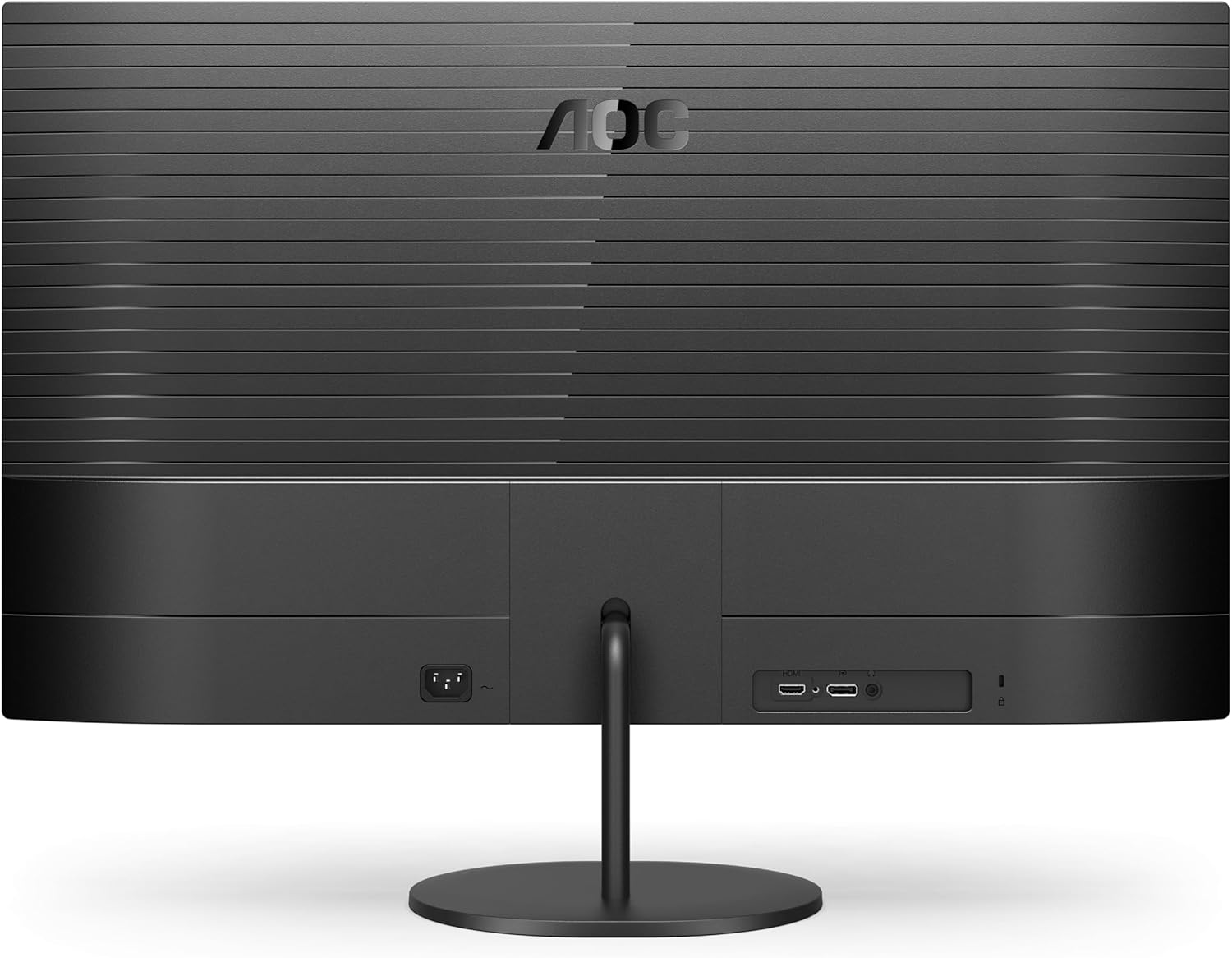
- Inputs: HDMI 1.4 x 2, DisplayPort 1.2 x 1
- Colour: Black
Benefits
This monitor offers improved desktop real estate compared with Full HD options, allowing multiple windows to sit comfortably side by side. Colour accuracy from the IPS technology makes it practical for photo editing and content creation where consistent tones matter. The built-in speakers provide convenience for calls and casual media, though external speakers will produce stronger bass and greater volume if required.
Adaptive Sync helps reduce screen tearing during variable frame rates, producing a smoother visual result when paired with compatible graphics hardware. Consider that the 75Hz ceiling is modest compared with high-refresh gaming panels, so competitive gamers may prefer a higher refresh model.
Usage Recommendations
For productivity setups place the monitor at eye level and allow time to calibrate colour profiles if you work with precise tones. Use the DisplayPort input for the most reliable QHD output from a compatible laptop or desktop. When using it for mixed activities, enable Low Blue Light for evening hours to lessen potential sleep disruption.