

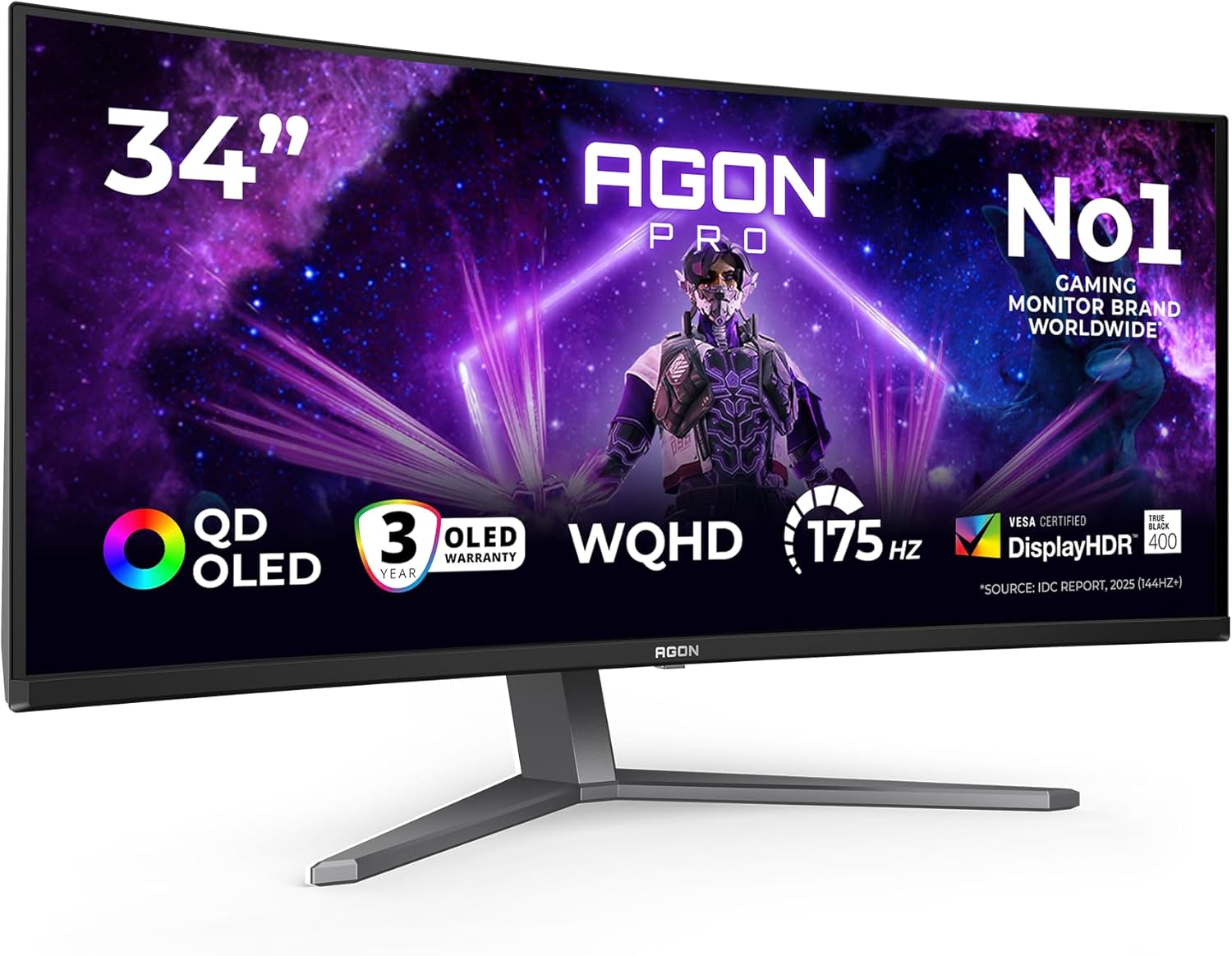
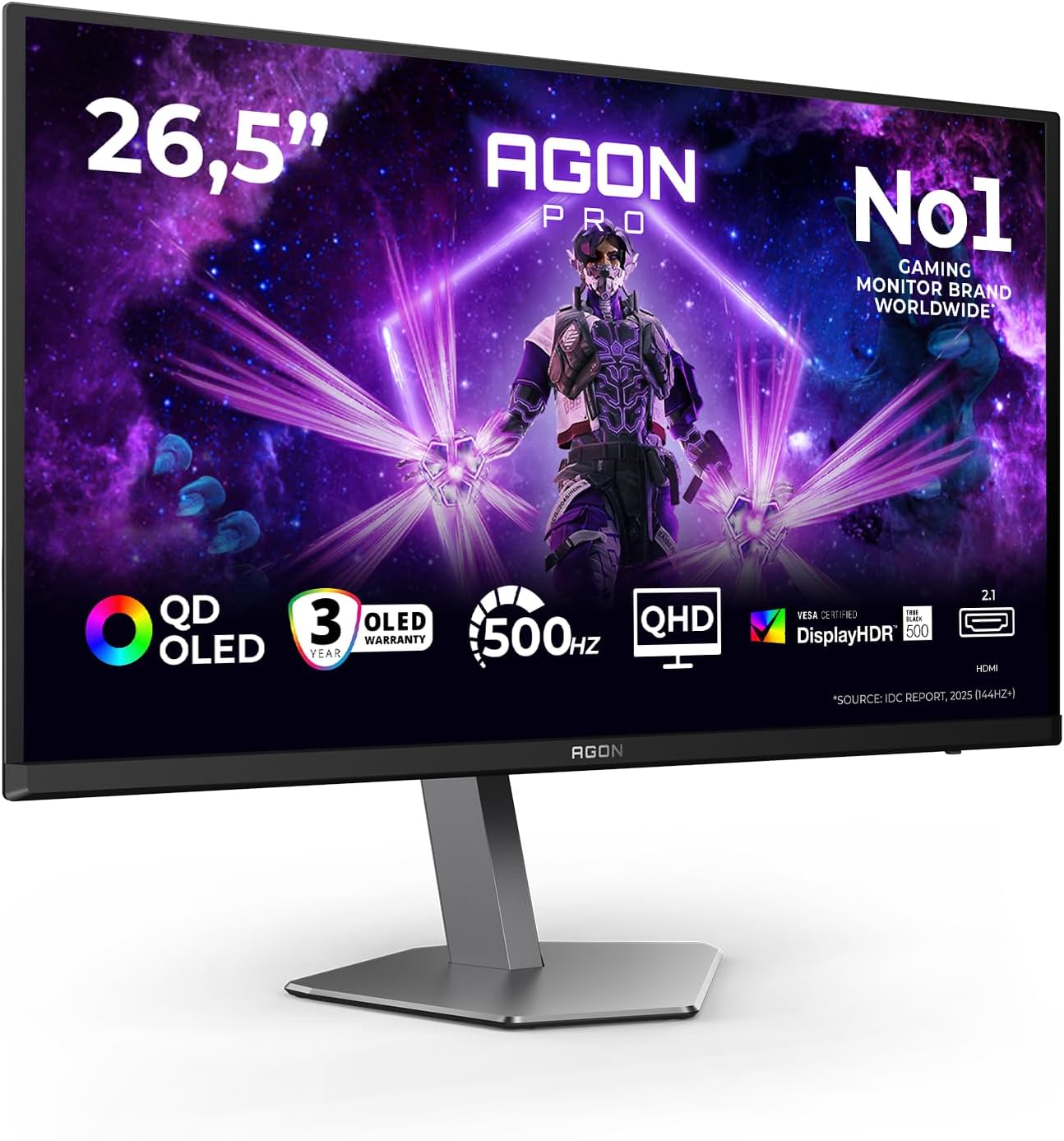
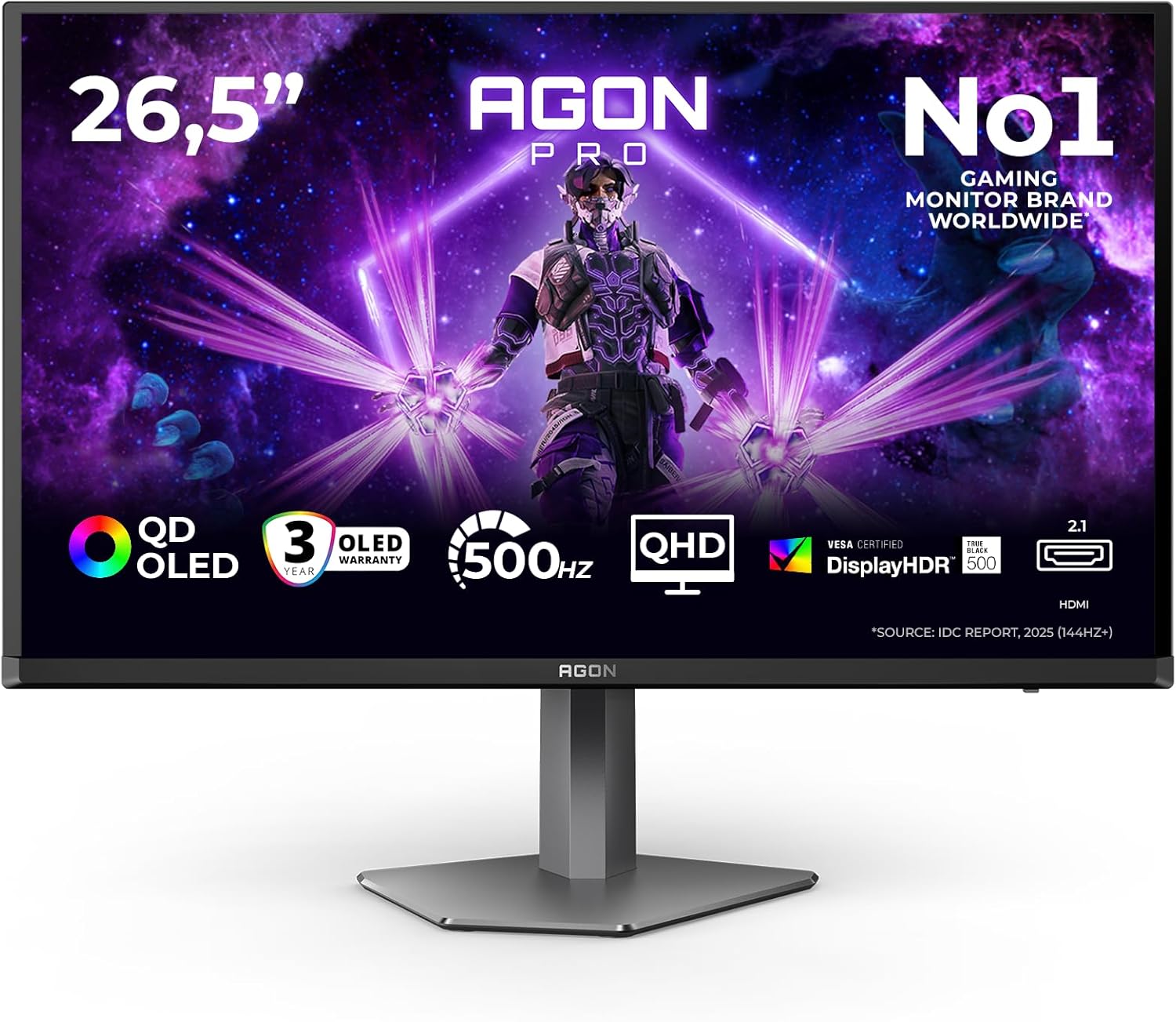
AOC AG276QKD2 26.5" WQHD Monitor – QD-OLED, 500Hz, G-Sync Compatible, HDR500 TrueBlack
Product description
What it is
The AOC AG276QKD2 is a 26.5-inch monitor designed for both productive work and immersive gaming, featuring a WQHD resolution and a QD-OLED panel. It aims to combine wide viewing angles, fast response and adaptive sync in a compact, edge-to-edge chassis.
Who it’s for
This model should appeal to those who share screens or collaborate in teams, as well as gamers who prioritise high refresh rates and smooth visuals. If you value a clean, frameless look for multi‑monitor setups and want built‑in speakers for straightforward room audio, it ticks those boxes too.
How it performs in practice
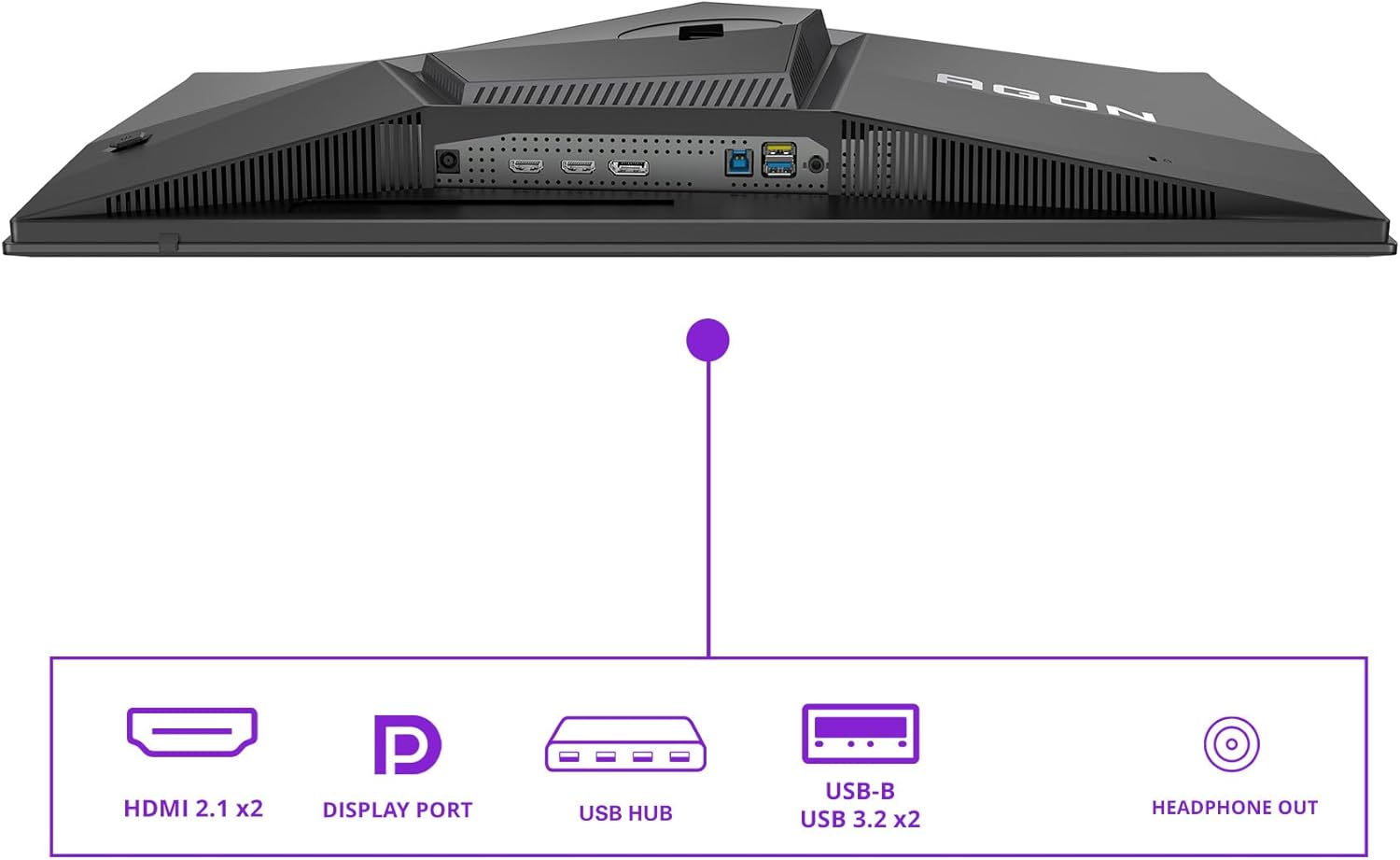
On paper, the multiple connectivity options (HDMI, DisplayPort) and a claimed 500Hz refresh rate offer plenty of flexibility for different setups. The G‑Sync compatibility promises tear‑free gaming, while HDR500 TrueBlack is positioned to improve contrast in supported content. The 0.03 ms GtG response time suggests low motion blur in fast scenes, although real‑world results depend on system cards and input signals. The 178° viewing angles make it easier for groups to view the screen without constantly adjusting posture.
What stands out
- QD‑OLED panel and HDR500 TrueBlack for deeper blacks and vibrant colours, which can elevate both media consumption and creative tasks.
- 500Hz refresh rate is exceptionally high for a monitor of this size, potentially translating to smoother motion in fast‑paced titles or motion‑rich content.
- G‑Sync Compatibility helps reduce tearing without needing per‑title tuning, provided you’re using a compatible Nvidia setup.
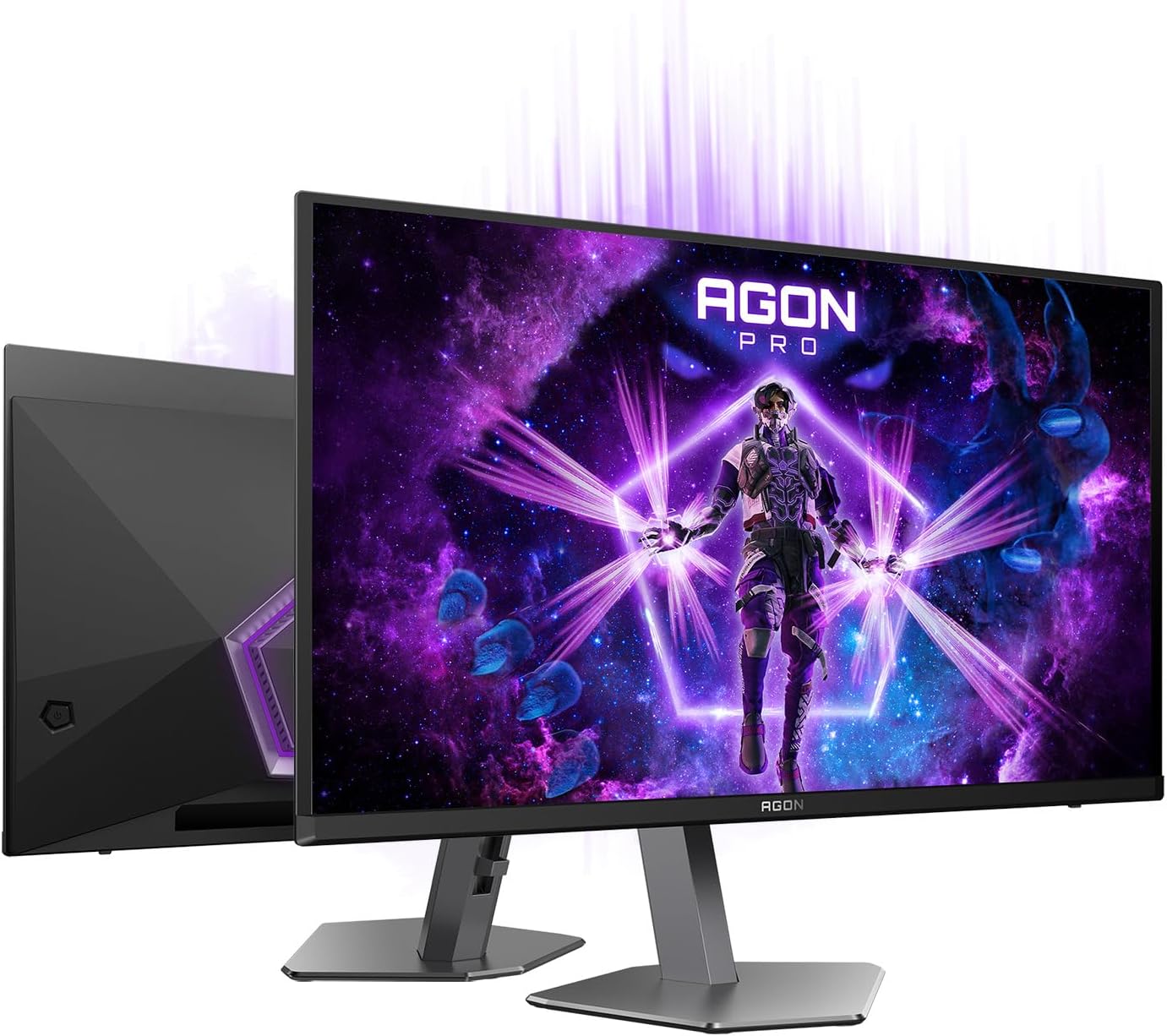
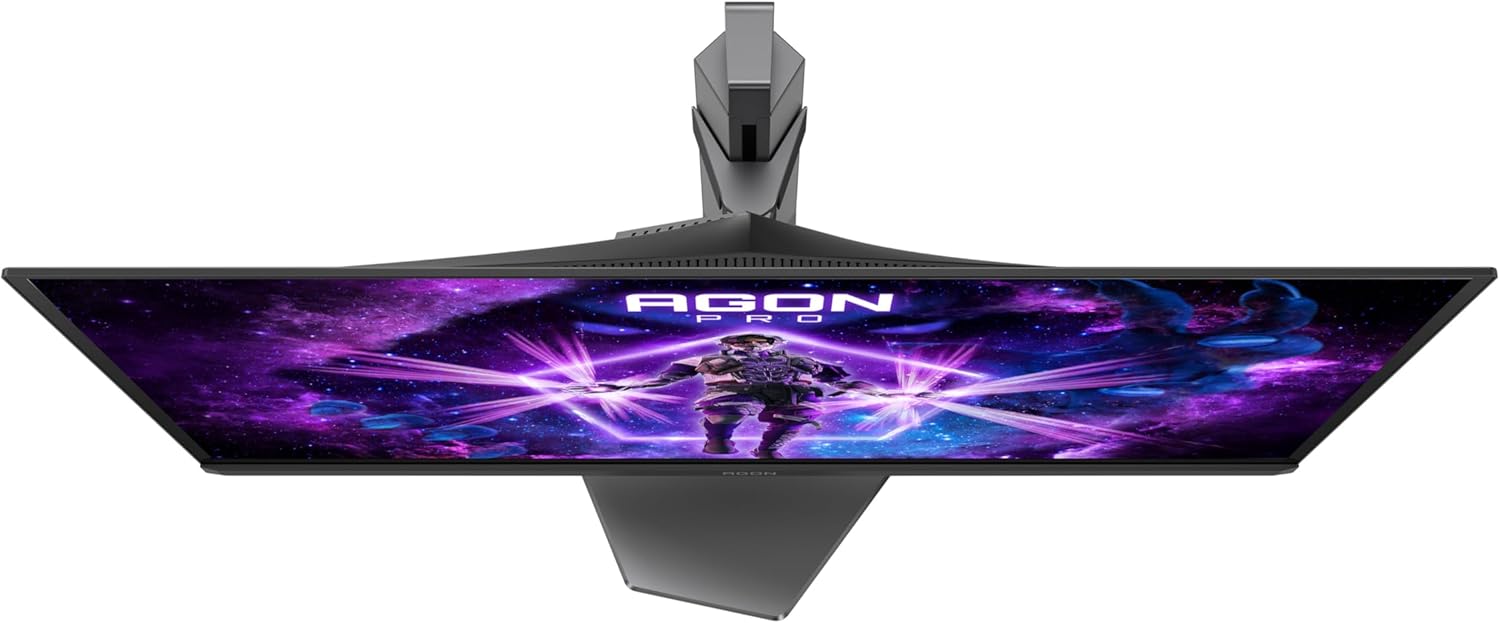
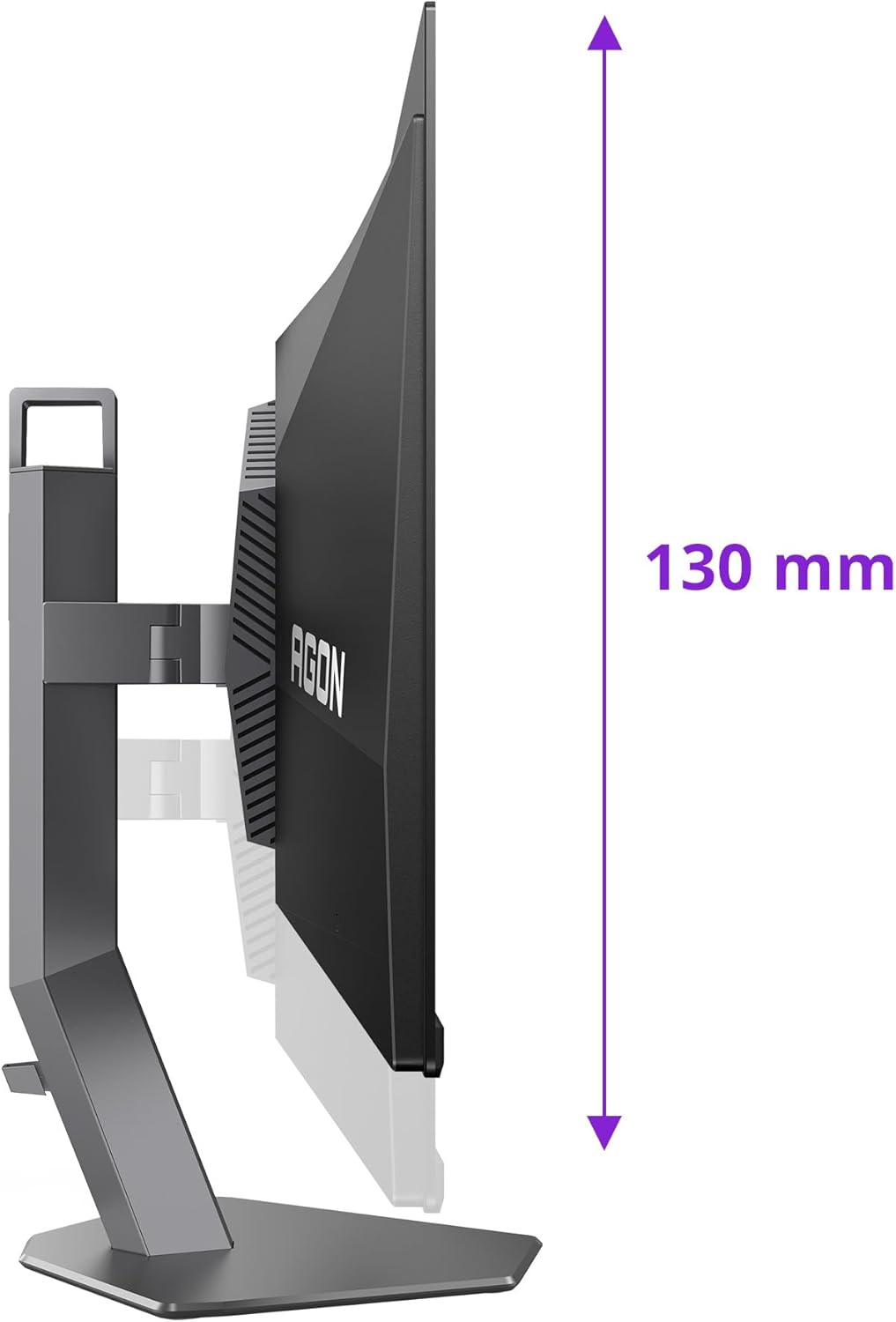
- Height adjustment and a 3‑sided frameless design contribute to ergonomic comfort and flexible placement in a desk‑space setup.
- Integrated stereo speakers offer a simple audio solution if you don’t want external speakers cluttering the desk.
What may hold it back
- Real‑world gains from 500Hz can be limited by GPU capability and game engine optimisations, not every title will visibly benefit to the same degree.
- OLED‑based panels can be prone to issues like burn‑in over very long use, depending on content patterns and brightness settings, this isn’t unique to this model but is worth noting.
- The monitor’s value hinges on how well the panel’s colour and brightness characteristics align with your typical tasks, without hands‑on testing, it’s sensible to approach as a well‑spec’d mid‑to‑high option rather than a guaranteed best‑in‑class.
Who it’s not for
If you primarily work with standard office apps at 60 Hz, or you’re highly sensitive to potential OLED risks over very long sessions, you might prefer a more conventional LCD model with strong colour accuracy and proven longevity. Similarly, if you need objective benchmarks across a broader suite of tasks, a cheaper 1440p 165 Hz monitor could offer better value for some users.
When it makes sense to buy
Consider this model if you require a large, high‑refresh screen with strong contrast for both gaming and creative work, and you appreciate a sleek, minimalist design that remains practical for shared desks. If your workflow involves frequent collaborative viewing or you want a single screen solution with built‑in audio and flexible height, this monitor aligns with those needs.
When to think twice
If you’re highly budget‑conscious, or you have a strict requirement to avoid OLED, there are other paths that may suit you better. Also, verify compatibility with your GPU to ensure you’re realising the 500 Hz potential and G‑Sync benefits, otherwise, the performance gains may be less noticeable.
What to check before buying
- Confirm your GPU can drive high refresh rates at 2560x1440 to exploit the 500 Hz potential where supported.
- Consider desk space and ergonomics, ensure the height adjustment range fits your seating.
- If you use high‑dynamic‑range workflows, check how HDR content performs in your typical use case and whether the panel’s brightness meets your expectations.
- Assess whether built‑in speakers are sufficient for your needs or if you’d rather allocate a budget to external audio.
Practical use example
Imagine editing a video at 1440p with HDR content while a friend sits beside you reviewing a shared document. The frameless three‑sided edge helps create an immersive scene for a group, and the added height adjustability lets you set a comfortable eye line after a long editing session. In a fast‑paced game, you might notice smoother motion at higher refresh rates, with tear‑free visuals thanks to G‑Sync compatibility, provided your hardware supports it.
What you get (in the box)
In the provided data, there’s no explicit list of inclusions, anticipate typical monitor essentials such as the power cable and video cables for HDMI/DisplayPort, with USB hub functionality available on board.
FAQ
- Do you need a high‑end GPU to benefit from 500 Hz? It helps, but the degree of benefit depends on the title and how you’re pairing the monitor with your PC.
- Is OLED burn‑in a concern for everyday use? OLED panels can be susceptible over very long sessions with static UI elements, balanced brightness and varying content mitigate the risk, though it’s a consideration.
- Will the built‑in speakers replace dedicated audio gear? They’re convenient for casual use, but many users still opt for external speakers or headphones for richer sound.
Is it worth it?
Worth considering if you value a high‑refresh, large, ergonomically flexible screen for mixed use—gaming, media and work—and you don’t mind the specialised OLED technology at this size.