

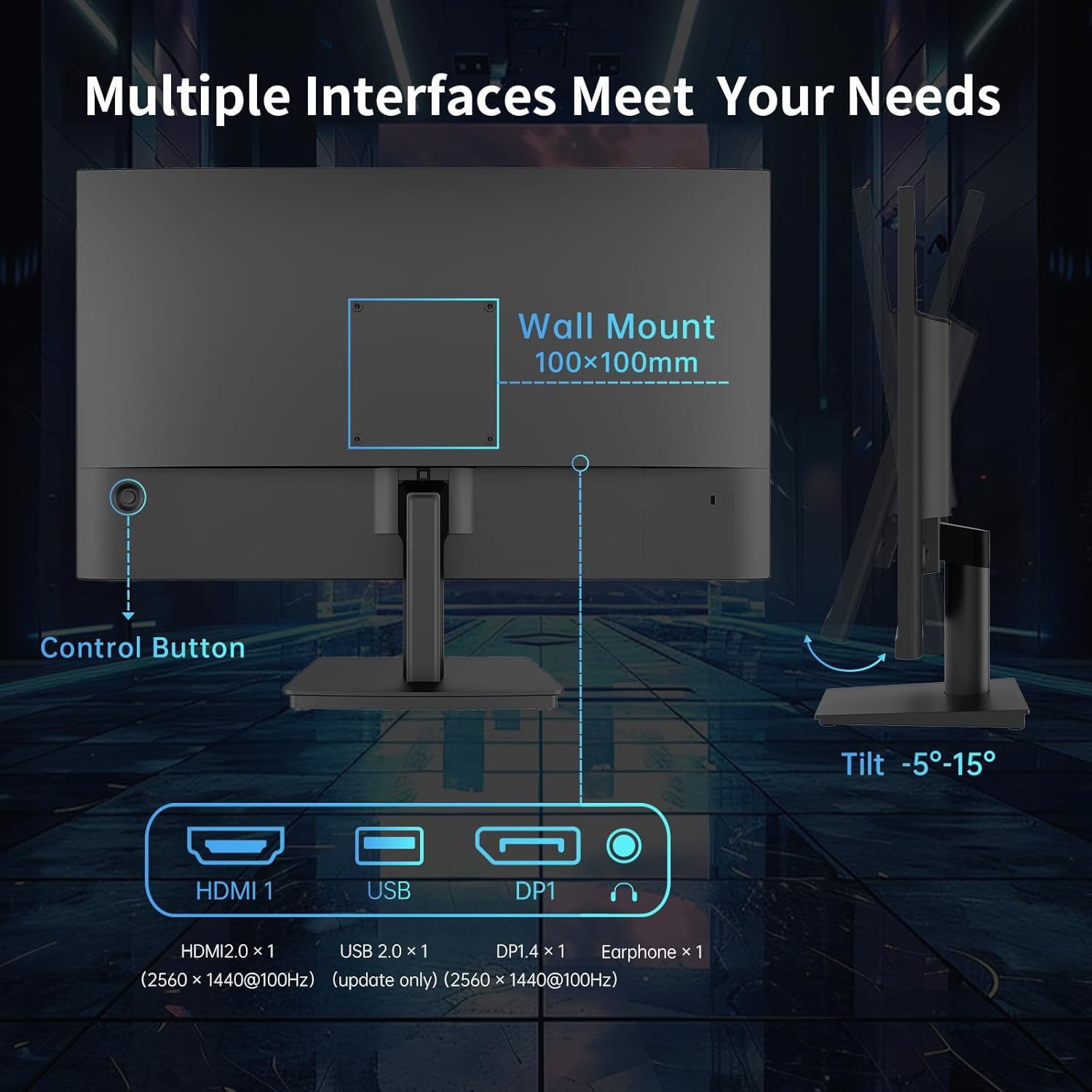
KTC 24 Inch QHD Monitor review: fits work and light gaming with vivid colour
Reviews
Price
Product description
What this monitor is for
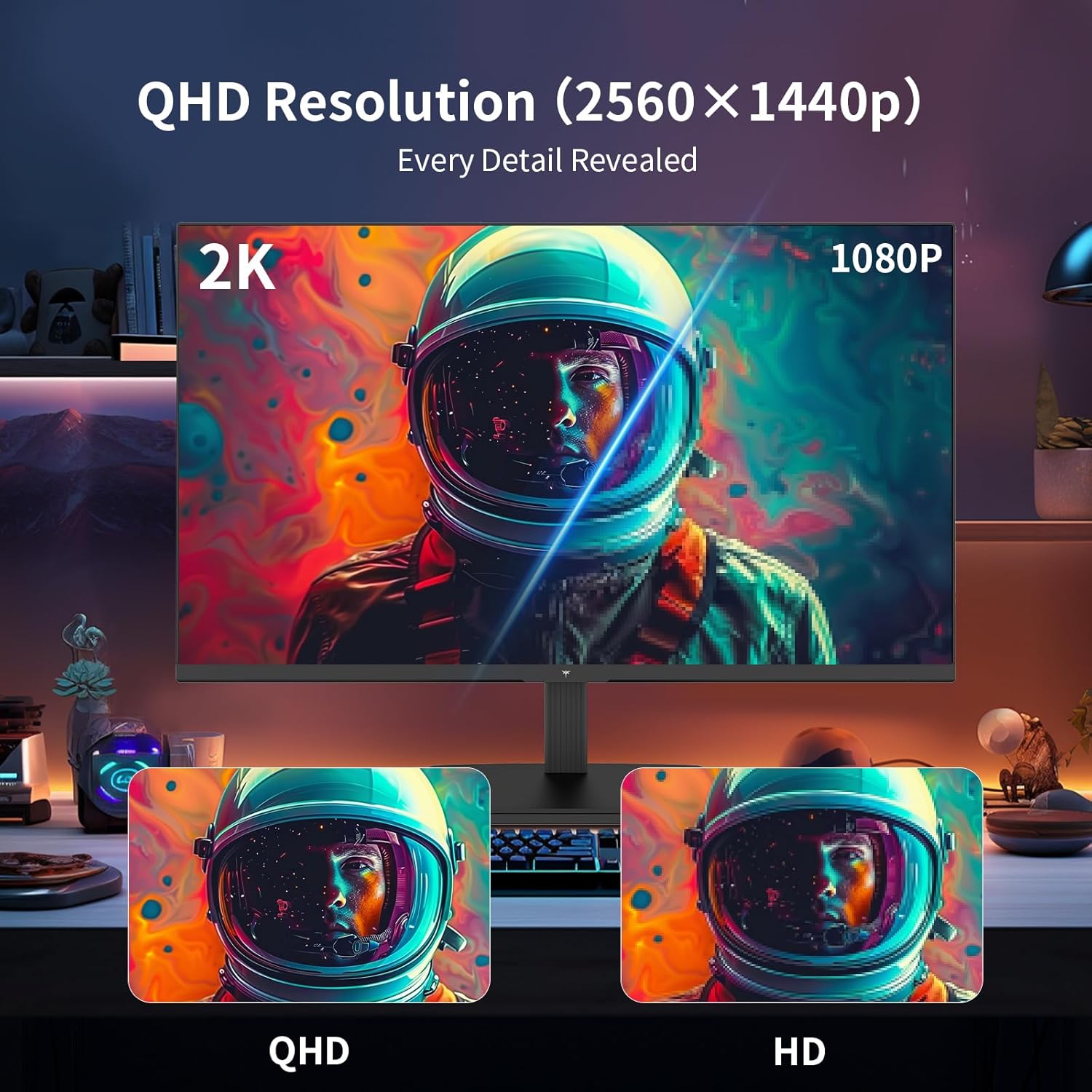
The KTC 24 Inch QHD Monitor is a 2560 x 1440 (2K) IPS display aimed at everyday work and casual gaming. It resolves with a sharp, clear image and sits in a practical size for desk setups, offering a balance between screen real estate and comfort.
Visual performance and colour
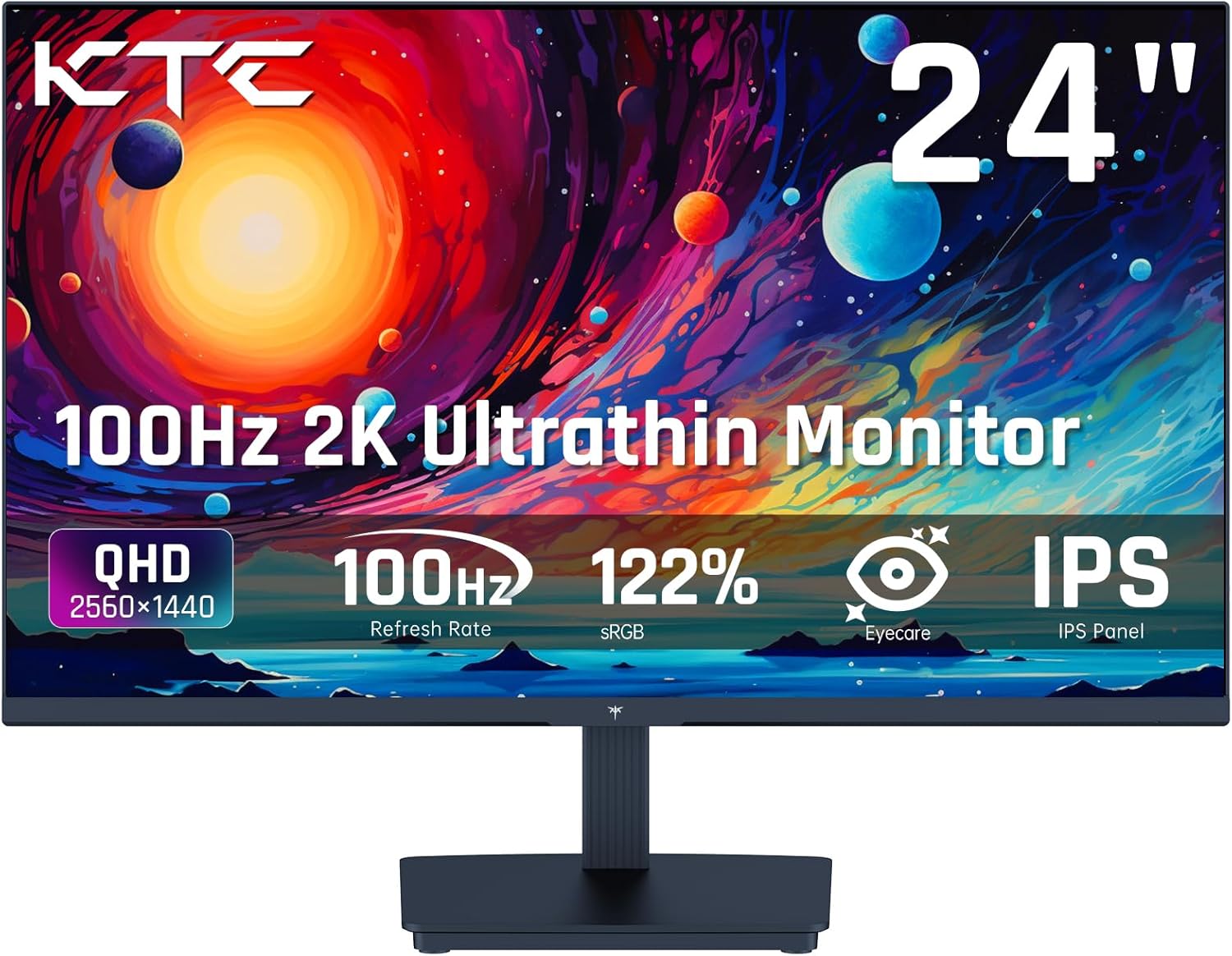
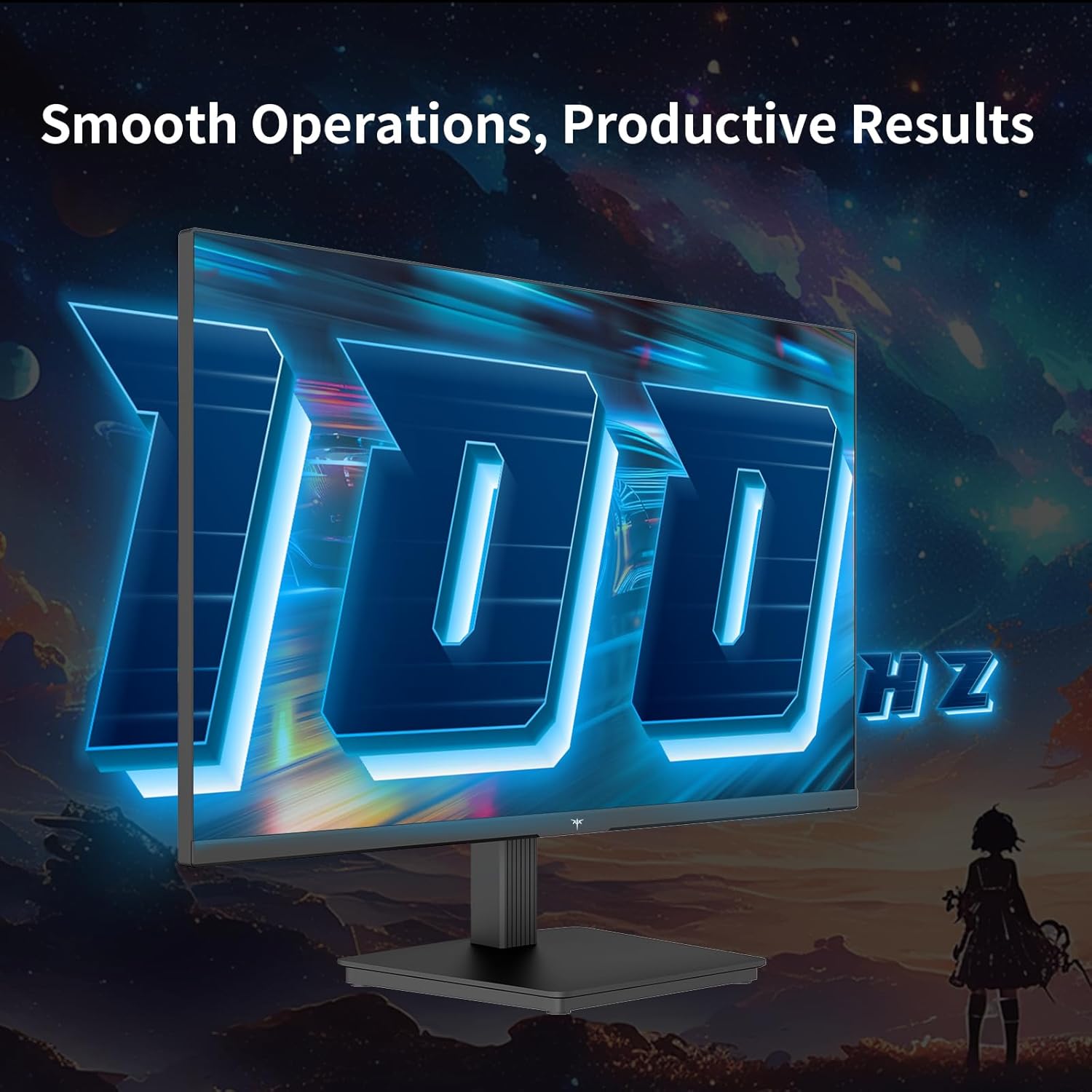
On paper, colour accuracy stands out, with 122% sRGB and 99% DCI-P3 gamut coverage. That translates to vibrant, saturated images without drifting into unnatural hues, which can be useful for design tasks or media consumption. The 100 Hz refresh rate helps keep motion looking smoother than standard 60 Hz screens, and HDR10 support adds depth to brighter scenes. If you prioritise consistent colour across tasks, this panel’s preset calibration can be a helpful baseline, though real-world results depend on your content and adjustments.
Speed and gaming capabilities
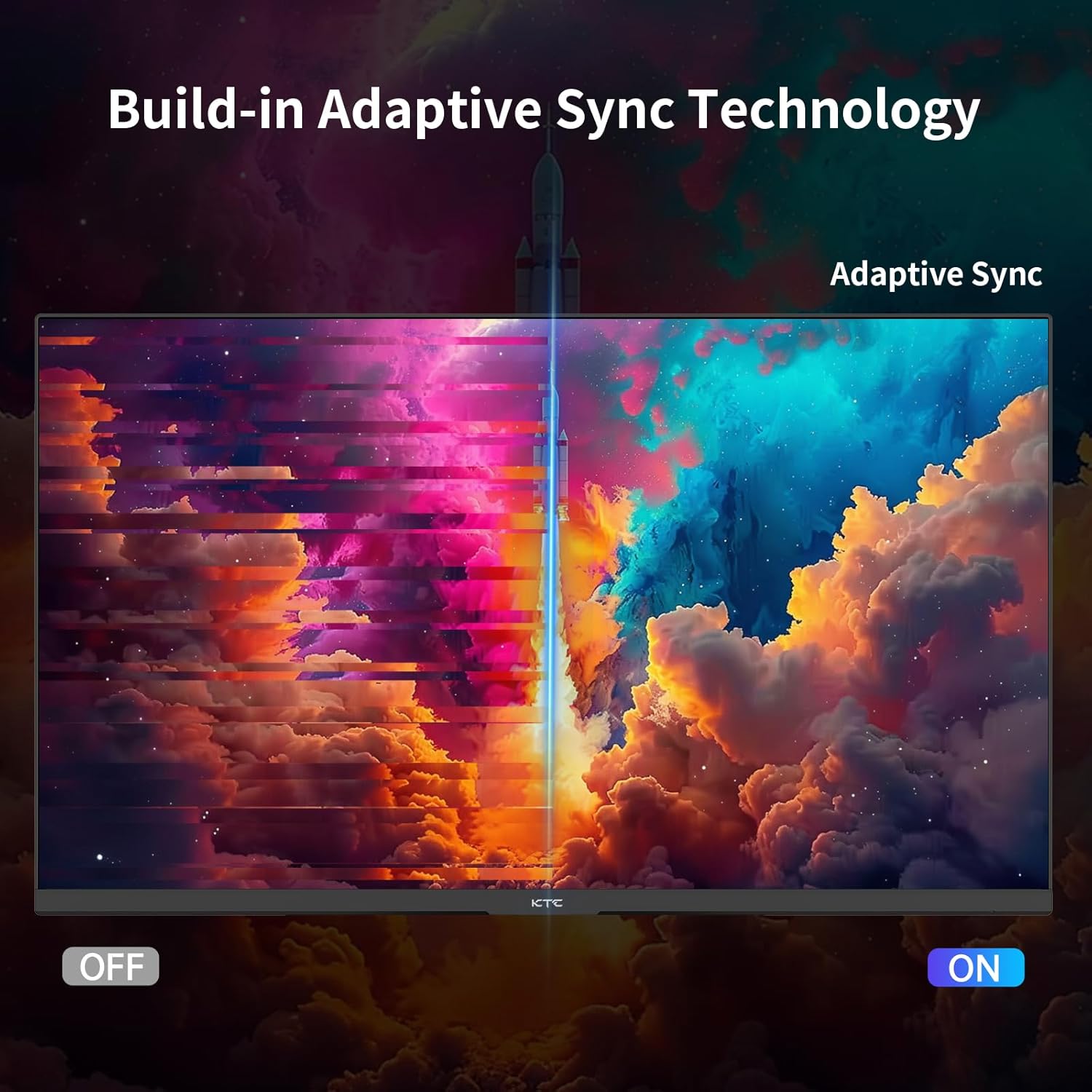
The monitor uses an IPS panel with a 5 ms MPRT response time and Adaptive Sync. This combination aims to reduce motion blur and avoid tearing during casual games or fast-paced work, though outcomes will vary by game type and system. It’s not a high-end gaming monitor, but it can deliver a more responsive feel than entry-level 60 Hz screens, especially in non-competitive titles.
Eye comfort and viewing experience
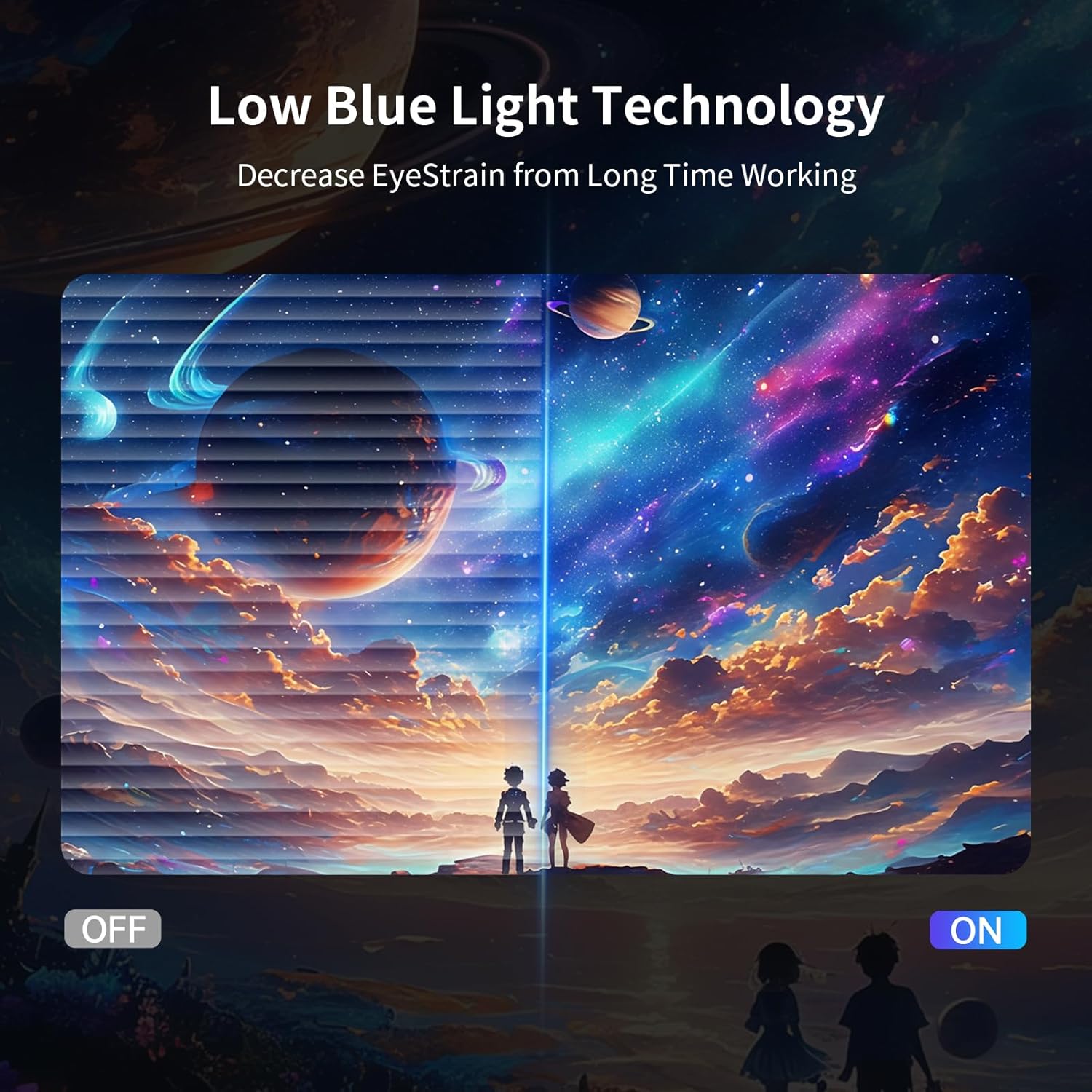
Anti-blue light technology is included to reduce eye fatigue during longer sessions. The all-round flat design with slim bezels keeps focus on the image and helps minimise distractions on the desk. Remember, eye comfort is partly about brightness, contrast, and room lighting, so it’s worth tweaking these alongside the screen’s settings.
Connectivity and usability
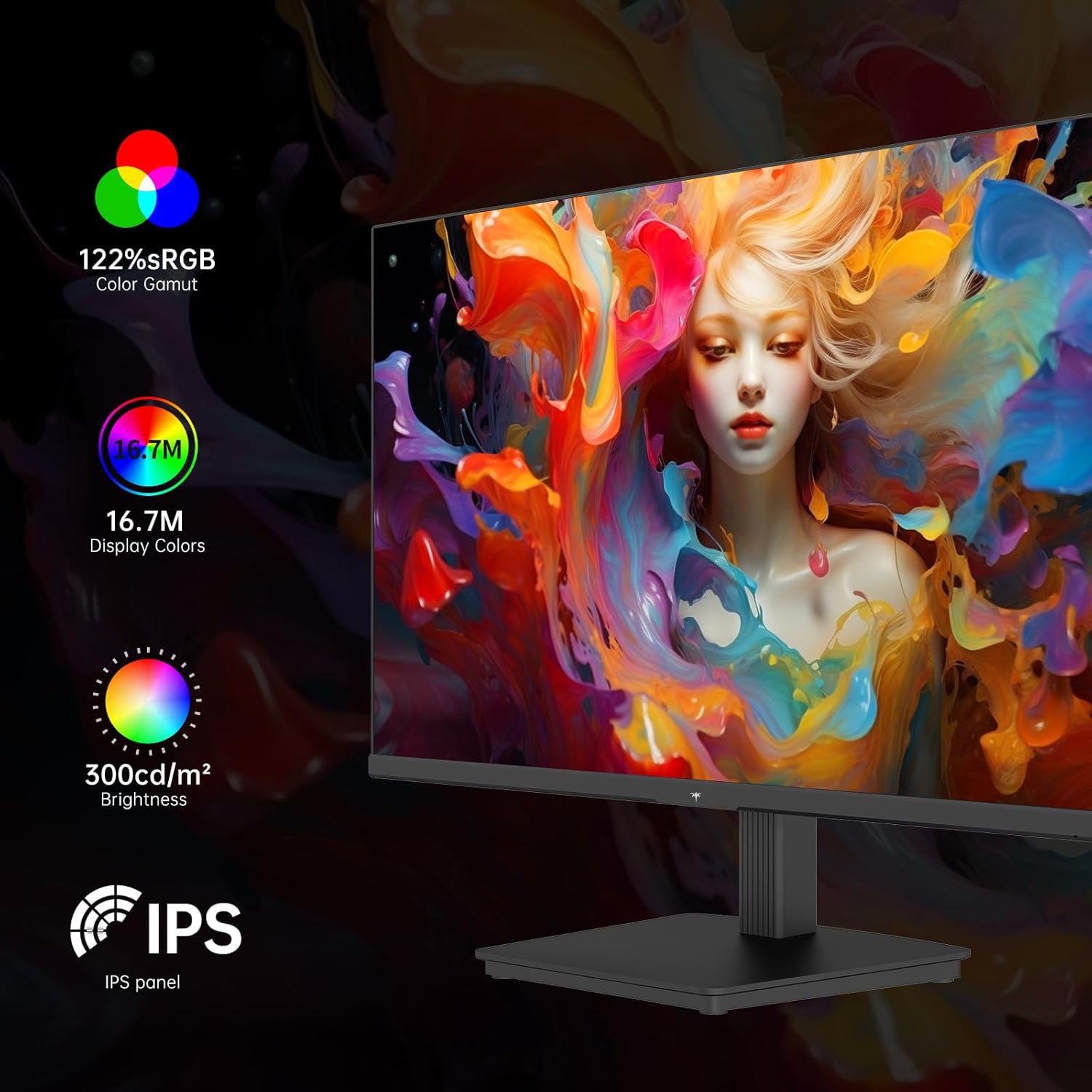
You’ll find HDMI 2.0 and DP 1.4 inputs plus a headphone jack, which covers common setups without needing extra adapters. The stand offers tilt adjustment from -5° to 15°, allowing a workable angle for different desk heights. It’s also VESA compatible (100x100 mm) for wall or arm mounting, which can save desk space if that suits your setup.
Practical considerations and limits
If you rely on punchy 4K detail or ultra-fast competitive gaming, this monitor may feel middle-of-the-road. The 2K resolution is sharp, but the 100 Hz ceiling means you won’t get the same headroom as higher-end gaming panels. Colour accuracy will depend on the source and the calibration applied, presets are helpful, but you may wish to calibrate further for professional work. The panel’s brightness of 300 nits is adequate in most offices but could look restrictive in very bright rooms or with strong glare.
Who it’s for and who to avoid
This screen suits someone needing more workspace than a laptop but not wanting to invest in a premium gaming monitor. It’s practical for mixed use: office work, content creation lightly, and casual gaming. If you regularly push for high-end colour accuracy, 4K resolution, or ultrafast refresh rates, you may want to look at other options that target those needs.
Before you buy: quick checks
Check your desk height and seating distance to ensure the 24 inch size feels comfortable. Consider whether you’ll mount the monitor or use the stand on your desk. If you rely on deep colour work, you may want to run your own calibration after setting it up. Ensure your PC or laptop can output at 2560 x 1440 to take full advantage of the 2K resolution and 100 Hz refresh rate.
How you might use it in real life
Imagine editing photos or preparing a presentation, the wider horizon helps keep toolbars out of the main view while keeping text crisp. When you’re watching a movie or playing a relaxed game, the 122% sRGB and 99% DCI-P3 coverage offers a pleasant, vibrant look without needing to tinker endlessly with settings.
FAQ
- Does it support a multi-monitor setup? Yes, via HDMI 2.0 and DP 1.4, though you’ll need appropriate cables and graphics card outputs.
- Is the 100 Hz refresh rate noticeable for office tasks? Most users will notice smoother motion when scrolling or moving windows, though it’s less dramatic than high-end gaming panels.
- Can it be wall-mounted? Yes, it supports VESA mounting at 100x100 mm.
Final verdict
Final verdict
If you’re after a solid all-rounder that boosts desk space and offers reassuring image quality without venturing into premium price brackets, the KTC 24 Inch QHD Monitor represents sensible value for money. It isn’t a specialist tool for heavy colour work or high-end competitive gaming, but it delivers a balanced package for day-to-day work, light creative tasks and casual gaming. Consider it if you want better clarity than a standard 1080p monitor, reliable colour reproduction, and flexible mounting options, while keeping expectations measured for top-tier speed or 4K detail.