

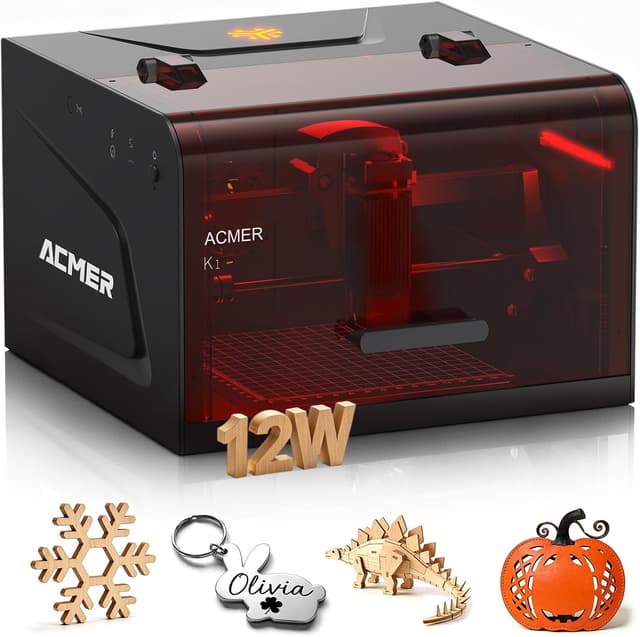
ACMER Laser Engraver K1 Desktop 12W compact laser engraving machine (150×150mm work area)
Product description
The essentials
The ACMER Laser Engraver K1 is a compact desktop laser engraving machine aimed at people who want detailed engraving for small projects without giving up desk space. It’s described as a Class 1 enclosed design, with an internal fan to help reduce smoke and odours, which matters if you’re planning to run it at home, in a studio, or in a small business workspace.
On paper, the K1 is positioned as a practical maker machine: it supports a 150×150mm work area for small craft, signage-style personalisation, and gift items. It also comes with AcmerTool engraving software included and claims out-of-the-box readiness, while still supporting other popular engraving software for alternative workflows.
That said, “compact” and “home-friendly” also mean it’s not trying to be a heavy industrial cutter. If you’re expecting high-volume throughput, the headline specs may look impressive, but you’ll likely want to look at your production demands rather than assume it will behave like a shop-scale system.
What matters most for day-to-day engraving
The most convincing part of the setup is the promise of fine detail. The machine is listed with a 0.08×0.08mm laser spot and 0.01mm repeat positioning accuracy, which is the kind of detail that typically shows in lettering, small logos, and delicate patterns. If you’re doing desktop gift personalisation or wood/plywood craft work, this is exactly the sort of spec that helps with “tight” results.
It also offers a maximum motion speed of up to 10,000mm/min. In practice, that’s useful if you want faster small-batch jobs or you’re constantly moving between designs. It can make a difference on time, although real-world speed still depends on your material, the depth you’re aiming for, and how complex your artwork is.
There’s also a 12W option in the lineup, plus the description states that available power options (3.5W, 7W, 12W) let you match power to material. If you prioritisze engraving depth or cutting ability, power selection is a big part of buying the right laser for the job.
Power and material expectations (where it fits)
The K1 uses a 455±5nm blue diode laser with beam-combining tech. The description frames this as suitable for materials including wood, plywood, acrylic, leather, paper and more. It’s also stated to support multi-power operation, so you can set it up around what you’re making.
A notable claim is that the 12W version can cut up to 8mm Paulownia wood in one pass. That’s impressive as a capability marker, but it’s still one of those statements you should read as “under the right conditions” rather than assuming every piece will cut the same way. If you’re working with materials that vary in density or finish, results can shift.
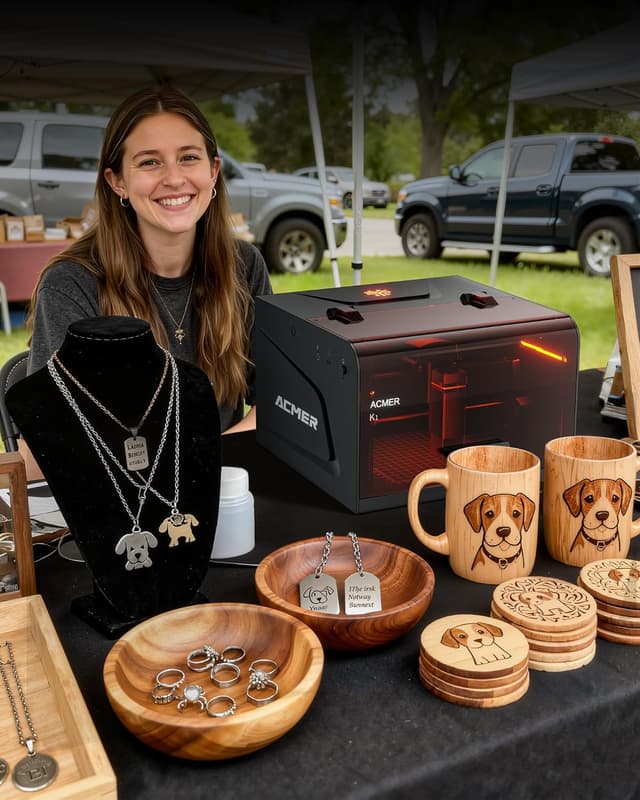
Worth considering if your projects revolve around small signage, custom gifts, and repeated personalisation tasks. It’s also set up for craft show/fair style usage based on the description—though you’d still need to plan for ventilation and safe handling like any laser engraving setup.
Software, formats, and workflow reality
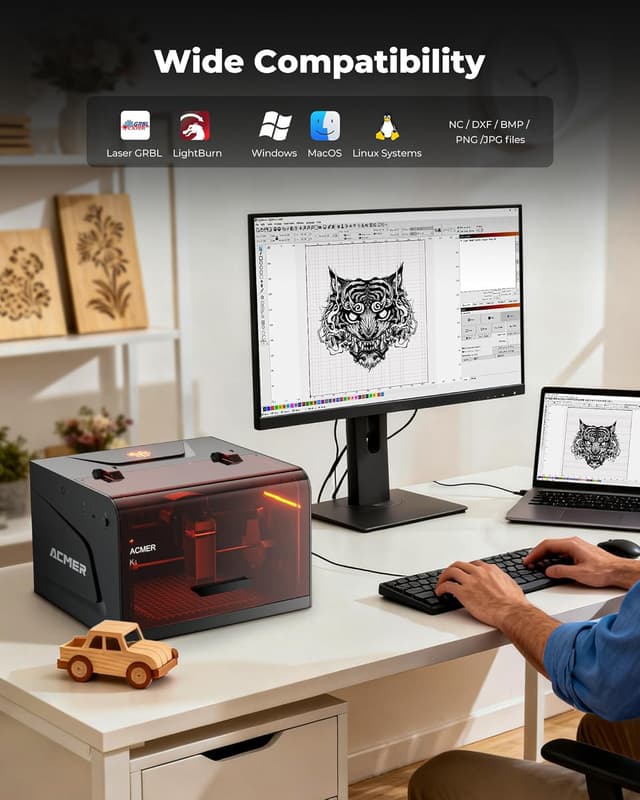
The K1 is described as being fully optimised for AcmerTool, a self-developed engraving software included with the machine. It’s also said to support other popular engraving software, which helps if you already have a workflow you don’t want to abandon.
In terms of file support, the listing mentions NC, DXF, BMP, JPG, PNG and more. That coverage matters because it reduces the friction between “I have a design” and “I can run the job”. If your designs are coming from vector drawings (DXF) or common image files (PNG/JPG/BMP), this is the kind of compatibility that keeps projects moving.
One caveat to keep in mind: the entry-level convenience is real, but you’ll still want to check that your specific design format and software workflow match how you plan to create and send jobs.
Enclosed Class 1 design and compact build
The K1’s Class 1 enclosed body is meant to keep engraving activity safely inside the chamber. Alongside this, the built-in exhaust fan is described as reducing smoke and odours.
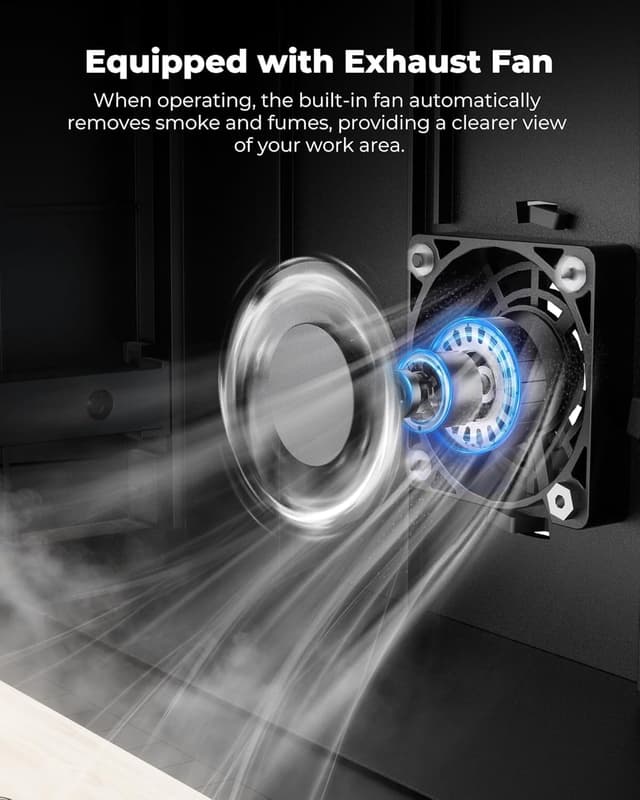
If you’re buying for a home or a shared small workspace, this enclosed approach is often a key reason people choose a desktop unit in the first place. It’s not just about convenience—it’s about how manageable the day-to-day operation feels.
The machine is also described as lightweight at 2.4kg and built for moving onto a desk or into a workshop space. The aluminium profile frame and pulley-track motion system are mentioned as contributing to stable engraving while staying compact.
Who it’s for, and who should be cautious
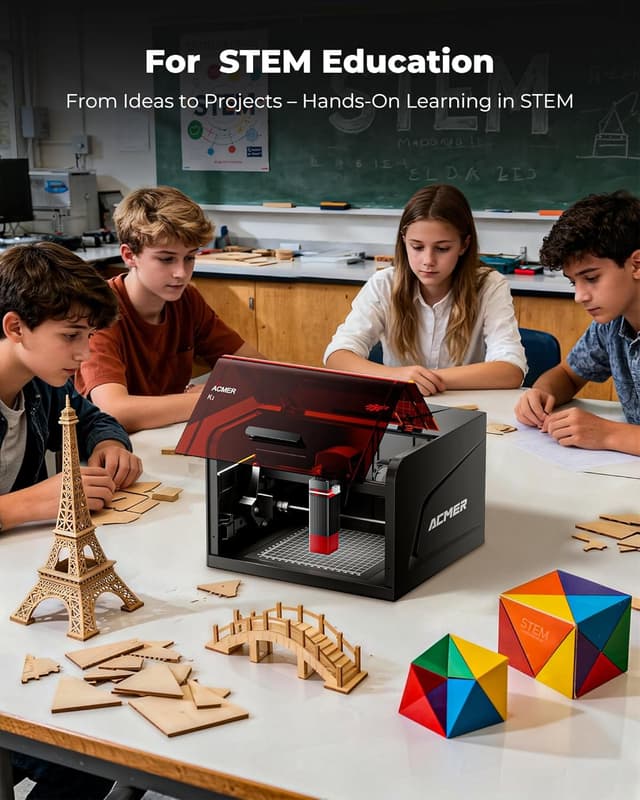
It’s a solid pick if you want a desktop laser engraver for small-format projects—custom gifts, craft items, wood and plywood engraving, and acrylic DIY work—where fine detail matters and you don’t want a large machine taking over the workspace.
It may not suit you if you need a large working area beyond 150×150mm, or if you’re planning heavy, continuous industrial-style cutting where “compact” becomes a constraint. It also might not be the best match if your materials aren’t in the listed range, or if you expect consistent results without doing test runs for your specific material and thickness.
Worth noting that with lasers, outcomes depend on settings and material conditions. Even with a strong spec sheet, you’ll likely need a bit of trial and adjustment to get the depth and finish you want.
Is it worth it?

The ACMER Laser Engraver K1 looks like a practical, desk-friendly laser option aimed at makers, DIY hobbyists, and small business users who want fine engraving detail and an enclosed Class 1 approach. The 0.08×0.08mm spot and 0.01mm repeat positioning accuracy are the kind of specs that support crisp lettering and small designs, while the multi-power diode setup (with a 12W option) gives you flexibility depending on what you’re making.
You should buy it if your work is mainly small-format engraving—wood, plywood, acrylic and similar materials—plus you care about a manageable setup with included software support and a chamber designed to keep activity contained.

You may want to skip it if your priority is large-area production, or if you’re after a fully industrial workflow. In those cases, the compact 150×150mm platform and “one-pass” cutting claim (even if strong on paper) can be exactly where expectations start to drift.
Mini FAQ
Does it come with software?
Yes. The description says AcmerTool engraving software is included and ready right out of the box.
What file types does it support?
It’s listed as supporting NC, DXF, BMP, JPG and PNG formats (and more).
Is it suitable for home use?
The listing specifically frames it as usable in homes, studios and small business workspaces thanks to the enclosed Class 1 design and internal fan.
What materials is it intended for?
The description mentions wood, plywood, acrylic, leather, paper and more.
What’s the work area size?
The working area is listed as 150×150mm.