

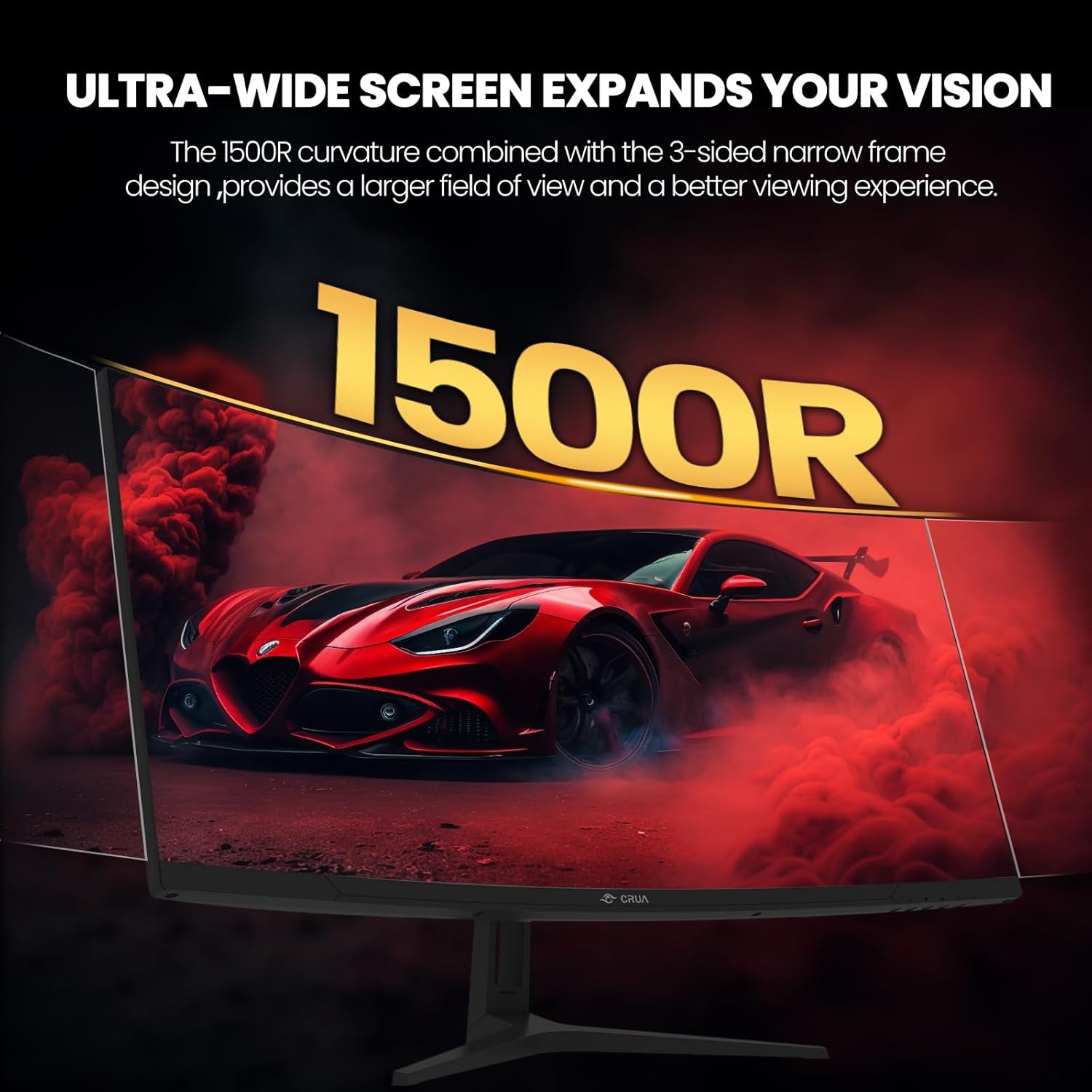
CRUA 34-Inch Ultrawide Gaming Monitor (3440x1440, 165Hz, 1500R Curved) with FreeSync and Wall Mount
Reviews
Price
Product description
What it is
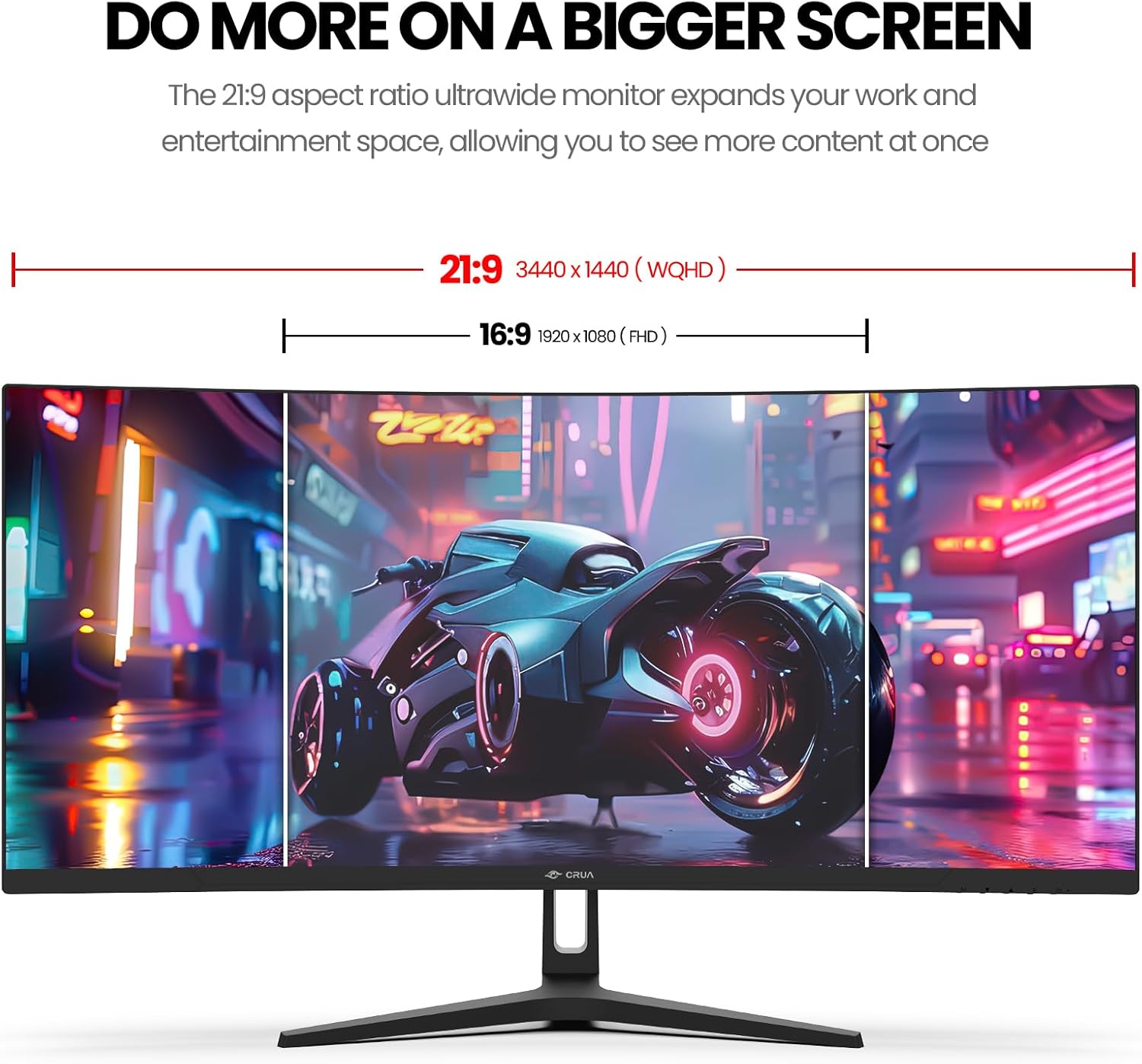
CRUA’s 34-inch ultrawide gaming monitor delivers a 21:9 WQHD panel designed to fill your field of view with immersive visuals. It combines a 3440×1440 resolution, a curved 1500R screen, and a high refresh rate to support fast-paced gaming and productive multitasking alike.
The essentials
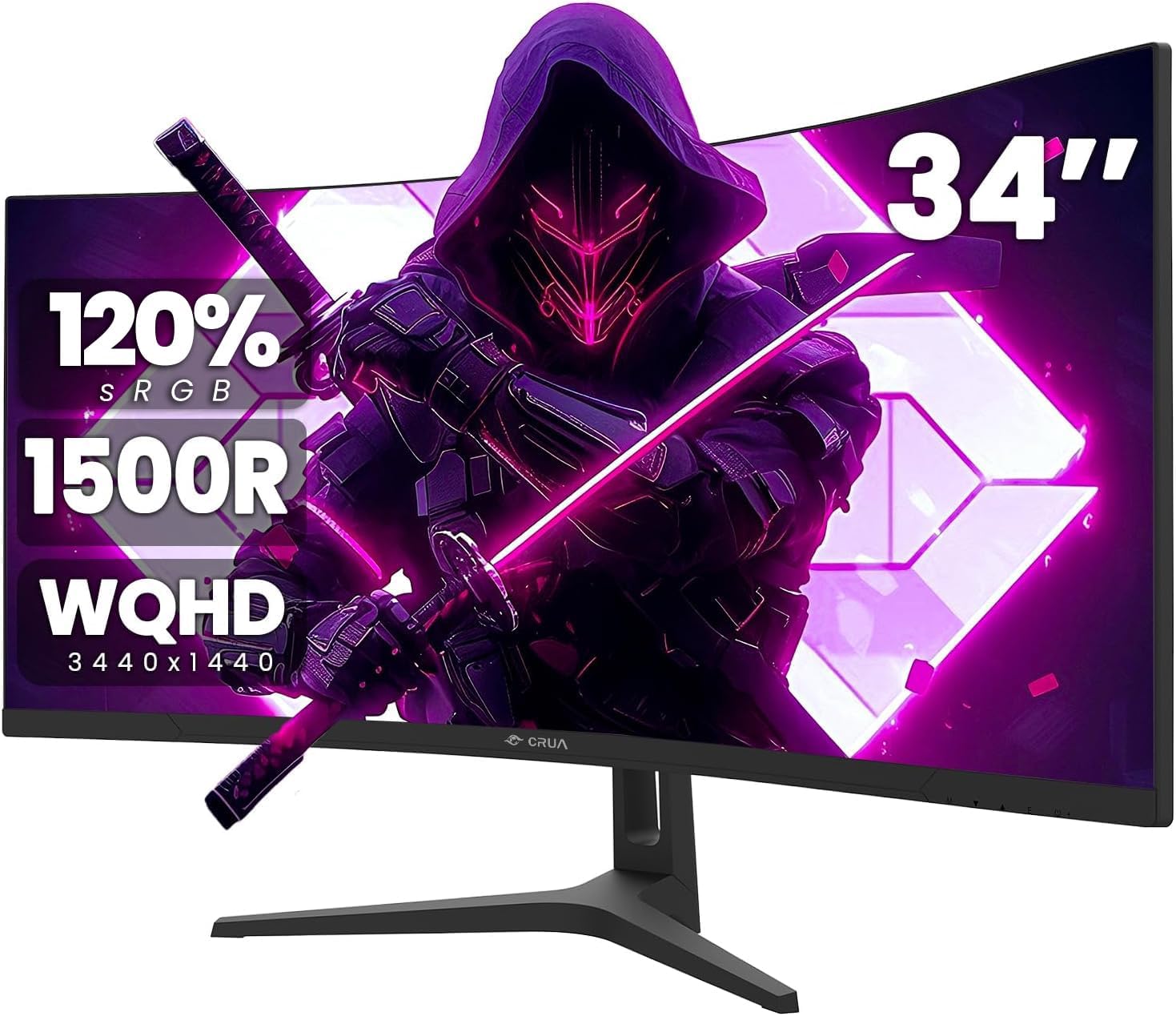
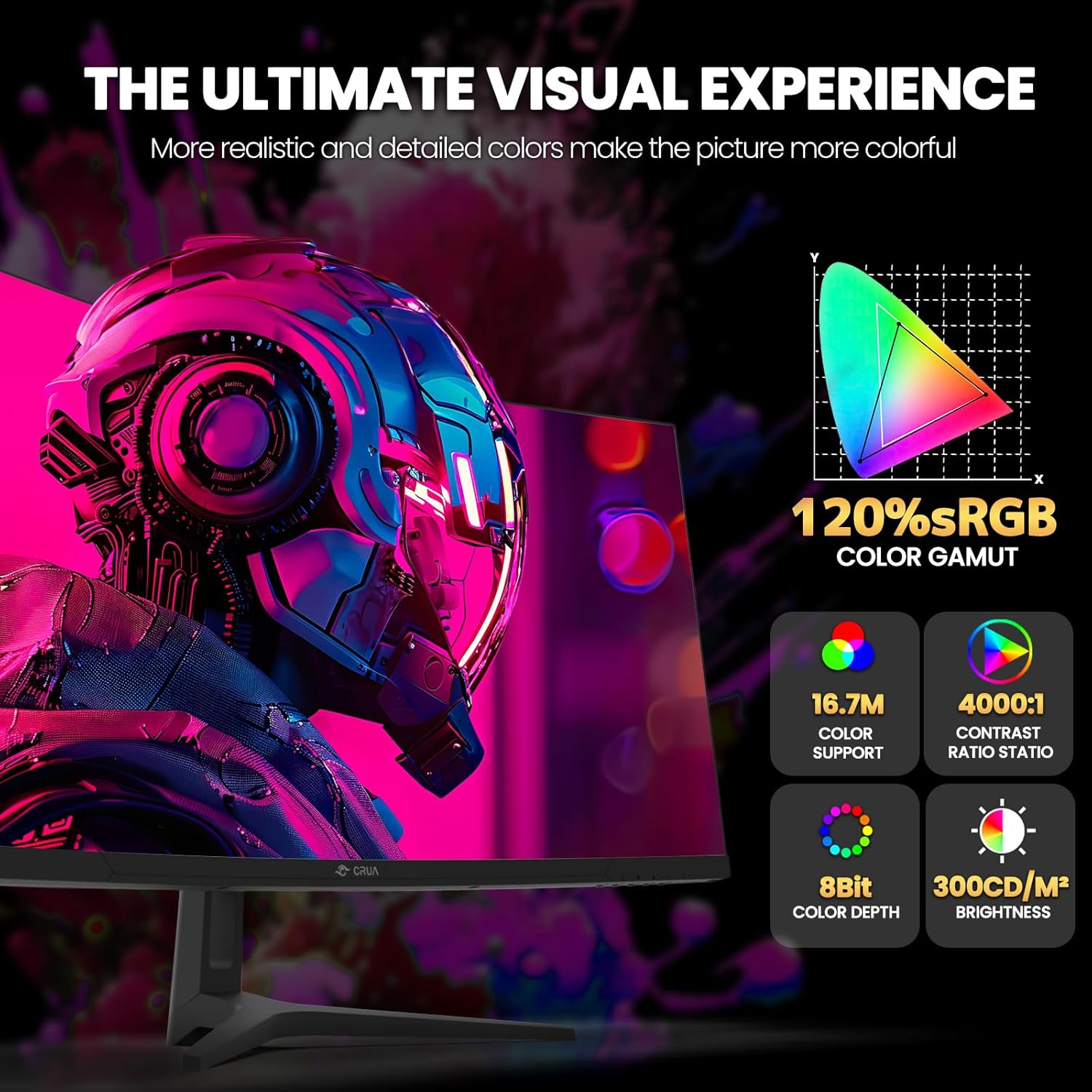
On paper, it’s built for immersive gaming and wide-screen productivity: a 34-inch panel with 1500R curvature, 3440×1440 resolution, 300 cd/m² brightness, and a 4000:1 contrast ratio. It covers a 120% sRGB color gamut, promising richer color gradients across the 16.7 million color range. The monitor supports AMD FreeSync, which aims to minimize tearing during fast motion.
How it performs in practice
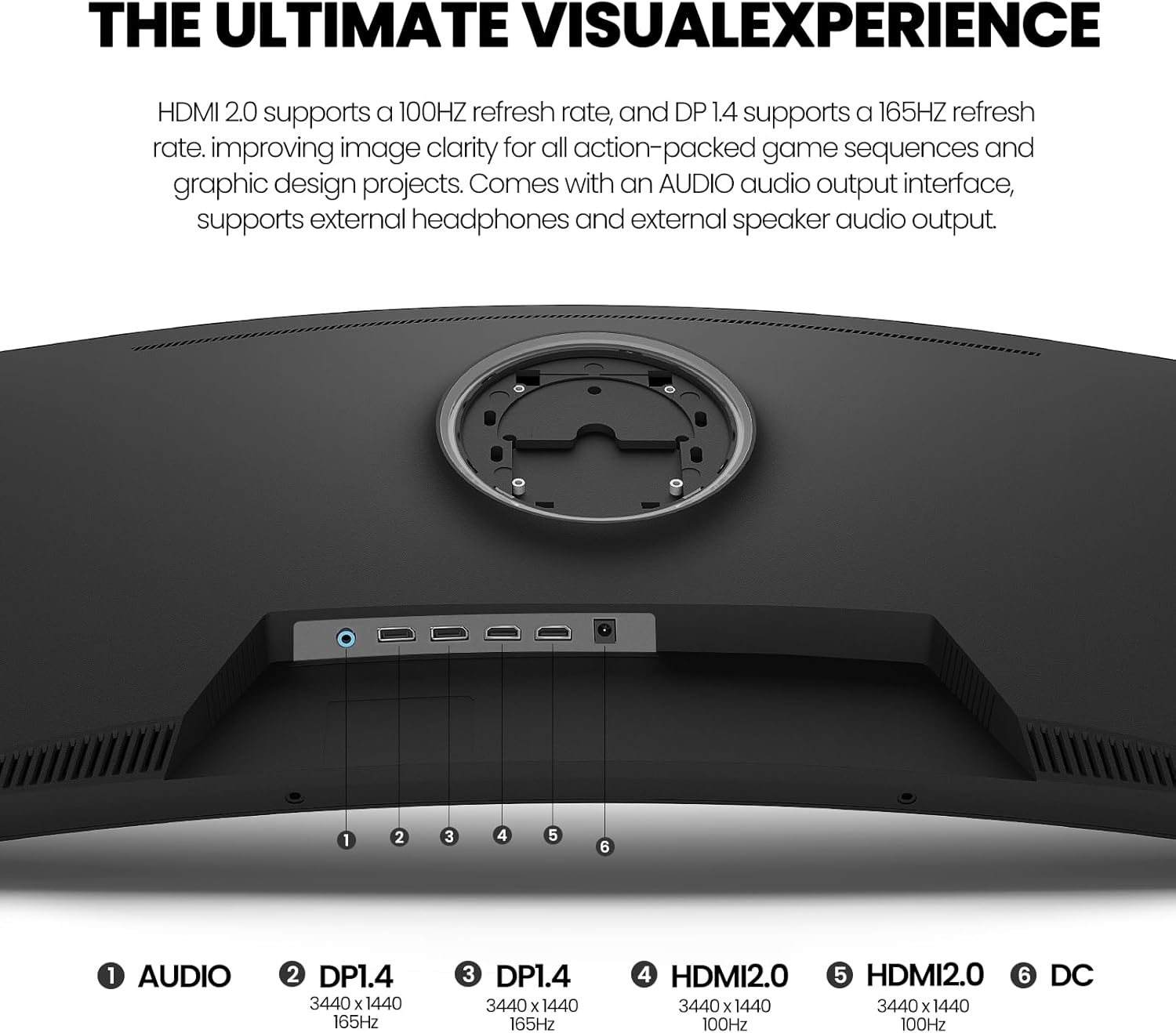
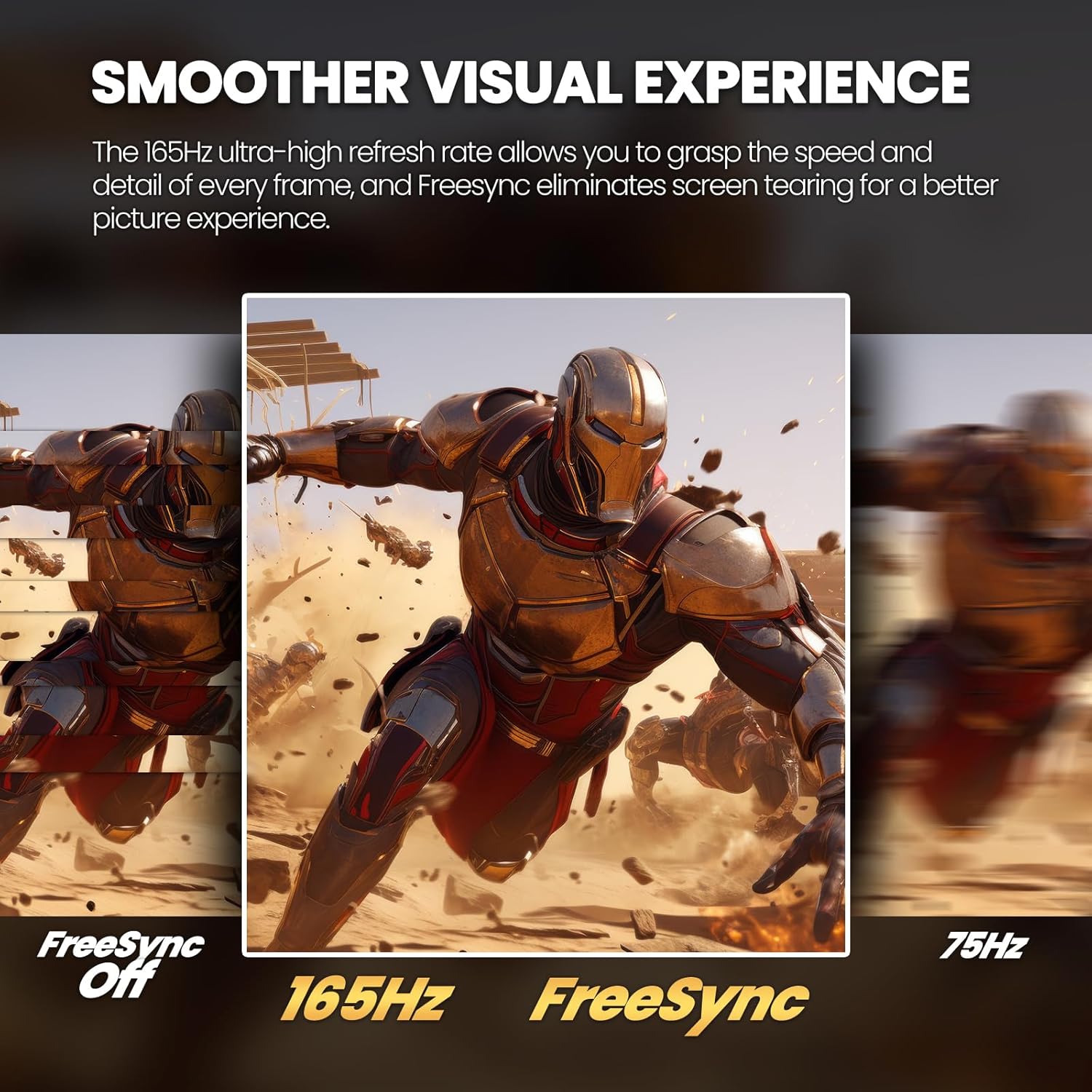
The panel is listed at 165Hz with DisplayPort delivering the higher end of that range (HDMI up to 100Hz). If you’re playing fast action titles, the higher refresh rate can feel smoother, though it’s always wise to ensure your cables and GPU settings align with the target refresh rate. The 178° viewing angle helps you see content from a variety of seating positions, while the -15° to 15° stand tilt adds a bit of ergonomic flexibility.
Who it’s for
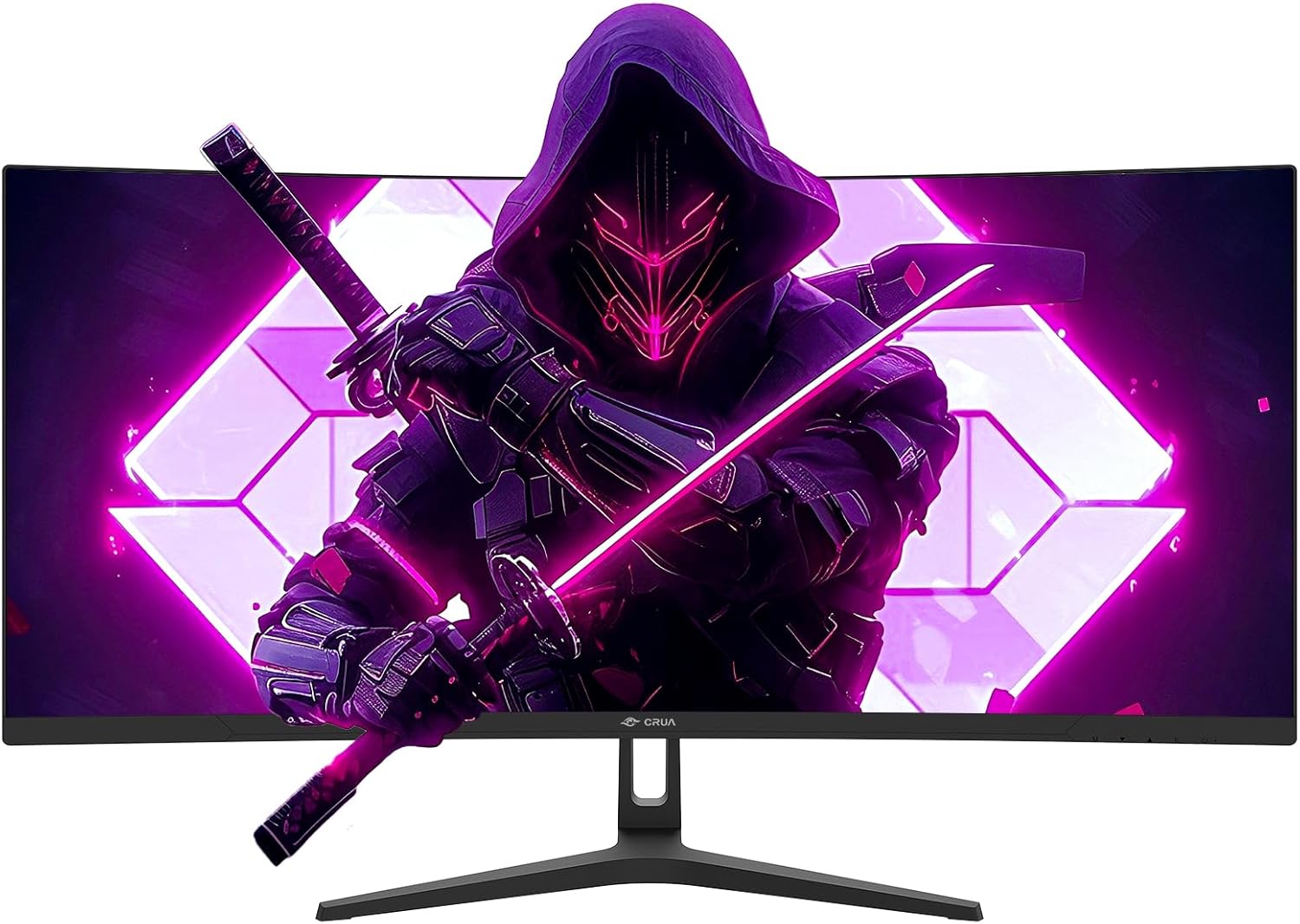
This monitor suits gamers who want an expansive, curved screen to minimize head movement and enhance immersion, as well as productivity users who benefit from extra horizontal real estate for multitasking. The 75mm x 75mm VESA pattern allows wall mounting for space-saving setups.
What stands out
- Ultrawide 34-inch, 1500R curvature for immersive visuals.
- 3440×1440 resolution paired with 165Hz (DP) and FreeSync for smoother gameplay.
- Strong color potential with 120% sRGB and 16.7 million colors.
- Flexible connectivity: 2xHDMI, 2xDisplayPort, plus a 3.5mm audio out (no built-in speakers).
- Physical adjustability including tilt and wall-mount capability.
Limitations and caveats
- HDMI tops out at 100Hz, if you’re chasing the full 165Hz, use DisplayPort.
- No built-in speakers, so you’ll rely on external audio.
- Brightness is solid but not stadium-level, may benefit from careful ambient lighting in bright rooms.
- As with any ultrawide monitor, some games and applications may show pillarboxing or require UI adjustments.
When it makes sense to buy
If you want a single monitor that handles both gaming and multitasking with ample horizontal space, this CRUA model provides a balanced mix of resolution, speed, and curvature without jumping to a higher price tier. It can be a practical upgrade for immersive experiences and productivity workflows that benefit from an expansive canvas.
When you might skip it
If you prioritize the absolute highest brightness, HDR performance, or built-in speakers, this model may not satisfy those specific needs. Also, if your primary setup is console-focused with HDMI-only needs, you may miss some of the high-refresh-rate benefits without the right cabling.
What to check before buying
- Confirm your GPU and cables support the target refresh rates (DP for 165Hz, HDMI for up to 100Hz).
- Ensure your desk and mounting options accommodate a 34-inch ultrawide and 75mm x 75mm VESA pattern.
- Consider how you’ll use the wide aspect ratio in games and productivity apps to set expectations on UI scaling and window management.
Practical usage example
Imagine gaming a fast-paced shooter or racing sim: the wide panorama lets you see more peripherally without moving your head excessively, while the 165Hz refresh helps keep motion feel smooth. For work, you can span multiple windows side-by-side, which reduces the need to alt-tab constantly.
Alternatives and context
If you’re weighing options, you’ll likely compare against other ultrawide panels in this price class—some with similar curvature and color coverage, but potentially different refresh rates or HDR capabilities. This CRUA model lands in a middle ground: solid gaming performance with ample desk space, without venturing into premium price tiers.
Final verdict
Is it worth it? Worth considering if you want an immersive 21:9 experience with a strong balance of resolution, speed, and versatility for both gaming and productivity. Not the best pick if you must have native speakers or peak brightness, or if you require the absolute latest HDR features.
FAQ
- Do I need a powerful GPU to take full advantage of 165Hz? Yes, to reach high refresh rates you’ll want a capable GPU and DP connection.
- Can I mount it on a wall? Yes, it supports 75mm×75mm VESA mounting.
- Does it include speakers? No built-in speakers, you’ll need external audio.
- Which cable should I use for 165Hz? DisplayPort is the recommended option for the highest refresh rate.