

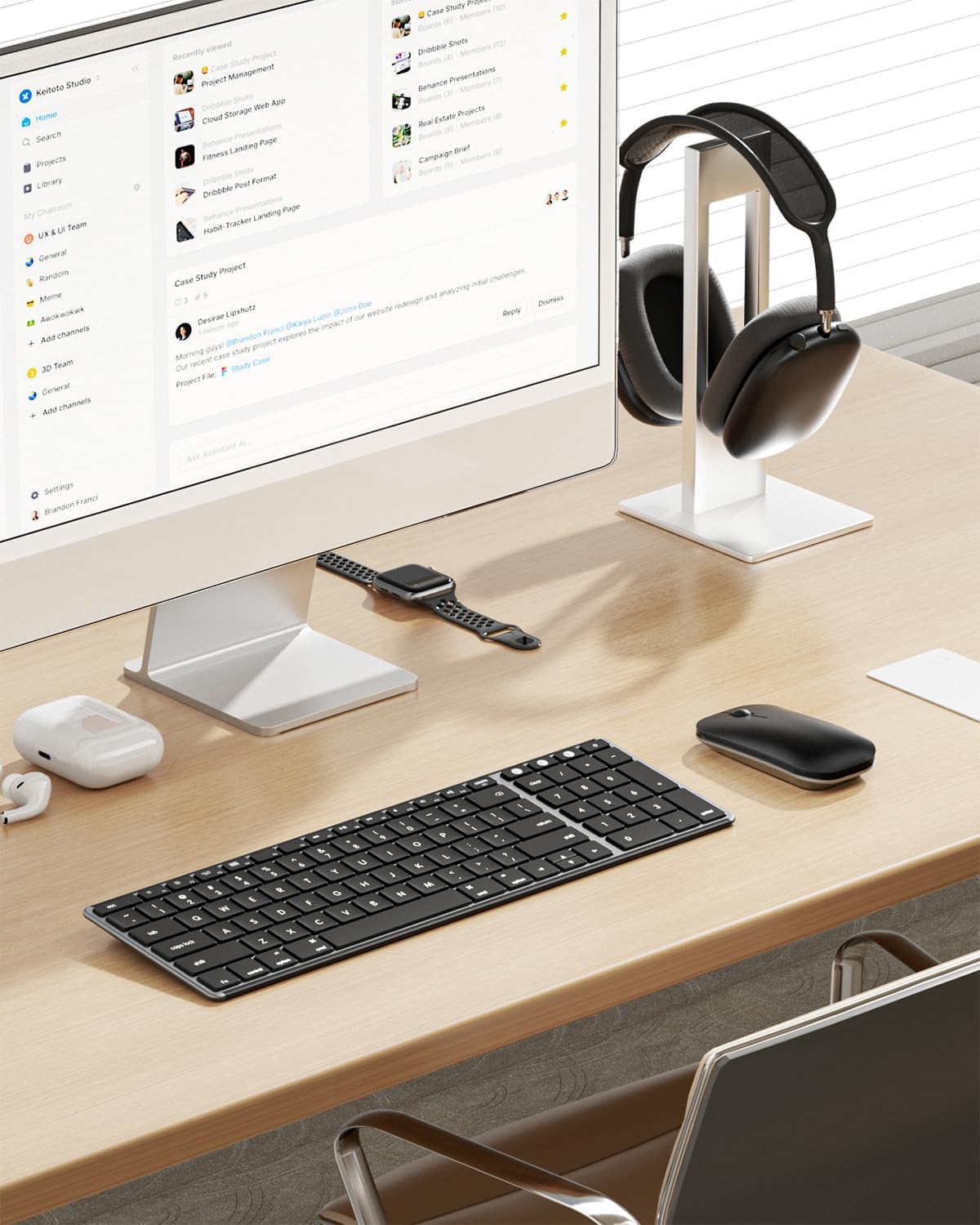
Seenda SKM64-2 Bluetooth Keyboard and Mouse Combo for Mac
Product description
What matters most
If you’re deep into the Apple ecosystem, the Seenda SKM64-2 aims to streamline how you work across Mac, MacBook Pro/Air, and iPad. It’s a slim, Type-C rechargeable keyboard and mouse duo designed to live on your desk or slip into your bag for on-the-go use. On paper, it covers the basics you’d expect from a Mac-oriented setup: a standard Apple layout, multi-device switching, and a quiet typing/clicking experience. Whether you’re drafting, coding, or taking notes in a library, this combo is meant to reduce the friction of managing multiple devices.
Design and compatibility
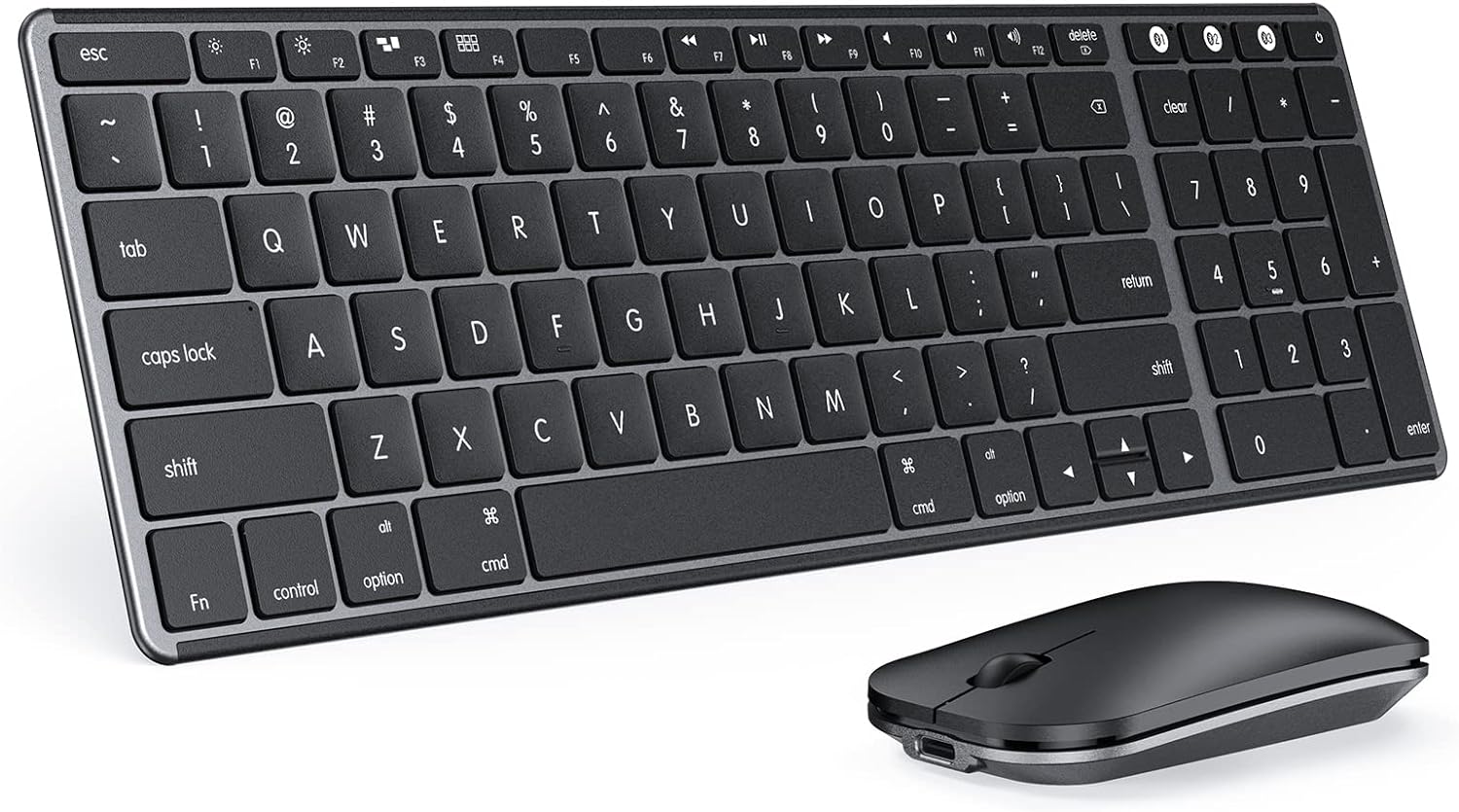
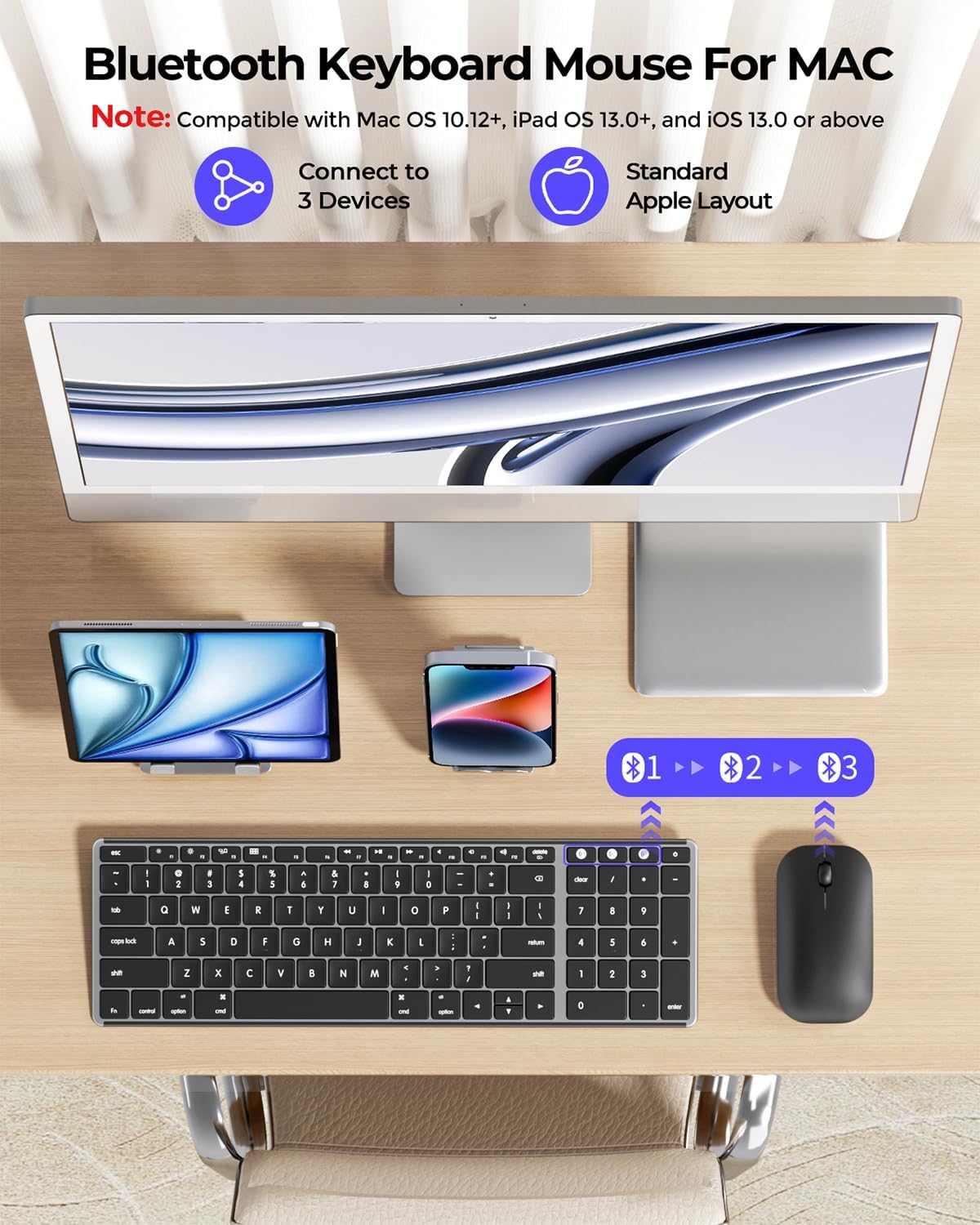
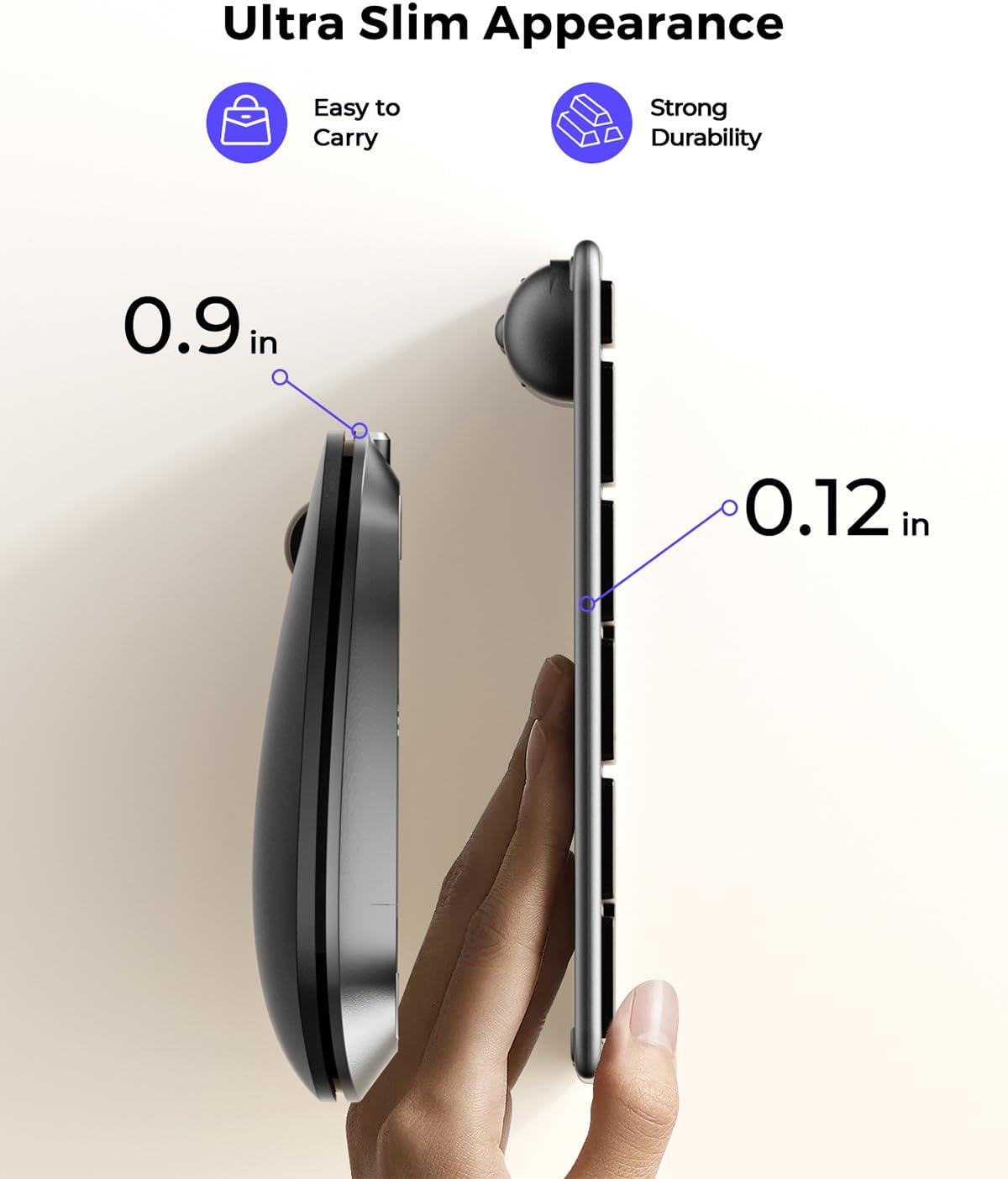
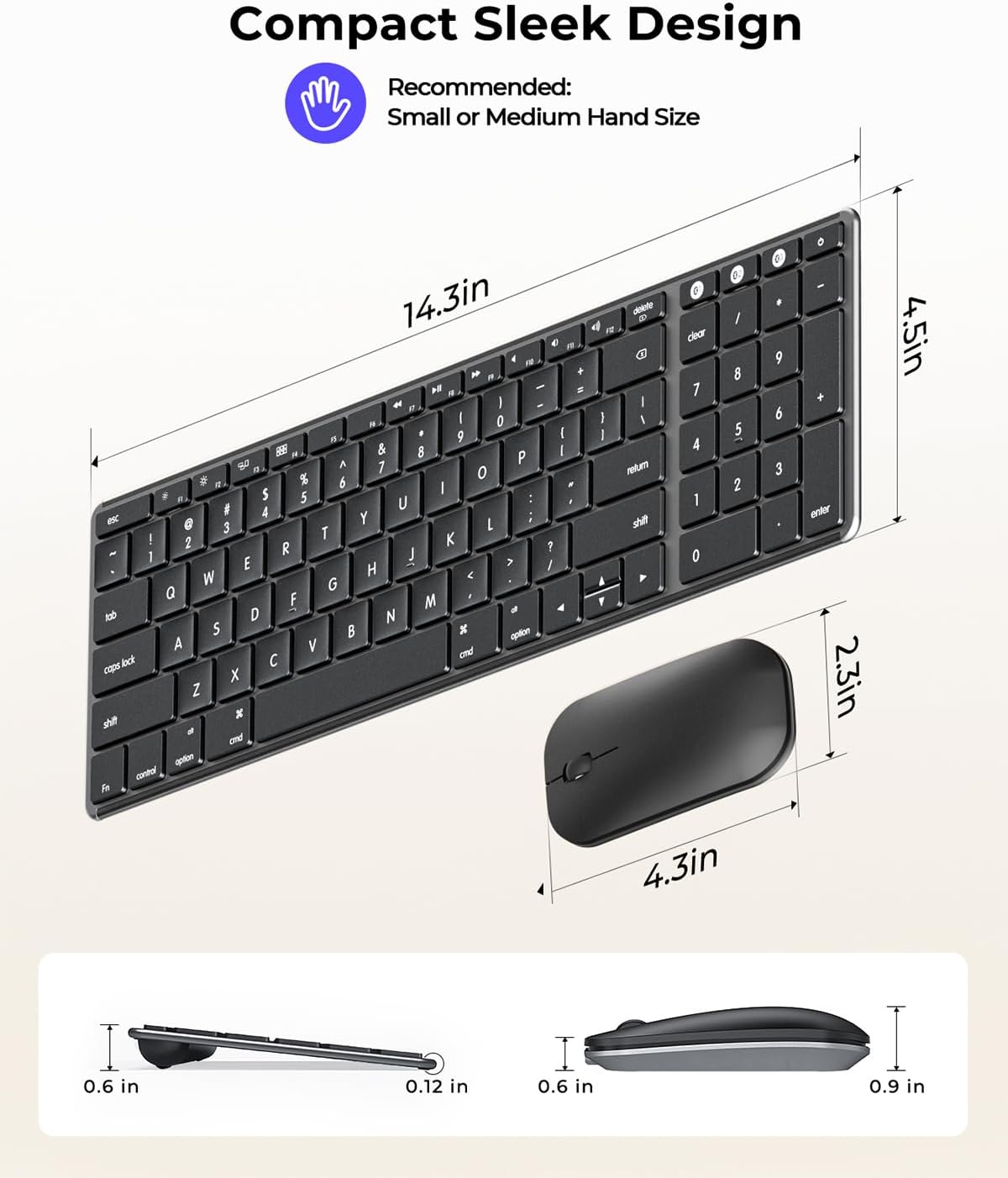
The build emphasizes a sleek, portable aesthetic with a keyboard around 0.12 inches thick and a mouse around 0.9 inches thick. The metal and premium ABS construction balance durability with a refined look suited for modern workspaces. Compatibility is clearly stated for macOS 10.12+, iPadOS 13.0+, and iOS 13.0+. It supports BT1/BT2/BT3 channels, so you can switch between three devices—Mac, MacBook Pro/Air, and iPad—without swapping peripherals.
Connectivity and power
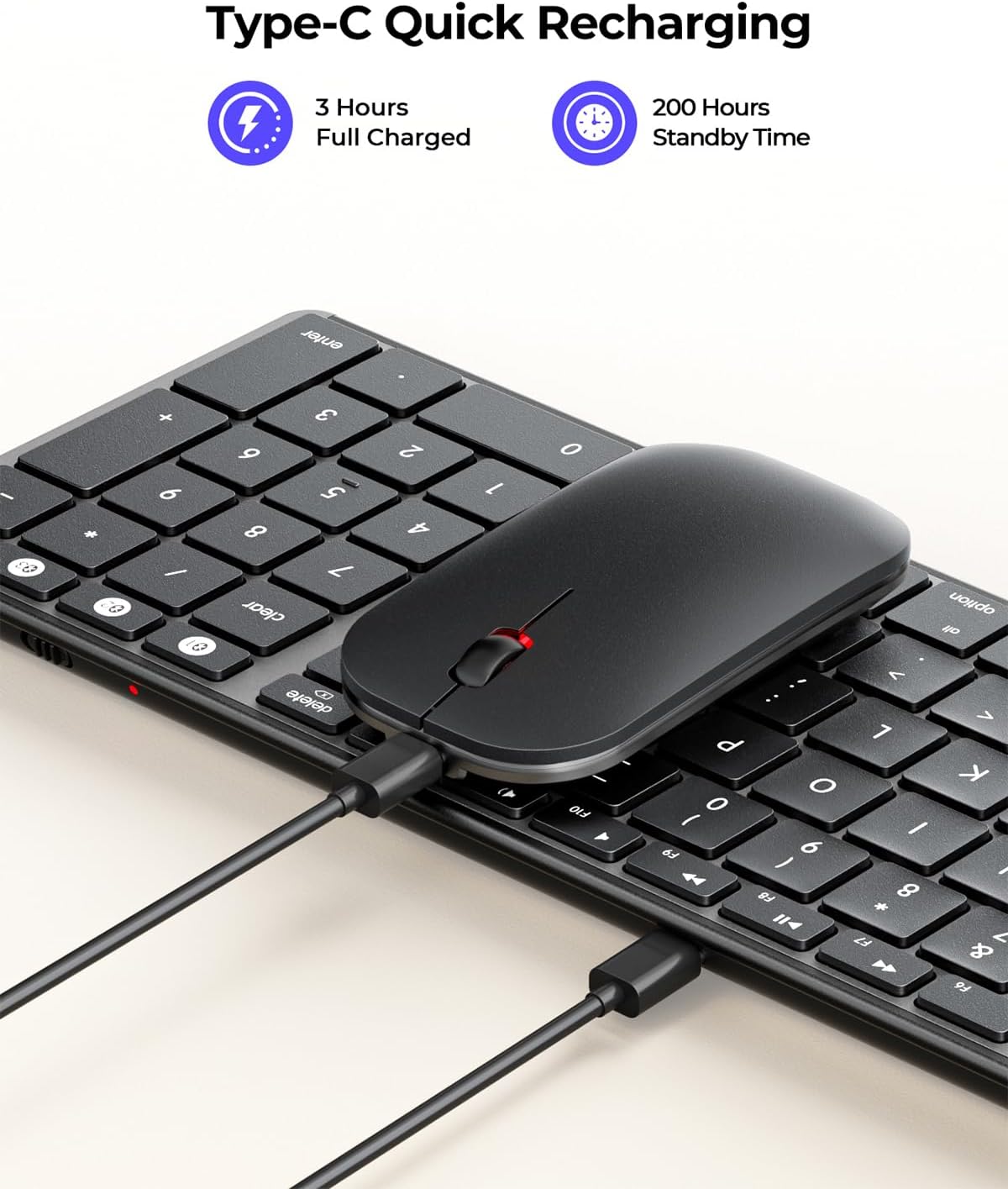
Powered by Type-C recharging, the setup avoids disposable batteries and offers up to 200 hours of standby. An auto-sleep feature and an on/off switch help extend battery life, which can be a plus if you travel or work remotely. It’s important to note that the system requires Bluetooth 4.0 or above and does not include a Bluetooth adapter.
How it feels in use
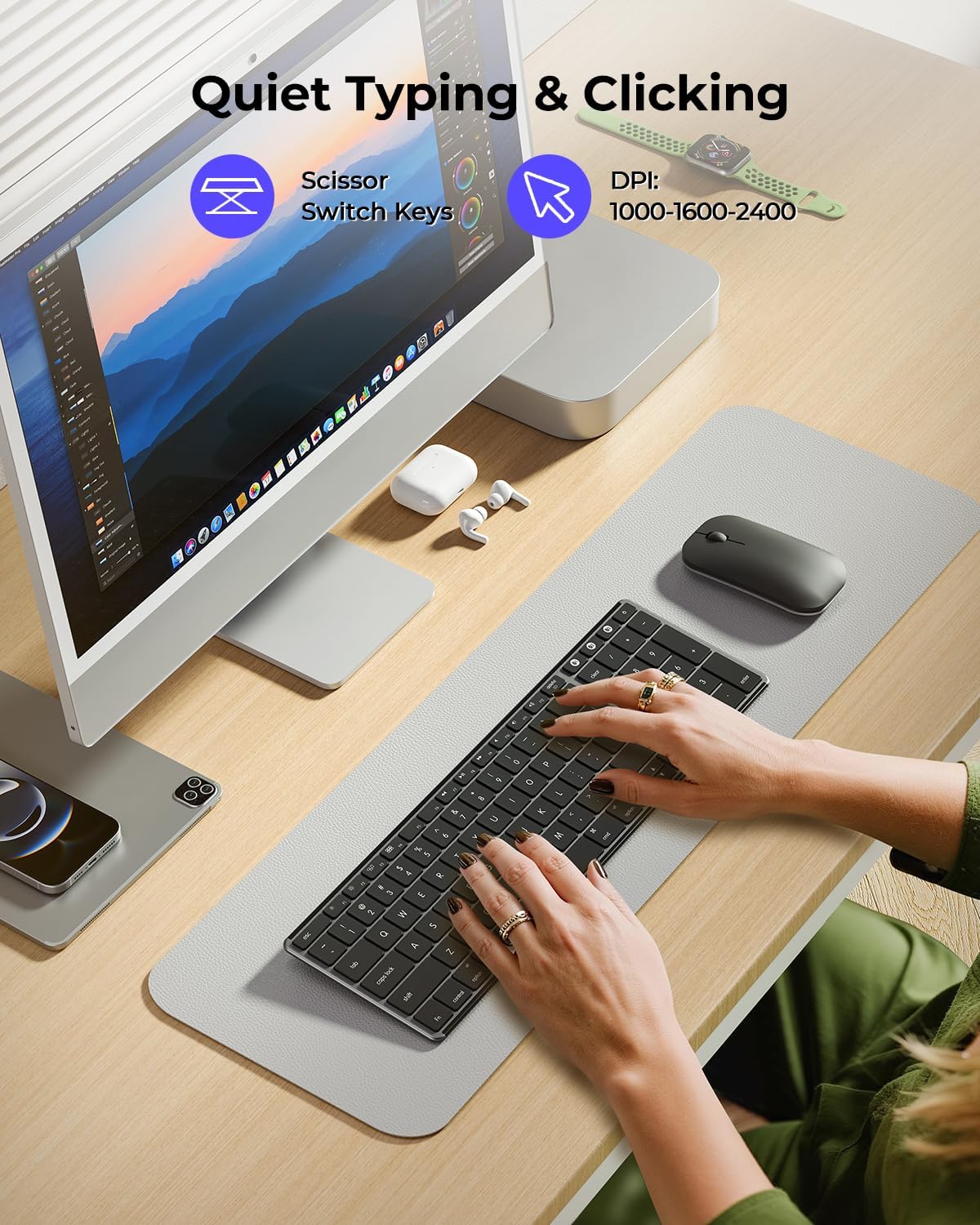
The keyboard emphasizes a tactile, quiet click, with enhanced key stability to reduce noise while preserving responsiveness. The mouse is designed to be whisper-quiet, which is helpful in shared spaces like libraries or open offices. If you value a peaceful environment for deep work, the quiet experience is a practical benefit.
Pros and cons at a glance
Pros: multi-device switching (three channels), metal + ABS build, slim profile, Type-C rechargeable with long standby, quiet keyboard and mouse, compatible with a broad slice of Apple devices. Cons: relies on Bluetooth 4.0+ environments and a USB-C charger for recharging, no Bluetooth adapter included, exact key travel and mouse sensor specs aren’t spelled out in the available information.
Who it’s for
This combo seems well-suited for students, professionals, and creators already using Macs, MacBooks, or iPads who want to consolidate input devices across devices and maintain a tidy desk. If you frequently work across multiple Apple devices and value quiet operation, this set targets that workflow pretty directly.
Who it’s not the best option for
If you need a robust gaming setup or require highly customized macro keys and advanced DPI options, this pair might fall short. Those who rely on wired connections or need a working ecosystem outside Apple devices should consider other options with broader compatibility.
When it makes sense to buy
Consider this combo if you value cross-device Mac-centric productivity, desire a slim, portable footprint, and appreciate a rechargeable solution over disposable batteries. The three-way device switching is particularly useful for users juggling a Mac, a MacBook, and an iPad in a single sitting.
Before you buy: what to check
- Ensure your devices meet macOS 10.12+ and iPadOS/iOS 13.0+ compatibility requirements.
- Confirm you’re on Bluetooth 4.0+ and don’t need an external adapter.
- If you expect long stretches of quiet typing, note that the exact feel of the keys isn’t described beyond the reduced noise claim.
Practical usage example
Imagine drafting a long report on your Mac, taking quick notes on an iPad during a meeting, then continuing on your MacBook without reconnecting anything. With BT channels set up, you just switch devices on the fly and keep typing without interruption. The ultra-slim form factor means you can carry both devices and the keyboard in a slim bag without bulk.
What to compare against (implicit alternatives)
If you’re choosing between this and other multi-device Apple-centric input setups, you’re weighing portability and quiet operation against deeper customization or broader OS compatibility. This Seenda bundle appears to prioritize a clean Apple workflow with a simple, reliable pairing rather than heavy gaming or enterprise-grade features.
Decision: Is it worth it?
Is it worth it? Given its focus on Apple-device compatibility, three-device switching, and rechargeable power, it’s a reasonable pick for users who want a compact, quiet, multi-device keyboard and mouse that stays within the Apple ecosystem. It may not be the strongest choice if you need non-Apple compatibility, extensive customization, or high-end gaming features.
FAQ
- Do I need Bluetooth adapters? No, a Bluetooth 4.0+ environment is required, and the bundle does not include adapters.
- How long does the battery last? Up to 200 hours in standby, with auto-sleep and an on/off switch to save power.
- Can I use it with iPadOS and macOS at the same time? Yes, via the three Bluetooth channels (BT1/BT2/BT3) to switch between up to three devices.