

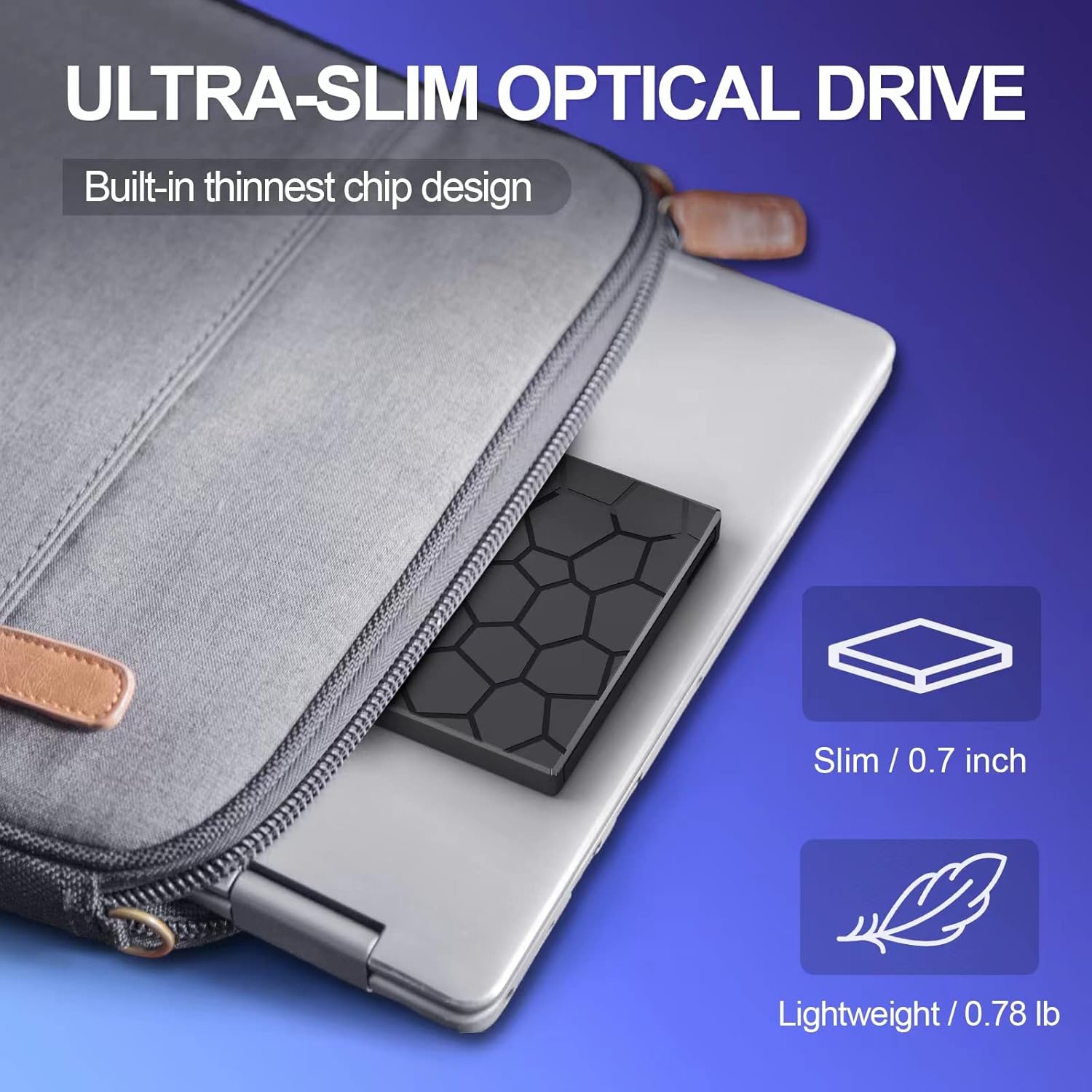
BPAKDU 8-in-1 External CD/DVD Drive for Laptop with USB-C & USB 3.0
Product description
What it is and what it solves
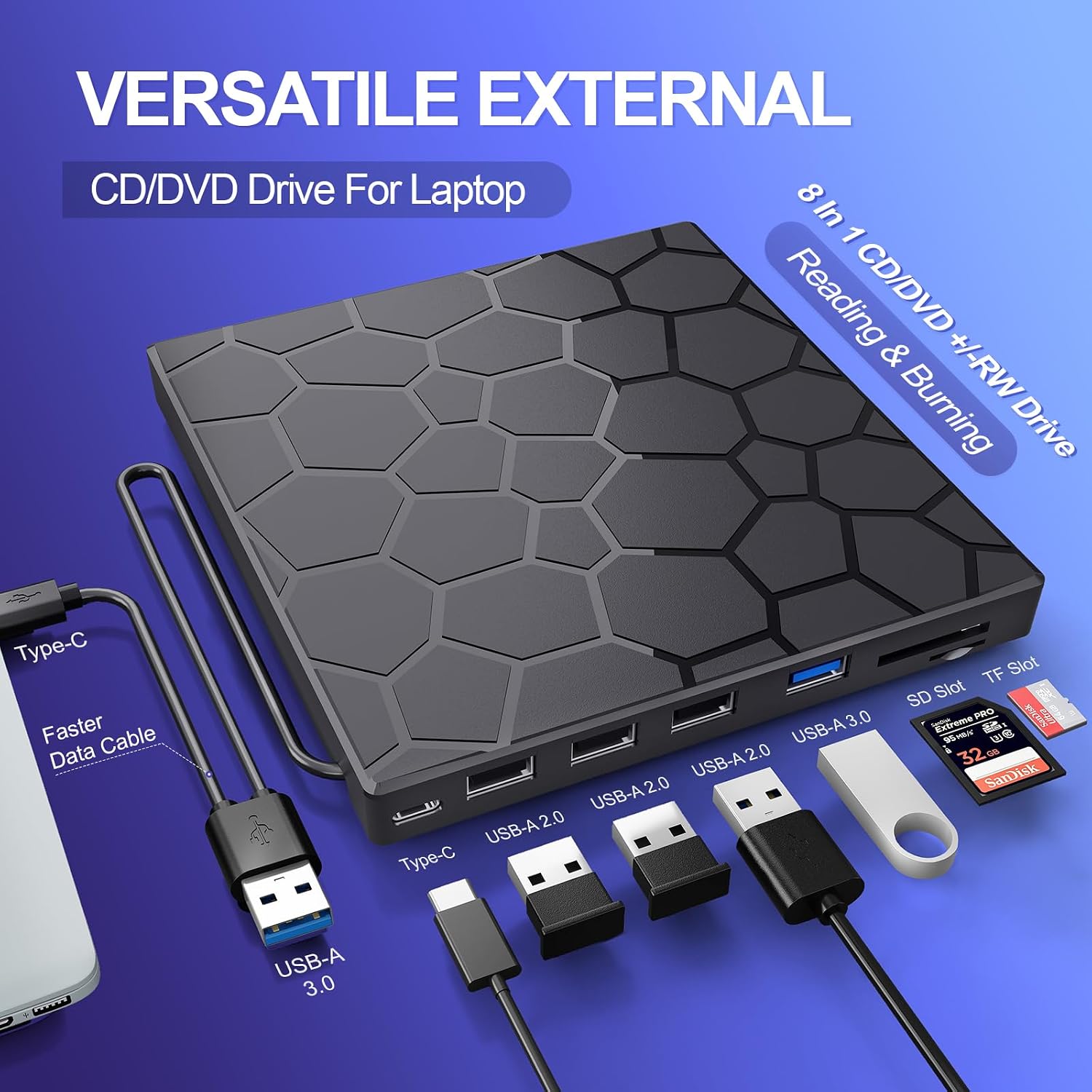
The BPAKDU external CD/DVD drive is a portable, plug-and-play optical solution designed to add reading and writing capabilities to laptops, desktops, and some Macs. It combines a CD/DVD drive with a compact 8-in-1 feature set, including a USB 3.0 hub, three USB 2.0 ports, an SD/TF card reader, and a USB-C port. If you regularly transfer photos or video from memory cards and need a single, portable device for multiple tasks, this drive aims to be a convenient all-in-one option.
How it operates and power considerations
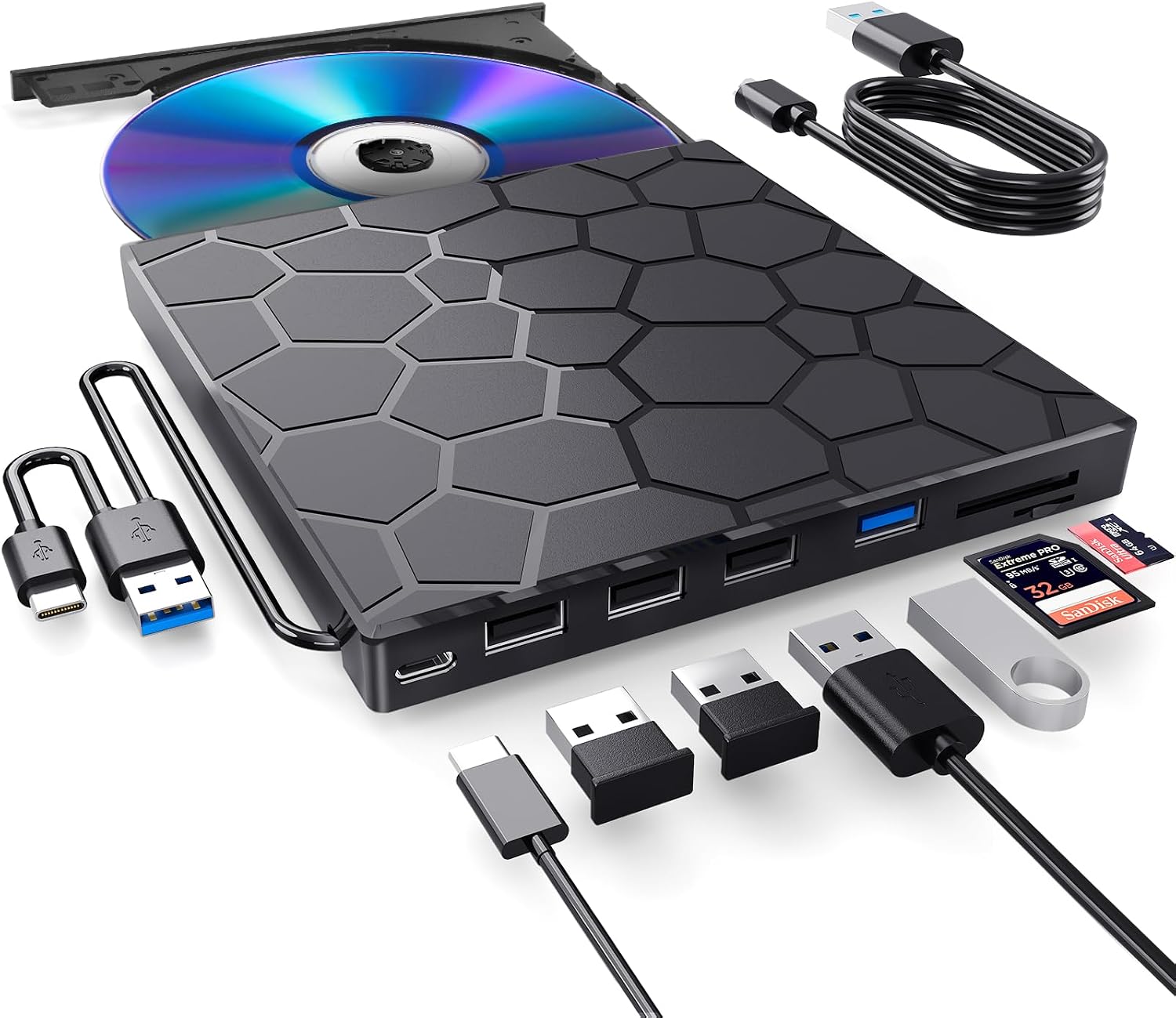
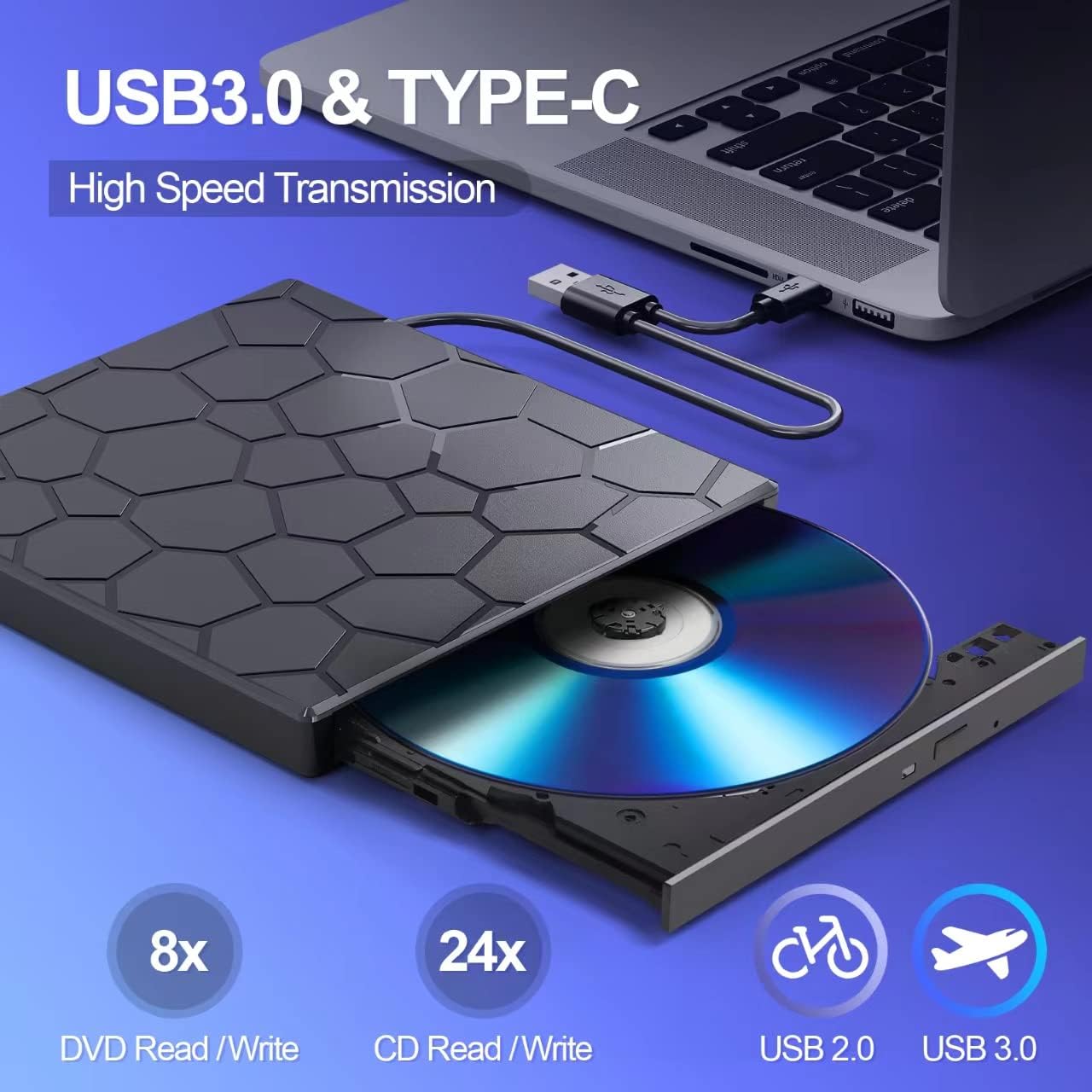
This drive is powered through USB 3.0, so no internal DVD driver or extra power is required for basic use. However, there is a caveat: on some Windows 10/11 laptops, the unit may not be recognized due to insufficient power. In those cases, the seller notes that connecting an external power cable can resolve the issue. It’s not perfect, but it’s a common workaround when plug-and-play isn’t immediate.
What it can do (and what it can’t)
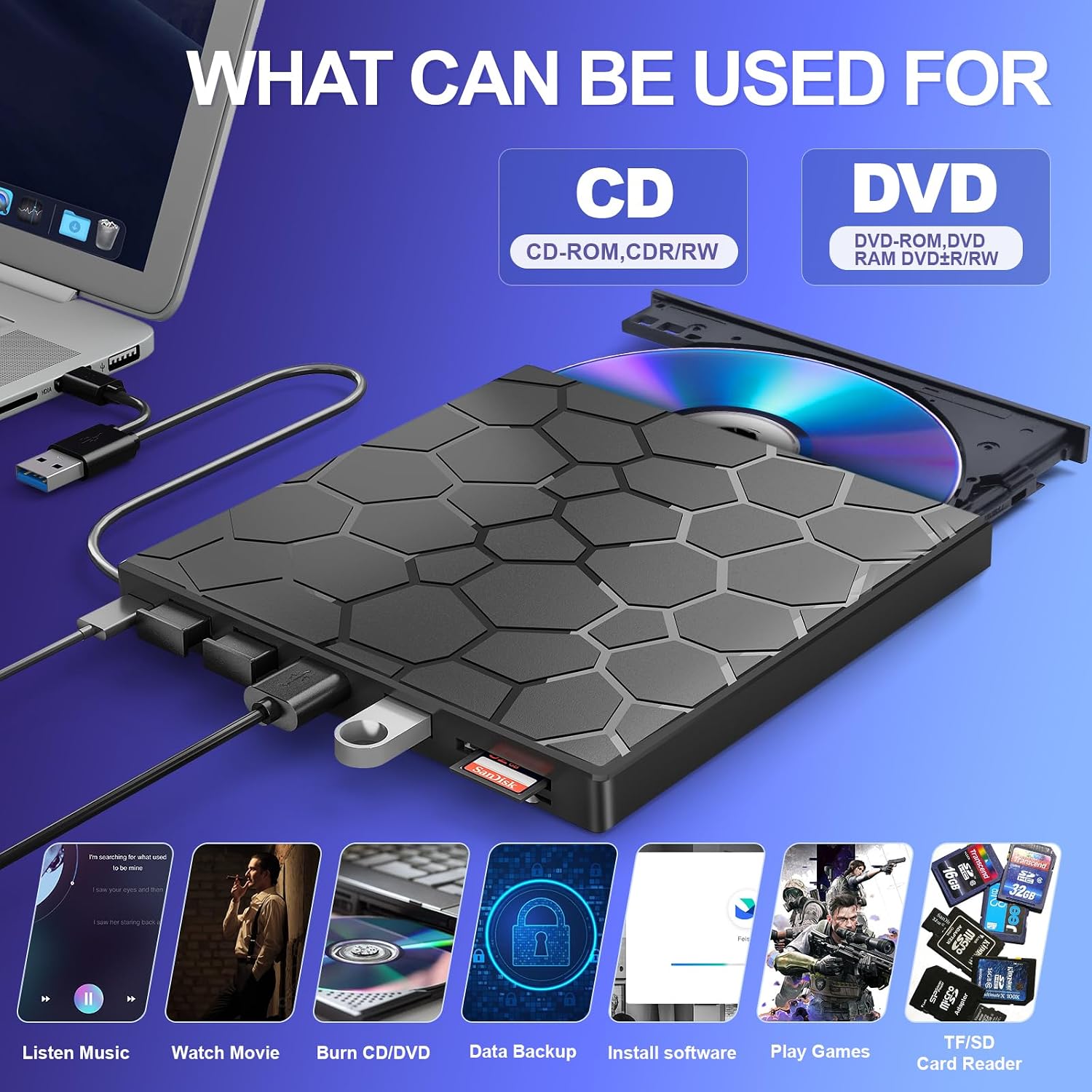
On the media side, it reads and writes CD±R/RW, DVD±R/RW, DVD-RAM, VCD, and SVCD. The claimed speeds include up to 8x DVDR read and up to 24x CD read/write, which is faster than many basic externals but still depends on the disc and host system. The 8-in-1 setup also supports quick data transfers from cameras or phones via the card reader, which can be handy for on-the-go backups.
Strengths you’ll notice in everyday use
It’s a compact, all-in-one device that reduces clutter: you can carry a single unit to handle discs, card transfers, and simple USB peripherals thanks to the hub. The USB 3.0 interface offers higher theoretical transfer rates than USB 2.0, which helps when moving larger photo or video files. The drive’s build aims for stability with anti-skid and quiet operation, which matters when you’re working at a desk or in a shared space.
Limitations and caveats
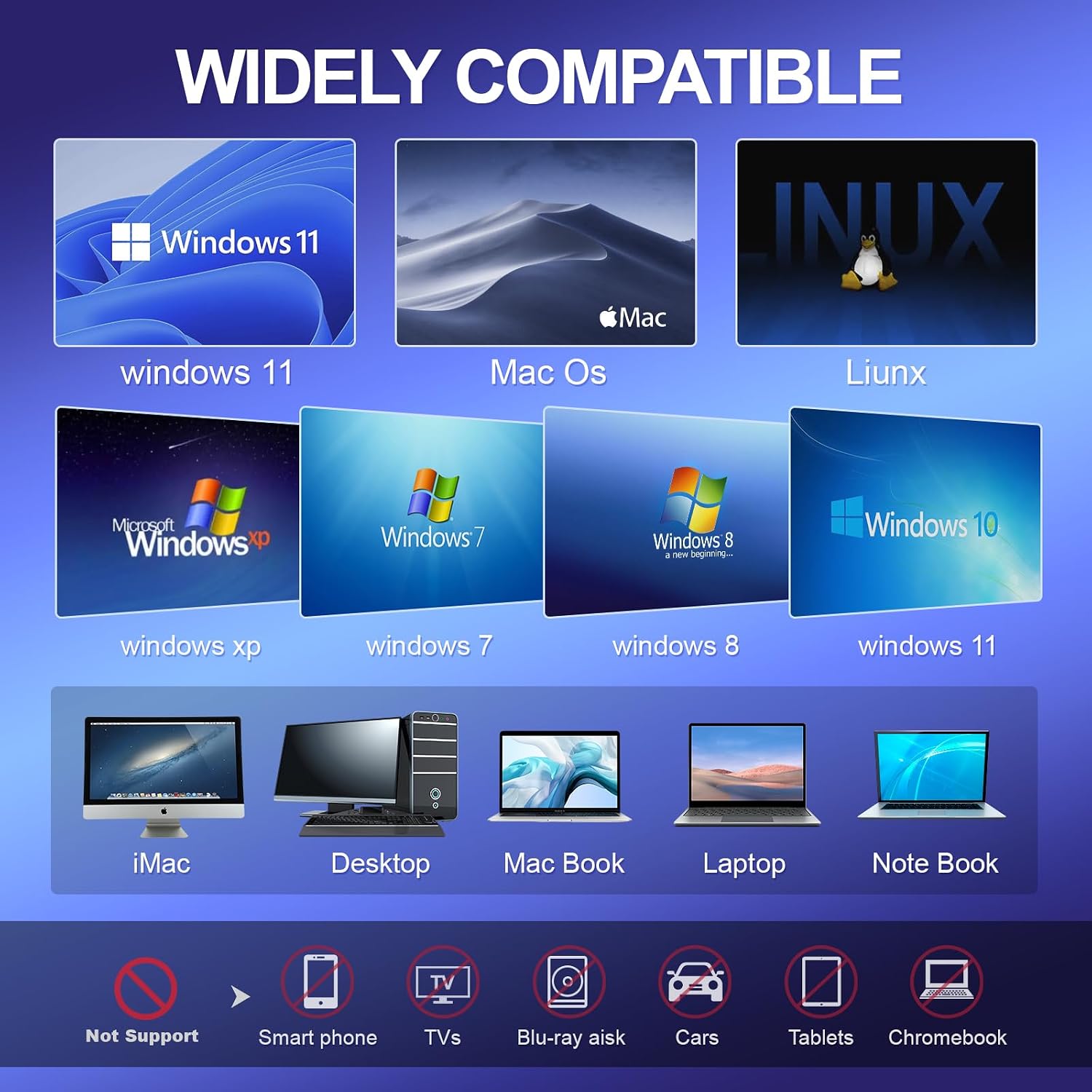
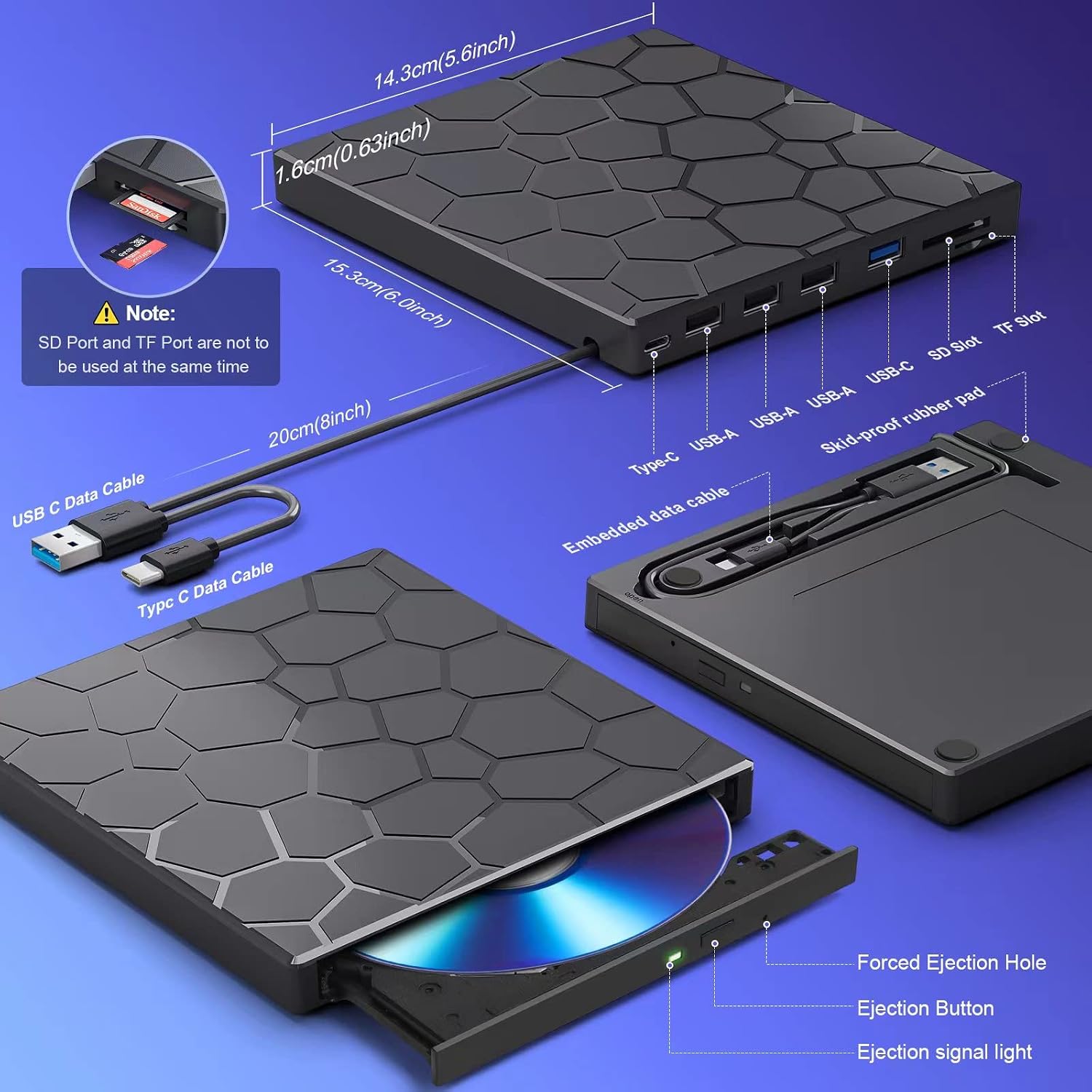
If you’re relying on it as a sole, always-on drive, be mindful that some systems may require extra power or driver troubleshooting. The brand mentions a driver troubleshooting tool in limited terms, and there’s no universal driver-free guarantee across all Windows configurations. Also, SD and TF card reading can’t be used simultaneously, which might slow down workflows that expect parallel card access. It’s not a universal upgrade for all devices, especially if you need Blu-ray support or high-end caching for demanding workloads.
Who it’s best for
This device suits users who want an ultra-slim, portable solution for occasional disc reading/writing, plus basic extra ports for quick data transfers from cards or peripheral devices. It’s a practical pick for students, travelers, or home offices where space is at a premium and the need is for occasional optical media access rather than heavy media production.
Who may want to skip it
If your primary need is high-speed disc workloads, frequent 4K video workflows, or exclusive Mac/PC ecosystems with specific software requirements, this drive may feel limited by its USB-powered design and the mixed reviews on power compatibility. If you depend on simultaneous card access or require Blu-ray reading, you’ll likely want to explore other options.
When it makes sense to buy
Consider this drive if you want an affordable, compact 8-in-1 device that can handle basic disc tasks, card transfers, and USB peripherals in a single package. It’s also sensible if you travel a lot and need a lightweight gadget that minimizes gear while still offering a few extras beyond a standard optical drive.
What to check before buying
- Confirm your laptop or desktop supports USB 3.0 for the best speeds, and be prepared to use the optional external power cable if needed on certain setups.
- Note that SD and TF cards can’t be used at the same time, plan your workflow accordingly.
- If you rely on Windows 11, ensure you’re ready to provide any driver troubleshooting steps if the device isn’t recognized immediately.
- Check compatibility with your OS (Windows, Mac, Linux) and ensure your use case aligns with CD/DVD reading/writing and the advertised speeds.
Practical usage example
Imagine editing a batch of vacation photos from a camera: you drop a microSD into the reader, back up the photos to a folder on your laptop via the USB 3.0 hub, and then burn a backup DVD for archiving. All of this happens without hunting for multiple cables, thanks to the integrated USB-C port and the compact form factor that fits neatly in a backpack.
FAQ (where data allows)
- Does it require separate power? It can, on some laptops, via an external power cable to resolve recognition issues.
- Can I read both CD and DVD discs? Yes, it reads and writes CD±R/RW and DVD±R/RW, plus DVD-RAM, VCD, and SVCD.
- Can I use the SD and TF card reader at the same time? No, they cannot be used simultaneously.
Is it worth it?
This device is a pragmatic, mid-range choice for light to moderate optical tasks and extra ports in a compact package, it won’t replace a full-featured internal drive for heavy workloads, but it can simplify on-the-go data transfers and basic backups. If your needs include Blu-ray or sustained high-speed media work, look for alternatives with stronger power and performance specs.