

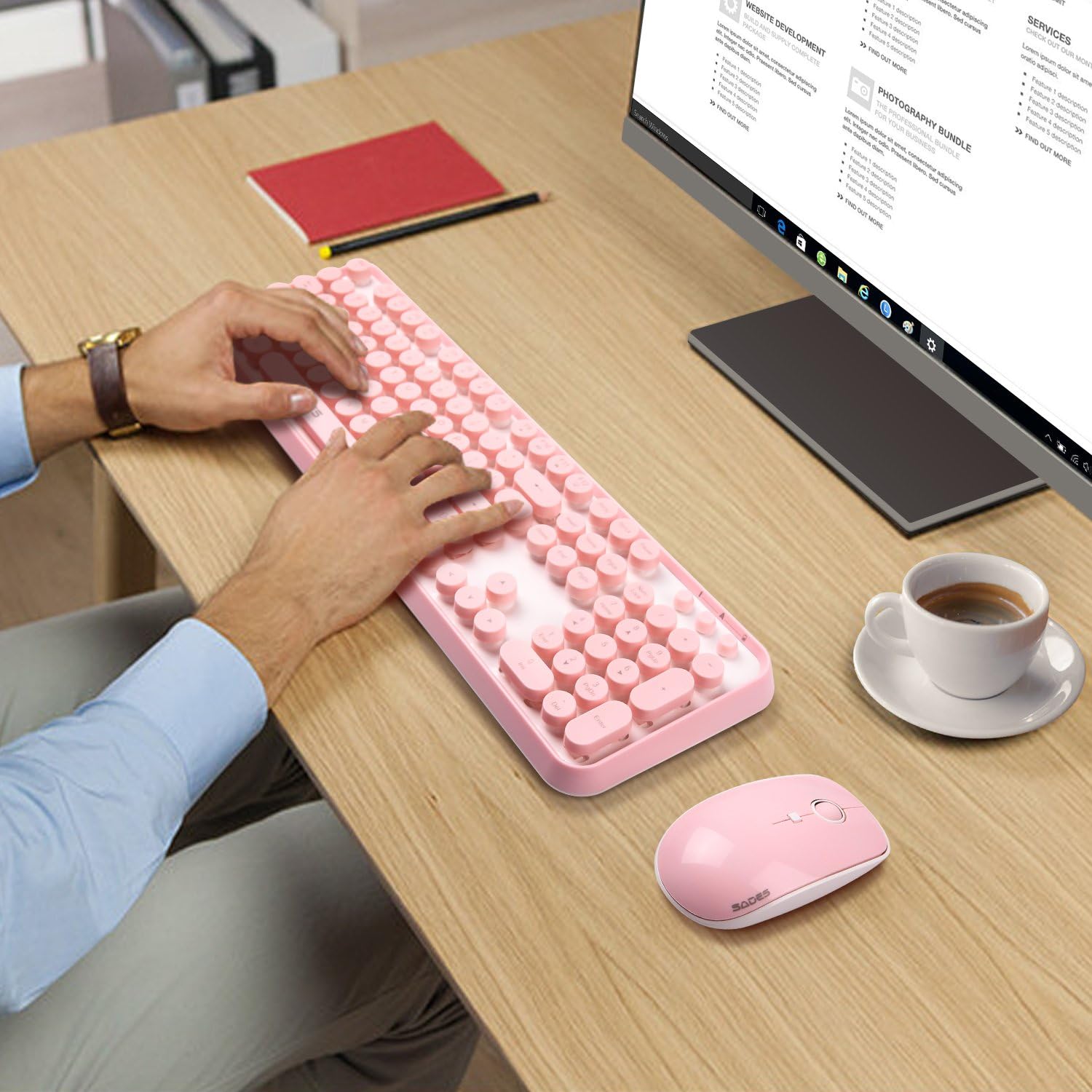
Pink Wireless Keyboard and Mouse Combo with Round Bubble Keys for Long Nails
Product description
What it is and who it’s for
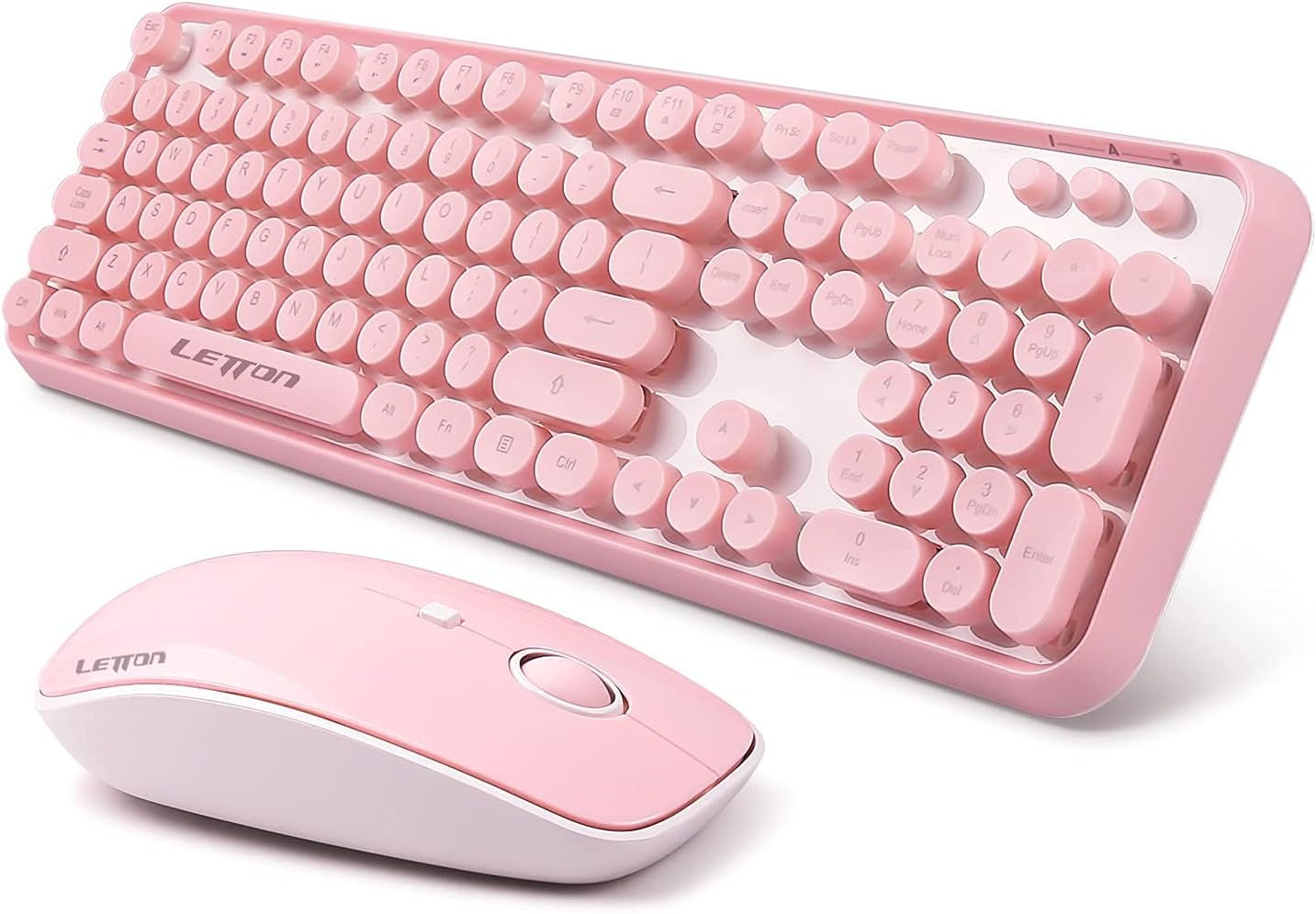
If you’re after a cute, practical desktop setup that doesn’t fight you when you type with long nails, this Pink Keyboard and Mouse Wireless combo might be worth a look. It’s a full-size keyboard with a numeric keypad and a matching wireless mouse, all in a pastel pink finish. The standout here is the typing experience tailored for acrylic, press-on, gel, or naturally long nails, thanks to raised round keycaps and extra spacing between keys. If your goal is to maintain productivity while adding a bit of personality to your workspace, this set aims to deliver that balance.
Practical benefits and how it behaves in daily use
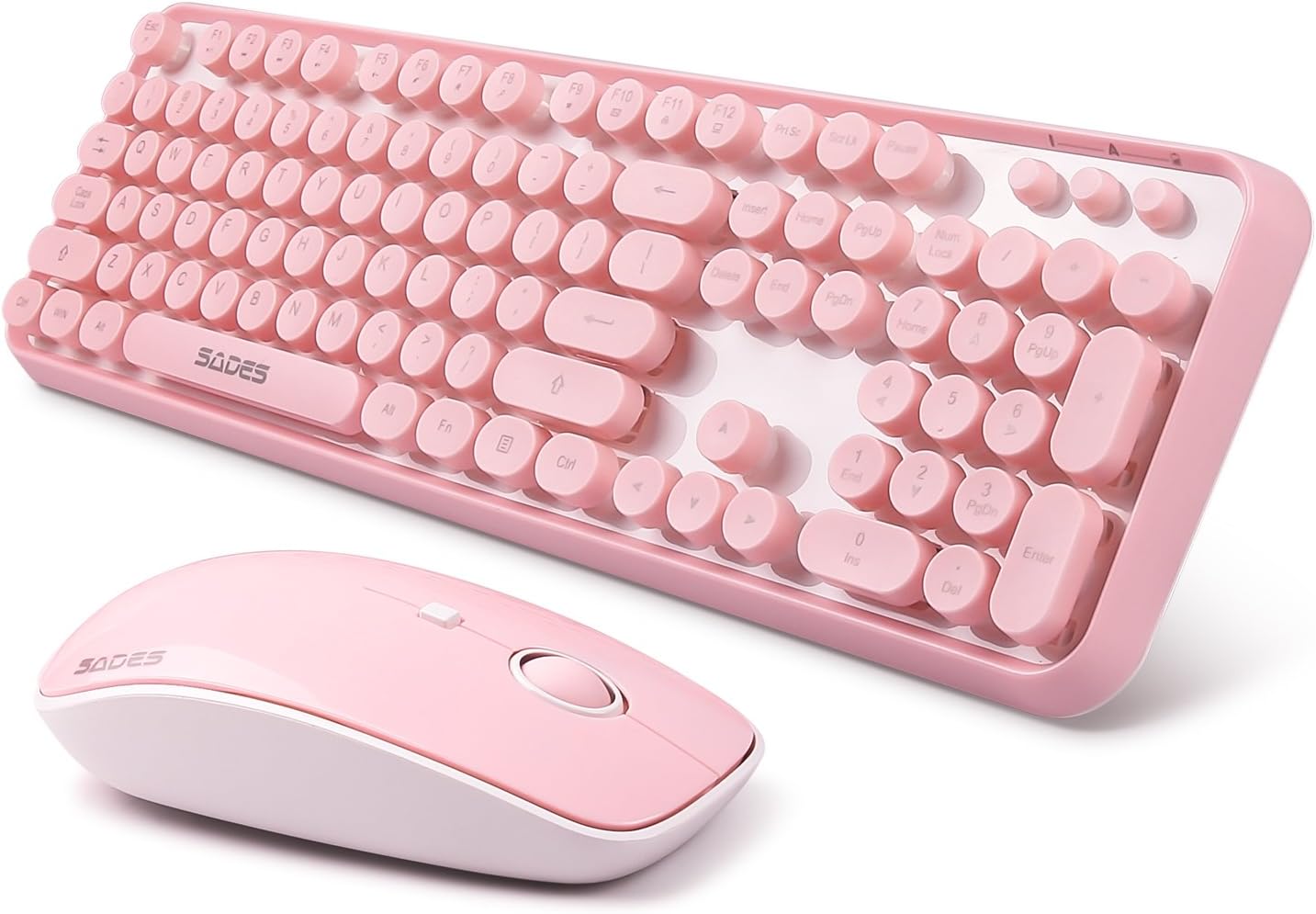
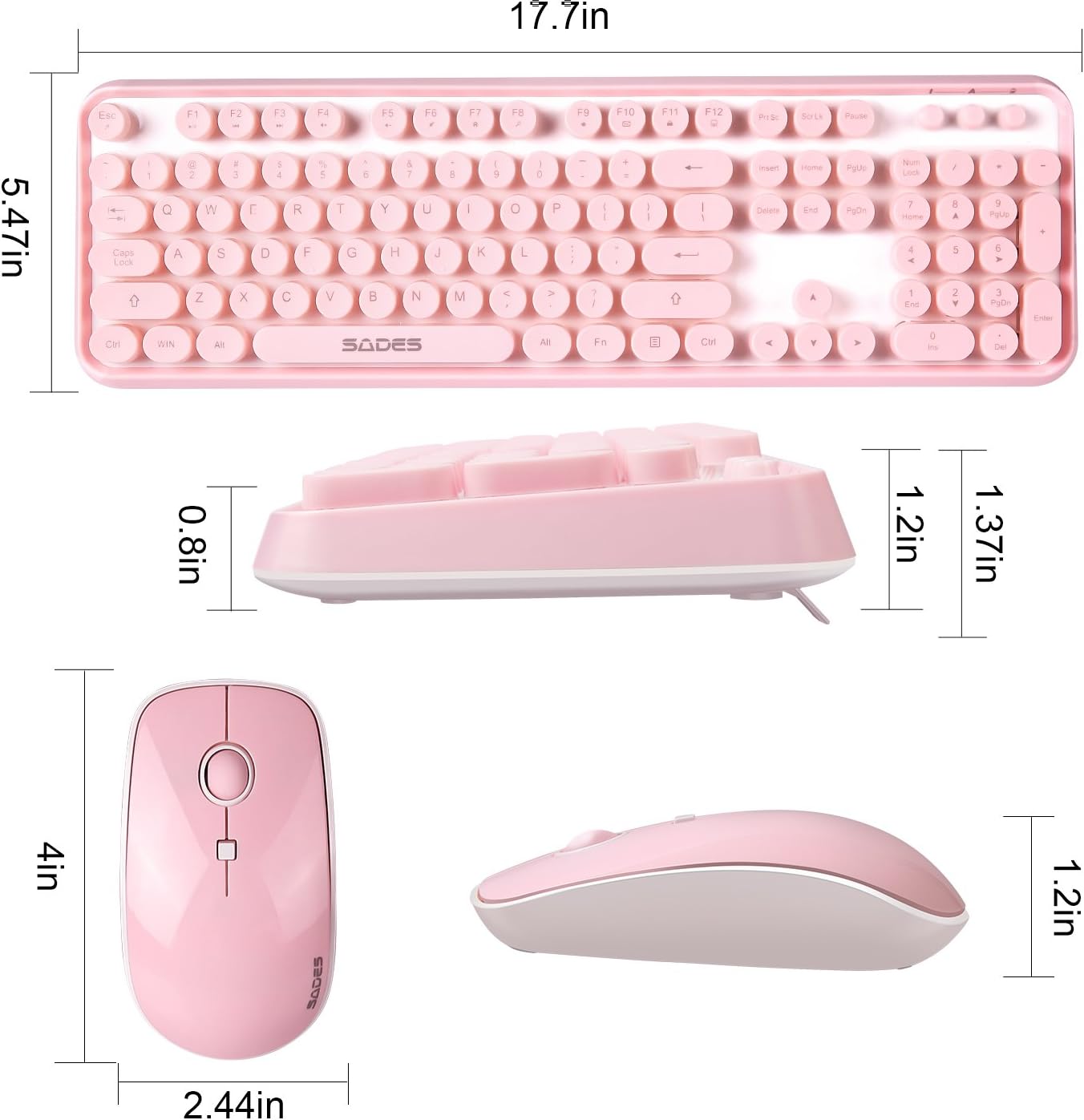
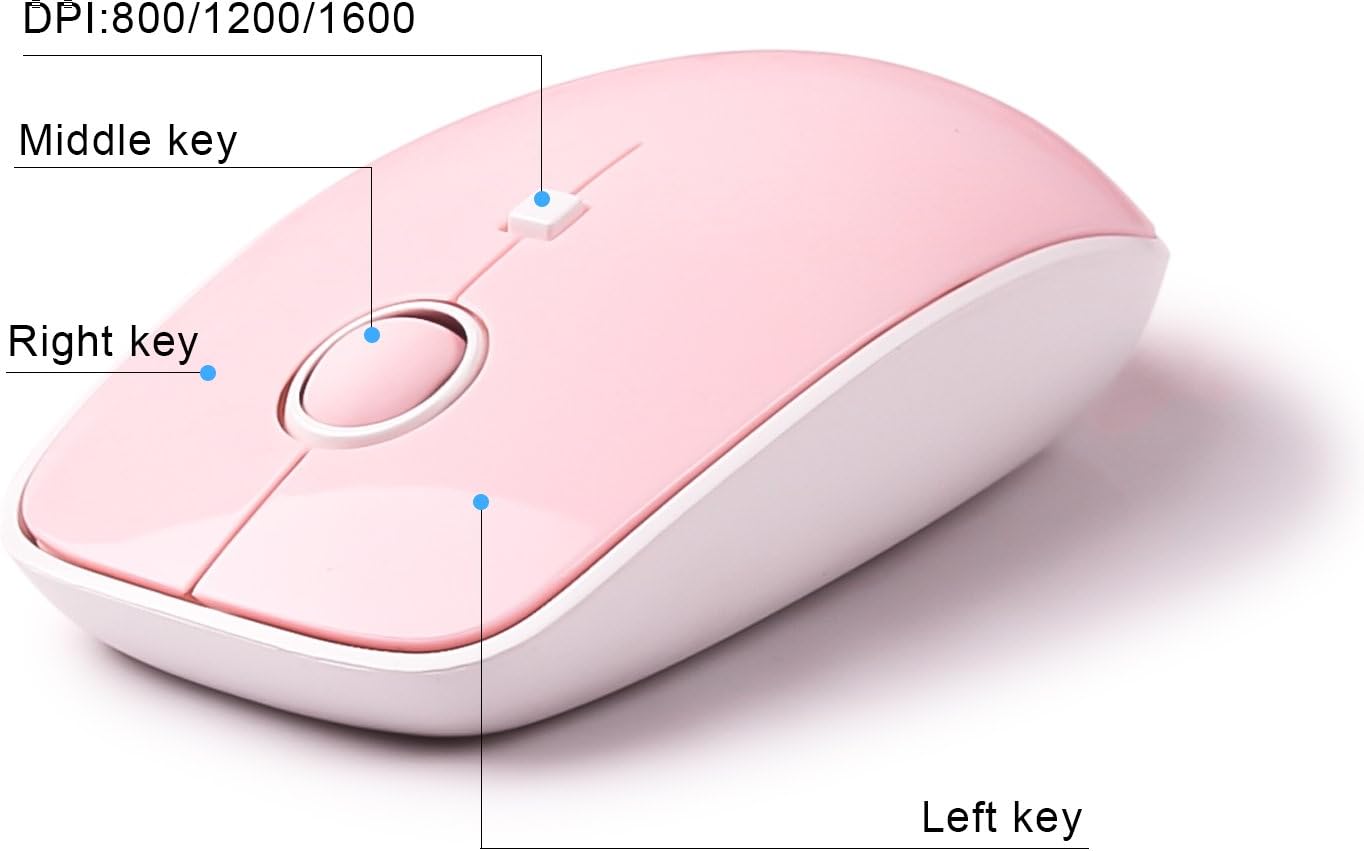
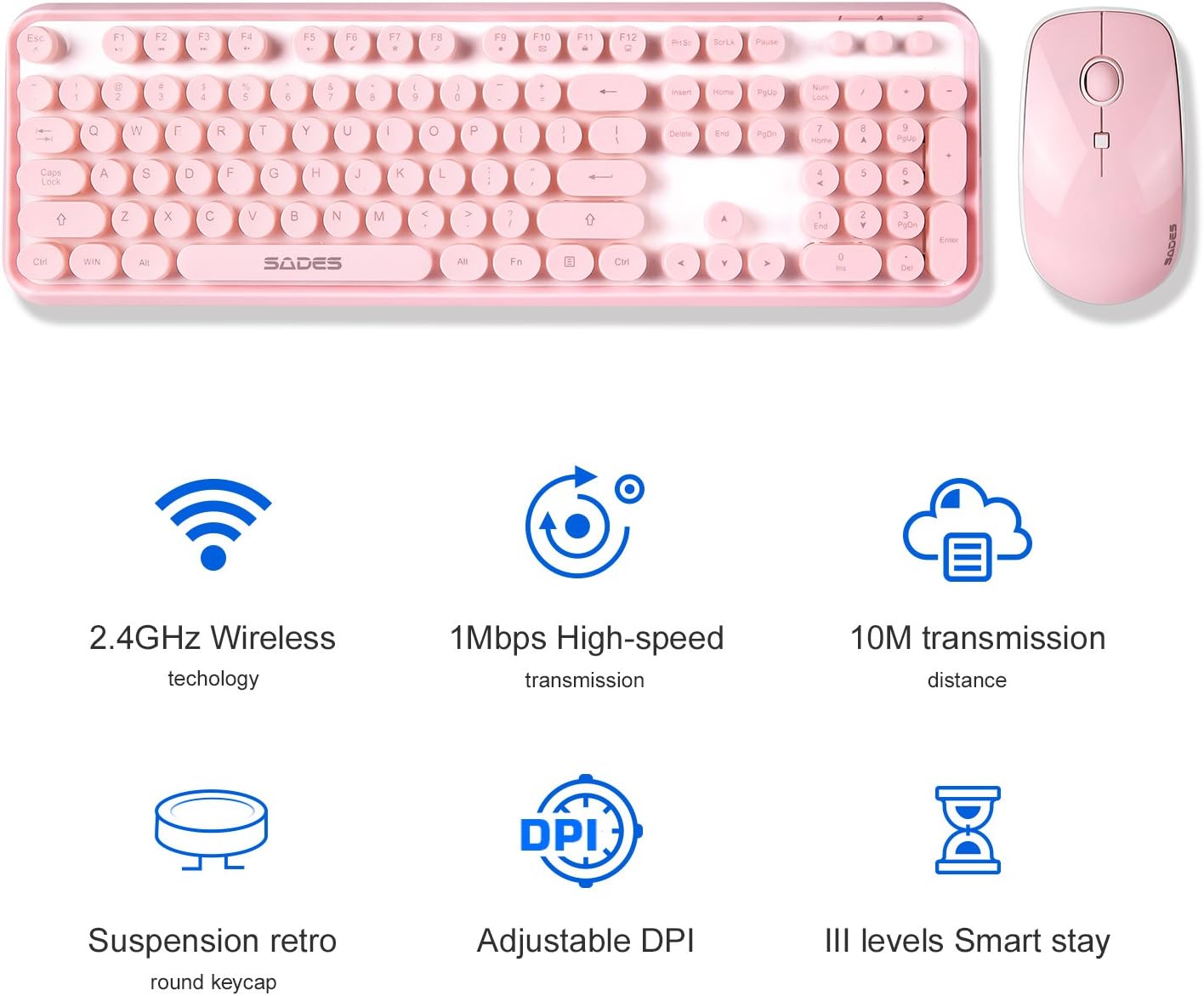
On paper, the typewriter-inspired round bubble keys offer a vintage vibe without sacrificing comfort. The keyboard connects via a single 2.4GHz receiver, which keeps the setup clean and reduces cable clutter—handy when you’re moving between a desk, dorm, or small home office. The included mouse matches the aesthetic and provides adjustable DPI settings (800/1200/1600) for different tasks, from precise spreadsheet work to quick navigation in browsing and documents. The full-size layout with a dedicated number pad can streamline data entry, budgeting, and online classes.
What stands out in everyday use
If you type a lot with nails, the extra finger room and rounded caps are the practical win here. The color and retro-inspired look also make the setup feel less utilitarian and more expressive, which matters when you’re spending long hours at a computer. It’s simple to set up: plug in the USB receiver, and you’re ready to type and click without fiddling with Bluetooth pairings or cables.
Limitations and trade-offs to consider
This isn’t a premium mechanical typing experience or a high-end gaming keyboard. If you crave ultra-fast keystrokes, haptic feedback, or highly programmable macro keys, this setup may fall short. Also, there’s no mention of backlighting, which could matter if you work in low-light environments. Since the information focuses on Windows PCs and USB-enabled devices, macOS compatibility isn’t specified, so consider compatibility if you’re a Mac user.
Who it’s for
- Students and remote workers who want a soft pink aesthetic with practical full-size keys and a number pad.
- Anyone who types with long nails and wants more comfortable, accurate input without investing in a higher-end mechanical keyboard.
- Desk setups that benefit from a cohesive, cute look without sacrificing basic productivity features.
Who it isn’t for
- Power users seeking high-end mechanical switches, macro capabilities, or backlit keys.
- Buyers who need explicit macOS compatibility or specialized gaming features.
- People who prefer a compact, tenkeyless layout for smaller workspaces.
When it makes sense to buy
- You value a visually cohesive pink desk setup and a typing experience that accommodates long nails.
- You want a simple, plug-and-play solution with a shared 2.4GHz wireless connection and a matching mouse.
- You don’t require advanced customization or backlighting features.
Before you buy: quick checklist
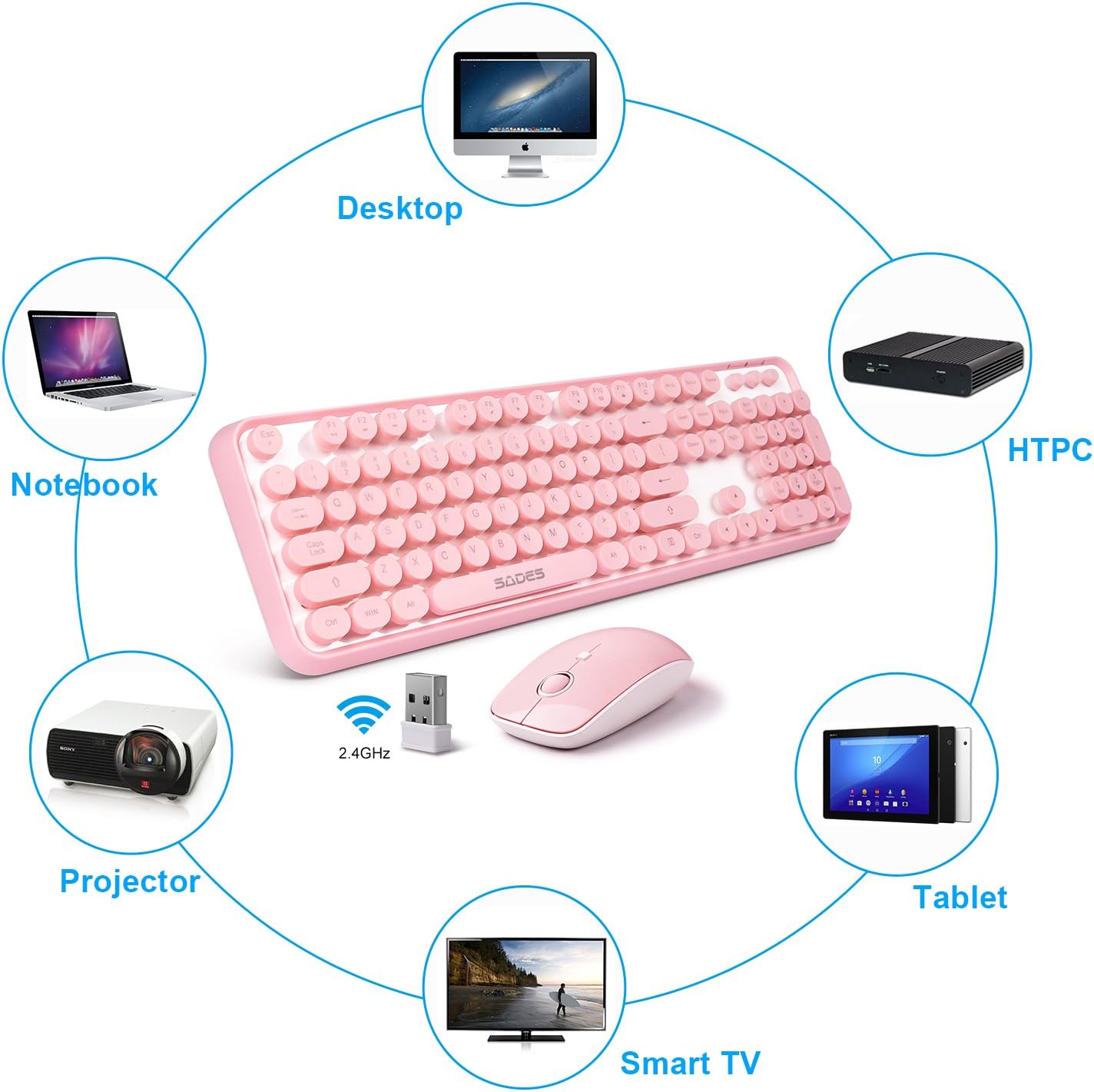
- Confirm your device supports USB wireless receivers and Windows-based systems as the base data mentions compatibility with Windows PCs and USB-enabled devices.
- Consider whether you need backlighting or mechanical switches for your typing preferences.
- Check desk space for a full-size keyboard and a separate mouse, especially if you rotate between desk and laptop use.
Practical usage example
Imagine drafting a report in a bright dorm room. The rounded keys feel gentle on fingers, and the numeric keypad helps you input figures quickly without switching between number row and keypad. The pink aesthetic adds a touch of personality to your workspace, which can make daily tasks a bit more enjoyable.
FAQ
- Is it easy to set up? Yes, the keyboard and mouse share one USB receiver and are designed for plug-and-play use.
- Does it work with macOS? The available data specifies Windows PCs and USB-enabled devices, macOS compatibility isn’t stated, so verify before purchase if you’re on a Mac.
- Can I adjust the mouse DPI? Yes, the mouse offers DPI settings of 800/1200/1600 for different tasks.
Final decision
Is it worth it? It depends on your priorities. If you want a full-size, appealing pink keyboard-plus-mouse combo that supports long-nail typing and a clean wireless setup, this could be a sensible pick. If you need advanced features or macOS compatibility, you may want to look at other options.