

Vssoplor 2.4GHz Wireless Keyboard and Mouse Combo (Nano USB Receiver, Rechargeable) — Compact Quiet Full-Size Set for Windows
Product description
If you want a clean desk setup with fewer dongles and less fuss, this Vssoplor 2.4GHz Wireless Keyboard and Mouse combo is built for that. On paper, you get a stable wireless link, a compact-but-full-size layout with a number pad, and a rechargeable keyboard/mouse approach so you’re not constantly swapping batteries.
That said, it’s not trying to be a premium mechanical experience. The design focuses on comfort and quiet typing, with features like an adjustable DPI for the mouse and a sleep mode to save energy. If your main goal is everyday productivity on a Windows laptop or desktop, it can make sense—just make sure the spec basics line up with how you actually work.
The essentials: what this combo is for
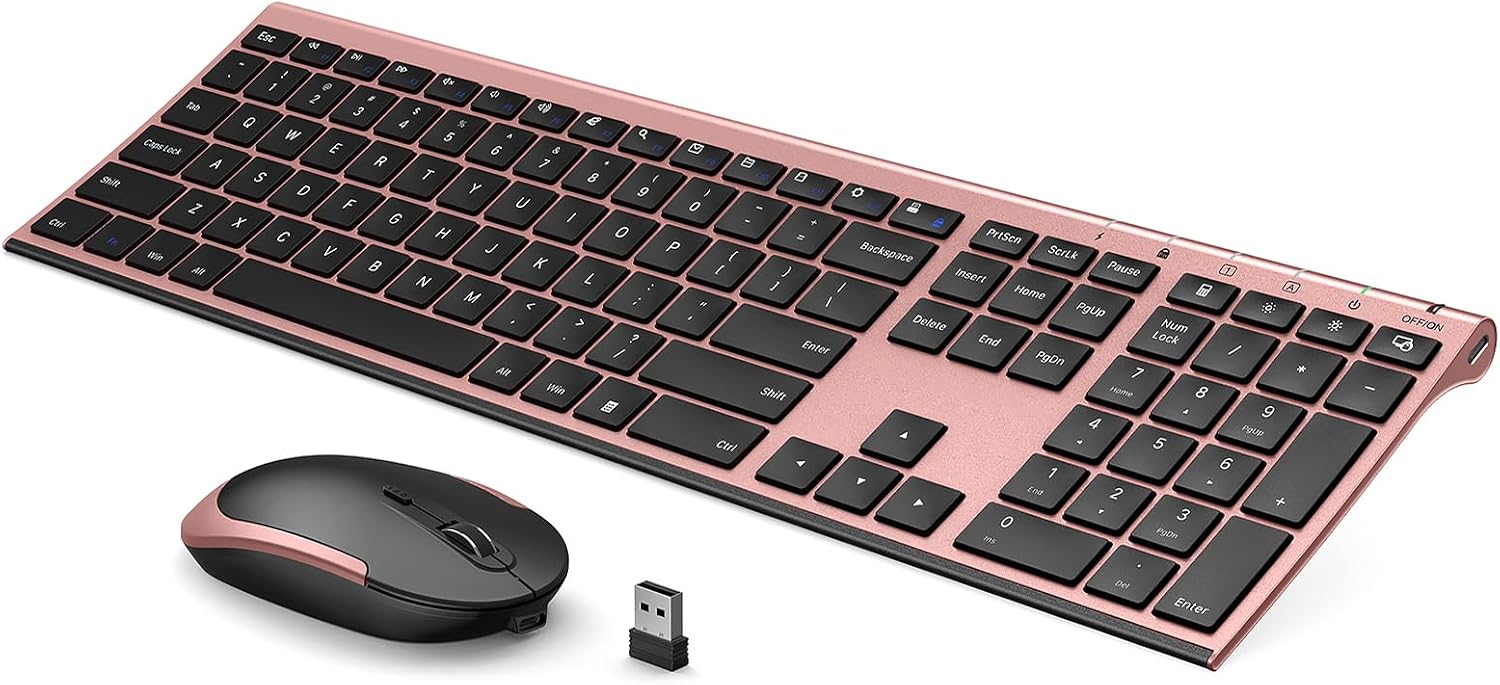
This is a 2-in-1 wireless keyboard and mouse set meant for Windows users who want plug-and-play setup and a reliable connection. The bundle uses a 2.4GHz wireless connection and a Nano USB receiver. The receiver unifies both the keyboard and mouse connections into one USB port, which is a practical upgrade if you hate dedicating separate ports to every accessory.
It’s also positioned as a low-maintenance option: the keyboard (and combo setup) is rechargeable via an included charging cable, and it includes an auto sleep mode. In everyday use, that matters more than people expect—especially when you step away from your laptop for a while.
Key points
A stable 2.4GHz connection aims to keep things responsive without delays. The Nano USB receiver is the kind of feature that quietly improves day-to-day convenience because you only plug in one receiver. The mouse also includes adjustable DPI levels (1000/1600/2400), which can help if you switch between quick cursor movement and more precise pointing.
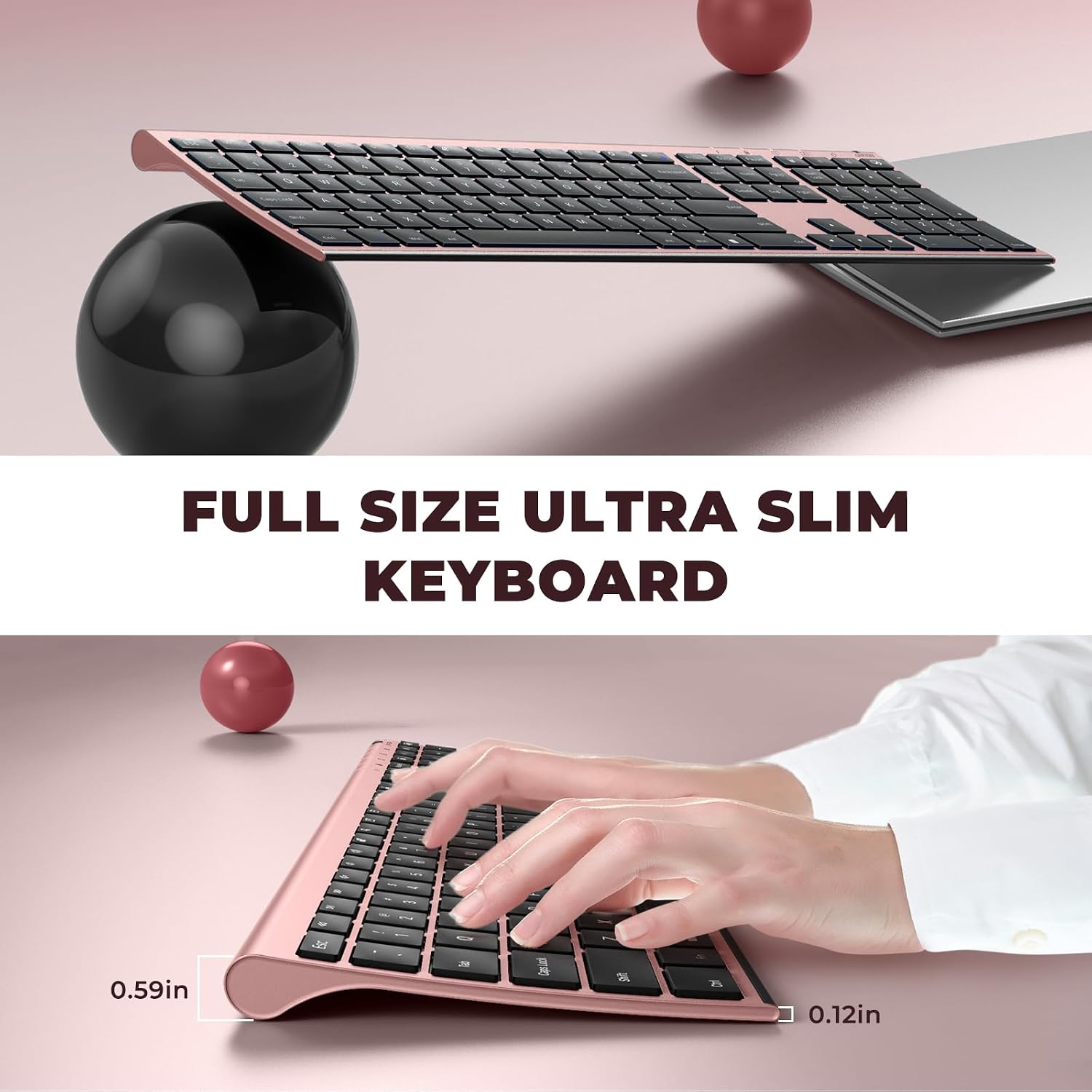
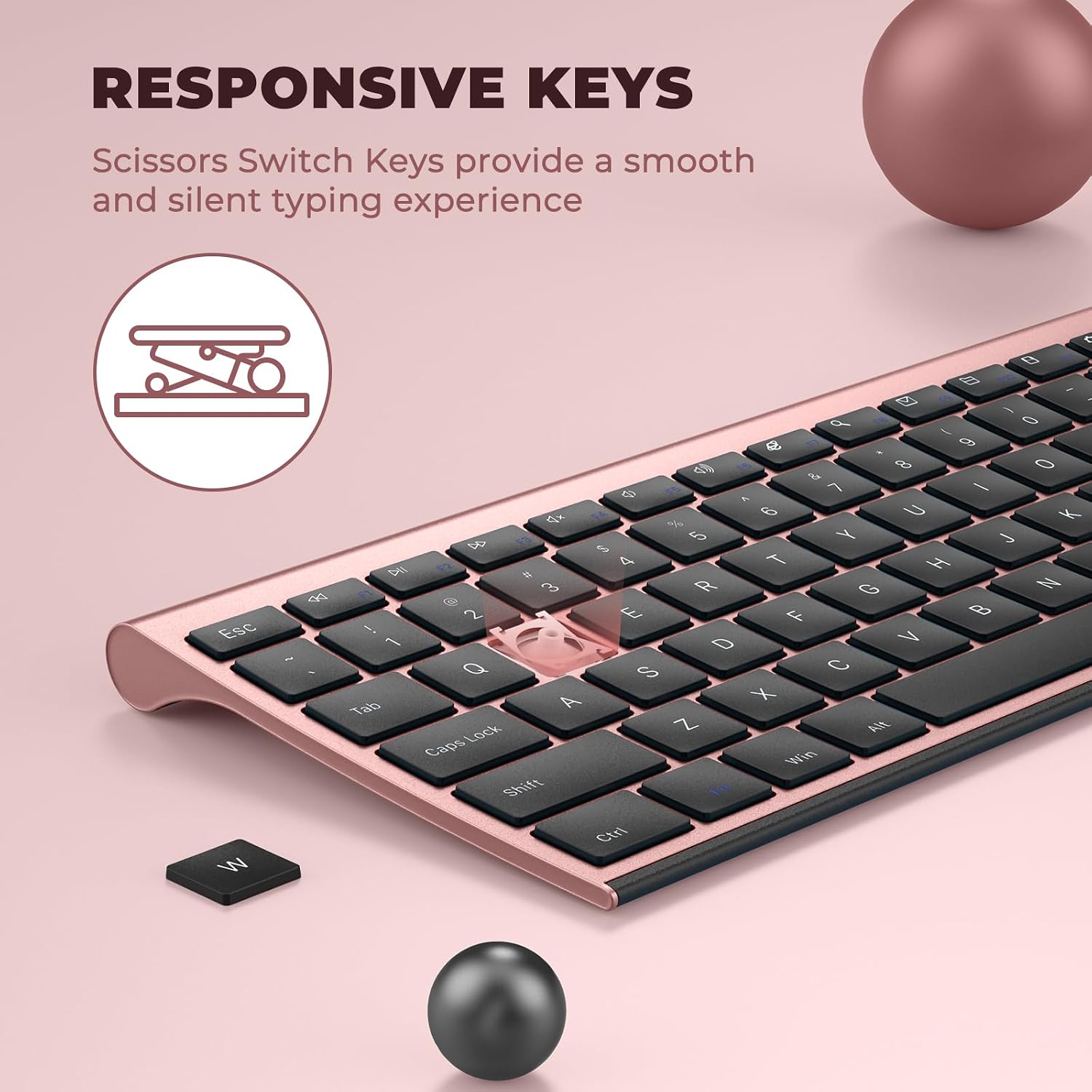
Comfort is part of the design too. The keyboard is described as having a contoured shape that’s meant to fit your hands and reduce fatigue, plus a high-end scissor switch design for tactile response and whisper-quiet typing. If you’re sensitive to noise during late-night work or in shared spaces, that “quiet” goal is one of the most relevant reasons to consider this set.
There’s a limitation worth noting: the provided details don’t mention advanced customization software, programmable macro options, or high-end sensor features. So if you’re specifically chasing enthusiast-level cursor control or deep keyboard remapping, this may feel more like a straightforward office/work setup than a hobbyist upgrade.
What stands out in real use
One clear win here is the connection setup. With a single Nano USB receiver, you’re not juggling multiple dongles or leaving an extra receiver hanging around. It’s “plug and play” on Windows, so you can go from box to typing without major setup.
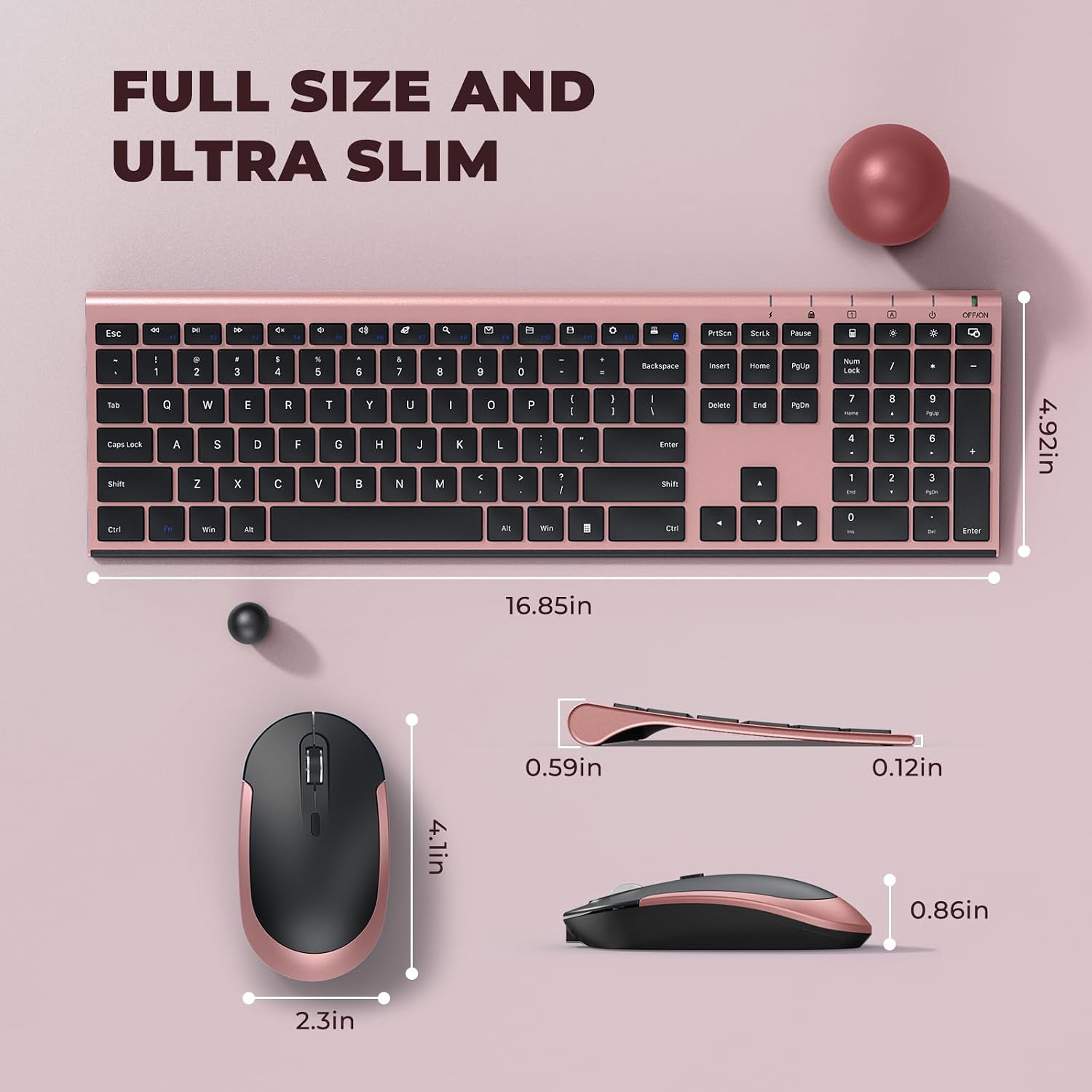
The keyboard layout is also designed for everyday productivity: it’s described as a full-size keyboard with hot keys, versatile function keys, and a number pad. That combo is especially helpful for spreadsheets, data entry, and anyone who actually uses numeric keys rather than relying entirely on the mouse.
For example, if you spend your day bouncing between email, documents, and a spreadsheet, you can use hot keys for quick navigation, rely on the number pad for entries, and adjust the mouse DPI when you move from selecting cells to scrolling through a larger sheet.
What you’ll notice day to day
The mouse includes 3 DPI levels (1000/1600/2400), so you’re not locked into one cursor sensitivity. That’s handy if you change surfaces (desk mat vs. bare desk) or if you prefer faster movement for browsing but slower control for precision.
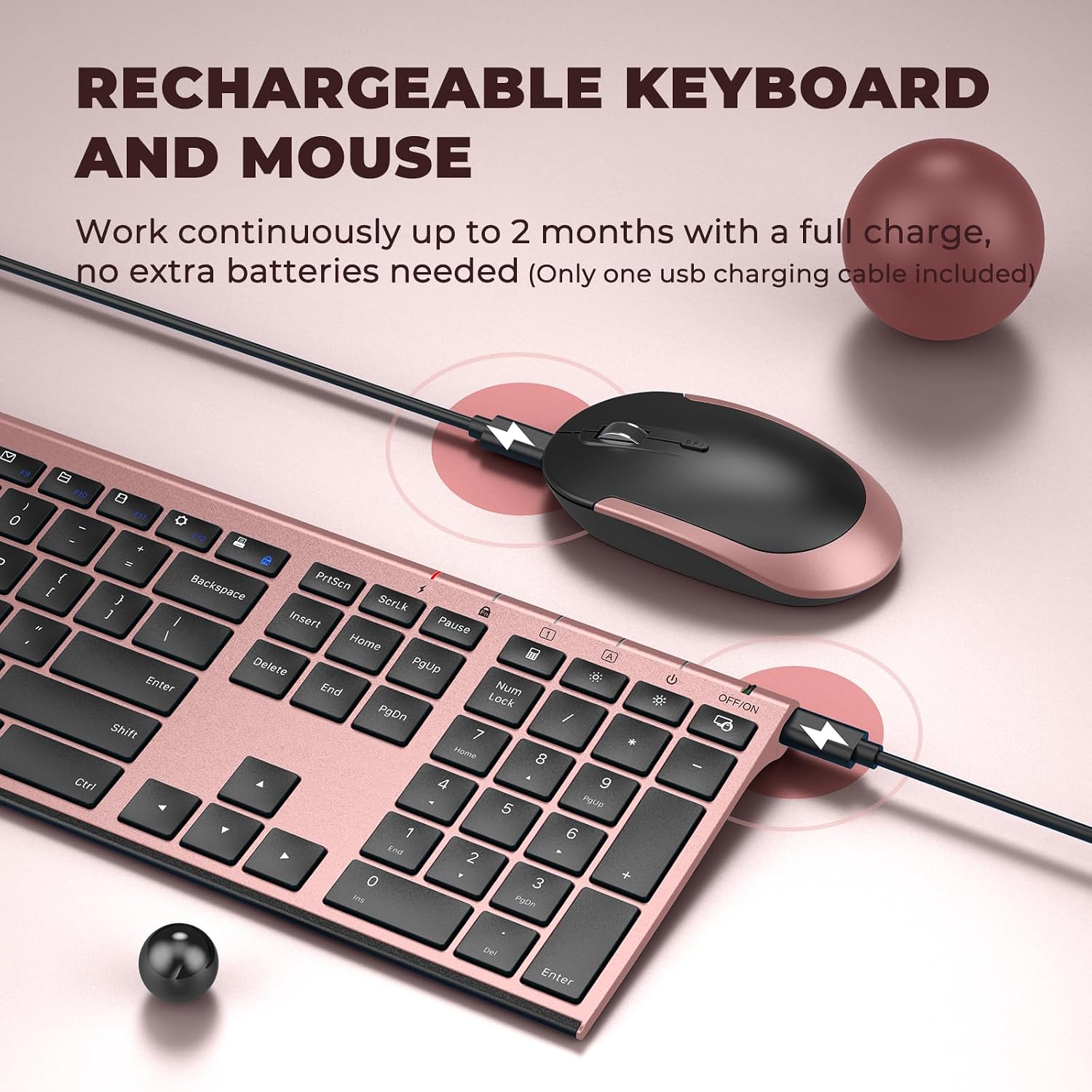
Rechargeability and sleep mode are also the kind of features that shape your routine. The description says the combo supports using for over a month with a single fully charge, and it can auto-enter sleep mode to save energy. In practical terms: you’re less likely to be interrupted by dead batteries, and you don’t have to consciously “turn it off” every time.
One small “watch the details” point: the description notes the switch is on the top right corner of the keyboard. That’s not a dealbreaker, but it’s the sort of thing that can confuse people at first if they expect an obvious side power button.
Tech specs

- Type: Wireless keyboard and mouse combo
- Connection: 2.4GHz wireless
- Range: Up to 10m (without delays, per description)
- Receiver: Nano USB receiver (2 in 1 connection for keyboard and mouse)
- Mouse DPI levels: 1000 / 1600 / 2400 DPI
- Keyboard thickness: Ultra slim (5.5mm, per description)
- Switch design: High-End Scissor Switch (tactile response, quiet typing per description)
- Power: Rechargeable, included charging cable
- Battery behavior: Auto sleep mode, press any key to wake (per description)
- Compatibility: Windows XP / Vista / 7 / 8 / 10 or later (per description)
- Includes: Fast-access hot keys, versatile function keys, and number pad (per description)
Pros, cons, and who should buy it
It’s a great fit if you want a simple wireless keyboard + mouse setup for Windows with a single Nano USB receiver and a rechargeable approach. It also suits you if you value quiet typing, comfort-oriented keyboard shaping, and adjustable mouse DPI for everyday work.
It may not suit you if you need advanced productivity features beyond hot keys and standard function keys, or if you’re specifically looking for something that feels like a high-end enthusiast keyboard (the details provided don’t point in that direction).
Also, if you’re strict about compatibility beyond the listed Windows versions, you’ll want to double-check your setup before committing, since the information here only calls out Windows XP / Vista / 7 / 8 / 10 or later.
FAQs
Does the keyboard and mouse use one USB receiver?
Yes—according to the description, the Nano USB receiver unifies the keyboard and mouse connections into one USB port.
Can it be used without changing batteries constantly?
It’s described as rechargeable, and it includes a charging cable. The combo is said to support use for over one month with a single fully charge.
How many DPI settings does the mouse offer?
The mouse is listed with 3 DPI levels: 1000, 1600, and 2400.
Is it compatible with laptops and desktops?
The description states compatibility for computer, laptop, desktop, PC, and notebook use on Windows XP / Vista / 7 / 8 / 10 or later.
Is it loud when typing?
The keyboard is described as whisper quiet with a scissor switch design, aimed at comfortable, low-noise typing.
Should you buy it?
You should buy the Vssoplor Wireless Keyboard and Mouse combo if you want a practical Windows setup with a single Nano USB receiver, quiet scissor-switch typing, adjustable mouse DPI, and rechargeable convenience with sleep mode. It’s best viewed as an everyday work companion—especially if you use hot keys and the number pad regularly.
You may want to skip it if you’re chasing deep software control, specialized gaming-grade performance, or a more premium keyboard experience than what the description suggests. And if you’re particularly sensitive to where the power switch is located, keep in mind the switch is noted on the top right corner of the keyboard.