

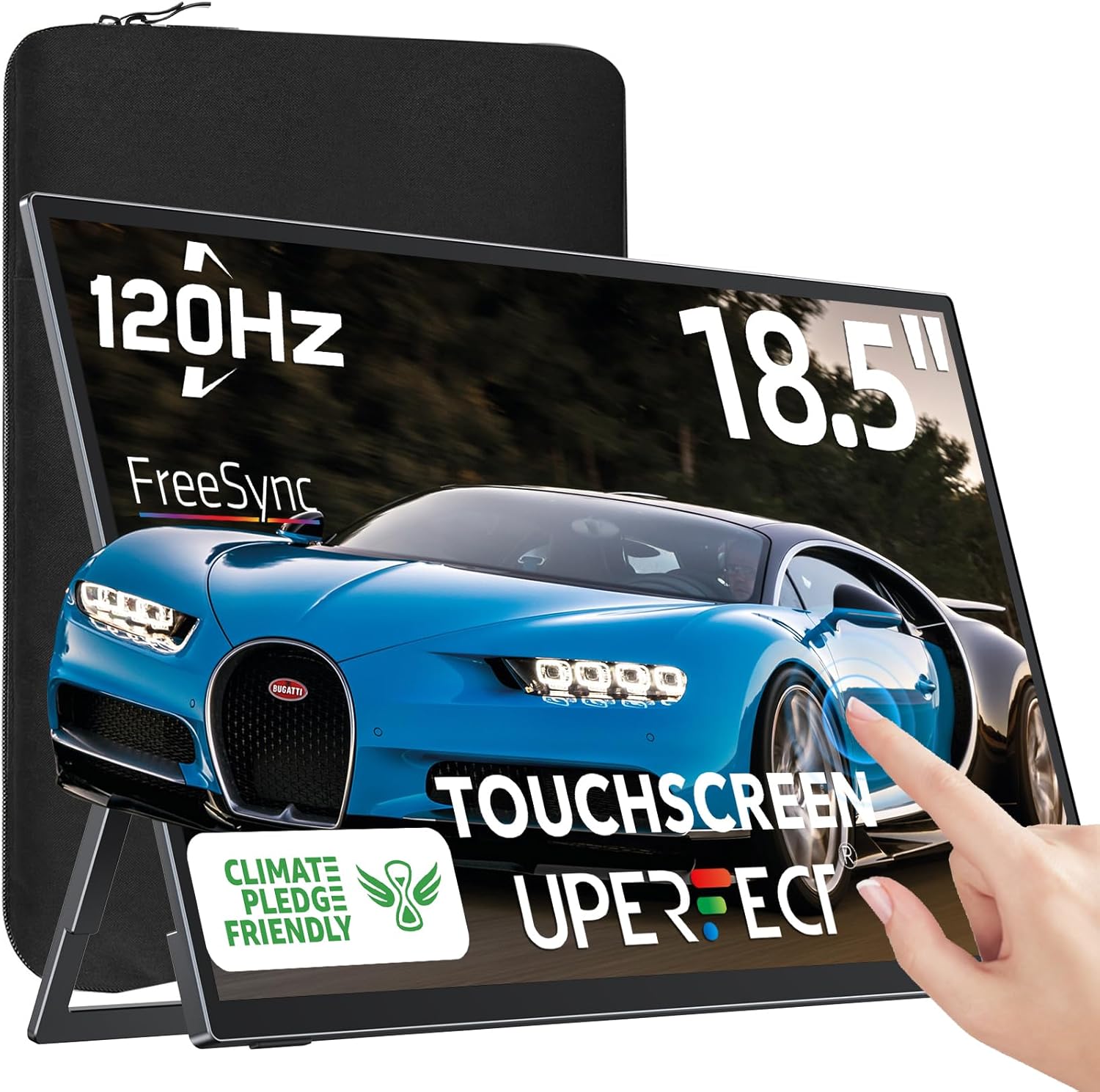
UPERFECT Portable Monitor 18.5-inch 120Hz Touchscreen (FHD, FreeSync, IPS) with VESA & 180° Adjustable Stand
Reviews
Price
Product description
The essentials first
If you’re shopping for a travel second monitor, the UPERFECT Portable Monitor is trying to solve a very specific problem: getting more screen space on the go without making your bag feel like a brick. It’s an 18.5-inch portable touchscreen with a 120Hz refresh rate, and it leans on a few features that matter when you’re bouncing between work and casual gaming.
On paper, it’s built around speed (120Hz), responsiveness (FreeSync to help reduce tearing/stutter), and flexibility (VESA + a kickstand that can adjust up to 180°). The touch layer is a key differentiator too, with 10-point sensitive touch—just keep in mind there are some quirks depending on your device and orientation.
What it does well (and why you might care)
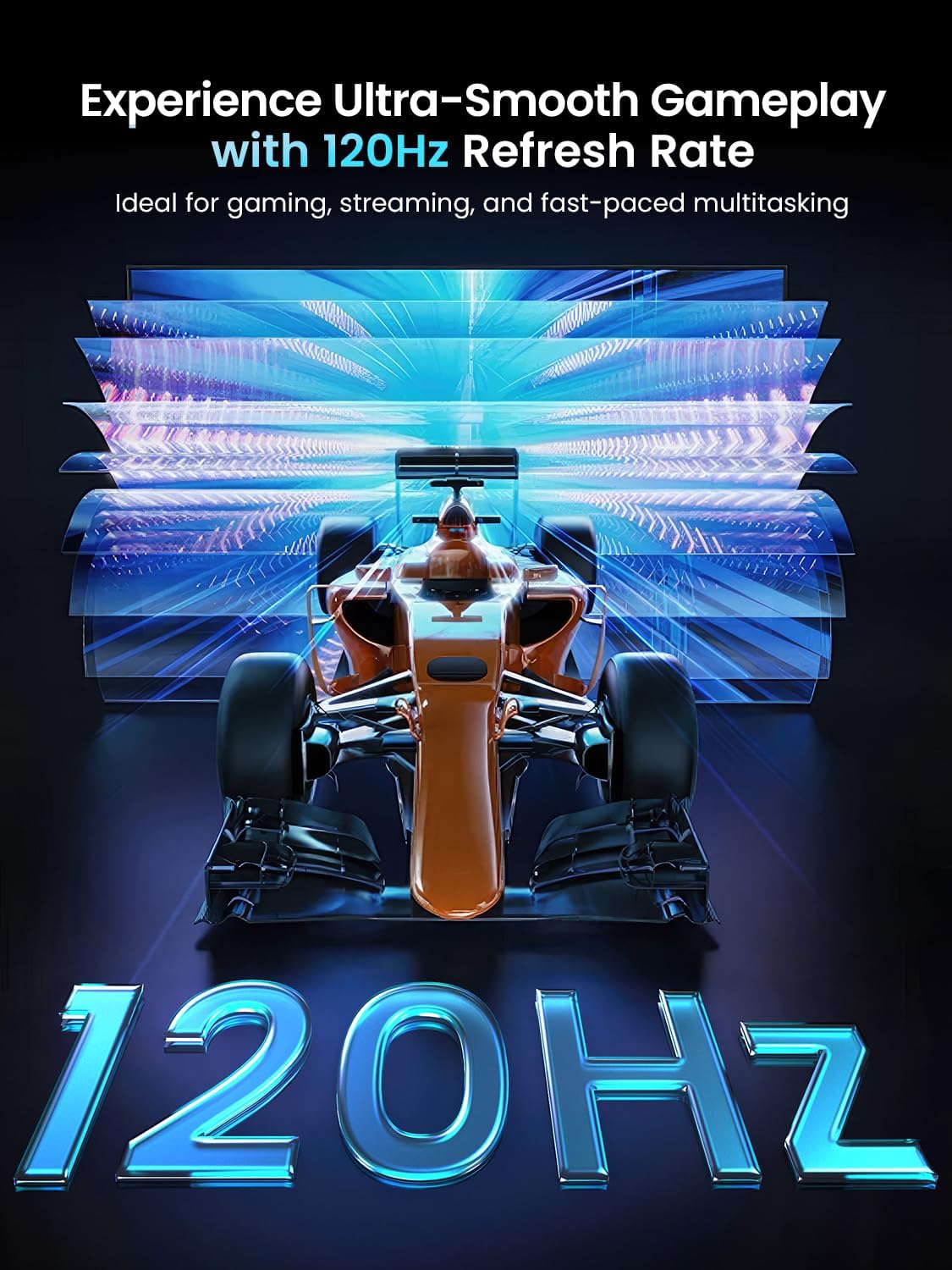
The strongest “buy this” arguments here are about fluid visuals and practical portability. A 120Hz refresh rate can make scrolling, UI movement, and gameplay feel smoother than standard 60Hz panels—especially if you’re the type who notices input lag and frame pacing when you’re playing or editing on the road.
FreeSync is meant to virtually eliminate screen tearing and stuttering, which is exactly what you want if you’re mixing work tasks with games and want fewer visual distractions. It also positions this as more than a plain productivity screen.
And since it’s an 18.5-inch USB C portable monitor with a very slim build (listed as 0.2 inches slim) and aluminum alloy construction, it’s aimed at “second screen” travel use—where every millimeter and gram counts.
Touchscreen reality check (important limitation)
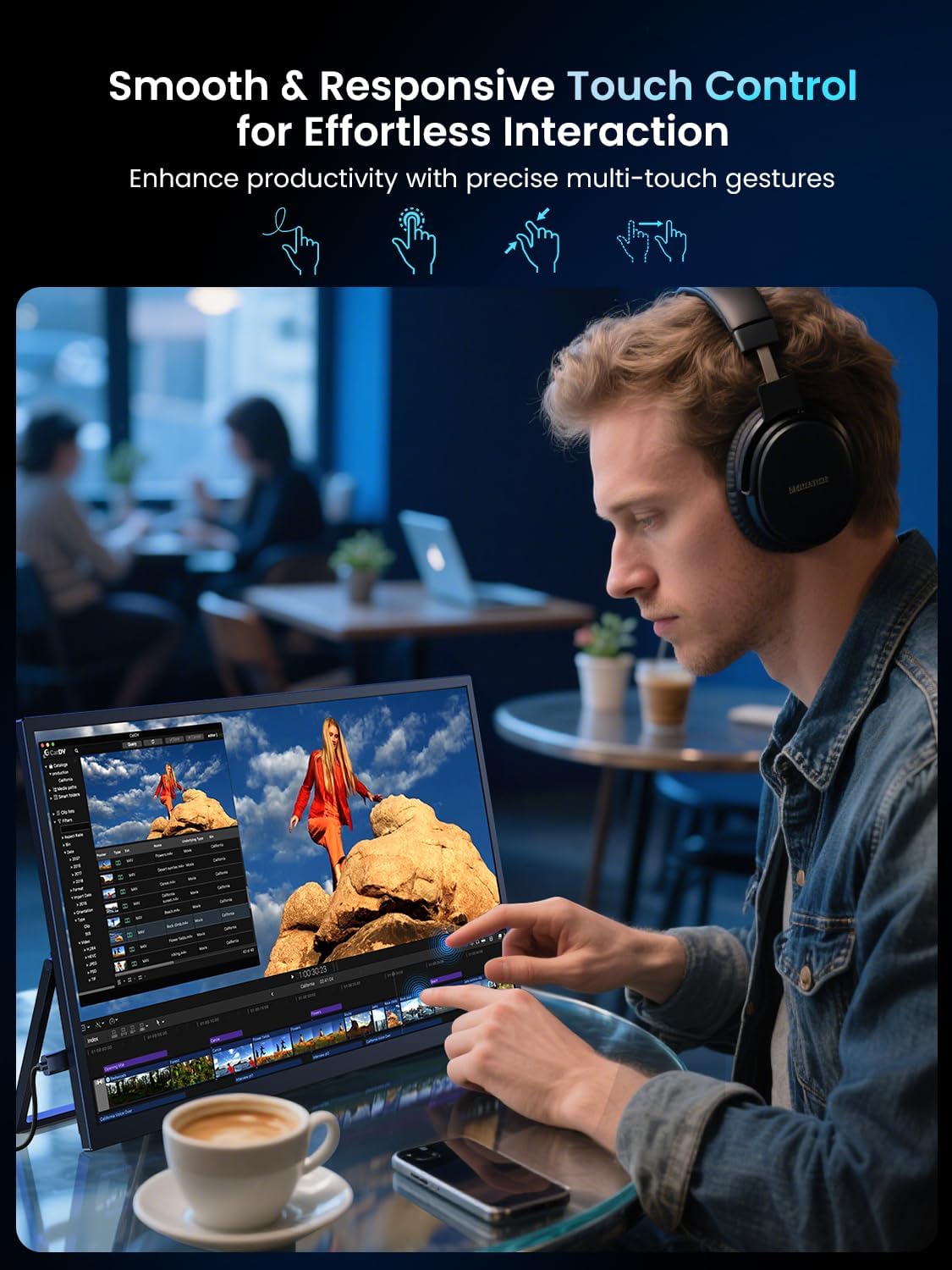
The touchscreen is advertised as a standout feature: “1st 18.5-inch 120 Hz touch screen” and 10-point sensitive touch so you can tap for productivity. That’s great—until you hit the conditions they explicitly call out.
Keep in mind that when the monitor is connected to MacOS devices such as a MacBook or Mac mini 2, it’s described as having only one-point touch. Also, you can’t activate the touch function when the monitor is on Portrait Mode. If touchscreen precision is central to how you work, these limitations are worth factoring in early.
Ports and setup for everyday use
This model includes a mini HDMI port and two USB C 3.1 ports, giving you more connection options than a one-cable-only setup. In real terms, that’s helpful if you rotate between a laptop and other devices.
The listing mentions connectivity for laptop, PC, phone, and even devices like PS 3/4, Wii, Steam Deck, and Switch. That broad compatibility is a plus for people who want one screen to cover multiple “modes” across travel.
For a quick micro-scenario: imagine you’re in a hotel, you plug the monitor in as your second display for email and docs, then later connect console/handheld for a quick session. The included adjustable stand and slim profile are the kinds of details that make that workflow easier.
That said, the product is “suitable for most laptops,” not universally. If your exact setup matters, you’ll want to confirm you have the right port type and power/connection expectations for your device before committing.
Key specs that help decide
Below are the details that influence whether this fits your needs:
Tech specs
- Screen size: 18.5-inch
- Refresh rate: 120Hz
- Touch: 10-point sensitive touch
- Compatibility note for MacOS: only one-point touch on MacOS devices such as MacBook/Mac mini 2
- Portrait mode note: touch can’t be activated in Portrait Mode
- Technologies mentioned: FreeSync, IPS, HDR
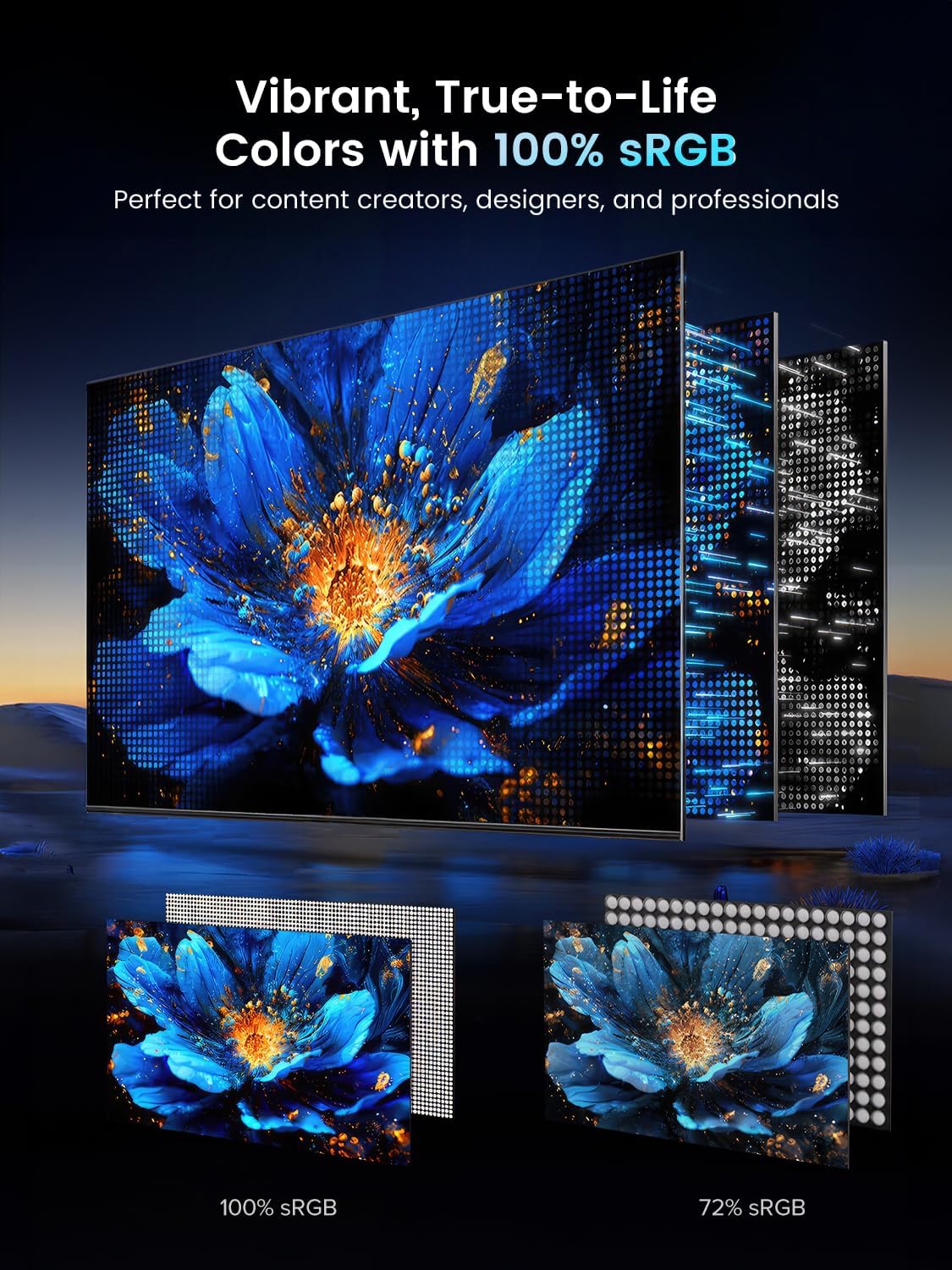
- Color gamut: 100% sRGB
- Gaming support: FreeSync is included to help reduce tearing/stuttering
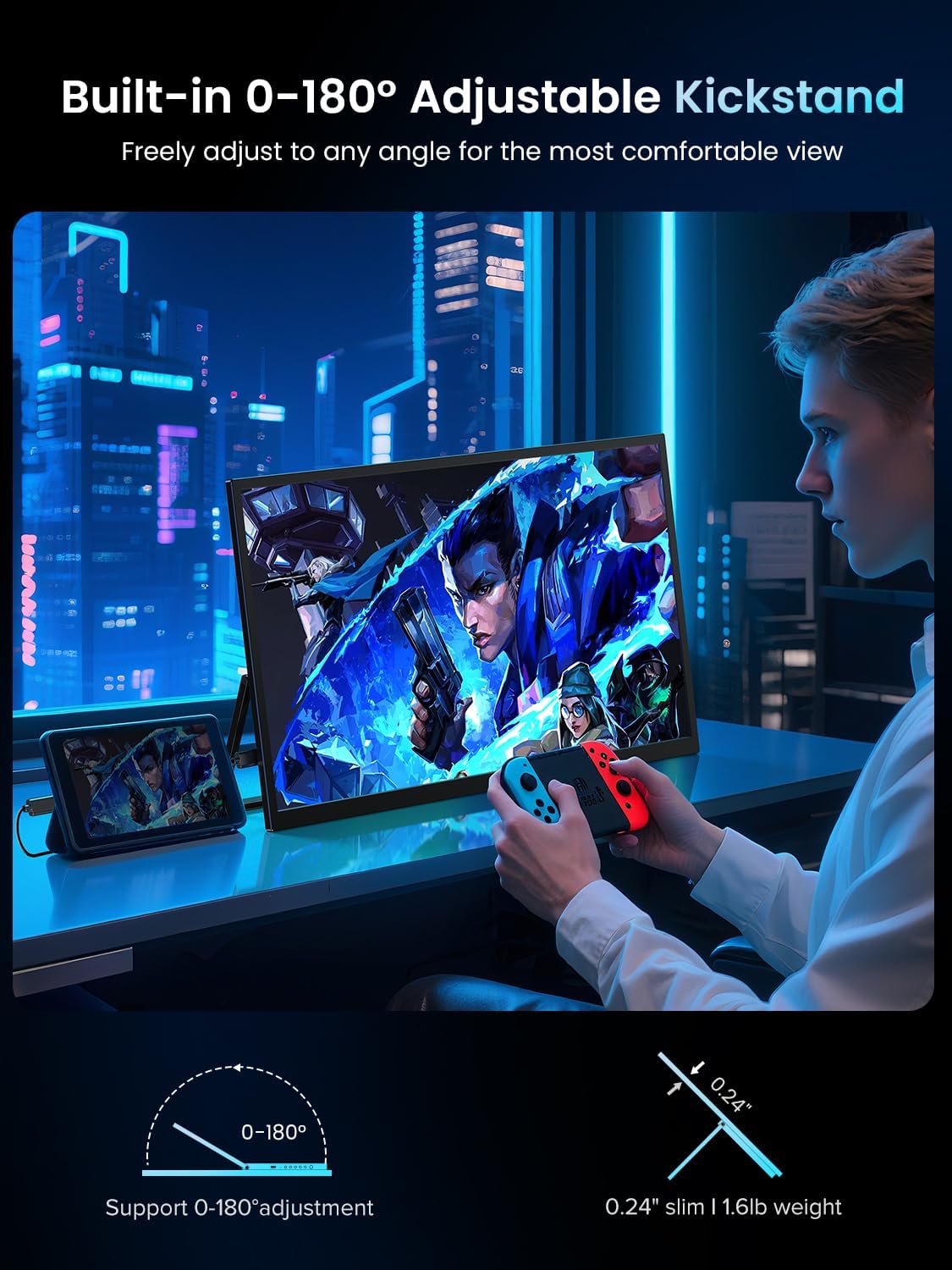
- Adjustability: 180° adjustable kickstand
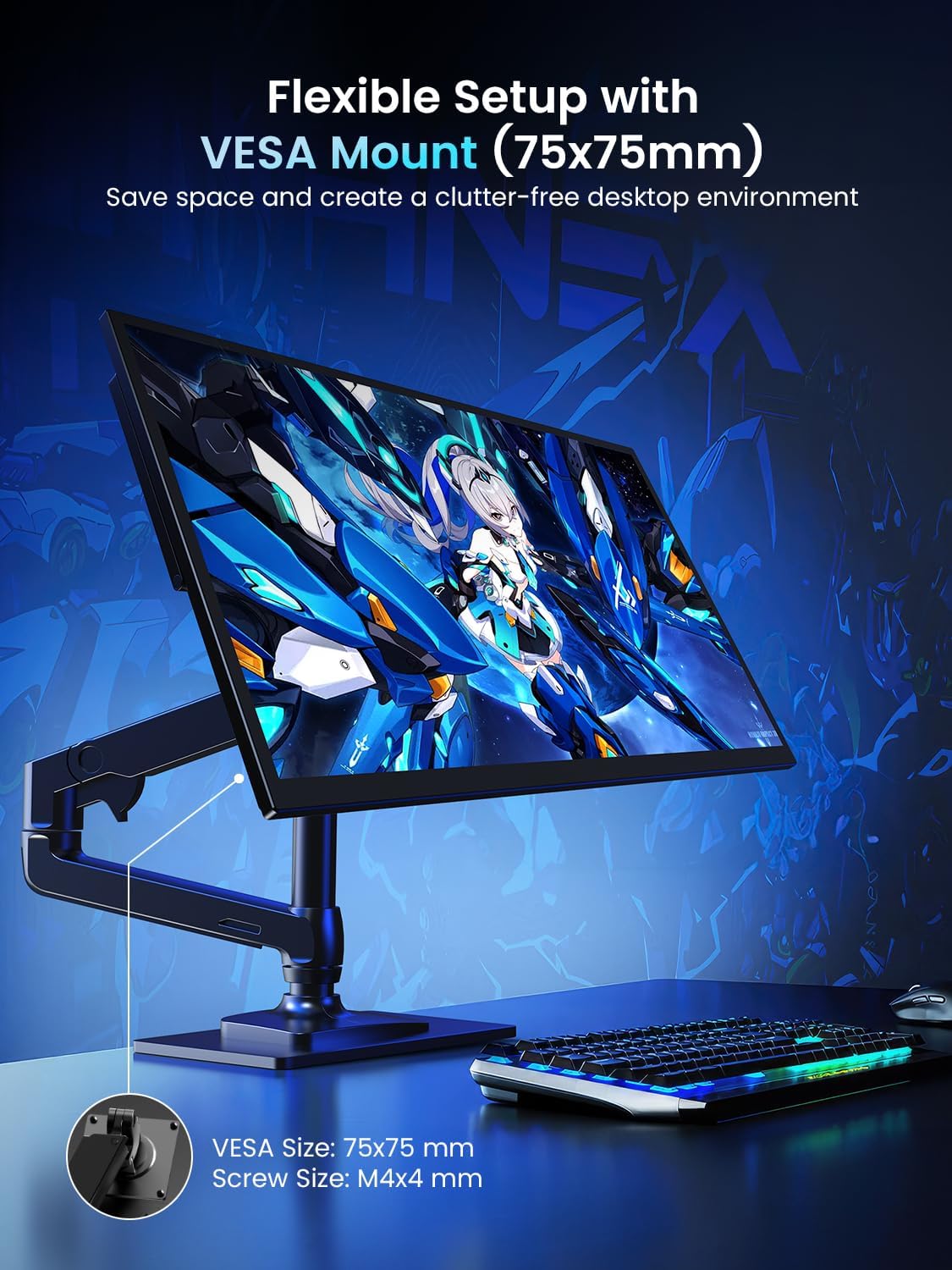
- Mounting: VESA
- Slimness: listed as 0.2 inches slim
- Material: aluminum alloy
- Ports: mini HDMI, and 2 USB C 3.1 ports
Who it suits best (and who should think twice)
It makes sense if you want a portable second monitor for remote work where you’ll benefit from a larger screen, and you also care about smoother motion thanks to 120Hz and FreeSync. If you travel often, the VESA + 180° adjustable stand combo is practical for different desk setups.
It might not be your best choice if you specifically need full multi-touch behavior on MacOS, because the listing states touch becomes one-point on those devices. And if you’re planning to use Portrait Mode with touch interactions, you should assume touch won’t be available there.
Also, because the product is positioned as portable and travel-focused, it may feel more like a strong mid-range second screen than a “desk replacement” meant to fully replace a high-end main monitor. If your expectations are strictly about top-tier picture performance above everything else, you’ll likely want to compare with models designed purely for that desktop role.
When it makes sense
If your goal is to add screen space when you’re away from your main setup—plus you want responsiveness for gaming sessions—this portable touchscreen is aligned with that use case. The 120Hz refresh rate and FreeSync help cover the “entertainment” side, while the 100% sRGB claim supports everyday productivity and color-reliable viewing for basic work.
But if you need reliable touchscreen behavior across MacOS setups or Portrait Mode workflows, you may want to pass or at least plan around those stated limitations.
Final verdict
This UPERFECT portable monitor is a compelling pick for people who want a true travel second screen with a smoother 120Hz experience and FreeSync support, plus the convenience of VESA and a stand that adjusts up to 180°. It’s not perfect for touchscreen expectations—especially on MacOS devices and in Portrait Mode—so it’s best viewed as a travel-first solution. If you’re buying for everyday remote work and occasional gaming, it generally fits the brief.
Quick answers (FAQ)
Usage tips
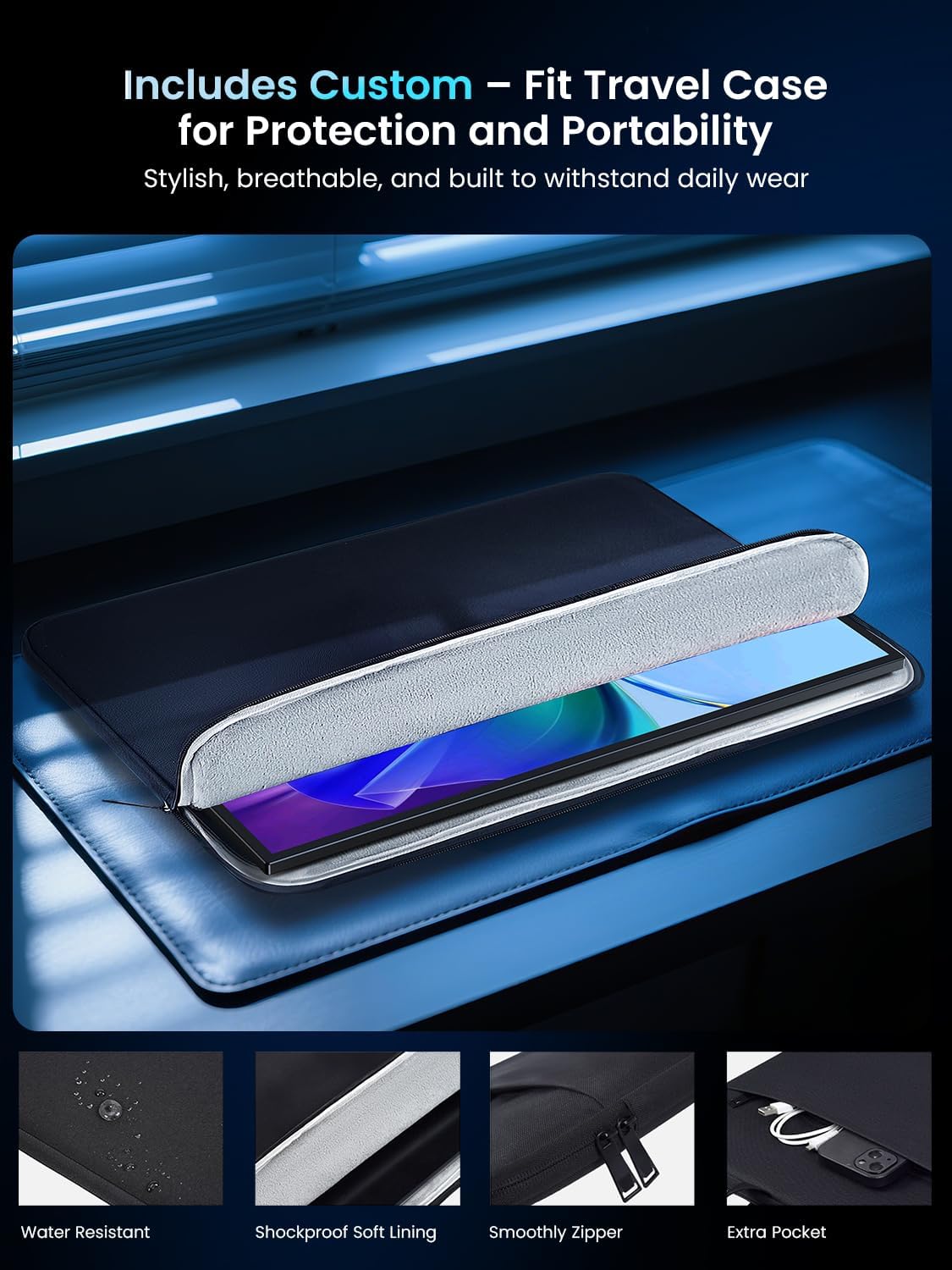
Q: Do I need a protective case? A: The listing notes it doesn’t come with a protective case, so if you need one for travel, you may want to plan ahead.
Q: Can I use the touchscreen in Portrait Mode? A: No. The listing explicitly says you can’t activate touch function when the monitor is on Portrait Mode.
Q: Does touch work fully on MacOS? A: It’s described as only one-point touch on MacOS devices such as MacBook and Mac mini 2.
Q: What ports does it have for connecting devices? A: It includes a mini HDMI port and two USB C 3.1 ports.
Q: Is it meant for gaming? A: It’s positioned with 120Hz refresh rate and FreeSync, and the description mentions a smoother, more responsive gaming experience.