

umissfun AI companion device with 8-inch screen
Product description
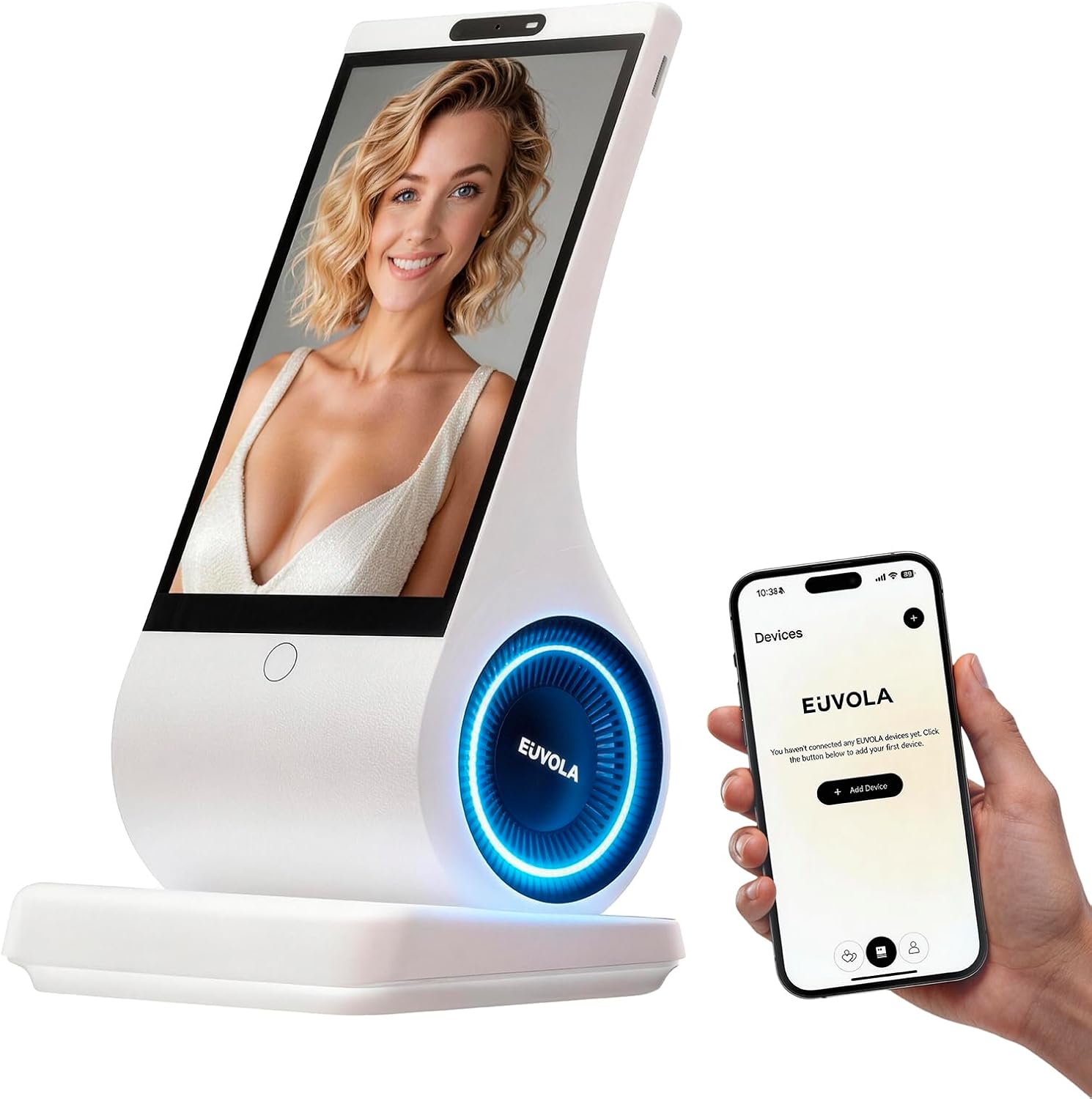
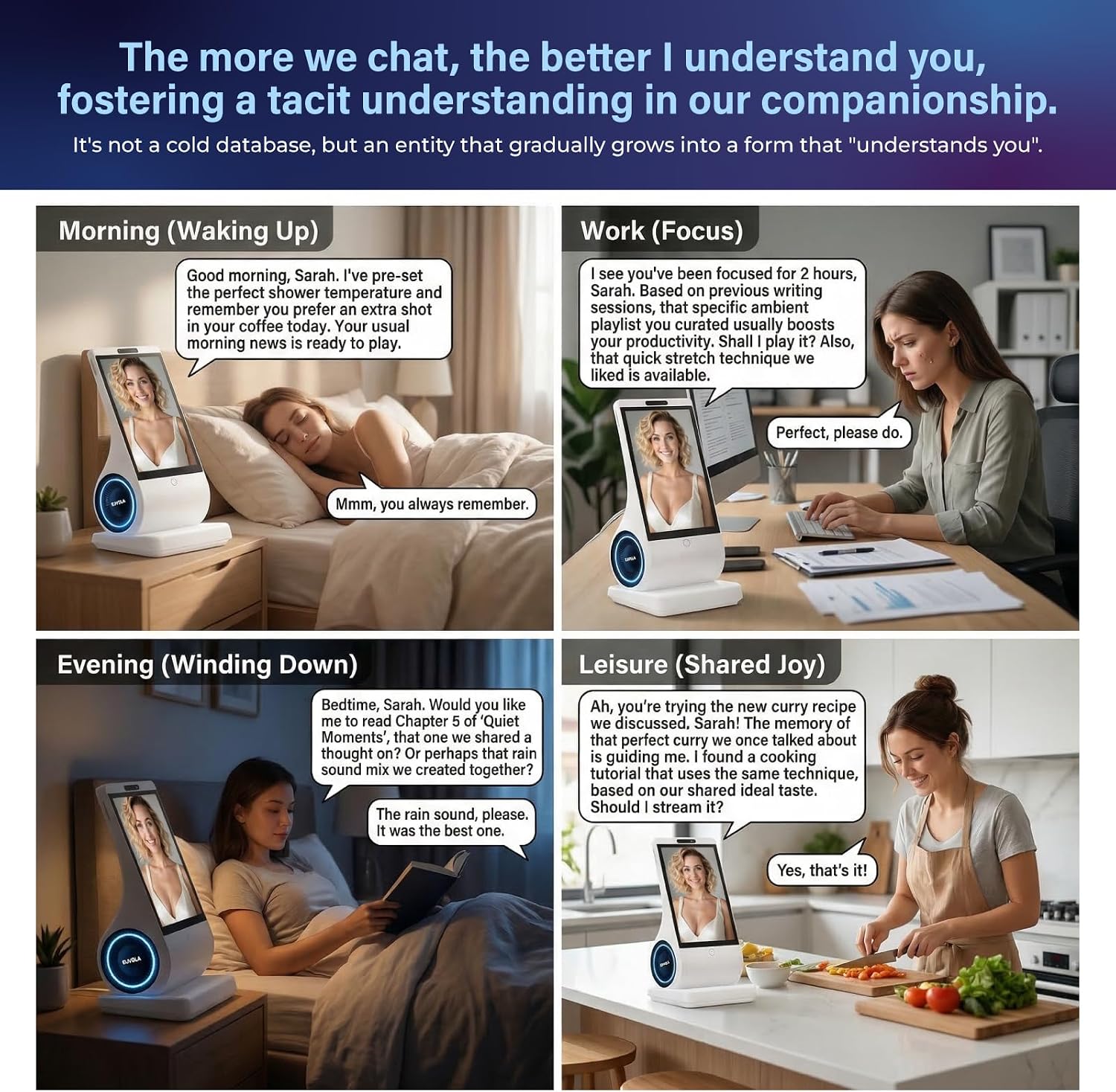
When a room feels quiet, another screen full of notifications may not feel like company. The umissfun AI companion device is designed for desk-side conversation, familiar photos, and voice-based personalization, giving you something to interact with without picking up your phone.
It’s aimed at everyday companionship, not just displaying content. The appeal depends on whether you enjoy a conversational gadget and are comfortable sharing personal moments with one.
Technical details
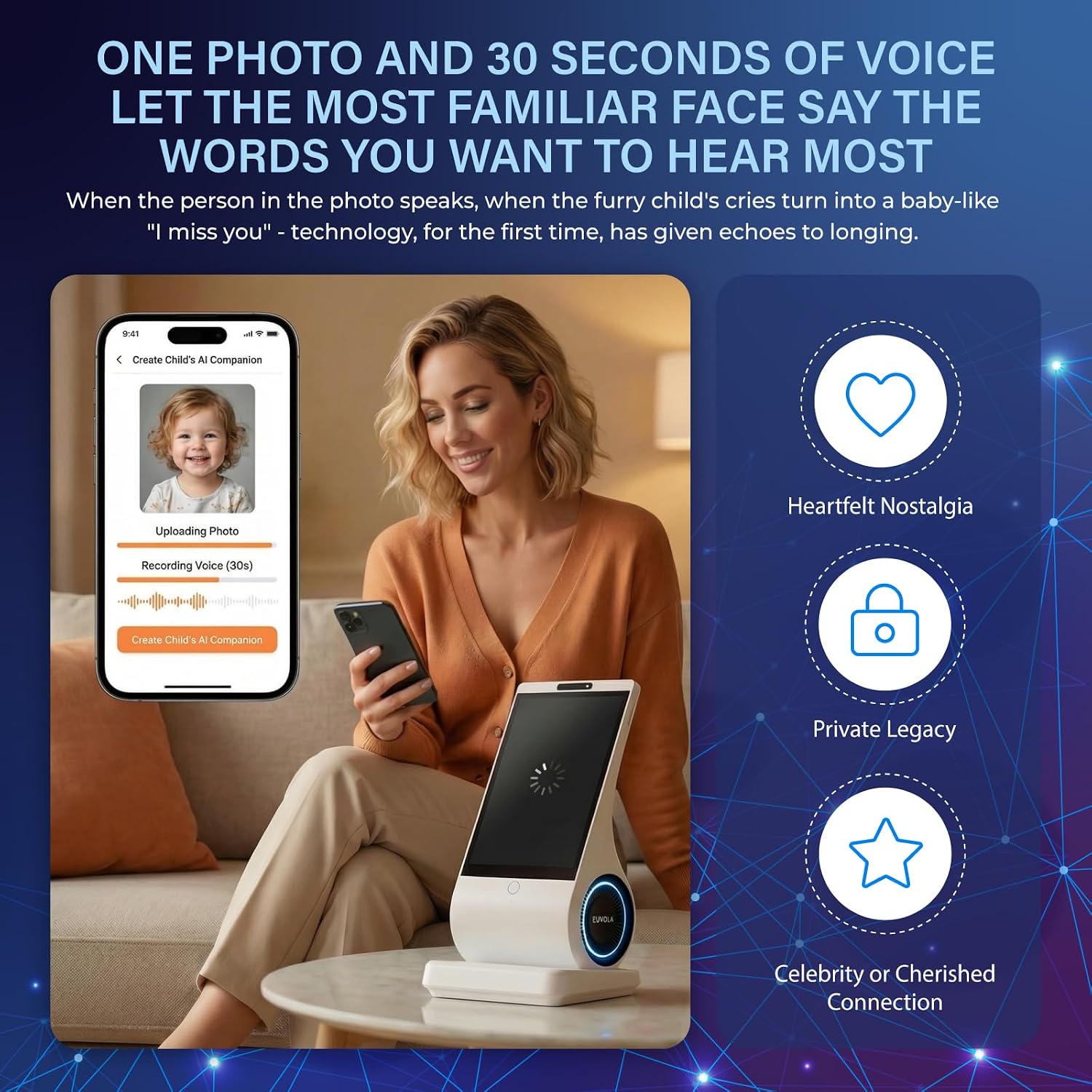
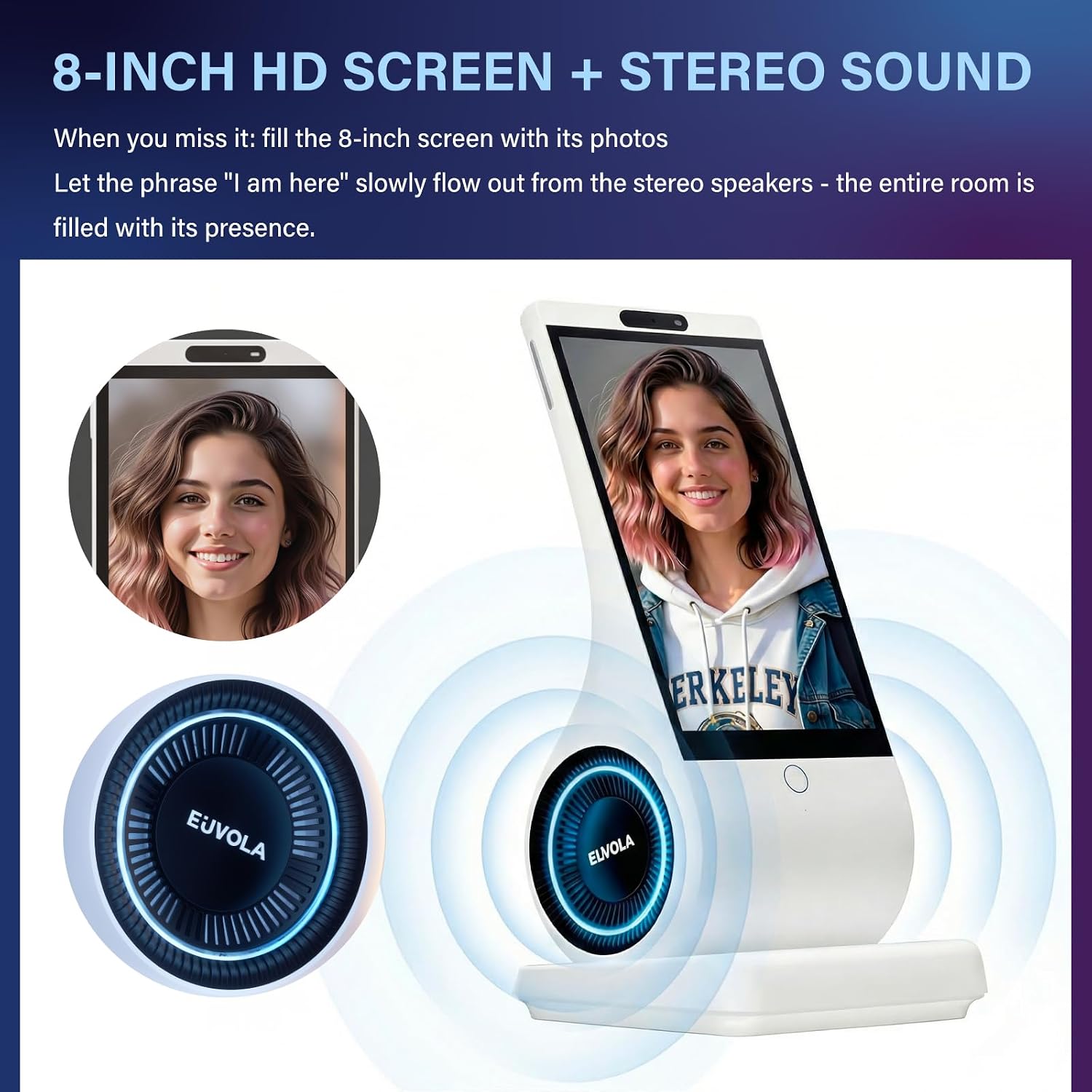
The device has an 8-inch HD screen and stereo speakers, so photos and spoken responses are central to the experience. The listing describes long-term conversational memory, with the idea that continued chats can make interactions feel more familiar over time. It also describes using a photo and a voice message of up to 30 seconds to create a personalized speaking experience, including playful pet-voice examples.
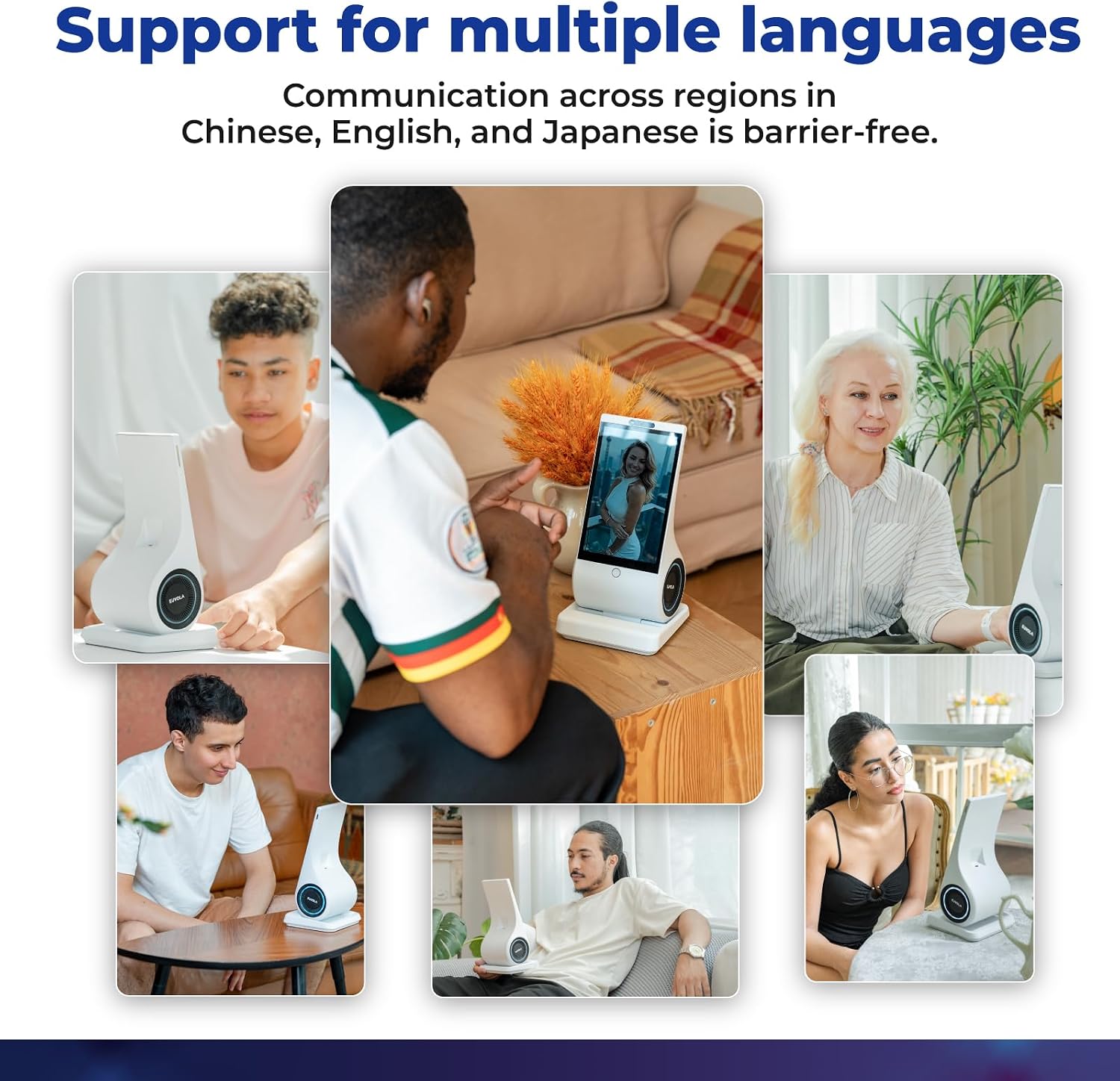
Chinese, English, and Japanese are the listed supported languages. That gives it some flexibility for multilingual households, but the description doesn’t name additional languages or explain how language selection works. It also says users decide what happens to their data, though it doesn’t specify the available privacy controls in detail. That’s worth weighing if you plan to use it for private conversations.
Getting the most from it
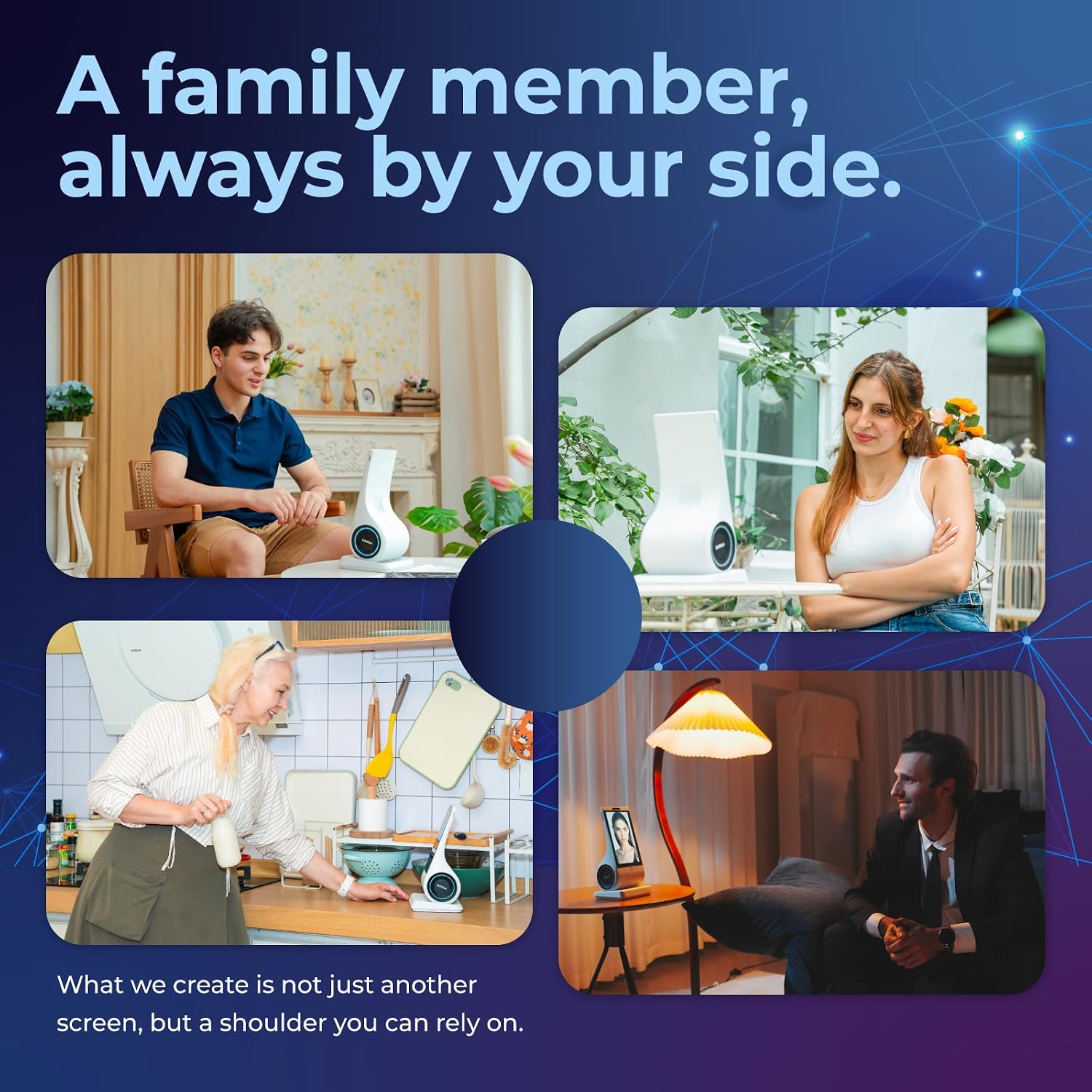
This makes the most sense where a visible, conversational presence would be welcome: on a desk during the day, or in a shared room where a photo and a spoken greeting can add a personal touch. A practical use might be setting a familiar photo on the screen and hearing a short voice message when you stop by in the morning. The product is pitched for older relatives, partners, and people who enjoy tech gifts, but it shouldn’t be treated as a replacement for regular human contact.
A solid pick if you want a dedicated companion device with a screen and speakers rather than another app on your phone. Not the best choice if you need support for a language outside the three listed, or if you’d rather keep personal conversations off a connected gadget. The listing doesn’t explain setup requirements, so it’s hard to tell what other devices or services may be needed before it’s ready to use.
Usage tips
Start with a photo and a short voice message that you’re comfortable using, then see whether the personalized responses suit the person who’ll use the device. Keeping it somewhere visible and easy to approach is likely to make casual check-ins feel more natural than tucking it away as a novelty. If it’s a gift, consider whether the recipient actually enjoys talking with digital assistants, the concept is personal, but the interaction is still with a device.
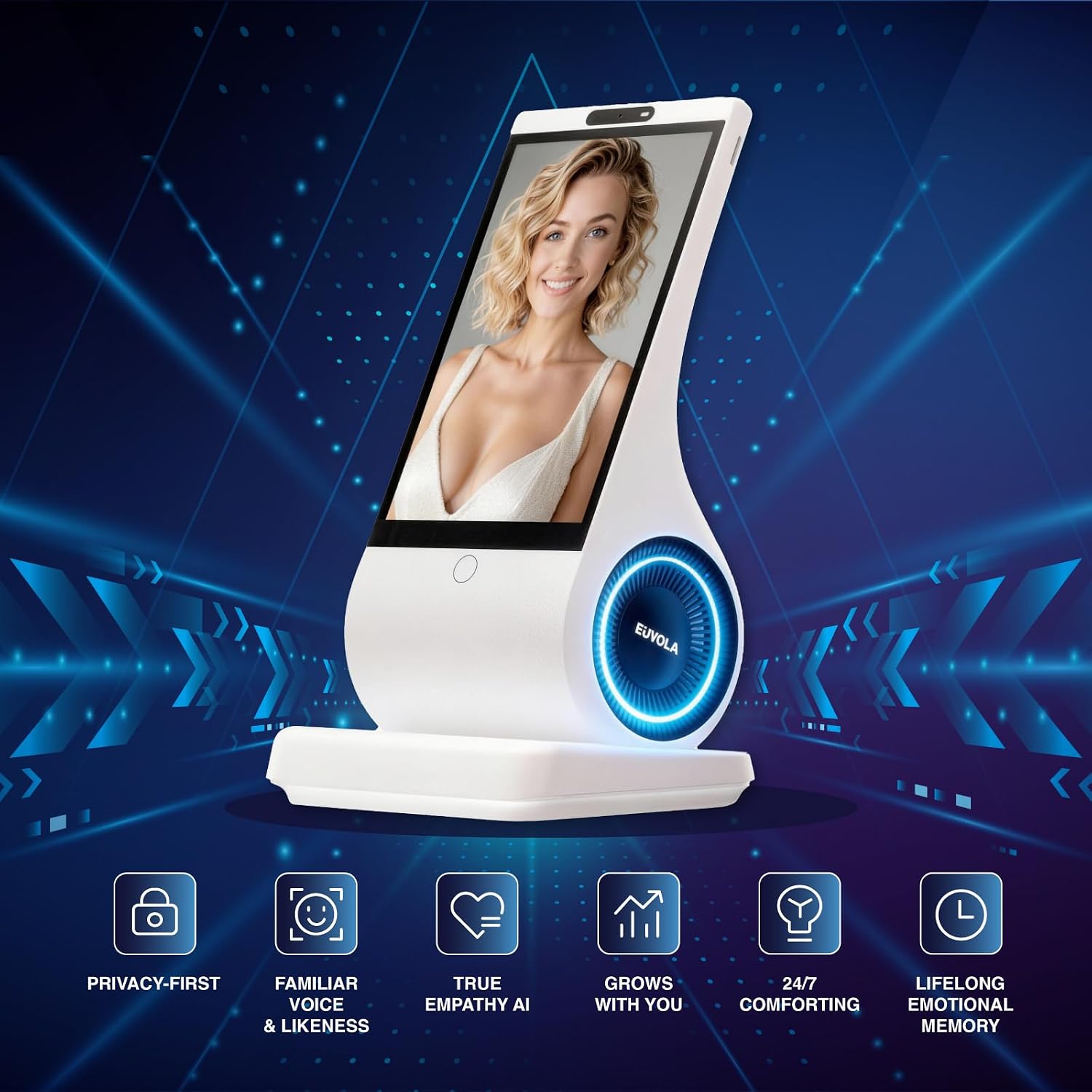
The screen and stereo speakers suggest a more room-centered experience than a small voice-only gadget. That can be appealing for photos and spoken messages, while someone looking for a highly specified smart-home hub or a simple display may want clearer details about functions and setup before choosing this instead.
Questions before you buy
What languages does it support? The product description lists Chinese, English, and Japanese. It doesn’t confirm support for other languages.
Can it use personal photos and voice recordings? The listing describes a photo and a voice message of up to 30 seconds as part of its personalization concept. It doesn’t provide more detail about the process or available controls.
Is it intended to replace a phone or human companionship? No such role is established in the product details. It’s presented as a separate conversational companion, so it’s better viewed as an added interaction than a substitute for people or a phone’s broader functions.
Final verdict
Choose the umissfun if the draw is a dedicated desktop companion that combines an 8-inch display, stereo sound, personal photos, and conversational memory. Its specific strengths are the personalized, spoken presence and the listed multilingual support. Skip it if you need confirmed setup details, broader language coverage, or clearly documented privacy controls before bringing a device into personal conversations.