

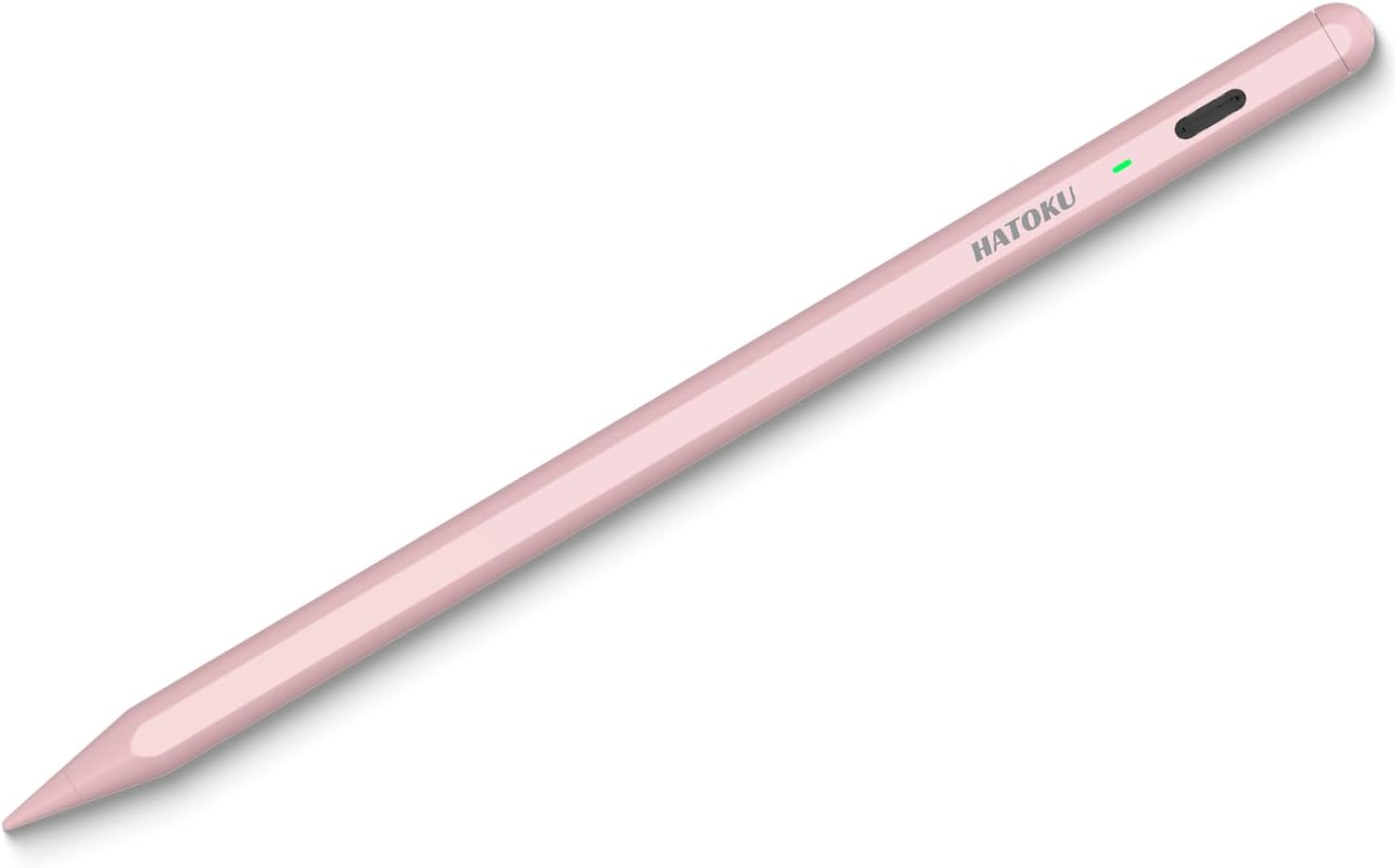
Hatoku iPad Stylus Pen, 1st Generation
Product description
Getting the most from it
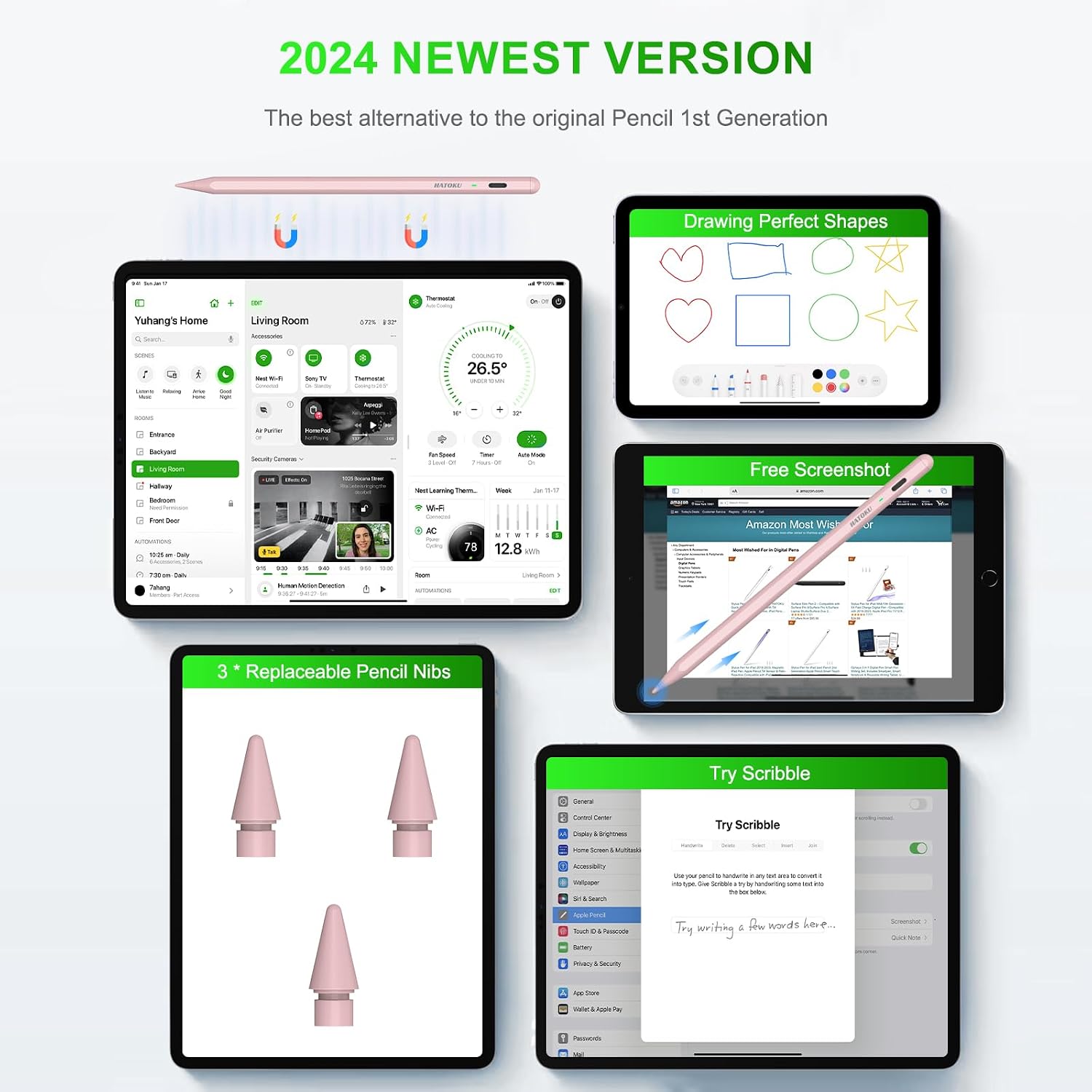
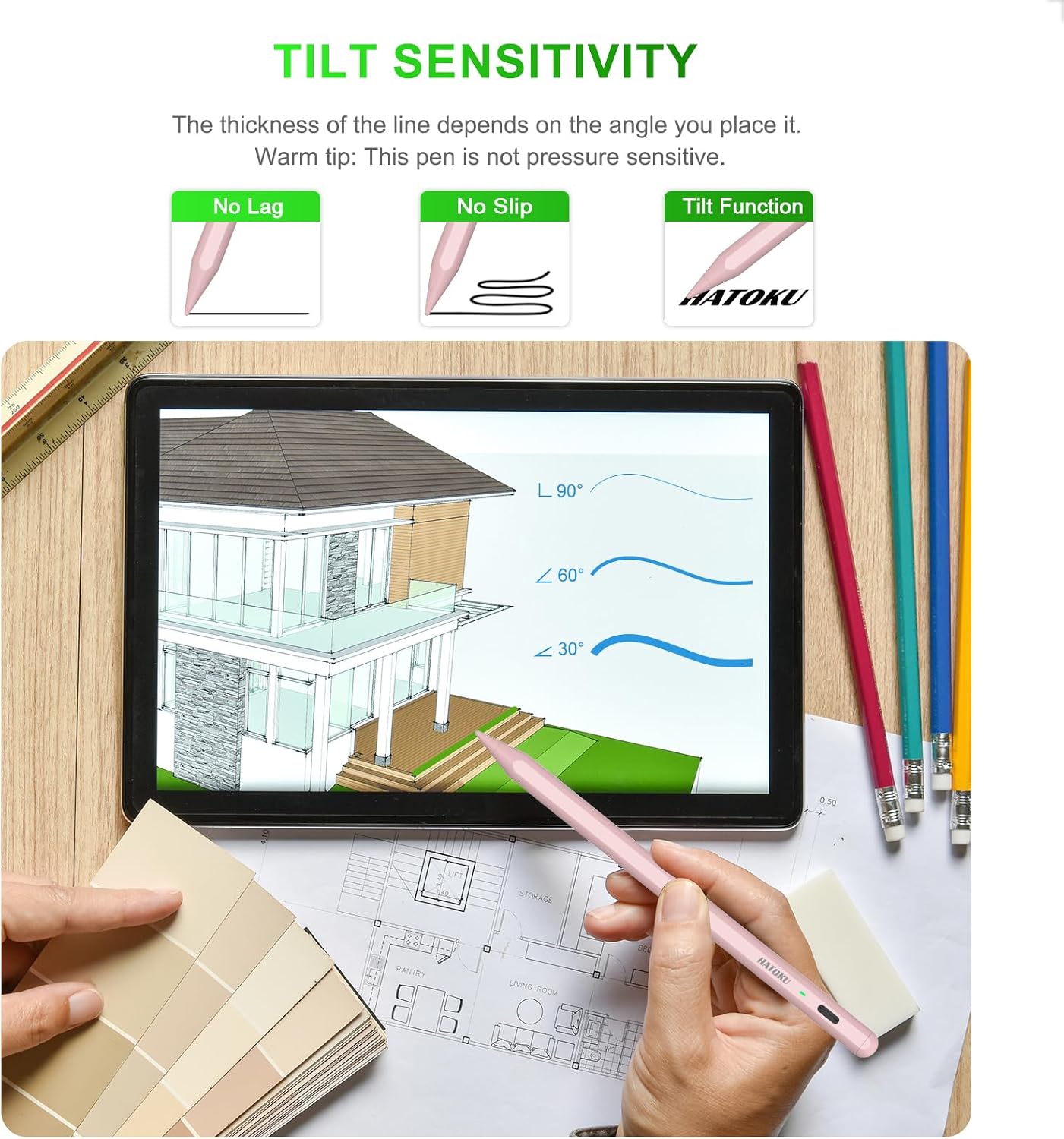
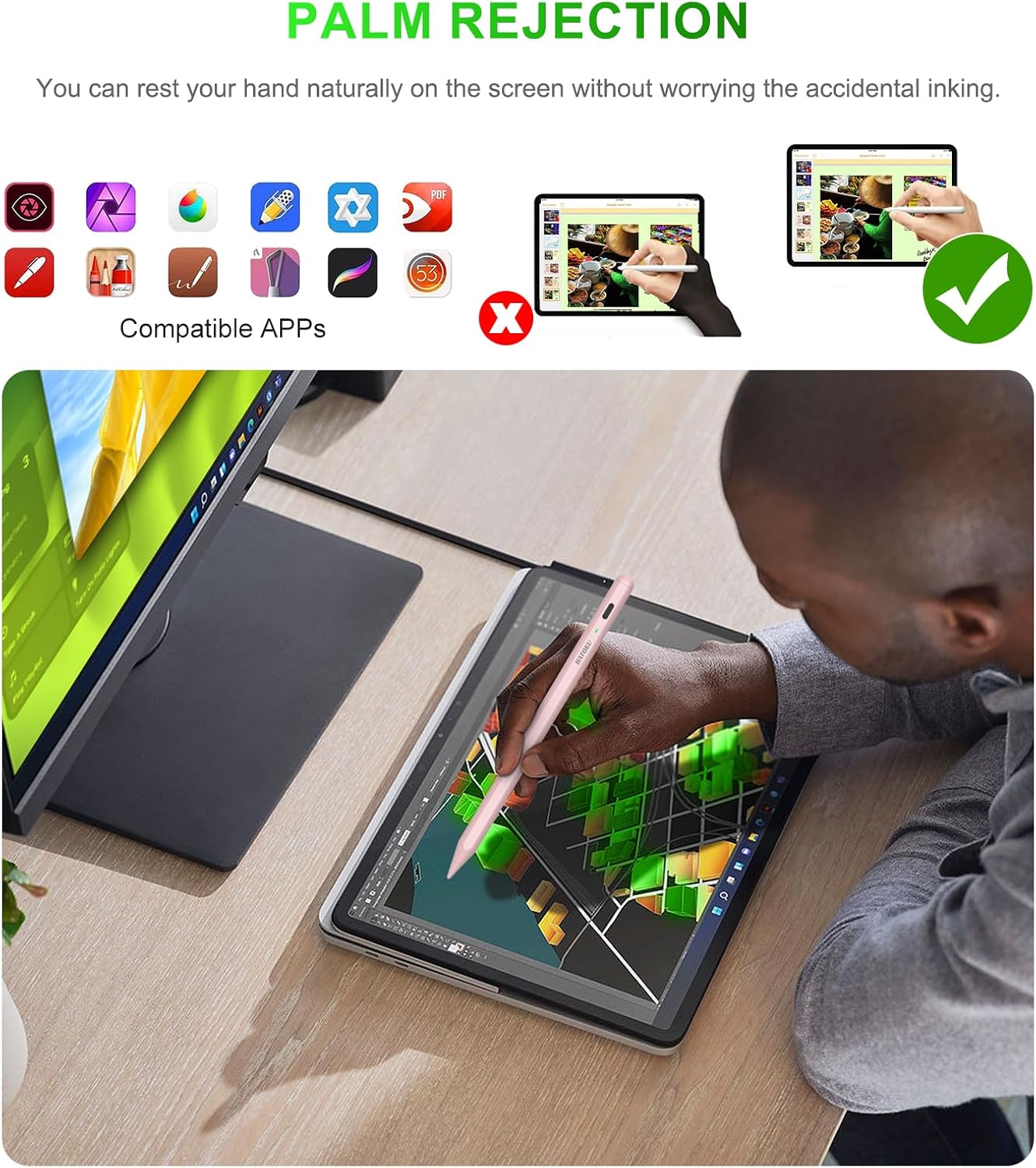
If taking notes or sketching on an iPad feels awkward with a fingertip, this Hatoku stylus is designed to give you a pen-like way to write, draw, mark up documents, and sign. It supports palm rejection and tilt sensitivity, and it works without a Bluetooth pairing step or a companion app: tap the top button and start using it.
For a quick everyday example, you could jot notes in a document during a meeting, then tilt the pen while shading a sketch. The listing describes a 1.5 mm POM tip and includes three replacement tips, so there are spares if the installed one wears down.
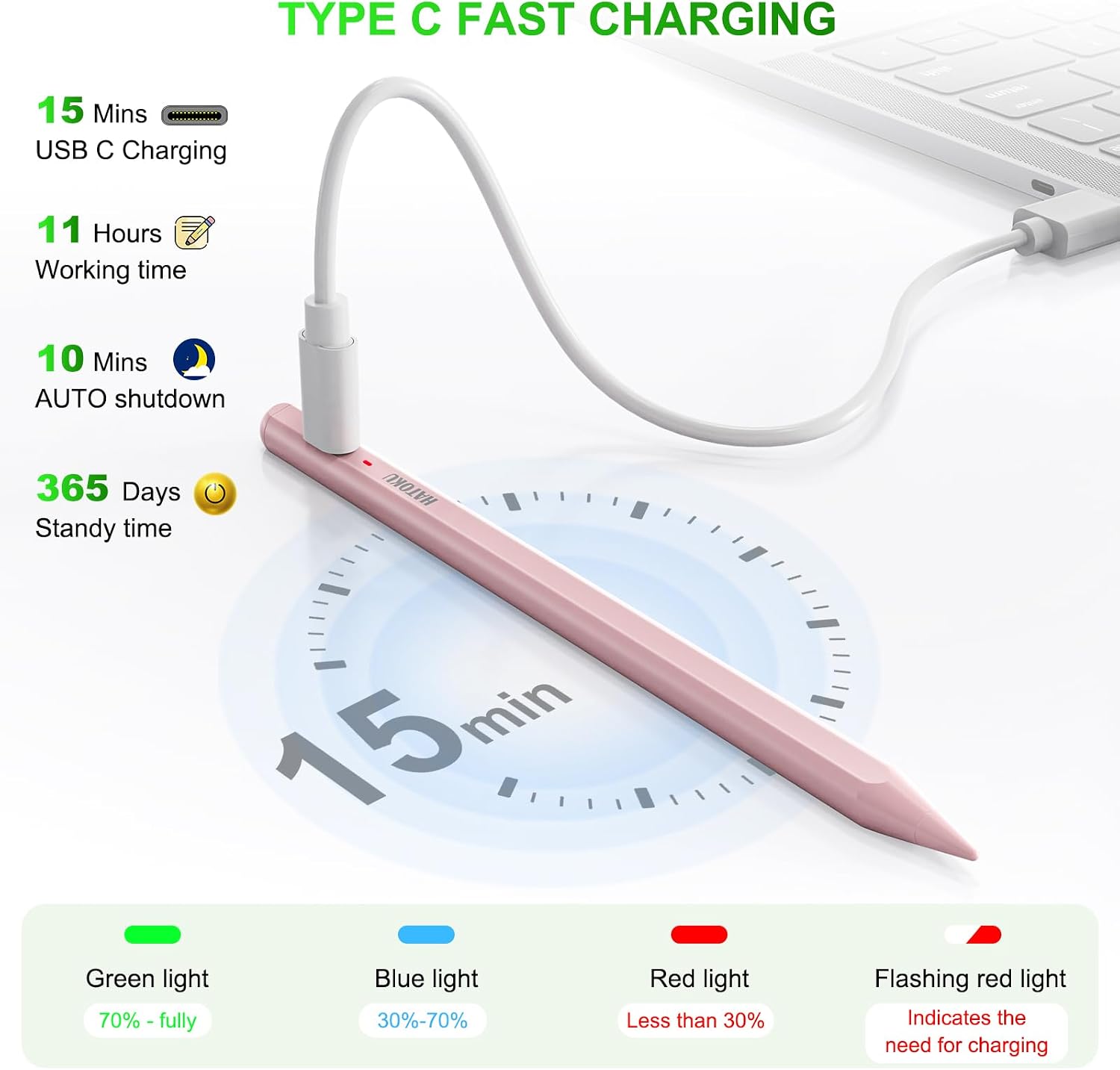
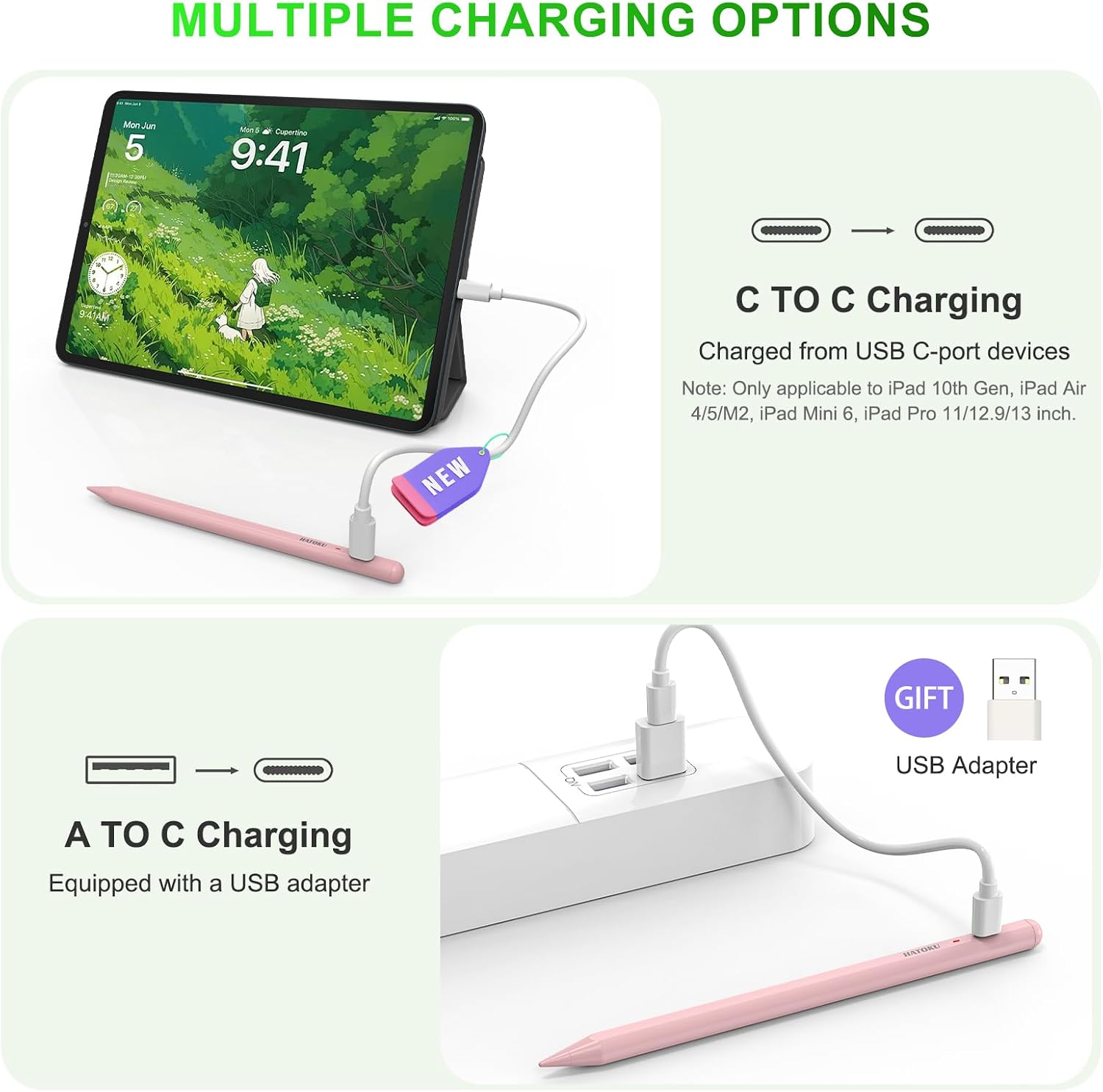
The stated charging time is 15 minutes for up to 11 hours of writing and drawing. An indicator shows green at 70% to full, blue from 30% to 70%, and red from 5% to 30%, the pen also shuts off after 10 minutes of inactivity. Those details may help if you want a stylus ready for short work sessions without adding a pairing routine.
Why it’s worth it
Its appeal is the practical mix of quick setup, palm rejection, tilt support, and a short stated charge time. If you prioritize easy note-taking and drawing without Bluetooth or an app, this approach is simpler, if you prefer a stylus that attaches magnetically, check your exact iPad model first. Magnetic attachment is limited to specified Pro, Air, and mini models, not the full compatibility list.
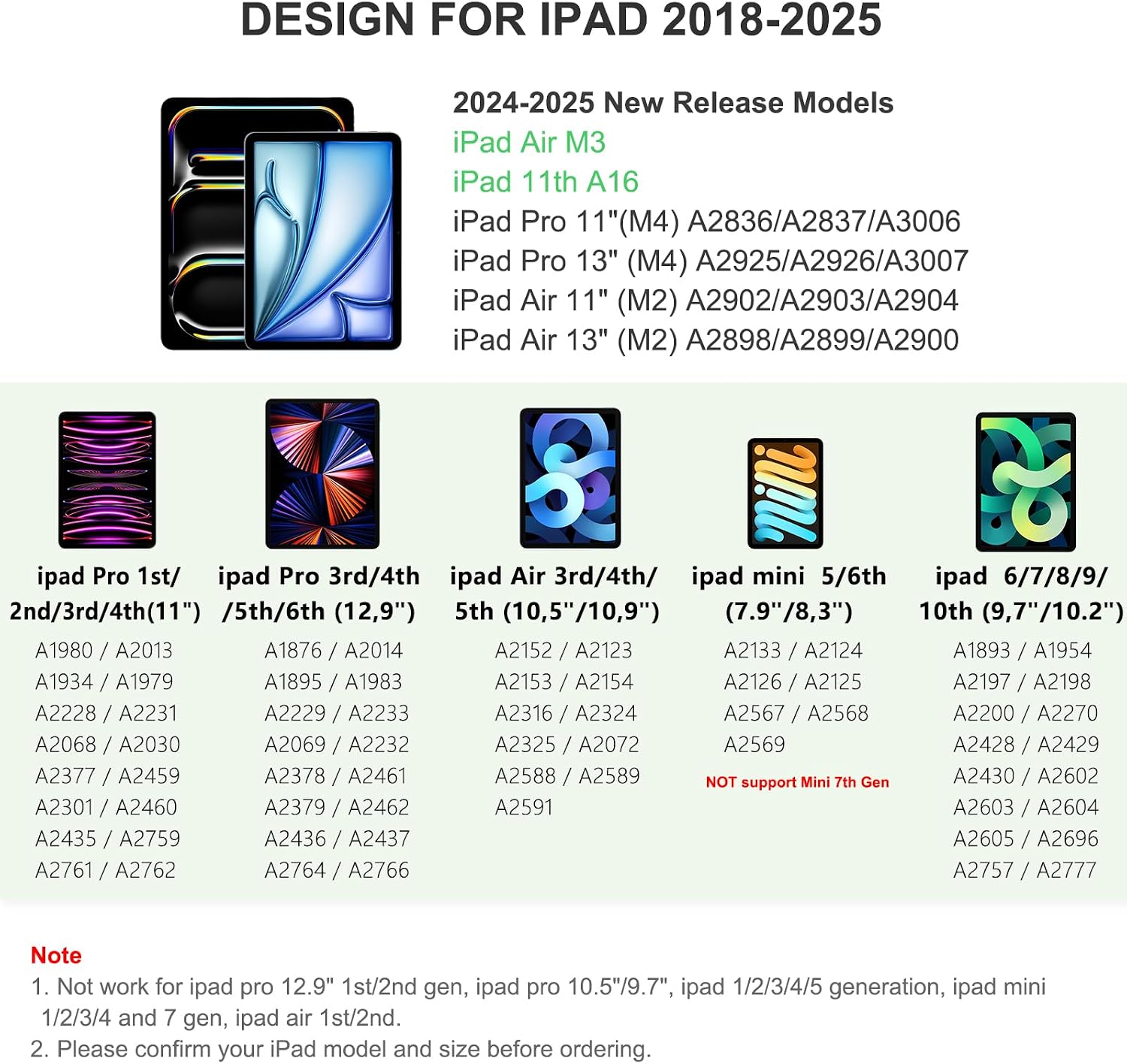
The listing names iPad models across several generations, including iPad 6th–11th generation, iPad Air 3rd–5th generation and M2/M3, iPad mini 5th/6th generation, and certain 11-inch, 12.9-inch, and 13-inch iPad Pro models. Because compatibility depends on the specific iPad, match its model and generation against the listing before buying rather than relying on the year alone.
Worth considering if you want a straightforward pen for handwritten notes, document markup, or casual drawing. It’s not for you if you need magnetic storage on an iPad outside the listed models, or if you’re looking for a stylus with features not described here. The stated writing time and charging figures are product claims, not independently verified results.
At a glance
- Use: Writing, drawing, marking up, signing, and note-taking on compatible iPads
- Input features: Palm rejection and tilt sensitivity
- Tip: 1.5 mm POM, with three replacement tips included
- Charging: USB-C cable and USB adapter included, stated 15-minute charge for up to 11 hours of use
- In the box: Stylus, replacement tips, charging cable, USB adapter, and user manual
One practical trade-off is that magnetic attachment is model-specific, so the pen may not have a convenient place to stay on every compatible iPad. The included cable and adapter do at least provide a listed charging setup, while the battery indicator offers a quick status check.
Is it worth it?
This stylus makes the most sense for someone who wants a simple, no-app writing and drawing tool and whose iPad is explicitly supported. Its combination of palm rejection, tilt sensitivity, replaceable tips, and a short stated charge time addresses common everyday tasks without making setup the main event.
The key buying decision is model fit, especially if magnetic attachment matters to you. The compatibility list is broad, but magnetic storage applies only to selected iPad Pro, Air, and mini models. Choose it for direct handwriting, annotations, signatures, or casual sketching, look elsewhere if your priority is a feature set or attachment method that the listing does not confirm.