

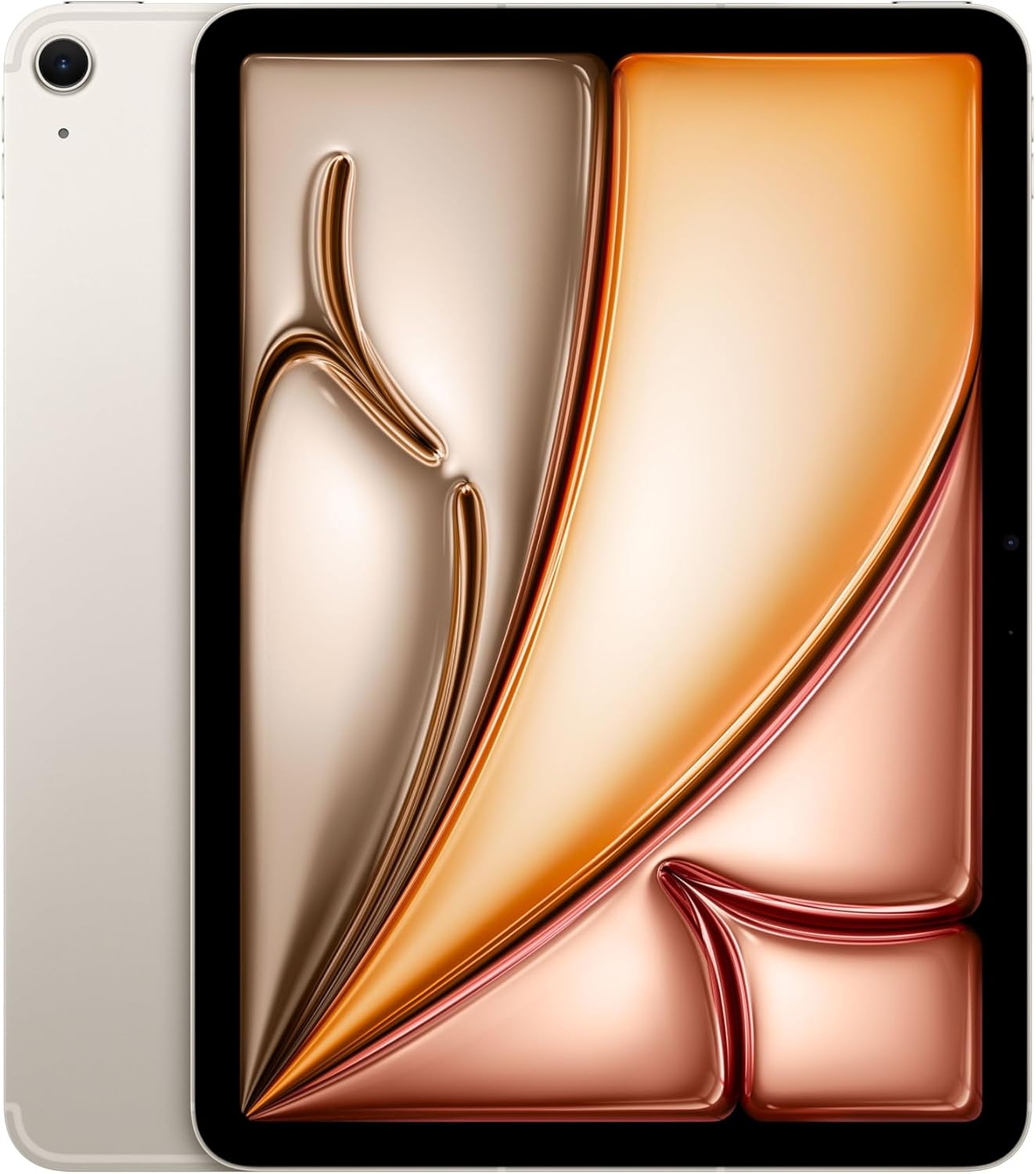
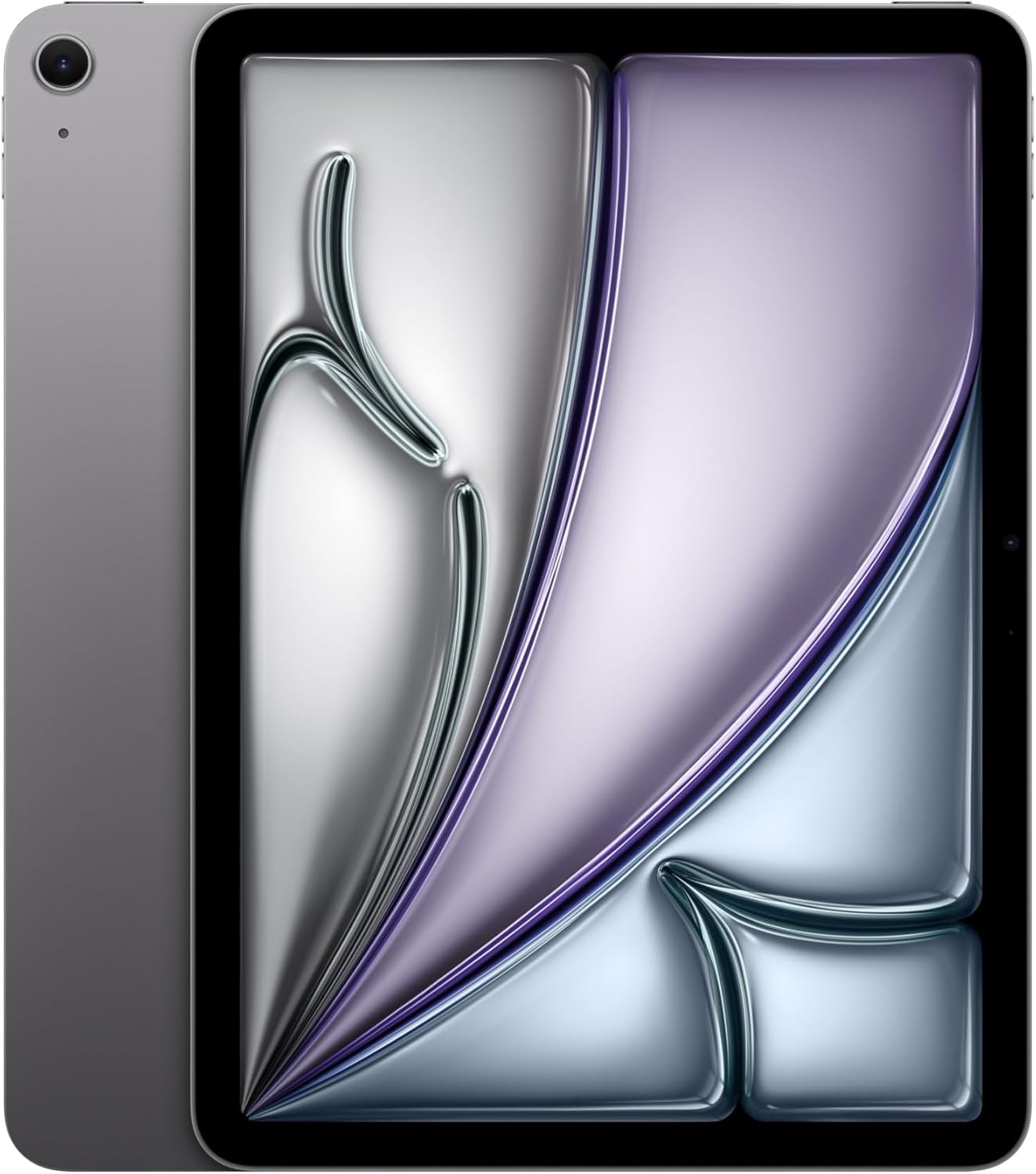
Apple iPad Air 11-inch (M4) with Liquid Retina, 128GB, Wi-Fi 7, Touch ID, Space Gray
Product description
Overview
The Apple iPad Air 11-inch (M4) is positioned as a portable, capable tablet designed to blend everyday tasks with light-to-moderate creative workloads. With the M4 chip, it aims to offer smoother multitasking, snappier app launches, and better handling of AI-driven features on iPadOS. The 11-inch Liquid Retina display provides color-rich visuals and reduced glare for work, reading, and entertainment on the go. Touch ID adds a familiar and straightforward way to unlock the device and authorize purchases.
Performance and storage
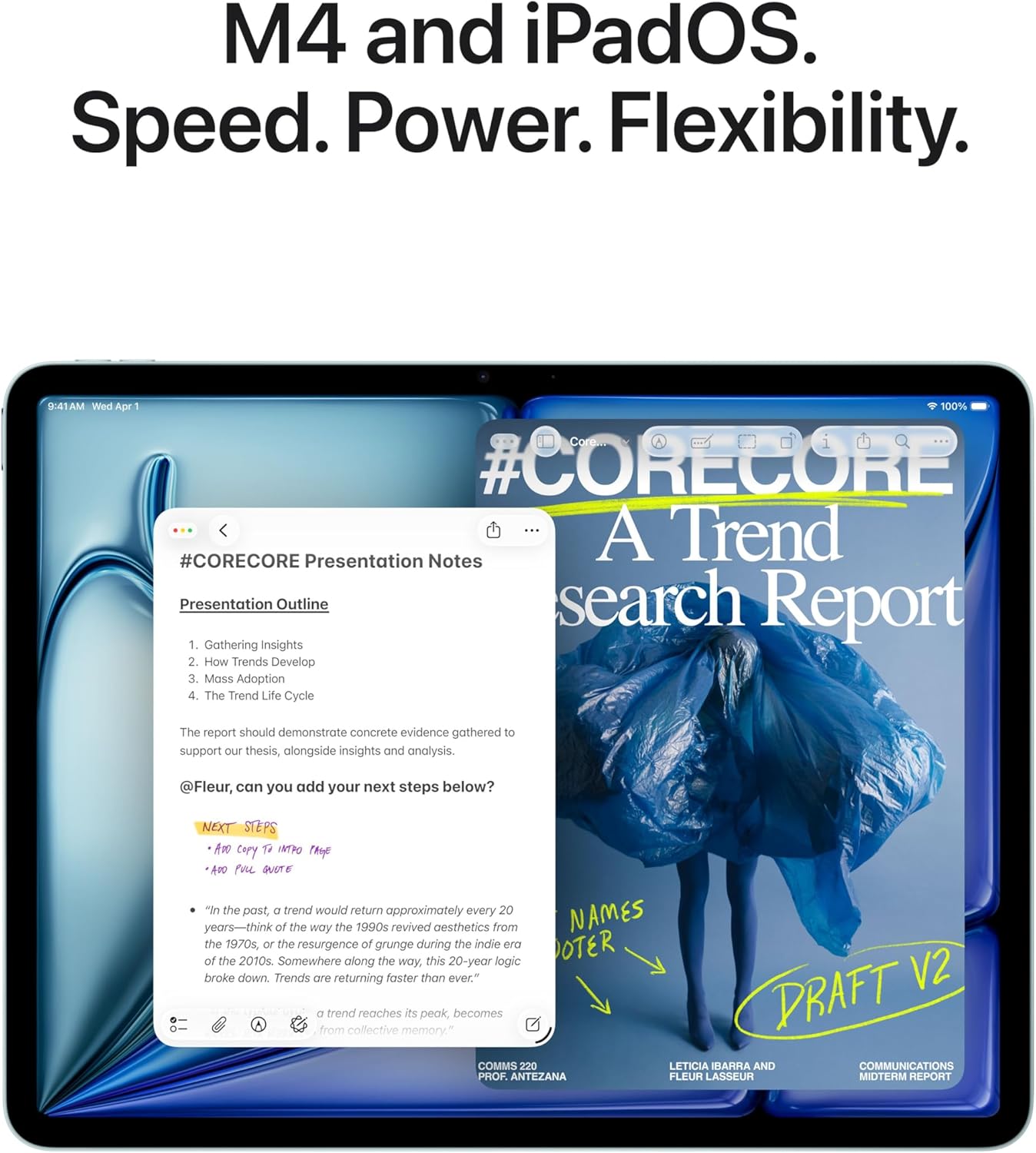
On paper, the M4 chip is the backbone for improved graphics and general speed, which should translate to smoother app switching, responsive photo editing, and faster document processing. The model ships with 128GB of storage in this configuration, which is a reasonable amount for everyday apps, media, and documents, though it may feel tight if you’re storing large video libraries or a lot of high-resolution files locally. The iPad OS ecosystem is designed to take advantage of the M-series efficiency, enabling multi-window workflows and more fluid app management.
Display and input
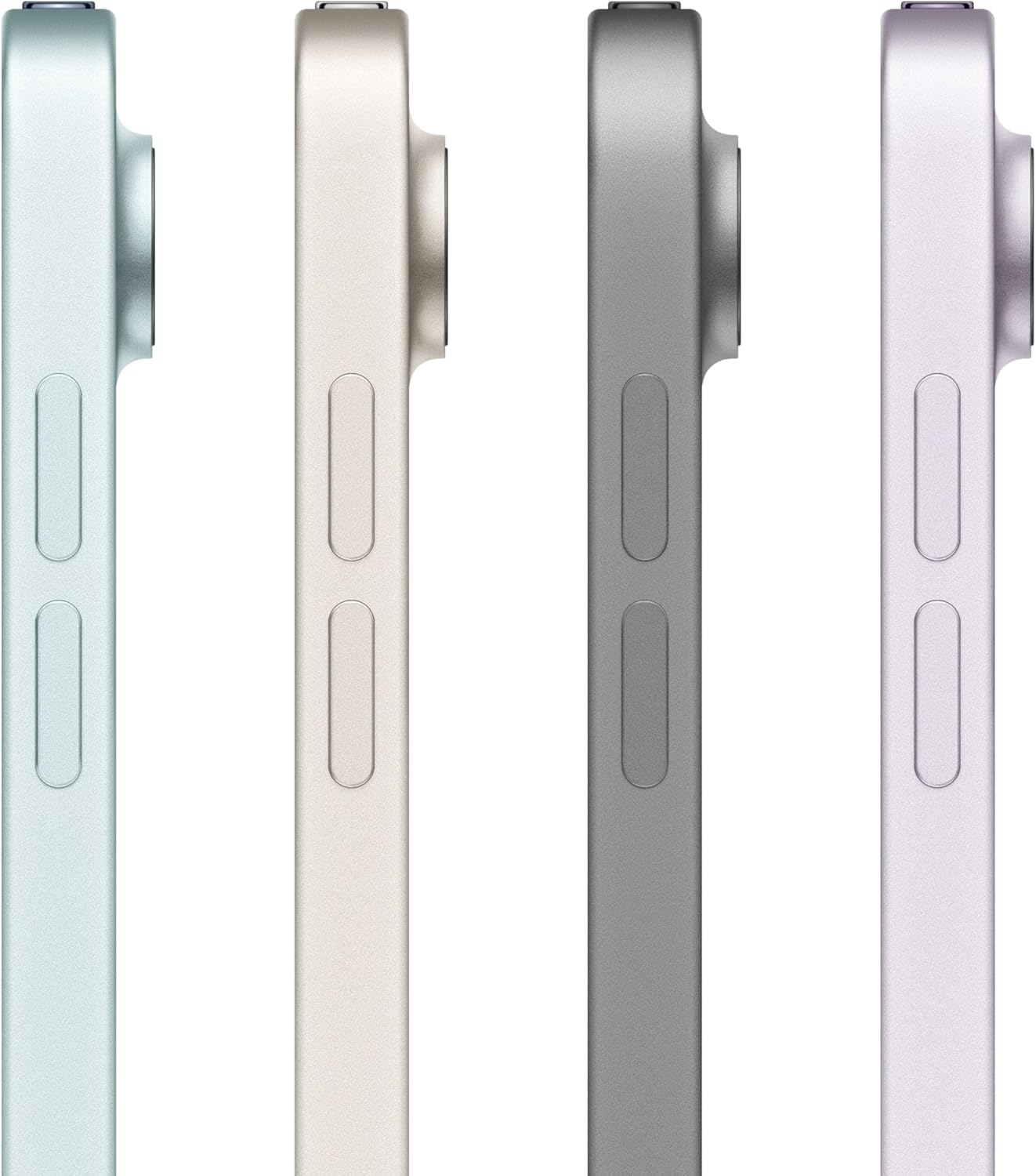
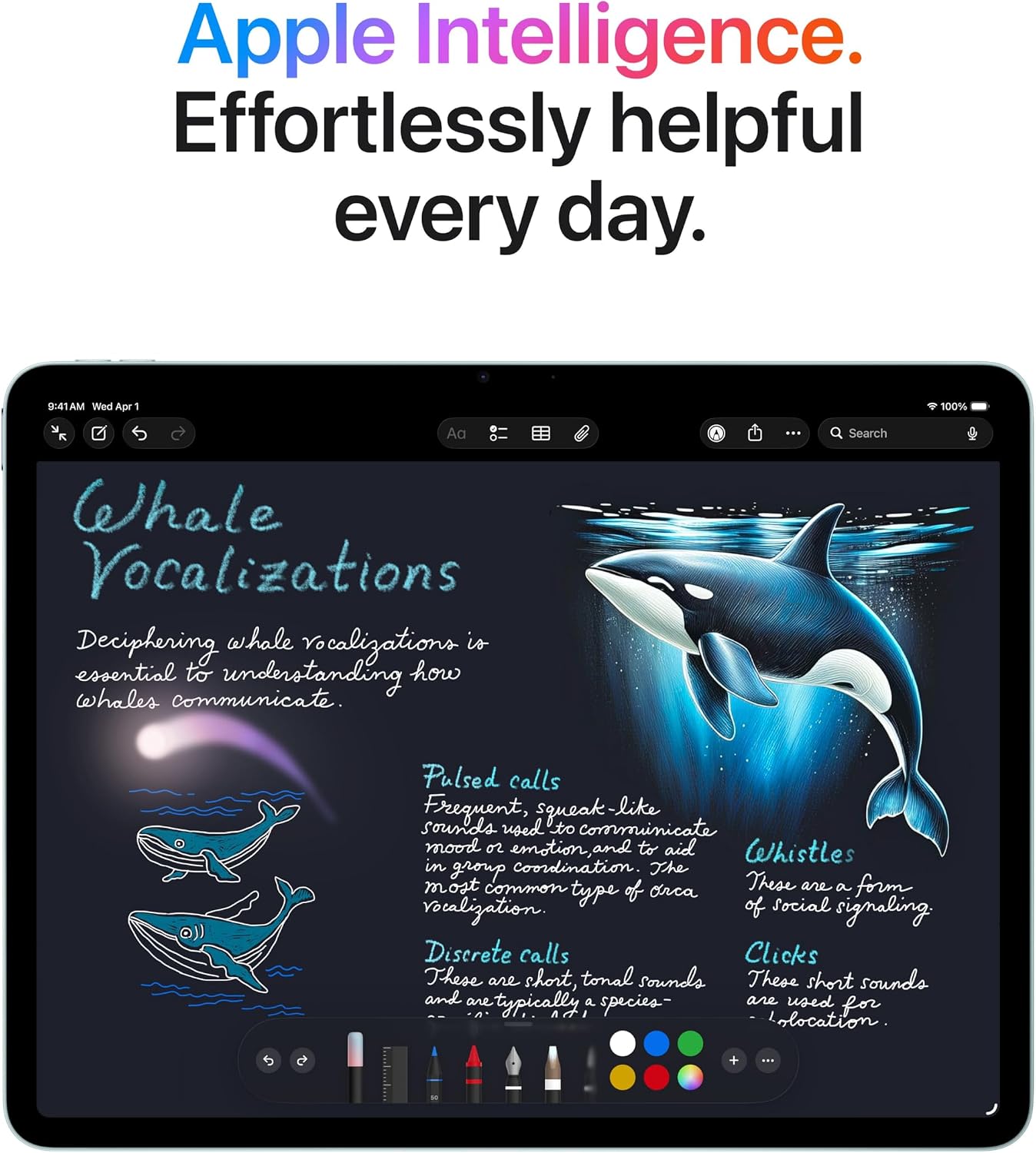
The Liquid Retina display delivers vibrant color and clarity, aided by features like wide color and True Tone. The display quality matters for tasks like photo editing, note-taking, or annotating documents. The device supports Apple Pencil and keyboard accessories for drawing and typing tasks, which can be a meaningful boost if you frequently take notes, sketch ideas, or draft documents on the go. Note that the overall user experience will hinge on how you pair it with these accessories and how often you rely on them for day-to-day tasks.
Connectivity and cameras
Wi-Fi 7 with Apple N1 aims to improve wireless performance, especially in environments with network congestion or multiple connected devices. While real-world gains depend on your network and setup, faster wireless transfers can matter when you’re backing up photos, moving large files, or streaming content. The camera system includes a 12MP front camera and a 12MP back camera, supporting video calls, document capture, and 4K video capture. Center Stage helps with framing during calls, but the practical value of the back camera will align with how you use the device for scanning or occasional photography.
Battery life and reliability
All-day battery life is highlighted, which is a meaningful factor for students, remote workers, or travelers who don’t want to constantly hunt for a charger. Real-world endurance will depend on usage—mixed workloads, screen brightness, and the use of accessories all influence actual duration.

Who it’s for and how to decide
If your workflow leans toward portability, a capable app ecosystem, and a reliable typing or drawing experience without committing to a larger laptop, this iPad Air can be a strong fit. It’s best for those who want a balance between performance and form factor, and who plan to leverage iPadOS features, a keyboard, and a stylus for productivity, note-taking, and lighter creative tasks.
Who it may not be the best option for: users who require substantial local storage for large media libraries or heavy desktop-class software, or those who need top-tier camera capabilities for professional photography work. Also, if you rely on very long battery life in extreme workloads or need the latest, fastest wireless standards for specialized use cases, you may want to compare with higher-storage or more feature-rich models.
What to review before buying: confirm your preferred storage needs (128GB vs. more), ensure you have compatible accessories (Apple Pencil and keyboard), and consider whether your typical use cases—multitasking, note-taking, drawing, or media consumption—align with the iPad Air’s strengths. The M4 foundation should handle everyday multitasking and creative apps, but plan for cloud storage or external options if you anticipate growing file libraries.
Usage snapshot: imagine editing a keynote or keynote-like document on the go, sketching ideas in a quick brainstorm, and joining a video call while pulling down a few reference PDFs. The iPad Air’s strengths here lie in its balance of display quality, responsive performance, and a flexible OS that supports windowed workflows and accessories.
What it compares to in approach: this device fits a middle ground between entry-level tablets and higher-end pros. If you prioritize lightweight portability with decent performance for work or study, this model offers a balanced path, if you expect a laptop-like experience with extensive desktop-class software and maximum storage, you might lean toward alternatives designed for that heavier use.
Decision: Is it worth it? It’s a solid pick if you want a portable, capable tablet that handles everyday productivity and media with a strong app ecosystem and reliable performance. It may not be the best choice if you expect large local storage or the most advanced wireless features for specialized tasks. Consider your storage needs, accessory investment, and how you’ll use iPadOS multitasking before deciding.
Practical FAQ
- How does Wi‑Fi 7 impact daily use? In busy networks, you may notice faster transfers and smoother streaming, especially when backing up files or downloading large apps.
- Can I use this with a keyboard and stylus? Yes, Apple Pencil and Magic Keyboard-style accessories enhance drawing, note-taking, and typing workflows.
- Is 128GB enough for most users? For typical apps, documents, and media, it’s workable, but if you accumulate a lot of large files locally, you may want to rely on cloud storage or external options.