

BORIYUAN iPad 10.2 inch Case with Keyboard: Detachable Backlit Keyboard, Pencil Holder, and 3 Viewing Angles
Product description
What it is and what it solves
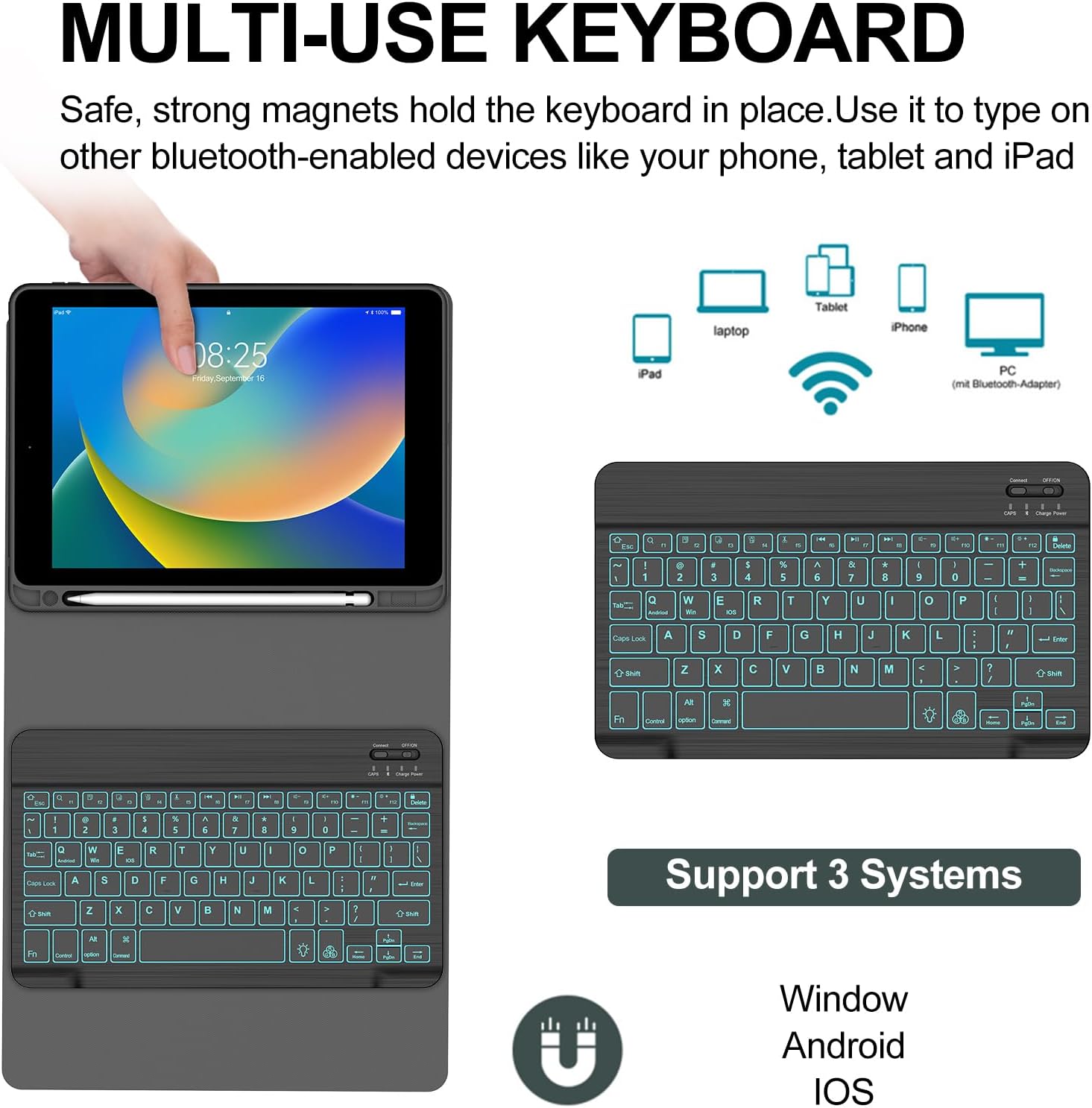
The BORIYUAN case pairs a slim folio shell with a detachable Bluetooth keyboard to turn your iPad into a more versatile, laptop-like tool. It supports a range of 10.2-inch devices (iPad 9th, 8th, and 7th generations) as well as the 10.5-inch iPad Air/Pro models, offering a unified solution for typing, note‑taking, and media consumption without juggling multiple accessories.
The problem it aims to fix
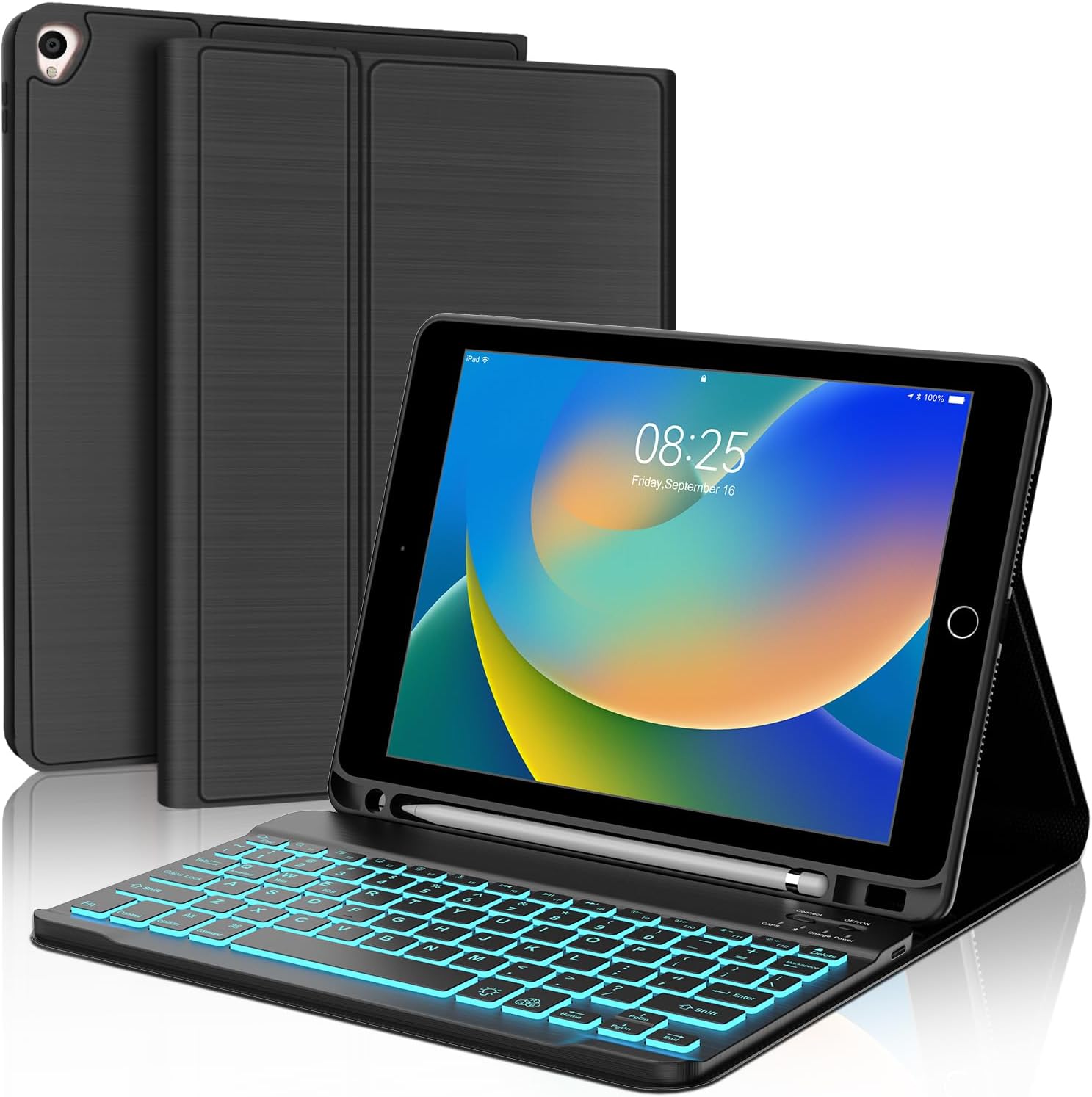
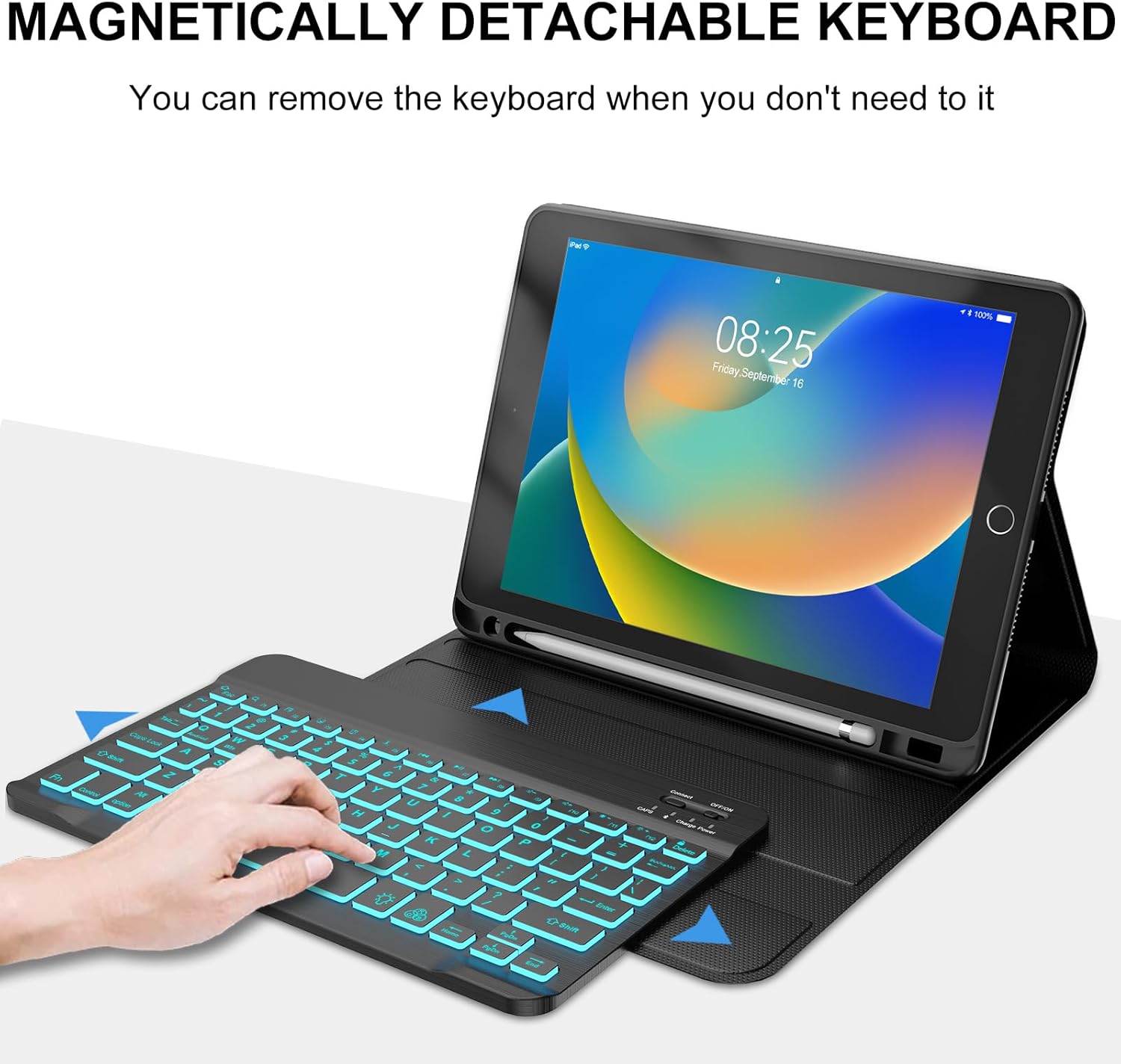
If you frequently switch between writing, sketching, and casual viewing, a standalone keyboard or a bulky case can slow you down. This model integrates a magnetic keyboard that attaches securely, letting you reposition or detach quickly when you don’t need to type. The goal is to provide a compact, protective shell that also expands the iPad’s practical uses on the go.
What stands out in use
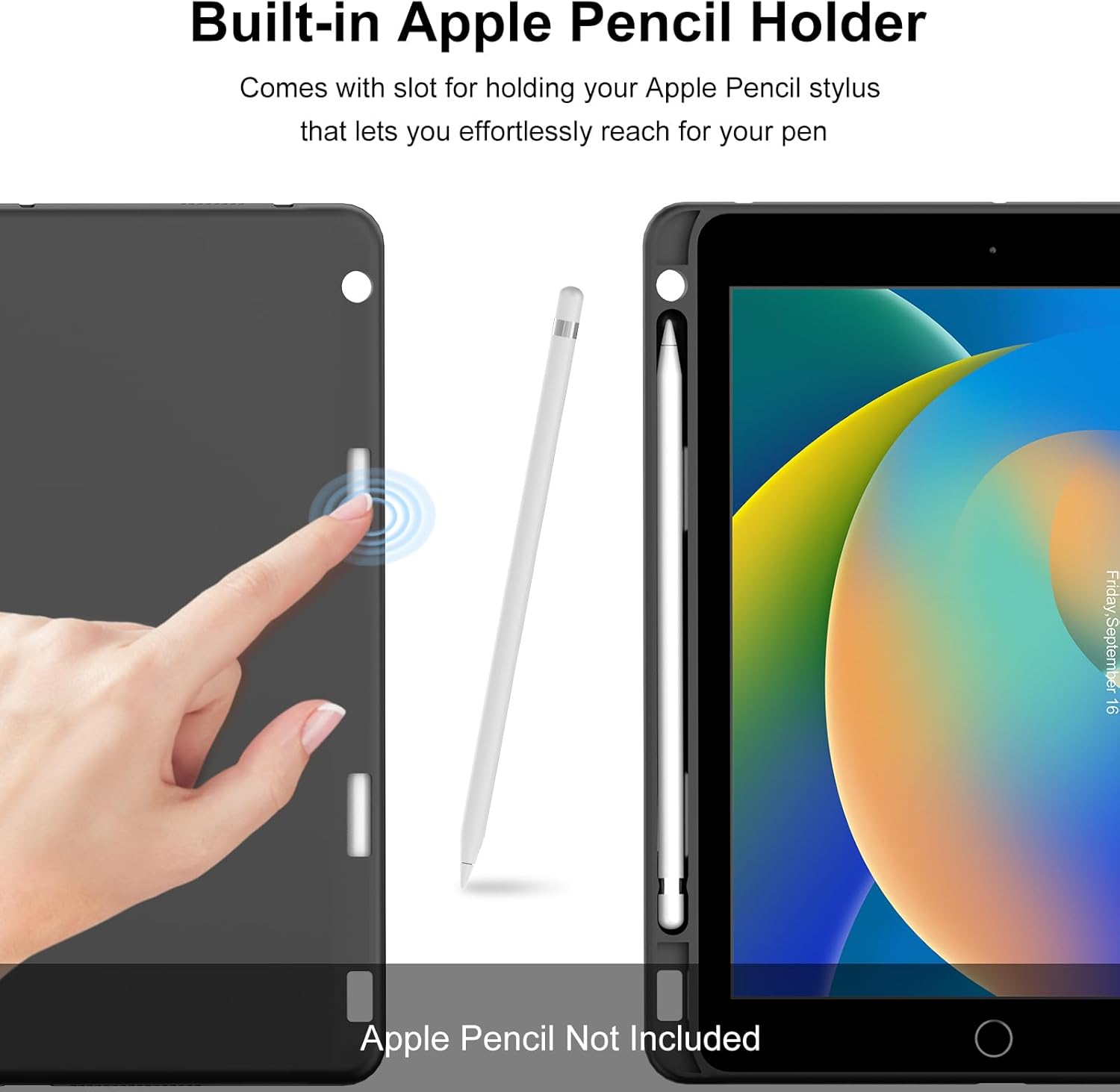
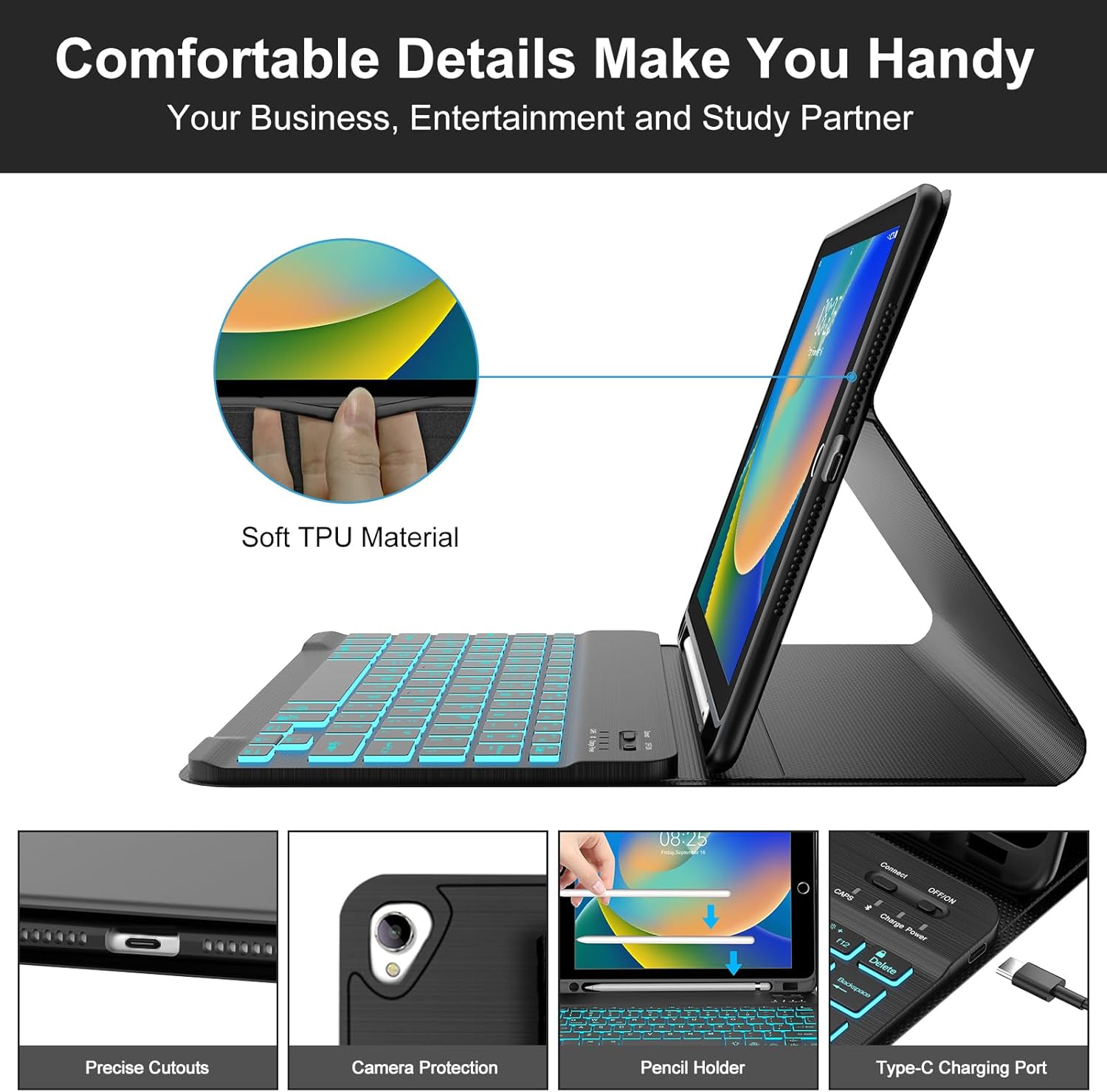
On the interior, a soft, non-slip lining helps prevent scratches, while the synthetic leather exterior adds a degree of grip and grip. The case supports three landscape angles, so you can tilt for typing, reading, or watching videos without manual adjustments. The built‑in Apple Pencil slot keeps your pen accessible, a small but meaningful convenience for students and professionals who juggle notes and sketches.
Pros and potential drawbacks
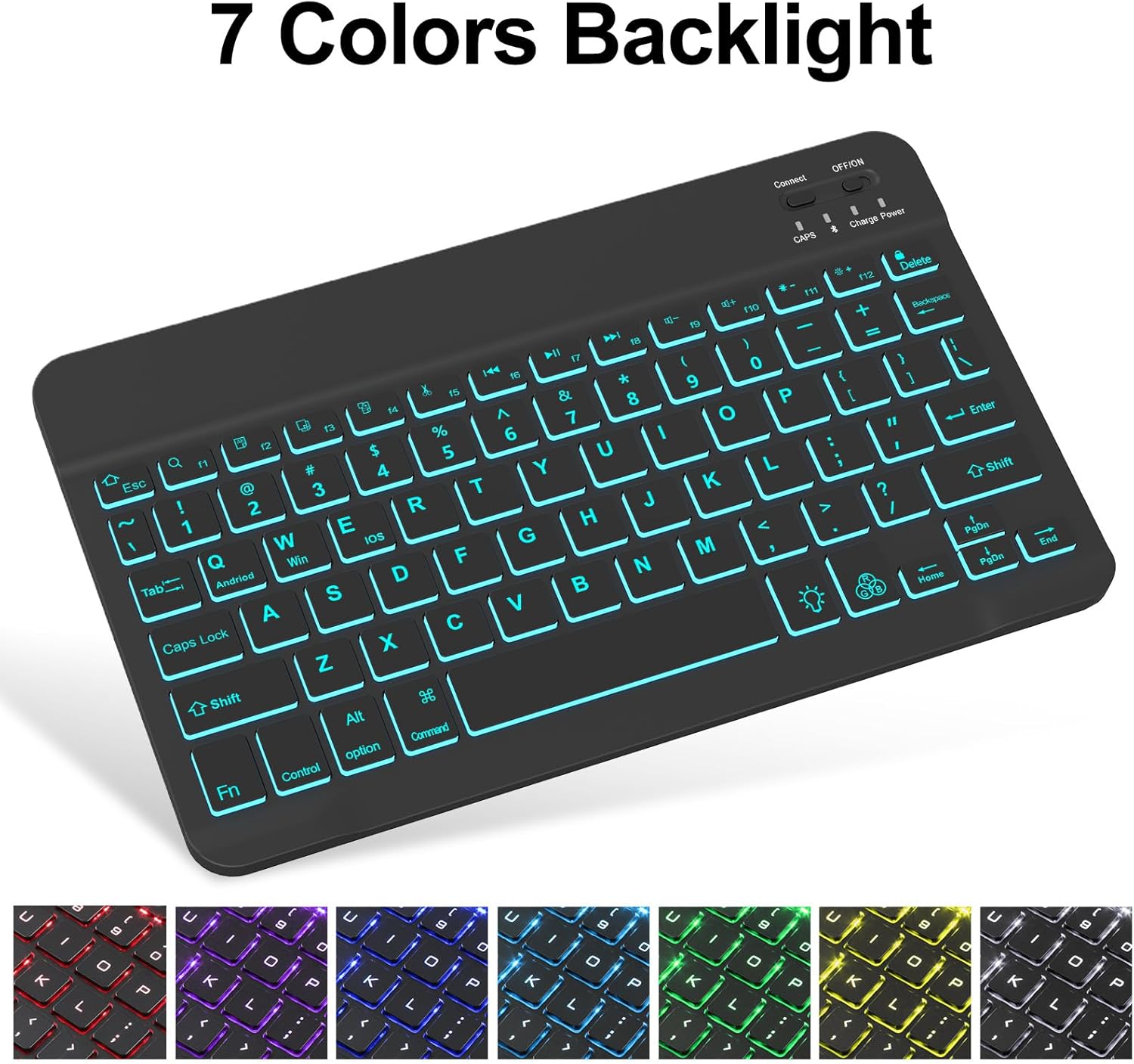
- Pros: Detachable keyboard with multi‑color backlighting (3 brightness levels and 7 color options) can improve typing comfort in dim environments, automatic sleep/wake helps conserve battery, precise cutouts preserve access to cameras, ports, speakers, and buttons, magnetic attachment makes setup fast.
- Cons/considerations: The keyboard is labeled as compatible with several models via model numbers starting with A, so double‑checking your device is essential before purchasing, the Pencil is not included, so you’ll rely on a separate accessory if you need drawing precision on the go.
Who it’s for
This case is a solid fit for students, remote workers, and casual creators who want a lightweight, all‑in‑one solution for typing and viewing on a 10.2–10.5-inch iPad. If you value a laptop‑like setup with quick switching between typing and touch use, this setup can be a practical upgrade.
Who it isn’t for
If your priority is pure rugged protection or a heavier, more feature‑rich keyboard, this compact option may feel limited. It may also not be ideal if you need Apple Pencil storage for models outside the stated compatibility or if your iPad model isn’t within the listed generations.
When it makes sense to buy
Consider this case when you want a slim, integrated keyboard solution that preserves portability and adds backlighting for low‑light typing. It’s convenient for students who type notes in class, professionals who draft documents on the go, or anyone who uses the iPad as a mini workstation.
What to review before buying
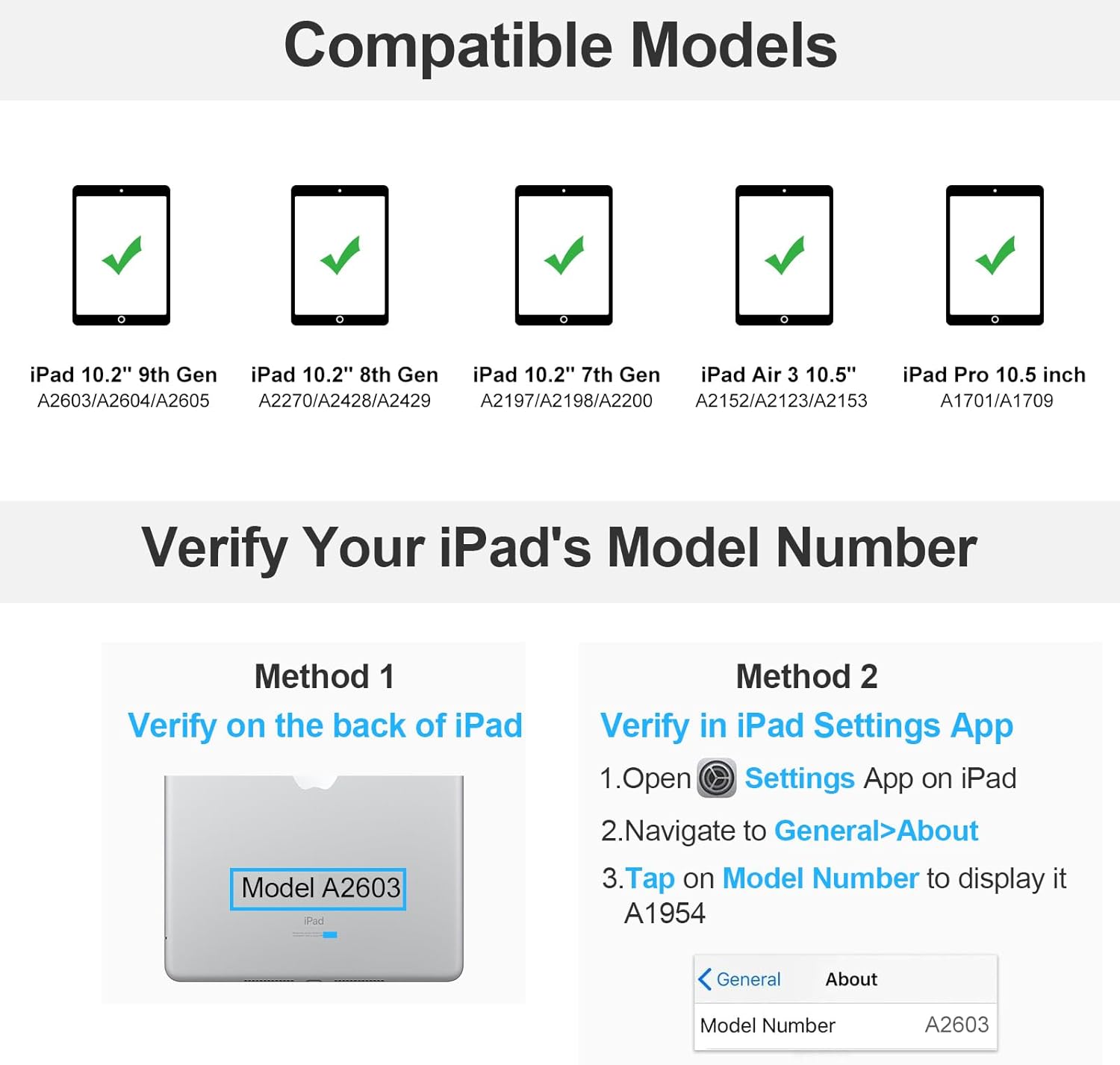
- Confirm your exact iPad model number begins with A as listed in the compatibility note.
- Check whether you need a separate Apple Pencil (the holder is built‑in but Pencil not included).
- Ensure you’re comfortable with a keyboard that attaches magnetically and relies on Bluetooth for connection.
Comparison context and practical usage
Compared with separate keyboard cases or ultrabook‑style docks, this option emphasizes portability and a quick laptop‑like setup without a bulkier chassis. If you want a more permanent laptop replacement with higher performance expectations, you might look at other options that pair larger keyboards or dedicated stands. For everyday tasks like writing emails, taking class notes, or watching videos, the combo of a backlit keyboard and multiple viewing angles covers the practical needs well.
FAQ snapshot
- Does the keyboard backlight affect battery life significantly? It adds some drain as with any backlit accessory, but the three brightness levels give you control over usage.
- Is the product compatible with my iPad if it’s a different generation? Compatibility centers on the model numbers beginning with A listed in the description, verify your device before purchasing.
- Can I use Apple Pencil while the case is attached? Yes—the Pencil holder is built into the cover for easy access, though the pencil itself is not included.
Is it worth it?
It’s worth considering if you value a lightweight, all‑in‑one protective case with a detachable backlit keyboard and a dedicated Pencil holder, especially for on‑the‑go work and study. If you prioritize rugged protection or a larger keyboard environment, this may not be the best fit.